Logic Gates: Digital Foundations

Generated from prompt:

Create a professional and interactive presentation about "Logic Gates" for Grade 10 students. The presentation should: - Use a modern design with navy blue and white colors - Be visually engaging with icons, diagrams, and clean layout - Include simple explanations suitable for students Slides structure: 1. Title slide (Logic Gates) 2. Engaging question (about light switches) 3. Learning objectives 4. What is a logic gate? 5. Binary concept (0 and 1) 6. AND gate explanation with real-life example 7. AND truth table 8. OR gate explanation with real-life example 9. OR truth table 10. NOT gate explanation with real-life example 11. NOT truth table 12. Quick check questions 13. Activity: Complete the truth table 14. Activity: Match real-life scenarios 15. Challenge: Design a simple system using logic gates 16. Think-Pair-Share slide 17. Real-life applications 18. Summary 19. Exit ticket question 20. Closing slide Make the slides: - Clear and not crowded - Use bullet points only (no long paragraphs) - Add interactive elements like questions and activities - Use simple English suitable for students

This Grade 10 presentation explores logic gates as the building blocks of modern computing. It covers binary concepts, AND, OR, and NOT gates with truth tables, real-life examples, interactive activities, challenges, and applications in everyday tech

April 12, 202619 slides
Slide 1 of 19

Slide 1 - Logic Gates: Digital Foundations

Logic Gates: Digital Foundations

Understanding the Building Blocks of Modern Computing (Grade 10)

---

Photo by Logan Voss on Unsplash
Slide 1 - Logic Gates: Digital Foundations
Slide 2 of 19

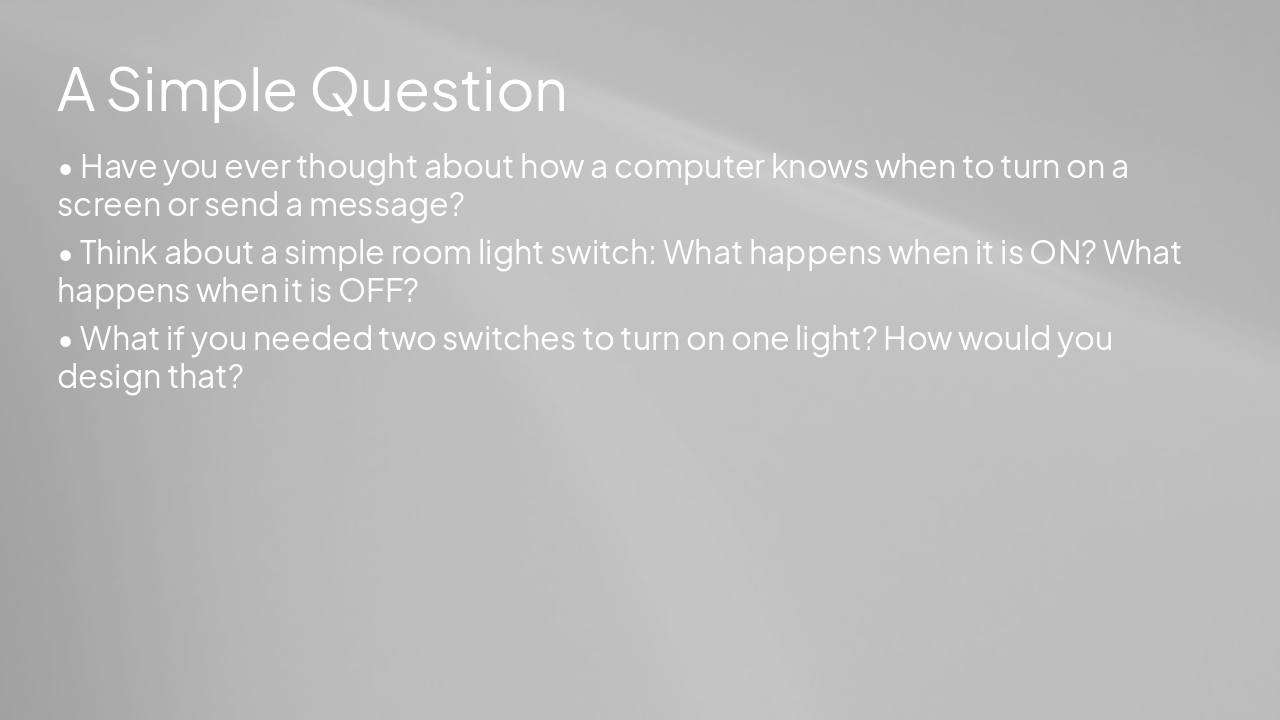
Slide 2 - A Simple Question

  • Have you ever thought about how a computer knows when to turn on a screen or send a message?
  • Think about a simple room light switch: What happens when it is ON? What happens when it is OFF?
  • What if you needed two switches to turn on one light? How would you design that?

---

Photo by Drew Beamer on Unsplash
Slide 2 - A Simple Question
Slide 3 of 19

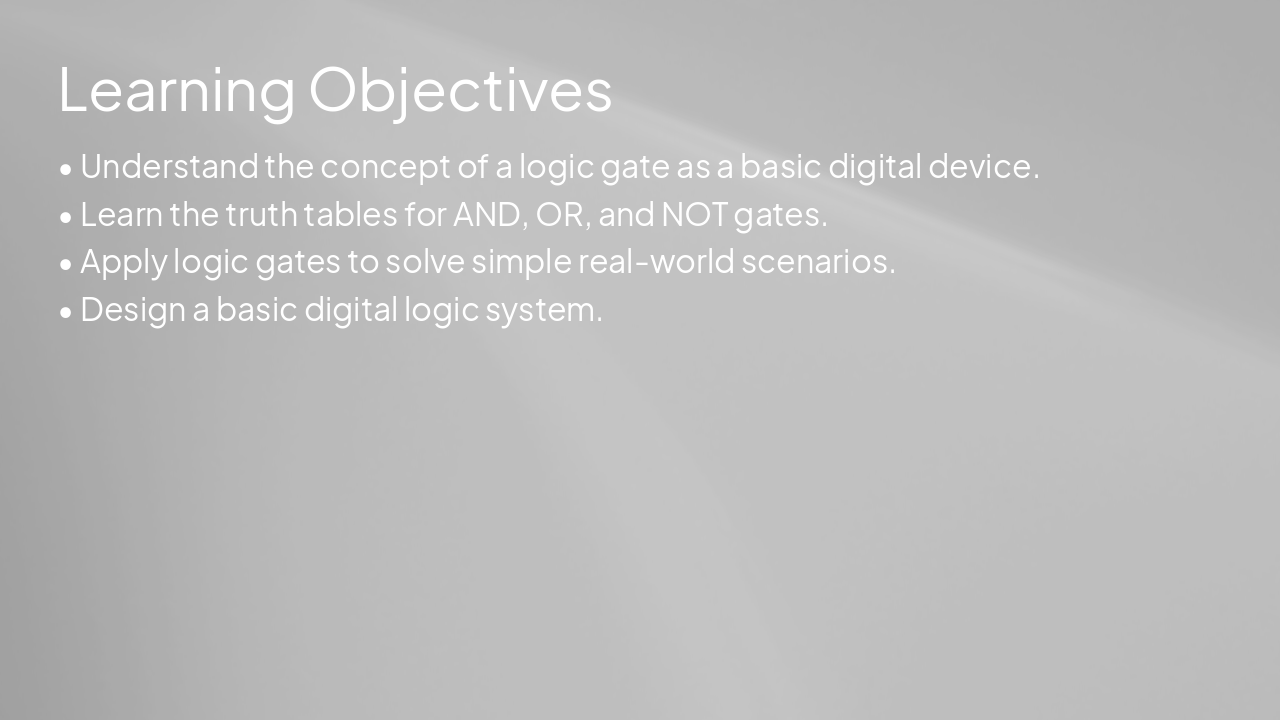
Slide 3 - Learning Objectives

  • Understand the concept of a logic gate as a basic digital device.
  • Learn the truth tables for AND, OR, and NOT gates.
  • Apply logic gates to solve simple real-world scenarios.
  • Design a basic digital logic system.

---

Photo by Drew Beamer on Unsplash
Slide 3 - Learning Objectives
Slide 4 of 19

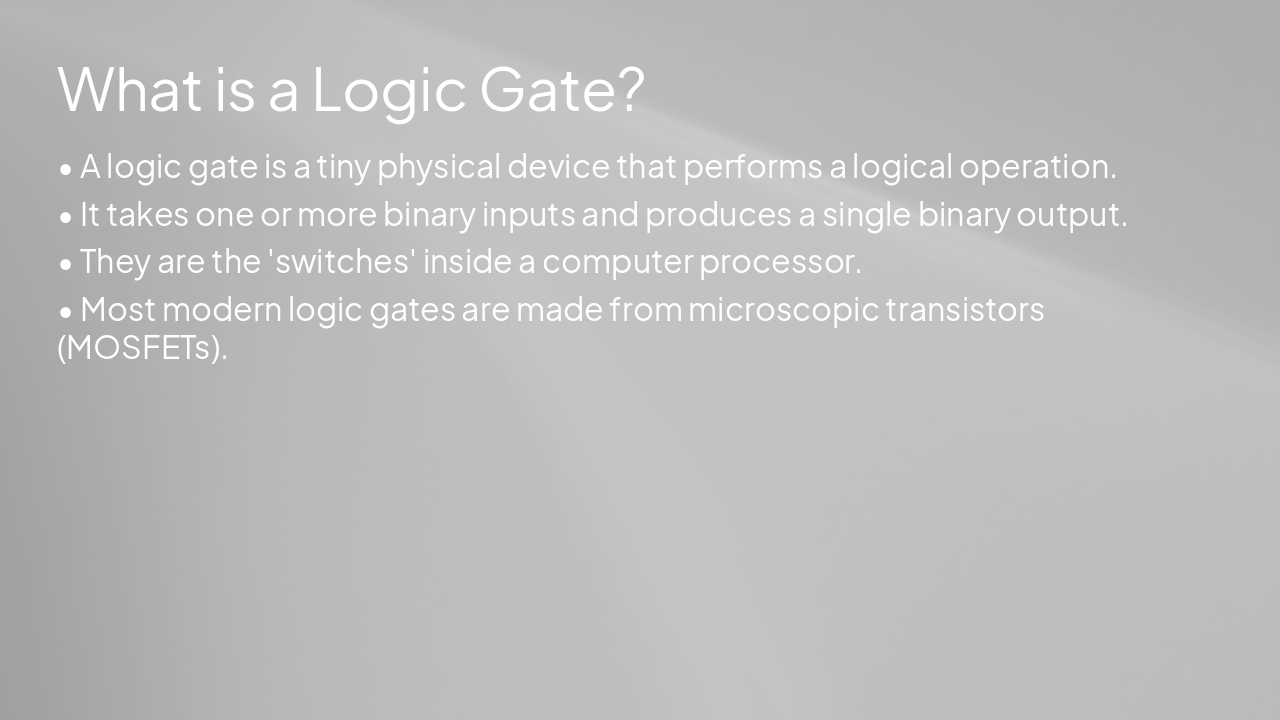
Slide 4 - What is a Logic Gate?

  • A logic gate is a tiny physical device that performs a logical operation.
  • It takes one or more binary inputs and produces a single binary output.
  • They are the 'switches' inside a computer processor.
  • Most modern logic gates are made from microscopic transistors (MOSFETs).

---

Photo by Drew Beamer on Unsplash
Slide 4 - What is a Logic Gate?
Slide 5 of 19

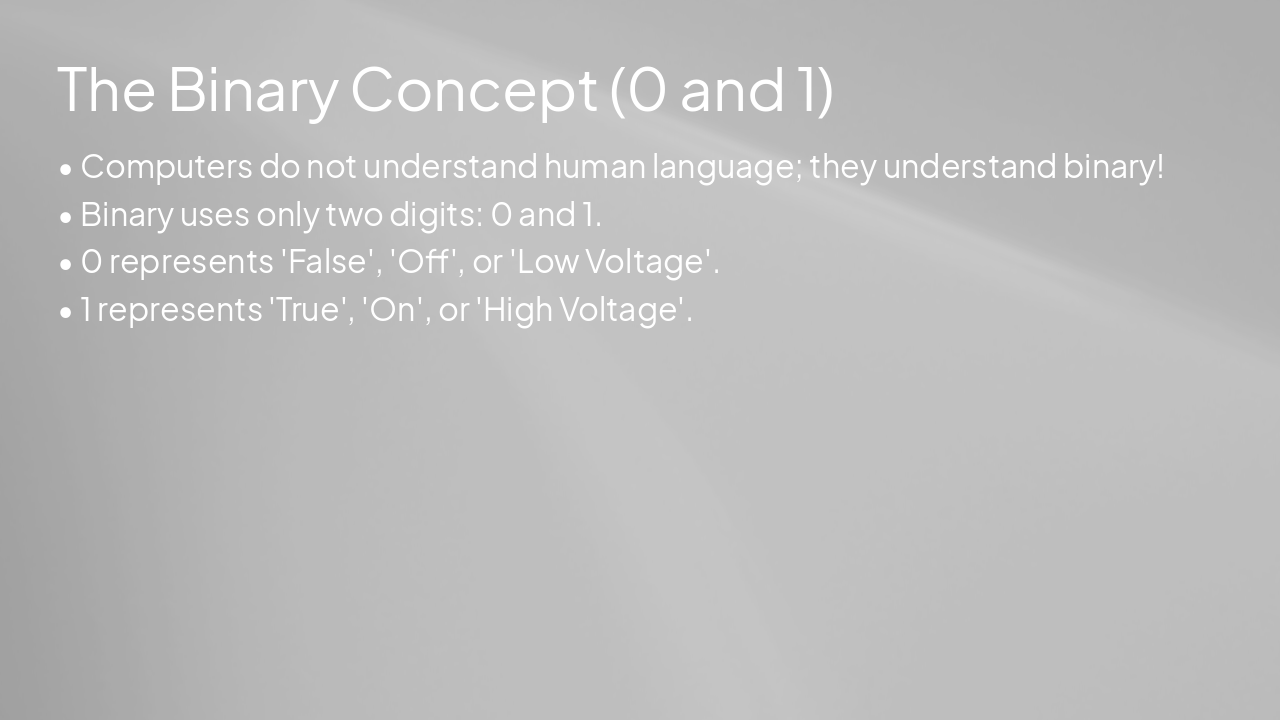
Slide 5 - The Binary Concept (0 and 1)

  • Computers do not understand human language; they understand binary!
  • Binary uses only two digits: 0 and 1.
  • 0 represents 'False', 'Off', or 'Low Voltage'.
  • 1 represents 'True', 'On', or 'High Voltage'.

---

Photo by Drew Beamer on Unsplash
Slide 5 - The Binary Concept (0 and 1)
Slide 6 of 19

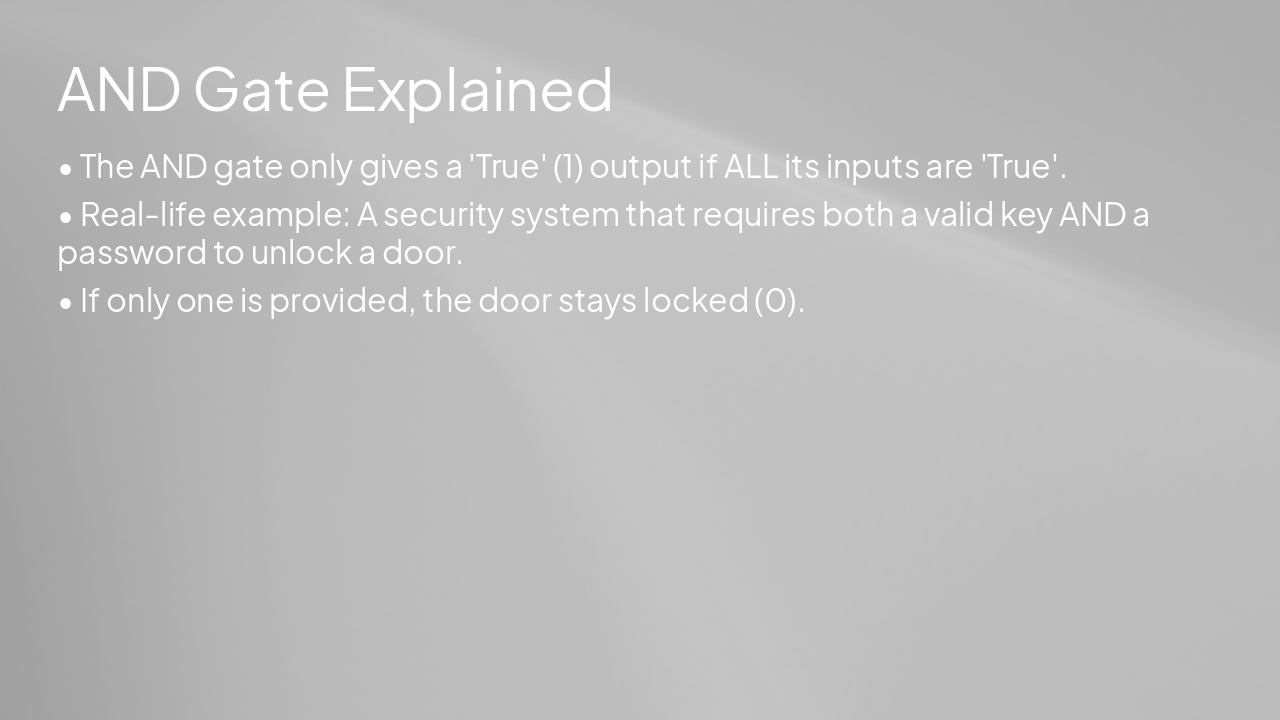
Slide 6 - AND Gate Explained

  • The AND gate only gives a 'True' (1) output if ALL its inputs are 'True'.
  • Real-life example: A security system that requires both a valid key AND a password to unlock a door.
  • If only one is provided, the door stays locked (0).

---

Photo by Drew Beamer on Unsplash
Slide 6 - AND Gate Explained
Slide 7 of 19

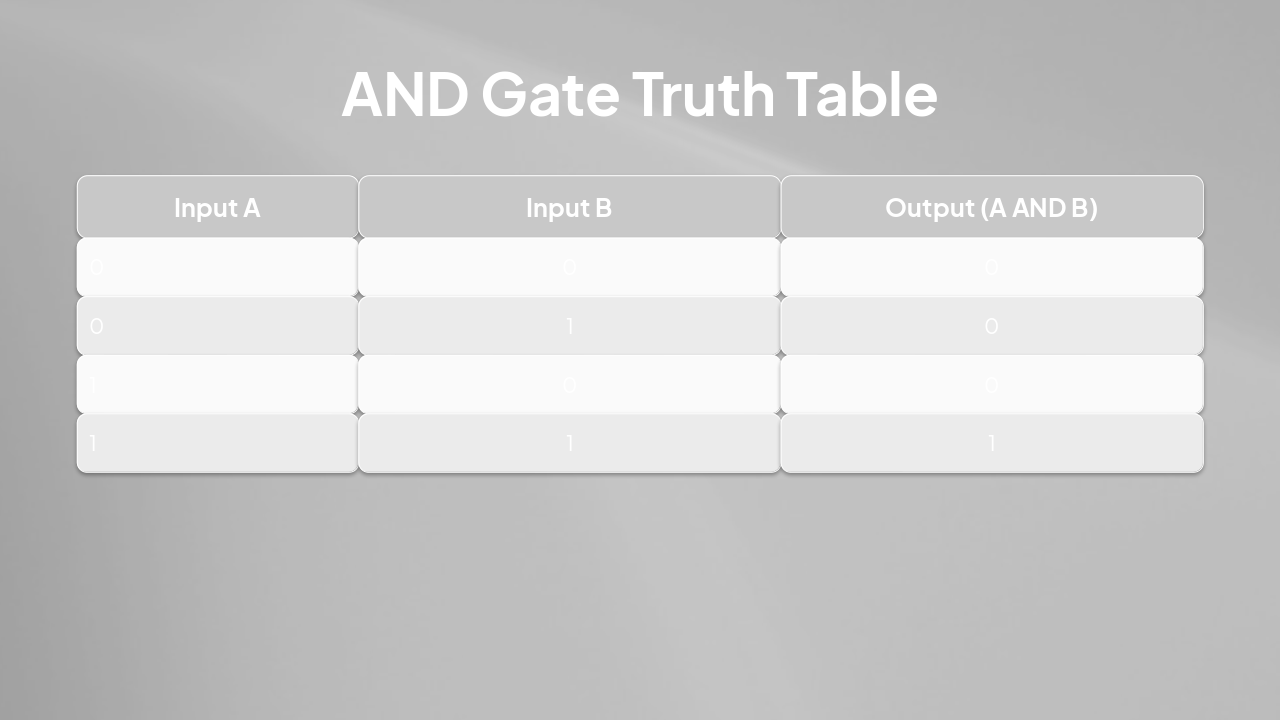
Slide 7 - AND Gate Truth Table

Input AInput BOutput (A AND B)
000
010
100
111

---

Photo by Drew Beamer on Unsplash
Slide 7 - AND Gate Truth Table
Slide 8 of 19

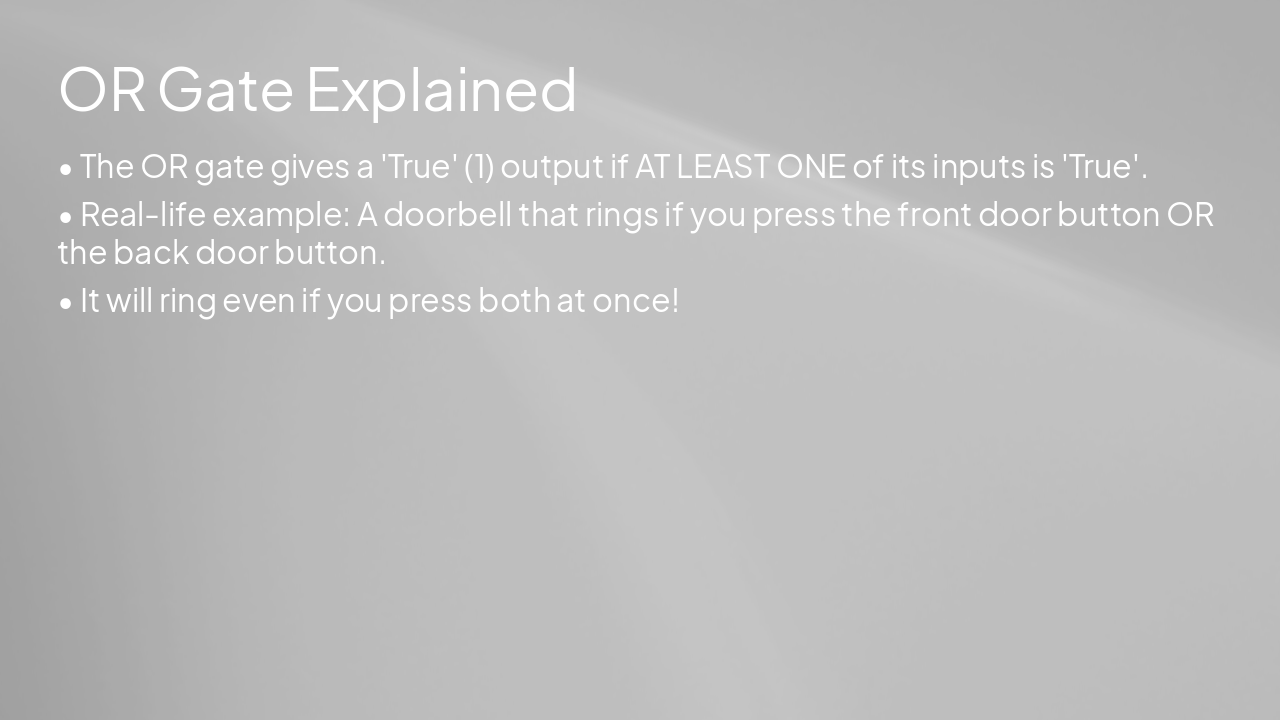
Slide 8 - OR Gate Explained

  • The OR gate gives a 'True' (1) output if AT LEAST ONE of its inputs is 'True'.
  • Real-life example: A doorbell that rings if you press the front door button OR the back door button.
  • It will ring even if you press both at once!

---

Photo by Drew Beamer on Unsplash

Slide 8 - OR Gate Explained
Slide 9 of 19

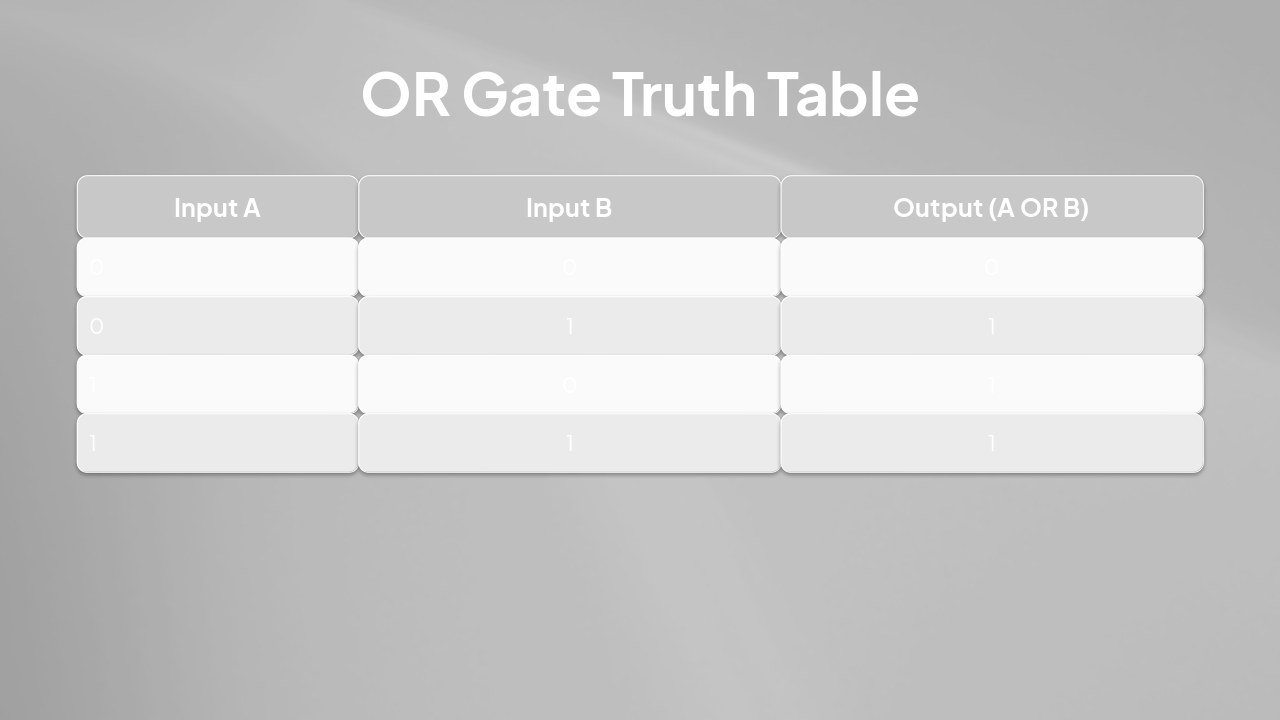
Slide 9 - OR Gate Truth Table

Input AInput BOutput (A OR B)
000
011
101
111

---

Photo by Drew Beamer on Unsplash

Slide 9 - OR Gate Truth Table
Slide 10 of 19

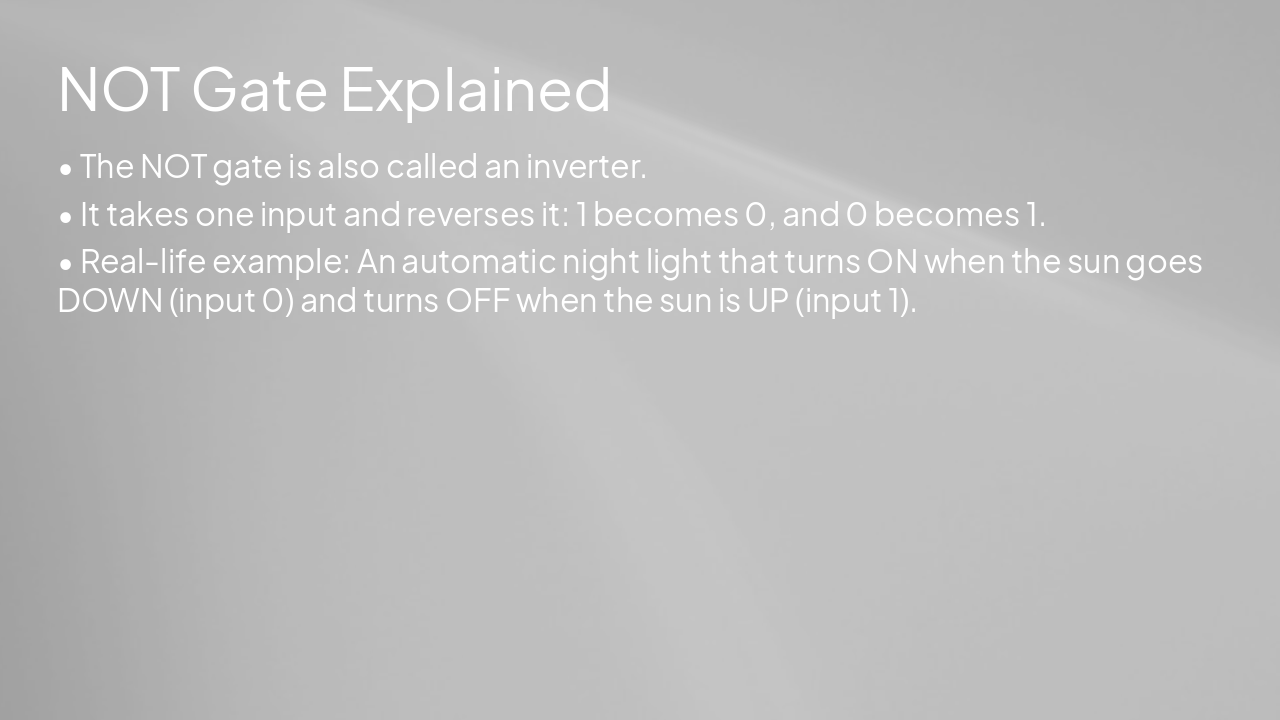
Slide 10 - NOT Gate Explained

  • The NOT gate is also called an inverter.
  • It takes one input and reverses it: 1 becomes 0, and 0 becomes 1.
  • Real-life example: An automatic night light that turns ON when the sun goes DOWN (input 0) and turns OFF when the sun is UP (input 1).

---

Photo by Drew Beamer on Unsplash

Slide 10 - NOT Gate Explained
Slide 11 of 19

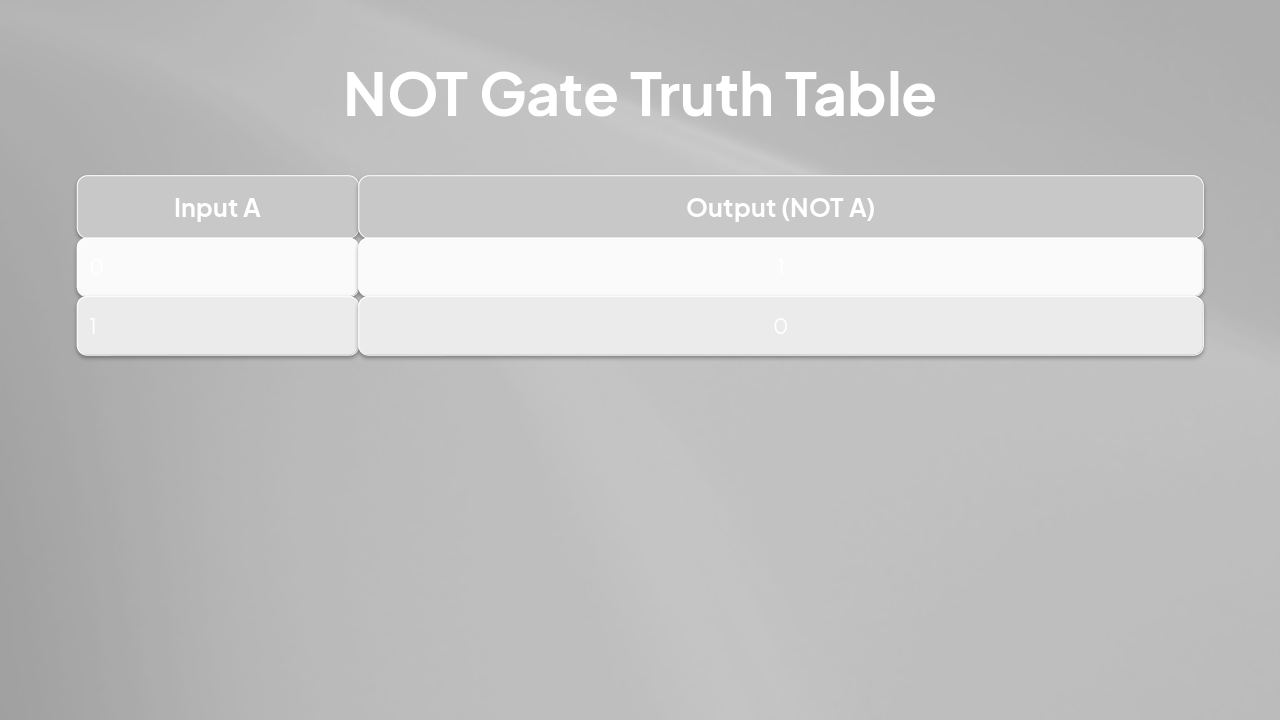
Slide 11 - NOT Gate Truth Table

Input AOutput (NOT A)
01
10

---

Photo by Drew Beamer on Unsplash

Slide 11 - NOT Gate Truth Table
Slide 12 of 19

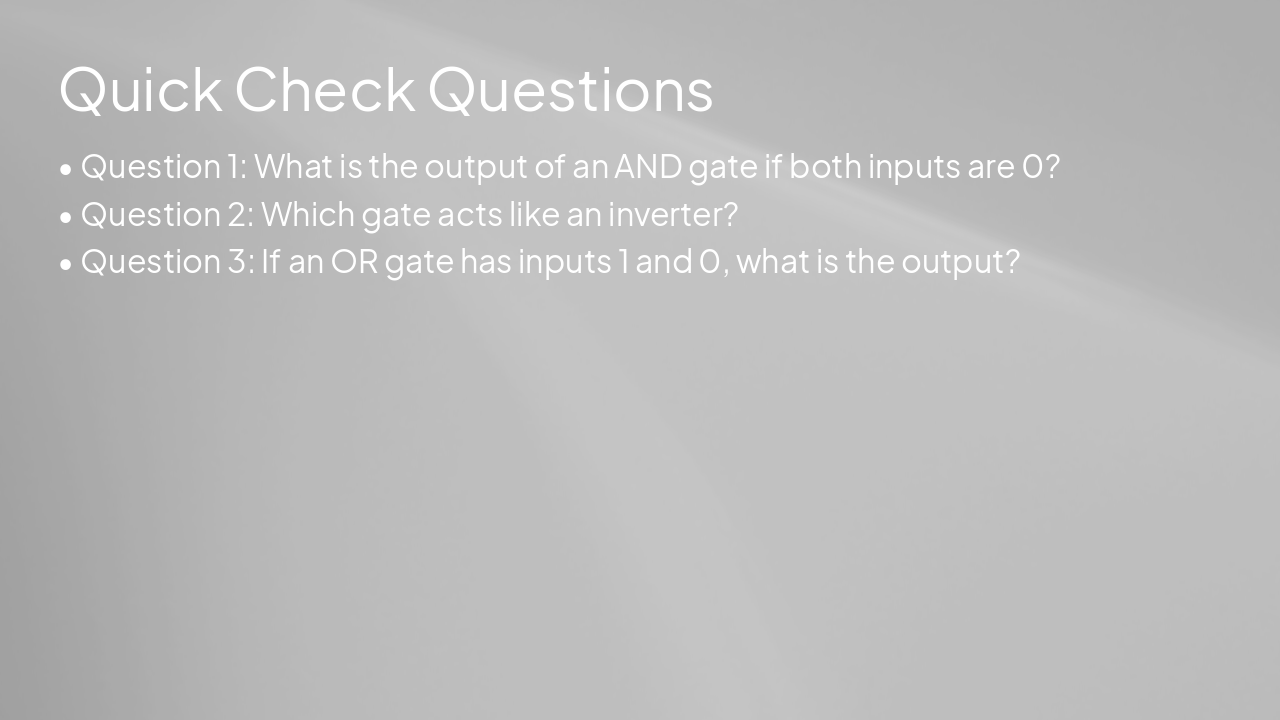
Slide 12 - Quick Check Questions

  • Question 1: What is the output of an AND gate if both inputs are 0?
  • Question 2: Which gate acts like an inverter?
  • Question 3: If an OR gate has inputs 1 and 0, what is the output?

---

Photo by Drew Beamer on Unsplash

Slide 12 - Quick Check Questions
Slide 13 of 19

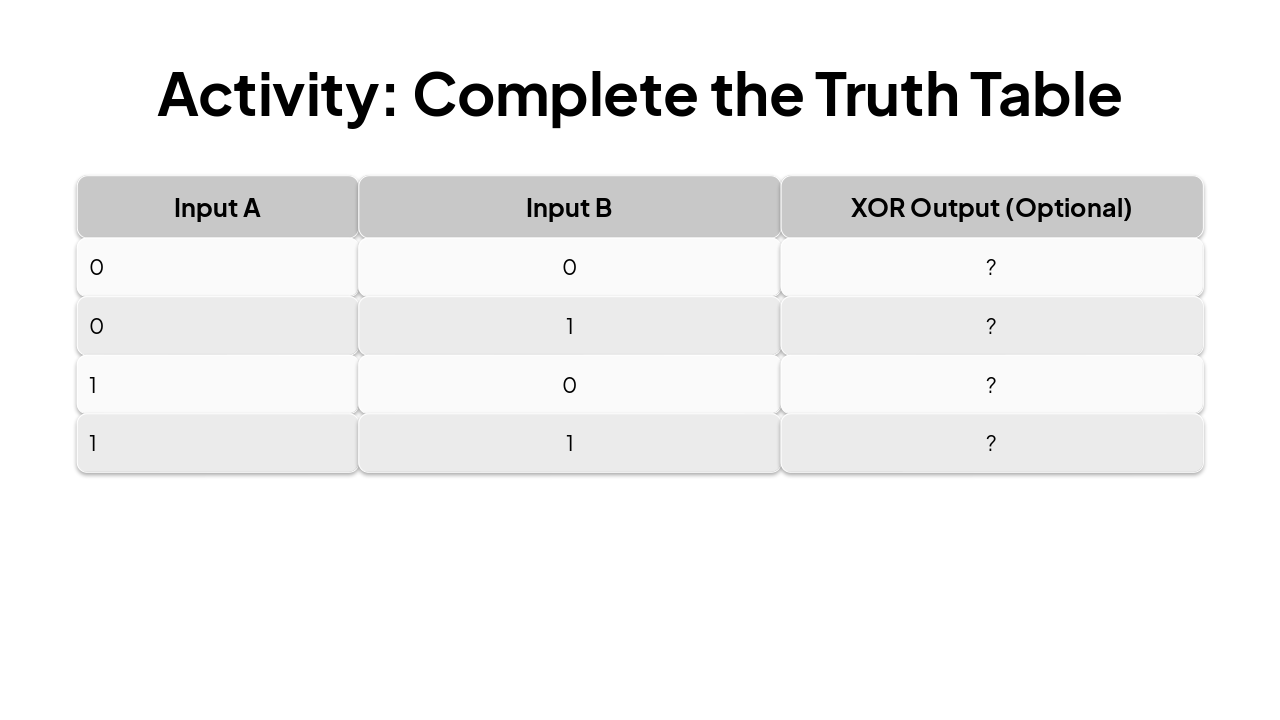
Slide 13 - Activity: Complete the Truth Table

Input AInput BXOR Output (Optional)
00?
01?
10?
11?

---

Photo by Drew Beamer on Unsplash

Slide 13 - Activity: Complete the Truth Table
Slide 14 of 19

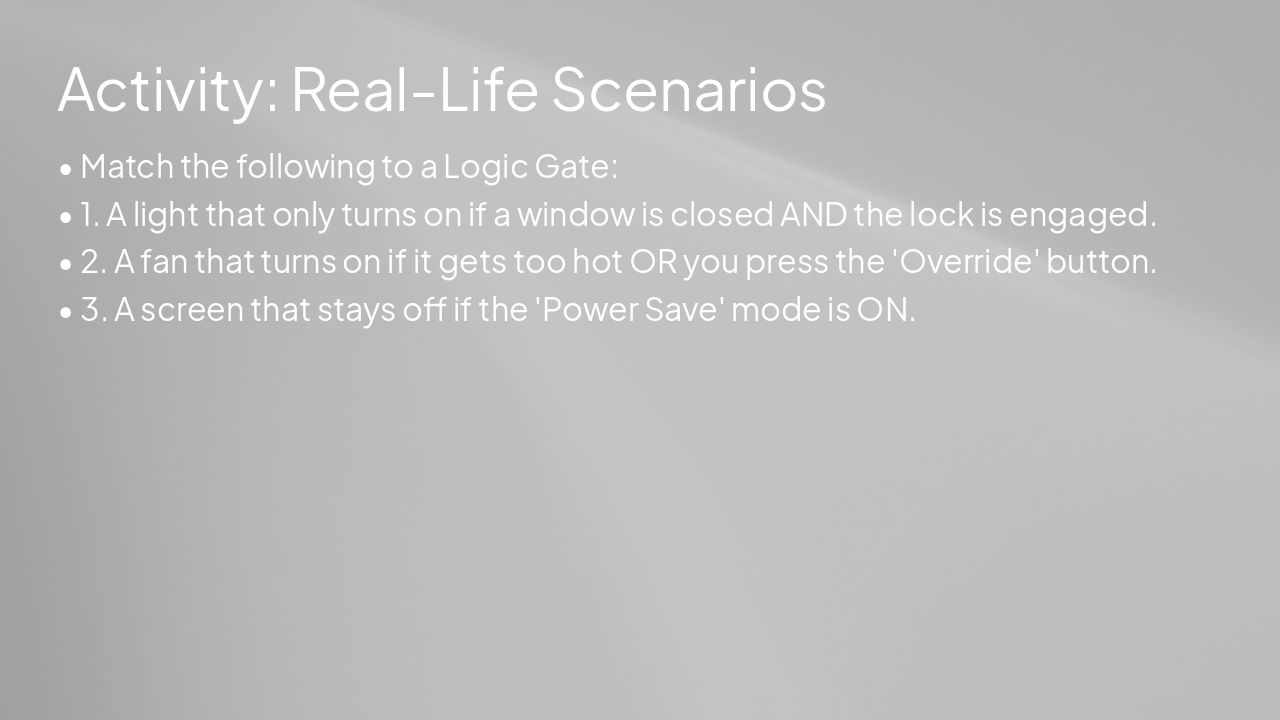
Slide 14 - Activity: Real-Life Scenarios

  • Match the following to a Logic Gate:
  • 1. A light that only turns on if a window is closed AND the lock is engaged.
  • 2. A fan that turns on if it gets too hot OR you press the 'Override' button.
  • 3. A screen that stays off if the 'Power Save' mode is ON.

---

Photo by Drew Beamer on Unsplash

Slide 14 - Activity: Real-Life Scenarios
Slide 15 of 19

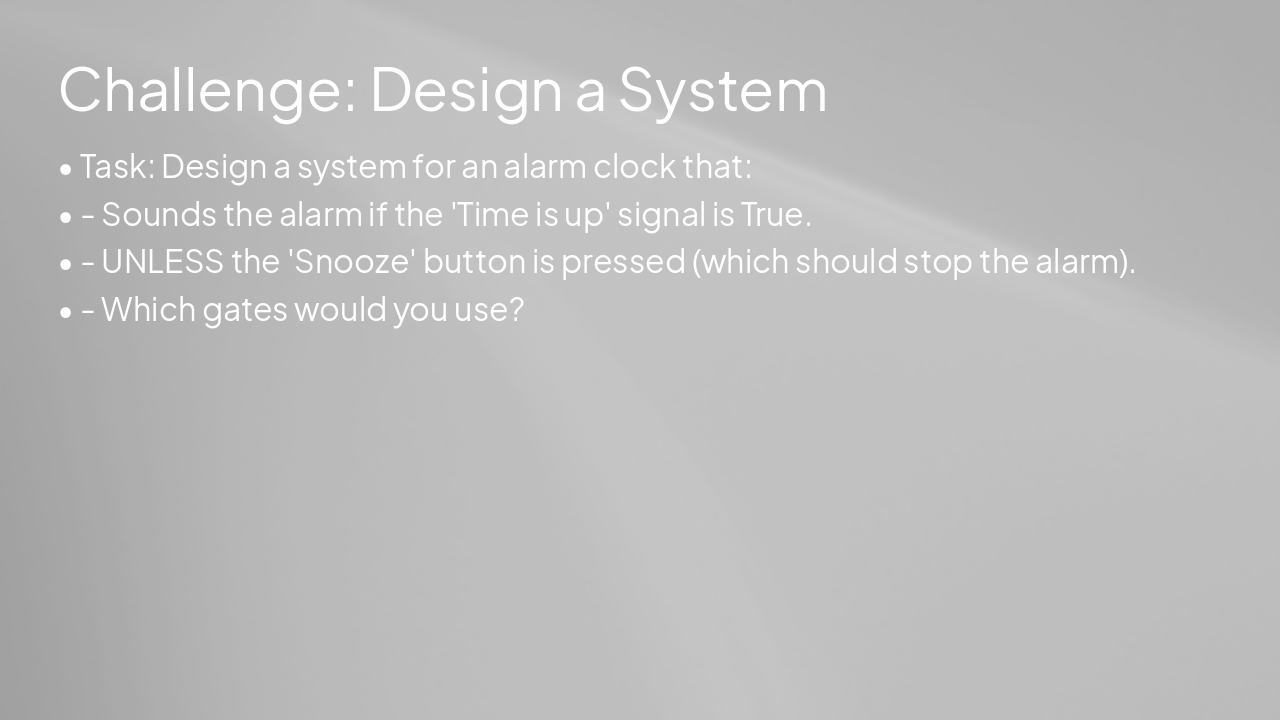
Slide 15 - Challenge: Design a System

  • Task: Design a system for an alarm clock that:
  • - Sounds the alarm if the 'Time is up' signal is True.
  • - UNLESS the 'Snooze' button is pressed (which should stop the alarm).
  • - Which gates would you use?

---

Photo by Drew Beamer on Unsplash

Slide 15 - Challenge: Design a System
Slide 16 of 19

Slide 16 - Think-Pair-Share

  • Think: What would happen if we chained 1,000 logic gates together?
  • Pair: Discuss with your neighbor what a 'computer processor' might actually be.
  • Share: Present your ideas to the class.

---

Photo by Drew Beamer on Unsplash

Slide 16 - Think-Pair-Share
Slide 17 of 19

Slide 17 - Real-Life Applications

  • Computers & Smartphones (Processors)
  • Automobile Control Systems (Anti-lock brakes)
  • Traffic Light Control Systems
  • Household Appliances (Microwaves, Washing Machines)

---

Photo by Drew Beamer on Unsplash

Slide 17 - Real-Life Applications
Slide 18 of 19

Slide 18 - Summary

  • Logic gates process binary information (0s and 1s).
  • AND: All must be true.
  • OR: At least one must be true.
  • NOT: Reverses the input.
  • These gates allow us to build complex machines like computers.

---

Photo by Drew Beamer on Unsplash

Slide 18 - Summary
Slide 19 of 19

Slide 19 - Exit Ticket Question

  • If a system needs an input to be exactly the opposite of what it is, which gate should you use?

---

Photo by Drew Beamer on Unsplash

Slide 19 - Exit Ticket Question

Discover More Presentations

Explore thousands of AI-generated presentations for inspiration

Browse Presentations
Powered by AI

Create Your Own Presentation

Generate professional presentations in seconds with Karaf's AI. Customize this presentation or start from scratch.

Create New Presentation

Powered by Karaf.ai — AI-Powered Presentation Generator