The Enduring Legacy of PDF

Generated from prompt:

Create a presentation about the document I uploaded

This presentation explores the PDF format's origins in Adobe's PostScript, key historical milestones, technical components like its imaging model and fixed-layout design, adoption statistics, and last

November 10, 202512 slides
Slide 1 of 12

Slide 1 - Introduction to PDF

This title slide introduces the topic of PDF, standing for Portable Document Format. It features a subtitle that highlights the format's importance in document sharing and provides an overview of its key aspects.

Introduction to PDF

Exploring the Portable Document Format: Importance in Sharing and Overview

Source: Uploaded document presentation

--- Speaker Notes: Welcome slide for PDF introduction.

Slide 1
Slide 2 of 12

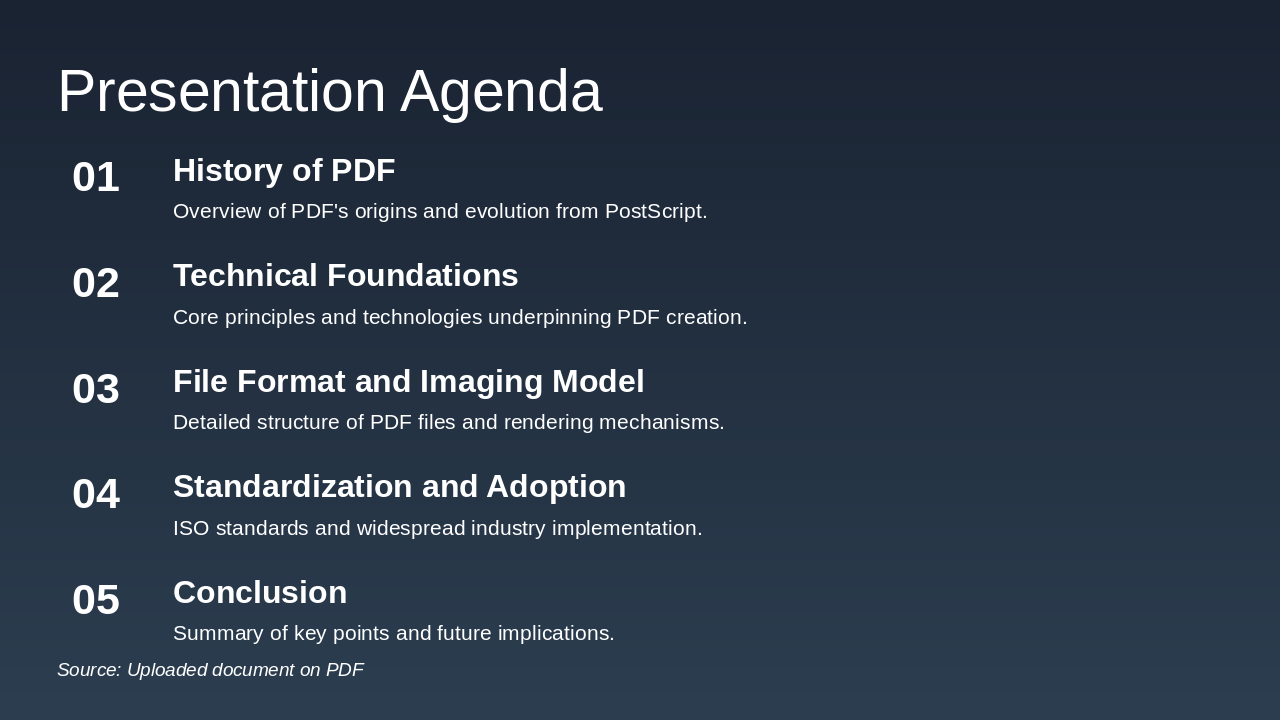
Slide 2 - Presentation Agenda

The presentation agenda outlines the history of PDF, tracing its origins and evolution from PostScript. It then covers technical foundations, file format and imaging model, standardization with ISO adoption, and concludes with key points and future implications.

Presentation Agenda

  1. History of PDF

Overview of PDF's origins and evolution from PostScript.

  1. Technical Foundations

Core principles and technologies underpinning PDF creation.

  1. File Format and Imaging Model

Detailed structure of PDF files and rendering mechanisms.

  1. Standardization and Adoption

ISO standards and widespread industry implementation.

  1. Conclusion

Summary of key points and future implications.

Source: Uploaded document on PDF

Slide 2
Slide 3 of 12

Slide 3 - History of PDF

This section header slide introduces the topic "History of PDF," focusing on its origins and development. The subtitle invites exploration of PDF's evolution starting from Adobe's early projects.

History of PDF

Explore the origins and evolution of PDF from Adobe's early projects.

Slide 3
Slide 4 of 12

Slide 4 - PDF Timeline

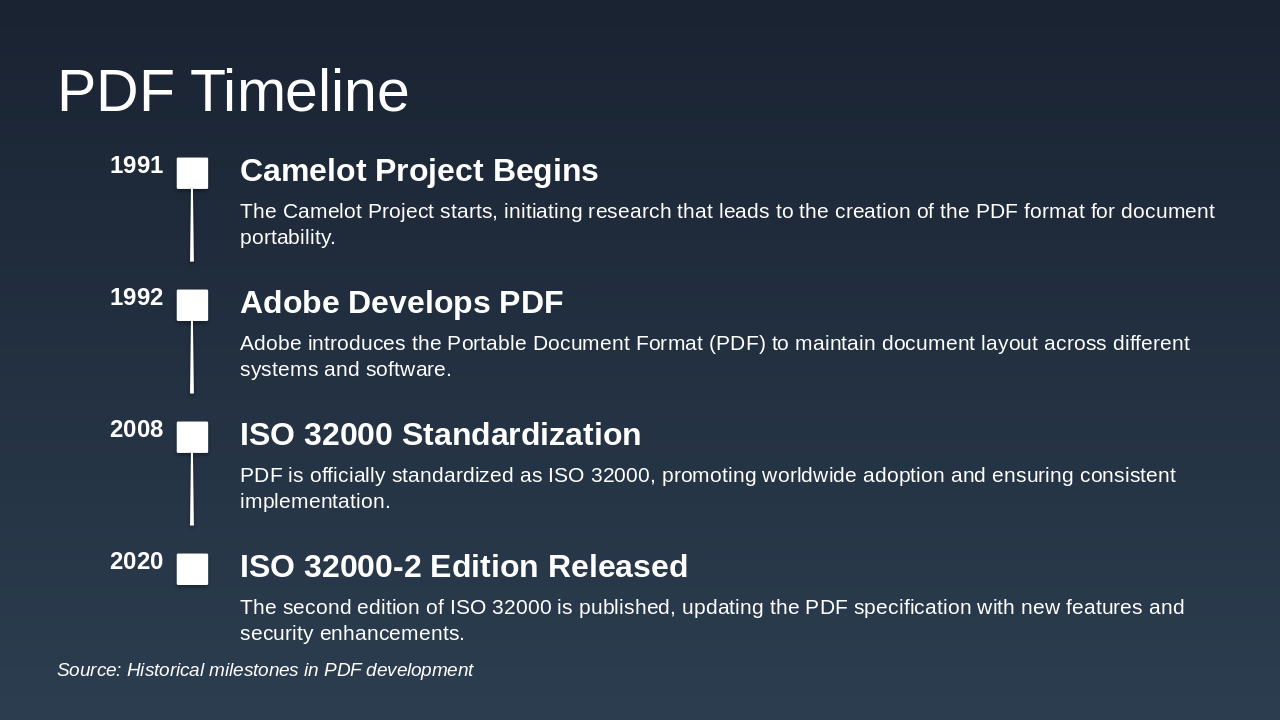
The PDF Timeline slide outlines the key milestones in the development and standardization of the Portable Document Format, starting with the Camelot Project's initiation in 1991, which spurred research into document portability. It then covers Adobe's introduction of PDF in 1992, its official standardization as ISO 32000 in 2008, and the release of the updated ISO 32000-2 edition in 2020 with enhanced features and security.

PDF Timeline

1991: Camelot Project Begins The Camelot Project starts, initiating research that leads to the creation of the PDF format for document portability. 1992: Adobe Develops PDF Adobe introduces the Portable Document Format (PDF) to maintain document layout across different systems and software. 2008: ISO 32000 Standardization PDF is officially standardized as ISO 32000, promoting worldwide adoption and ensuring consistent implementation. 2020: ISO 32000-2 Edition Released The second edition of ISO 32000 is published, updating the PDF specification with new features and security enhancements.

Source: Historical milestones in PDF development

--- Speaker Notes: This slide outlines key events in the evolution of the PDF format from inception to recent standardization.
Slide 4
Slide 5 of 12

Slide 5 - Key Historical Milestones

The slide outlines the origins of PDF technology, tracing its roots to Adobe's PostScript programming language and its initiation by co-founder John Warnock. It highlights PDF's design for cross-platform document presentation and its evolution into a global standard for sharing files.

Key Historical Milestones

  • Roots in Adobe's PostScript programming language
  • Initiated by co-founder John Warnock
  • Designed for cross-platform document presentation
  • Evolved into a global standard for sharing
Slide 5
Slide 6 of 12

Slide 6 - Technical Details

This section header slide is titled "Technical Details" and introduces an exploration of the core technology underpinning PDF's reliability and portability. It invites viewers to dive deeper into these foundational aspects that make PDF a robust format for document handling.

Technical Details

Technical Details

Dive into the core technology behind PDF's reliability and portability.

Source: Uploaded document on PDF technology

--- Speaker Notes: Transition to discussing the underlying tech that makes PDF reliable and portable.

Slide 6
Slide 7 of 12

Slide 7 - PostScript Language Basis

PDF files encapsulate complete document descriptions using the PostScript language, creating a self-contained format that preserves the creator's intended layout and content for consistency across viewing environments. The documents include elements like text, fonts, graphics, and images, enabling fixed-layout rendering that remains independent of specific software or hardware for reliable, uniform presentation on any platform.

PostScript Language Basis

PDF Encapsulation with PostScriptIncluded Elements for Fixed Rendering
PDF files encapsulate complete document descriptions using the PostScript language. This self-contained format preserves the exact layout and content as intended by the creator, ensuring consistency across different viewing environments.Documents include text, fonts, graphics, and images. This enables fixed-layout rendering that remains independent of specific software or hardware, providing reliable and uniform presentation regardless of the platform used.
Slide 7
Slide 8 of 12

Slide 8 - File Format Components

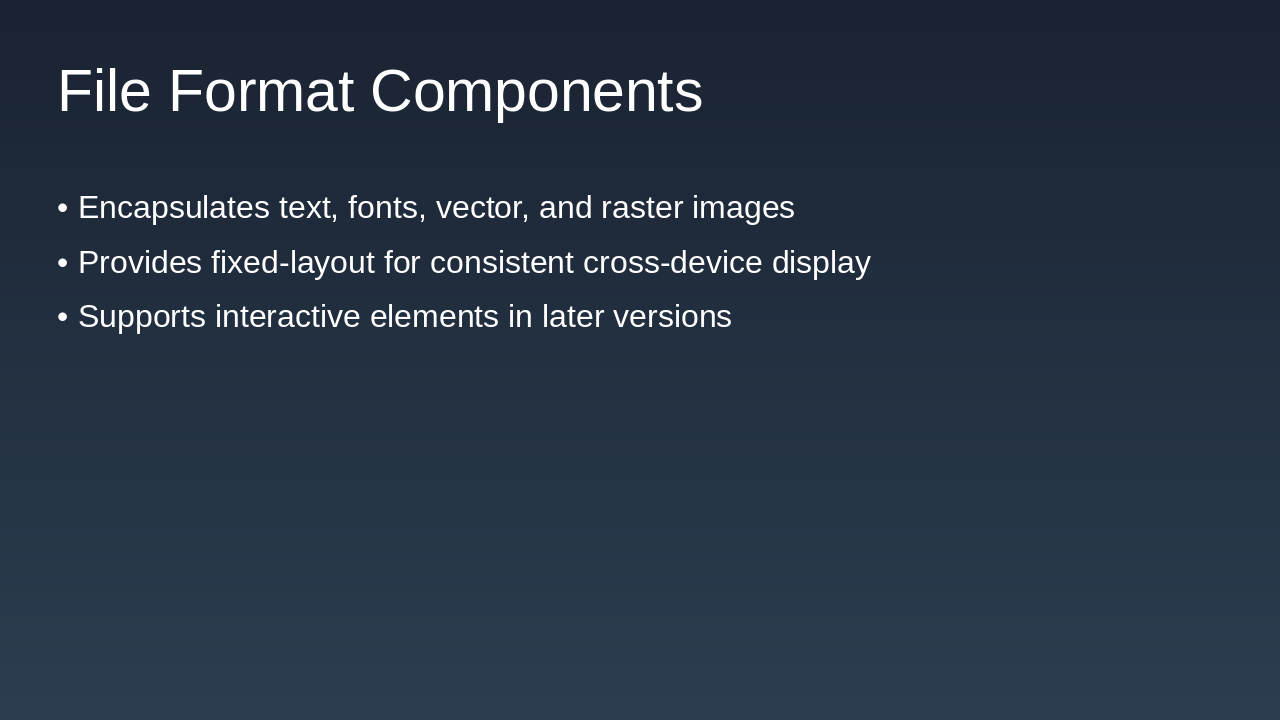
The slide on File Format Components explains that the format encapsulates text, fonts, vector graphics, and raster images to support diverse content. It provides a fixed layout for consistent display across devices and includes support for interactive elements in later versions.

File Format Components

  • Encapsulates text, fonts, vector, and raster images
  • Provides fixed-layout for consistent cross-device display
  • Supports interactive elements in later versions
Slide 8
Slide 9 of 12

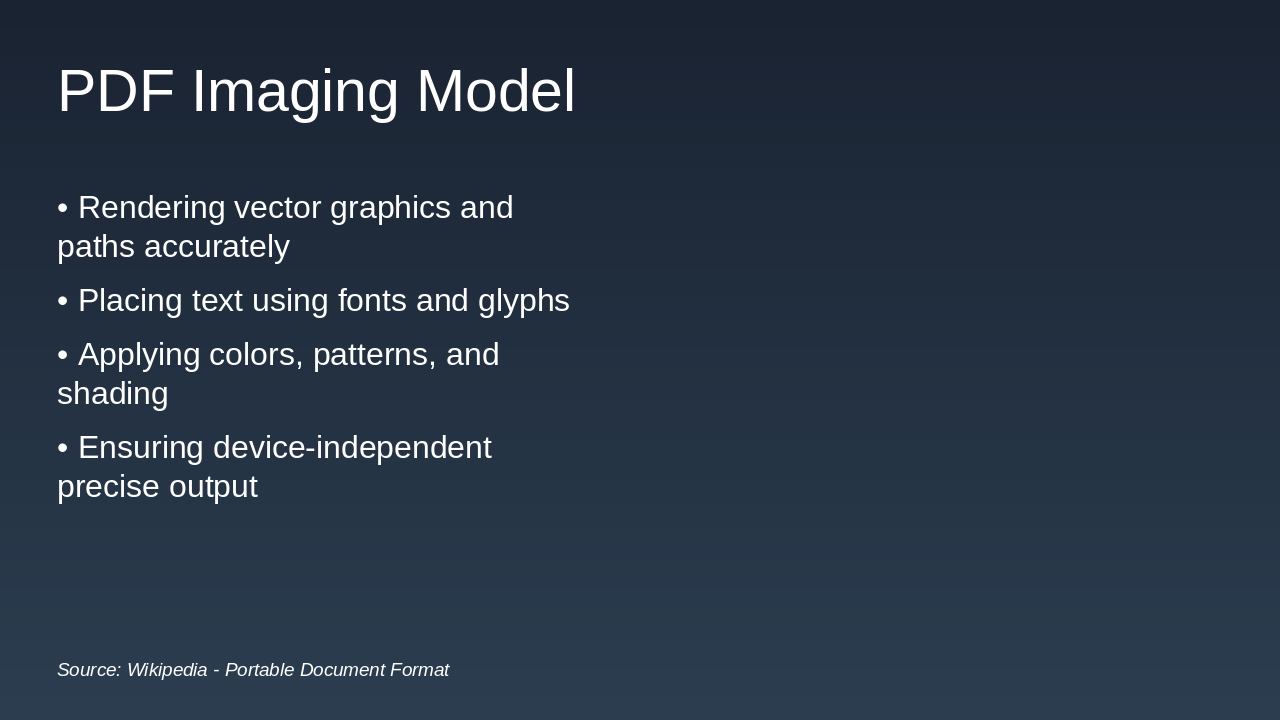
Slide 9 - PDF Imaging Model

The PDF Imaging Model slide outlines key aspects of rendering content in PDF files, focusing on accurate handling of vector graphics, paths, text placement via fonts and glyphs, and application of colors, patterns, and shading. It emphasizes ensuring device-independent and precise output for consistent results across different devices.

PDF Imaging Model

!Image

  • Rendering vector graphics and paths accurately
  • Placing text using fonts and glyphs
  • Applying colors, patterns, and shading
  • Ensuring device-independent precise output

Source: Wikipedia - Portable Document Format

--- Speaker Notes: Visual representation of PDF's imaging model: how pages are rendered with graphics, text, and colors for precise output.

Slide 9
Slide 10 of 12

Slide 10 - John Warnock's Vision

This slide, titled "John Warnock's Vision," features a quote from Adobe co-founder John Warnock in 1991. The quote describes the Camelot Project's goal of developing a universal method for communicating documents.

John Warnock's Vision

> The Camelot Project aimed to create a universal way to communicate documents.

— John Warnock, Adobe Co-founder (1991)

Slide 10
Slide 11 of 12

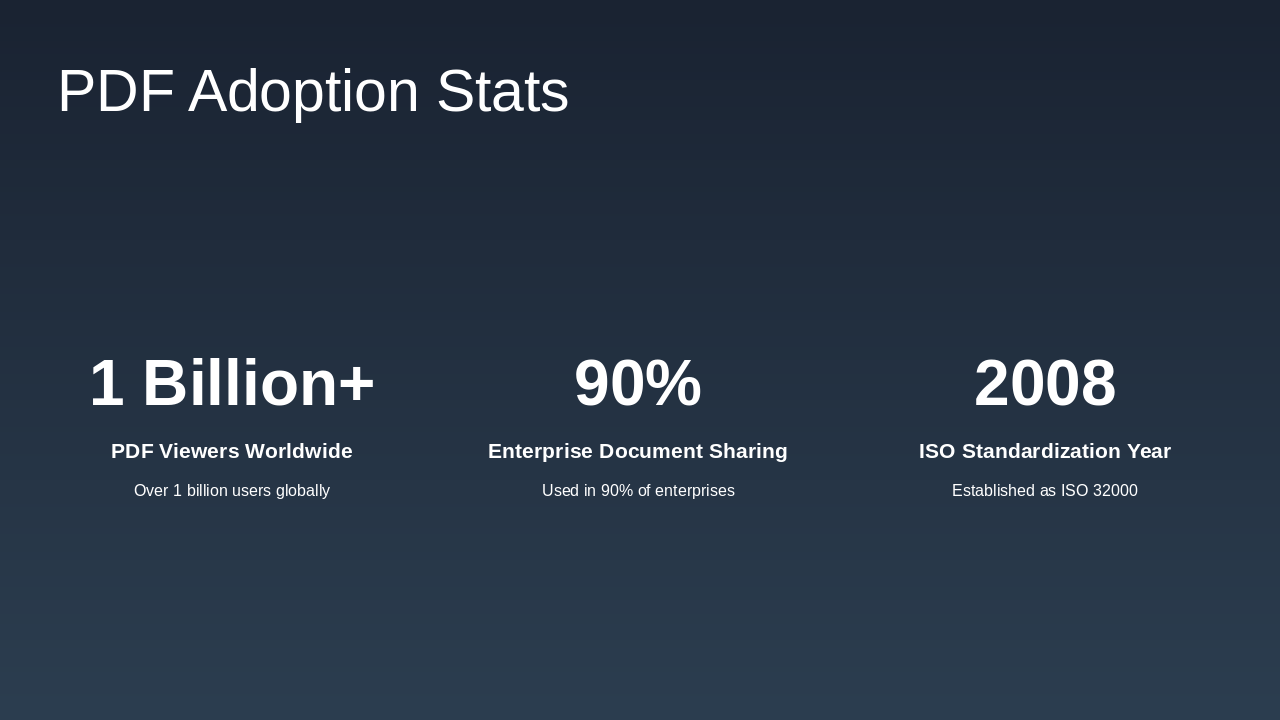
Slide 11 - PDF Adoption Stats

The PDF Adoption Stats slide highlights key metrics on PDF usage, including over 1 billion PDF viewers worldwide among global users. It also notes that PDFs are used in 90% of enterprises for document sharing and were standardized as ISO 32000 in 2008.

PDF Adoption Stats

  • 1 Billion+: PDF Viewers Worldwide

Over 1 billion users globally

  • 90%: Enterprise Document Sharing

Used in 90% of enterprises

  • 2008: ISO Standardization Year

Established as ISO 32000

Slide 11
Slide 12 of 12

Slide 12 - Conclusion: PDF's Enduring Impact

The conclusion slide emphasizes that PDF continues to be vital for creating secure and portable documents, with upcoming updates ensuring its ongoing importance. It ends with a thank you and an invitation for questions.

Conclusion: PDF's Enduring Impact

PDF remains essential for secure, portable documents. Future updates ensure continued relevance.

Thank you! Questions?

Source: Uploaded document

--- Speaker Notes: Closing message: Thank you for your attention. Call-to-action: Questions? Feel free to discuss further.

Slide 12
Powered by AI

Create Your Own Presentation

Generate professional presentations in seconds with Karaf's AI. Customize this presentation or start from scratch.

Create New Presentation

Powered by Karaf.ai — AI-Powered Presentation Generator