AIDL: 3-Day AI Literacy for Business

Generated from prompt:

Create a PowerPoint presentation for a 3-day course titled 'Artificial Intelligence Digital Literacy (AIDL)'. The presentation should cover the following: **Course Overview:** A 12-hour professional course to equip learners with AI knowledge and digital literacy for business use cases in finance, marketing, HR, IT, and management. **Day 1: Foundations of AI and AI Literacy** - Introduction: Computer Science, Intelligence, and AI - AI Literacy Concepts and Global Context - Core AI Concepts: Data, Machine Learning, and Types of AI - Session 1: Language AI – ChatGPT & Text Tools (+8 tools and +4 activities) - Recap and Q&A (45m) **Day 2: Hands-On with Generative AI Tools** - AI Fields and Real-World Applications - Session 2: Different LLM Use Cases (7 use cases + 1 presentation + financial analysis) - Session 3: Image AI (+3 tools + 3 activities) - Audio & Video AI tools - Recap and Q&A (30m) **Day 3: Advanced AI Tool Integration** - Prompt Engineering (2 Use Cases) - Embedded AI (2 Tools) - Use of Tools (search, canvas, deep research) - Vibe Coding (1 Tool + 1 Activity) - AI Workflow & Process Automation (2 Tools) - Agentic AI (1 Tool) - Wrap-up and Q&A (30m) **Audience:** Managers, Finance Professionals, Marketing Teams, HR Personnel, IT Specialists, and General Managers. **Prerequisites:** Basic computer literacy, Excel knowledge, and business awareness.

This 24-slide PowerPoint outlines a 12-hour course on AI digital literacy, covering foundations, generative tools, and advanced integration for professionals in finance, marketing, HR, IT, and managem

November 29, 202524 slides
Slide 1 of 24

Slide 1 - Artificial Intelligence Digital Literacy (AIDL)

The slide presents the title "Artificial Intelligence Digital Literacy (AIDL)" as an introduction to a 12-hour professional course. It focuses on building business AI skills applicable to finance, marketing, HR, IT, and management.

Artificial Intelligence Digital Literacy (AIDL)

12-Hour Professional Course for Business AI in Finance, Marketing, HR, IT, and Management

Slide 1 - Artificial Intelligence Digital Literacy (AIDL)
Slide 2 of 24

Slide 2 - Course Overview

This 12-hour course provides AI digital literacy for business professionals, focusing on practical use cases in finance, marketing, HR, IT, and management to build foundational skills and knowledge. It targets managers and specialists in those areas, requiring only basic computer literacy, Excel proficiency, and business awareness as prerequisites.

Course Overview

  • 12-hour course on AI digital literacy for business professionals
  • Focus: AI use cases in finance, marketing, HR, IT, and management
  • Goals: Build foundational AI skills and practical knowledge
  • Target audience: Managers, finance, marketing, HR, IT specialists
  • Prerequisites: Basic computer literacy, Excel, business awareness
Slide 2 - Course Overview
Slide 3 of 24

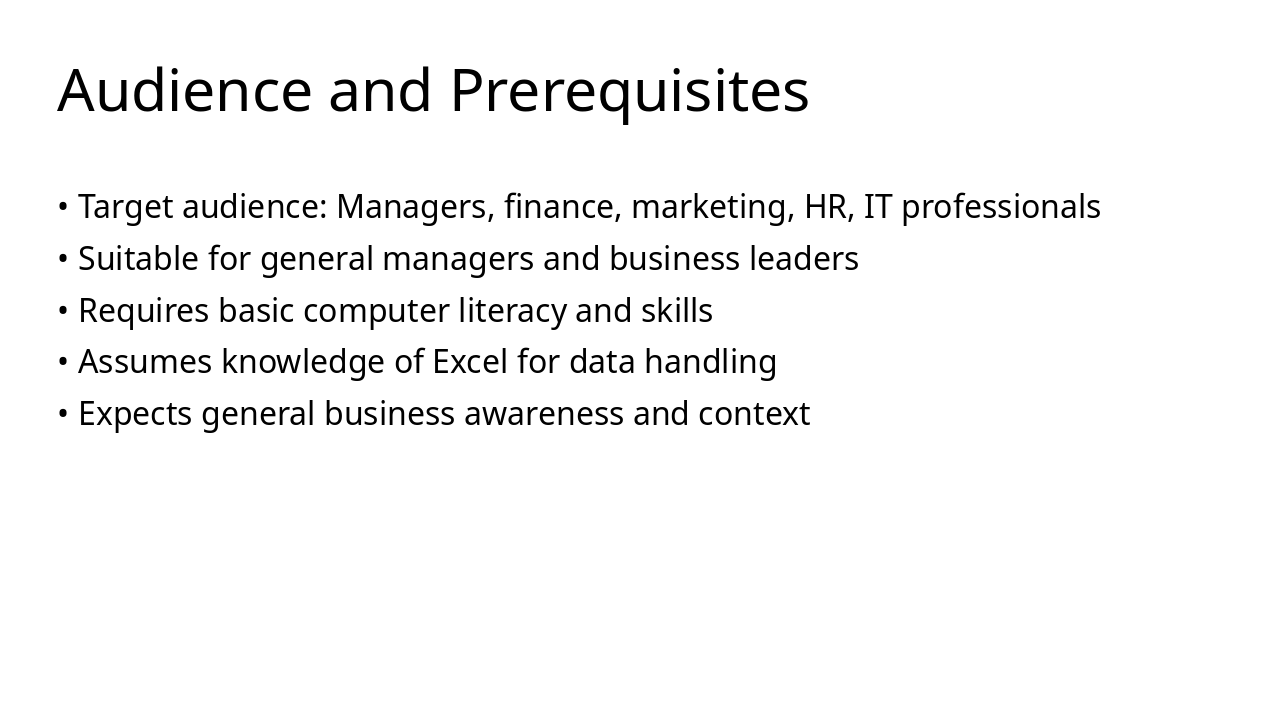
Slide 3 - Audience and Prerequisites

This slide outlines the target audience for the content as managers, finance, marketing, HR, and IT professionals, along with general managers and business leaders. It specifies prerequisites including basic computer literacy, Excel skills for data handling, and general business awareness.

Audience and Prerequisites

  • Target audience: Managers, finance, marketing, HR, IT professionals
  • Suitable for general managers and business leaders
  • Requires basic computer literacy and skills
  • Assumes knowledge of Excel for data handling
  • Expects general business awareness and context
Slide 3 - Audience and Prerequisites
Slide 4 of 24

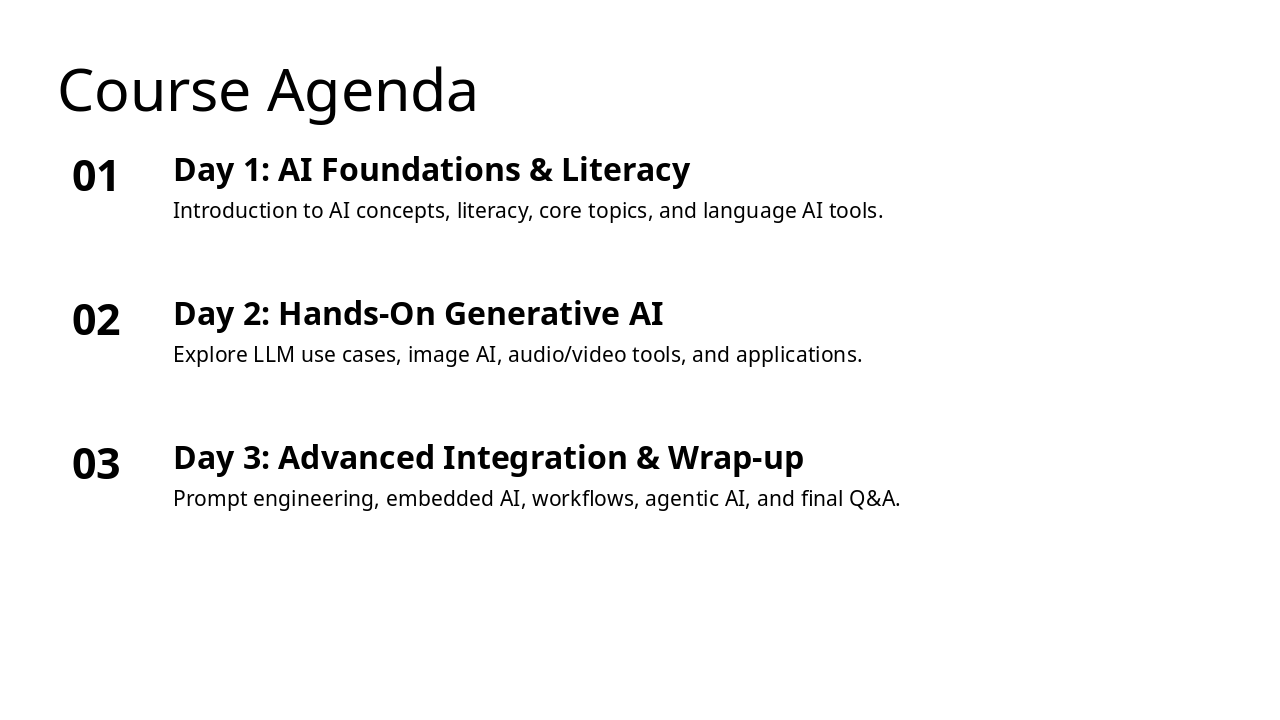
Slide 4 - Course Agenda

The course agenda outlines a three-day structure focused on AI education. Day 1 covers AI foundations and literacy, including core concepts and language tools; Day 2 dives into hands-on generative AI with LLM use cases, image, audio/video tools, and applications; while Day 3 explores advanced topics like prompt engineering, embedded AI, workflows, agentic AI, and a final Q&A.

Course Agenda

  1. Day 1: AI Foundations & Literacy
  2. Introduction to AI concepts, literacy, core topics, and language AI tools.

  3. Day 2: Hands-On Generative AI
  4. Explore LLM use cases, image AI, audio/video tools, and applications.

  5. Day 3: Advanced Integration & Wrap-up
  6. Prompt engineering, embedded AI, workflows, agentic AI, and final Q&A.

Slide 4 - Course Agenda
Slide 5 of 24

Slide 5 - Day 1: Foundations of AI and AI Literacy

This slide serves as a section header for the first day of the presentation, titled "Day 1: Foundations of AI and AI Literacy" and numbered as 01. It features a subtitle emphasizing the development of essential AI concepts and literacy within a global perspective.

01

Day 1: Foundations of AI and AI Literacy

Building core understanding of AI concepts and literacy in a global context.

Slide 5 - Day 1: Foundations of AI and AI Literacy
Slide 6 of 24

Slide 6 - Introduction: Computer Science, Intelligence, and AI

Computer science focuses on the study of algorithms, computation, and information processing, while human intelligence encompasses cognitive abilities like learning, reasoning, and problem-solving. Artificial intelligence seeks to mimic this intelligence by enabling machines to simulate human-like decision-making through data and models, thereby bridging computational methods with the replication of cognitive processes.

Introduction: Computer Science, Intelligence, and AI

  • Computer science: Study of algorithms, computation, and information processing.
  • Human intelligence: Cognitive abilities including learning, reasoning, and problem-solving.
  • AI mimics intelligence: Machines simulating human-like decision-making via data and models.
  • Bridging concepts: How computation enables artificial replication of cognitive processes.

Source: AIDL Course Day 1

Speaker Notes
Explore basics of computer science, human intelligence, and how AI mimics it.
Slide 6 - Introduction: Computer Science, Intelligence, and AI
Slide 7 of 24

Slide 7 - AI Literacy Concepts and Global Context

AI literacy involves understanding the fundamentals of AI and its broader implications, including core concepts like data, algorithms, and machine learning basics. The slide highlights AI's global impact on the economy, society, and ethics, while emphasizing responsible business adoption through ethical use and promoting worldwide collaboration for equitable development.

AI Literacy Concepts and Global Context

  • Define AI literacy as understanding AI fundamentals and implications.
  • Explore core concepts: data, algorithms, and machine learning basics.
  • Highlight global AI impact on economy, society, and ethics.
  • Emphasize ethical, informed use for responsible business adoption.
  • Promote worldwide collaboration for equitable AI development.
Slide 7 - AI Literacy Concepts and Global Context
Slide 8 of 24

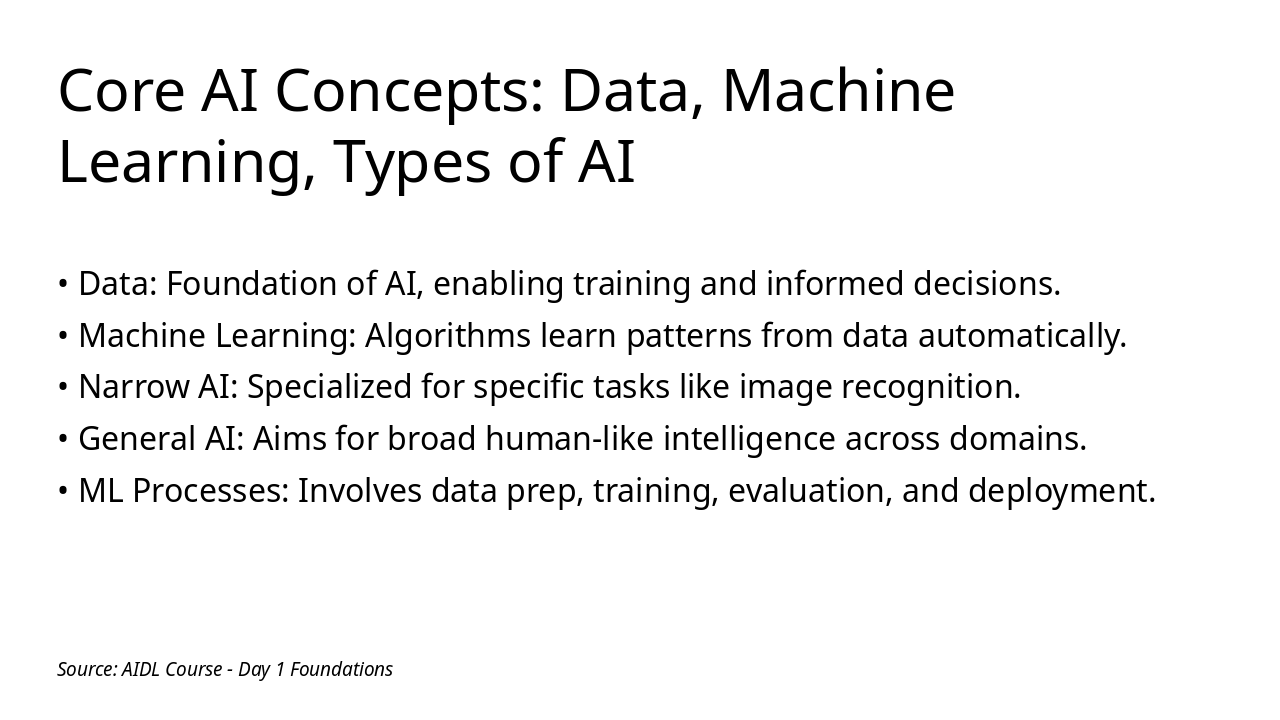
Slide 8 - Core AI Concepts: Data, Machine Learning, Types of AI

The slide introduces core AI concepts, starting with data as the essential foundation that enables training and informed decision-making, followed by machine learning, where algorithms automatically learn patterns from data through processes like preparation, training, evaluation, and deployment. It also outlines types of AI, including narrow AI specialized for tasks like image recognition and general AI aspiring to broad, human-like intelligence across various domains.

Core AI Concepts: Data, Machine Learning, Types of AI

  • Data: Foundation of AI, enabling training and informed decisions.
  • Machine Learning: Algorithms learn patterns from data automatically.
  • Narrow AI: Specialized for specific tasks like image recognition.
  • General AI: Aims for broad human-like intelligence across domains.
  • ML Processes: Involves data prep, training, evaluation, and deployment.

Source: AIDL Course - Day 1 Foundations

Slide 8 - Core AI Concepts: Data, Machine Learning, Types of AI
Slide 9 of 24

Slide 9 - Session 1: Language AI – ChatGPT & Text Tools

The slide introduces ChatGPT as a conversational AI tool alongside eight key text tools like Grammarly for editing, Jasper for content creation, and QuillBot for paraphrasing, which boost text generation, analysis, and optimization in business. It also outlines four hands-on activities, including generating emails with ChatGPT, analyzing sentiment via Grammarly, paraphrasing reports with QuillBot, and crafting marketing slogans using Jasper followed by group evaluation.

Session 1: Language AI – ChatGPT & Text Tools

ChatGPT and 8 Key Text Tools4 Hands-On Activities
Explore ChatGPT for conversational AI. Key tools: Grammarly (editing), Jasper (content creation), Copy.ai (marketing copy), QuillBot (paraphrasing), Hemingway App (simplification), Wordtune (rewriting), Sudowrite (creative writing), and Rytr (short-form content). These enhance text generation, analysis, and optimization for business tasks.1. Generate business emails with ChatGPT. 2. Analyze sentiment in customer feedback using Grammarly insights. 3. Paraphrase reports with QuillBot for clarity. 4. Create marketing slogans via Jasper and evaluate effectiveness through group discussion.
Speaker Notes
Introduce key language AI tools and outline hands-on activities to engage participants in practical text-based AI applications.
Slide 9 - Session 1: Language AI – ChatGPT & Text Tools
Slide 10 of 24

Slide 10 - Day 1 Recap and Q&A

The slide recaps Day 1 by highlighting key takeaways on AI basics—from computer science to intelligence—and AI literacy, including concepts, global context, and core elements like data and machine learning. It features a closing message that foundations fuel AI success, a call-to-action to share questions for building on insights, and an open floor for 45 minutes of Q&A.

Day 1 Recap and Q&A

Key Takeaways:

  • AI Basics: From computer science to intelligence.
  • AI Literacy: Concepts, global context, core elements like data and ML.

Closing Message: Foundations fuel AI success.

Call-to-Action: Share questions to build on today's insights.

Open Floor for Q&A (45 minutes)

Source: AIDL Course Day 1

Speaker Notes
Summarize foundations; open floor for questions (45 minutes). Key takeaways: AI basics and literacy.
Slide 10 - Day 1 Recap and Q&A
Slide 11 of 24

Slide 11 - Day 2: Hands-On with Generative AI Tools

This slide serves as a section header for Day 2 of the presentation, titled "Hands-On with Generative AI Tools" and marked as section 02. It features a subtitle emphasizing practical exploration of AI applications in real-world scenarios.

02

Day 2: Hands-On with Generative AI Tools

Practical exploration of AI applications in real-world scenarios.

Slide 11 - Day 2: Hands-On with Generative AI Tools
Slide 12 of 24

Slide 12 - AI Fields and Real-World Applications

This slide outlines key AI fields and their practical applications across industries. It highlights natural language processing for chatbots and sentiment analysis in marketing and customer service, computer vision for image recognition in security and manufacturing quality control, AI in finance for fraud detection and trading optimization, AI in HR for resume screening and employee engagement prediction, and AI in IT for predictive maintenance and cybersecurity threat detection.

AI Fields and Real-World Applications

  • NLP: Powers chatbots and sentiment analysis in marketing and customer service.
  • Computer Vision: Enables image recognition for security and quality control in manufacturing.
  • AI in Finance: Detects fraud and optimizes trading for risk management.
  • AI in HR: Automates resume screening and predicts employee engagement.
  • AI in IT: Supports predictive maintenance and cybersecurity threat detection.
Slide 12 - AI Fields and Real-World Applications
Slide 13 of 24

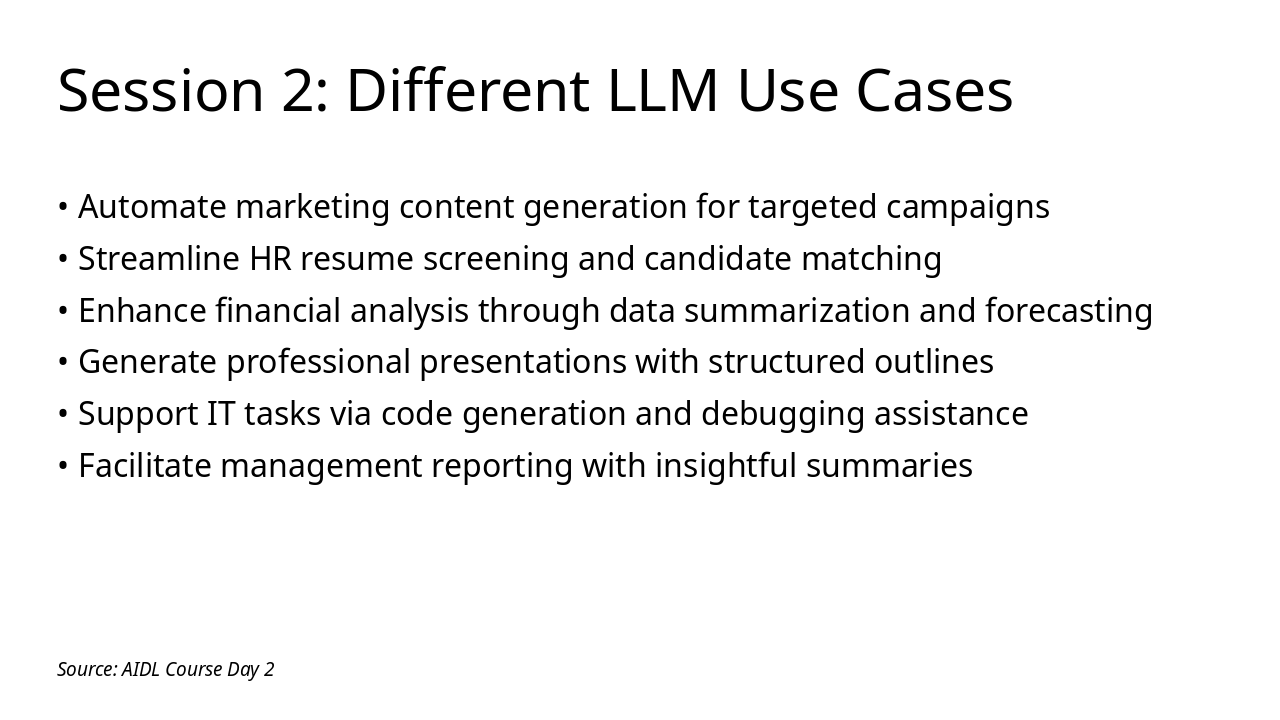
Slide 13 - Session 2: Different LLM Use Cases

This slide explores diverse applications of large language models (LLMs) in Session 2, highlighting their role in automating tasks across industries. Key use cases include generating targeted marketing content, streamlining HR resume screening, enhancing financial forecasting, creating professional presentations, assisting with IT code debugging, and producing insightful management reports.

Session 2: Different LLM Use Cases

  • Automate marketing content generation for targeted campaigns
  • Streamline HR resume screening and candidate matching
  • Enhance financial analysis through data summarization and forecasting
  • Generate professional presentations with structured outlines
  • Support IT tasks via code generation and debugging assistance
  • Facilitate management reporting with insightful summaries

Source: AIDL Course Day 2

Speaker Notes
Highlight 7 key business use cases for LLMs, focusing on presentation and financial analysis; engage audience with examples.
Slide 13 - Session 2: Different LLM Use Cases
Slide 14 of 24

Slide 14 - Session 3: Image AI

This slide introduces Session 3 on Image AI, focusing on exploring three key tools for image generation and editing. It outlines hands-on activities, including generating custom business visuals, editing images with AI enhancements, applying tools to marketing and HR scenarios, and discussing applications in finance and management.

Session 3: Image AI

  • Explore three key image AI tools for generation and editing
  • Engage in activity 1: Generate custom visuals for business use
  • Participate in activity 2: Edit images using AI enhancements
  • Complete activity 3: Apply tools to marketing and HR scenarios
  • Discuss practical applications across finance and management
Slide 14 - Session 3: Image AI
Slide 15 of 24

Slide 15 - Audio & Video AI Tools

This slide introduces AI tools for audio processing, voice synthesis, and generating videos from text prompts using multimedia capabilities. It highlights how these tools enhance content creation through audio-video integration and their applications in business, such as marketing and presentations.

Audio & Video AI Tools

  • Explore AI for audio processing and voice synthesis
  • Generate videos from text using multimedia AI tools
  • Enhance content creation with audio-video integration
  • Apply tools in business for marketing and presentations
Slide 15 - Audio & Video AI Tools
Slide 16 of 24

Slide 16 - Day 2 Recap and Q&A

The slide recaps Day 2 by highlighting the mastery of hands-on Generative AI tools achieved during the session. It invites participants to apply these skills in a Q&A segment, sharing insights and resolving any doubts.

Day 2 Recap and Q&A

Mastered Hands-On Generative AI Tools Today

Apply Skills in Q&A: Share Insights and Resolve Doubts

Source: Artificial Intelligence Digital Literacy (AIDL) Course

Speaker Notes
Review hands-on tools from Sessions 2 and 3; facilitate 30-minute Q&A. Emphasize practical generative AI skills for business applications in finance, marketing, HR, IT, and management.
Slide 16 - Day 2 Recap and Q&A
Slide 17 of 24

Slide 17 - Day 3: Advanced AI Tool Integration

Day 3 of the presentation focuses on Advanced AI Tool Integration, marking it as section 03. The subtitle highlights how integrating AI into workflows boosts productivity and enables automation.

Day 3: Advanced AI Tool Integration

03

Day 3: Advanced AI Tool Integration

Integrating AI into workflows for enhanced productivity and automation.

Source: Artificial Intelligence Digital Literacy (AIDL) Course

Speaker Notes
Description: Integrating AI into workflows for enhanced productivity and automation. Context: Part of a 3-day course for managers, finance professionals, marketing teams, HR personnel, IT specialists, and general managers. Covers Prompt Engineering, Embedded AI, Tools, Vibe Coding, AI Workflow Automation, Agentic AI, and Wrap-up.
Slide 17 - Day 3: Advanced AI Tool Integration
Slide 18 of 24

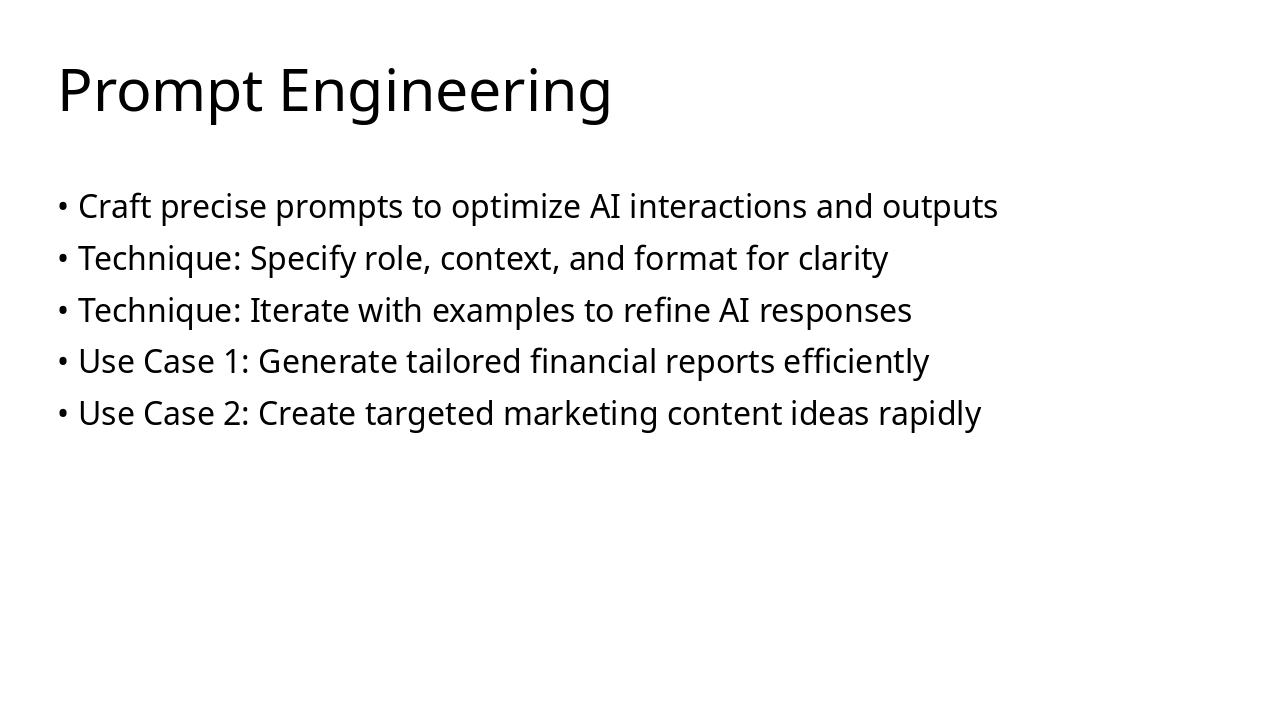
Slide 18 - Prompt Engineering

Prompt engineering involves crafting precise prompts to optimize AI interactions and outputs by specifying roles, context, format for clarity, and iterating with examples to refine responses. Key use cases include generating tailored financial reports efficiently and creating targeted marketing content ideas rapidly.

Prompt Engineering

  • Craft precise prompts to optimize AI interactions and outputs
  • Technique: Specify role, context, and format for clarity
  • Technique: Iterate with examples to refine AI responses
  • Use Case 1: Generate tailored financial reports efficiently
  • Use Case 2: Create targeted marketing content ideas rapidly
Slide 18 - Prompt Engineering
Slide 19 of 24

Slide 19 - Embedded AI

Embedded AI focuses on tools that enable seamless integration of artificial intelligence into applications, such as LangChain for chaining LLMs in custom business workflows like finance automation, and Hugging Face Transformers for embedding pre-trained models to enhance systems, as in marketing personalization. A key benefit is reduced development time alongside improved AI-driven decision-making, with best practices including starting with APIs, testing in sandboxes, and ensuring data privacy.

Embedded AI

  • Overview of tools for seamless AI integration into applications.
  • LangChain: Chains LLMs for custom workflows in business apps (e.g., finance automation).
  • Hugging Face Transformers: Embeds pre-trained models for quick system enhancements (e.g., marketing personalization).
  • Key benefit: Reduces development time while boosting AI-driven decision-making.
  • Best practices: Start with APIs, test in sandboxes, ensure data privacy.
Slide 19 - Embedded AI
Slide 20 of 24

Slide 20 - Use of Tools: Search, Canvas, Deep Research

This slide introduces key tools for efficient work, including AI search for quick information retrieval, canvas for collaborative ideation and visualization, and deep research methods for thorough analysis. It emphasizes integrating these tools into workflows to boost overall productivity.

Use of Tools: Search, Canvas, Deep Research

  • Explore AI search tools for rapid information retrieval
  • Utilize canvas for collaborative ideation and visualization
  • Apply deep research methods for comprehensive analysis
  • Integrate tools into workflows for enhanced productivity
Speaker Notes
Practical demo of search tools, canvas for ideation, and deep research methods.
Slide 20 - Use of Tools: Search, Canvas, Deep Research
Slide 21 of 24

Slide 21 - Vibe Coding

Vibe Coding introduces intuitive AI-assisted coding to simplify programming, allowing users to explore a key tool for building basic projects without deep expertise. Participants will engage in hands-on activities to enhance productivity and apply concepts for automating simple business tasks.

Vibe Coding

  • Discover intuitive AI-assisted coding with Vibe Coding
  • Explore one key tool for simplified programming
  • Engage in hands-on activity to build basic projects
  • Enhance productivity without deep coding expertise
  • Apply concepts to automate simple business tasks
Slide 21 - Vibe Coding
Slide 22 of 24

Slide 22 - AI Workflow & Process Automation

This slide on AI Workflow & Process Automation highlights tools like Zapier and Microsoft Power Automate for seamlessly connecting AI to business apps and embedding intelligence into workflows. It emphasizes boosting efficiency in areas like finance and HR through AI-driven integrations and enabling no-code chaining of tools for cross-departmental processes.

AI Workflow & Process Automation

  • Automate tasks with Zapier: Connect AI tools to business apps seamlessly.
  • Streamline processes using Microsoft Power Automate: Embed AI for intelligent workflows.
  • Boost efficiency in finance and HR through AI-driven automation integrations.
  • Enable cross-departmental workflows with no-code AI tool chaining.

Source: 2 tools for automating business processes with AI integration.

Speaker Notes
Highlight how these tools integrate AI to automate workflows in finance, marketing, HR, IT, and management. Demo simple setups if time allows.
Slide 22 - AI Workflow & Process Automation
Slide 23 of 24

Slide 23 - Agentic AI

Agentic AI empowers systems to achieve goals autonomously without ongoing human oversight, exemplified by Auto-GPT, which breaks down complex tasks into steps and integrates large language models with tools for iterative problem-solving. Its applications span automating workflows in finance and marketing, delivering benefits like enhanced efficiency and scalable business processes.

Agentic AI

  • Agentic AI enables autonomous goal achievement without constant supervision
  • Introduces Auto-GPT as a tool for self-directed task management
  • Auto-GPT breaks down complex objectives into actionable steps
  • Integrates LLMs with tools for iterative problem-solving
  • Applications include automating workflows in finance and marketing
  • Benefits: Boosts efficiency and scales business processes effectively
Slide 23 - Agentic AI
Slide 24 of 24

Slide 24 - Wrap-up and Q&A

The slide, titled "Wrap-up and Q&A," serves as a conclusion emphasizing how AI drives business innovation and encourages immediate application. Its subtitle urges the adoption of AI tools to boost efficiency and growth in professional roles.

Wrap-up and Q&A

AI empowers business innovation—apply it today!

Adopt AI tools to drive efficiency and growth in your role.

Source: Artificial Intelligence Digital Literacy (AIDL)

Speaker Notes
Final recap of advanced topics; Q&A (30 minutes). Next steps for AI adoption in business.
Slide 24 - Wrap-up and Q&A

Discover More Presentations

Explore thousands of AI-generated presentations for inspiration

Browse Presentations
Powered by AI

Create Your Own Presentation

Generate professional presentations in seconds with Karaf's AI. Customize this presentation or start from scratch.

Create New Presentation

Powered by Karaf.ai — AI-Powered Presentation Generator