Child's Digital Portfolio Template

Generated from prompt:

Create a PowerPoint template for a child's digital portfolio. The template should include sections such as: 1. Child’s Profile (with name, age, preschool, and learning environment), 2. Observation Records (methods like Anecdotal Record, Checklist, and Time Sampling), 3. Interpretation & Recommendations (developmental progress, strengths, areas for support, and actionable recommendations), and 4. Appendices (photos, work samples, and media). The template should have visually clear and parent-friendly designs, with a consistent and simple layout. It should also include placeholder text and images for easy customization.

A customizable PowerPoint template for children's digital portfolios, featuring sections for profile, observation records (e.g., anecdotal, checklists), interpretations with recommendations, and appen

November 27, 202511 slides
Slide 1 of 11

Slide 1 - Child's Digital Portfolio

The title slide, titled "Child's Digital Portfolio," introduces "[Child's Name]'s Learning Journey Begins Here" as the main text. The subtitle describes it as a showcase of the child's growth, observations, and recommendations for parents and educators.

[Child's Name]'s Learning Journey Begins Here

A showcase of growth, observations, and recommendations for parents and educators.

Source: User request for PowerPoint template title slide

Speaker Notes
Welcome slide with placeholders for child's name, photo, and brief introduction. Use soft colors and friendly icons.
Slide 1 - Child's Digital Portfolio
Slide 2 of 11

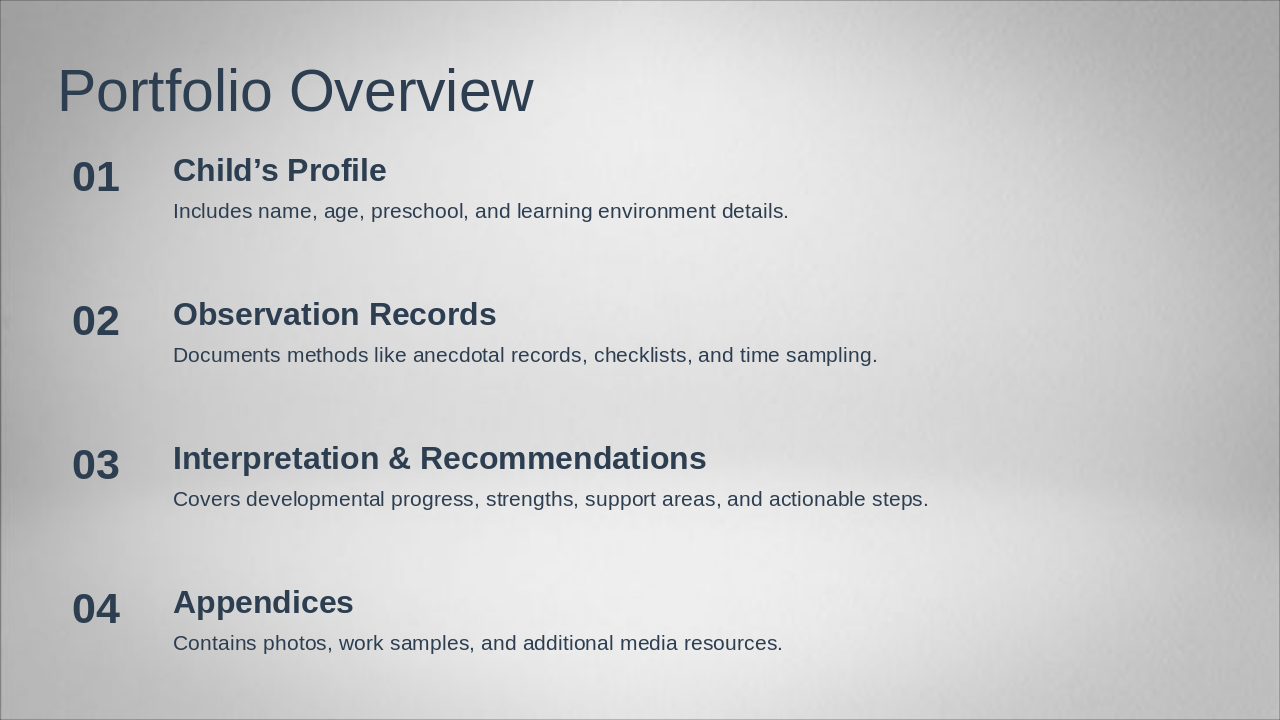
Slide 2 - Portfolio Overview

The Portfolio Overview agenda outlines key sections for a child's developmental portfolio, starting with the Child’s Profile that includes details like name, age, preschool, and learning environment. It continues with Observation Records documenting methods such as anecdotal notes, checklists, and time sampling, followed by Interpretation & Recommendations on progress, strengths, support needs, and actionable steps, and ends with Appendices featuring photos, work samples, and other media.

Portfolio Overview

  1. Child’s Profile
  2. Includes name, age, preschool, and learning environment details.

  3. Observation Records
  4. Documents methods like anecdotal records, checklists, and time sampling.

  5. Interpretation & Recommendations
  6. Covers developmental progress, strengths, support areas, and actionable steps.

  7. Appendices
  8. Contains photos, work samples, and additional media resources.

Slide 2 - Portfolio Overview
Slide 3 of 11

Slide 3 - Child’s Digital Portfolio

This section header slide introduces the "Child’s Profile" as the first section of the digital portfolio. It features a subtitle highlighting the child’s name, age, preschool, and vibrant learning environment.

Child’s Digital Portfolio

1

Child’s Profile

Introducing the child’s name, age, preschool, and vibrant learning environment

Slide 3 - Child’s Digital Portfolio
Slide 4 of 11

Slide 4 - Profile Details

The slide titled "Profile Details" outlines key information about a child in a bullet-point format. It includes the child's name and age, their preschool name, and a description of their learning environment.

Profile Details

  • Name: [Child's Name]
  • Age: [Child's Age]
  • Preschool: [Preschool Name]
  • Learning Environment: [Environment Description]

Source: Child's Digital Portfolio Template

Slide 4 - Profile Details
Slide 5 of 11

Slide 5 - Observation Records

This section header slide introduces "Observation Records" as Section 2 of the presentation. It highlights methods for capturing child development, including anecdotal records, checklists, and time sampling, enhanced with visual icons.

Observation Records

2

Observation Records

Capturing development through anecdotal records, checklists, and time sampling methods with visual icons

Slide 5 - Observation Records
Slide 6 of 11

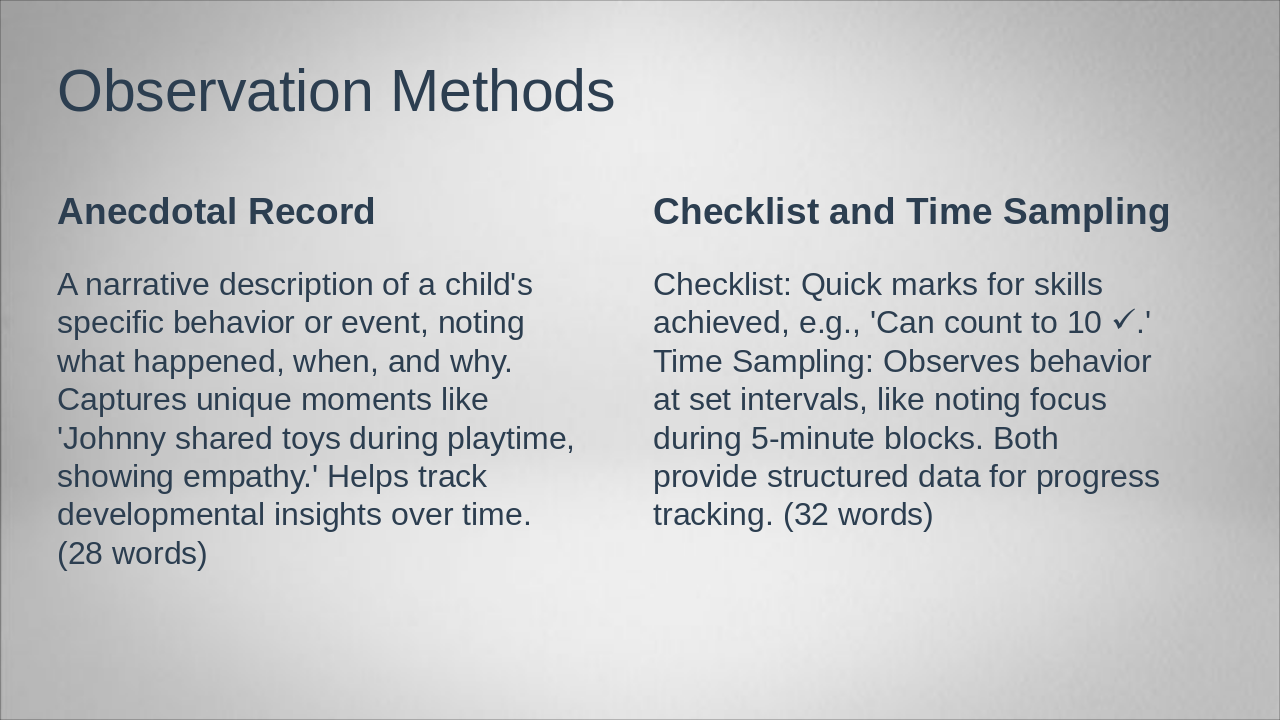
Slide 6 - Observation Methods

The slide on Observation Methods describes anecdotal records as narrative accounts of a child's specific behaviors or events, capturing unique moments like sharing toys to reveal empathy and track development over time. In contrast, it covers checklists for quickly marking achieved skills, such as counting to 10, and time sampling for observing behaviors at fixed intervals to gather structured progress data.

Observation Methods

Anecdotal RecordChecklist and Time Sampling
A narrative description of a child's specific behavior or event, noting what happened, when, and why. Captures unique moments like 'Johnny shared toys during playtime, showing empathy.' Helps track developmental insights over time. (28 words)Checklist: Quick marks for skills achieved, e.g., 'Can count to 10 ✓.' Time Sampling: Observes behavior at set intervals, like noting focus during 5-minute blocks. Both provide structured data for progress tracking. (32 words)
Slide 6 - Observation Methods
Slide 7 of 11

Slide 7 - 3. Interpretation & Recommendations

This section header slide, titled "3. Interpretation & Recommendations," introduces the third part of the presentation focused on analyzing results and suggesting actions. Its subtitle emphasizes unlocking your child's potential by celebrating their growth, strengths, and outlining next steps for development.

3. Interpretation & Recommendations

3

Interpretation & Recommendations

Unlocking potential: Celebrating growth, strengths, and next steps for your child's development.

Source: Child's Digital Portfolio Template

Speaker Notes
Header slide for analysis section. Include a motivational quote about growth, such as 'Every child is a different kind of flower, and all together make this world a beautiful garden.' Use an icon of a growing plant for visual appeal. Keep design parent-friendly and simple.
Slide 7 - 3. Interpretation & Recommendations
Slide 8 of 11

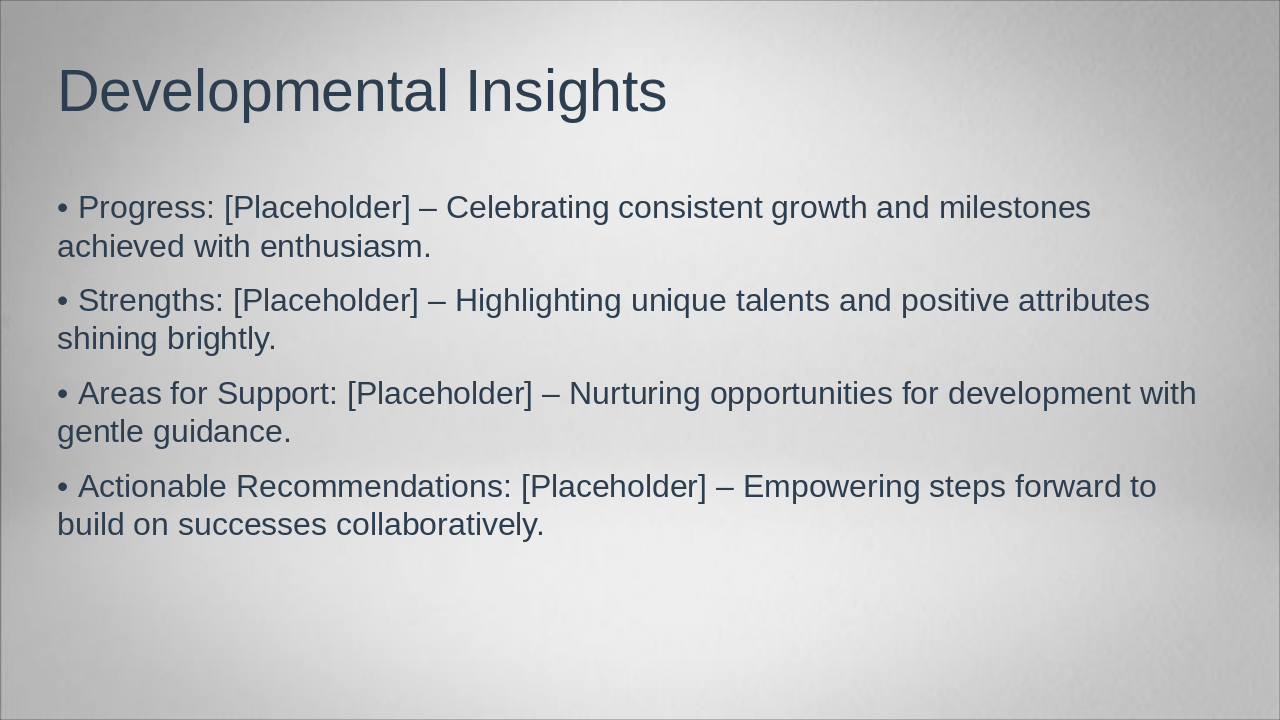
Slide 8 - Developmental Insights

The "Developmental Insights" slide outlines key aspects of progress, including celebrating consistent growth and milestones with enthusiasm. It also covers strengths by highlighting unique talents, areas for support through gentle nurturing, and actionable recommendations to empower collaborative steps forward.

Developmental Insights

  • Progress: [Placeholder] – Celebrating consistent growth and milestones achieved with enthusiasm.
  • Strengths: [Placeholder] – Highlighting unique talents and positive attributes shining brightly.
  • Areas for Support: [Placeholder] – Nurturing opportunities for development with gentle guidance.
  • Actionable Recommendations: [Placeholder] – Empowering steps forward to build on successes collaboratively.
Slide 8 - Developmental Insights
Slide 9 of 11

Slide 9 - 4. Appendices

This slide serves as a section header titled "4. Appendices," introducing supplementary materials for the presentation. It includes photos, work samples, and other media to provide additional context and support.

4. Appendices

4

Appendices

Supplementary materials including photos, work samples, and media

Source: Child's Digital Portfolio Template

Speaker Notes
Header for supplementary materials. Placeholder for gallery layout.
Slide 9 - 4. Appendices
Slide 10 of 11

Slide 10 - Photos and Work Samples

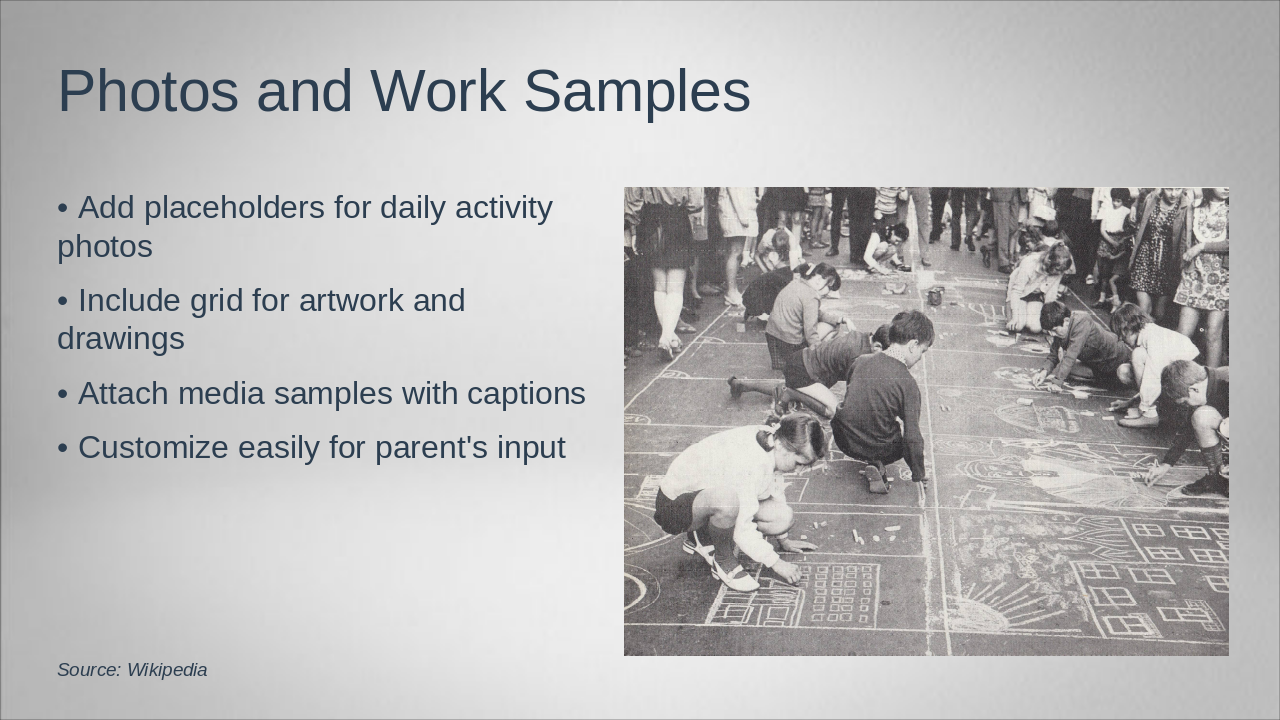
This slide, titled "Photos and Work Samples," features an image and key guidelines for incorporating visual elements into a portfolio or presentation. It recommends adding placeholders for daily activity photos, including a grid for artwork and drawings, attaching media samples with captions, and allowing easy customization for parental input.

Photos and Work Samples

!Image

  • Add placeholders for daily activity photos
  • Include grid for artwork and drawings
  • Attach media samples with captions
  • Customize easily for parent's input

Source: Wikipedia

Speaker Notes
Image placeholders for photos, artwork, and media samples. Grid layout with captions for easy addition of child's work.
Slide 10 - Photos and Work Samples
Slide 11 of 11

Slide 11 - Thank You

The slide, titled "Thank You," expresses gratitude for exploring the child's learning journey and emphasizes the value of parental partnership in their growth. It includes a subtitle inviting feedback or questions via a contact email, while encouraging everyone to celebrate the child's progress together.

Thank You

Thank you for exploring your child's learning journey. We value your partnership in their growth.

Share feedback or questions at [contact email]. Let's celebrate their progress together!

Slide 11 - Thank You

Discover More Presentations

Explore thousands of AI-generated presentations for inspiration

Browse Presentations
Powered by AI

Create Your Own Presentation

Generate professional presentations in seconds with Karaf's AI. Customize this presentation or start from scratch.

Create New Presentation

Powered by Karaf.ai — AI-Powered Presentation Generator