Slide 1 of 12
Slide 1 - Onboarding and Offboarding via MyISS.TOC Portal
Onboarding and Offboarding via MyISS.TOC Portal
Process overview for HR and Reporting Managers
---
Photo by Nastuh Abootalebi on Unsplash
Generated from prompt:
Create a modern, professional business presentation in the style of Gamma.app based on this content. Make it visually clean, concise, and presentation-friendly. Use strong visual hierarchy, minimal text per slide, clear sectioning, and modern corporate styling suitable for HR, reporting managers, and IT operations stakeholders. The tone should be professional and practical. Title: Onboarding and Offboarding via MyISS.TOC Portal Build approximately 10–12 slides with concise content and strong layout. Slide 1: Cover Title: Onboarding and Offboarding via MyISS.TOC Portal Subtitle: Process overview for HR and Reporting Managers Slide 2: Agenda - Employee onboarding process - Employee offboarding process - Delegate approvals and requests for sharing onboarding and offboarding details - Demo of onboarding and offboarding request creation - Q&A Slide 3: Why Employee Onboarding Matters Use concise benefit cards or columns: - Standardized process instead of emails and manual follow-ups - Single record of requests for access, setup, and support - Faster electronic approvals with traceability - Automatic routing to correct IT team with SLA - Better visibility for HR, manager, and IT - Asset accountability and tracking Slide 4: Main Actors and Responsibilities Two-column slide: HRBP: - Initiates the onboarding process - Raises request through MyISS.TOC portal - Should submit at least 10 days before Date of Joining - Adds fast-track remark when needed Reporting Manager: - Requests equipment - Confirms application approvals required for employee Footer or callout: Portal used: MyISS.TOC Slide 5: HRBP Onboarding Form Present as structured form overview: - Reporting Manager: select existing employee from drop-down - Employee Name: full name as per passport - Employee ID: mandatory from Oasys (Dax) - Job Title: mandatory full role title - Date of Joining: future start date - Department: select from existing departments - Remarks: optional for manager or IT team - Submit request Slide 6: Reporting Manager Form Use grouped sections for clarity. Core items: - Email account: mandatory yes/no - Laptop: mandatory yes/no - Mobile: mandatory yes/no (limited locations) - SIM card: mandatory yes/no Optional accessories if laptop is yes: - Keyboard - Mouse - Headset Application access items: - Dax access - Focus access - PowerBI access - SharePoint access Closing line: Approve and submit request Slide 7: What Happens After Submission Use flow or step diagram: 1. Parent ticket is created 2. Child tickets are generated for requested application access 3. Parent ticket goes to L1 team based on new joiner location 4. Application access tickets go to business application owners 5. Parent ticket can close only after all child tickets are resolved Slide 8: Employee Offboarding Process Use step-based layout: - HR creates offboarding request in MyISS.TOC portal - HR enters employee name, last working day, separation type, and forwarding email if needed - System detects mapped software automatically - Access withdrawal requests are created automatically - Parent ticket is for asset return and assigned to L1 team - Application withdrawal tickets are routed to business application owners - Parent ticket closes only after all child tickets are resolved Slide 9: Delegate Approvals and Access Sharing Use numbered sequence: 1. Log in to MyISS.TOC portal 2. Open account icon and choose My Profile 3. Open Delegation Settings 4. Select delegatee, timing, and notes if needed 5. Click Delegate Closing note: Useful for vacation coverage and approval continuity Slide 10: Demo Section Title: Demo of Onboarding and Offboarding Request Creation Keep minimal with presenter-style prompt: - Creating an onboarding request - Completing HRBP form - Completing reporting manager form - Creating an offboarding request - Reviewing approval delegation settings Slide 11: Key Takeaways - One portal for onboarding and offboarding workflows - Clear ownership between HRBP, managers, IT, and application owners - Faster approvals and better visibility - Stronger control over access and assets - Built-in delegation for uninterrupted approvals Slide 12: Closing / Q&A Title: Q&A Subtitle: Thank you Design guidance: - Use modern corporate visuals, subtle gradients or soft neutral background accents - Prefer icons, cards, timelines, and flow diagrams over dense bullet lists - Keep each slide succinct and polished - Use a professional blue/teal/neutral palette - Make it feel like a premium internal operations presentation
Comprehensive guide for HR and Reporting Managers on employee onboarding and offboarding via MyISS.TOC Portal. Covers processes, roles, forms, automated workflows, delegation, key benefits, and a demo of request creation.
Onboarding and Offboarding via MyISS.TOC Portal
Process overview for HR and Reporting Managers
---
Photo by Nastuh Abootalebi on Unsplash
---
Photo by Samantha Gades on Unsplash
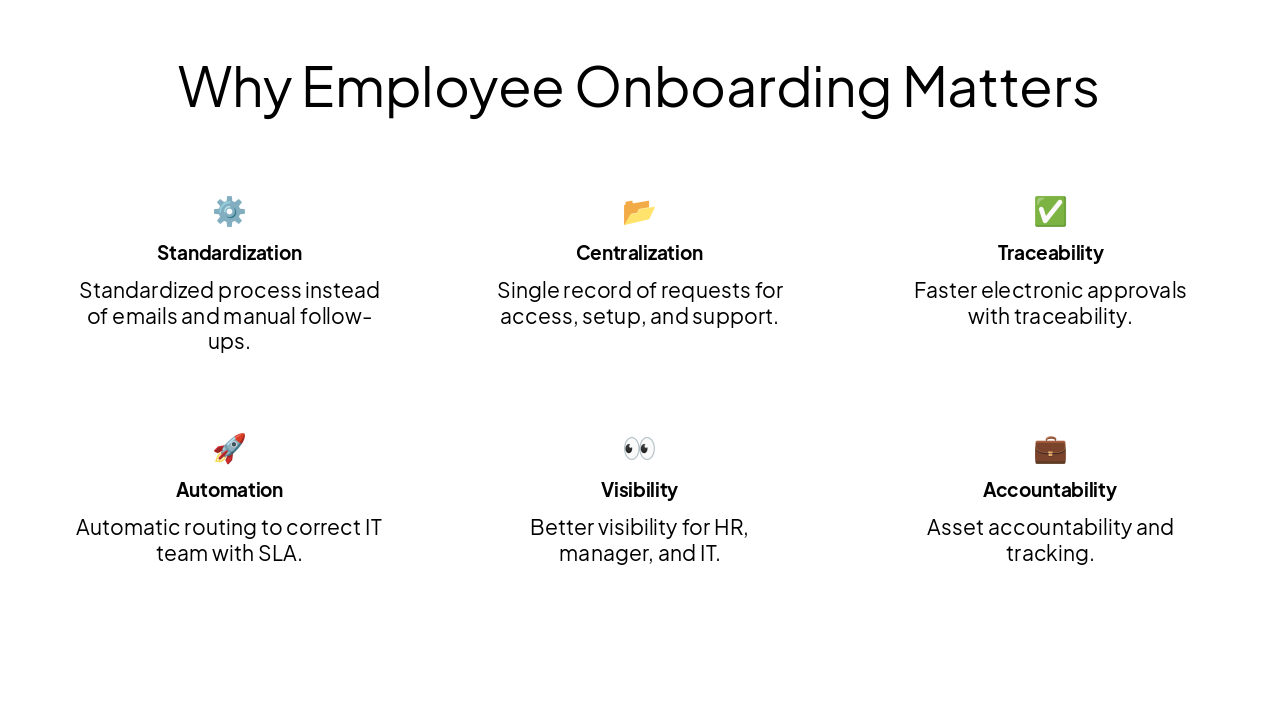
⚙️ Standardization Standardized process instead of emails and manual follow-ups.
📂 Centralization Single record of requests for access, setup, and support.
✅ Traceability Faster electronic approvals with traceability.
🚀 Automation Automatic routing to correct IT team with SLA.
👀 Visibility Better visibility for HR, manager, and IT.
💼 Accountability Asset accountability and tracking.
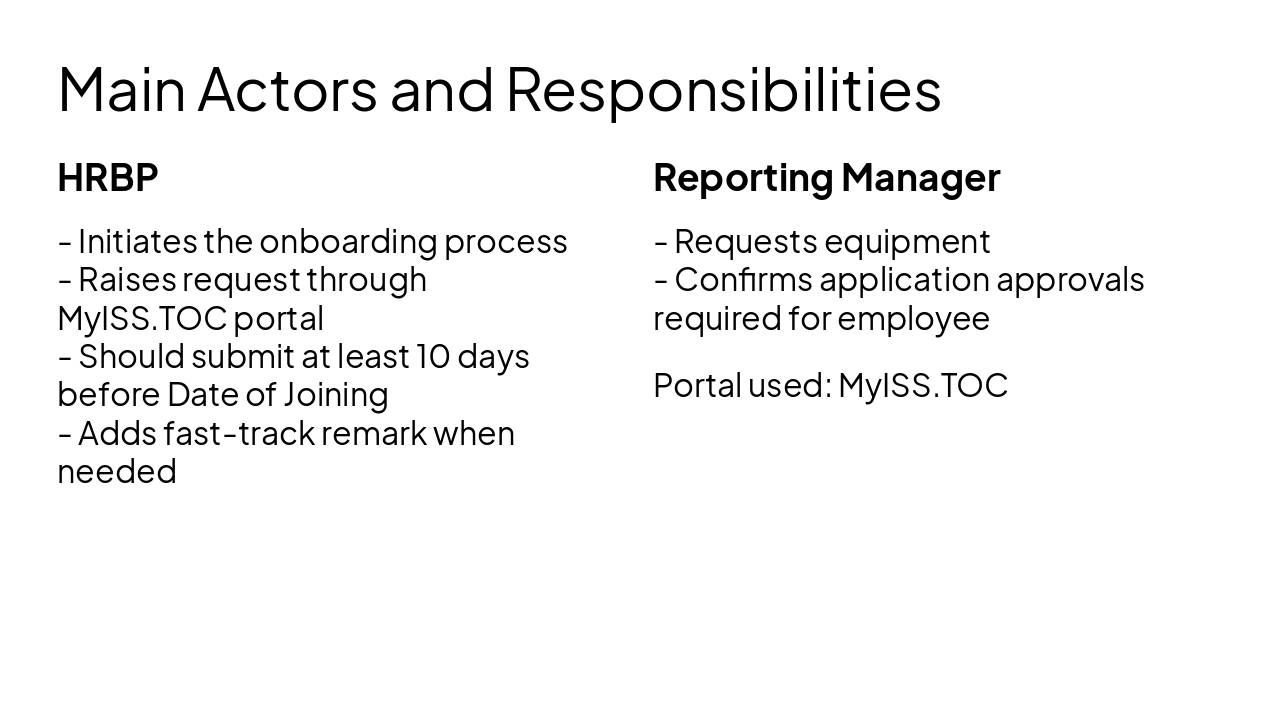
HRBP
Reporting Manager
Portal used: MyISS.TOC
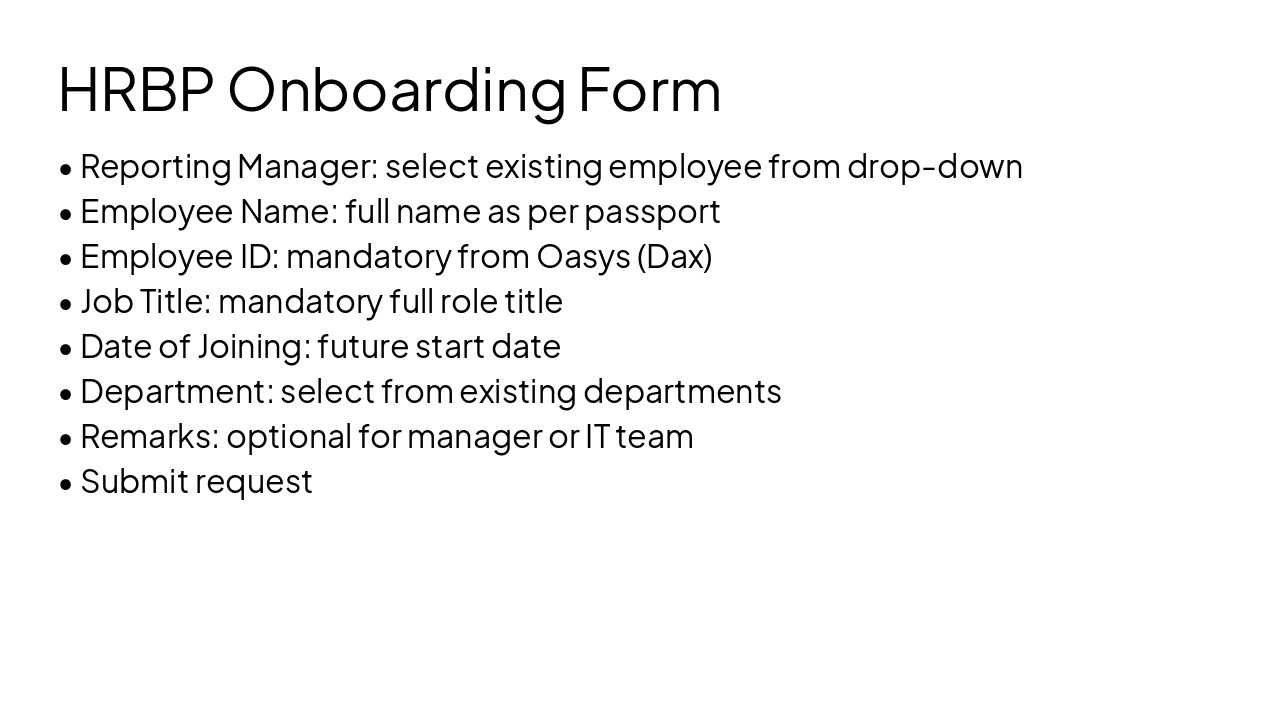
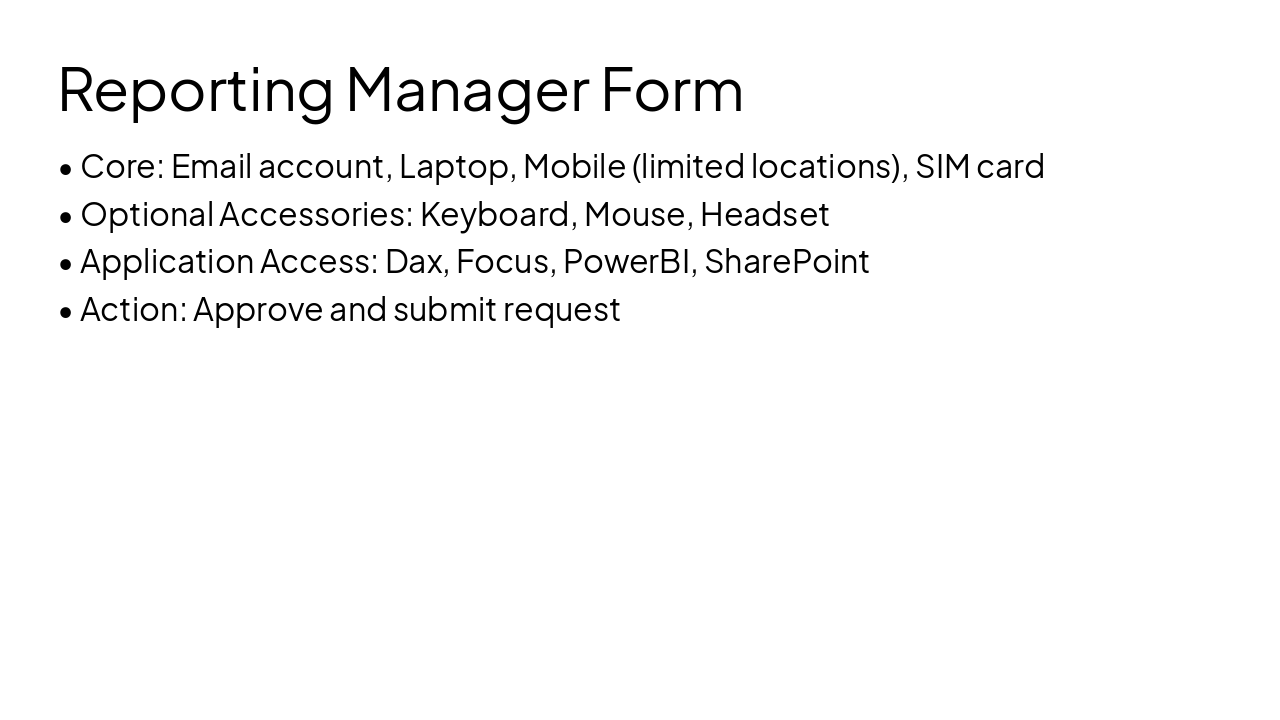
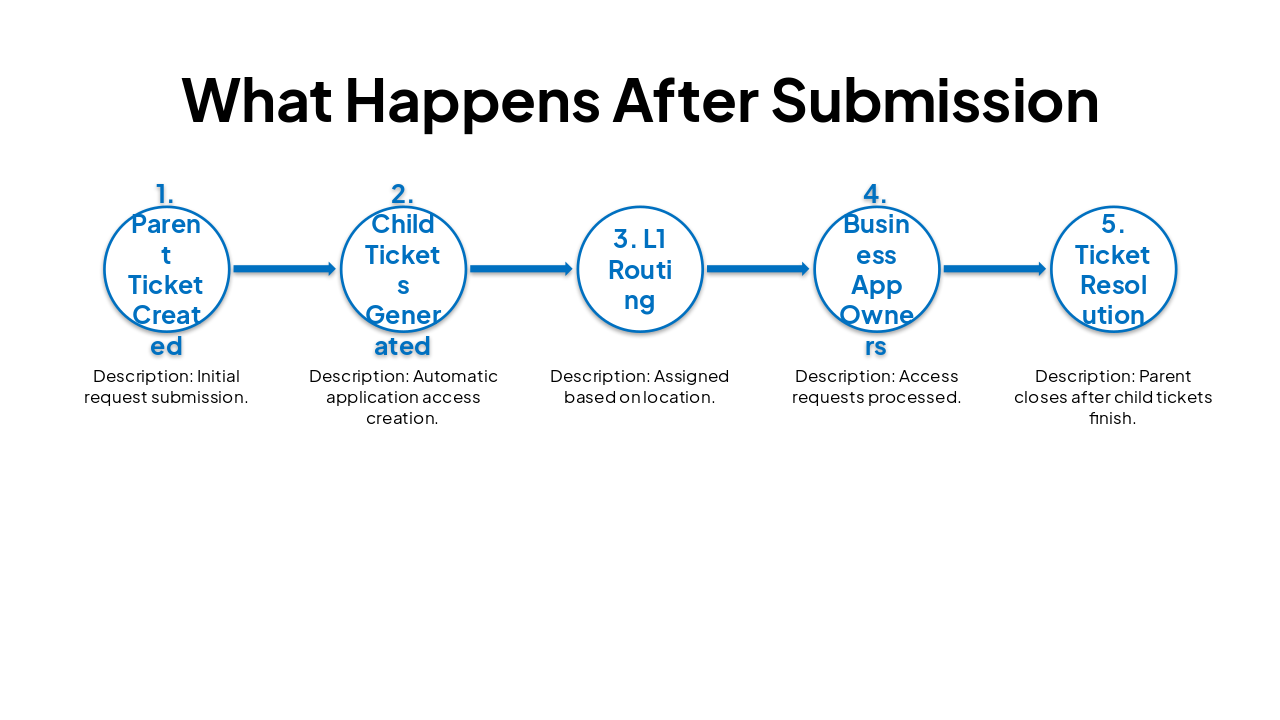
| Step | Description |
|---|---|
| 1. Parent Ticket Created | Initial request submission. |
| 2. Child Tickets Generated | Automatic application access creation. |
| 3. L1 Routing | Assigned based on location. |
| 4. Business App Owners | Access requests processed. |
| 5. Ticket Resolution | Parent closes after child tickets finish. |
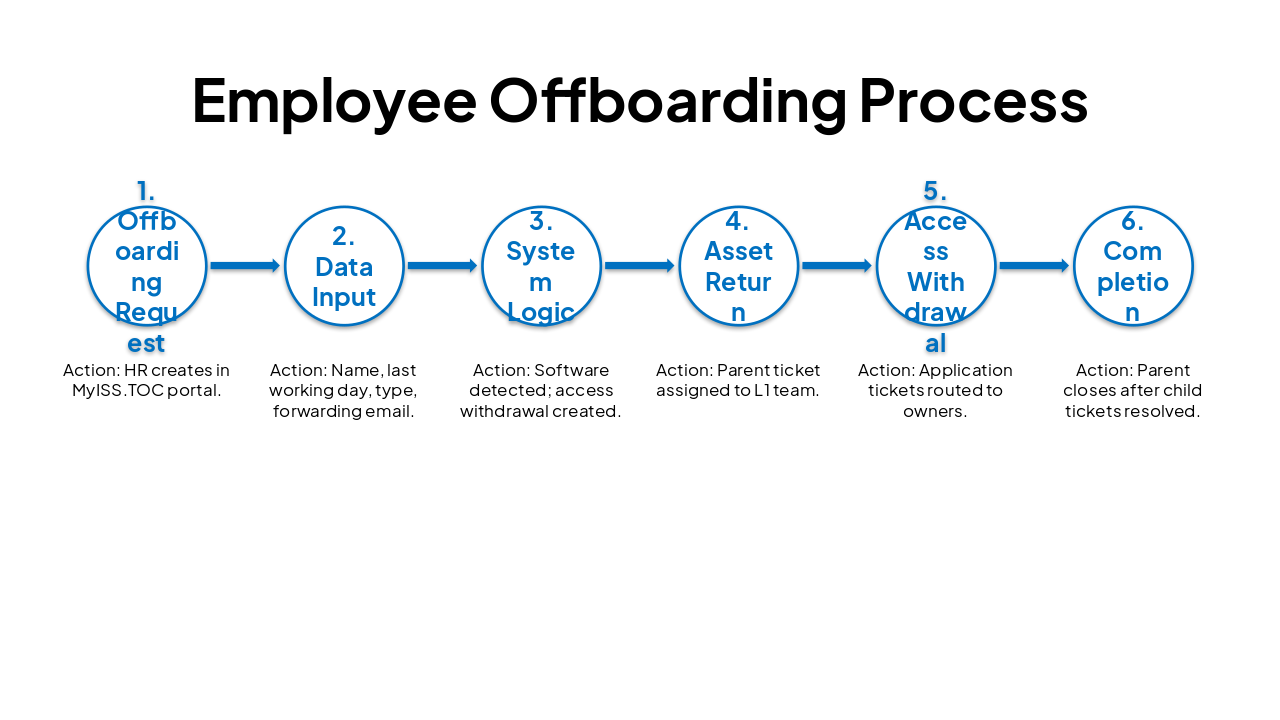
| Step | Action |
|---|---|
| 1. Offboarding Request | HR creates in MyISS.TOC portal. |
| 2. Data Input | Name, last working day, type, forwarding email. |
| 3. System Logic | Software detected; access withdrawal created. |
| 4. Asset Return | Parent ticket assigned to L1 team. |
| 5. Access Withdrawal | Application tickets routed to owners. |
| 6. Completion | Parent closes after child tickets resolved. |
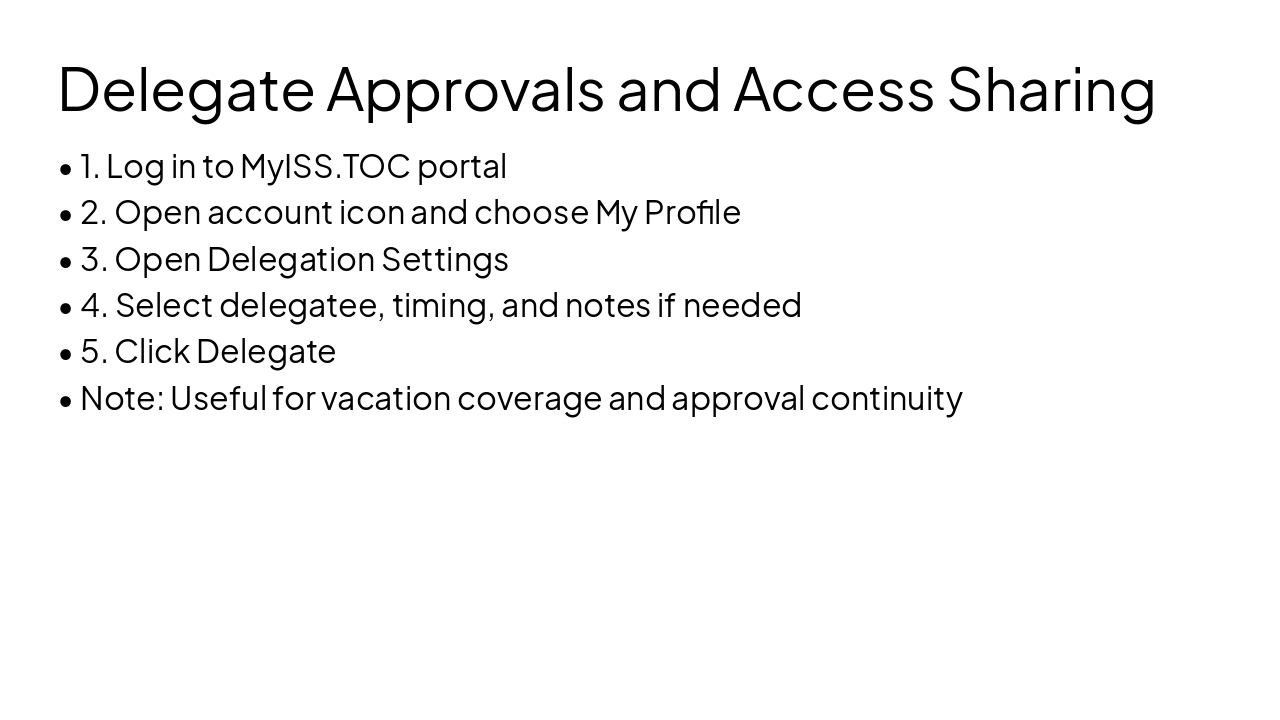
🌐 Single Portal Unified portal for all workflows.
👤 Defined Ownership Clear ownership between stakeholders.
⚡ Efficiency Faster approvals via automation.
🔍 Visibility Improved visibility of assets/access.
🔄 Continuity Built-in delegation features.
Explore thousands of AI-generated presentations for inspiration
Generate professional presentations in seconds with Karaf's AI. Customize this presentation or start from scratch.
