Elevate Your Slides: Best Practices for Engaging Presentations

Generated from prompt:

Improve my slides

This deck provides essential guidance on improving presentation slides, covering key principles like the 10-20-30 rule, design do's and don'ts, content optimization, effective visual elements, common pitfalls to avoid, and stats on why great slides matter. Transform your presentations to captivate audiences with less text, more visuals, clear structure, and audience focus.

May 9, 20269 slides
Slide 1 of 9

Slide 1 - Improving Your Slides

Improving Your Slides

Best Practices for Engaging Presentations

---

Photo by Possessed Photography on Unsplash

Slide 1 - Improving Your Slides
Slide 2 of 9

Slide 2 - Presentation Agenda

  • Key Principles of Good Slides
  • Design Best Practices
  • Content Optimization
  • Visual Elements
  • Avoiding Common Pitfalls
  • Q&A and Next Steps

---

Photo by Jay Joshi on Unsplash

Slide 2 - Presentation Agenda
Slide 3 of 9

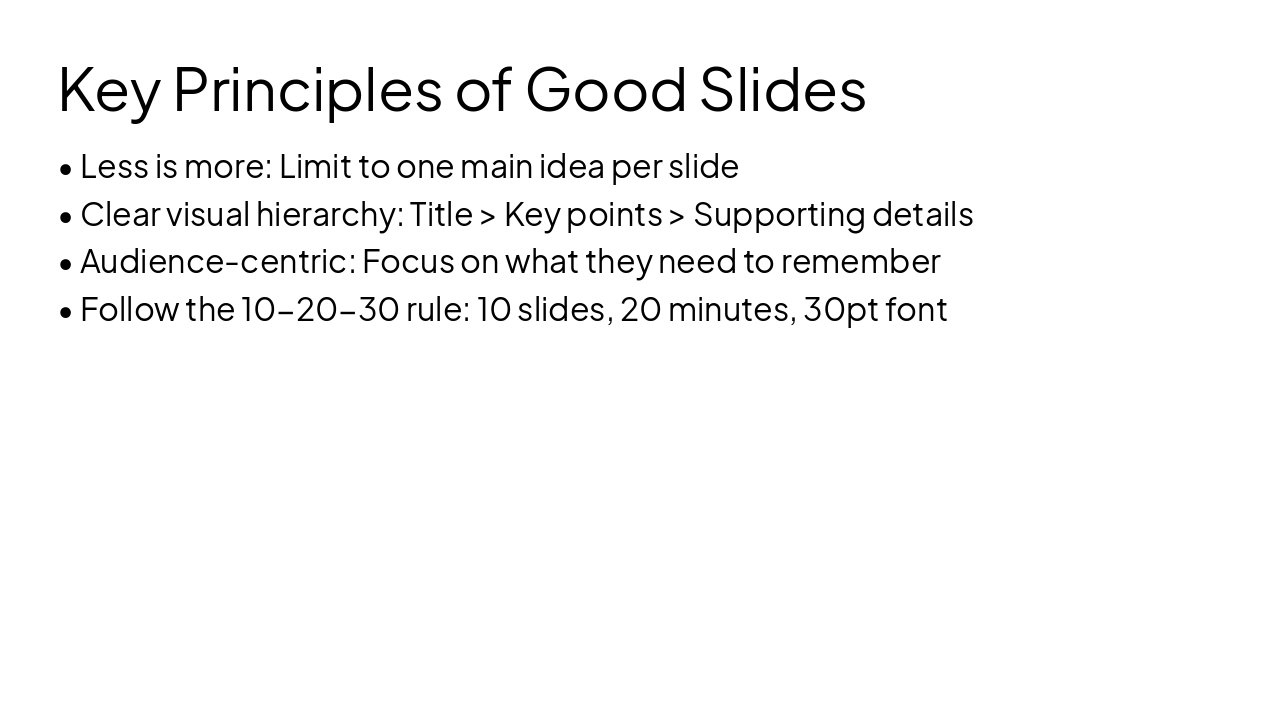
Slide 3 - Key Principles of Good Slides

  • Less is more: Limit to one main idea per slide
  • Clear visual hierarchy: Title > Key points > Supporting details
  • Audience-centric: Focus on what they need to remember
  • Follow the 10-20-30 rule: 10 slides, 20 minutes, 30pt font
Slide 3 - Key Principles of Good Slides
Slide 4 of 9

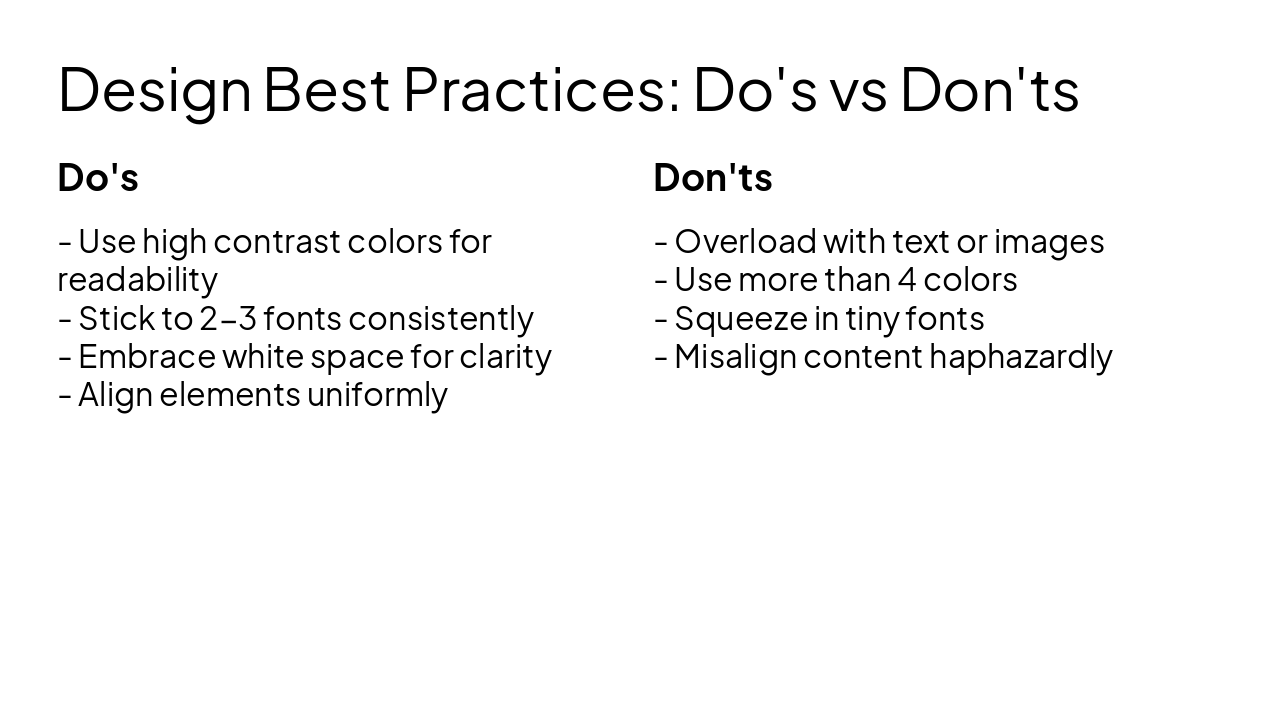
Slide 4 - Design Best Practices: Do's vs Don'ts

Do's

  • Use high contrast colors for readability
  • Stick to 2-3 fonts consistently
  • Embrace white space for clarity
  • Align elements uniformly

Don'ts

  • Overload with text or images
  • Use more than 4 colors
  • Squeeze in tiny fonts
  • Misalign content haphazardly
Slide 4 - Design Best Practices: Do's vs Don'ts
Slide 5 of 9

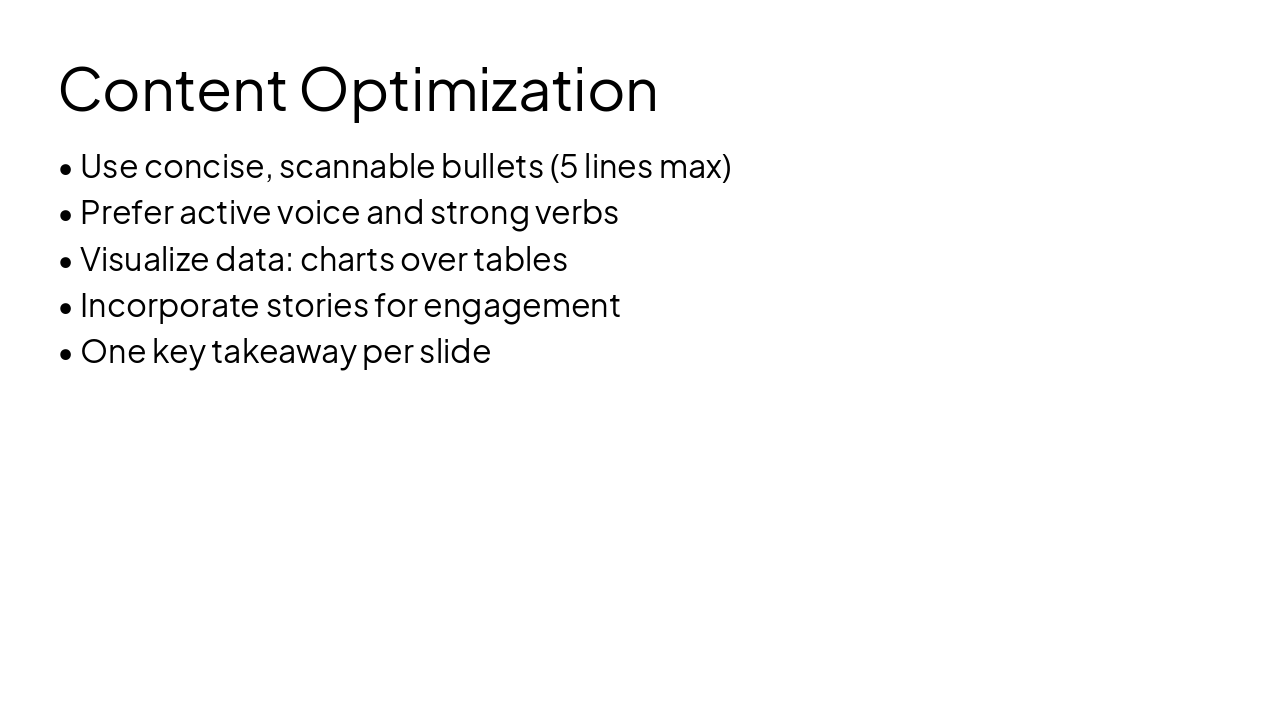
Slide 5 - Content Optimization

  • Use concise, scannable bullets (5 lines max)
  • Prefer active voice and strong verbs
  • Visualize data: charts over tables
  • Incorporate stories for engagement
  • One key takeaway per slide
Slide 5 - Content Optimization
Slide 6 of 9

Slide 6 - Effective Visual Elements

  • Choose relevant, high-quality images
  • Use icons to replace bullets where possible
  • Ensure visuals support the message, not distract
  • Maintain consistent style across slides

---

Photo by Jakub Żerdzicki on Unsplash
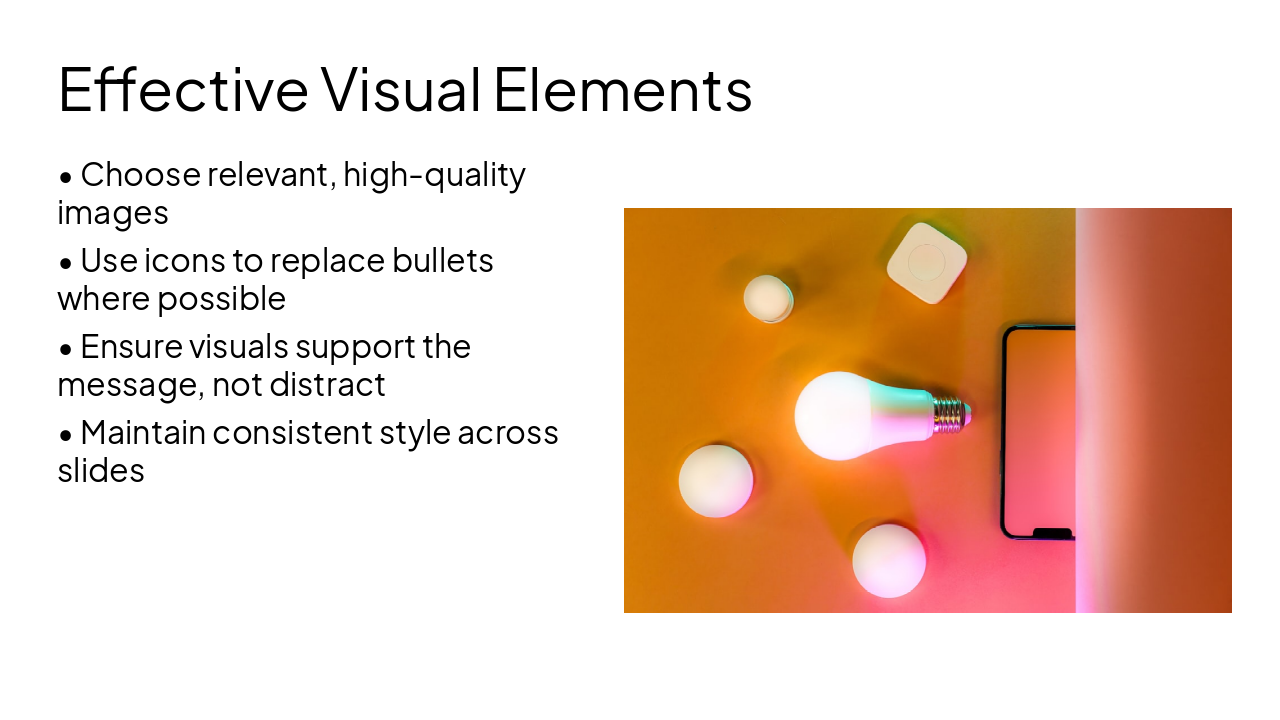
Slide 6 - Effective Visual Elements
Slide 7 of 9

Slide 7 - Expert Insight

> PowerPoint presentations should have ten slides, 20 minutes and not contain font smaller than 30 points.

— Guy Kawasaki, 10/20/30 Rule

---

Photo by Patrick Fore on Unsplash
Slide 7 - Expert Insight
Slide 8 of 9

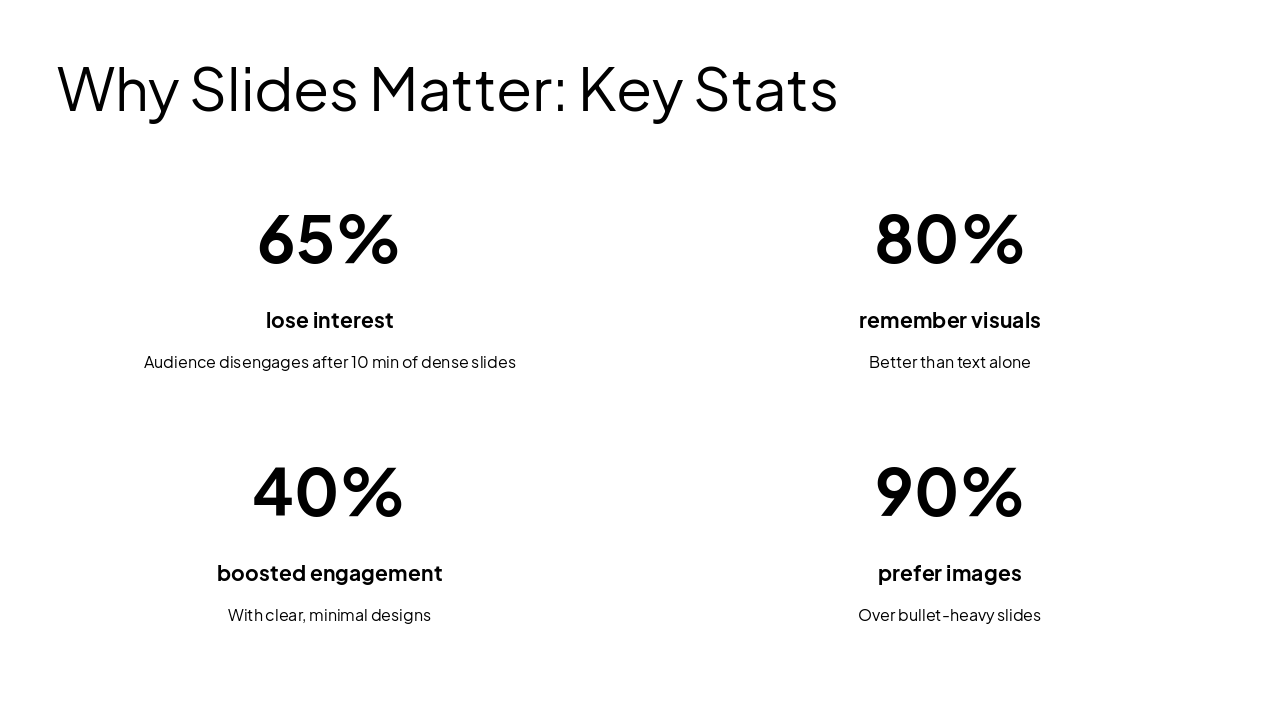
Slide 8 - Why Slides Matter: Key Stats

  • 65%: lose interest
  • 80%: remember visuals
  • 40%: boosted engagement
  • 90%: prefer images
Slide 8 - Why Slides Matter: Key Stats
Slide 9 of 9

Slide 9 - Transform Your Slides

Less text, more visuals Clear structure Audience focus Practice relentlessly

Your next presentation will shine! Questions?

---

Photo by Brad Barmore on Unsplash

Slide 9 - Transform Your Slides

Discover More Presentations

Explore thousands of AI-generated presentations for inspiration

Browse Presentations
Powered by AI

Create Your Own Presentation

Generate professional presentations in seconds with Karaf's AI. Customize this presentation or start from scratch.

Create New Presentation

Powered by Karaf.ai — AI-Powered Presentation Generator