Slide 1 - Wi-Fi Wonder
This title slide is called "Wi-Fi Wonder." Its subtitle reads: "How Wi-Fi Powers Our Connected World."
Wi-Fi Wonder
How Wi-Fi Powers Our Connected World
Source: Hero image of global network

Generated from prompt:
Prepare a 15-slide presentation on the topic: 'Wi-Fi Wonder - How Wireless Internet Connections Connects Us All'. The presentation should explain how Wi-Fi works, its history, key technologies, importance in daily life, societal impact, advancements, challenges, and the future of wireless connectivity. Use clear visuals, diagrams, and examples. Tone: engaging, educational, and slightly inspirational.
Explore Wi-Fi's history, workings, key tech, daily life role, societal impact, advancements, challenges, and future in this engaging 15-slide journey inspiring wireless connectivity. (162 chars)
This title slide is called "Wi-Fi Wonder." Its subtitle reads: "How Wi-Fi Powers Our Connected World."
How Wi-Fi Powers Our Connected World
Source: Hero image of global network

The "Presentation Roadmap" slide outlines the agenda for a Wi-Fi presentation. It covers Wi-Fi history, how it works, key technologies, daily life impact, and future challenges.
From origins to global adoption.
Signals, routers, and device connections.
Standards, frequencies, and innovations powering it.
Role in routines and society.
Advancements, hurdles, and visionary outlook.

This section header slide, titled "The History of Wi-Fi" and numbered 02, introduces the topic of Wi-Fi's evolution. Its subtitle emphasizes key milestones from invention to ubiquity that shaped wireless internet.
02
From invention to ubiquity—key milestones that shaped wireless internet.

The Wi-Fi Evolution Timeline highlights key milestones, starting with 1971's ALOHAnet pioneering wireless data, the 1997 IEEE 802.11 standard's release, and 1999's Wi-Fi Alliance founding for global compatibility. It progresses to 2010s synergy with 5G for seamless connectivity and today's Wi-Fi 7 revolutionizing speeds and low latency.
1971: ALOHAnet: First Packet Network Hawaii's ALOHAnet pioneered wireless data communication, laying Wi-Fi foundations. 1997: IEEE 802.11 Standard Born First WLAN standard released, birthing the technology behind modern Wi-Fi. 1999: Wi-Fi Alliance Founded Group trademarks 'Wi-Fi,' ensures device compatibility worldwide. 2010s: 5G and Wi-Fi Synergy Wi-Fi partners with 5G for hybrid, seamless connectivity everywhere. Today: Wi-Fi 7 Revolutionizes Speeds Ultra-fast, low-latency Wi-Fi 7 transforms daily wireless experiences.

This slide, titled "Pioneers of Wi-Fi," features Hedy Lamarr as an actress and inventor. It highlights her 1942 frequency-hopping patent for torpedoes, which inspired Wi-Fi's spread spectrum technology, marking her transition from Hollywood to wireless pioneer.
Source: Image from Wikipedia article "Frequency-hopping spread spectrum"

The slide outlines Wi-Fi workflow: a device encodes and sends data as radio signals to the router, which modulates them onto 2.4/5 GHz carrier frequencies. The access point then decodes the signals into data packets, routing them through the modem to the internet.
{ "headers": [ "Step", "Process", "Flow" ], "rows": [ [ "1. Device Sends Signal", "Your phone/laptop encodes data and transmits it as radio signals.", "📱 → ~ ~ ~" ], [ "2. Router Modulates Waves", "Router receives signals and modulates them onto carrier frequencies (2.4/5 GHz).", "~ ~ ~ → 📡" ], [ "3. Access Point Decodes", "Access point demodulates and decodes the radio waves back into data packets.", "📡 → 📦" ], [ "4. Data Flows to Internet", "Decoded data is routed through the modem to the global internet.", "📦 → 🌐" ] ] }
Source: Simplified diagram of Wi-Fi signal flow with waves and arrows.

The "Key Wi-Fi Technologies" slide showcases four Wi-Fi 6 features: high speeds up to 9.6 Gbps (🚀), MU-MIMO for multi-device efficiency (👥), beamforming for targeted coverage (🎯), and OFDMA for low-latency channel division (📡). Each feature includes an icon, heading, and brief benefit description for seamless connectivity in busy environments.
{ "features": [ { "icon": "🚀", "heading": "Wi-Fi 6 Speed", "description": "802.11ax boosts speeds up to 9.6 Gbps for seamless streaming and downloads." }, { "icon": "👥", "heading": "MU-MIMO Multi-User", "description": "Serves multiple devices at once, eliminating bottlenecks in busy homes." }, { "icon": "🎯", "heading": "Beamforming Targeting", "description": "Focuses signals directly at devices for stronger, reliable coverage." }, { "icon": "📡", "heading": "OFDMA Spectrum", "description": "Efficiently divides channels for more users and less latency." } ] }
Source: Wi-Fi Standards

Wi-Fi enhances daily life by enabling movie streaming on smart TVs and supporting remote work with video calls. It also powers smart home controls like lights and thermostats, plus on-the-go browsing anywhere.

The "Societal Impact Stats" slide highlights over 5 billion Wi-Fi devices connected worldwide, with 80% of global internet access via Wi-Fi as the primary method. It also emphasizes Wi-Fi's annual economic contribution of $2 trillion.
Over 5 billion connected globally
Primary global access method
Annual worldwide contribution Source: Wi-Fi Alliance, 2023

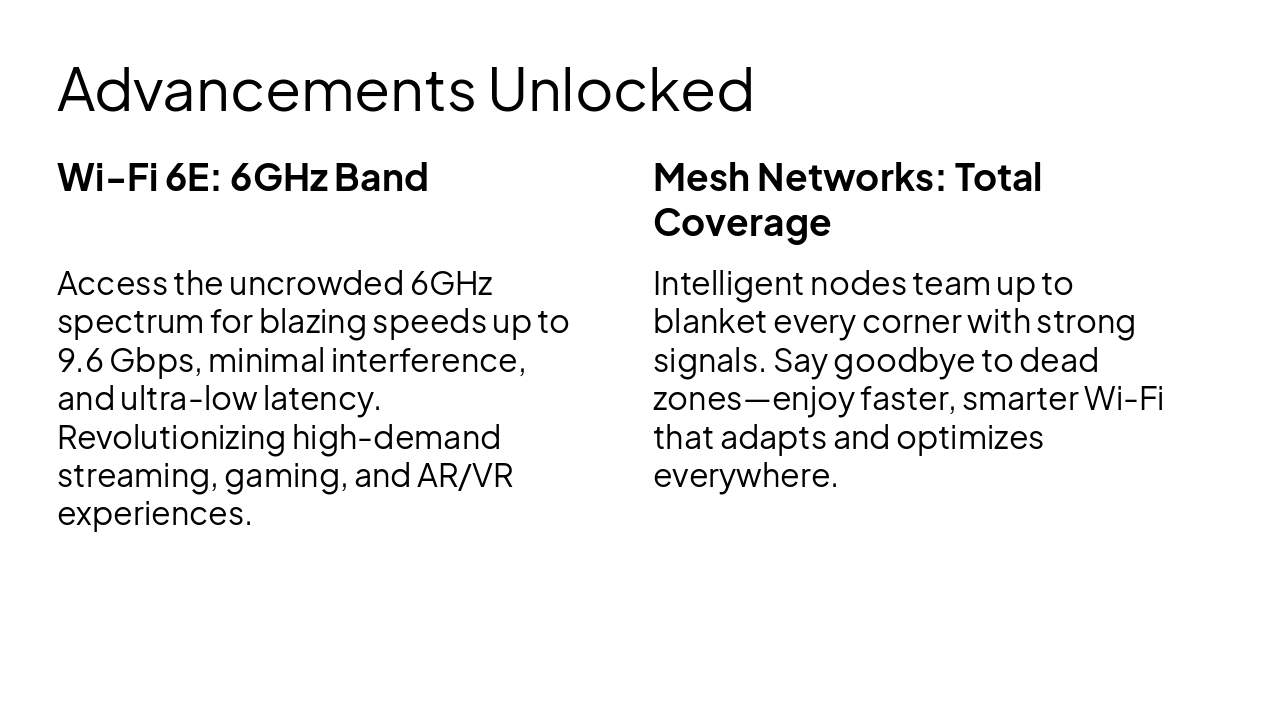
Wi-Fi 6E unlocks the uncrowded 6GHz band for speeds up to 9.6 Gbps, minimal interference, ultra-low latency, and superior streaming, gaming, and AR/VR performance. Mesh networks deliver total coverage by intelligently linking nodes to eliminate dead zones and optimize signals everywhere.
| Wi-Fi 6E: 6GHz Band | Mesh Networks: Total Coverage |
|---|---|
| Access the uncrowded 6GHz spectrum for blazing speeds up to 9.6 Gbps, minimal interference, and ultra-low latency. Revolutionizing high-demand streaming, gaming, and AR/VR experiences. | Intelligent nodes team up to blanket every corner with strong signals. Say goodbye to dead zones—enjoy faster, smarter Wi-Fi that adapts and optimizes everywhere. |

This slide compares Wi-Fi standards from 802.11n (Wi-Fi 4) to 802.11be (Wi-Fi 7) by maximum speed, indoor range, and key features. Speeds rise dramatically from 600 Mbps to 46,000 Mbps, ranges extend from 70m to 120m+, and features advance from MIMO/40 MHz to MLO/320 MHz.
{ "headers": [ "Standard", "Max Speed (Mbps)", "Range (Indoor)", "Key Features" ], "rows": [ [ "802.11n (Wi-Fi 4)", "600", "70m", "MIMO, 40 MHz" ], [ "802.11ac (Wi-Fi 5)", "6,900", "80m", "Beamforming, 160 MHz" ], [ "802.11ax (Wi-Fi 6)", "9,600", "100m", "OFDMA, MU-MIMO" ], [ "802.11be (Wi-Fi 7)", "46,000", "120m+", "MLO, 320 MHz" ] ] }
Source: IEEE 802.11 Standards

The "Challenges Ahead" slide outlines key Wi-Fi issues, including overcrowded spectrum straining capacity and speeds, plus persistent rural connectivity gaps. It also highlights rising security threats needing robust defenses and high energy use rapidly draining device batteries.

The slide, titled "The Power of Connection," is a quote slide. It features the quote "Wi-Fi doesn't just connect devices; it connects people, ideas, and dreams" by Anonymous, Technology Visionary.
> Wi-Fi doesn't just connect devices; it connects people, ideas, and dreams.
— Anonymous, Technology Visionary

This section header slide is titled "The Future of Wireless." Its subtitle previews Wi-Fi 7, 8, and beyond, focusing on seamless, ubiquitous connectivity.
Wi-Fi 7, 8 & beyond—seamless, ubiquitous connectivity.

The conclusion slide, titled "Embrace the Wi-Fi Wonder," states that Wi-Fi transforms lives daily and urges audiences to stay connected while innovating boldly. It closes with a thank you note and an invitation for questions to connect.
Wi-Fi transforms lives daily. Stay connected, innovate boldly! Thank you! 🌐✨
Questions? Let's connect!
Source: Wi-Fi Wonder - How Wireless Internet Connections Connects Us All

Explore thousands of AI-generated presentations for inspiration
Generate professional presentations in seconds with Karaf's AI. Customize this presentation or start from scratch.