Library Management System: Digital Transformation

Generated from prompt:

Create a modern, visually appealing PowerPoint presentation on 'Library Management System' based on the uploaded reference. Include the following slides: 1. Title Slide – Library Management System, Presented by The Spartans 2. Introduction – Transition to Digital Libraries 3. Problem Statement – Inefficiency, Data Loss, Inaccuracy 4. Objectives – Centralized database, automation 5. Scope – Admin dashboard, member management, inventory, transactions 6. Literature Review – Existing systems and limitations 7. System Architecture – MVC explanation 8. Use Case Diagram – Admin & Member actions 9. Class Diagram – Book, Member, Transaction 10. Technologies Used – Java, MySQL, Swing, JDBC, IDE 11. Modules – AuthModule, InventoryController, MemberModule, FineCalculator 12. Output Snapshots – placeholders for UI screens 13. Conclusion – Benefits of digital system 14. Thank You / Q&A slide Use clean layouts, icons, and minimal text per slide.

This presentation details the development of a Java-based Library Management System using MySQL and Swing. It addresses challenges of manual library operations, outlines objectives, project scope including admin dashboard, member management, and more

April 19, 202614 slides
Slide 1 of 14

Slide 1 - Library Management System

Library Management System

Presented by The Spartans

---

Photo by Niklas Ohlrogge (niamoh.de) on Unsplash

Slide 1 - Library Management System
Slide 2 of 14

Slide 2 - Introduction: Transition to Digital Libraries

  • Traditional manual record-keeping is becoming obsolete
  • Increasing volume of books and members demands efficiency
  • Digital transformation streamlines operations and accessibility
Slide 2 - Introduction: Transition to Digital Libraries
Slide 3 of 14

Slide 3 - Problem Statement: Addressing Challenges

  • Inefficiency: Manual processes consume excessive time and labor
  • Data Loss: Paper-based records are prone to damage and misplacement
  • Inaccuracy: High risk of human error in entries and calculations
Slide 3 - Problem Statement: Addressing Challenges
Slide 4 of 14

Slide 4 - Project Objectives

  • Develop a centralized database for organized information storage
  • Automate core library functions to reduce manual workload
  • Enhance accuracy and speed in data retrieval and management
Slide 4 - Project Objectives
Slide 5 of 14

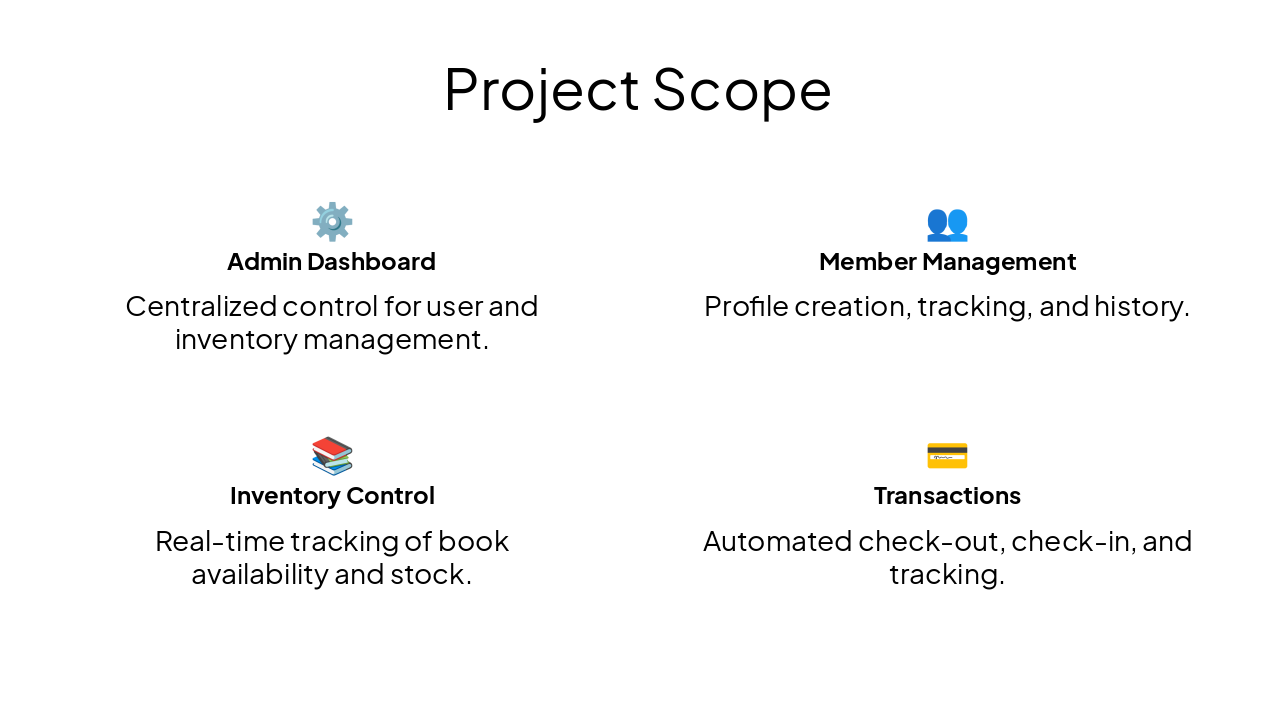
Slide 5 - Project Scope

⚙️ Admin Dashboard Centralized control for user and inventory management.

👥 Member Management Profile creation, tracking, and history.

📚 Inventory Control Real-time tracking of book availability and stock.

💳 Transactions Automated check-out, check-in, and tracking.
Slide 5 - Project Scope
Slide 6 of 14

Slide 6 - Literature Review

  • Review of legacy systems: Manual and semi-automated approaches
  • Identified limitations: Lack of scalability, slow performance, security risks
  • Opportunity for improvement through integrated software solutions
Slide 6 - Literature Review
Slide 7 of 14

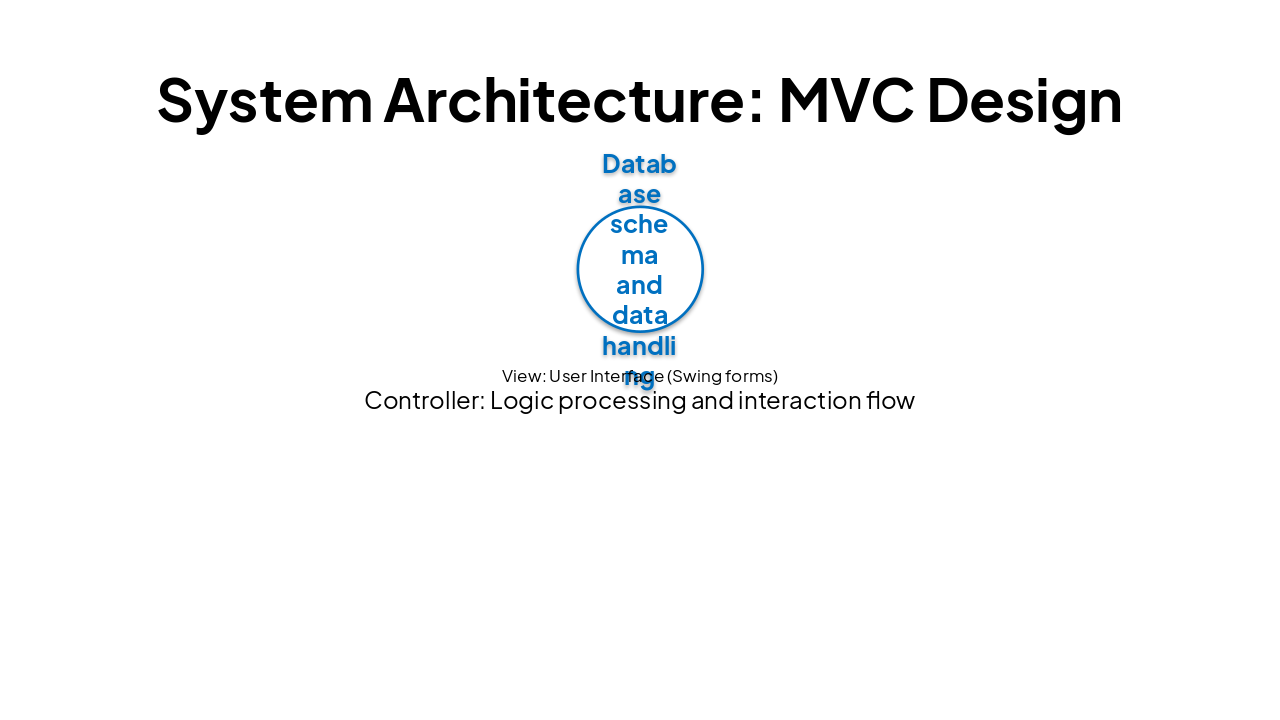
Slide 7 - System Architecture: MVC Design

ModelViewController
Database schema and data handlingUser Interface (Swing forms)Logic processing and interaction flow
Slide 7 - System Architecture: MVC Design
Slide 8 of 14

Slide 8 - Use Case Diagram

  • Admin: Full CRUD access to inventory, manage members, generate reports.
  • Member: Search books, view account status, check lending history.
Slide 8 - Use Case Diagram
Slide 9 of 14

Slide 9 - Class Diagram

  • Book: Attributes for Title, Author, ISBN, Status.
  • Member: Attributes for Name, ID, Membership Status.
  • Transaction: Logic for Issue Date, Due Date, Fine calculation.
Slide 9 - Class Diagram
Slide 10 of 14

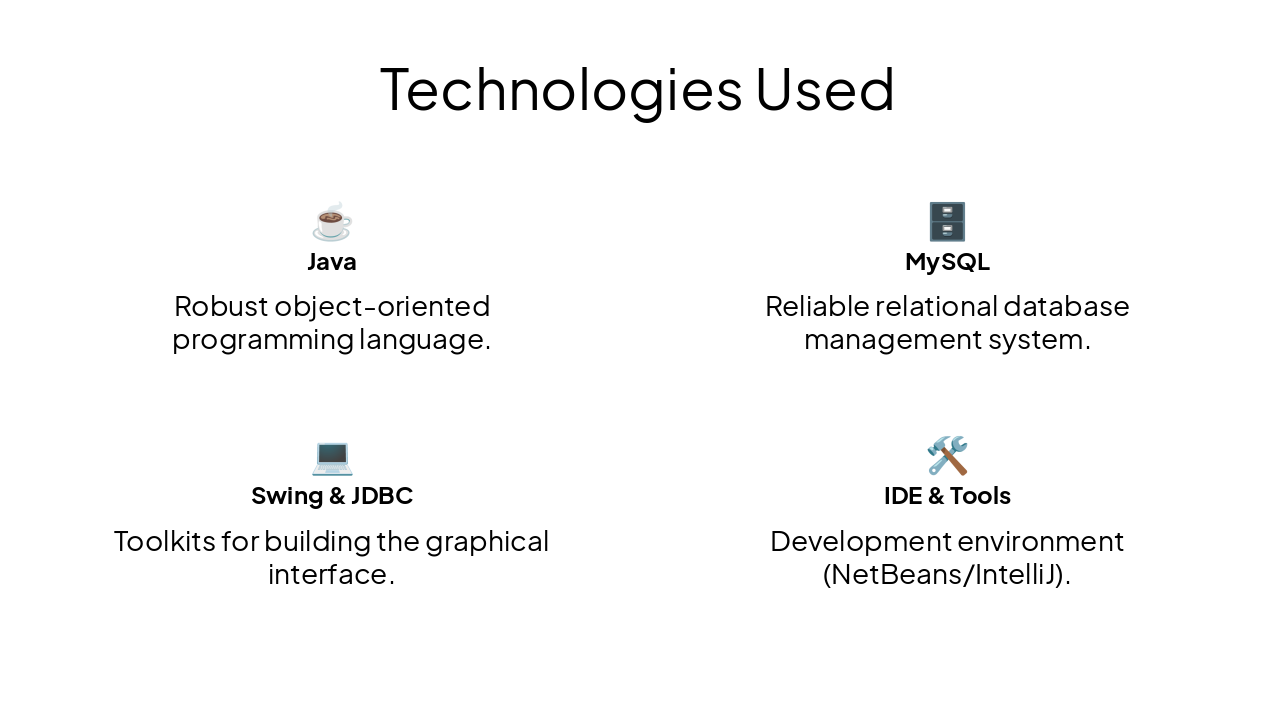
Slide 10 - Technologies Used

Java Robust object-oriented programming language.

🗄️ MySQL Reliable relational database management system.

💻 Swing & JDBC Toolkits for building the graphical interface.

🛠️ IDE & Tools Development environment (NetBeans/IntelliJ).
Slide 10 - Technologies Used
Slide 11 of 14

Slide 11 - Core System Modules

  • AuthModule: Secure login and access control
  • InventoryController: Managing catalog data and stock status
  • MemberModule: Handling registrations and member tracking
  • FineCalculator: Logic for overdue fees and payment recording
Slide 11 - Core System Modules
Slide 12 of 14

Slide 12 - System UI Snapshots

  • Clean, user-friendly interface for admins
  • Intuitive navigation for member records
  • Real-time visual feedback on book availability
Slide 12 - System UI Snapshots
Slide 13 of 14

Slide 13 - Conclusion

Conclusion: Benefits of Digitalization

Moving towards a more efficient and digitized library future.
Slide 13 - Conclusion
Slide 14 of 14

Slide 14 - Q&A

Thank You!

Thank you for your time. Any questions?

Slide 14 - Q&A

Discover More Presentations

Explore thousands of AI-generated presentations for inspiration

Browse Presentations
Powered by AI

Create Your Own Presentation

Generate professional presentations in seconds with Karaf's AI. Customize this presentation or start from scratch.

Create New Presentation

Powered by Karaf.ai — AI-Powered Presentation Generator