Slide 1 of 12
Slide 1 - How We Make the Slides
How We Make the Slides
Step-by-Step Guide to Creating Engaging Presentations
Generated from prompt:
How we make the slides
This deck provides a comprehensive step-by-step guide to crafting effective presentations. It covers planning content with clear objectives, selecting diverse slide types like bullets, stats, and timelines, writing concise and scannable text, incorporating unique visuals and backgrounds, reviewing flow, and final tips for polished results. Ideal for anyone aiming to build captivating slides that engage audiences.
How We Make the Slides
Step-by-Step Guide to Creating Engaging Presentations
---
Photo by Jacob Kiesow on Unsplash

1
Define objectives, audience, and key messages before diving into design
2
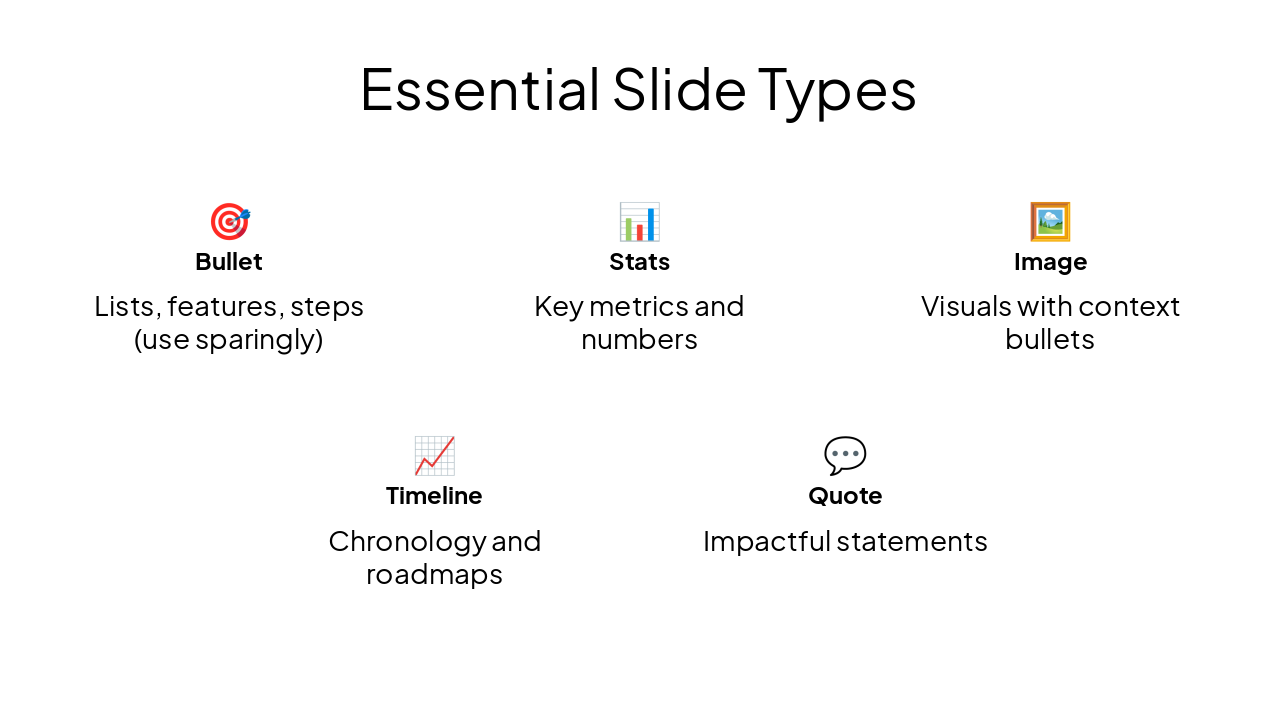
Use a mix: title, bullet, image, timeline, stats for variety and engagement
---
Photo by Jakub Żerdzicki on Unsplash

🎯 Bullet Lists, features, steps (use sparingly)
📊 Stats Key metrics and numbers
🖼️ Image Visuals with context bullets
📈 Timeline Chronology and roadmaps
💬 Quote Impactful statements
3
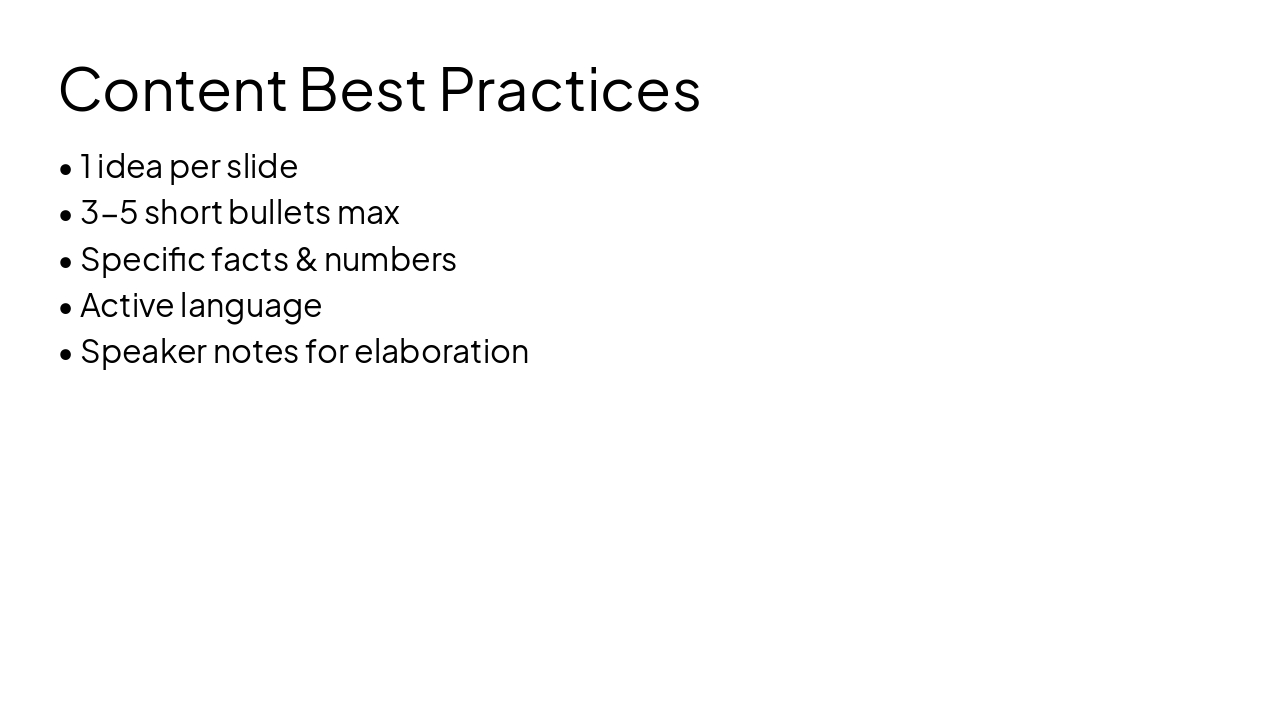
Concise, factual, scannable – one idea per slide
---
Photo by Alicia Christin Gerald on Unsplash

4
Enhance with unique backgrounds, inline images, and icons – avoid clutter
---
Photo by Slidebean on Unsplash

---
Photo by Vitaly Gariev on Unsplash

| Step | Action |
|---|---|
| 1 | Plan structure & content |
| 2 | Select slide types |
| 3 | Write concise text |
| 4 | Add unique visuals |
| 5 | Review order & flow |
| 6 | Finalize & export |
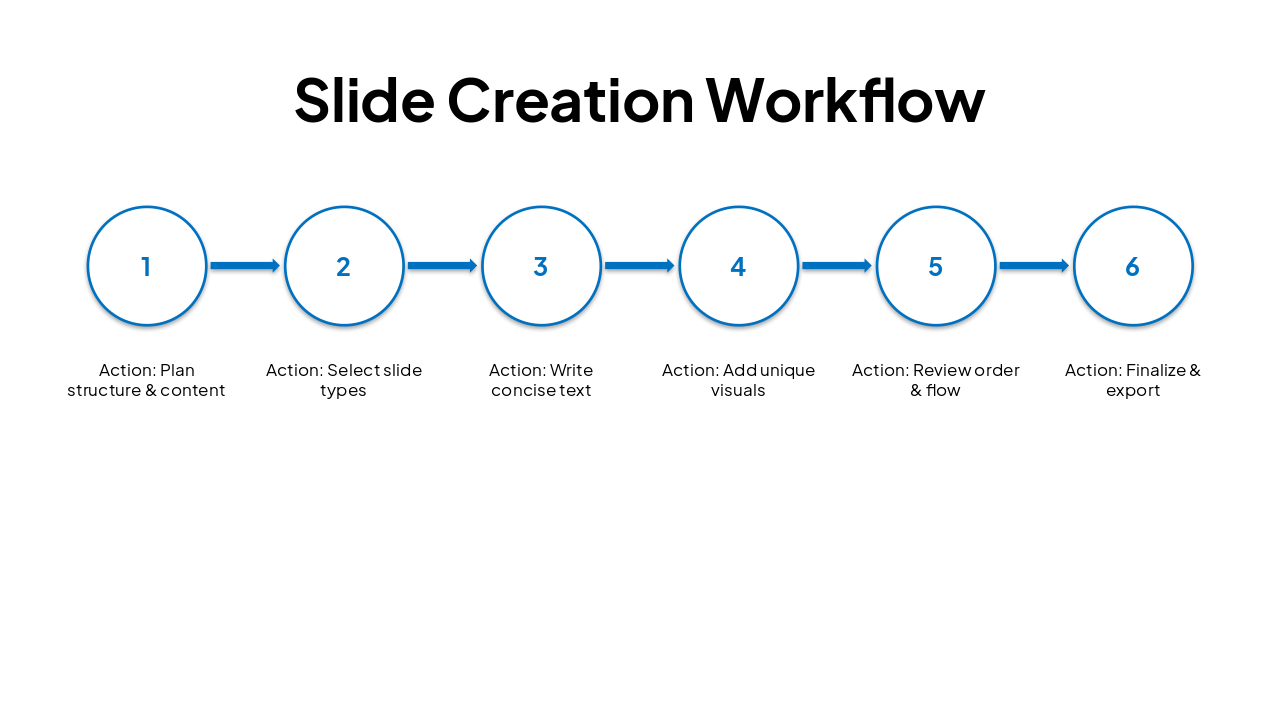
Plan → Vary Types → Concise Content → Unique Visuals → Polish
Your turn: Build engaging slides that captivate! Thank you.
---
Photo by Campaign Creators on Unsplash

Explore thousands of AI-generated presentations for inspiration
Generate professional presentations in seconds with Karaf's AI. Customize this presentation or start from scratch.