AI视频字幕神器:VideoCaptioner实用指南(28字)

Generated from prompt:

主题:AI赋能视频字幕工具——VideoCaptioner实用指南(简洁科技风,中文PPT) 内容大纲: 1. 封面:AI赋能视频字幕工具——VideoCaptioner实用指南 2. 介绍VideoCaptioner:自动识别语音、生成字幕、优化翻译、多语言支持 3. AI核心技术:语音识别(Whisper API)、断句优化、字幕翻译 4. 大学生痛点:外语无字幕视频难理解,AI自动生成中文字幕 5. 获取AI API方法:注册OpenAI账号、创建API Key、配置工具 6. 使用Whisper API语音识别步骤:填写Key、选择模型、上传视频 7. 实际使用流程:视频→识别→生成→翻译→导出字幕 8. 前后对比:传统字幕方式 vs AI自动方式 9. 核心优势总结:智能字幕、多语言支持、学习提效 10. 总结与Q&A:AI助力学习,看懂无字幕视频更轻松

本PPT以简洁科技风介绍VideoCaptioner工具,利用Whisper API实现视频语音识别、断句优化、多语种字幕生成。解决大学生外语视频无字幕痛点,详解API获取、使用流程、前后对比及核心优势,助力高效学习。(128字)

December 15, 202510 slides
Slide 1 of 10

Slide 1 - AI赋能视频字幕工具——VideoCaptioner实用指南

This title slide features the main text "AI赋能视频字幕工具," meaning "AI-Powered Video Subtitle Tool." The subtitle reads "VideoCaptioner实用指南," or "VideoCaptioner Practical Guide."

AI赋能视频字幕工具

VideoCaptioner实用指南

Speaker Notes
封面页,展示主标题与简洁科技风格设计。
Slide 1 - AI赋能视频字幕工具——VideoCaptioner实用指南
Slide 2 of 10

Slide 2 - 介绍VideoCaptioner

VideoCaptioner automatically recognizes video speech and generates precise subtitles with one click. It optimizes translations for higher quality, supports multi-language output, and efficiently simplifies subtitle production.

介绍VideoCaptioner

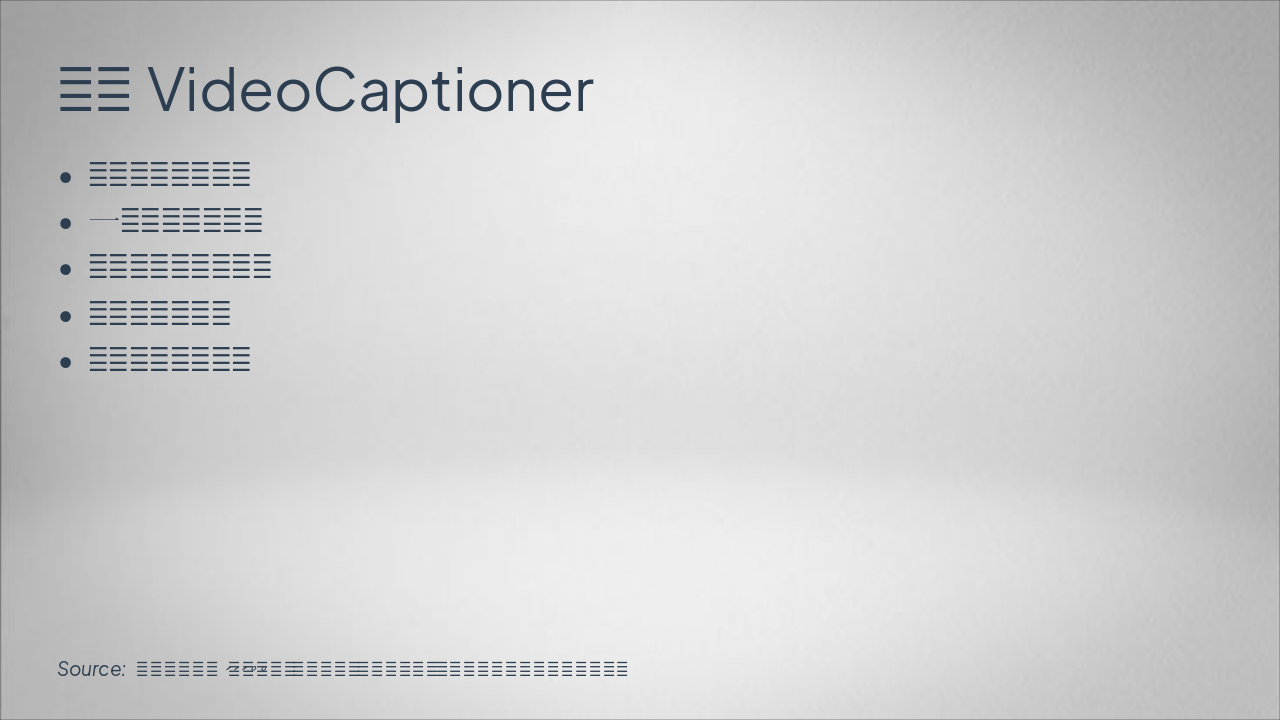
  • 自动识别视频语音
  • 一键生成精准字幕
  • 优化翻译,提升质量
  • 支持多语言输出
  • 高效简化字幕制作

Source: 自动识别语音、生成字幕、优化翻译、多语言支持。高效工具,简化视频字幕制作。

Speaker Notes
突出核心功能,强调高效简化。
Slide 2 - 介绍VideoCaptioner
Slide 3 of 10

Slide 3 - AI核心技术

The slide "AI Core Technologies" highlights the Whisper API for precise speech recognition. It features intelligent sentence optimization for better fluency, automatic multi-language subtitle translation, and powerful AI for accuracy and efficiency.

AI核心技术

  • Whisper API:精准语音识别
  • 智能断句优化,提升流畅度
  • 自动字幕翻译,多语言支持
  • 强大AI驱动,确保准确高效
Slide 3 - AI核心技术
Slide 4 of 10

Slide 4 - 大学生痛点

The slide outlines college students' pain points with foreign language videos lacking subtitles, causing comprehension difficulties, low learning efficiency, wasted time, struggles with professional courses, poor grades, and tedious manual translations. It proposes an AI solution that generates Chinese subtitles with one click to easily resolve these issues.

大学生痛点

  • 外语视频无字幕,理解困难
  • 学习效率低下,时间浪费
  • 专业课程难跟上,成绩受影响
  • 手动翻译繁琐,操作费力
  • AI一键生成中文字幕,轻松解决

Source: 外语无字幕视频难理解,AI自动生成中文字幕。解决学习障碍,提升效率。

Slide 4 - 大学生痛点
Slide 5 of 10

Slide 5 - 获取AI API方法

This slide outlines methods to acquire an OpenAI API key. Steps include registering an account on the official site, creating and copying the key, configuring it in VideoCaptioner, and testing the connection for immediate use.

获取AI API方法

  • 注册OpenAI账号(访问官网)
  • 创建并复制API Key
  • 在VideoCaptioner中配置Key
  • 测试连接,立即上手

Source: AI赋能视频字幕工具——VideoCaptioner实用指南

Speaker Notes
注册OpenAI账号、创建API Key、配置工具。简单步骤,快速上手。
Slide 5 - 获取AI API方法
Slide 6 of 10

Slide 6 - 使用Whisper API语音识别步骤

The slide outlines a three-step workflow for using the Whisper API for speech recognition from videos. It covers pasting a valid OpenAI API key, selecting a suitable Whisper model (e.g., whisper-1) based on video length, and uploading a local video file in formats like MP4 to begin processing.

使用Whisper API语音识别步骤

{ "headers": [ "步骤", "操作", "说明" ], "rows": [ [ "填写Key", "在输入框中粘贴OpenAI API Key", "确保Key有效且未泄露" ], [ "选择模型", "从下拉菜单选Whisper模型(如whisper-1)", "根据视频时长选合适模型" ], [ "上传视频", "点击上传按钮,选择本地视频文件", "支持MP4等常见格式,开始识别" ] ] }

Source: AI赋能视频字幕工具——VideoCaptioner实用指南

Speaker Notes
填写Key → 选择模型 → 上传视频。直观流程图展示操作。
Slide 6 - 使用Whisper API语音识别步骤
Slide 7 of 10

Slide 7 - 实际使用流程

The slide depicts a 5-step workflow for video subtitle processing, starting with uploading a video and API key input, followed by Whisper API speech recognition to produce raw text. It then optimizes and timestamps Chinese subtitles, translates them via AI, and ends with exporting in SRT/ASS format.

实际使用流程

{ "headers": [ "步骤", "主要操作", "预期输出" ], "rows": [ [ "上传视频", "选择视频文件,输入API Key", "视频加载就绪" ], [ "语音识别", "调用Whisper API转录语音", "原始文本转录完成" ], [ "生成字幕", "断句优化,添加时间戳", "初始中文字幕生成" ], [ "翻译字幕", "AI多语言翻译与润色", "优化翻译字幕" ], [ "导出字幕", "选择SRT/ASS格式导出", "字幕文件下载" ] ] }

Source: VideoCaptioner

Speaker Notes
视频 → 识别 → 生成 → 翻译 → 导出字幕。完整端到端流程可视化。
Slide 7 - 实际使用流程
Slide 8 of 10

Slide 8 - 前后对比

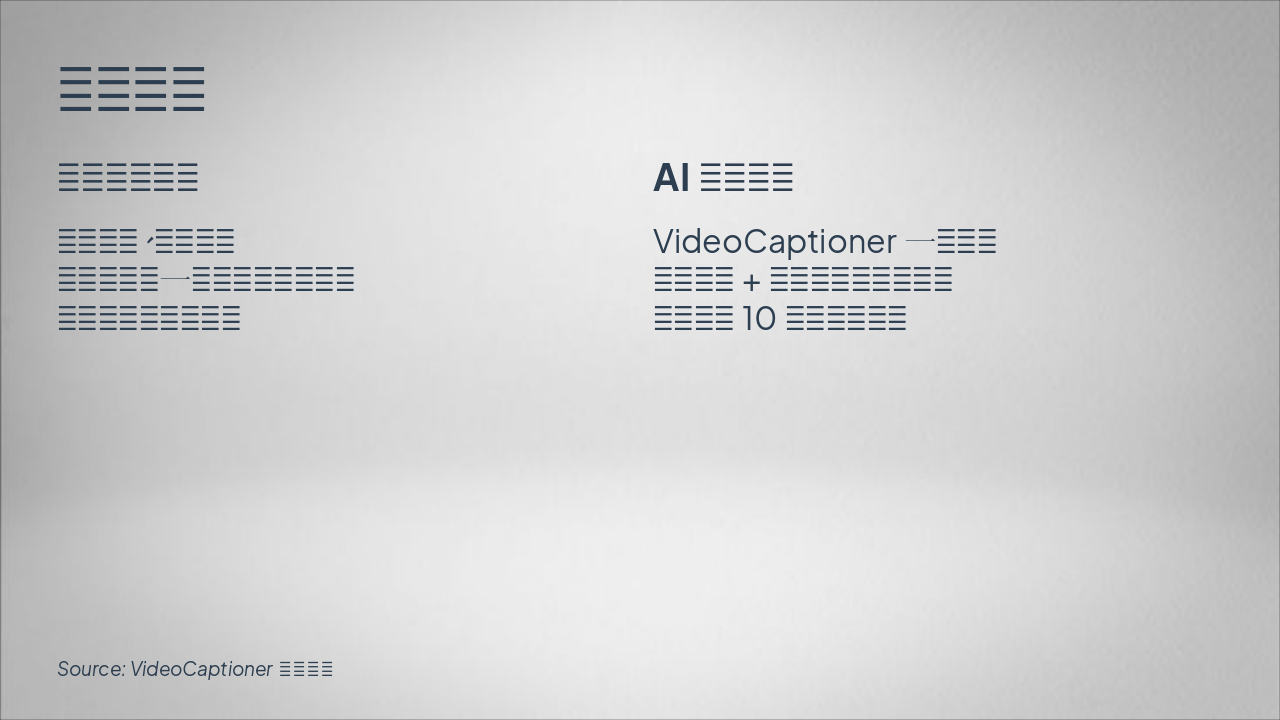
The slide contrasts traditional subtitle methods, which involve manual input and frame-by-frame alignment that are time-consuming, error-prone, and skill-intensive. In comparison, AI-powered VideoCaptioner offers one-click generation via speech recognition and smart segmentation, achieving 10x efficiency in seconds with high precision.

前后对比

传统字幕方式AI自动方式

| 手动输入、逐帧对齐 耗时费力,一小时视频需数小时 易出错,需专业技能 | VideoCaptioner一键生成 语音识别+智能断句,秒级完成 效率提升10倍,精准智能 |

Source: VideoCaptioner实用指南

Speaker Notes
强调AI方式效率提升10倍以上,吸引大学生用户痛点。
Slide 8 - 前后对比
Slide 9 of 10

Slide 9 - 核心优势总结

This slide, titled "核心优势总结" (Core Advantages Summary), presents a feature grid of five key benefits: AI-powered intelligent subtitle generation, multi-language support, boosted learning efficiency, optimized sentence breaks, and one-click easy operation. Each feature includes an emoji icon, heading, and concise description focused on enhancing video viewing and learning experiences.

核心优势总结

{ "features": [ { "icon": "🤖", "heading": "智能字幕生成", "description": "AI自动识别语音,精准生成高质量中文字幕,提升观看体验。" }, { "icon": "🌍", "heading": "多语言支持", "description": "支持多种语言翻译,轻松理解外语视频内容,无障碍学习。" }, { "icon": "🚀", "heading": "学习效率提升", "description": "快速生成字幕,节省手动时间,让学习更高效专注。" }, { "icon": "🎯", "heading": "断句优化处理", "description": "智能断句调整,字幕阅读流畅自然,提高理解速度。" }, { "icon": "⚡", "heading": "一键操作便捷", "description": "简单上传视频,即时识别翻译导出,操作零门槛上手。" } ] }

Slide 9 - 核心优势总结
Slide 10 of 10

Slide 10 - 总结与Q&A

This conclusion slide, titled "Summary and Q&A," emphasizes how AI assists learning by making subtitle-free videos easier to understand. It invites the audience to ask questions.

总结与Q&A

AI助力学习,看懂无字幕视频更轻松。

欢迎提问!

Source: AI赋能视频字幕工具——VideoCaptioner实用指南

Speaker Notes
感谢聆听!邀请观众提问,强化AI工具学习价值。
Slide 10 - 总结与Q&A

Discover More Presentations

Explore thousands of AI-generated presentations for inspiration

Browse Presentations
Powered by AI

Create Your Own Presentation

Generate professional presentations in seconds with Karaf's AI. Customize this presentation or start from scratch.

Create New Presentation

Powered by Karaf.ai — AI-Powered Presentation Generator