Windows Server 2012 Beginner's Guide

Generated from prompt:

Create a full presentation titled 'Windows Server Course - Complete Beginner’s Guide' covering the following modules: MODULE 1: Deploying and Managing Windows Server 2012 - Overview of Windows Server (Local vs Cloud, Cloud services types, Server editions) - Server Core (features and benefits) - Server Roles and Features - Server Administration (Server Manager, Administrative Tools, Remote Management) - Installing Windows Server 2012 (methods, types, hardware requirements) - Post-Installation Configuration (network, domain join, activation) - Introduction to PowerShell (commands, syntax, ISE) MODULE 2: Introduction to Active Directory Domain Services (AD DS) - Overview of AD DS (components, domains, OUs, forests, schema) - Domain Controllers (functions, Global Catalog, login process, FSMO roles) - Installing a Domain Controller (GUI, Server Core, upgrade, IFM) MODULE 3: Managing AD DS Objects - Managing Users (tools, profiles, attributes) - Managing Groups (types, scopes, AGDLP model, default and special groups) - Managing Computers (containers, OUs, permissions, secure channels) - Delegating Administration (permissions, inheritance, Delegation Wizard) Format: Professional, modern IT training style with clear visuals and summaries per topic.

Concise 5-slide intro to deploying/managing Windows Server 2012, Active Directory Domain Services, and managing users/groups/computers. Covers essentials like Server Core, roles, FSMO, and delegation

December 18, 20255 slides
Slide 1 of 5

Slide 1 - Windows Server Course - Complete Beginner’s Guide

This is the title slide for the "Windows Server Course - Complete Beginner’s Guide." The subtitle describes it as a complete beginner’s guide to deploying, managing Windows Server 2012, and Active Directory Domain Services.

Windows Server Course

Complete Beginner’s Guide

Your complete beginner’s guide to deploying, managing Windows Server 2012, and Active Directory Domain Services.
Slide 1 - Windows Server Course - Complete Beginner’s Guide
Slide 2 of 5

Slide 2 - Course Agenda

The slide presents the course agenda with three modules. Module 1 covers deploying and managing Windows Server 2012 including basics of PowerShell; Module 2 introduces Active Directory Domain Services components and installation; Module 3 addresses managing users, groups, computers, and delegated administration.

Course Agenda

  1. Module 1: Deploying & Managing Windows Server 2012
  2. Server overview, installation, roles, and PowerShell basics.

  3. Module 2: Intro to Active Directory Domain Services
  4. AD DS components, domain controllers, and installation.

  5. Module 3: Managing AD DS Objects

Users, groups, computers, and delegated administration. Source: Windows Server Course - Complete Beginner’s Guide

Speaker Notes
Key summaries & visuals throughout.
Slide 2 - Course Agenda
Slide 3 of 5

Slide 3 - Module 1: Deploying & Managing Windows Server 2012

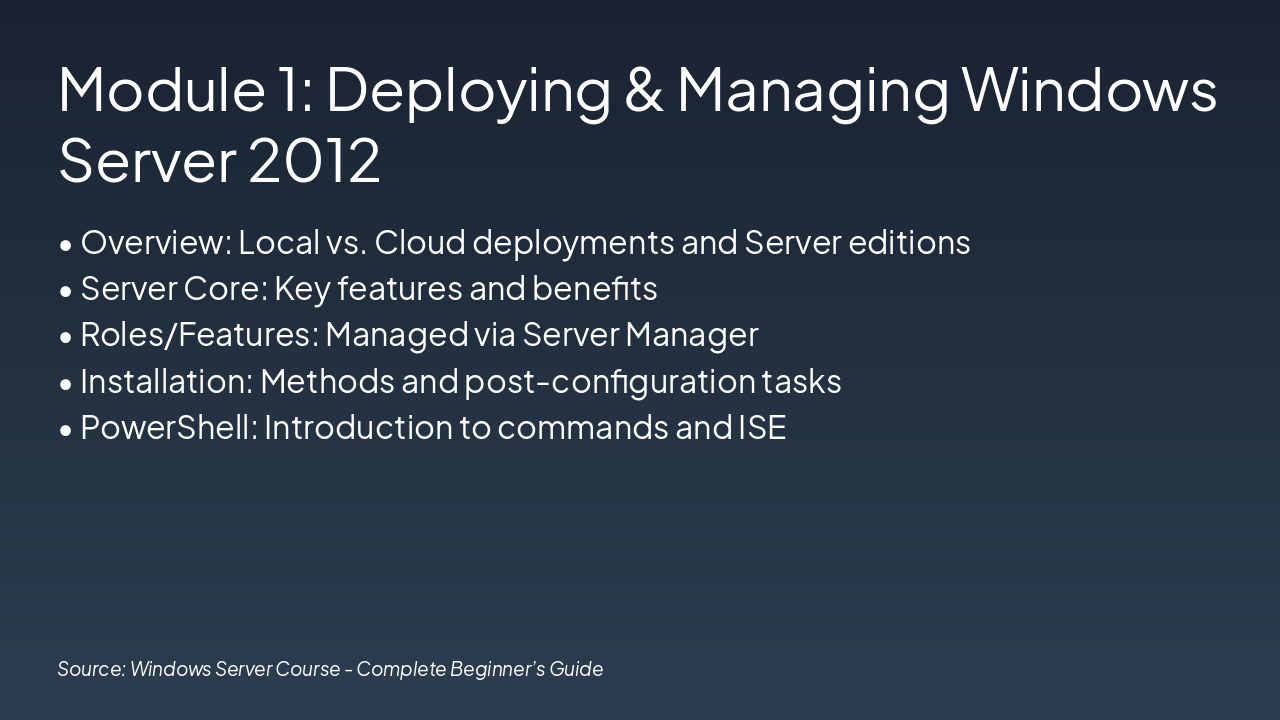
This module introduces deploying and managing Windows Server 2012, covering local vs. cloud deployments, server editions, and Server Core features/benefits. It also addresses managing roles/features via Server Manager, installation methods/post-configuration, and PowerShell commands/ISE.

Module 1: Deploying & Managing Windows Server 2012

  • Overview: Local vs. Cloud deployments and Server editions
  • Server Core: Key features and benefits
  • Roles/Features: Managed via Server Manager
  • Installation: Methods and post-configuration tasks
  • PowerShell: Introduction to commands and ISE

Source: Windows Server Course - Complete Beginner’s Guide

Slide 3 - Module 1: Deploying & Managing Windows Server 2012
Slide 4 of 5

Slide 4 - Module 2: Introduction to AD DS

The slide outlines AD DS components: domains (logical groups sharing databases and policies), organizational units (OUs) for object management, and forests (top-level containers with shared schema). It also covers domain controllers hosting the Global Catalog for queries, FSMO roles for specialized tasks, and installation via GUI, PowerShell, or IFM.

Module 2: Introduction to AD DS

AD DS ComponentsDomain Controllers

| Active Directory Domain Services (AD DS) includes:

  • Domains: Logical groups of users, computers, and resources sharing a database and security policy.
  • Organizational Units (OUs): Containers to organize and manage objects within a domain.
  • Forests: Top-level containers of one or more domains with shared schema and configuration. | Domain Controllers (DCs) host AD DS:
  • Global Catalog (GC): Partial replicas of all forest objects for queries.
  • FSMO Roles: 5 specialized roles (Schema Master, Domain Naming Master, etc.) for unique tasks.

Install via: GUI (Server Manager), Server Core (PowerShell), or IFM (Install from Media). |

Source: Windows Server Course - Complete Beginner’s Guide

Slide 4 - Module 2: Introduction to AD DS
Slide 5 of 5

Slide 5 - Module 3 & Course Summary

This slide summarizes Module 3 on managing users, groups, computers, and delegating administration. It congratulates course completion, promotes hands-on labs for skill application, and invites Q&A.

Module 3 & Course Summary

• Manage Users, Groups, Computers

  • Delegate Administration

Hands-on practice next! Q&A

Congratulations on course completion!

Apply skills in labs and ask questions.

Source: Windows Server Course - Complete Beginner’s Guide

Speaker Notes
Summarize Module 3 key points: managing users, groups, computers, and delegation. Highlight course completion across Modules 1-3. Transition to hands-on labs and invite Q&A.
Slide 5 - Module 3 & Course Summary

Discover More Presentations

Explore thousands of AI-generated presentations for inspiration

Browse Presentations
Powered by AI

Create Your Own Presentation

Generate professional presentations in seconds with Karaf's AI. Customize this presentation or start from scratch.

Create New Presentation

Powered by Karaf.ai — AI-Powered Presentation Generator