Principles of Design (CRAP): Guided Notes

Generated from prompt:

Create a clean, printable guided notesheet document (1-2 pages) for students based on The Principles of Design (Contrast, Repetition, Alignment, Proximity). Include: - Title: Principles of Design Guided Notes - Learning intentions and success criteria at the top - Fill-in-the-blank sections for each principle - Space for student examples under each section - Simple definitions and key ideas - A short practice/exit ticket section at the bottom - Student-friendly layout with clear headings and spacing - Black and white printable format Return as a downloadable presentation-style document that can be exported as PDF or PPTX

Guided notes presentation on the four principles of design (Contrast, Repetition, Alignment, Proximity - CRAP). Includes learning intentions, definitions, purposes, key ideas, examples, and an exit ticket for practice in visual composition and layout

April 11, 202611 slides
Slide 1 of 11

Slide 1 - Principles of Design Guided Notes

Principles of Design Guided Notes

Learning Intentions and Success Criteria
Slide 1 - Principles of Design Guided Notes
Slide 2 of 11

Slide 2 - Learning Intentions & Success Criteria

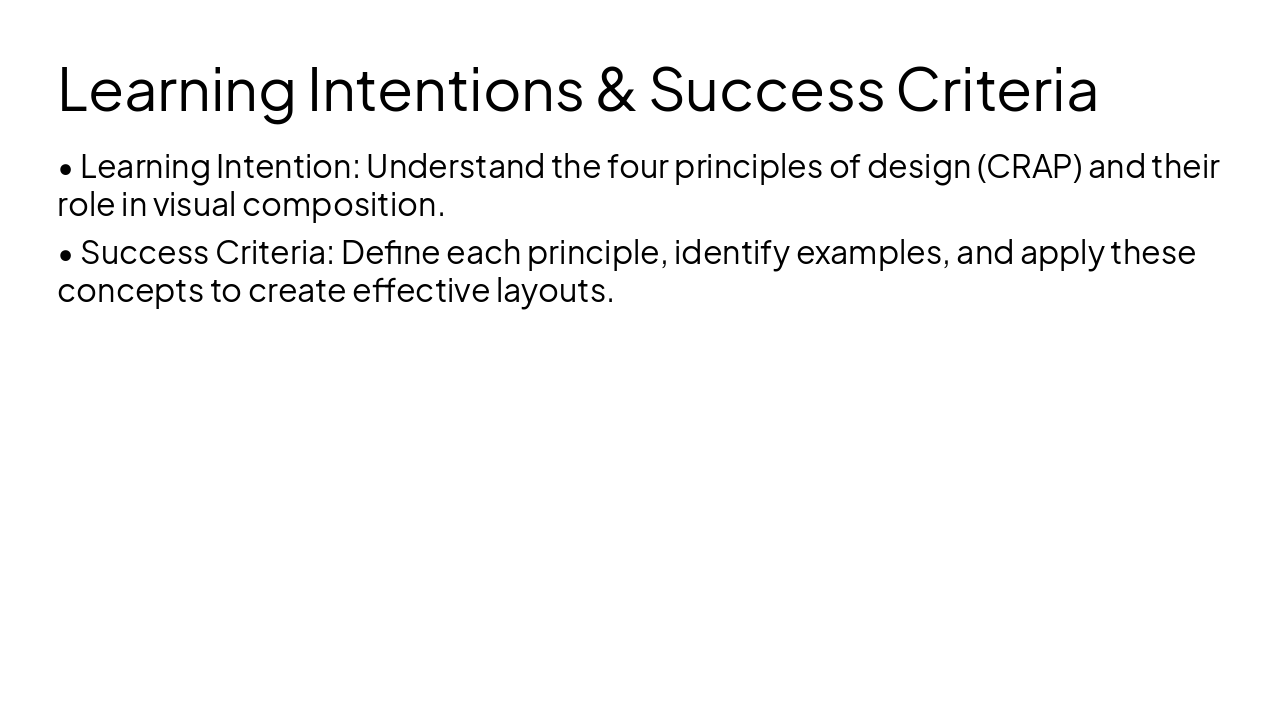
  • Learning Intention: Understand the four principles of design (CRAP) and their role in visual composition.
  • Success Criteria: Define each principle, identify examples, and apply these concepts to create effective layouts.
Slide 2 - Learning Intentions & Success Criteria
Slide 3 of 11

Slide 3 - Contrast

1

Contrast

Highlighting important information through difference.
Slide 3 - Contrast
Slide 4 of 11

Slide 4 - Contrast: Guided Notes

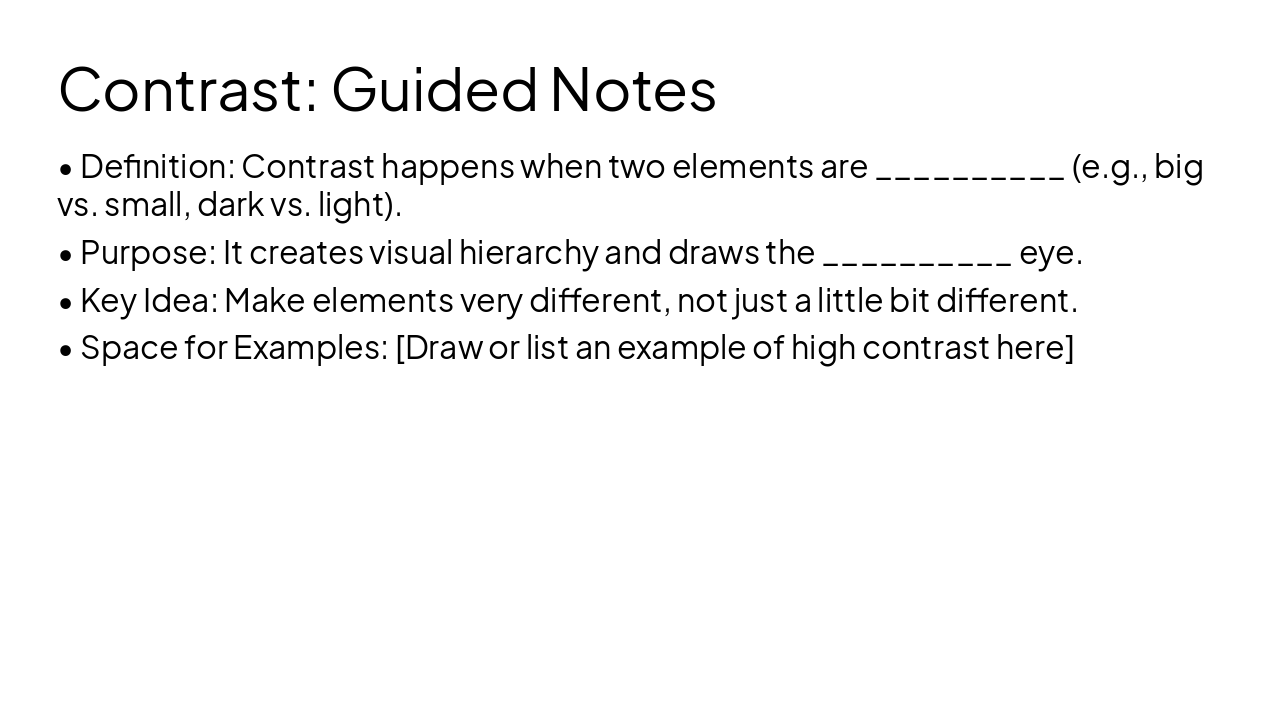
  • Definition: Contrast happens when two elements are (e.g., big vs. small, dark vs. light).
  • Purpose: It creates visual hierarchy and draws the eye.
  • Key Idea: Make elements very different, not just a little bit different.
  • Space for Examples: [Draw or list an example of high contrast here]
Slide 4 - Contrast: Guided Notes
Slide 5 of 11

Slide 5 - Repetition

2

Repetition

Maintaining consistency throughout a design.
Slide 5 - Repetition
Slide 6 of 11

Slide 6 - Repetition: Guided Notes

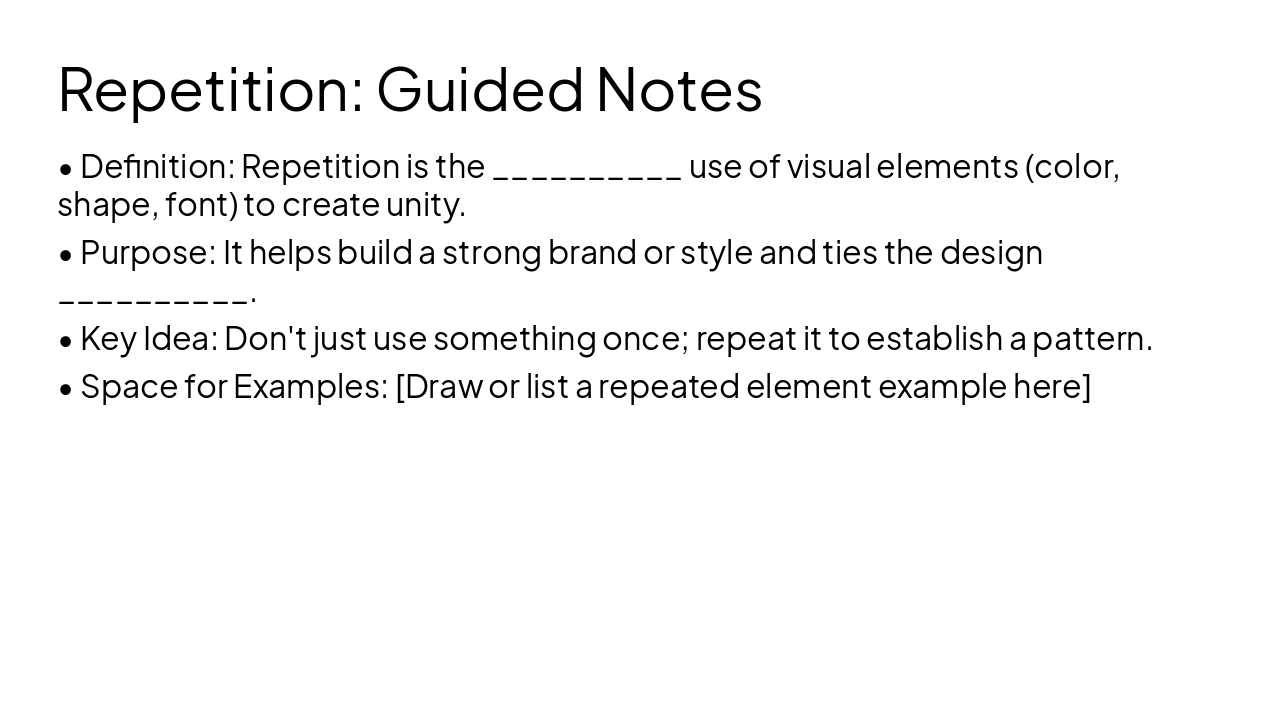
  • Definition: Repetition is the use of visual elements (color, shape, font) to create unity.
  • Purpose: It helps build a strong brand or style and ties the design .
  • Key Idea: Don't just use something once; repeat it to establish a pattern.
  • Space for Examples: [Draw or list a repeated element example here]
Slide 6 - Repetition: Guided Notes
Slide 7 of 11

Slide 7 - Alignment

3

Alignment

Creating a strong, invisible connection.
Slide 7 - Alignment
Slide 8 of 11

Slide 8 - Alignment: Guided Notes

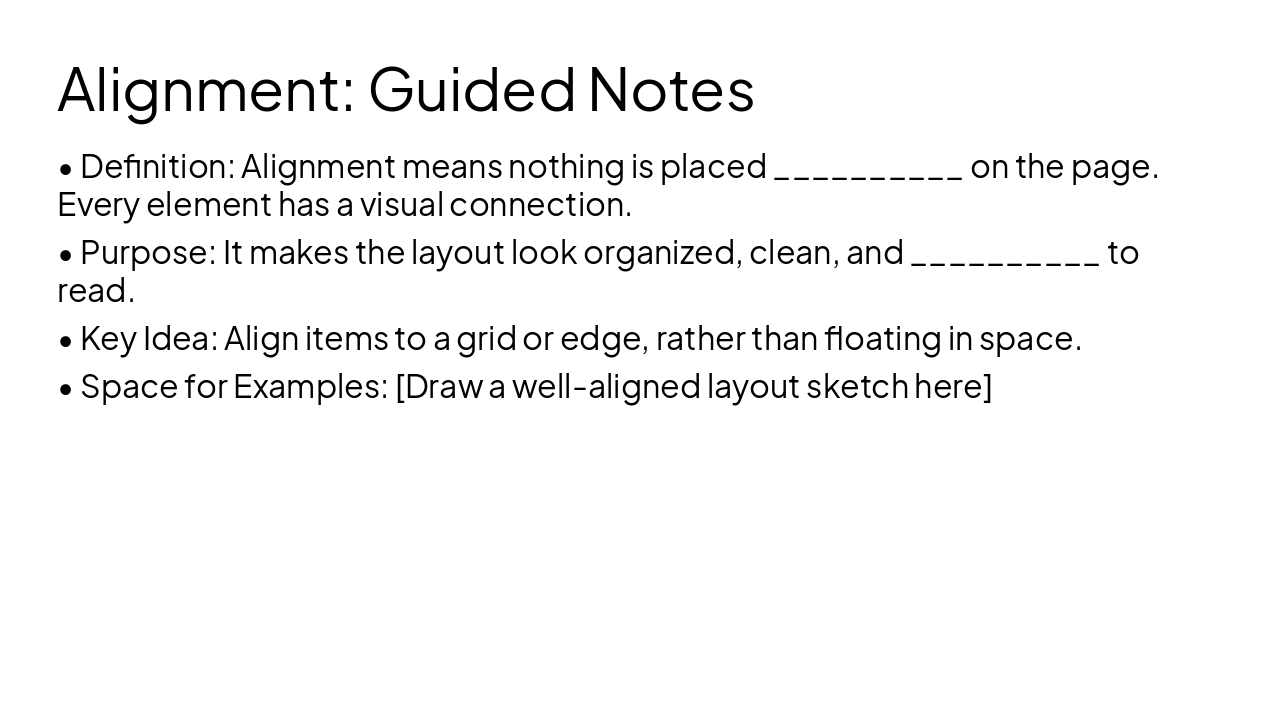
  • Definition: Alignment means nothing is placed on the page. Every element has a visual connection.
  • Purpose: It makes the layout look organized, clean, and to read.
  • Key Idea: Align items to a grid or edge, rather than floating in space.
  • Space for Examples: [Draw a well-aligned layout sketch here]
Slide 8 - Alignment: Guided Notes
Slide 9 of 11

Slide 9 - Proximity

4

Proximity

Grouping related items together.

Slide 9 - Proximity
Slide 10 of 11

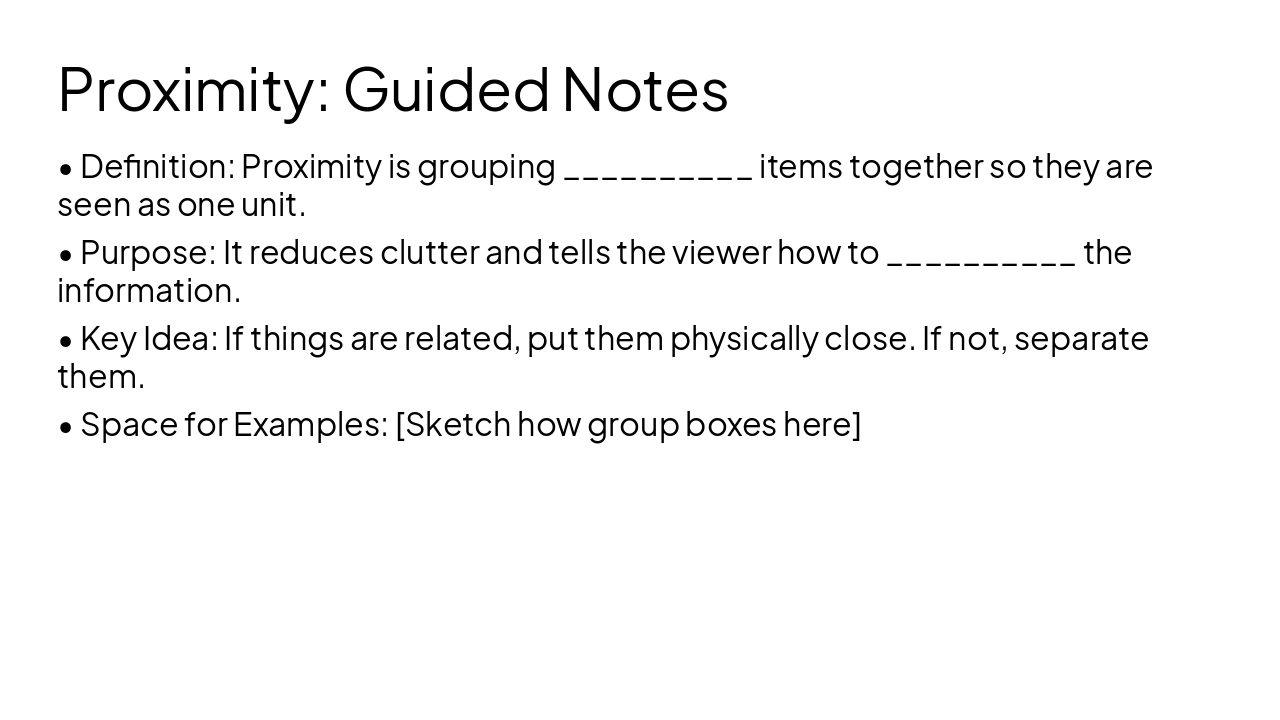
Slide 10 - Proximity: Guided Notes

  • Definition: Proximity is grouping items together so they are seen as one unit.
  • Purpose: It reduces clutter and tells the viewer how to the information.
  • Key Idea: If things are related, put them physically close. If not, separate them.
  • Space for Examples: [Sketch how group boxes here]
Slide 10 - Proximity: Guided Notes
Slide 11 of 11

Slide 11 - Exit Ticket

Exit Ticket & Practice: Look at a design of your choice (a website, magazine page, or poster) and identify at least 3 of the 4 principles in action. Explain how they improve the design.

Time to practice what you've learned.
Slide 11 - Exit Ticket

Discover More Presentations

Explore thousands of AI-generated presentations for inspiration

Browse Presentations
Powered by AI

Create Your Own Presentation

Generate professional presentations in seconds with Karaf's AI. Customize this presentation or start from scratch.

Create New Presentation

Powered by Karaf.ai — AI-Powered Presentation Generator