Computer Science Basics for Grades 8-10

Generated from prompt:

Make a presentation about Unit One Computer Science - Basic Skills, Grades 8-10

Foundational unit introducing hardware, software, digital safety, file management, and algorithmic thinking for students in grades 8-10, building essential computing skills.

May 4, 202610 slides
Slide 1 of 10

Slide 1 - Title Slide

Unit One: Computer Science Basic Skills

Foundational Knowledge for Grades 8-10
Slide 1 - Title Slide
Slide 2 of 10

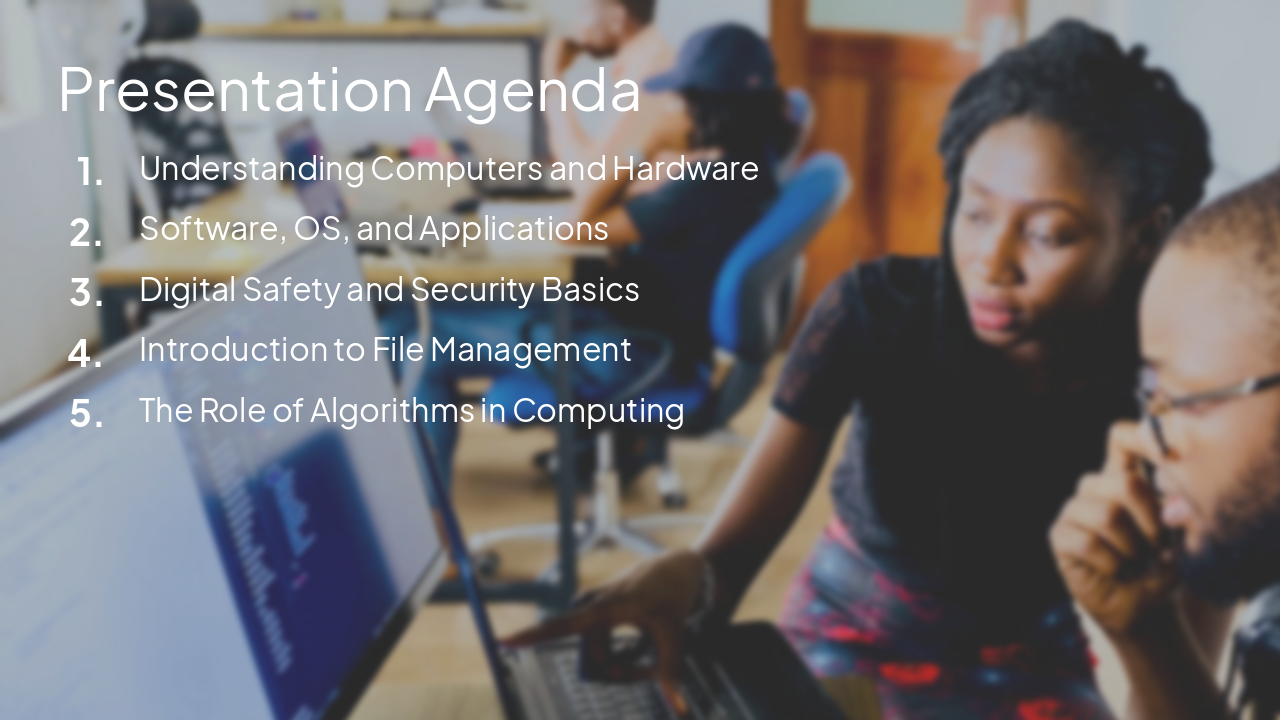
Slide 2 - Presentation Agenda

  • Understanding Computers and Hardware
  • Software, OS, and Applications
  • Digital Safety and Security Basics
  • Introduction to File Management
  • The Role of Algorithms in Computing
Slide 2 - Presentation Agenda
Slide 3 of 10

Slide 3 - Hardware & Software Basics

1

Computer Hardware & Software Fundamentals

Demystifying what makes a computer work
Slide 3 - Hardware & Software Basics
Slide 4 of 10

Slide 4 - System Components

Hardware Essentials Hardware is the physical parts of a computer. Key components include:

  • CPU: The 'brain' that processes instructions.
  • RAM: Temporary workspace for active tasks.
  • Storage (SSD/HDD): Permanent home for files and OS.
  • Input/Output: Keyboards, mice, and monitors.

Software Categories Software provides the instructions that hardware executes:
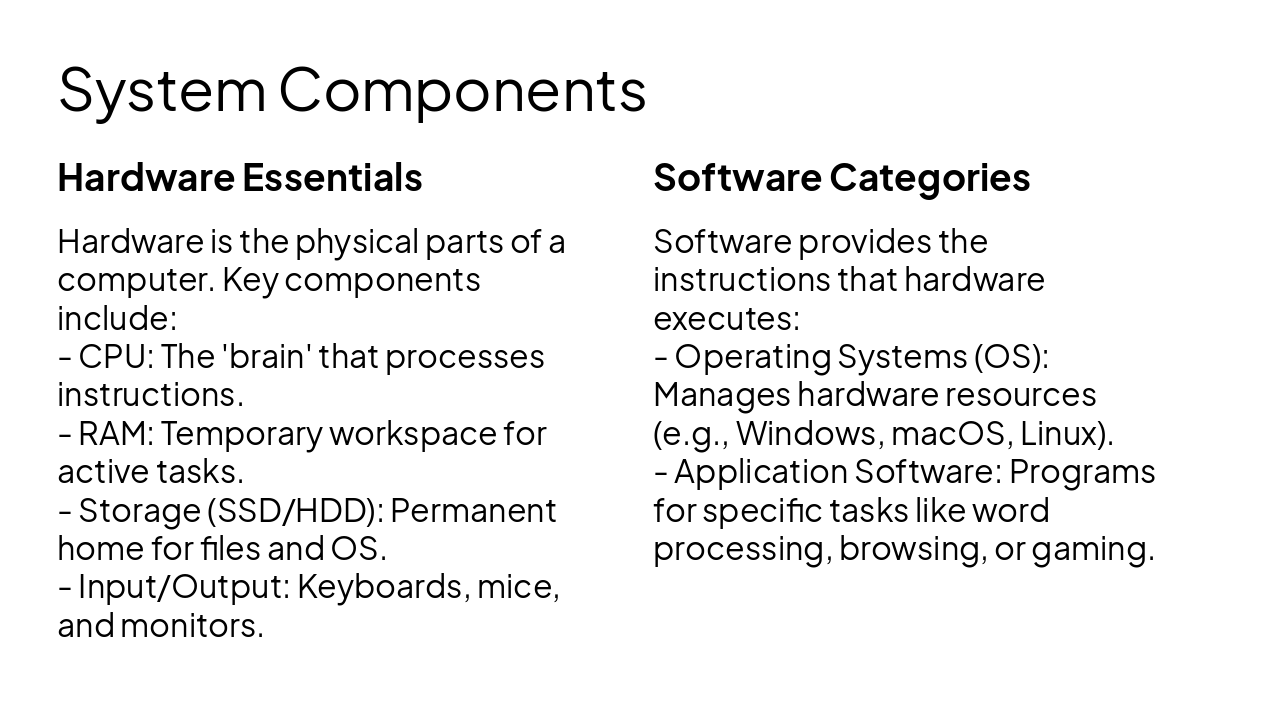
  • Operating Systems (OS): Manages hardware resources (e.g., Windows, macOS, Linux).
  • Application Software: Programs for specific tasks like word processing, browsing, or gaming.
Slide 4 - System Components
Slide 5 of 10

Slide 5 - Section: Digital Safety

2

Digital Citizenship & Safety

Essential skills for a connected world
Slide 5 - Section: Digital Safety
Slide 6 of 10

Slide 6 - Online Safety Best Practices

  • Strong Passwords: Use combinations of letters, numbers, and symbols; never reuse passwords.
  • Phishing Awareness: Be skeptical of unsolicited emails or messages asking for personal information.
  • Privacy Settings: Regularly review and limit information shared on social media and public profiles.
  • Digital Footprint: Understand that information posted online can have long-lasting consequences.
Slide 6 - Online Safety Best Practices
Slide 7 of 10

Slide 7 - Section: Logic and Organization

3

Logical Thinking & Organization

Developing foundational technical habits
Slide 7 - Section: Logic and Organization
Slide 8 of 10

Slide 8 - Introduction to Algorithmic Thinking

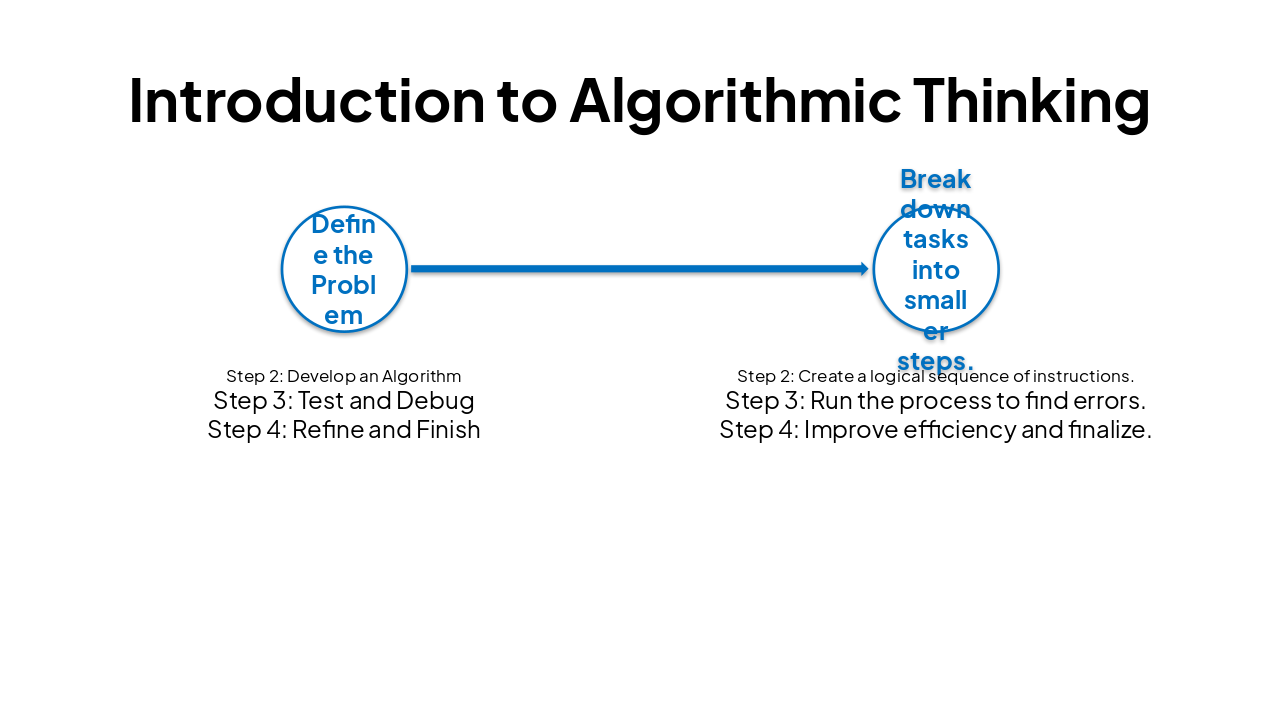
Step 1Step 2Step 3Step 4
Define the ProblemDevelop an AlgorithmTest and DebugRefine and Finish
Break down tasks into smaller steps.Create a logical sequence of instructions.Run the process to find errors.Improve efficiency and finalize.
Slide 8 - Introduction to Algorithmic Thinking
Slide 9 of 10

Slide 9 - Effective File Management

  • Create logical folder structures (e.g., Subject/Assignment/Version).
  • Use consistent, descriptive file naming conventions (e.g., ScienceReportDraft_Final).
  • Always maintain backups (cloud storage vs. local external drives).
  • Understand file extensions (e.g., .docx, .pdf, .jpg) and their uses.
Slide 9 - Effective File Management
Slide 10 of 10

Slide 10 - Summary and Conclusion

Computer Science basics enable us to create, secure, and organize our digital future.

Key Takeaways for Future Computer Scientists
Slide 10 - Summary and Conclusion

Discover More Presentations

Explore thousands of AI-generated presentations for inspiration

Browse Presentations
Powered by AI

Create Your Own Presentation

Generate professional presentations in seconds with Karaf's AI. Customize this presentation or start from scratch.

Create New Presentation

Powered by Karaf.ai — AI-Powered Presentation Generator