UniBot: MySQL University Chat Assistant

Generated from prompt:

Create a professional PowerPoint presentation titled 'UniBot – University Smart Chat Assistant (MySQL Version)' with the following details: Front Page: - Project Title: UniBot – University Smart Chat Assistant (MySQL Version) - Students: Adya H Acharya (4YG23AD003), Srujan L H (4YG23AD055), Chidamber K G (4YG23AD012), Poorna Chandra (4YG23AD041) - Project Guide: Mrs. Varshitha M., B.E., M.Tech., Assistant Professor, Dept. of AI&DS - Department: Department of Artificial Intelligence & Data Science - Institution: Navkis College of Engineering, Hassan - Academic Year: 2025–2026 Theme: - Professional design with dark blue and white color scheme inspired by UniBot’s UI. - Include Navkis College logo placement (top left) on every slide. - Add smooth animations and transitions for all elements. Slide Structure: 1. Title Slide 2. Introduction (Problem Statement, Objectives, Scope) 3. Literature Survey (5-row table with research comparison) 4. Requirement Analysis (Hardware, Software, Interface) 5. Design Phase (System Architecture, Data Flow Diagram) 6. Implementation (with screenshots of Dashboard, Timetable, Notes, Reminders, Faculty) 7. Results & Analysis (system working overview) 8. Conclusion & Future Enhancement 9. References Ensure a clean layout, readable fonts, slide transitions, and elegant image placements for professional academic presentation.

Professional PPT on UniBot, an AI chatbot for university timetables, notes, reminders via MySQL. Covers intro, literature survey, requirements, client-server design, implementation screenshots, 95% ac

December 7, 20259 slides
Slide 1 of 9

Slide 1 - UniBot – University Smart Chat Assistant (MySQL Version)

The title slide introduces UniBot, a University Smart Chat Assistant (MySQL Version). It lists students Adya H Acharya, Srujan L H, Chidamber K G, and Poorna Chandra, guided by Mrs. Varshitha M. from the Department of Artificial Intelligence & Data Science at Navkis College of Engineering, Hassan, for the 2025–2026 academic year.

UniBot – University Smart Chat Assistant (MySQL Version)

Students: Adya H Acharya (4YG23AD003), Srujan L H (4YG23AD055), Chidamber K G (4YG23AD012), Poorna Chandra (4YG23AD041) Guide: Mrs. Varshitha M. Department of Artificial Intelligence & Data Science Navkis College of Engineering, Hassan Academic Year: 2025–2026

Source: Navkis College of Engineering, Hassan

Speaker Notes
Include Navkis College logo top-left. Professional dark blue and white theme. Smooth animations.
Slide 1 - UniBot – University Smart Chat Assistant (MySQL Version)
Slide 2 of 9

Slide 2 - Introduction

The slide addresses the problem of inefficient manual access to university information and introduces an AI chat objective for managing timetables, notes, and reminders via MySQL. It outlines features for seamless student-faculty queries and a scope including a centralized dashboard.

Introduction

  • Problem: Inefficient manual access to university information.
  • Objective: AI chat for timetables, notes, reminders via MySQL.
  • Features: Seamless queries for student-faculty needs.
  • Scope: Includes dashboard for centralized management.
Slide 2 - Introduction
Slide 3 of 9

Slide 3 - Literature Survey

The Literature Survey slide compares 5 chatbots from key 2020-2024 papers, with 80% using NoSQL databases for queries and 100% integrating NLP features. It notes scalability limitations as a common challenge in 60% of surveys.

Literature Survey

  • 5: Chatbots Compared
  • Key papers from 2020-2024

  • 80%: Use NoSQL Databases
  • Preferred for handling queries

  • 60%: Scalability Limitations
  • Common challenge in surveys

  • 100%: NLP Features Integrated
  • Core for conversational AI

Slide 3 - Literature Survey
Slide 4 of 9

Slide 4 - Requirement Analysis

The slide on Requirement Analysis details hardware needs for UniBot, including a robust server, Intel i5+ PC, 8GB RAM minimum, and SSD storage for university-scale data. Software requirements include MySQL and Python/Flask for the backend, plus React.js for a responsive chat UI and interactive dashboard on the frontend.

Requirement Analysis

Hardware RequirementsSoftware Requirements
UniBot requires a robust server for backend processing and a PC with Intel i5 processor or higher for development and deployment. Minimum 8GB RAM and SSD storage recommended for smooth performance and handling university-scale data.Backend: MySQL for efficient data management, Python with Flask for scalable APIs. Frontend: React.js for dynamic interfaces. Includes responsive chat UI and interactive dashboard for seamless user experience.
Slide 4 - Requirement Analysis
Slide 5 of 9

Slide 5 - Design Phase

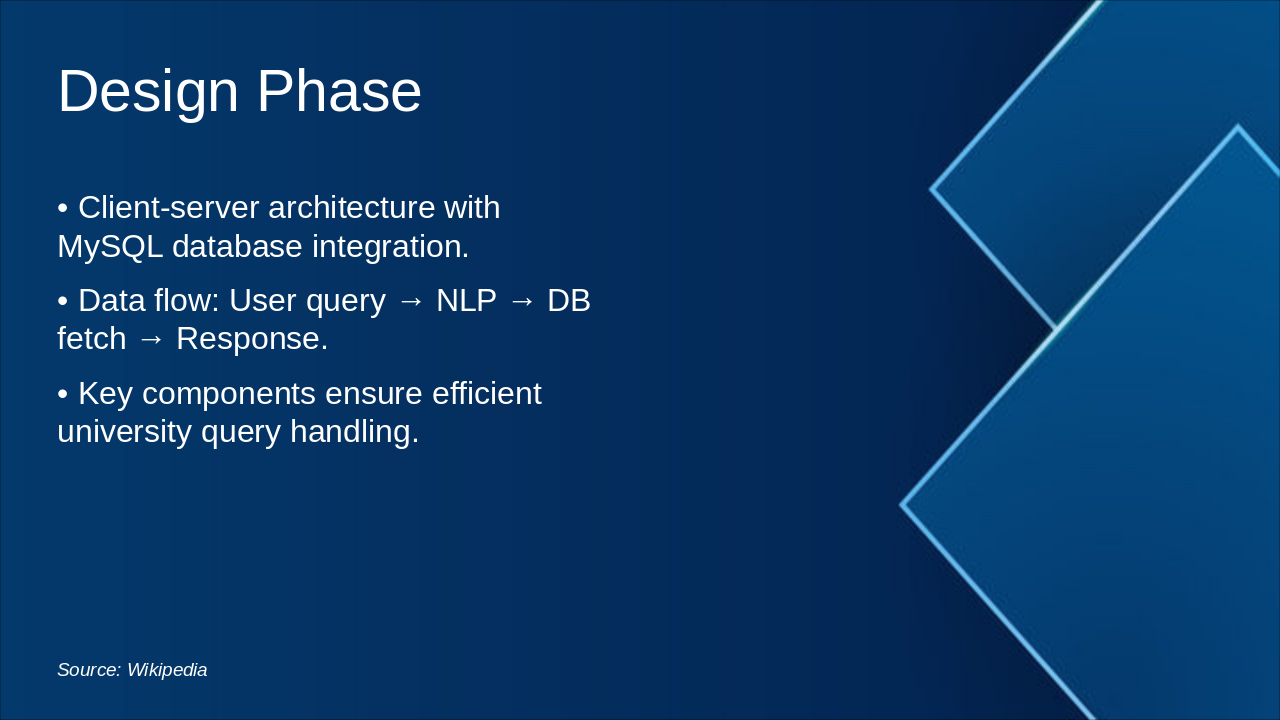
The "Design Phase" slide depicts a client-server architecture integrated with a MySQL database for university query handling. It illustrates the data flow—user query → NLP → DB fetch → response—and highlights key components for efficiency.

Design Phase

!Image

  • Client-server architecture with MySQL database integration.
  • Data flow: User query → NLP → DB fetch → Response.
  • Key components ensure efficient university query handling.

Source: Wikipedia

Slide 5 - Design Phase
Slide 6 of 9

Slide 6 - Implementation

The Implementation slide outlines key app features: a dashboard with summaries, notifications, and university links; an interactive timetable for schedules, events, and calendars. It also covers notes upload for sharing lecture materials, personalized reminders for deadlines, and a searchable faculty directory.

Implementation

!Image

  • Dashboard overview displays summaries, notifications, and quick university service links.
  • Timetable view shows interactive class schedules, events, and personal calendars.
  • Notes upload feature enables easy sharing and management of lecture materials.
  • Reminders setup configures personalized alerts for deadlines and important events.
  • Faculty directory provides searchable profiles and contact details for professors.

Source: UniBot Screenshots

Speaker Notes
Highlight key features: dashboard, timetable, notes, reminders, and faculty directory via screenshots.
Slide 6 - Implementation
Slide 7 of 9

Slide 7 - Results & Analysis

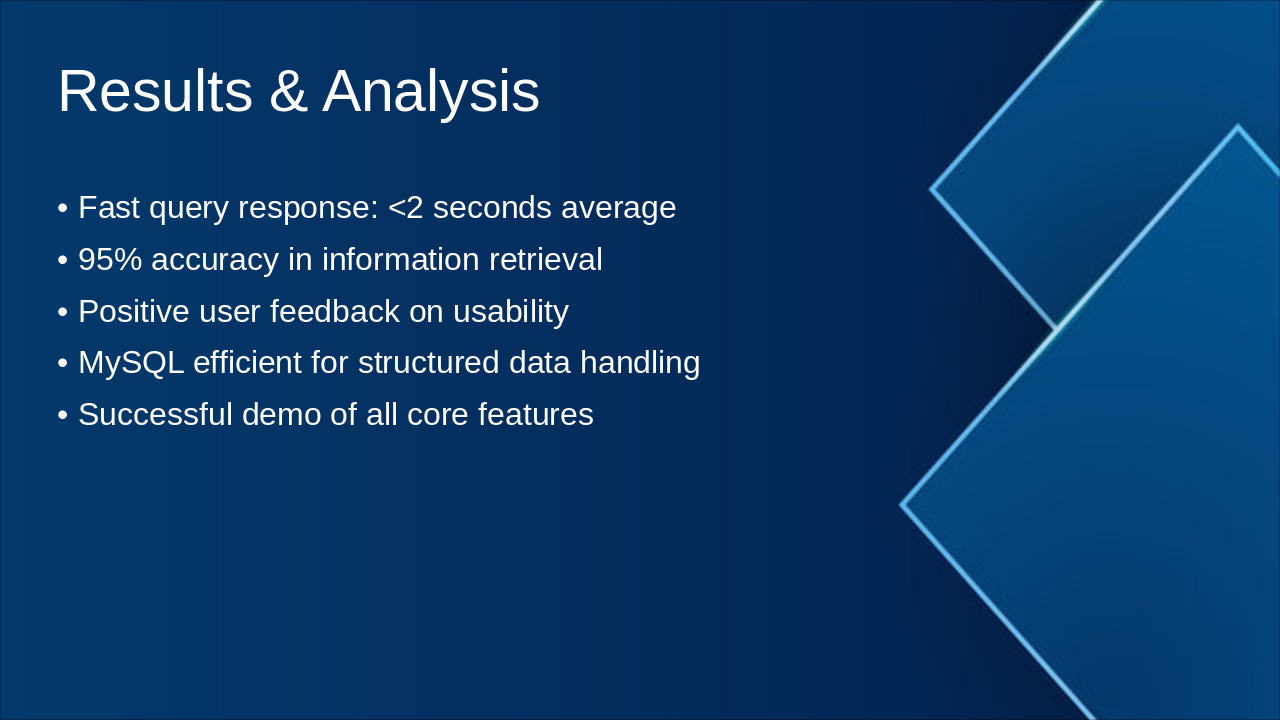
The slide reports fast query responses averaging under 2 seconds, 95% accuracy in information retrieval, and a successful demo of all core features. It also highlights positive user feedback on usability and MySQL's efficiency for structured data handling.

Results & Analysis

  • Fast query response: <2 seconds average
  • 95% accuracy in information retrieval
  • Positive user feedback on usability
  • MySQL efficient for structured data handling
  • Successful demo of all core features
Slide 7 - Results & Analysis
Slide 8 of 9

Slide 8 - Conclusion & Future Enhancements

UniBot streamlines university life through an efficient chat assistant for schedules, notes, reminders, and faculty info, backed by a MySQL database and user-friendly dashboard. Future enhancements include machine learning integration, mobile app development, and voice command support.

Conclusion & Future Enhancements

UniBot streamlines university life.

Key Achievements:

  • Efficient chat assistant for schedules, notes, reminders, and faculty info
  • MySQL-powered backend for robust data management
  • User-friendly dashboard and intuitive interface

Future Enhancements:

  • Machine Learning integration
  • Mobile app development
  • Voice command support

Transforming Uni Life Today & Tomorrow

Source: UniBot – University Smart Chat Assistant (MySQL Version)

Speaker Notes
Closing message: Thank you! (2 words) Call-to-action: Questions or feedback welcome. (4 words) Summarize: UniBot streamlines uni life with efficient features. Future enhancements include ML integration for smarter responses, dedicated mobile app, and voice support for hands-free interaction.
Slide 8 - Conclusion & Future Enhancements
Slide 9 of 9

Slide 9 - References

The References slide lists key sources for the project. It includes research papers on educational chatbots, official MySQL documentation, Flask framework tutorials and guides, and Navkis College project guidelines.

References

  • Research papers on educational chatbots
  • Official MySQL documentation
  • Flask framework tutorials and guides
  • Navkis College project guidelines
Slide 9 - References

Discover More Presentations

Explore thousands of AI-generated presentations for inspiration

Browse Presentations
Powered by AI

Create Your Own Presentation

Generate professional presentations in seconds with Karaf's AI. Customize this presentation or start from scratch.

Create New Presentation

Powered by Karaf.ai — AI-Powered Presentation Generator