Y86 Processor Architecture: Simplified ISA for Computer Architecture Education

Generated from prompt:

processor archetecture y 86

This presentation provides a comprehensive introduction to the Y86 processor, a simplified 32-bit RISC-like Instruction Set Architecture designed for teaching computer architecture concepts such as registers, memory models, instruction encoding, common instructions, sequential processing, and pipelining. It covers key features including 15 general-purpose registers, condition codes, byte-addressable memory, and pipeline stages (Fetch, Decode, Execute, Memory, Writeback), building a foundation for understanding real architectures like x86-64.

May 6, 202611 slides
Slide 1 of 11

Slide 1 - Y86 Processor Architecture

Y86 Processor Architecture

Simplified ISA for Computer Architecture Education

---

Photo by Brian Kostiuk on Unsplash
Slide 1 - Y86 Processor Architecture
Slide 2 of 11

Slide 2 - Agenda

  • Introduction to Y86
  • Registers and Memory Model
  • Instruction Encoding
  • Common Instructions
  • Sequential Processor
  • Pipelined Y86
  • Conclusion

---

Photo by National Cancer Institute on Unsplash
Slide 2 - Agenda
Slide 3 of 11

Slide 3 - Introduction

1

Introduction to Y86

Simplified RISC-like ISA for teaching pipelining and optimization

---

Photo by Bermix Studio on Unsplash
Slide 3 - Introduction
Slide 4 of 11

Slide 4 - Key Features of Y86

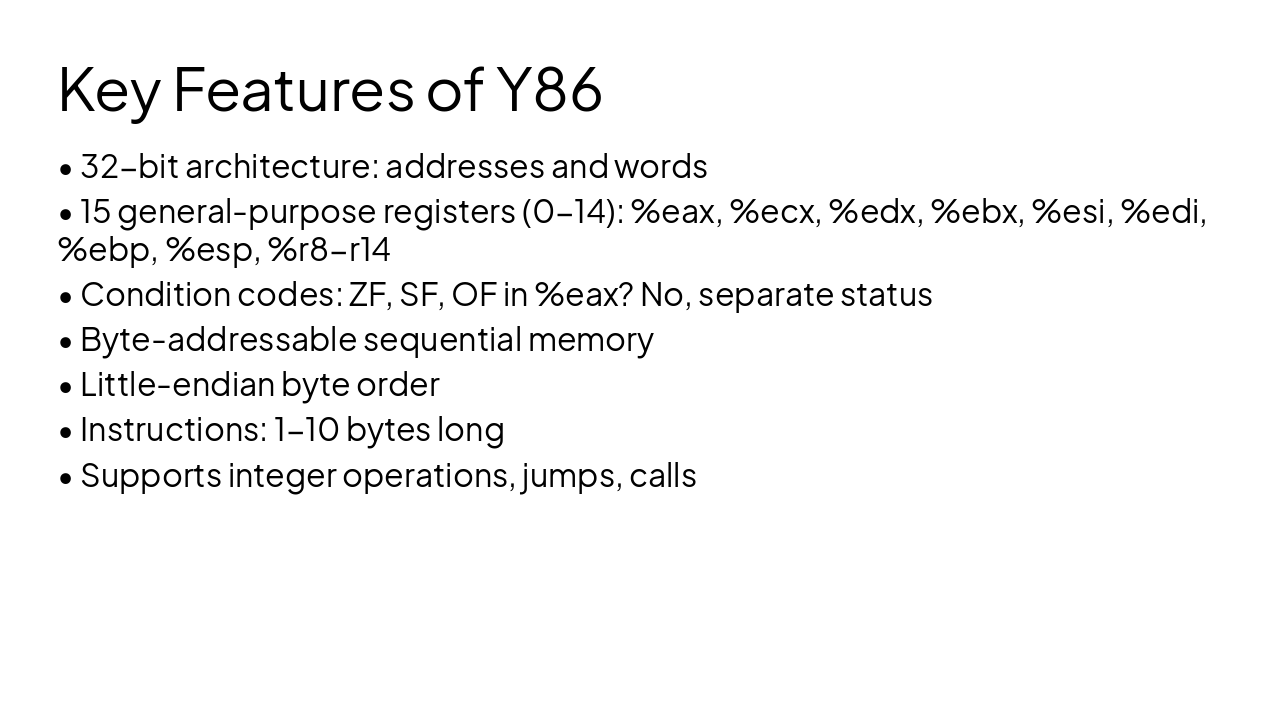
  • 32-bit architecture: addresses and words
  • 15 general-purpose registers (0-14): %eax, %ecx, %edx, %ebx, %esi, %edi, %ebp, %esp, %r8-r14
  • Condition codes: ZF, SF, OF in %eax? No, separate status
  • Byte-addressable sequential memory
  • Little-endian byte order
  • Instructions: 1-10 bytes long
  • Supports integer operations, jumps, calls
Slide 4 - Key Features of Y86
Slide 5 of 11

Slide 5 - Y86 Register File

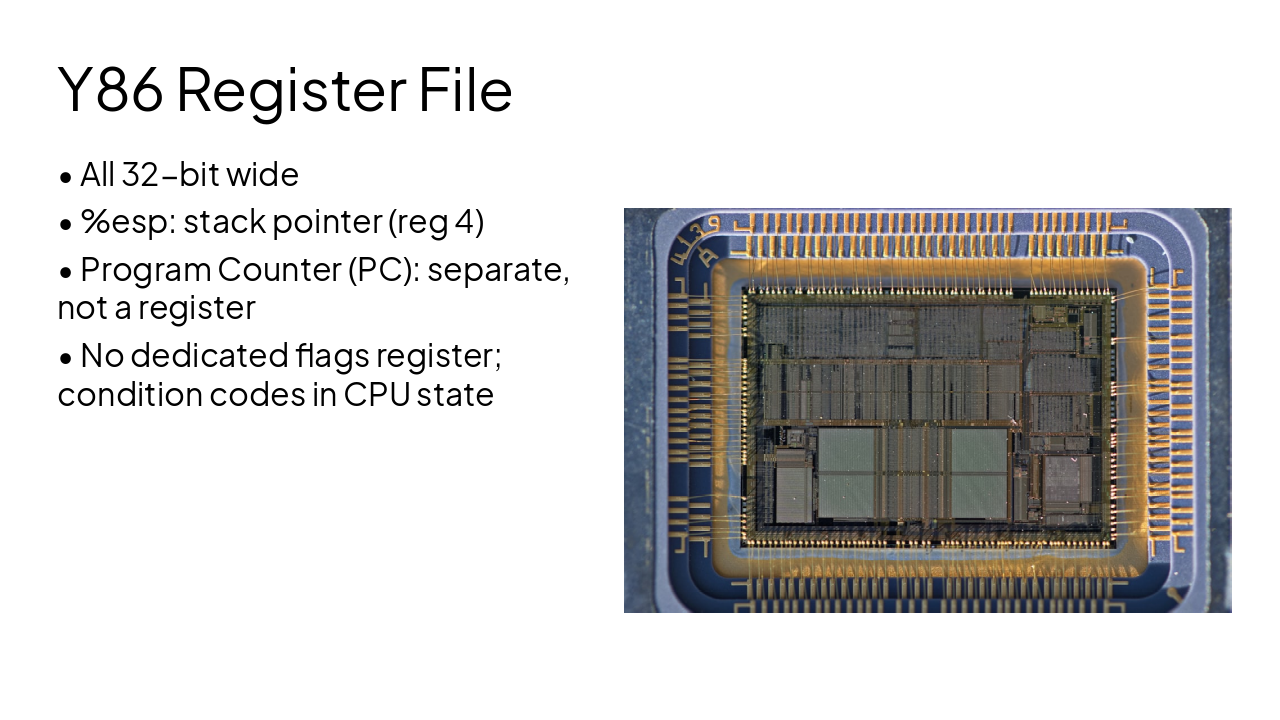
  • All 32-bit wide
  • %esp: stack pointer (reg 4)
  • Program Counter (PC): separate, not a register
  • No dedicated flags register; condition codes in CPU state

---

Photo by Bill Fairs on Unsplash

Slide 5 - Y86 Register File
Slide 6 of 11

Slide 6 - Instruction Encoding

2

Instruction Encoding

Compact variable-length format up to 11 bytes

---

Photo by Carlotta De Cock on Unsplash

Slide 6 - Instruction Encoding
Slide 7 of 11

Slide 7 - Y86 Instruction Format

  • Opcode determines instruction type and length
  • rA, rB: 4-bit register IDs (0=F, 15 unused)
  • valC: immediate or displacement value
  • Examples: NOP (1 byte), rrmovq 2 bytes, irmovq 10 bytes

---

Photo by Ferenc Almasi on Unsplash
Slide 7 - Y86 Instruction Format
Slide 8 of 11

Slide 8 - Key Instructions

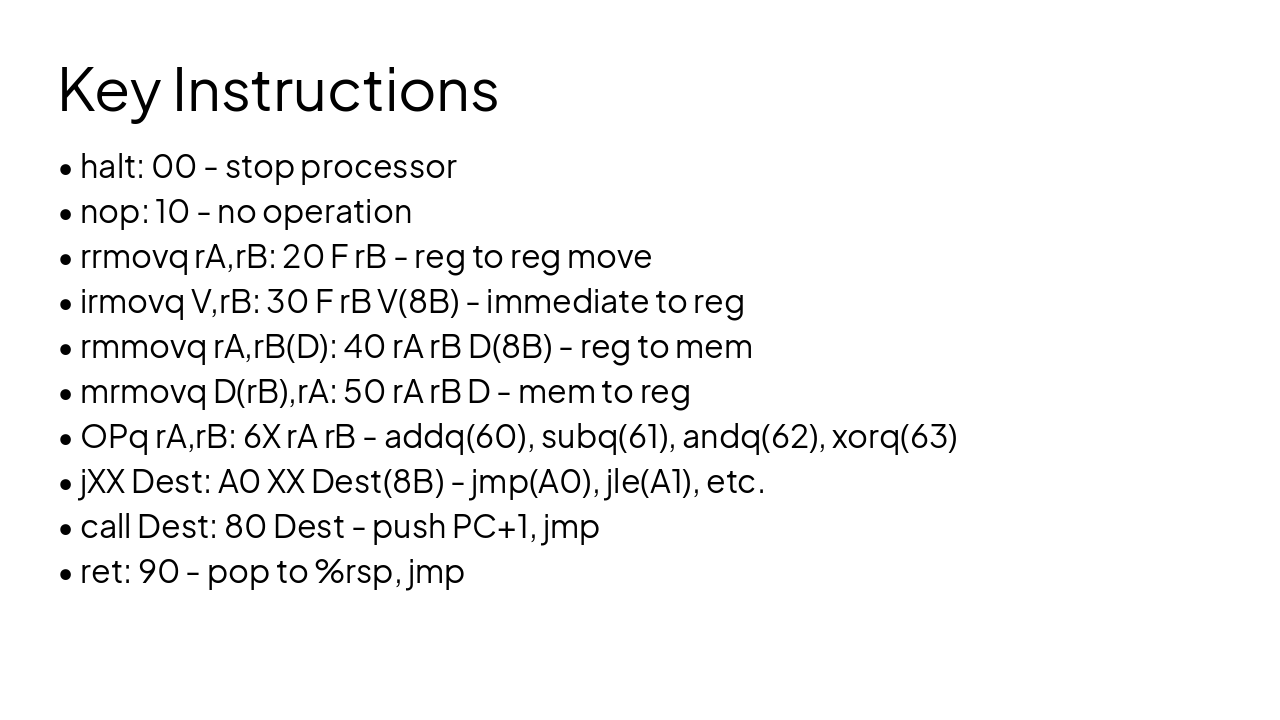
  • halt: 00 - stop processor
  • nop: 10 - no operation
  • rrmovq rA,rB: 20 F rB - reg to reg move
  • irmovq V,rB: 30 F rB V(8B) - immediate to reg
  • rmmovq rA,rB(D): 40 rA rB D(8B) - reg to mem
  • mrmovq D(rB),rA: 50 rA rB D - mem to reg
  • OPq rA,rB: 6X rA rB - addq(60), subq(61), andq(62), xorq(63)
  • jXX Dest: A0 XX Dest(8B) - jmp(A0), jle(A1), etc.
  • call Dest: 80 Dest - push PC+1, jmp
  • ret: 90 - pop to %rsp, jmp
Slide 8 - Key Instructions
Slide 9 of 11

Slide 9 - Pipelining

3

Pipelined Y86

SEQ vs PIPE: handling hazards and stalls

---

Photo by Toon Lambrechts on Unsplash

Slide 9 - Pipelining
Slide 10 of 11

Slide 10 - Y86 PIPE Stages

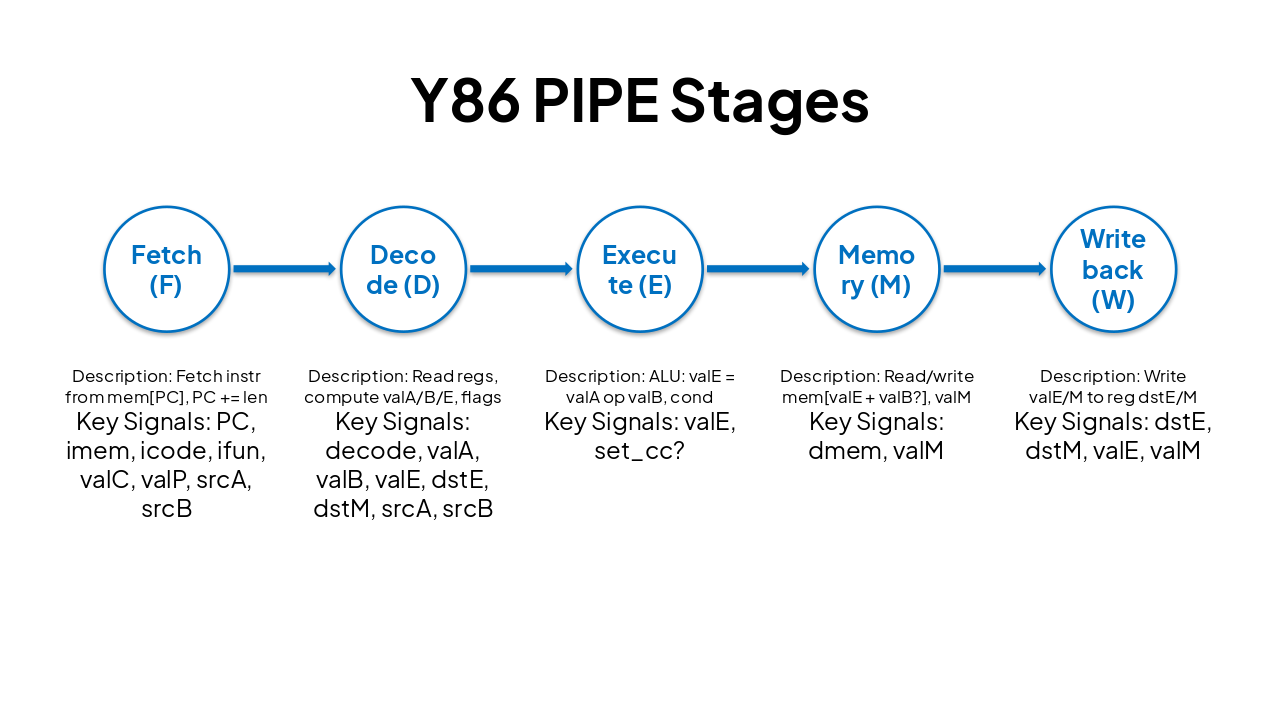
StageDescriptionKey Signals
Fetch (F)Fetch instr from mem[PC], PC += lenPC, imem, icode, ifun, valC, valP, srcA, srcB
Decode (D)Read regs, compute valA/B/E, flagsdecode, valA, valB, valE, dstE, dstM, srcA, srcB
Execute (E)ALU: valE = valA op valB, condvalE, set_cc?
Memory (M)Read/write mem[valE + valB?], valMdmem, valM
Writeback (W)Write valE/M to reg dstE/MdstE, dstM, valE, valM
Slide 10 - Y86 PIPE Stages
Slide 11 of 11

Slide 11 - Summary

Y86: Ideal for learning ISA, assembly, pipelining, and caching

Mastering Y86 builds foundation for real architectures like x86-64

Thank you! Questions?

---

Photo by Faustina Okeke on Unsplash
Slide 11 - Summary

Discover More Presentations

Explore thousands of AI-generated presentations for inspiration

Browse Presentations
Powered by AI

Create Your Own Presentation

Generate professional presentations in seconds with Karaf's AI. Customize this presentation or start from scratch.

Create New Presentation

Powered by Karaf.ai — AI-Powered Presentation Generator