Presentation Design Guide: Letters X W Y, Items Graphs, and Writing Between Lines with Pictures

Generated from prompt:

Letters X W Y items and graph items and how to write between lines with pictures

This presentation offers a comprehensive guide to advanced slide design techniques. It explores characteristics and tips for challenging letters X, W, and Y; best practices for bullet items and graph visualizations, including retention stats; and methods for integrating pictures with text in interline layouts. Key takeaways help create dynamic, engaging presentations.

May 8, 202610 slides
Slide 1 of 10

Slide 1 - Letters X W Y Items & Graphs Writing Between Lines with Pictures

Letters X W Y Items & Graphs Writing Between Lines with Pictures

Presentation Design Guide

---

Photo by Logan Voss on Unsplash
Slide 1 - Letters X W Y
Items & Graphs
Writing Between Lines with Pictures
Slide 2 of 10

Slide 2 - Letters X, W, Y

1

Unique Letter Forms

Characteristics and design considerations for challenging letters

---

Photo by Vadim Bogulov on Unsplash
Slide 2 - Letters X, W, Y
Slide 3 of 10

Slide 3 - Key Features of Letters X, W, Y

  • X: Crossed strokes, high contrast in diagonals
  • W: Wide base, multiple peaks creating rhythm
  • Y: Forked structure, balance in asymmetry
  • Design tip: Adjust kerning for even spacing
  • Use in logos for dynamic energy
Slide 3 - Key Features of Letters X, W, Y
Slide 4 of 10

Slide 4 - Visualizing Letters X W Y

  • X evokes intersection and decision points
  • W suggests stability and width
  • Y represents choice and growth

---

Photo by Samuel Regan-Asante on Unsplash
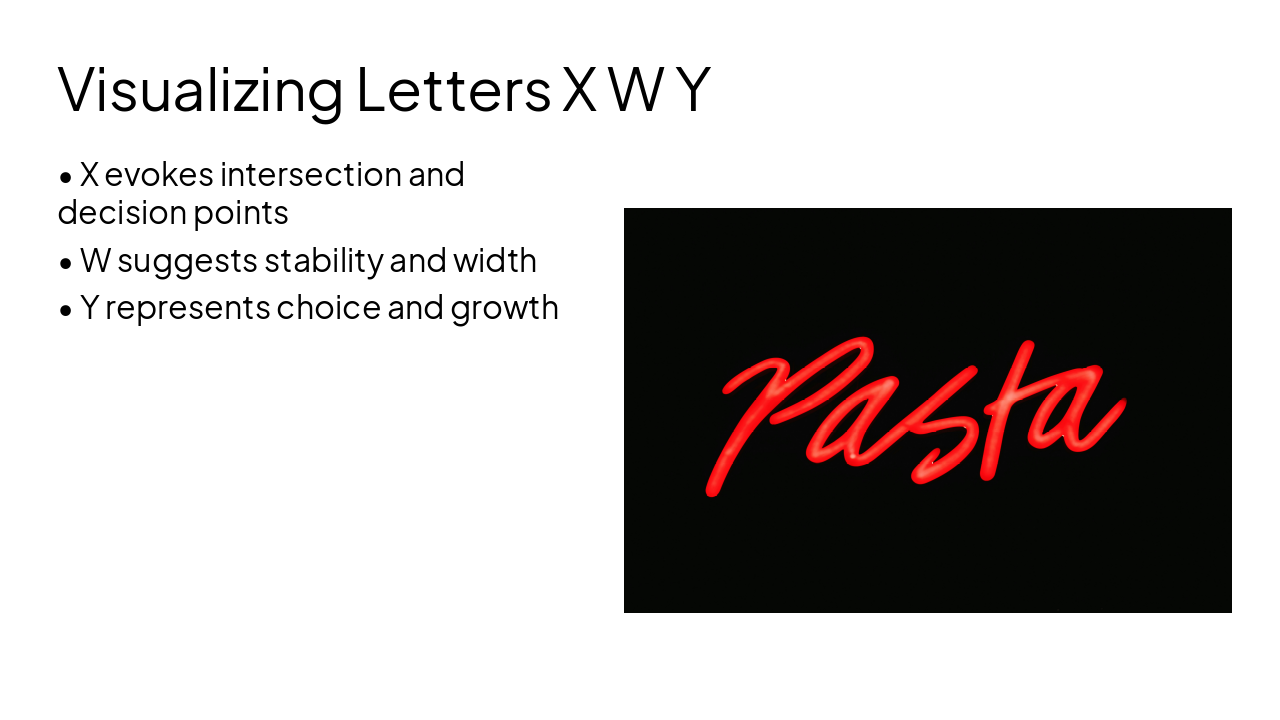
Slide 4 - Visualizing Letters X W Y
Slide 5 of 10

Slide 5 - Items and Graph Items

2

Lists and Data Visualization

Effective use of bullets and charts in presentations

---

Photo by Davide Baraldi on Unsplash
Slide 5 - Items and Graph Items
Slide 6 of 10

Slide 6 - Best Practices for Items

  • Use consistent bullet styles
  • Limit to 5-7 lines per slide
  • Make points actionable and concise
  • Graph items: Label axes clearly
  • Highlight key data points with color
Slide 6 - Best Practices for Items
Slide 7 of 10

Slide 7 - Graph Items Impact

  • 80%: Audience Retention
  • 3x: Engagement Boost
  • 65%: Recall Rate

---

Photo by Tigran Hambardzumyan on Unsplash
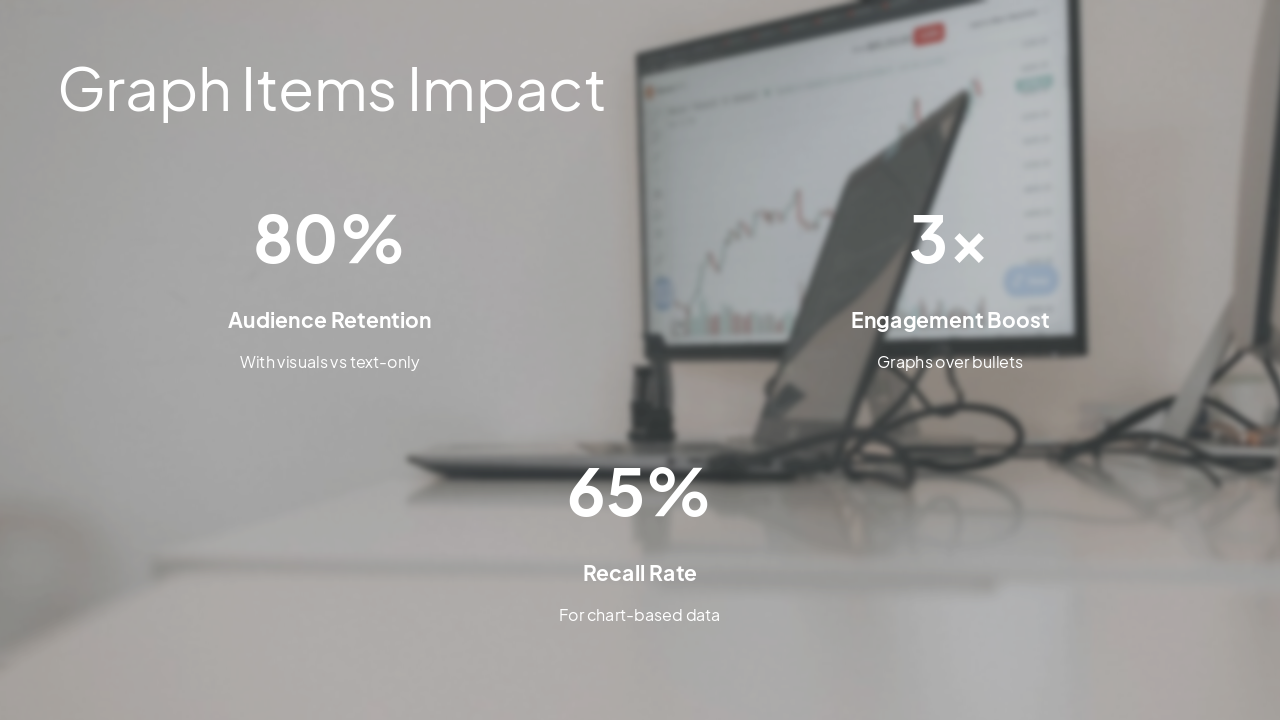
Slide 7 - Graph Items Impact
Slide 8 of 10

Slide 8 - Writing Between Lines with Pictures

3

Interline Layout Techniques

Integrating images seamlessly with text

---

Photo by Jakub Żerdzicki on Unsplash
Slide 8 - Writing Between Lines with Pictures
Slide 9 of 10

Slide 9 - Interline Text Example

  • Balance text-image ratio 60/40
  • Use white space effectively
  • Align elements for visual flow
  • Tools: Canva, PowerPoint grids

---

Photo by Jakub Żerdzicki on Unsplash
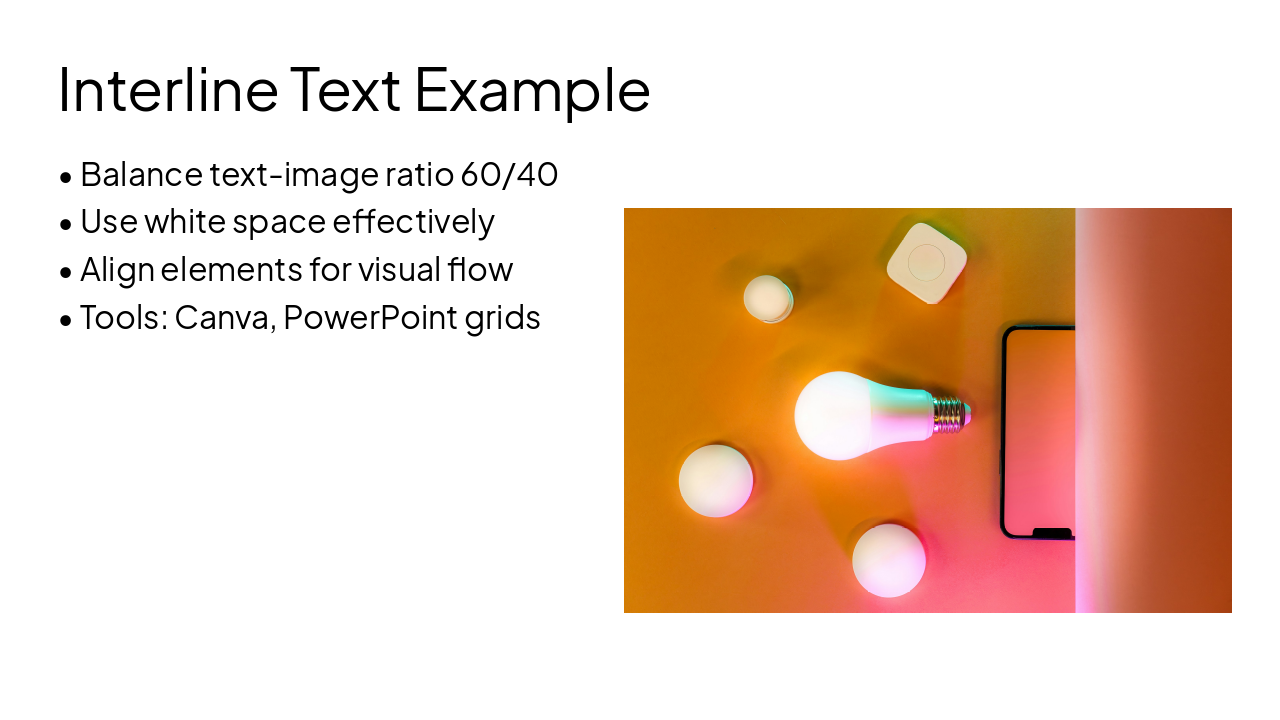
Slide 9 - Interline Text Example
Slide 10 of 10

Slide 10 - Key Takeaways

Master letters, items, graphs, and interline designs for engaging slides!

Apply these tips to elevate your presentations

---

Photo by Rodeo Project Management Software on Unsplash
Slide 10 - Key Takeaways

Discover More Presentations

Explore thousands of AI-generated presentations for inspiration

Browse Presentations
Powered by AI

Create Your Own Presentation

Generate professional presentations in seconds with Karaf's AI. Customize this presentation or start from scratch.

Create New Presentation

Powered by Karaf.ai — AI-Powered Presentation Generator