Blood Donation Management System

Generated from prompt:

Create a clean, professional PowerPoint presentation for a college CIA 3 (PSD subject) project titled "Blood Donation Management System". Use simple language and clear bullet points. Slides required: 1. Title Slide (Project title + Team of 3 placeholders) 2. Introduction 3. Problem Statement 4. Objectives 5. System Overview 6. Database Tables Overview (Donor, Patient, BloodBank, Hospital, Donation, BloodRequest, BloodInventory, Staff) 7. ER Diagram Explanation 8. Relationships (Foreign Keys) 9. Key Features 10. Sample Data Insights 11. Advantages 12. Limitations 13. Future Scope 14. Conclusion 15. Thank You Keep it visually simple and suitable for classroom presentation.

This presentation introduces the Blood Donation Management System (BDMS), a web-based solution streamlining blood collection, storage, distribution, and inventory tracking for donors, blood banks, and hospitals. It covers problem statement, database/

April 6, 202614 slides
Slide 1 of 14

Slide 1 - Blood Donation Management System

Blood Donation Management System

PSD Course Project - CIA 3 Team Members: [Member 1], [Member 2], [Member 3]

---

Photo by Nastuh Abootalebi on Unsplash

Slide 1 - Blood Donation Management System
Slide 2 of 14

Slide 2 - Introduction

  • The Blood Donation Management System (BDMS) is a software solution designed to streamline the collection, storage, and distribution of blood.
  • It connects donors, blood banks, and hospitals to ensure timely availability of blood for patients in need.
  • The system simplifies record-keeping and improves operational efficiency in blood donation centers.
Slide 2 - Introduction
Slide 3 of 14

Slide 3 - Problem Statement

  • Manual record-keeping leads to data errors and delayed access to information.
  • Difficulty in maintaining real-time updates on blood stock levels.
  • Lack of centralized communication between hospitals and blood banks.
  • Increased time spent in administrative processes for donor verification.
Slide 3 - Problem Statement
Slide 4 of 14

Slide 4 - Objectives

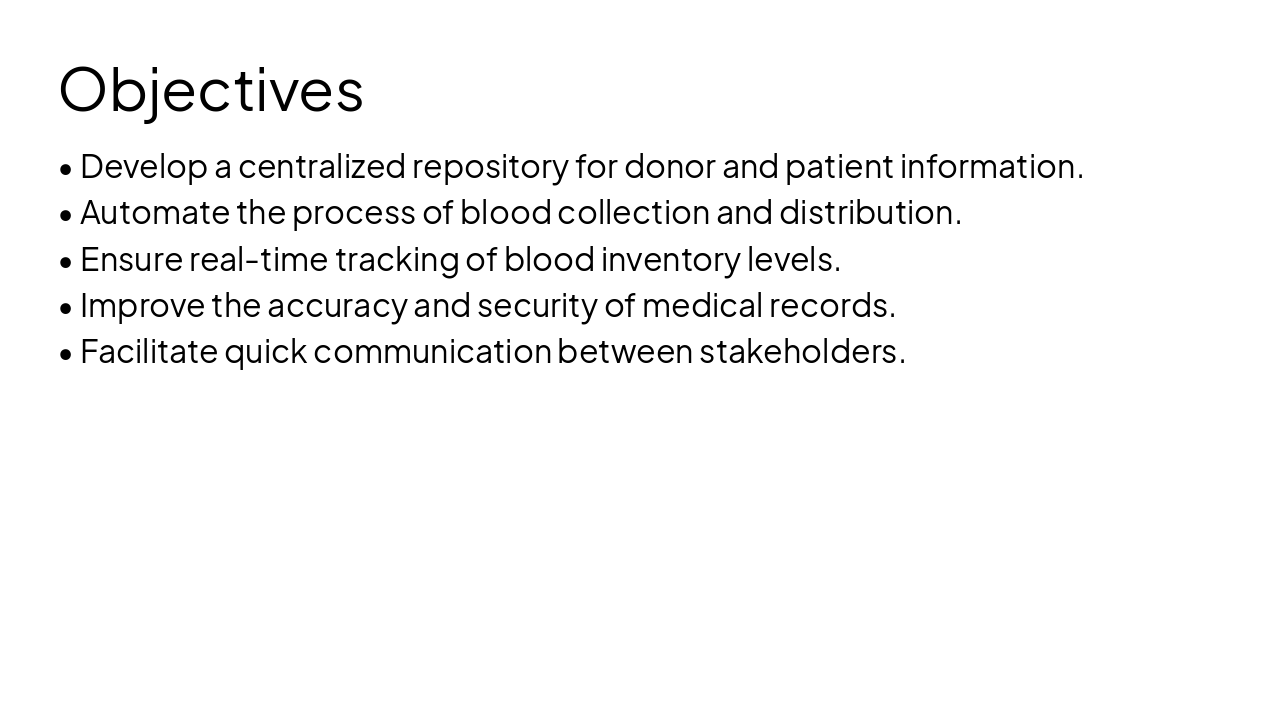
  • Develop a centralized repository for donor and patient information.
  • Automate the process of blood collection and distribution.
  • Ensure real-time tracking of blood inventory levels.
  • Improve the accuracy and security of medical records.
  • Facilitate quick communication between stakeholders.
Slide 4 - Objectives
Slide 5 of 14

Slide 5 - System Overview

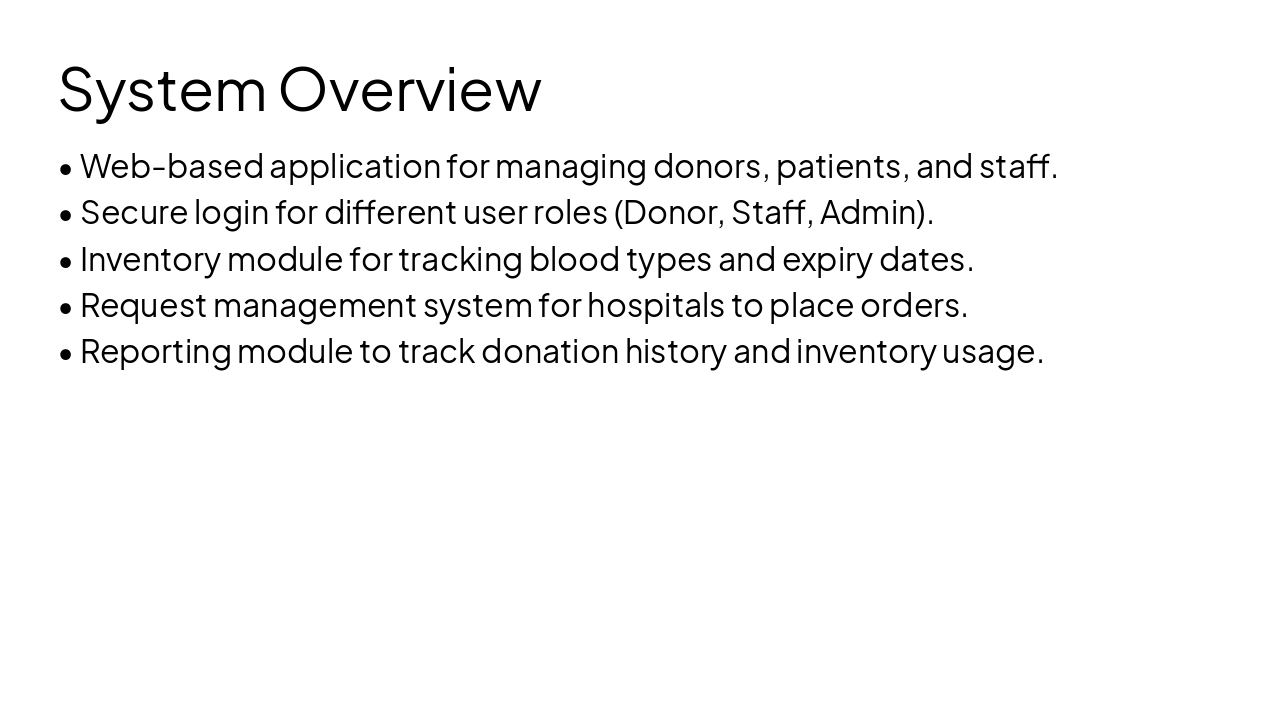
  • Web-based application for managing donors, patients, and staff.
  • Secure login for different user roles (Donor, Staff, Admin).
  • Inventory module for tracking blood types and expiry dates.
  • Request management system for hospitals to place orders.
  • Reporting module to track donation history and inventory usage.
Slide 5 - System Overview
Slide 6 of 14

Slide 6 - Database Tables Overview

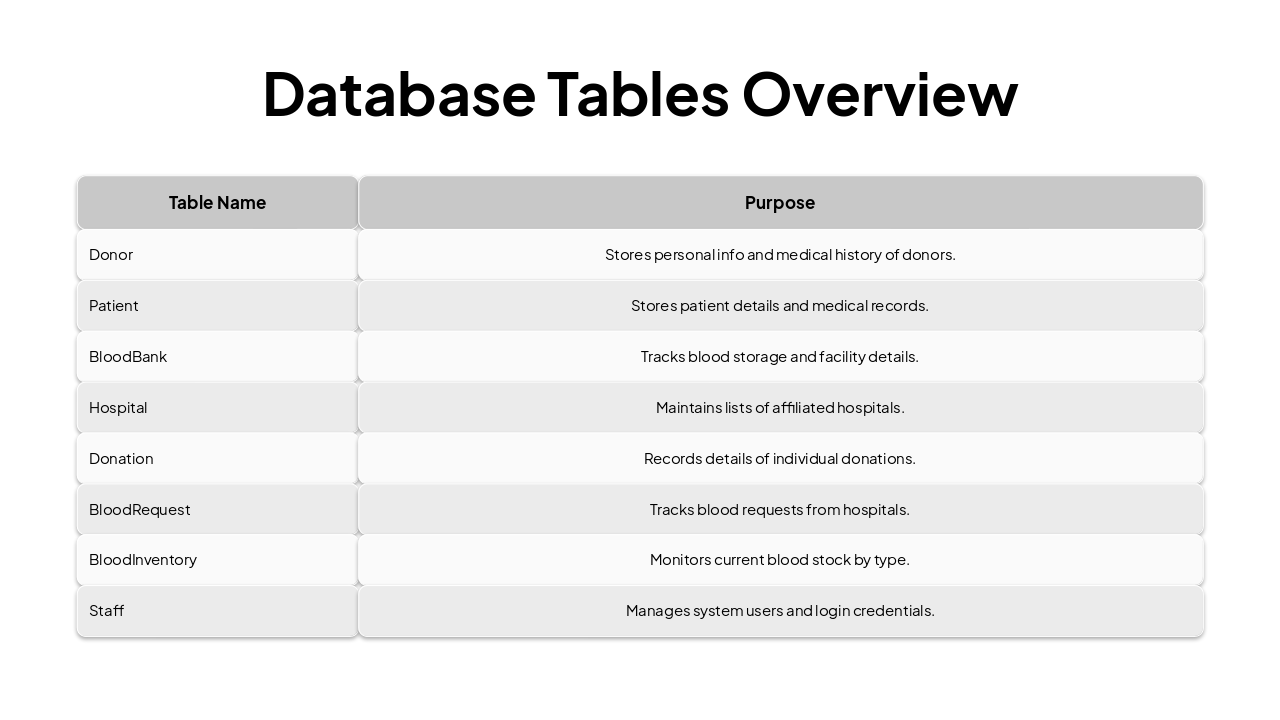
Table NamePurpose
DonorStores personal info and medical history of donors.
PatientStores patient details and medical records.
BloodBankTracks blood storage and facility details.
HospitalMaintains lists of affiliated hospitals.
DonationRecords details of individual donations.
BloodRequestTracks blood requests from hospitals.
BloodInventoryMonitors current blood stock by type.
StaffManages system users and login credentials.
Slide 6 - Database Tables Overview
Slide 7 of 14

Slide 7 - ER Diagram Explanation

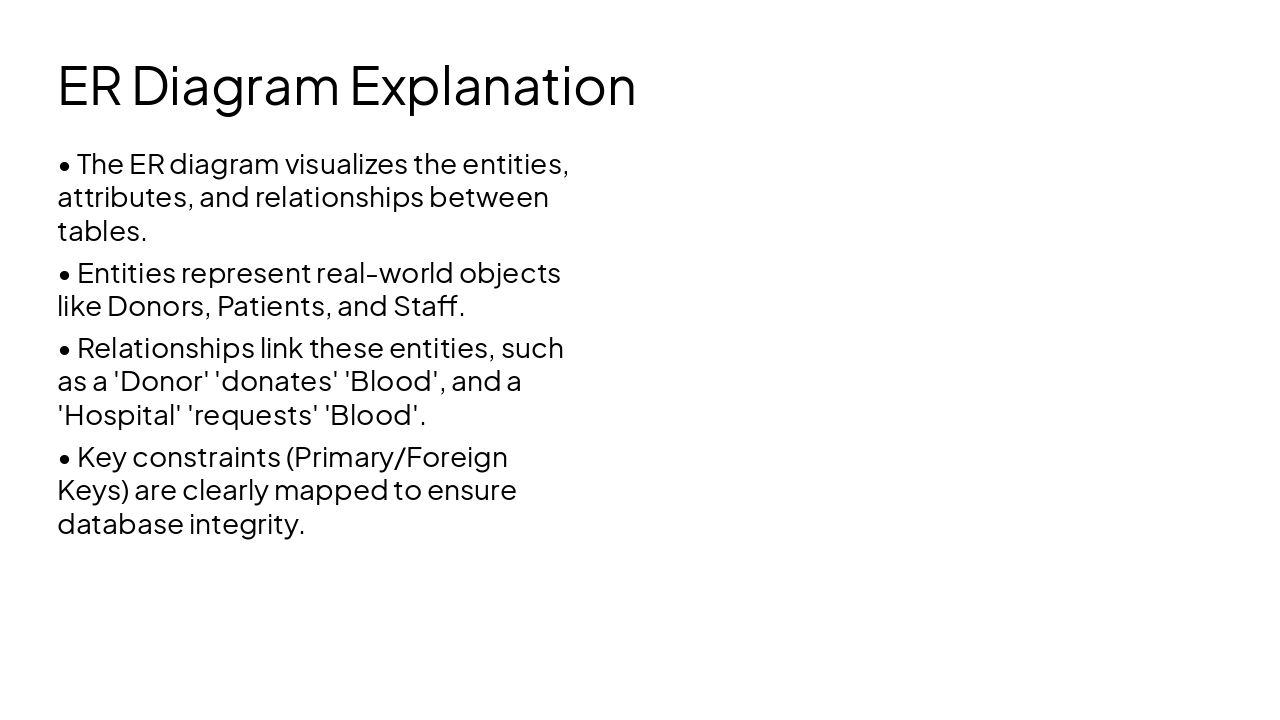
  • The ER diagram visualizes the entities, attributes, and relationships between tables.
  • Entities represent real-world objects like Donors, Patients, and Staff.
  • Relationships link these entities, such as a 'Donor' 'donates' 'Blood', and a 'Hospital' 'requests' 'Blood'.
  • Key constraints (Primary/Foreign Keys) are clearly mapped to ensure database integrity.
Slide 7 - ER Diagram Explanation
Slide 8 of 14

Slide 8 - Relationships (Foreign Keys)

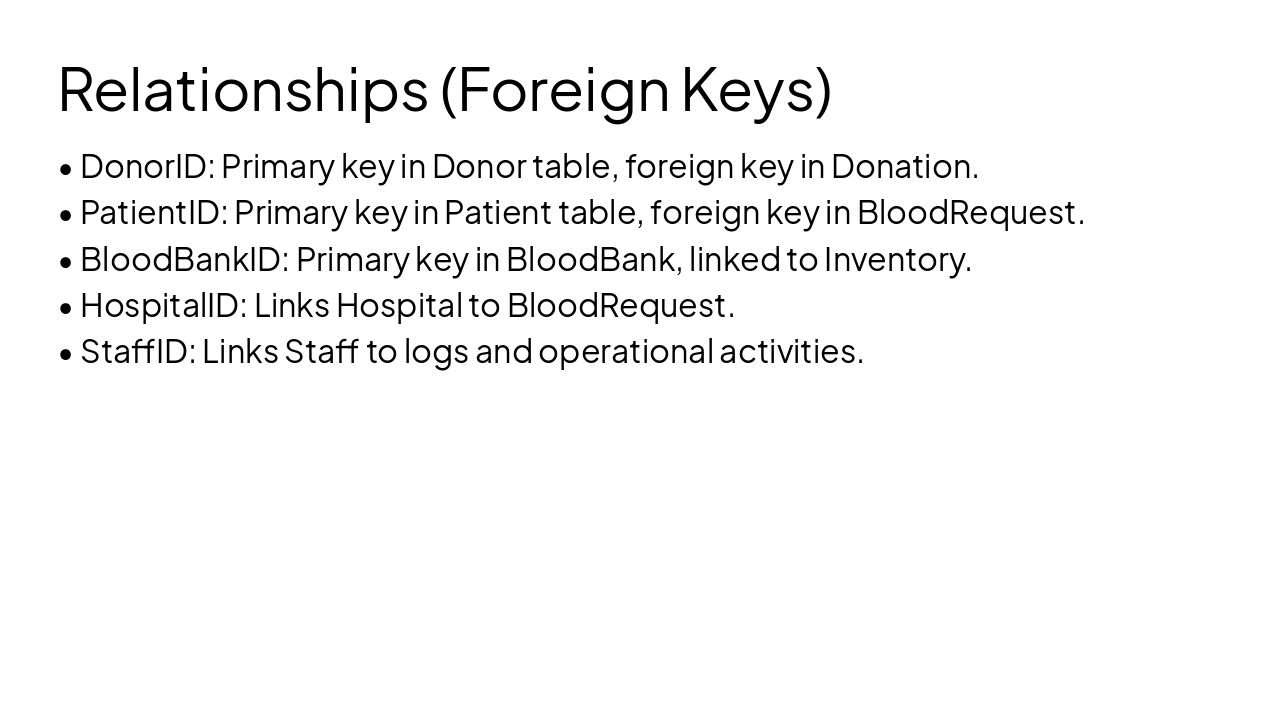
  • DonorID: Primary key in Donor table, foreign key in Donation.
  • PatientID: Primary key in Patient table, foreign key in BloodRequest.
  • BloodBankID: Primary key in BloodBank, linked to Inventory.
  • HospitalID: Links Hospital to BloodRequest.
  • StaffID: Links Staff to logs and operational activities.
Slide 8 - Relationships (Foreign Keys)
Slide 9 of 14

Slide 9 - Key Features

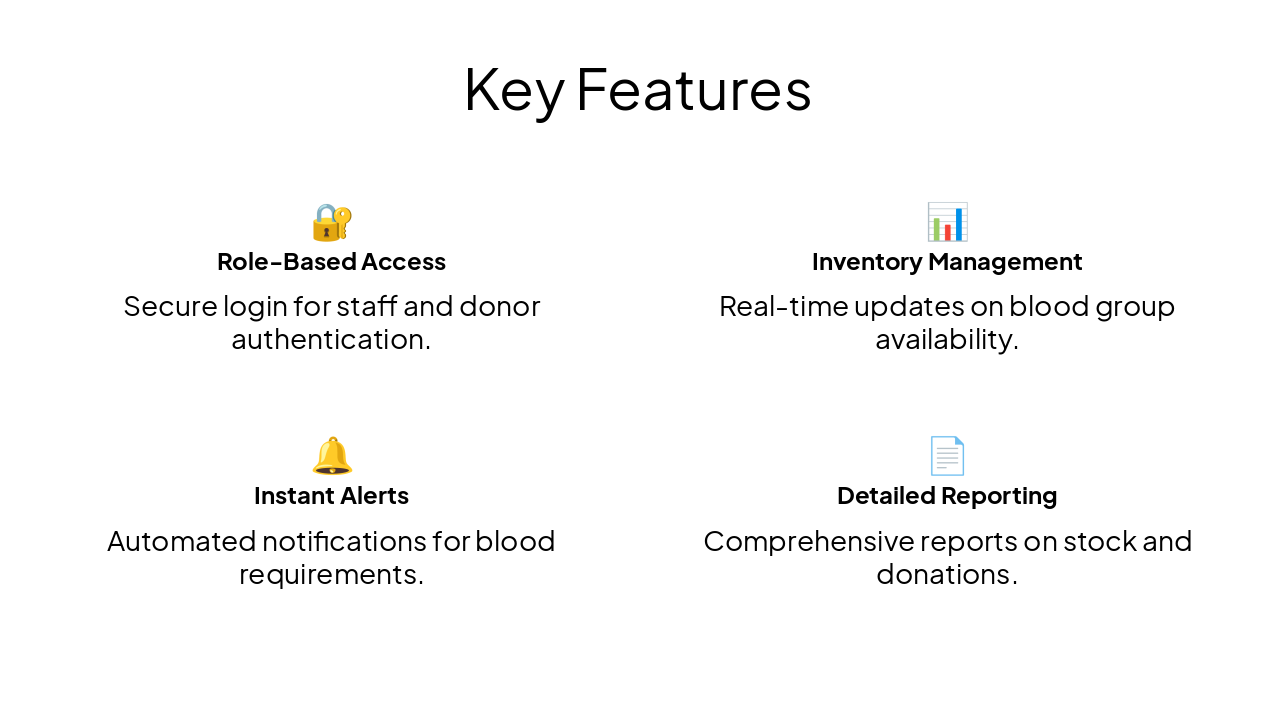
šŸ” Role-Based Access Secure login for staff and donor authentication.

šŸ“Š Inventory Management Real-time updates on blood group availability.

šŸ”” Instant Alerts Automated notifications for blood requirements.

šŸ“„ Detailed Reporting Comprehensive reports on stock and donations.

Slide 9 - Key Features
Slide 10 of 14

Slide 10 - Sample Data Insights

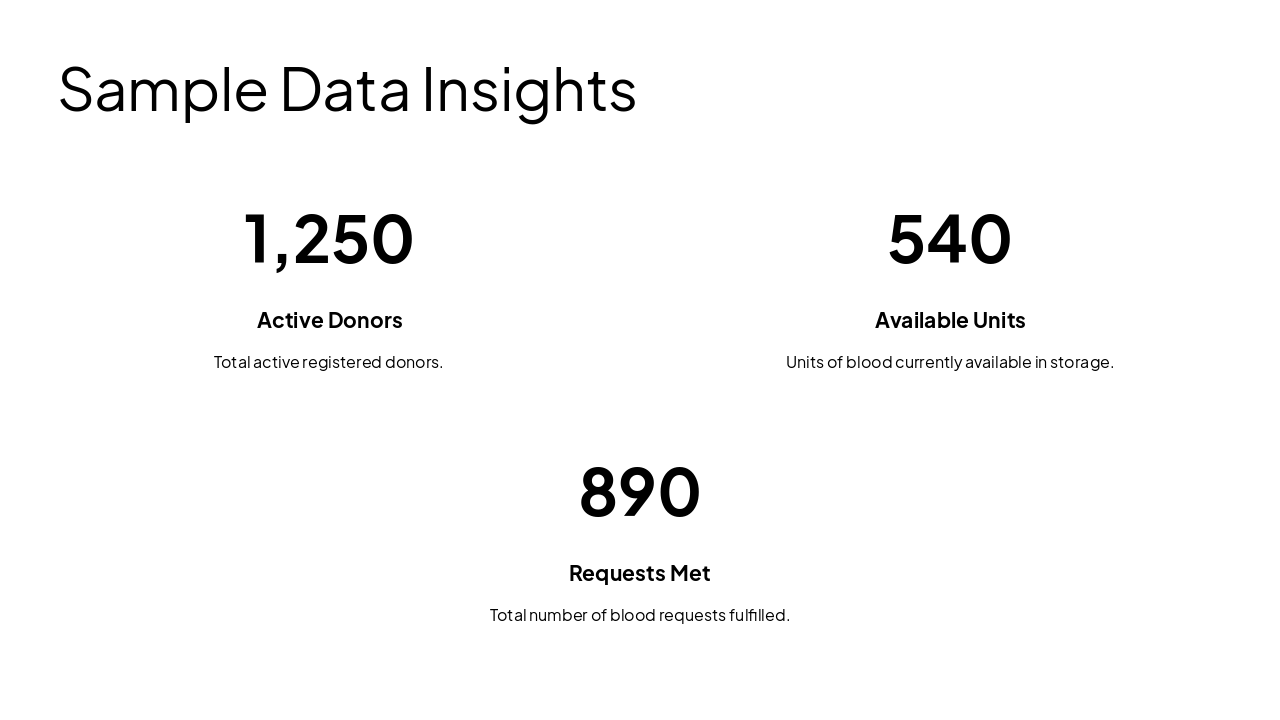
  • 1,250: Active Donors
  • 540: Available Units
  • 890: Requests Met
Slide 10 - Sample Data Insights
Slide 11 of 14

Slide 11 - Advantages vs. Limitations

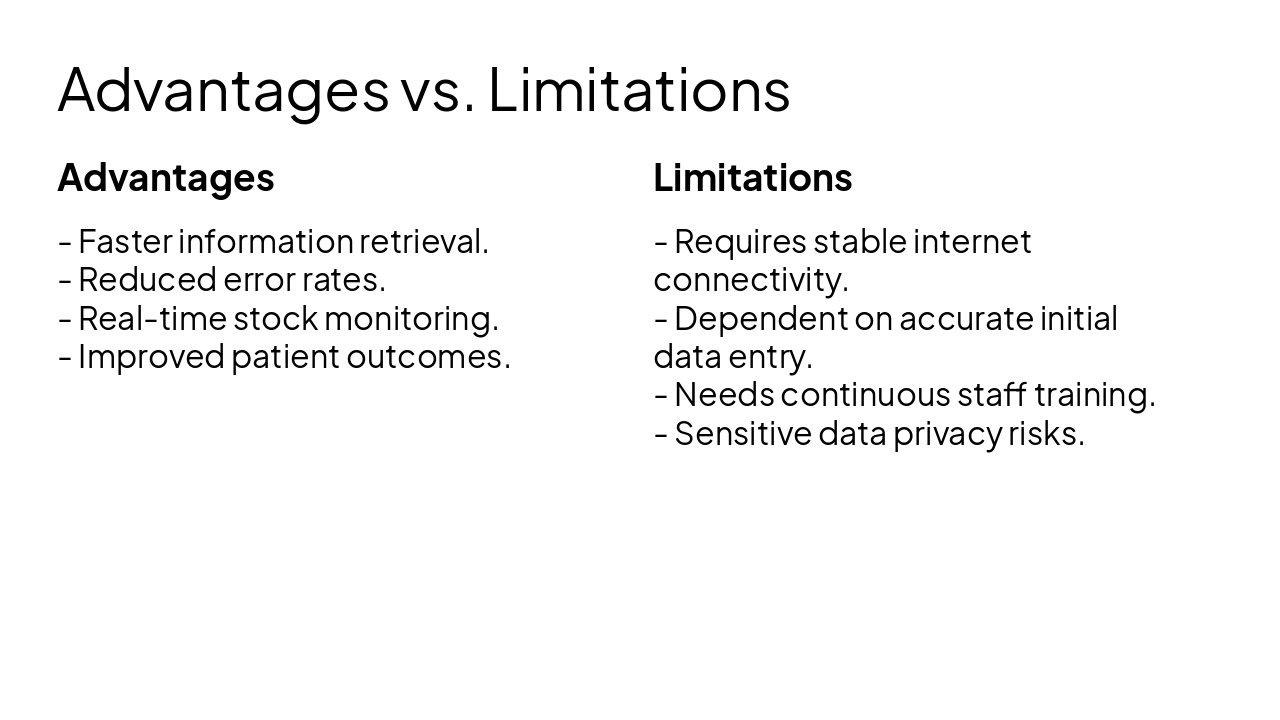
Advantages

  • Faster information retrieval.
  • Reduced error rates.
  • Real-time stock monitoring.
  • Improved patient outcomes.

Limitations

  • Requires stable internet connectivity.
  • Dependent on accurate initial data entry.
  • Needs continuous staff training.
  • Sensitive data privacy risks.
Slide 11 - Advantages vs. Limitations
Slide 12 of 14

Slide 12 - Future Scope

  • Integration with mobile apps for direct donor alerts.
  • AI-based demand forecasting for seasonal blood requirements.
  • Implementation of biometric identification for security.
  • Cloud-based backup and disaster recovery mechanisms.
  • Integration with national blood donation networks.
Slide 12 - Future Scope
Slide 13 of 14

Slide 13 - Summary

Conclusion

The project successfully automates blood bank operations, reducing manual errors and improving the timely supply of blood to those in need. Future enhancements will focus on scalability and advanced analytics.

---

Photo by Nastuh Abootalebi on Unsplash
Slide 13 - Summary
Slide 14 of 14

Slide 14 - Thank You

Thank You!

Thank you for your time and attention. Questions are welcome.

---

Photo by Nastuh Abootalebi on Unsplash
Slide 14 - Thank You

Discover More Presentations

Explore thousands of AI-generated presentations for inspiration

Browse Presentations
Powered by AI

Create Your Own Presentation

Generate professional presentations in seconds with Karaf's AI. Customize this presentation or start from scratch.

Create New Presentation

Powered by Karaf.ai — AI-Powered Presentation Generator