Unlocking QuickCheck: Property-Based Testing in Haskell

Generated from prompt:

Quick test presentation

This presentation introduces QuickCheck, a Haskell combinator library for property-based testing. It covers key features like defining properties and auto-generating test data, history, advantages ove

November 9, 202511 slides
Slide 1 of 11

Slide 1 - Introduction to QuickCheck

The slide features the title "Introduction to QuickCheck," serving as an introductory overview. Its subtitle highlights "Automated Property Testing in Haskell," focusing on this key functionality of the tool.

Introduction to QuickCheck

Automated Property Testing in Haskell

Source: Quick test presentation

--- Speaker Notes: Welcome to QuickCheck, a Haskell library for generating test cases via property testing. Explore how it automates testing for robust software. (45 chars)
Slide 1
Slide 2 of 11

Slide 2 - What is QuickCheck?

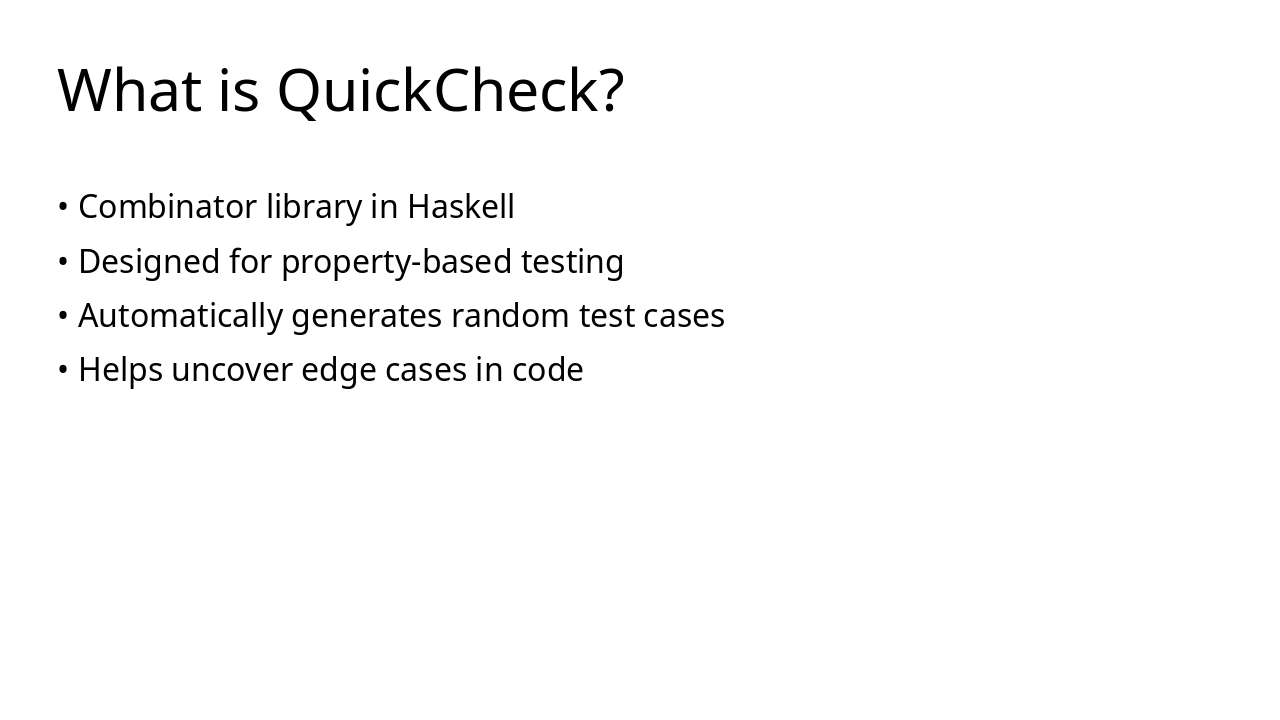
QuickCheck is a combinator library in Haskell designed specifically for property-based testing. It automatically generates random test cases to help uncover edge cases in code.

What is QuickCheck?

  • Combinator library in Haskell
  • Designed for property-based testing
  • Automatically generates random test cases
  • Helps uncover edge cases in code
Slide 2
Slide 3 of 11

Slide 3 - Key Features

The slide, titled "Key Features," serves as a section header introducing the main topic. Its subtitle highlights the core capabilities that empower developers with QuickCheck's powerful tools.

Key Features

Key Features

Discover the core capabilities that make QuickCheck powerful for developers.

Source: Quick test presentation

Slide 3
Slide 4 of 11

Slide 4 - Core Functionality

The Core Functionality slide outlines key features of a Haskell-based testing tool, starting with defining properties to create clear specifications. It then covers automatic test data generation for comprehensive coverage, input shrinking to isolate minimal failing cases, and integration with testing frameworks for seamless workflows.

Core Functionality

  • Define properties in Haskell for clear specifications
  • Automatically generate test data for comprehensive coverage
  • Shrink inputs to isolate minimal failing cases
  • Integrate with testing frameworks for seamless workflows
Slide 4
Slide 5 of 11

Slide 5 - A Developer's Insight

The slide, titled "A Developer's Insight," features a quote from Koen Claessen, co-creator of QuickCheck. In the quote, he explains how QuickCheck revolutionizes software testing by turning it from a tedious process into a precise science, enabling developers to efficiently verify complex properties with innovation.

A Developer's Insight

> QuickCheck transforms software testing from a tedious task into a precise science, allowing developers to verify complex properties with unprecedented efficiency and innovation.

— Koen Claessen, co-creator of QuickCheck

Source: Quick test presentation

--- Speaker Notes: Emphasizes its innovative approach to software verification.

Slide 5
Slide 6 of 11

Slide 6 - QuickCheck in Action

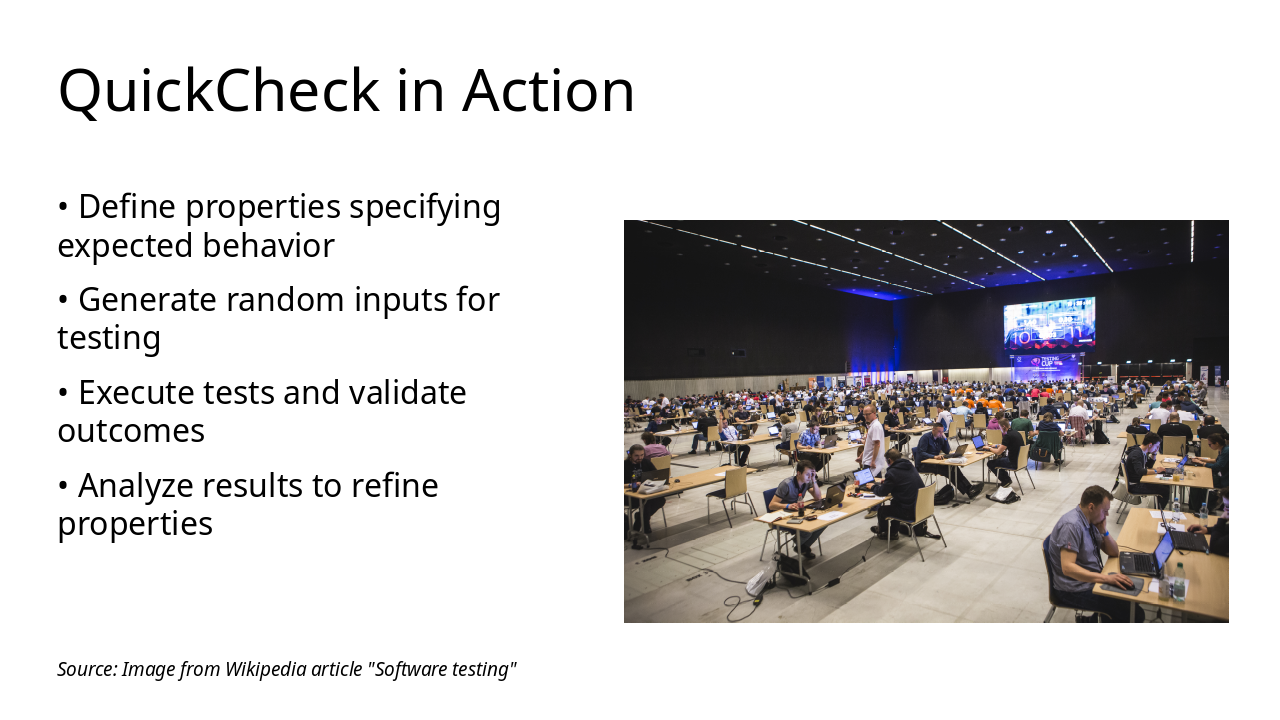
The slide "QuickCheck in Action" illustrates the core process of using QuickCheck for property-based testing through a visual diagram. It outlines four key steps: defining properties for expected behavior, generating random inputs, executing tests to validate outcomes, and analyzing results to refine properties.

QuickCheck in Action

!Image

  • Define properties specifying expected behavior
  • Generate random inputs for testing
  • Execute tests and validate outcomes
  • Analyze results to refine properties

Source: Image from Wikipedia article "Software testing"

Slide 6
Slide 7 of 11

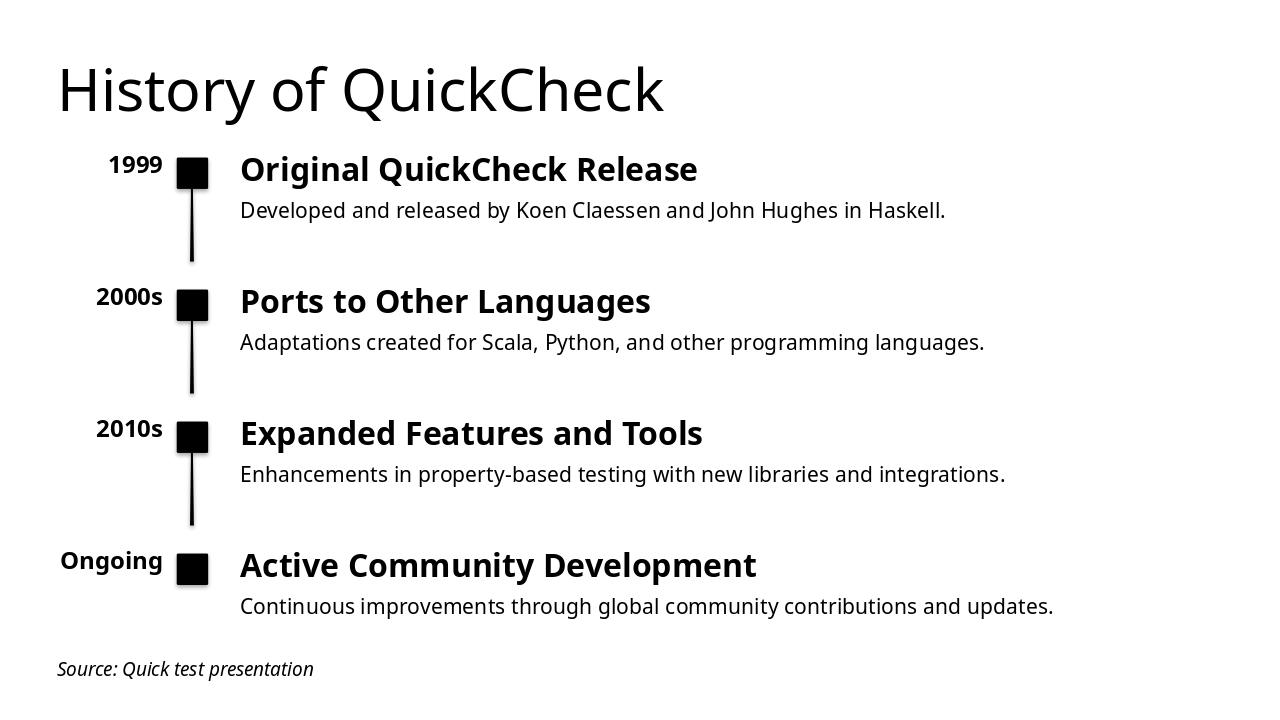
Slide 7 - History of QuickCheck

QuickCheck originated in 1999 as a property-based testing tool developed by Koen Claessen and John Hughes in Haskell, followed by ports to languages like Scala and Python during the 2000s. In the 2010s, it saw expanded features and integrations, with ongoing active development driven by a global community.

History of QuickCheck

1999: Original QuickCheck Release Developed and released by Koen Claessen and John Hughes in Haskell. 2000s: Ports to Other Languages Adaptations created for Scala, Python, and other programming languages. 2010s: Expanded Features and Tools Enhancements in property-based testing with new libraries and integrations. Ongoing: Active Community Development Continuous improvements through global community contributions and updates.

Source: Quick test presentation

Slide 7
Slide 8 of 11

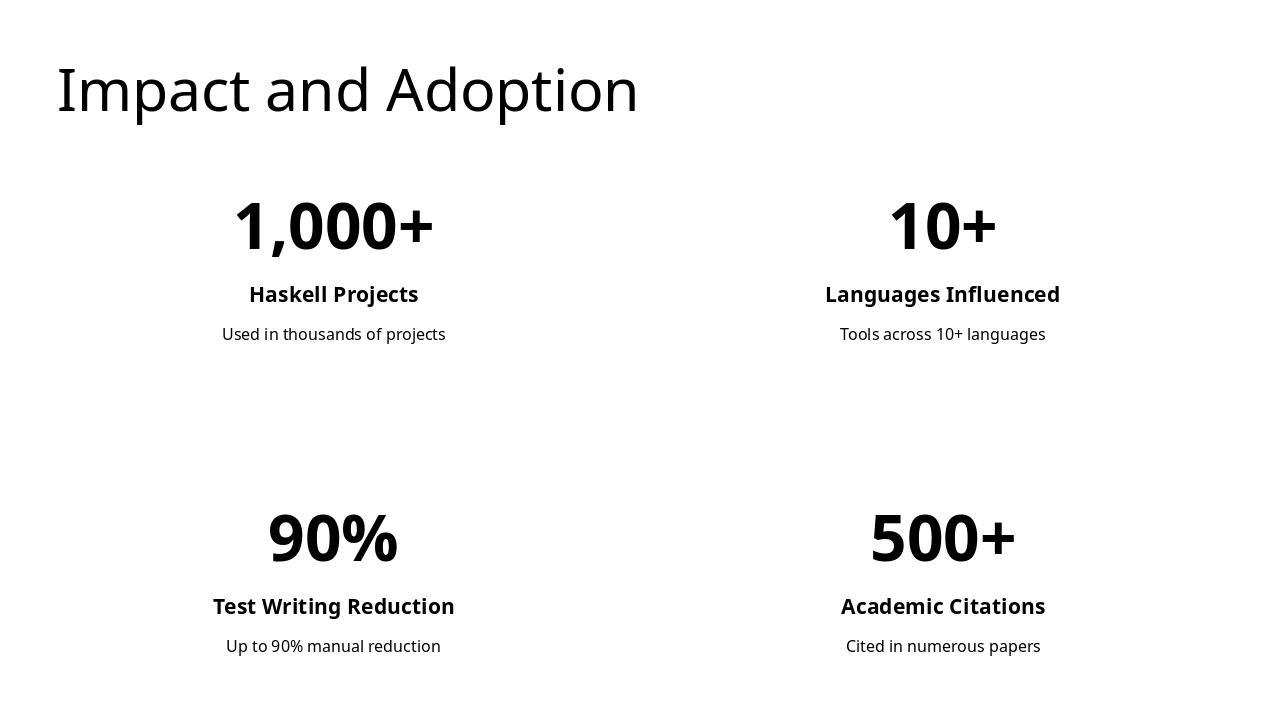
Slide 8 - Impact and Adoption

The "Impact and Adoption" stats slide highlights Haskell's widespread use in over 1,000 projects and its influence on tools across more than 10 programming languages. It also showcases practical benefits like up to 90% reduction in manual test writing, alongside over 500 academic citations.

Impact and Adoption

  • 1,000+: Haskell Projects

Used in thousands of projects

  • 10+: Languages Influenced

Tools across 10+ languages

  • 90%: Test Writing Reduction

Up to 90% manual reduction

  • 500+: Academic Citations

Cited in numerous papers

Slide 8
Slide 9 of 11

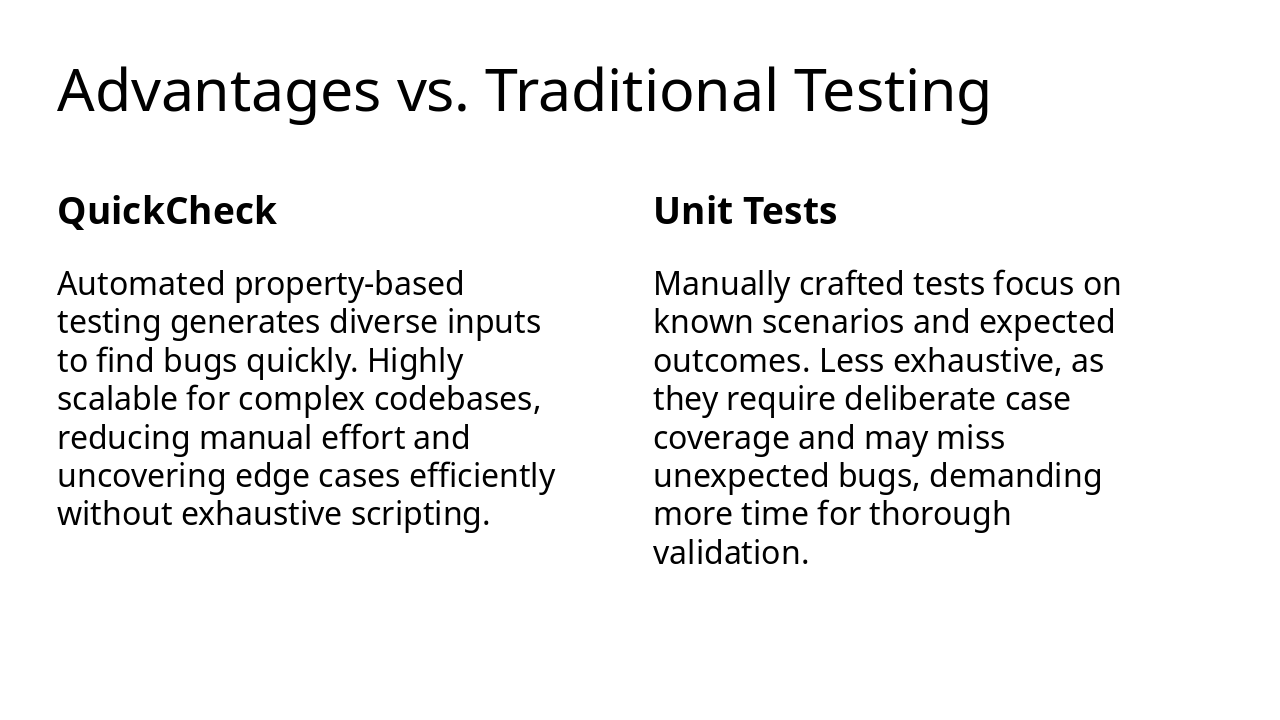
Slide 9 - Advantages vs. Traditional Testing

QuickCheck offers automated property-based testing that generates diverse inputs to quickly detect bugs, scales well for complex codebases, and uncovers edge cases efficiently without manual scripting. In contrast, traditional unit tests rely on manually crafted scenarios for known outcomes, often missing unexpected bugs and requiring more time for comprehensive coverage.

Advantages vs. Traditional Testing

QuickCheckUnit Tests
Automated property-based testing generates diverse inputs to find bugs quickly. Highly scalable for complex codebases, reducing manual effort and uncovering edge cases efficiently without exhaustive scripting.Manually crafted tests focus on known scenarios and expected outcomes. Less exhaustive, as they require deliberate case coverage and may miss unexpected bugs, demanding more time for thorough validation.
Slide 9
Slide 10 of 11

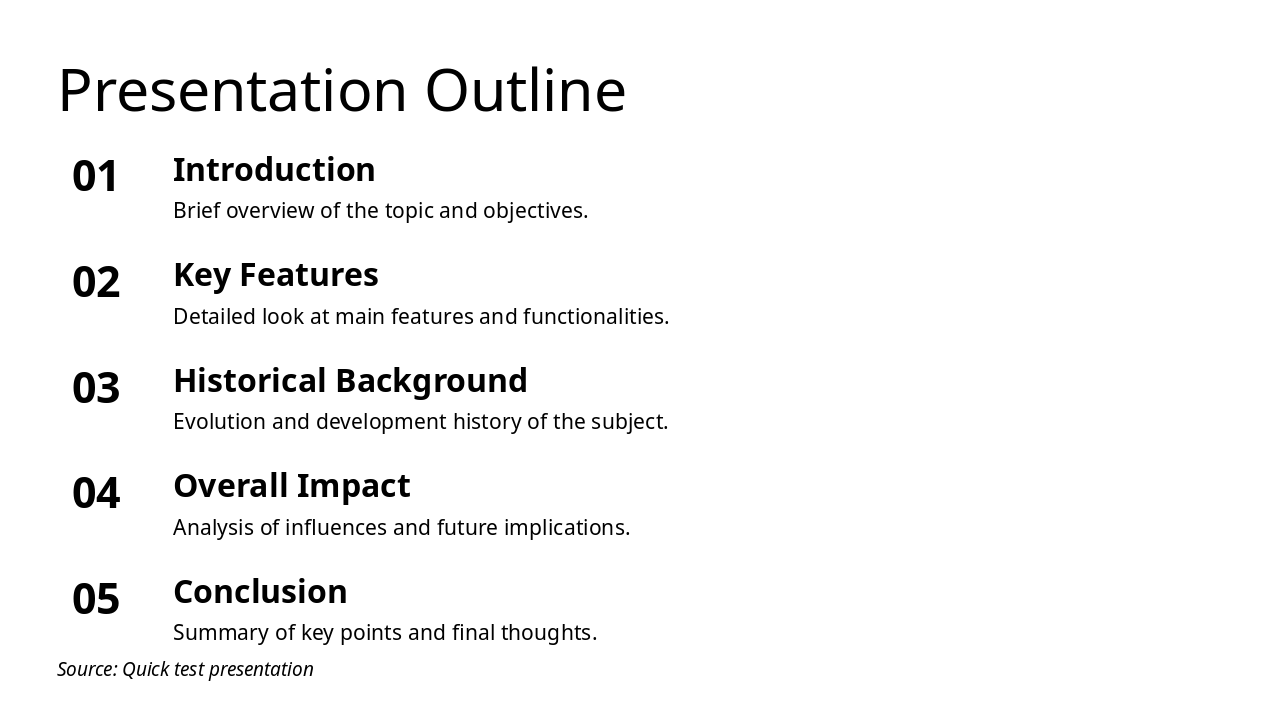
Slide 10 - Presentation Outline

This agenda slide outlines the structure of the presentation, starting with an introduction that provides a brief overview of the topic and objectives. It proceeds through key features with a detailed examination of functionalities, historical background on the subject's evolution, analysis of its overall impact and future implications, and concludes with a summary of key points and final thoughts.

Presentation Outline

  1. Introduction

Brief overview of the topic and objectives.

  1. Key Features

Detailed look at main features and functionalities.

  1. Historical Background

Evolution and development history of the subject.

  1. Overall Impact

Analysis of influences and future implications.

  1. Conclusion

Summary of key points and final thoughts.

Source: Quick test presentation

--- Speaker Notes: Quick overview of key sections.

Slide 10
Slide 11 of 11

Slide 11 - Why Use QuickCheck?

The slide titled "Why Use QuickCheck?" concludes by highlighting QuickCheck as a tool that boosts efficiency and reliability in software development. It encourages users to integrate QuickCheck today for smarter, more effective development practices.

Why Use QuickCheck?

QuickCheck: Boost Efficiency and Reliability

Integrate QuickCheck today for smarter software development!

Source: Quick test presentation

Slide 11
Powered by AI

Create Your Own Presentation

Generate professional presentations in seconds with Karaf's AI. Customize this presentation or start from scratch.

Create New Presentation

Powered by Karaf.ai — AI-Powered Presentation Generator