ISO/IEC 27001:2022 Information Security Awareness Training

Generated from prompt:

ISO/IEC 27001:2022 Information Security Awareness Training for Employees (1-hour). 35-40 slides with concise slide bullets and detailed trainer notes. Sections: Introduction & objectives, What is information security, Real breach examples, What is ISO/IEC 27001:2022, ISMS explanation, Why certification matters, CIA triad, Information security responsibilities for employees, Information classification & handling, Acceptable use, Passwords & MFA, Phishing and social engineering with examples, Email and internet safety, Cloud/file sharing security, Remote work & mobile security, Clean desk & clear screen, Physical security basics, Protecting personal/sensitive data, Recognizing and reporting incidents, High-level Annex A controls employees should know, Consequences of non-compliance, What to do if a mistake happens, Recap of do's and don'ts, 5–7 question quiz, Key takeaways. Include timing guidance in speaker notes to support a 60-minute delivery.

A 60-minute interactive training session introducing ISO/IEC 27001:2022 standards, core information security concepts like the CIA Triad, employee responsibilities, best practices for passwords, phishing prevention, device security, incident handling

March 16, 202617 slides
Slide 1 of 17

Slide 1 - ISO/IEC 27001:2022 Awareness Training

ISO/IEC 27001:2022 Information Security Awareness Training

Protecting our information assets together - 60 minute session

---

Photo by Nastuh Abootalebi on Unsplash
Slide 1 - ISO/IEC 27001:2022 Awareness Training
Slide 2 of 17

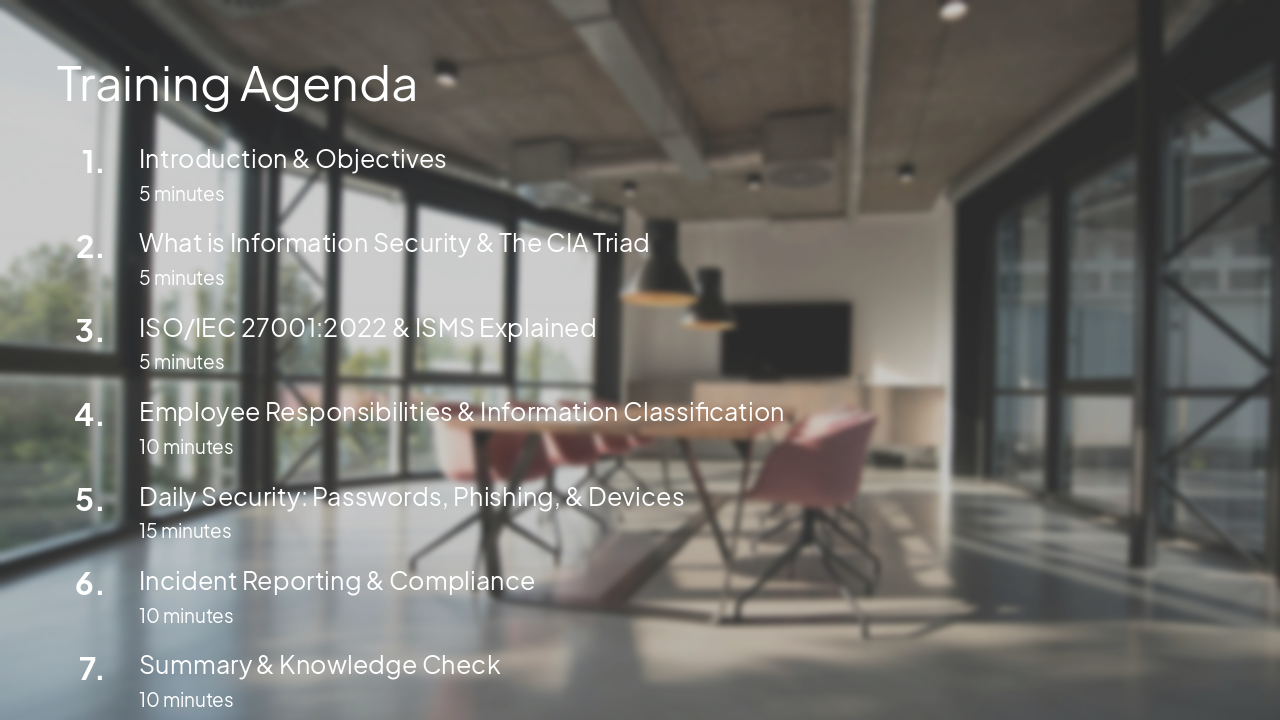
Slide 2 - Training Agenda

  • Introduction & Objectives: 5 minutes
  • What is Information Security & The CIA Triad: 5 minutes
  • ISO/IEC 27001:2022 & ISMS Explained: 5 minutes
  • Employee Responsibilities & Information Classification: 10 minutes
  • Daily Security: Passwords, Phishing, & Devices: 15 minutes
  • Incident Reporting & Compliance: 10 minutes
  • Summary & Knowledge Check: 10 minutes

---

Photo by Nastuh Abootalebi on Unsplash
Slide 2 - Training Agenda
Slide 3 of 17

Slide 3 - Session Objectives

  • Understand the importance of information security in our daily work.
  • Learn how to identify and prevent common security threats.
  • Understand your role in maintaining our ISO/IEC 27001 compliance.
  • Know how to report security incidents immediately.
Slide 3 - Session Objectives
Slide 4 of 17

Slide 4 - Core Security Concepts

2

Core Security Concepts

What is InfoSec and why does it matter?

---

Photo by Tom Parkes on Unsplash

Slide 4 - Core Security Concepts
Slide 5 of 17

Slide 5 - What is Information Security?

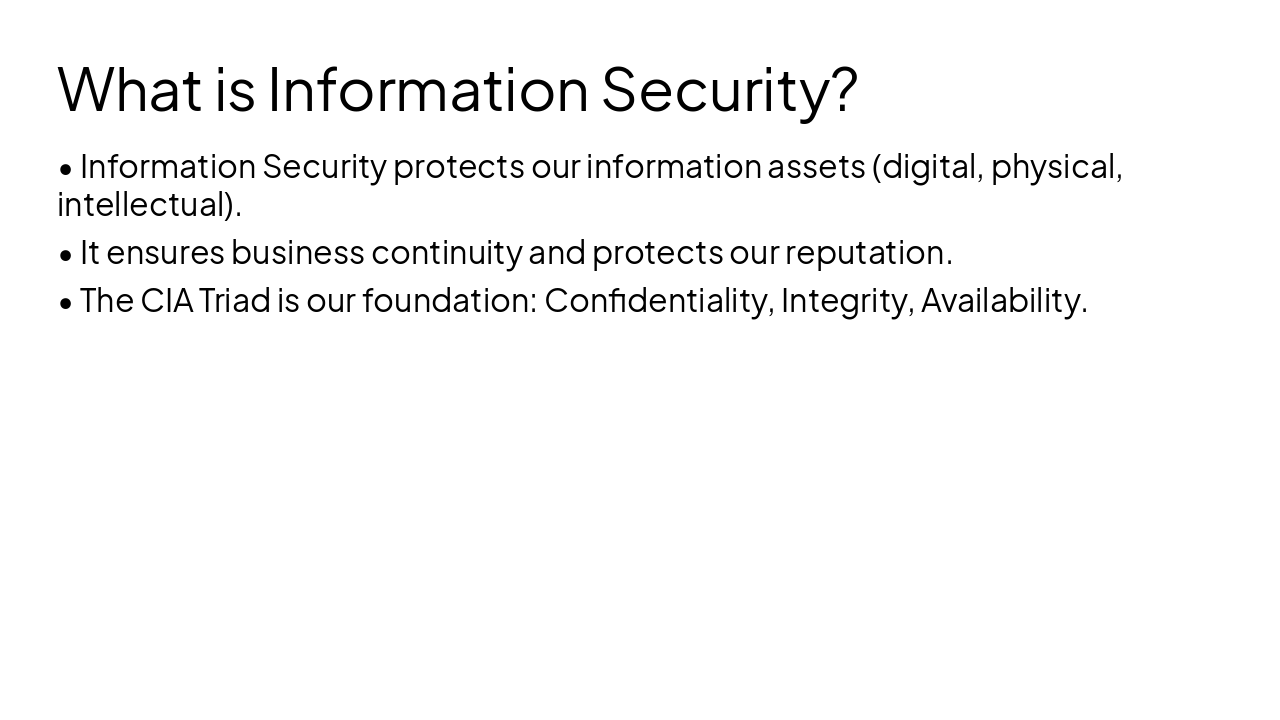
  • Information Security protects our information assets (digital, physical, intellectual).
  • It ensures business continuity and protects our reputation.
  • The CIA Triad is our foundation: Confidentiality, Integrity, Availability.
Slide 5 - What is Information Security?
Slide 6 of 17

Slide 6 - ISO/IEC 27001:2022

3

Understanding ISO/IEC 27001:2022

Our commitment to information security excellence

---

Photo by Tom Parkes on Unsplash

Slide 6 - ISO/IEC 27001:2022
Slide 7 of 17

Slide 7 - ISO/IEC 27001 & ISMS Explained

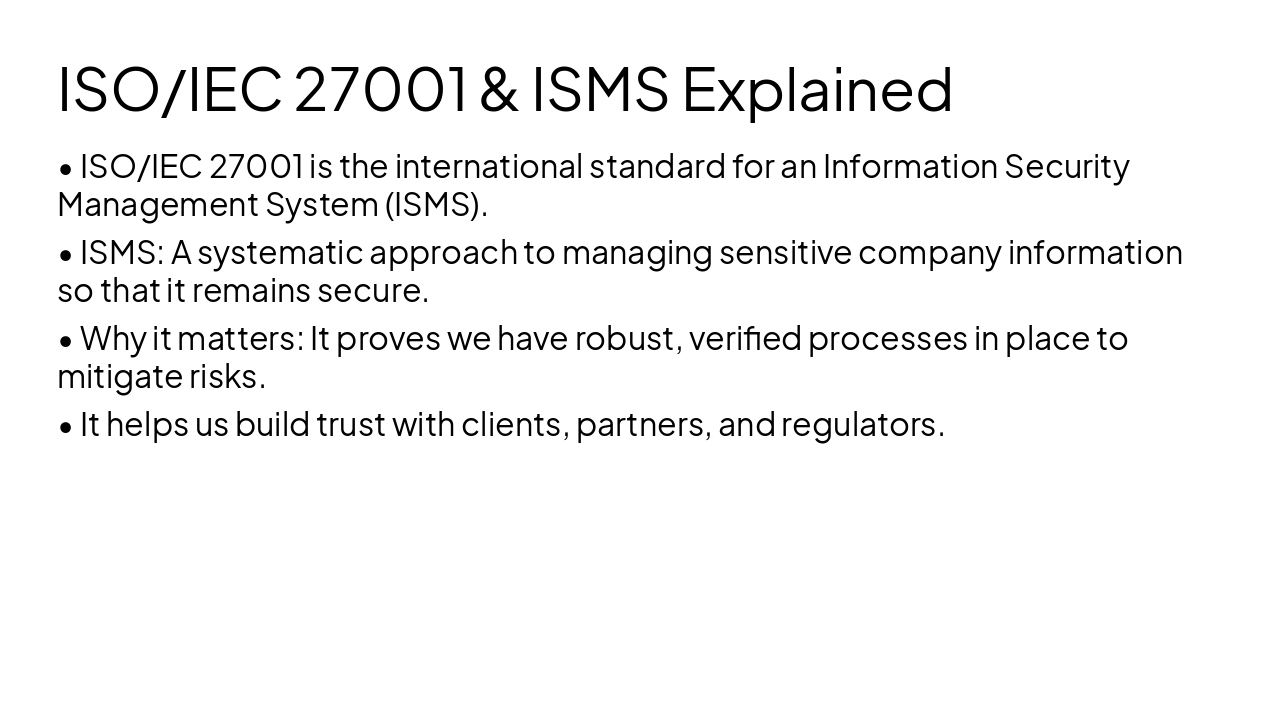
  • ISO/IEC 27001 is the international standard for an Information Security Management System (ISMS).
  • ISMS: A systematic approach to managing sensitive company information so that it remains secure.
  • Why it matters: It proves we have robust, verified processes in place to mitigate risks.
  • It helps us build trust with clients, partners, and regulators.
Slide 7 - ISO/IEC 27001 & ISMS Explained
Slide 8 of 17

Slide 8 - Your Responsibilities

4

Your Responsibilities

Daily practices for a secure workplace

---

Photo by Tom Parkes on Unsplash

Slide 8 - Your Responsibilities
Slide 9 of 17

Slide 9 - Security Responsibilities

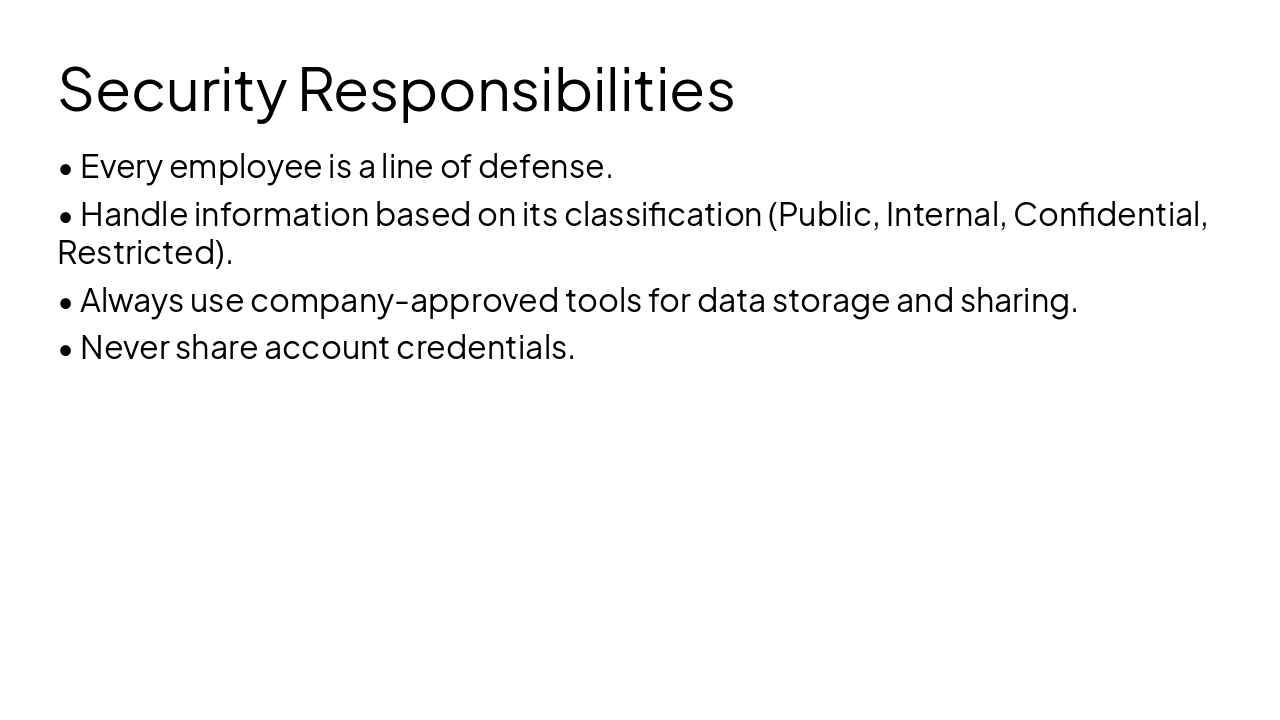
  • Every employee is a line of defense.
  • Handle information based on its classification (Public, Internal, Confidential, Restricted).
  • Always use company-approved tools for data storage and sharing.
  • Never share account credentials.
Slide 9 - Security Responsibilities
Slide 10 of 17

Slide 10 - Passwords & MFA Best Practices

  • Use strong, unique passwords for every account.
  • Enable Multi-Factor Authentication (MFA) whenever available.
  • MFA is our most effective barrier against account takeover.
  • Report any suspicious account activity immediately.
Slide 10 - Passwords & MFA Best Practices
Slide 11 of 17

Slide 11 - Phishing & Social Engineering

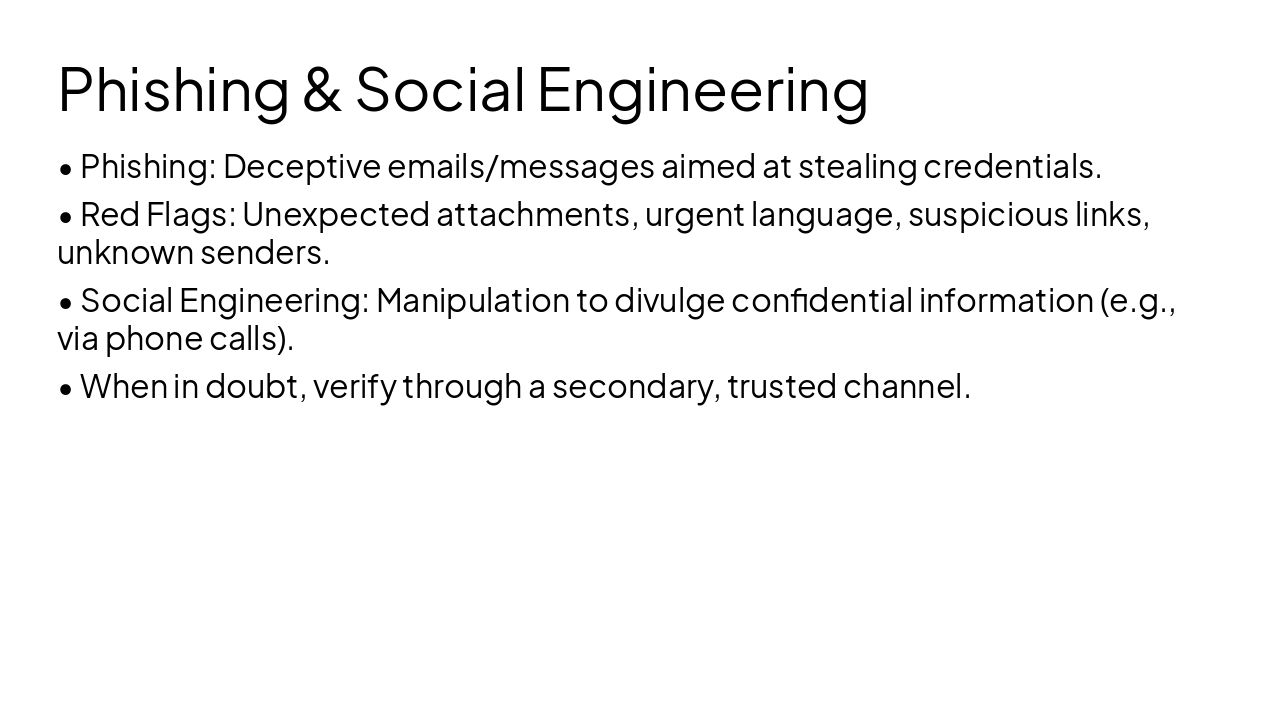
  • Phishing: Deceptive emails/messages aimed at stealing credentials.
  • Red Flags: Unexpected attachments, urgent language, suspicious links, unknown senders.
  • Social Engineering: Manipulation to divulge confidential information (e.g., via phone calls).
  • When in doubt, verify through a secondary, trusted channel.
Slide 11 - Phishing & Social Engineering
Slide 12 of 17

Slide 12 - Incident Reporting

6

Incident Reporting

What to do when things go wrong

---

Photo by Tom Parkes on Unsplash

Slide 12 - Incident Reporting
Slide 13 of 17

Slide 13 - Recognizing & Reporting Incidents

  • Recognize: Strange emails, lost devices, or suspicious system behavior.
  • Report: Contact IT/Security team immediately. Do NOT delay.
  • Reaction: Mistakes happen. It is better to report early than to hide them.
  • Non-compliance can lead to severe legal and financial consequences for the organization.
Slide 13 - Recognizing & Reporting Incidents
Slide 14 of 17

Slide 14 - Summary & Quiz

7

Summary & Knowledge Check

Final key takeaways and quiz

---

Photo by Tom Parkes on Unsplash

Slide 14 - Summary & Quiz
Slide 15 of 17

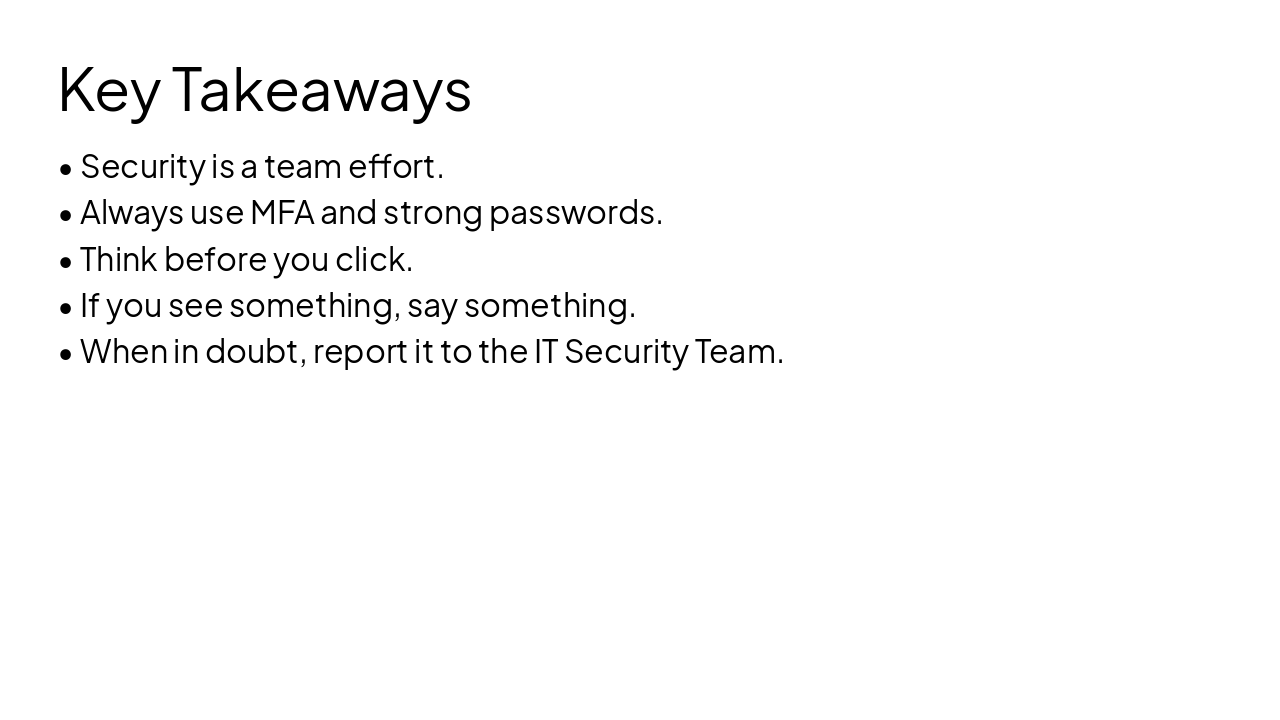
Slide 15 - Key Takeaways

  • Security is a team effort.
  • Always use MFA and strong passwords.
  • Think before you click.
  • If you see something, say something.
  • When in doubt, report it to the IT Security Team.
Slide 15 - Key Takeaways
Slide 16 of 17

Slide 16 - Quiz: Test Your Knowledge

  • Q1: What does CIA stand for? (Confidentiality, Integrity, Availability)
  • Q2: What is the most effective tool to stop unauthorized login? (MFA)
  • Q3: Who is responsible for info security? (Everyone)
  • Q4: What should you do if you receive a suspicious link? (Do not click, report it)
  • Q5: Is it okay to use your work password for personal sites? (No)
Slide 16 - Quiz: Test Your Knowledge
Slide 17 of 17

Slide 17 - Conclusion

Together, We Keep Our Data Secure

Thank you for your commitment to our security! Contact IT support for questions.

---

Photo by Nastuh Abootalebi on Unsplash

Slide 17 - Conclusion

Discover More Presentations

Explore thousands of AI-generated presentations for inspiration

Browse Presentations
Powered by AI

Create Your Own Presentation

Generate professional presentations in seconds with Karaf's AI. Customize this presentation or start from scratch.

Create New Presentation

Powered by Karaf.ai — AI-Powered Presentation Generator