Python Setup & Core Concepts Guide

Generated from prompt:

generate ppt on python installation along with environmental variable setting . explain differences between algorithm , pseudocod and flowchart

This presentation covers installing Python, configuring environment variables on Windows/macOS/Linux, and explains key differences between algorithms, pseudocode, and flowcharts with examples to build

November 6, 202512 slides
Slide 1 of 12

Slide 1 - Python Installation Guide

This title slide introduces a comprehensive Python Installation Guide. It covers key topics including installation procedures, environment setup, and core concepts.

Python Installation Guide

Installation, Environment Setup, and Core Concepts

--- Speaker Notes: Introduction to installing Python, setting environment variables, and explaining key concepts like algorithms, pseudocode, and flowcharts.
Slide 1
Slide 2 of 12

Slide 2 - Presentation Agenda

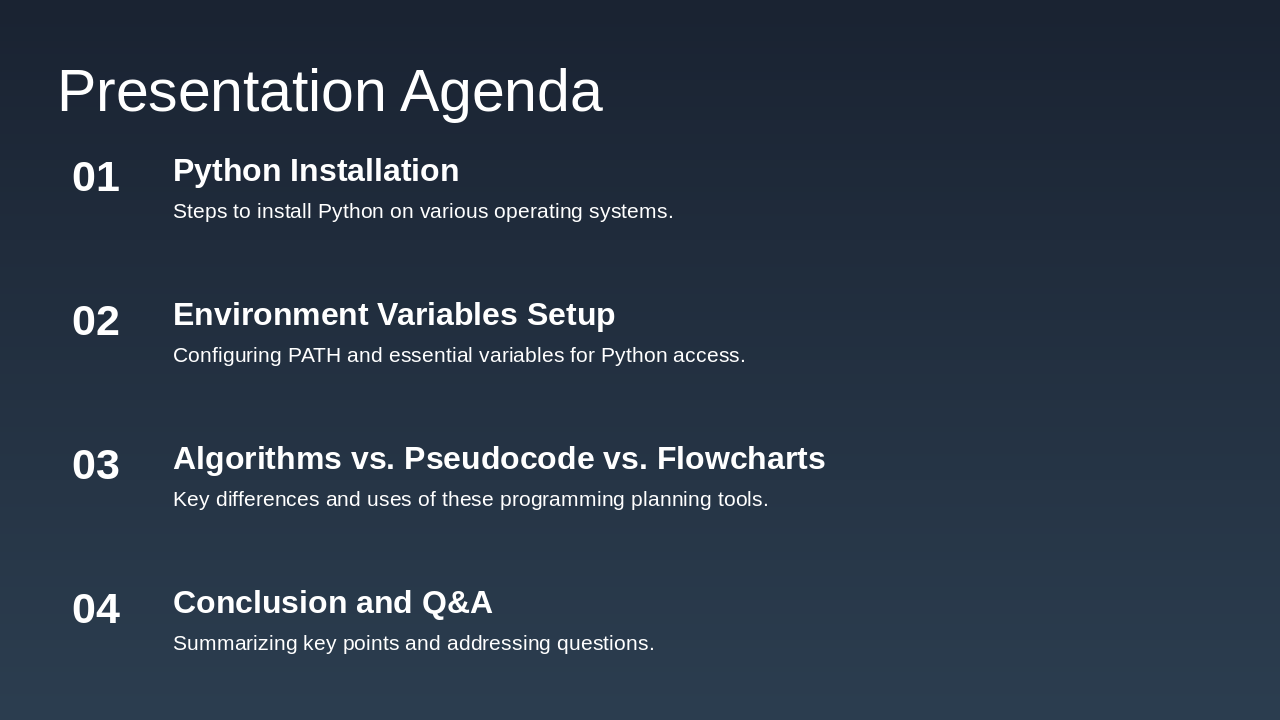
The presentation agenda outlines key topics starting with steps to install Python on various operating systems, followed by configuring environment variables like PATH for seamless access. It then covers the differences and uses of algorithms, pseudocode, and flowcharts as programming planning tools, concluding with a summary and Q&A session.

Presentation Agenda

  1. Python Installation

Steps to install Python on various operating systems.

  1. Environment Variables Setup

Configuring PATH and essential variables for Python access.

  1. Algorithms vs. Pseudocode vs. Flowcharts

Key differences and uses of these programming planning tools.

  1. Conclusion and Q&A

Summarizing key points and addressing questions.

Slide 2
Slide 3 of 12

Slide 3 - Installing Python

This section header slide introduces the topic of installing Python, marked as section 02. It provides an overview of the installation process on Windows, macOS, and Linux, including environment setup.

Installing Python

02

Installing Python

Overview of Python installation on Windows, macOS, and Linux with environment setup

--- Speaker Notes: This section covers the installation of Python on different operating systems, including setting environment variables. Note: Later sections will explain differences between algorithms, pseudocode, and flowcharts.
Slide 3
Slide 4 of 12

Slide 4 - Installation Steps

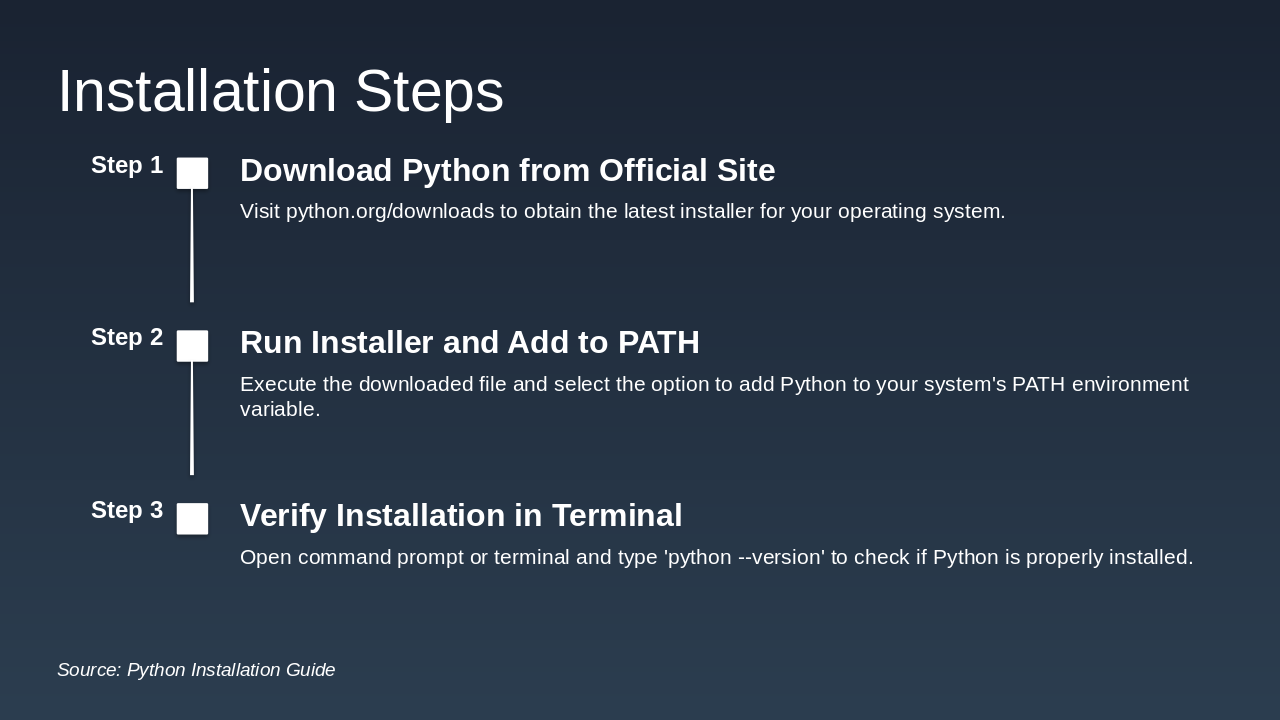
The slide outlines the installation steps for Python as a timeline with three key phases. First, download the latest installer from python.org/downloads for your operating system; second, run the installer and enable the option to add Python to your system's PATH; and third, verify the setup by opening a terminal and entering 'python --version'.

Installation Steps

Step 1: Download Python from Official Site Visit python.org/downloads to obtain the latest installer for your operating system. Step 2: Run Installer and Add to PATH Execute the downloaded file and select the option to add Python to your system's PATH environment variable. Step 3: Verify Installation in Terminal Open command prompt or terminal and type 'python --version' to check if Python is properly installed.

Source: Python Installation Guide

--- Speaker Notes: This slide covers Python installation. For the full PPT: Installation includes setting environment variables like PATH for accessibility. Differences: Algorithm is a step-by-step problem-solving procedure; Pseudocode is an informal, English-like description of an algorithm; Flowchart is a visual diagram using shapes to represent algorithm steps.

Slide 4
Slide 5 of 12

Slide 5 - Installation Visual

This slide, titled "Installation Visual," features an image illustrating the Python installation process along with key bullet points. It guides users to download Python from the official website, run the installer wizard step-by-step, select the 'Add Python to PATH' option, and verify the installation via the command prompt.

Installation Visual

!Image

  • Download Python from the official website.
  • Run the installer wizard step-by-step.
  • Select 'Add Python to PATH' option.
  • Verify installation using command prompt.

Source: Image from Wikipedia article "Python (programming language)"

Slide 5
Slide 6 of 12

Slide 6 - Python Installation: Environment Variables

This section header slide introduces setting environment variables for Python installation. It explains how to configure the PATH variable to run Python commands from the command line without specifying the full path.

Python Installation: Environment Variables

Setting Environment Variables

Configure PATH to access Python from command line without full path.

Slide 6
Slide 7 of 12

Slide 7 - How to Set PATH Variable

To set the PATH variable for Python, edit system environment variables on Windows to include the Python directory, or add 'export PATH=$PATH:/path/to/python' to .bashprofile on macOS/Linux. After making changes, restart your terminal or command prompt and verify by running 'python --version' in a new session.

How to Set PATH Variable

  • Windows: Edit System Environment Variables and add Python directory to PATH.
  • macOS/Linux: Add 'export PATH=$PATH:/path/to/python' to .bashprofile.
  • Restart terminal or command prompt after changes.
  • Test by running 'python --version' in new session.

Source: Python Installation Guide

--- Speaker Notes: This slide covers setting the PATH environment variable for Python across OS. Note differences: Algorithms are step-by-step procedures; pseudocode is informal code-like description; flowcharts are visual diagrams of process flow.

Slide 7
Slide 8 of 12

Slide 8 - Key Programming Concepts

This slide serves as a section header titled "Key Programming Concepts." It includes a subtitle emphasizing the understanding of algorithms, pseudocode, and flowcharts for effective problem-solving.

Key Programming Concepts

Understanding algorithms, pseudocode, and flowcharts in problem-solving.

Slide 8
Slide 9 of 12

Slide 9 - Differences: Algorithm, Pseudocode, Flowchart

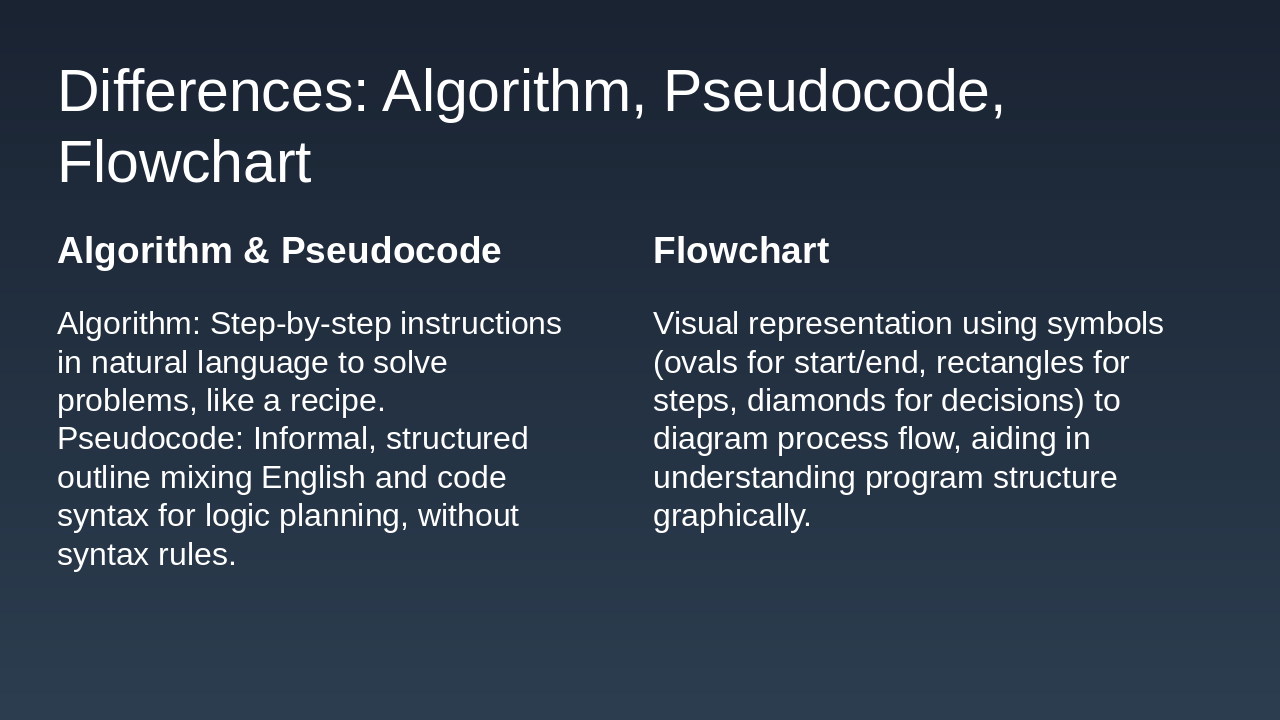
The slide compares algorithms and pseudocode on the left, defining algorithms as step-by-step natural language instructions for problem-solving, like a recipe, and pseudocode as an informal, structured outline blending English and code syntax for planning logic without strict rules. On the right, it describes flowcharts as visual diagrams using symbols—such as ovals for start/end, rectangles for steps, and diamonds for decisions—to graphically represent process flow and program structure.

Differences: Algorithm, Pseudocode, Flowchart

Algorithm & PseudocodeFlowchart
Algorithm: Step-by-step instructions in natural language to solve problems, like a recipe. Pseudocode: Informal, structured outline mixing English and code syntax for logic planning, without syntax rules.Visual representation using symbols (ovals for start/end, rectangles for steps, diamonds for decisions) to diagram process flow, aiding in understanding program structure graphically.
Slide 9
Slide 10 of 12

Slide 10 - Examples

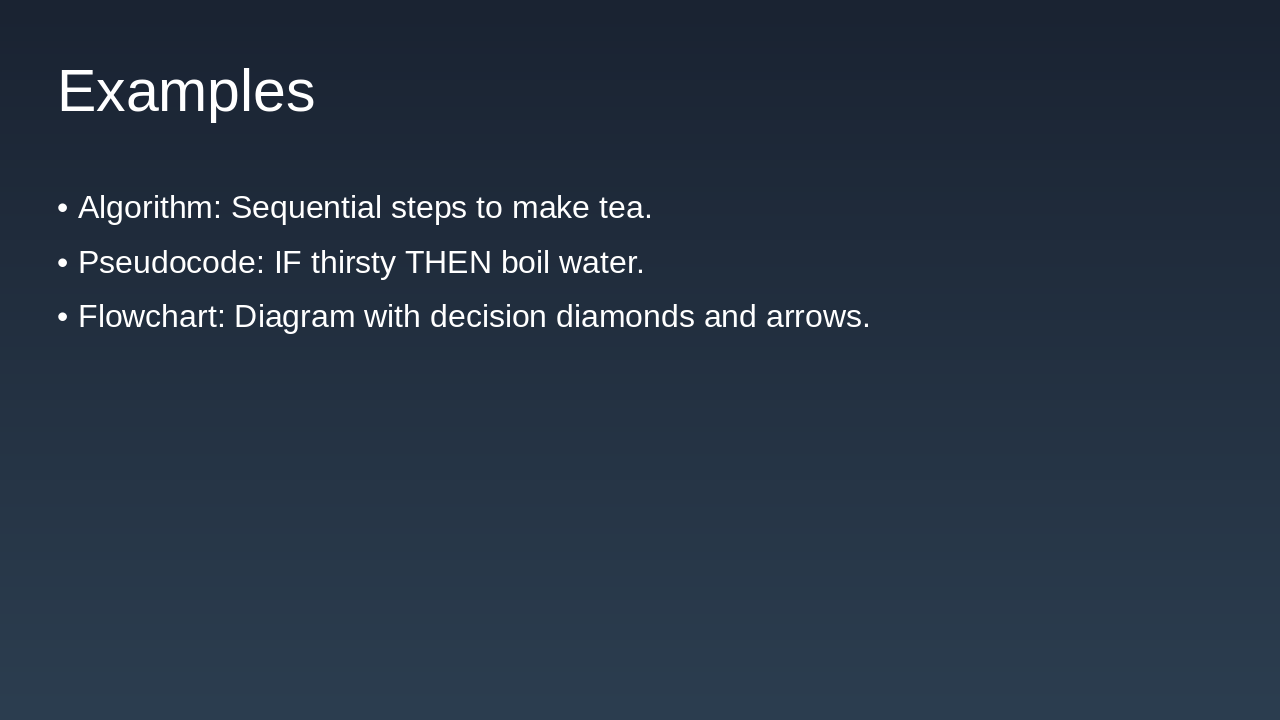
This slide, titled "Examples," illustrates basic programming concepts through everyday analogies. It lists a tea-making algorithm as sequential steps, pseudocode like "IF thirsty THEN boil water," and a flowchart featuring decision diamonds and arrows.

Examples

  • Algorithm: Sequential steps to make tea.
  • Pseudocode: IF thirsty THEN boil water.
  • Flowchart: Diagram with decision diamonds and arrows.
Slide 10
Slide 11 of 12

Slide 11 - Why These Matter

The slide, titled "Why These Matter," features a quote from Donald Knuth, author of "The Art of Computer Programming," emphasizing that algorithms form the core blueprint of every program. It highlights the importance of mastering pseudocode and flowcharts to effectively connect conceptual ideas with actual code.

Why These Matter

> In the heart of every program lies an algorithm—the blueprint of computation. Master pseudocode and flowcharts to bridge ideas and code seamlessly.

— Donald Knuth, Author of 'The Art of Computer Programming'

Source: Inspired by computing fundamentals

--- Speaker Notes: 'An algorithm is the soul of computing.' - Unknown. Use them to plan and visualize solutions effectively. Context: generate ppt on python installation along with environmental variable setting . explain differences between algorithm , pseudocod and flowchart

Slide 11
Slide 12 of 12

Slide 12 - Summary and Next Steps

This conclusion slide summarizes key learnings on Python setup, environmental variables, and distinctions between algorithms, pseudocode, and flowcharts, encouraging practice through Python installation and creating a simple flowchart. It thanks the audience for their attention and directs questions to help@karaf.ai while urging immediate practice.

Summary and Next Steps

You've learned Python setup, environmental variables, and differences between algorithms, pseudocode, and flowcharts. Practice by installing Python and creating a simple flowchart! Contact help@karaf.ai for more.
Thank you for your attention! Start practicing today.

Slide 12
Powered by AI

Create Your Own Presentation

Generate professional presentations in seconds with Karaf's AI. Customize this presentation or start from scratch.

Create New Presentation

Powered by Karaf.ai — AI-Powered Presentation Generator