Slide 1 of 15
Slide 1 - Title Slide
Team Project Collaboration Framework
Project Collaboration and Workflow Overview: Areez, Atif, and Muaz
Generated from prompt:
Make sure the presentation uses the corrected name everywhere: replace every occurrence of “Ameer”, “Ameer Mauvia”, “Ameer Muawia”, or similar spelling with “Muaz”. Keep the same presentation content, same dark navy/teal background, same layout style, and same 15-slide structure. This correction applies especially to Introduction and Roles, Global Cooperation speaker labels, Confirmation Flow, and Agreement Flow. Final names must be only: Areez, Atif, Muaz.
Overview of the collaboration framework for team members Areez, Atif, and Muaz, detailing roles, global cooperation strategy, communication and coordination workflows, confirmation and agreement protocols, key metrics, and next steps.
Team Project Collaboration Framework
Project Collaboration and Workflow Overview: Areez, Atif, and Muaz
1
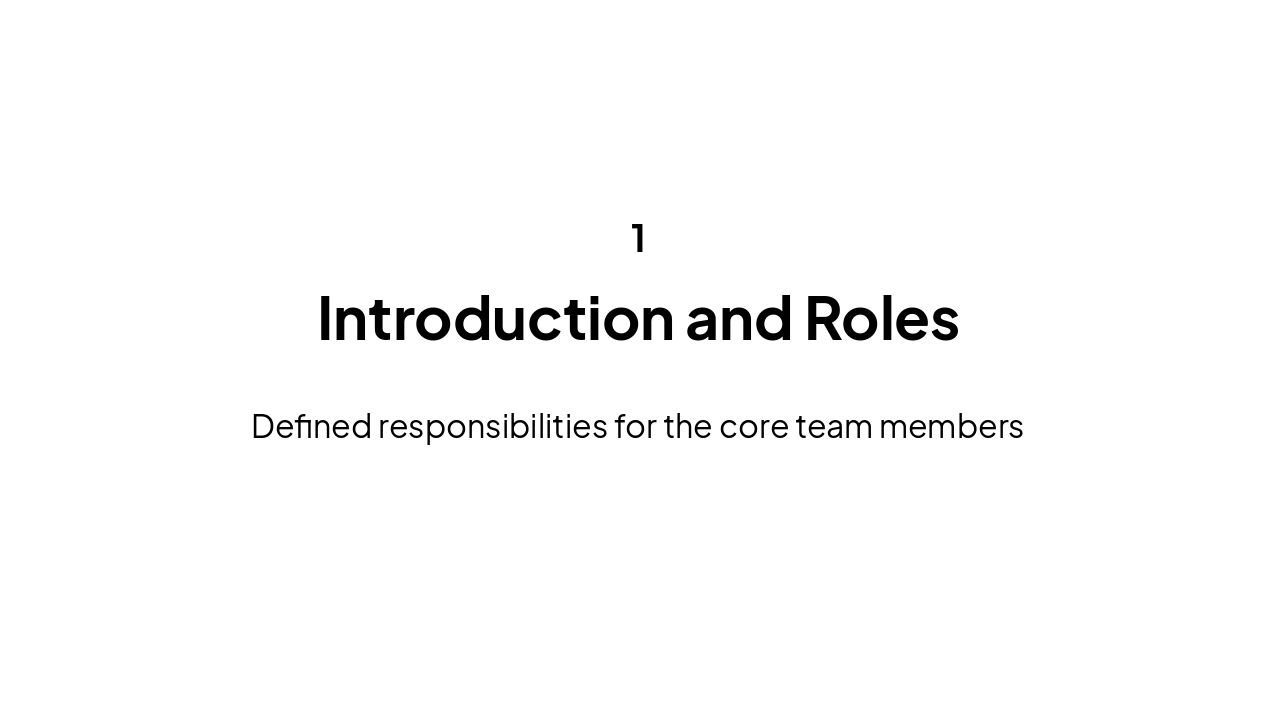
Defined responsibilities for the core team members
2
Collaborative efforts across time zones and regions
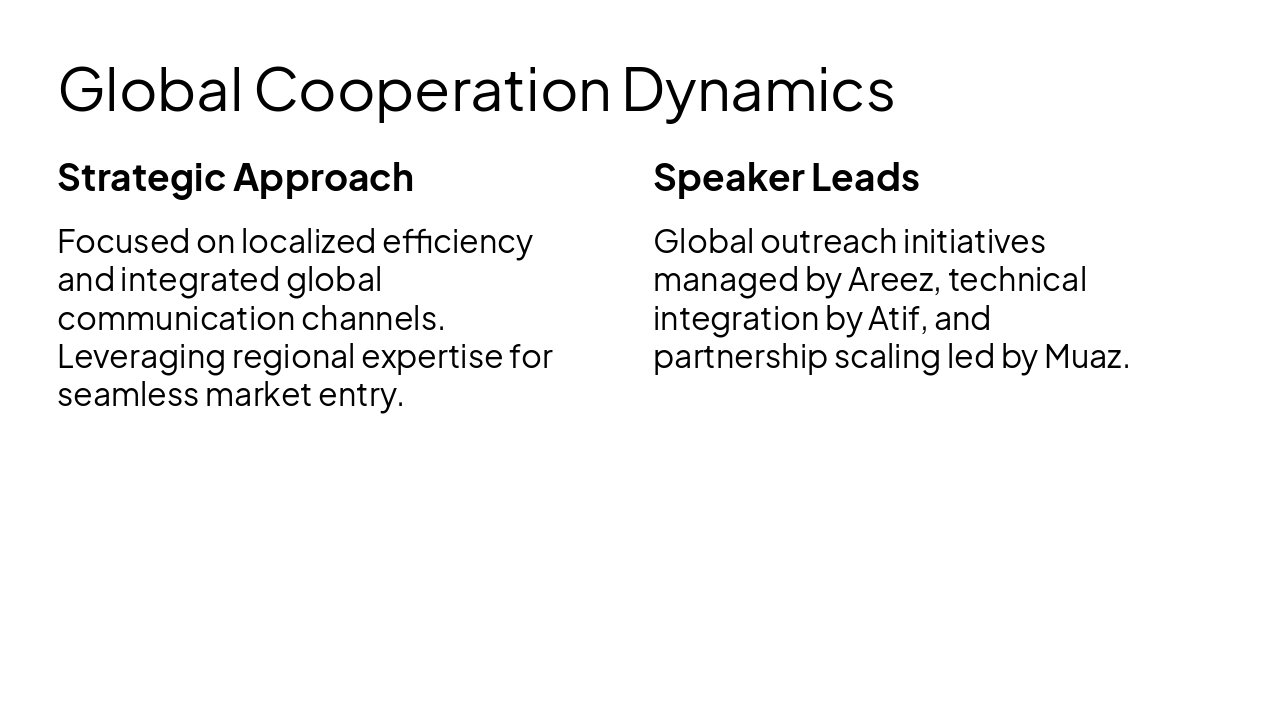
Strategic Approach Focused on localized efficiency and integrated global communication channels. Leveraging regional expertise for seamless market entry.
Speaker Leads Global outreach initiatives managed by Areez, technical integration by Atif, and partnership scaling led by Muaz.
3
Ensuring alignment throughout the project lifecycle
---
Photo by Logan Voss on Unsplash
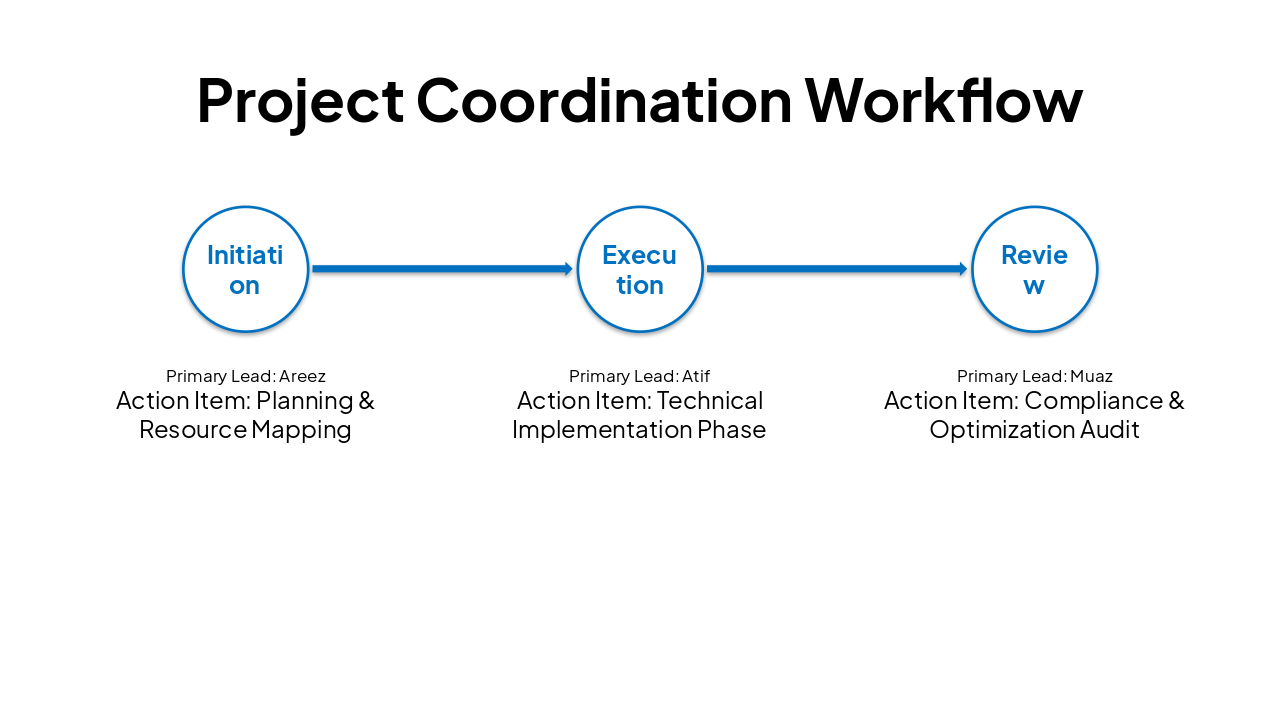
| Stage | Primary Lead | Action Item |
|---|---|---|
| Initiation | Areez | Planning & Resource Mapping |
| Execution | Atif | Technical Implementation Phase |
| Review | Muaz | Compliance & Optimization Audit |
4
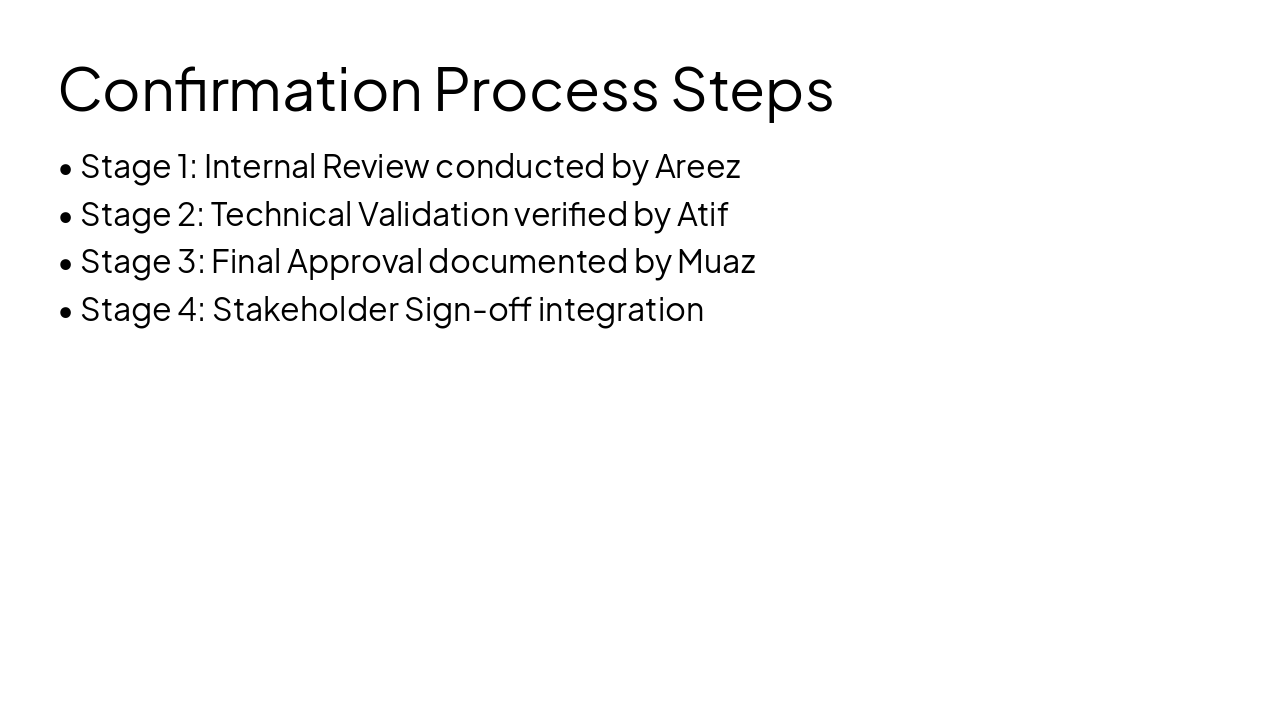
Validated processes for project milestones
---
Photo by Logan Voss on Unsplash

5
Standardized procedures for formal agreements
---
Photo by Logan Voss on Unsplash
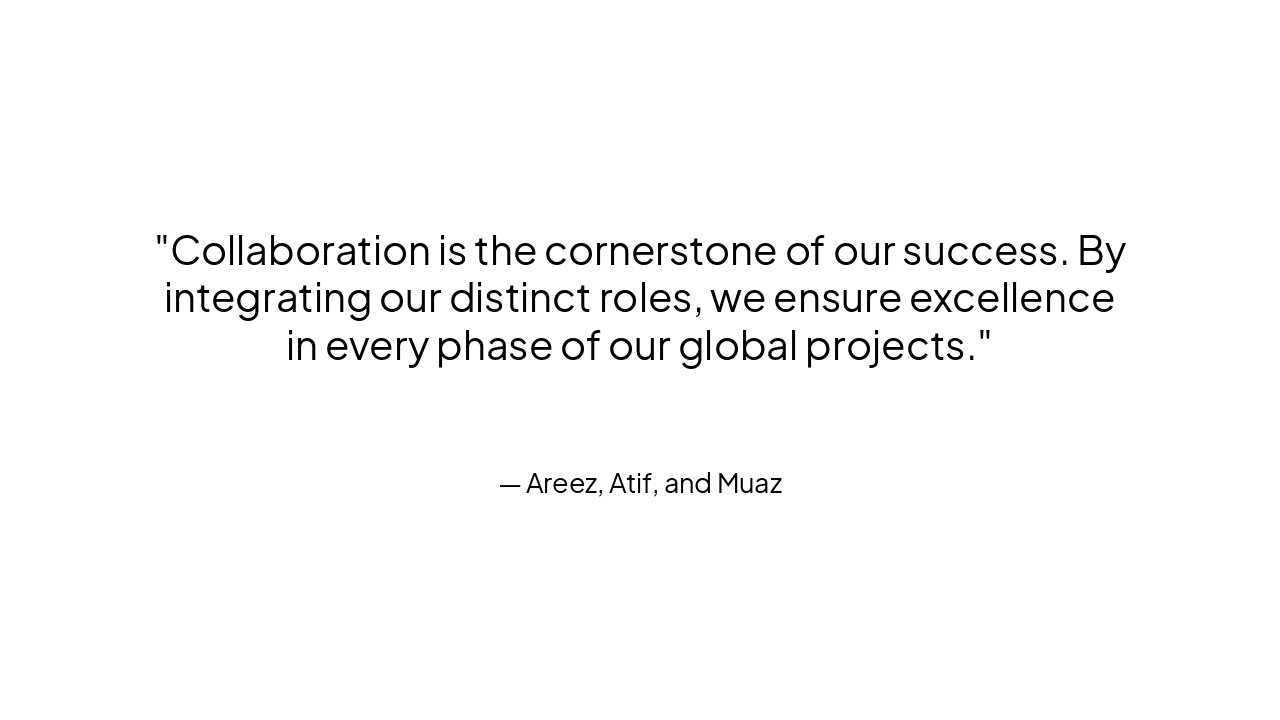
> Collaboration is the cornerstone of our success. By integrating our distinct roles, we ensure excellence in every phase of our global projects.
— Areez, Atif, and Muaz
Strategic Alignment: Areez, Atif, and Muaz
Thank you for your attention to our workflow integration.
---
Photo by Logan Voss on Unsplash
Explore thousands of AI-generated presentations for inspiration
Generate professional presentations in seconds with Karaf's AI. Customize this presentation or start from scratch.