Slide 1 of 10
Slide 1 - Onboarding and Offboarding via MyISS.TOC Portal
Onboarding and Offboarding via MyISS.TOC Portal
Executive overview for HRBP specialists and leadership stakeholders
---
Photo by Nastuh Abootalebi on Unsplash
Generated from prompt:
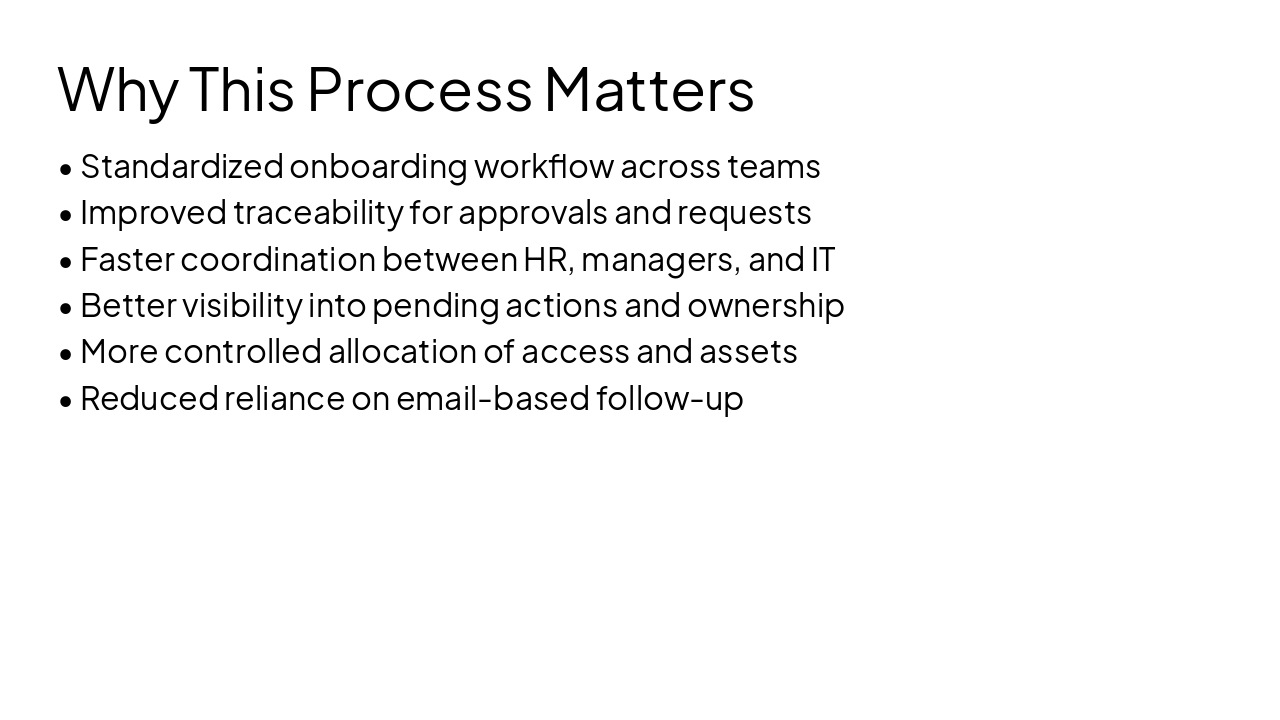
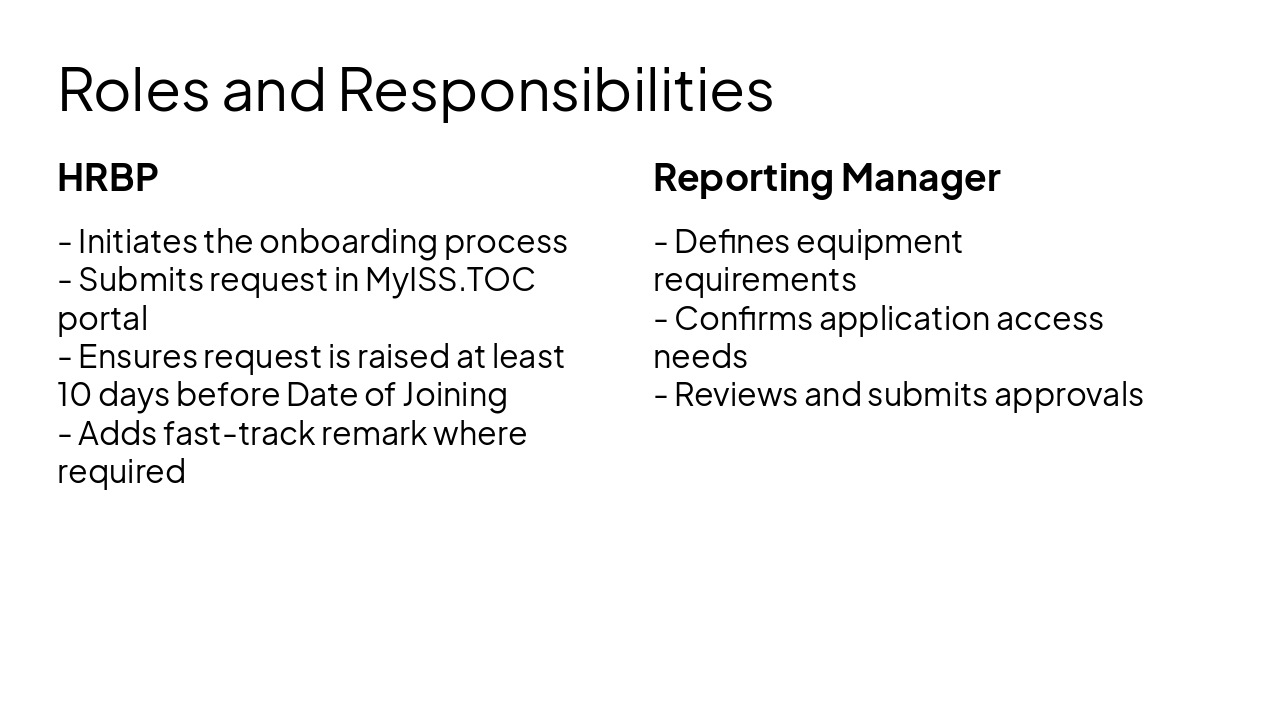
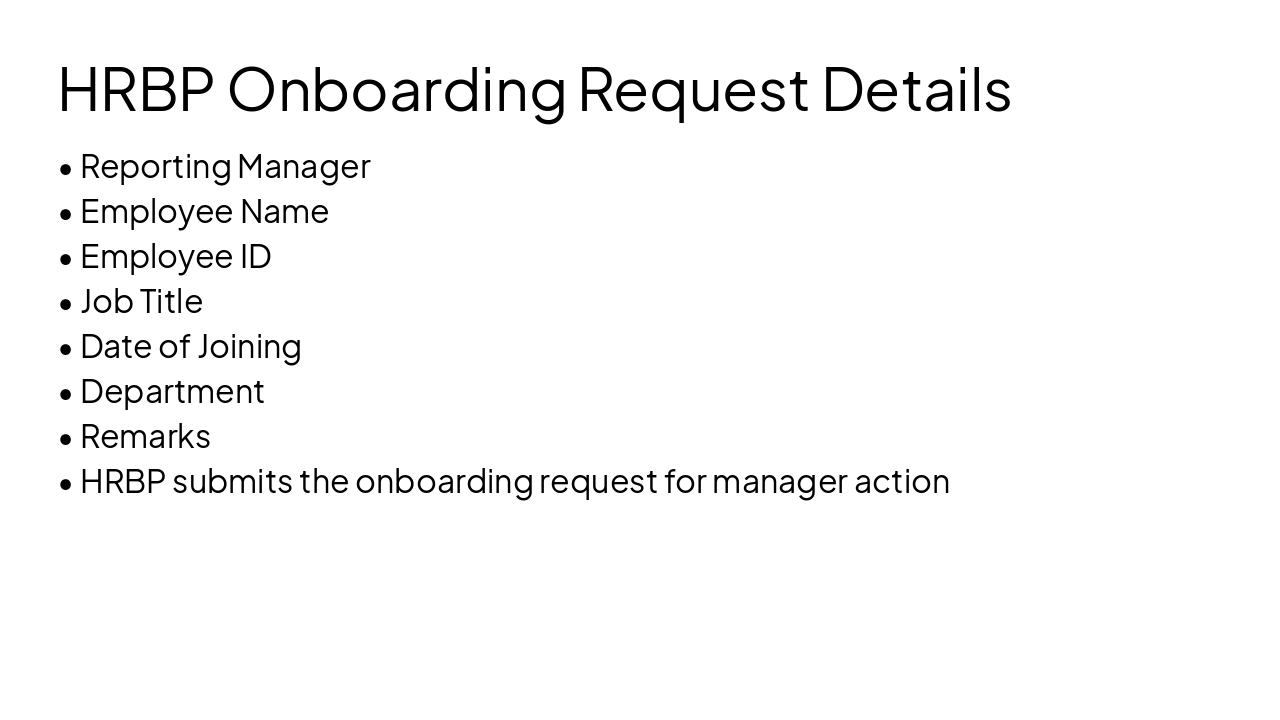
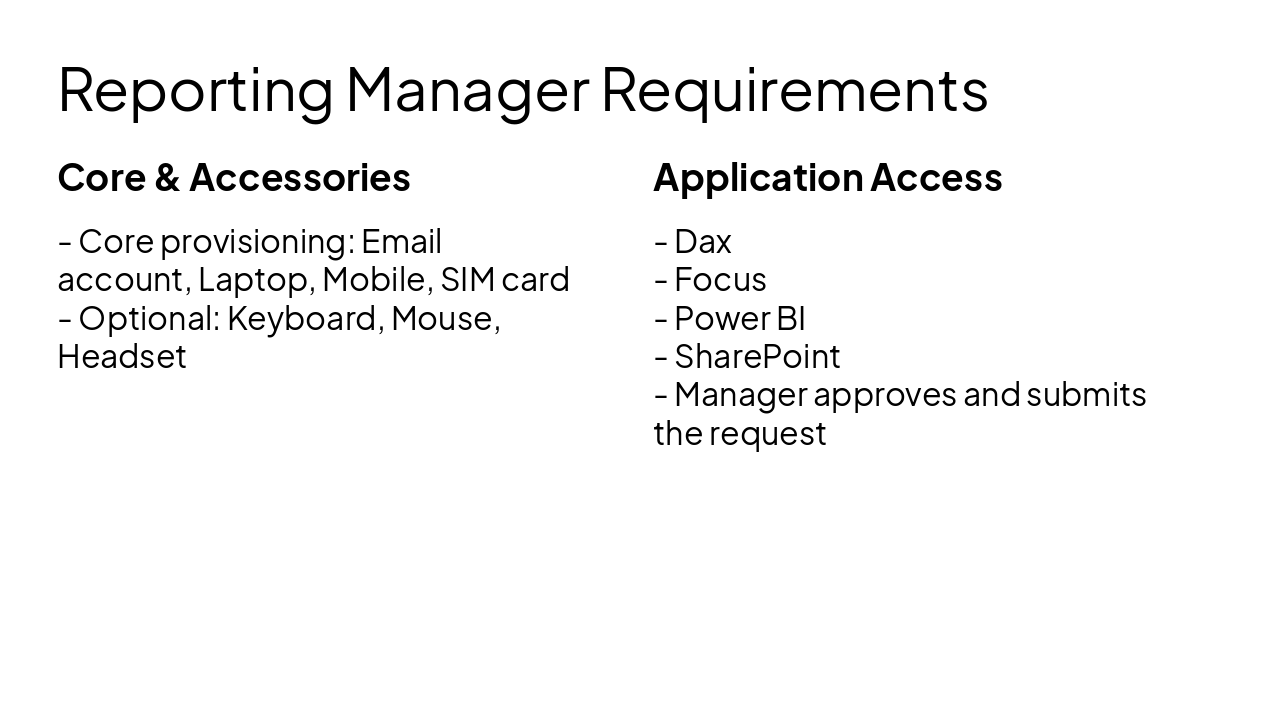
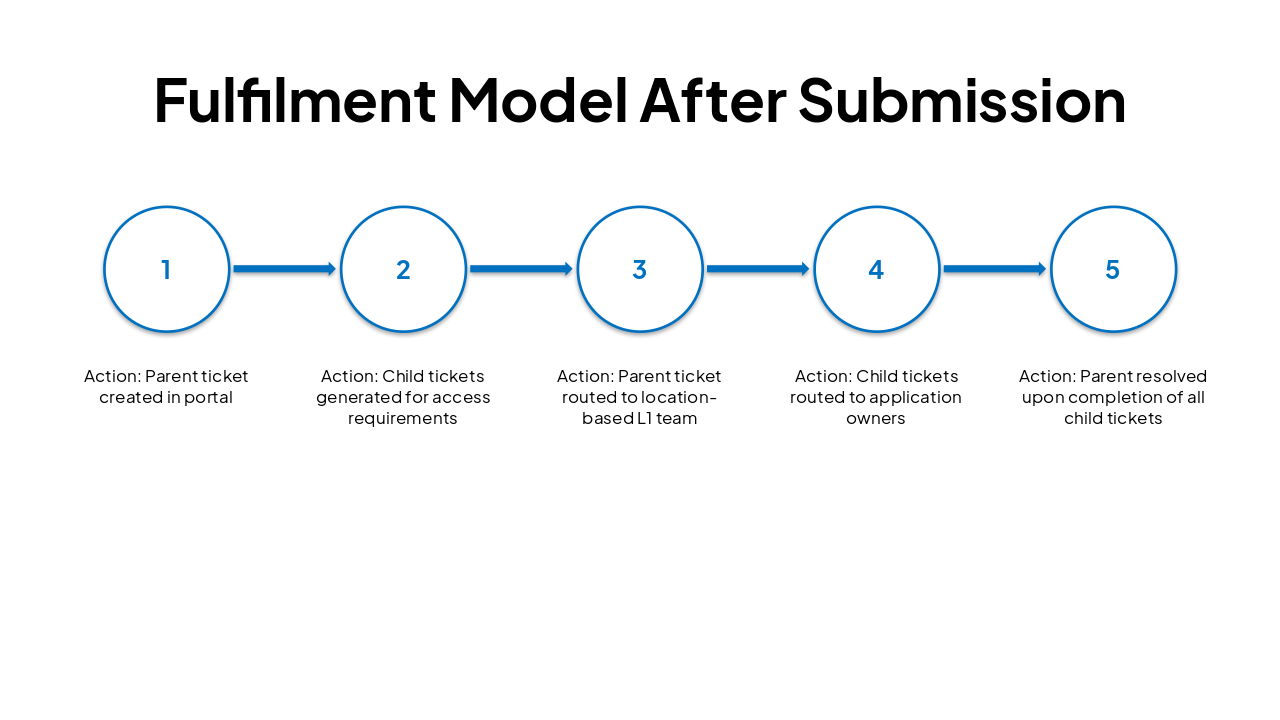
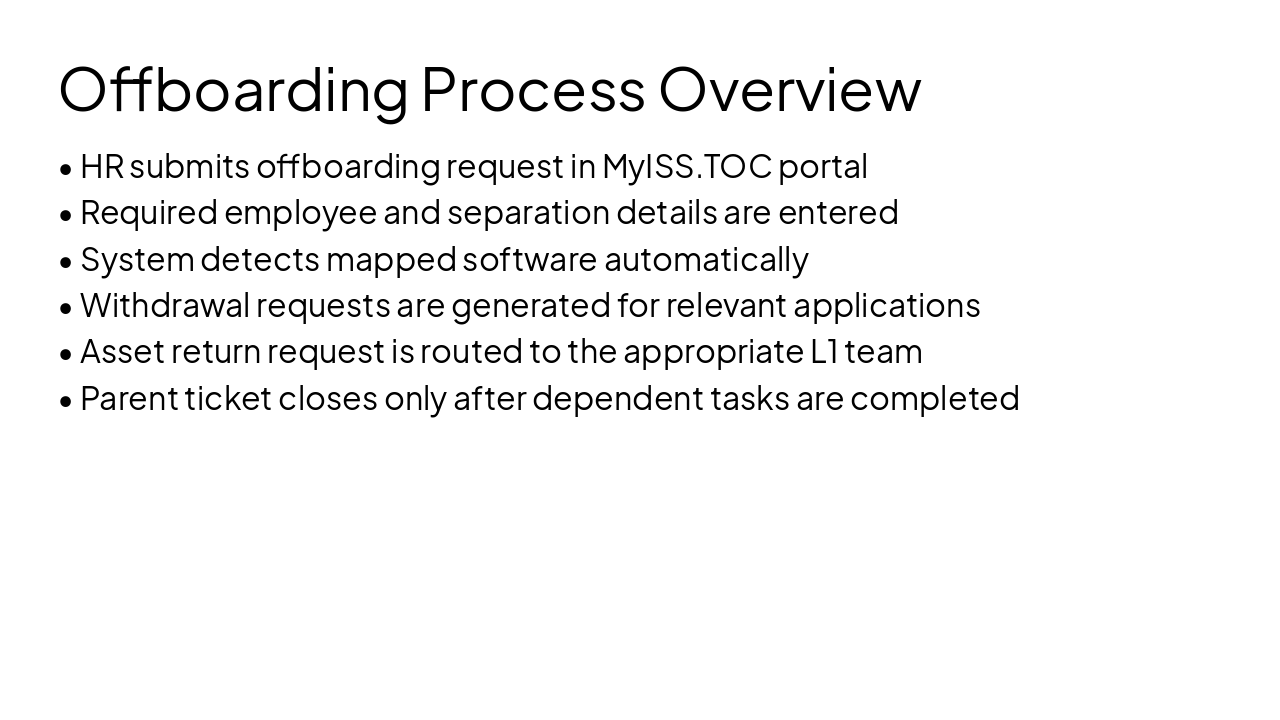
Create a clean, high-readability executive presentation in PPTX format based on the following source content. The audience is higher management and HRBP specialists. Every slide must have a clear, populated title. Avoid empty title placeholders. Use a formal corporate tone, simple layouts, readable fonts, balanced spacing, and conservative design. Do not over-stylize. Make the deck reliable and presentation-ready. Title: Onboarding and Offboarding via MyISS.TOC Portal Subtitle: Executive overview for HRBP specialists and leadership stakeholders Build 10 slides. Slide 1 Title: Onboarding and Offboarding via MyISS.TOC Portal Subtitle: Executive overview for HRBP specialists and leadership stakeholders Slide 2 Title: Agenda - Onboarding process overview - Offboarding process overview - Roles and responsibilities - Delegation of approvals - Demonstration scope - Q&A Slide 3 Title: Why This Process Matters - Standardized onboarding workflow across teams - Improved traceability for approvals and requests - Faster coordination between HR, managers, and IT - Better visibility into pending actions and ownership - More controlled allocation of access and assets - Reduced reliance on email-based follow-up Slide 4 Title: Roles and Responsibilities HRBP - Initiates the onboarding process - Submits request in MyISS.TOC portal - Ensures request is raised at least 10 days before Date of Joining - Adds fast-track remark where required Reporting Manager - Defines equipment requirements - Confirms application access needs - Reviews and submits approvals Slide 5 Title: HRBP Onboarding Request Details - Reporting Manager - Employee Name - Employee ID - Job Title - Date of Joining - Department - Remarks - HRBP submits the onboarding request for manager action Slide 6 Title: Reporting Manager Requirements Core provisioning - Email account - Laptop - Mobile - SIM card Optional accessories - Keyboard - Mouse - Headset Application access - Dax - Focus - Power BI - SharePoint - Manager approves and submits the request Slide 7 Title: Fulfilment Model After Submission - Parent ticket is created - Child tickets are generated for each required application access - Parent ticket is routed to L1 team based on employee location - Access tickets are routed to business application owners - Parent ticket is resolved only after all child tickets are completed Slide 8 Title: Offboarding Process Overview - HR submits offboarding request in MyISS.TOC portal - Required employee and separation details are entered - System detects mapped software automatically - Withdrawal requests are generated for relevant applications - Asset return request is routed to the appropriate L1 team - Parent ticket closes only after dependent tasks are completed Slide 9 Title: Delegation of Approvals - Open My Profile in MyISS.TOC portal - Go to Delegation Settings - Select delegatee and delegation period - Add notes if needed - Activate delegation - Ensures uninterrupted approvals during leave or vacation Slide 10 Title: Key Takeaways and Q&A - One portal supports both onboarding and offboarding workflows - Clear ownership across HRBP, managers, IT, and application owners - Automated routing improves efficiency and accountability - Structured approvals strengthen governance and visibility - Delegation supports continuity of operations Closing line: Thank you Design requirements: - Corporate boardroom style - Strong readability - Every slide title must be present and visible - Avoid image-heavy backgrounds - Prefer white or light neutral backgrounds with blue/gray accents - Keep layouts stable and uncluttered
Executive overview for HRBP and leadership on standardized onboarding/offboarding workflows via MyISS.TOC Portal. Covers processes, roles, responsibilities, approvals delegation, fulfilment model, and key benefits for efficient HR-IT coordination.
Onboarding and Offboarding via MyISS.TOC Portal
Executive overview for HRBP specialists and leadership stakeholders
---
Photo by Nastuh Abootalebi on Unsplash
HRBP
Reporting Manager
Core & Accessories
Application Access
| Step | Action |
|---|---|
| 1 | Parent ticket created in portal |
| 2 | Child tickets generated for access requirements |
| 3 | Parent ticket routed to location-based L1 team |
| 4 | Child tickets routed to application owners |
| 5 | Parent resolved upon completion of all child tickets |
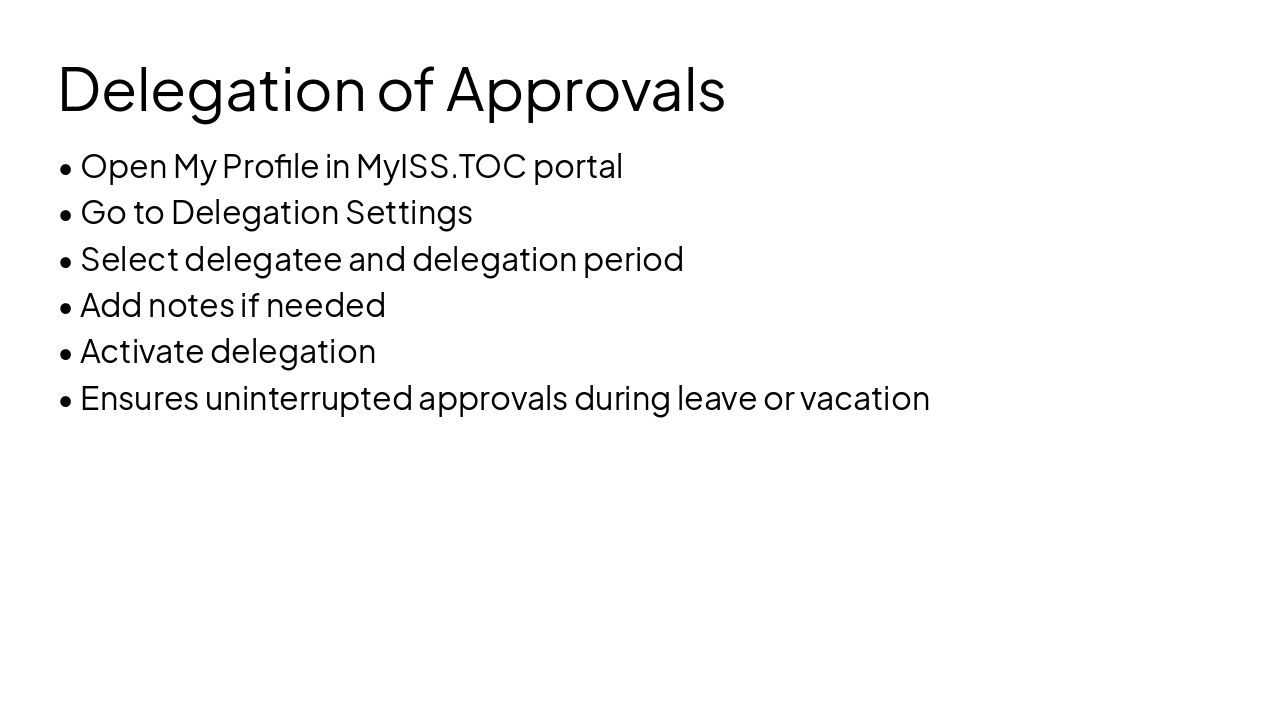
Key Takeaways and Q&A: One portal, clear ownership, automated routing, and strengthened governance.
Thank you
---
Photo by Nastuh Abootalebi on Unsplash
Explore thousands of AI-generated presentations for inspiration
Generate professional presentations in seconds with Karaf's AI. Customize this presentation or start from scratch.