ISO/IEC 27001:2022 Information Security Awareness Training

Generated from prompt:

Create a 1-hour training PowerPoint: ISO/IEC 27001:2022 Information Security Awareness for Employees. Audience: all employees in a company preparing for ISO 27001 certification. Approx 35–40 slides suitable for a 60-minute session. Include speaker-friendly bullets and simple examples. Structure: 1) Title & objectives, 2) What is information security and why it matters (with real-world breach examples), 3) Overview of ISO/IEC 27001:2022 and certification journey, 4) CIA triad (confidentiality, integrity, availability), 5) What an ISMS is and how employees support it, 6) Roles & responsibilities of employees, 7) Information classification & handling, 8) Acceptable use of company assets, 9) Passwords, MFA, and authentication hygiene, 10) Phishing & social engineering awareness with examples, 11) Email and internet security, 12) Safe use of cloud tools and file sharing, 13) Remote work and mobile device security, 14) Clean desk & clear screen practices, 15) Physical security basics, 16) Data protection & privacy considerations, 17) Incident identification and reporting process, 18) Overview of Annex A controls (high-level employee-relevant controls), 19) Consequences of non-compliance and real risk scenarios, 20) What to do if something goes wrong, 21) Quick recap of employee do’s and don’ts, 22) Short knowledge check quiz (5–7 questions), 23) Closing slide with key takeaways. Make slides visually clear and appropriate for corporate training.

This deck delivers essential ISO/IEC 27001:2022 awareness training for employees, covering information security fundamentals, CIA triad, ISMS overview, roles and responsibilities, authentication hygiene, phishing defense, data handling, physical and遥

March 16, 202617 slides
Slide 1 of 17

Slide 1 - ISO/IEC 27001:2022 Awareness Training

ISO/IEC 27001:2022 Information Security Awareness Training

Building a Secure Workplace Together

---

Photo by Tom Parkes on Unsplash
Slide 1 - ISO/IEC 27001:2022 Awareness Training
Slide 2 of 17

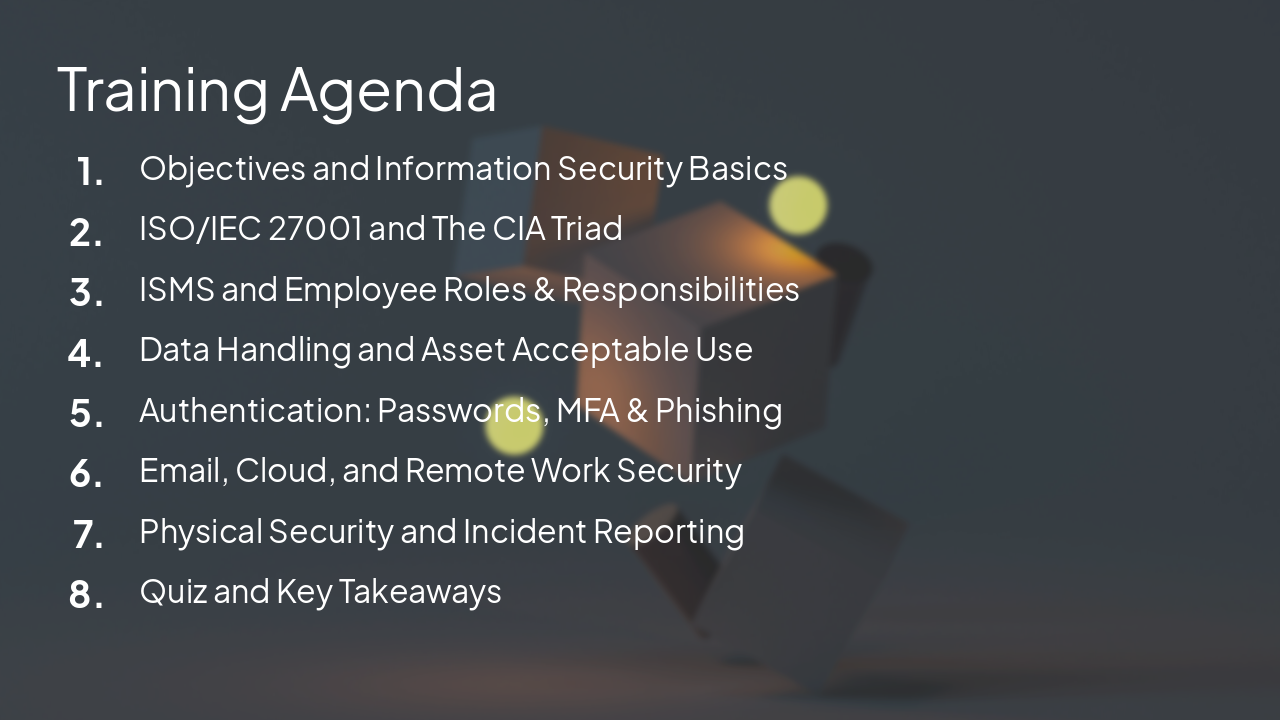
Slide 2 - Training Agenda

  • Objectives and Information Security Basics
  • ISO/IEC 27001 and The CIA Triad
  • ISMS and Employee Roles & Responsibilities
  • Data Handling and Asset Acceptable Use
  • Authentication: Passwords, MFA & Phishing
  • Email, Cloud, and Remote Work Security
  • Physical Security and Incident Reporting
  • Quiz and Key Takeaways

---

Photo by Sebastian Svenson on Unsplash
Slide 2 - Training Agenda
Slide 3 of 17

Slide 3 - Section 1

1

Information Security Basics

Why It Matters for Every Employee

---

Photo by Icons8 Team on Unsplash

Slide 3 - Section 1
Slide 4 of 17

Slide 4 - Understanding Information Security

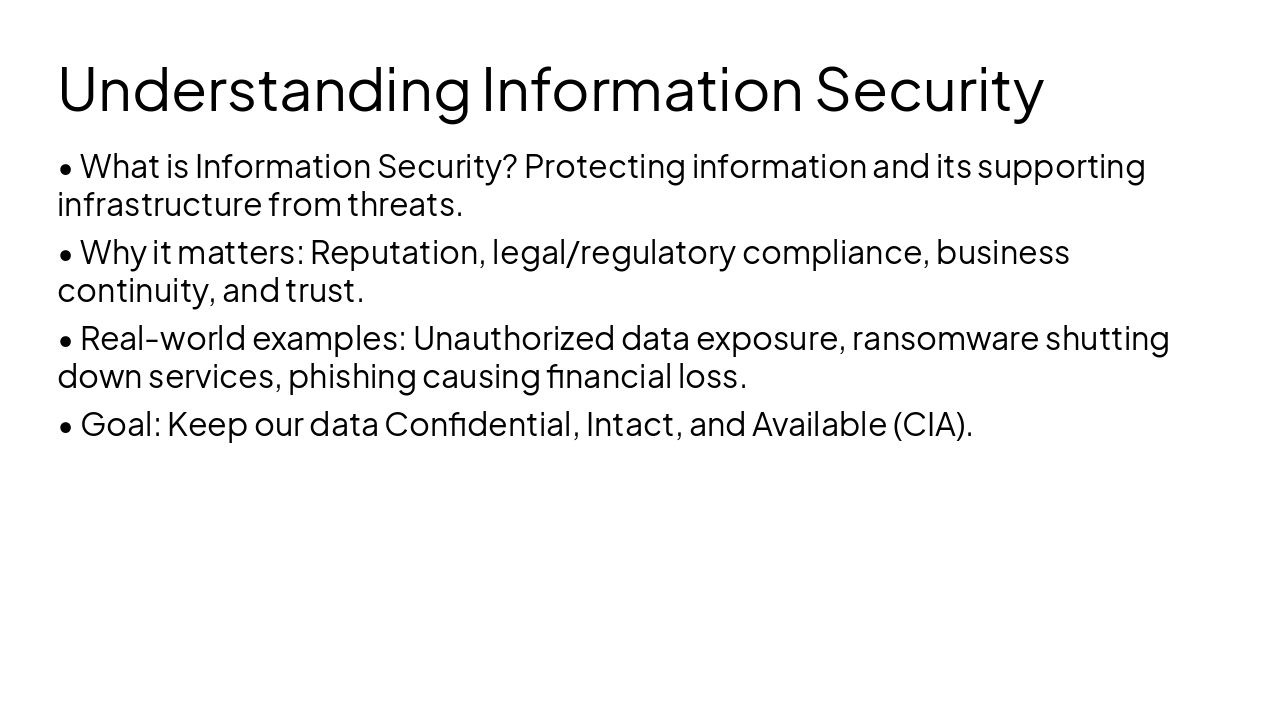
  • What is Information Security? Protecting information and its supporting infrastructure from threats.
  • Why it matters: Reputation, legal/regulatory compliance, business continuity, and trust.
  • Real-world examples: Unauthorized data exposure, ransomware shutting down services, phishing causing financial loss.
  • Goal: Keep our data Confidential, Intact, and Available (CIA).
Slide 4 - Understanding Information Security
Slide 5 of 17

Slide 5 - Section 2

2

ISO 27001 & ISMS

Certification Journey & Our System

---

Photo by Conny Schneider on Unsplash
Slide 5 - Section 2
Slide 6 of 17

Slide 6 - What is ISO/IEC 27001?

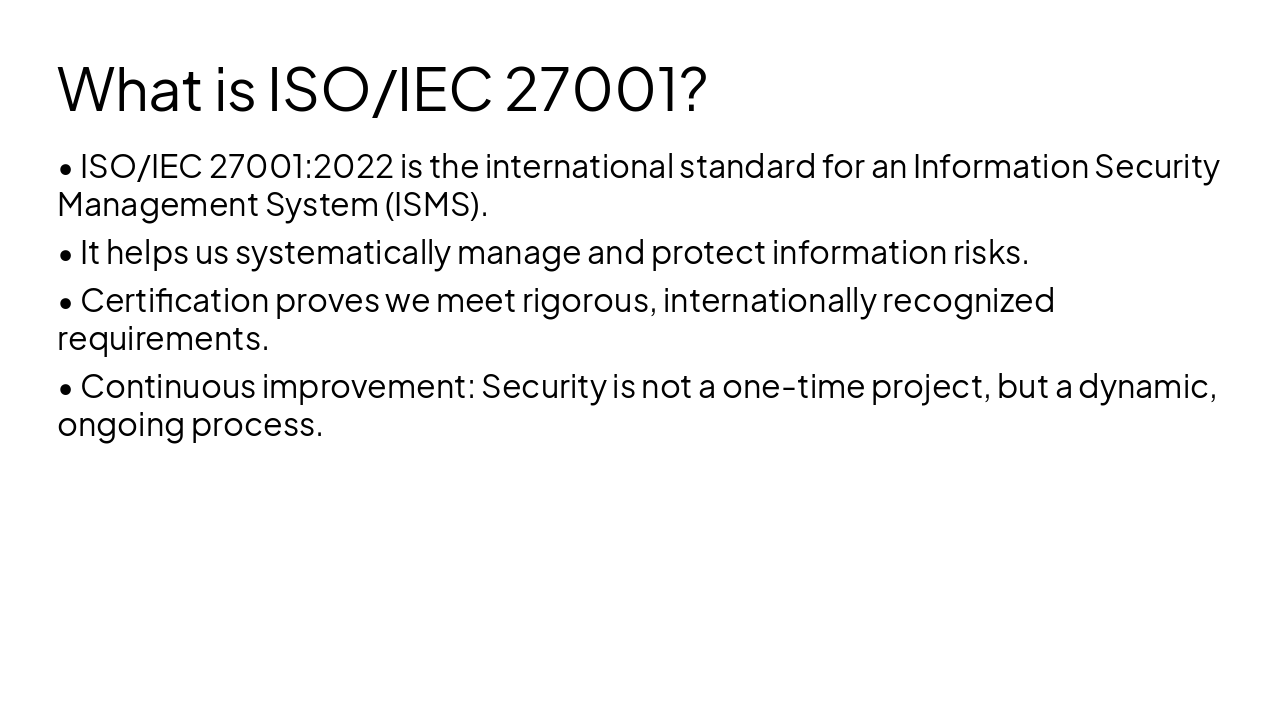
  • ISO/IEC 27001:2022 is the international standard for an Information Security Management System (ISMS).
  • It helps us systematically manage and protect information risks.
  • Certification proves we meet rigorous, internationally recognized requirements.
  • Continuous improvement: Security is not a one-time project, but a dynamic, ongoing process.
Slide 6 - What is ISO/IEC 27001?
Slide 7 of 17

Slide 7 - The CIA Triad Explained

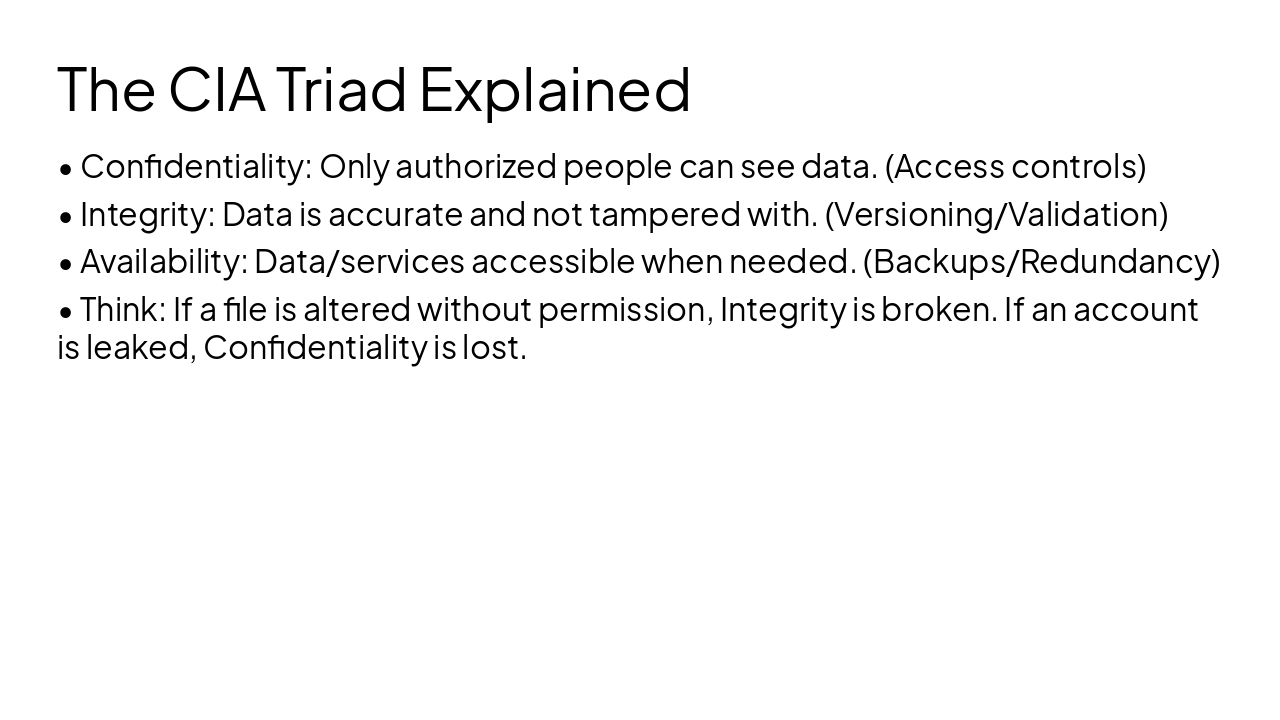
  • Confidentiality: Only authorized people can see data. (Access controls)
  • Integrity: Data is accurate and not tampered with. (Versioning/Validation)
  • Availability: Data/services accessible when needed. (Backups/Redundancy)
  • Think: If a file is altered without permission, Integrity is broken. If an account is leaked, Confidentiality is lost.
Slide 7 - The CIA Triad Explained
Slide 8 of 17

Slide 8 - Section 3

3

Employee Roles & Responsibilities

How You Support Our Security

---

Photo by Israel Andrade on Unsplash
Slide 8 - Section 3
Slide 9 of 17

Slide 9 - Your Role in Information Security

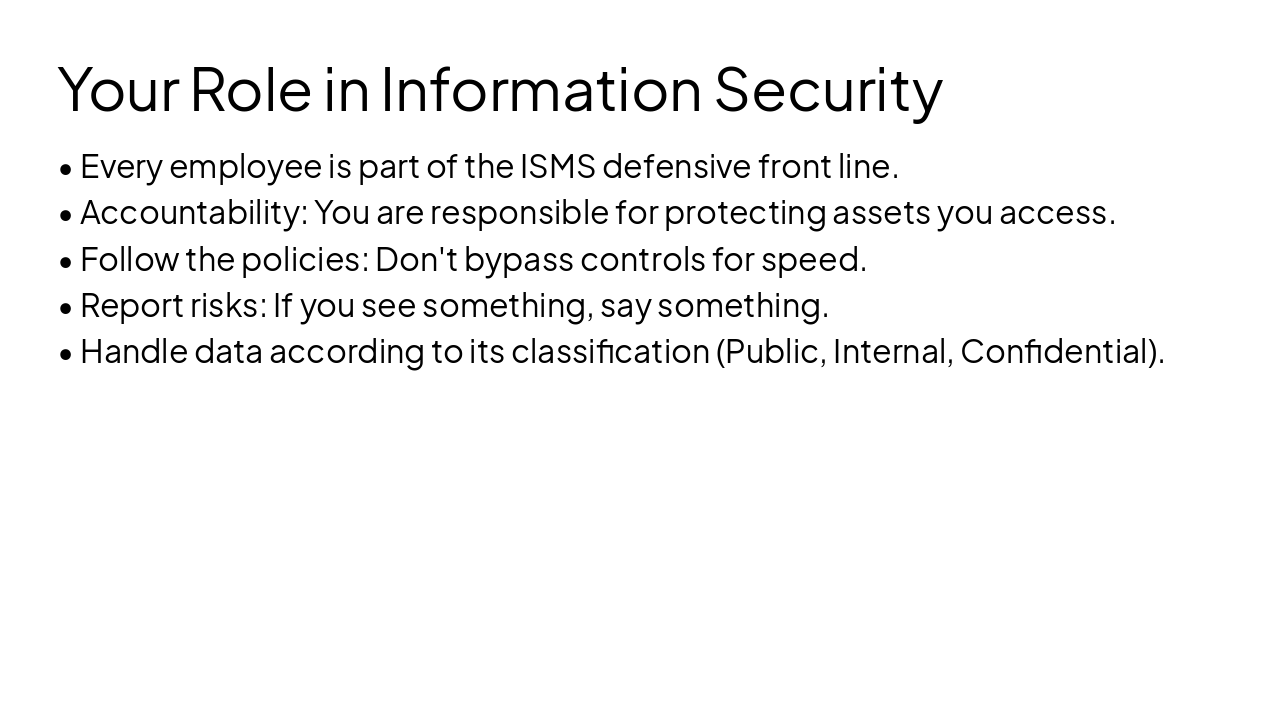
  • Every employee is part of the ISMS defensive front line.
  • Accountability: You are responsible for protecting assets you access.
  • Follow the policies: Don't bypass controls for speed.
  • Report risks: If you see something, say something.
  • Handle data according to its classification (Public, Internal, Confidential).
Slide 9 - Your Role in Information Security
Slide 10 of 17

Slide 10 - Section 4

4

Authentication & Awareness

Passwords, MFA, and Phishing

---

Photo by Adi Goldstein on Unsplash
Slide 10 - Section 4
Slide 11 of 17

Slide 11 - Authentication & Phishing Hygiene

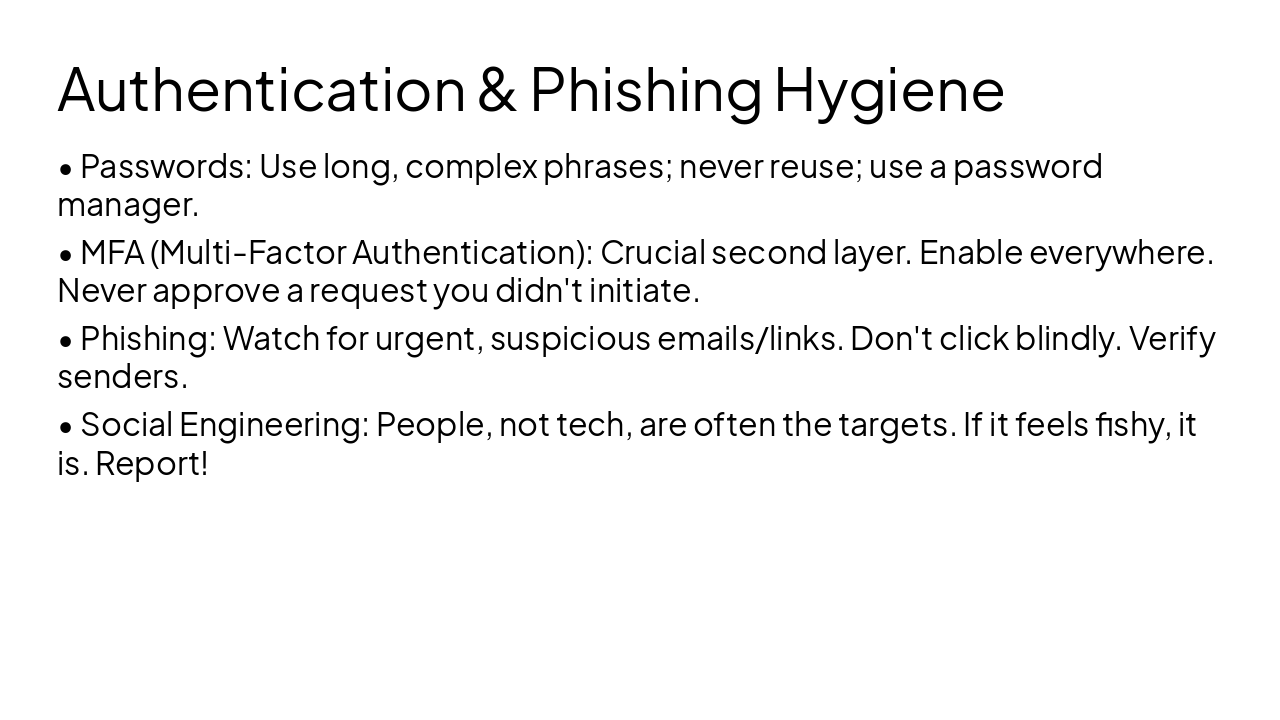
  • Passwords: Use long, complex phrases; never reuse; use a password manager.
  • MFA (Multi-Factor Authentication): Crucial second layer. Enable everywhere. Never approve a request you didn't initiate.
  • Phishing: Watch for urgent, suspicious emails/links. Don't click blindly. Verify senders.
  • Social Engineering: People, not tech, are often the targets. If it feels fishy, it is. Report!
Slide 11 - Authentication & Phishing Hygiene
Slide 12 of 17

Slide 12 - Section 5

5

Day-to-Day Practices

Physical, Digital, and Remote Security

---

Photo by Pieter de Boer on Unsplash
Slide 12 - Section 5
Slide 13 of 17

Slide 13 - Security Best Practices

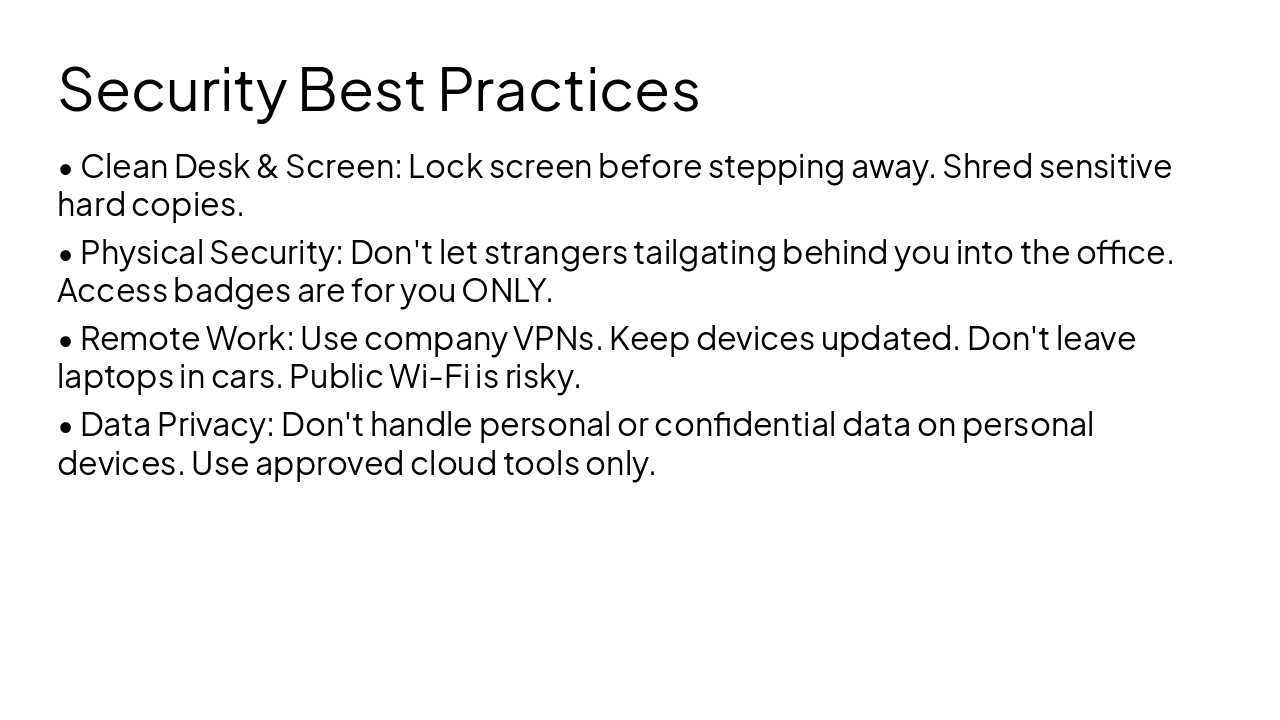
  • Clean Desk & Screen: Lock screen before stepping away. Shred sensitive hard copies.
  • Physical Security: Don't let strangers tailgating behind you into the office. Access badges are for you ONLY.
  • Remote Work: Use company VPNs. Keep devices updated. Don't leave laptops in cars. Public Wi-Fi is risky.
  • Data Privacy: Don't handle personal or confidential data on personal devices. Use approved cloud tools only.
Slide 13 - Security Best Practices
Slide 14 of 17

Slide 14 - Section 6

6

What If?

Incident Response & Reporting

---

Photo by Jay Openiano on Unsplash
Slide 14 - Section 6
Slide 15 of 17

Slide 15 - Reporting Incidents

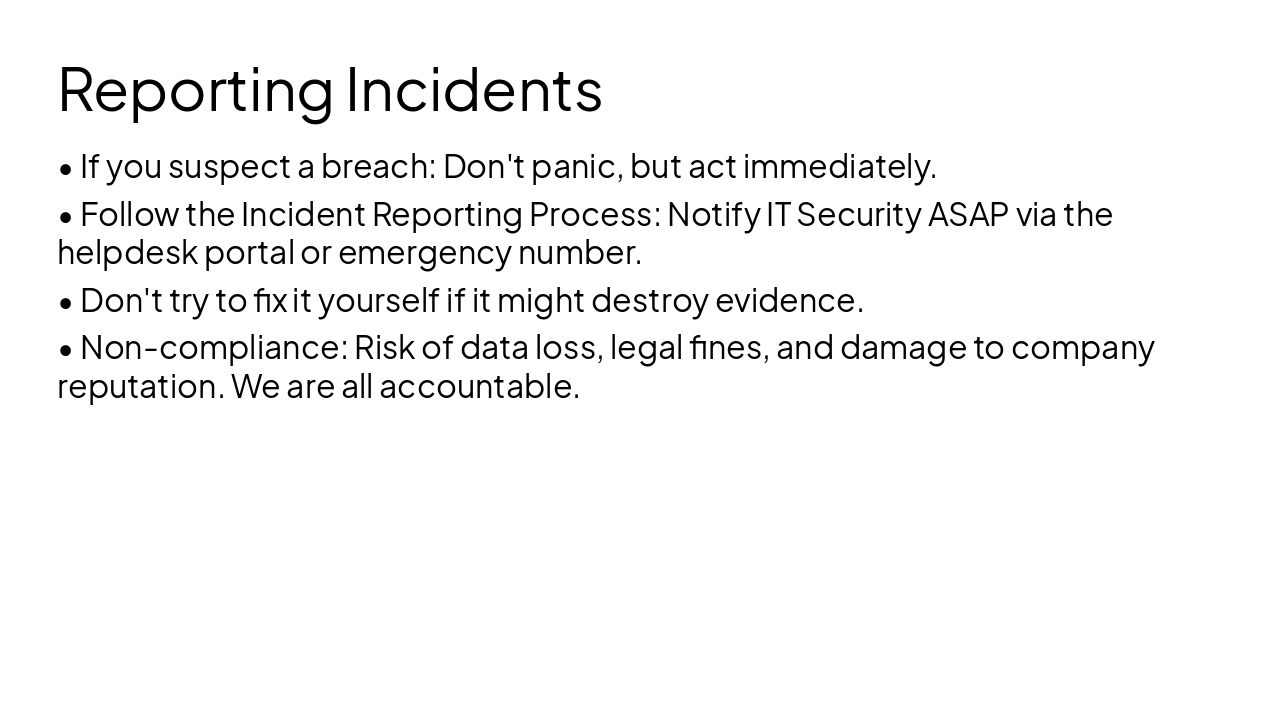
  • If you suspect a breach: Don't panic, but act immediately.
  • Follow the Incident Reporting Process: Notify IT Security ASAP via the helpdesk portal or emergency number.
  • Don't try to fix it yourself if it might destroy evidence.
  • Non-compliance: Risk of data loss, legal fines, and damage to company reputation. We are all accountable.
Slide 15 - Reporting Incidents
Slide 17 of 17

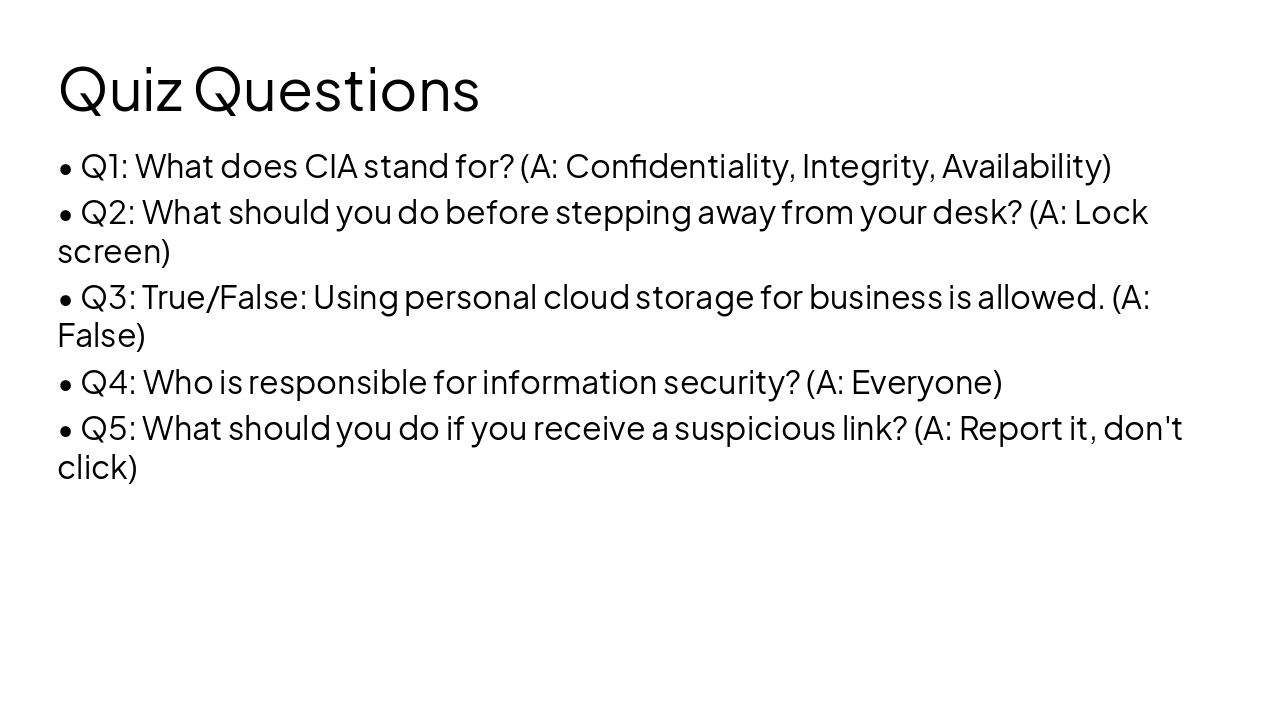
Slide 17 - Quiz Questions

  • Q1: What does CIA stand for? (A: Confidentiality, Integrity, Availability)
  • Q2: What should you do before stepping away from your desk? (A: Lock screen)
  • Q3: True/False: Using personal cloud storage for business is allowed. (A: False)
  • Q4: Who is responsible for information security? (A: Everyone)
  • Q5: What should you do if you receive a suspicious link? (A: Report it, don't click)
Slide 17 - Quiz Questions

Discover More Presentations

Explore thousands of AI-generated presentations for inspiration

Browse Presentations
Powered by AI

Create Your Own Presentation

Generate professional presentations in seconds with Karaf's AI. Customize this presentation or start from scratch.

Create New Presentation

Powered by Karaf.ai — AI-Powered Presentation Generator