Set Operations & Renaming in Relational Algebra (42 chars)

Generated from prompt:

Create a professional academic presentation for a university-level course titled 'Set Operations and Renaming in Relational Algebra'. Include slides on: Title Slide, Introduction to Relational Algebra, Union (∪) definition and example, Intersection (∩) definition and example, Difference (−) definition and example, Renaming Operator (ρ) explanation and syntax, Combining Operators example, SQL equivalents of these operations, Summary with comparison table, and Practice Questions. The design should be clean, minimal, and suitable for classroom teaching.

Academic slides introduce relational algebra basics, detail union (∪), intersection (∩), difference (−) with examples, explain renaming (ρ), show combinations & SQL equivalents, include comparison tab

December 16, 202510 slides
Slide 1 of 10

Slide 1 - Set Operations and Renaming in Relational Algebra

This title slide introduces the topic "Set Operations and Renaming in Relational Algebra." It includes the subtitle with instructor "Your Name" and date "October 10, 2024."

Set Operations and Renaming

in Relational Algebra

Instructor: Your Name | Date: October 10, 2024

Source: University-level course presentation

Speaker Notes
Welcome students and outline the session on set operations and renaming in relational algebra.
Slide 1 - Set Operations and Renaming in Relational Algebra
Slide 2 of 10

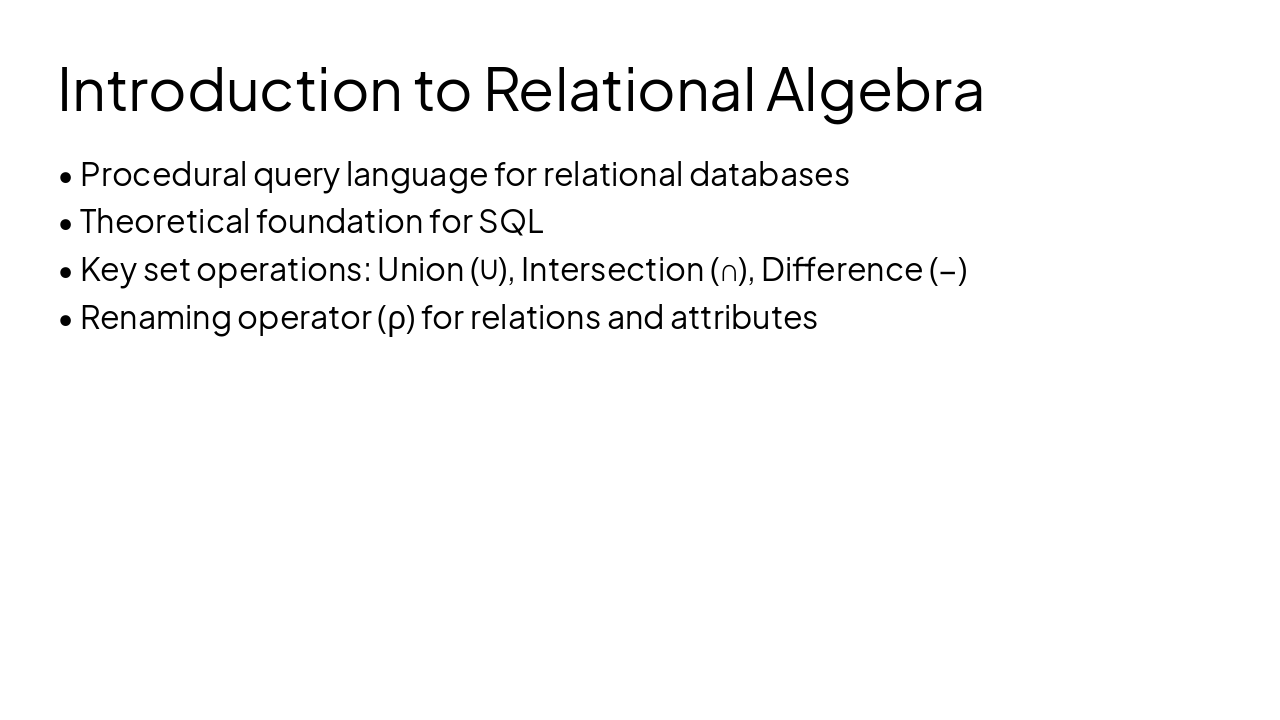
Slide 2 - Introduction to Relational Algebra

Relational algebra is a procedural query language for relational databases and the theoretical foundation for SQL. It features key set operations like union (∪), intersection (∩), and difference (−), plus the renaming operator (ρ) for relations and attributes.

Introduction to Relational Algebra

  • Procedural query language for relational databases
  • Theoretical foundation for SQL
  • Key set operations: Union (∪), Intersection (∩), Difference (−)
  • Renaming operator (ρ) for relations and attributes
Slide 2 - Introduction to Relational Algebra
Slide 3 of 10

Slide 3 - Union (∪)

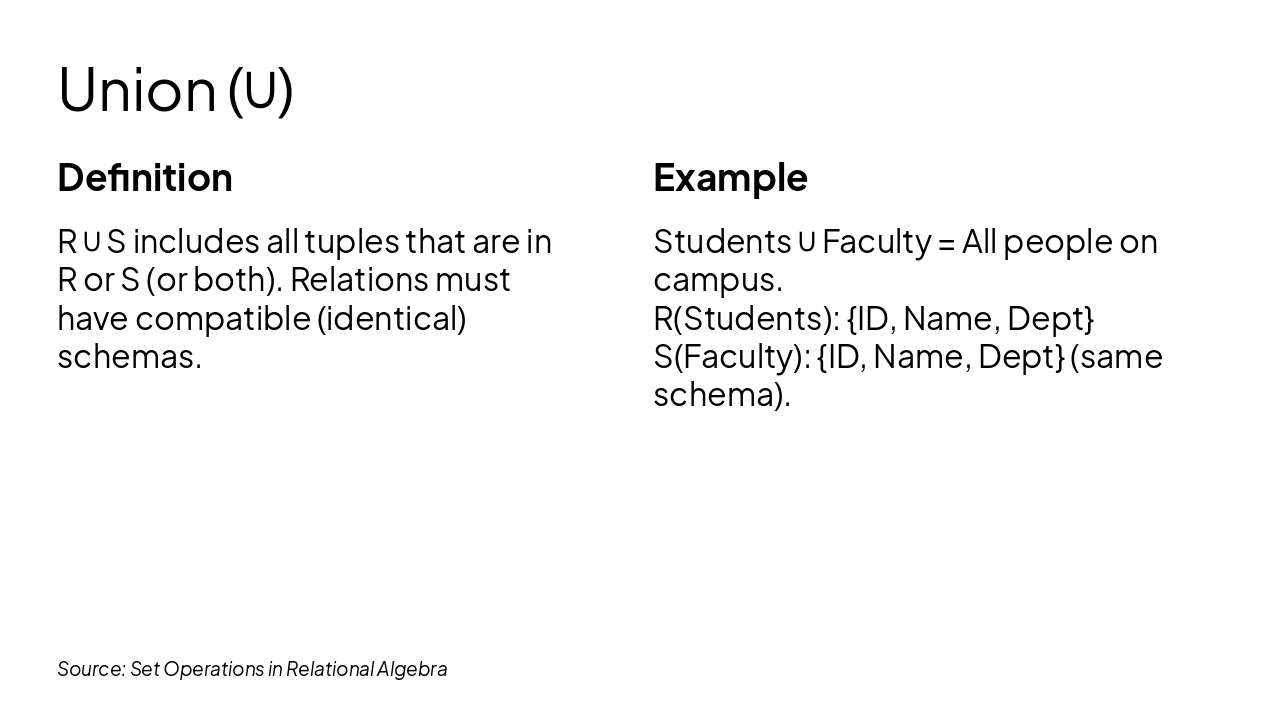
The slide defines the union operation (∪) as including all tuples from relations R or S (or both), requiring identical schemas. It exemplifies this with Students ∪ Faculty equaling all people on campus, both sharing the schema {ID, Name, Dept}.

Union (∪)

DefinitionExample

| R ∪ S includes all tuples that are in R or S (or both). Relations must have compatible (identical) schemas. | Students ∪ Faculty = All people on campus. R(Students): {ID, Name, Dept} S(Faculty): {ID, Name, Dept} (same schema). |

Source: Set Operations in Relational Algebra

Speaker Notes
Highlight that union requires identical schemas and combines tuples without duplicates.
Slide 3 - Union (∪)
Slide 4 of 10

Slide 4 - Intersection (∩)

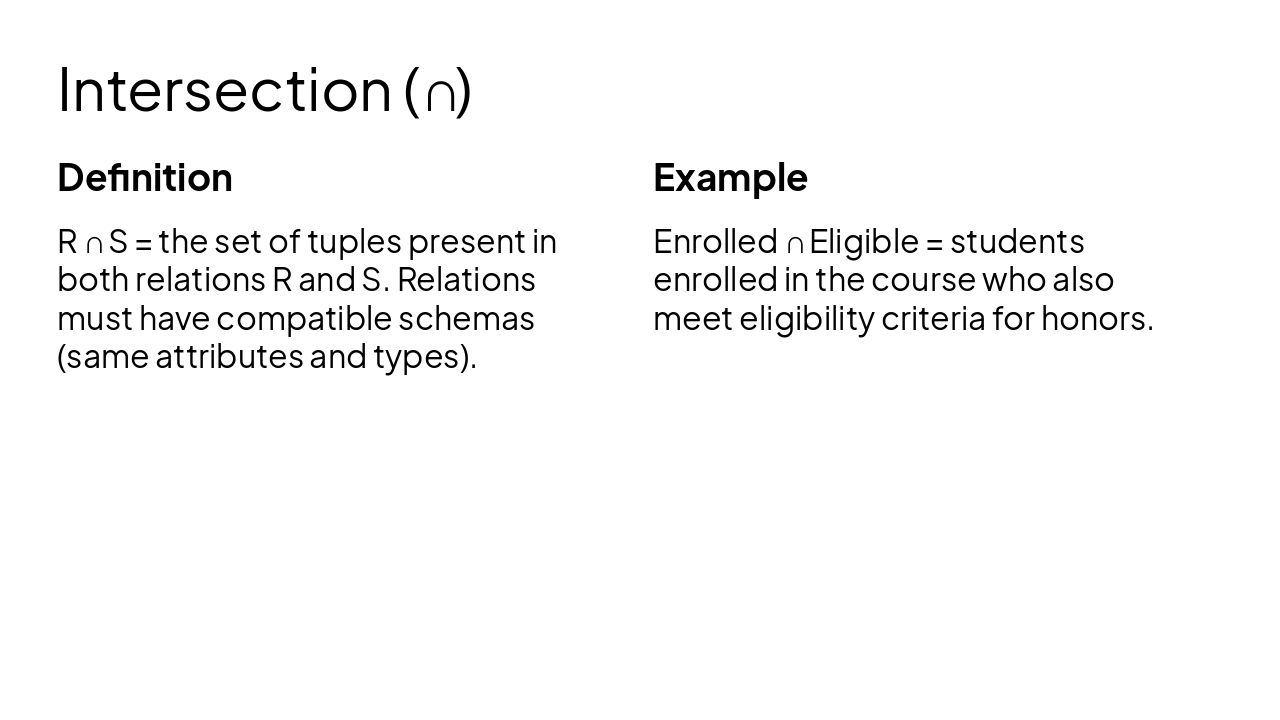
The slide "Intersection (∩)" defines it as the set of tuples common to both relations R and S, requiring compatible schemas with matching attributes and types. An example is Enrolled ∩ Eligible, representing students enrolled in a course who also meet honors eligibility criteria.

Intersection (∩)

DefinitionExample
R ∩ S = the set of tuples present in both relations R and S. Relations must have compatible schemas (same attributes and types).Enrolled ∩ Eligible = students enrolled in the course who also meet eligibility criteria for honors.
Slide 4 - Intersection (∩)
Slide 5 of 10

Slide 5 - Difference (−)

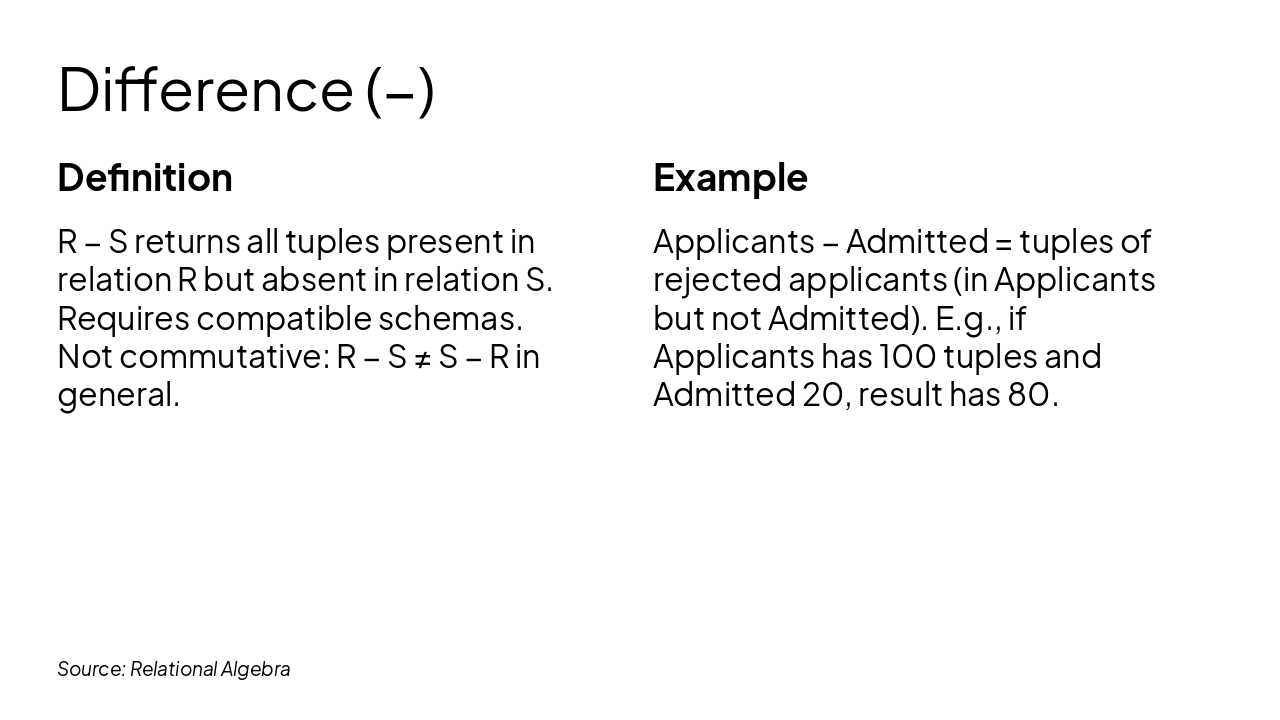
The slide defines the relational difference operation R − S as returning tuples in R absent from S, requiring compatible schemas and noting it is not commutative. It exemplifies this with Applicants − Admitted yielding rejected applicants, e.g., 80 tuples from 100 applicants minus 20 admitted.

Difference (−)

DefinitionExample
R − S returns all tuples present in relation R but absent in relation S. Requires compatible schemas. Not commutative: R − S ≠ S − R in general.Applicants − Admitted = tuples of rejected applicants (in Applicants but not Admitted). E.g., if Applicants has 100 tuples and Admitted 20, result has 80.

Source: Relational Algebra

Speaker Notes
Highlight the asymmetry (R − S ≠ S − R) using a Venn diagram. Relate to real-world: Applicants minus Admitted = Rejected.
Slide 5 - Difference (−)
Slide 6 of 10

Slide 6 - Renaming Operator (ρ)

The Renaming Operator (ρ) uses syntax ρnewName(R) for relations and ρnewAttr(R) for attributes to ensure compatibility and disambiguate names. Examples include ρStudent(S) for renaming a relation and ρSID(ID), Name(Sname)(Students) for attributes.

Renaming Operator (ρ)

  • Syntax for relations: ρnewName(R)
  • Syntax for attributes: ρnewAttr(R)
  • Purpose: ensures compatibility and disambiguates names
  • Example (relation): ρStudent(S)
  • Example (attributes): ρSID(ID), Name(Sname)(Students)
Slide 6 - Renaming Operator (ρ)
Slide 7 of 10

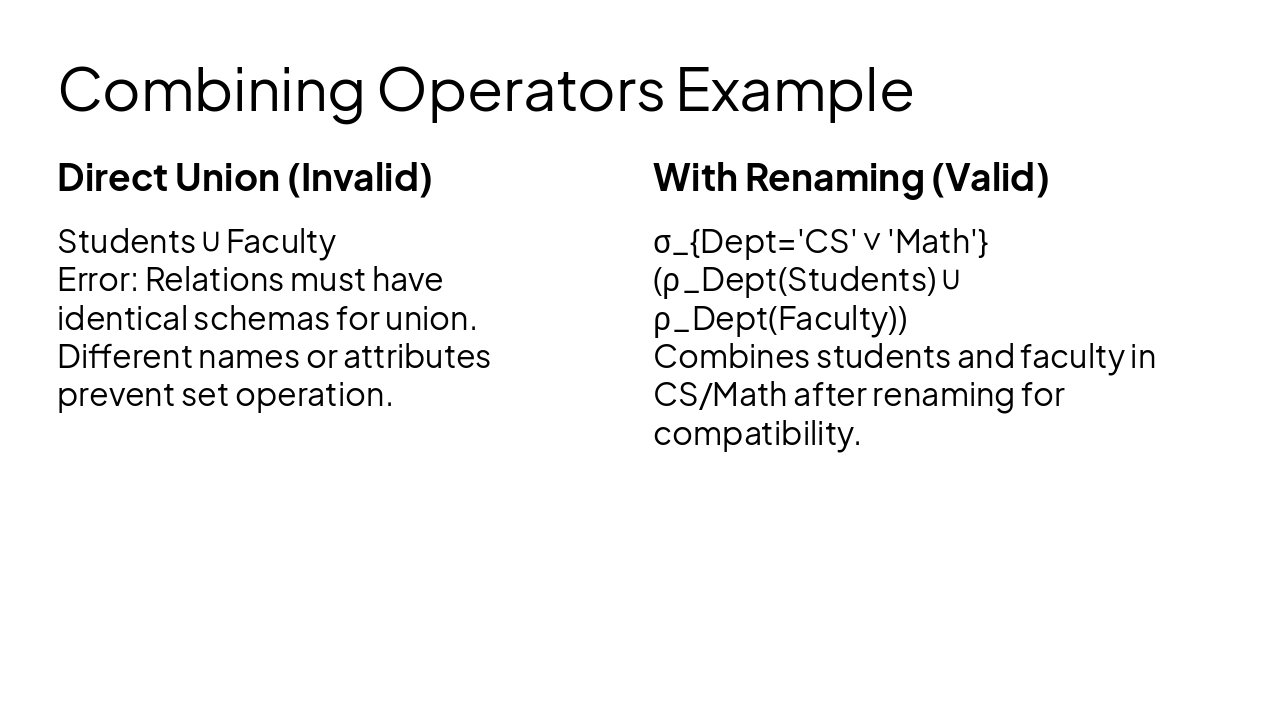
Slide 7 - Combining Operators Example

The slide contrasts an invalid direct union of Students and Faculty relations, which fails due to differing schemas. It shows a valid approach using renaming (ρDept) to align schemas before union, followed by selection (σ) for CS or Math departments.

Combining Operators Example

Direct Union (Invalid)With Renaming (Valid)

| Students ∪ Faculty Error: Relations must have identical schemas for union. Different names or attributes prevent set operation. | σ{Dept='CS' ∨ 'Math'}(ρDept(Students) ∪ ρDept(Faculty)) Combines students and faculty in CS/Math after renaming for compatibility. |

Speaker Notes
This example demonstrates how the renaming operator ρ enables union between Students and Faculty relations, followed by selection for CS or Math departments.
Slide 7 - Combining Operators Example
Slide 8 of 10

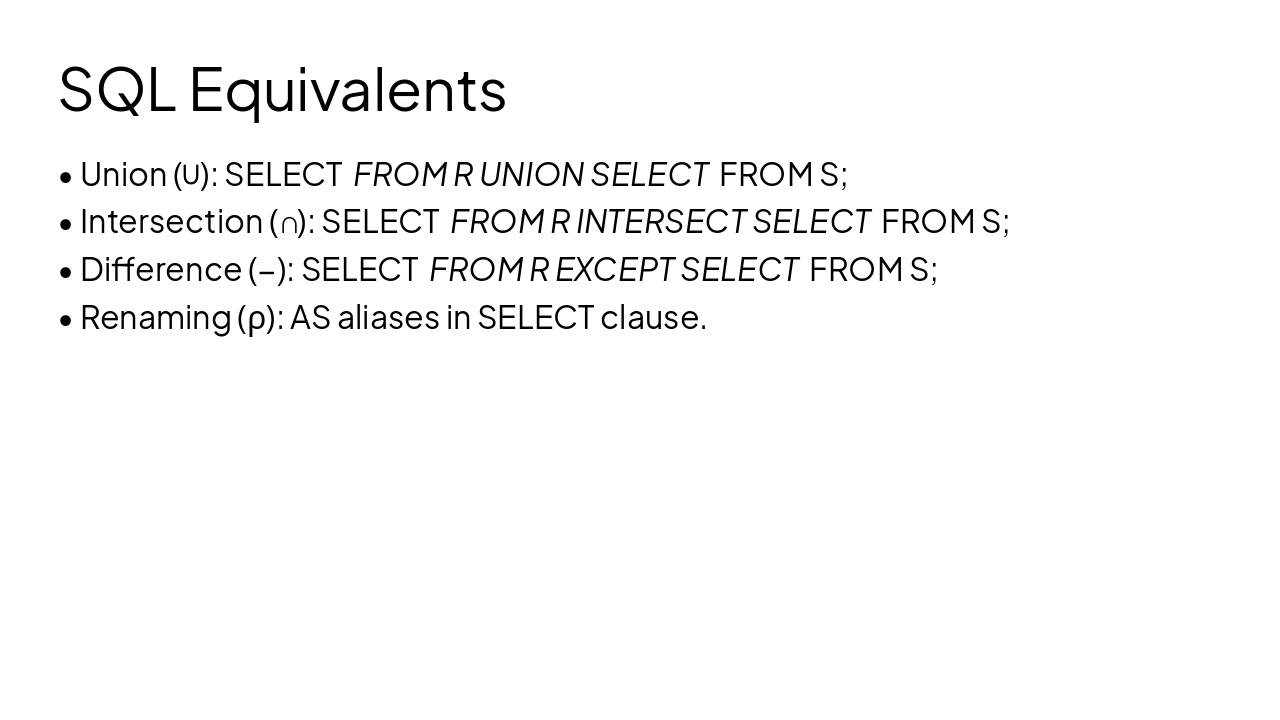
Slide 8 - SQL Equivalents

This slide outlines SQL equivalents for relational algebra operations. Union (∪) uses UNION, Intersection (∩) uses INTERSECT, Difference (−) uses EXCEPT, and Renaming (ρ) uses AS aliases in the SELECT clause.

SQL Equivalents

  • Union (∪): SELECT FROM R UNION SELECT FROM S;
  • Intersection (∩): SELECT FROM R INTERSECT SELECT FROM S;
  • Difference (−): SELECT FROM R EXCEPT SELECT FROM S;
  • Renaming (ρ): AS aliases in SELECT clause.
Slide 8 - SQL Equivalents
Slide 9 of 10

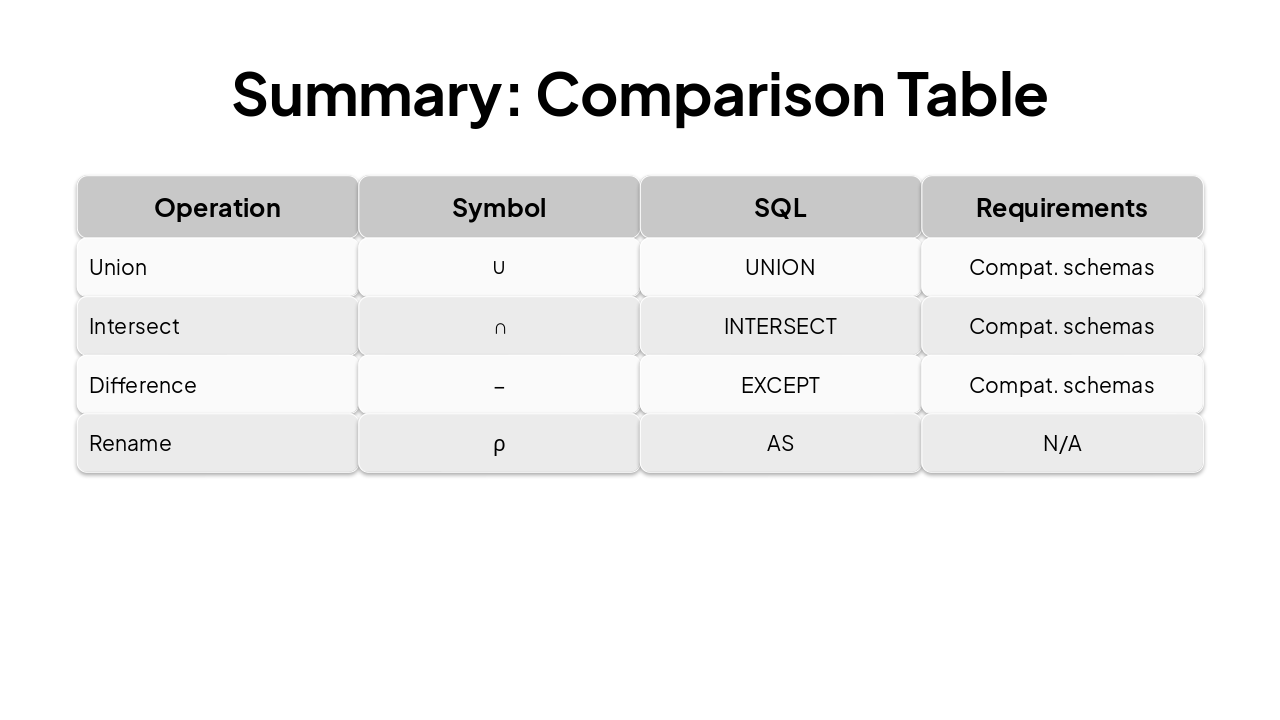
Slide 9 - Summary: Comparison Table

This table compares relational algebra operations (Union, Intersect, Difference, Rename) with their symbols (∪, ∩, −, ρ), SQL equivalents (UNION, INTERSECT, EXCEPT, AS), and requirements. Union, Intersect, and Difference need compatible schemas, while Rename has none.

Summary: Comparison Table

{ "headers": [ "Operation", "Symbol", "SQL", "Requirements" ], "rows": [ [ "Union", "∪", "UNION", "Compat. schemas" ], [ "Intersect", "∩", "INTERSECT", "Compat. schemas" ], [ "Difference", "−", "EXCEPT", "Compat. schemas" ], [ "Rename", "ρ", "AS", "N/A" ] ] }

Slide 9 - Summary: Comparison Table
Slide 10 of 10

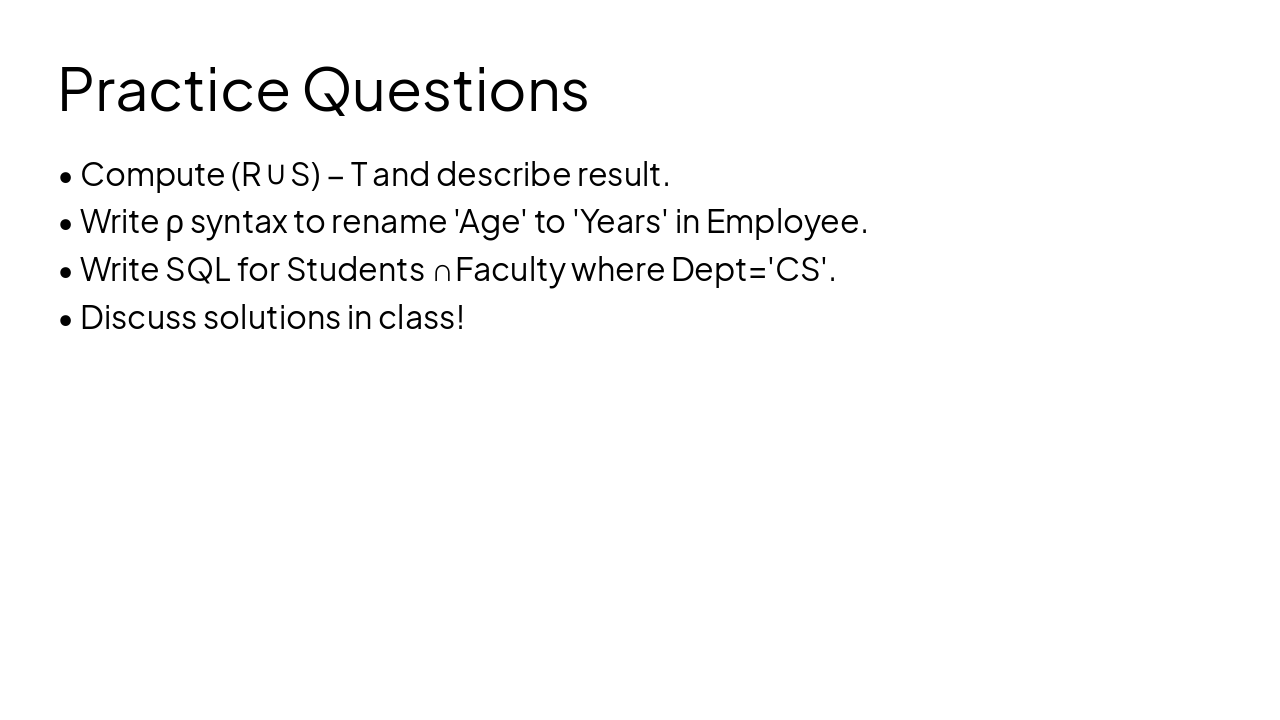
Slide 10 - Practice Questions

This slide lists practice questions on relational algebra and SQL, including computing (R ∪ S) − T, renaming 'Age' to 'Years' in Employee using ρ syntax, and writing SQL for Students ∩ Faculty where Dept='CS'. It ends by encouraging discussion of solutions in class.

Practice Questions

  • Compute (R ∪ S) − T and describe result.
  • Write ρ syntax to rename 'Age' to 'Years' in Employee.
  • Write SQL for Students ∩ Faculty where Dept='CS'.
  • Discuss solutions in class!
Slide 10 - Practice Questions

Discover More Presentations

Explore thousands of AI-generated presentations for inspiration

Browse Presentations
Powered by AI

Create Your Own Presentation

Generate professional presentations in seconds with Karaf's AI. Customize this presentation or start from scratch.

Create New Presentation

Powered by Karaf.ai — AI-Powered Presentation Generator