Slide 1 of 11
Slide 1 - Issue Brokerage Contract
This is a title slide named "Issue Brokerage Contract." Its subtitle provides an "ADREC Service Overview."
Issue Brokerage Contract
ADREC Service Overview
Source: ADREC Service Overview

Generated from prompt:
Create a professional PowerPoint presentation titled 'Issue Brokerage Contract'. Include slides covering: 1. **Title Slide:** 'Issue Brokerage Contract' – ADREC Service Overview. 2. **Introduction:** Overview of the service allowing brokers to create and formalize brokerage agreements for sales. 3. **Service Benefits:** Streamlined process, validation for units and land. 4. **Steps to Initiate Request:** Login to ADREC → Services menu → Madhmoun → Issue Brokerage Contract → Initiate Service. 5. **Contract Type Selection:** Choose between 'Brokerage Contract to Sell' or 'Brokerage Contract to Purchase'. 6. **Brokerage Contract to Sell – Steps:** Contract details, owner details, upload documents, review & submit for seller approval. 7. **Seller Approval Flow:** Seller can approve, return (with reason), or reject (with reason); upon approval, forwarded to broker. 8. **Broker Approval Flow:** Broker can approve, return, or reject; once approved, contract finalized and downloadable. 9. **Brokerage Contract to Purchase – Steps:** Contract details, buyer details, upload documents, review & submit for buyer approval. 10. **Buyer Approval Flow:** Buyer can approve, return, or reject; once approved, contract finalized and ready for download. 11. **Summary:** Key takeaways – easy, validated, digital brokerage contract process for brokers.
Overview of ADREC's digital service for brokers to create/validate sell or buy contracts. Covers benefits, initiation steps, detailed workflows, approvals, and key takeaways for efficient brokerage ag
This is a title slide named "Issue Brokerage Contract." Its subtitle provides an "ADREC Service Overview."
ADREC Service Overview
Source: ADREC Service Overview
This slide introduces how brokers create and formalize sales brokerage agreements via a digital process. It highlights automatic validation of units and land for streamlined efficiency in real estate workflows.

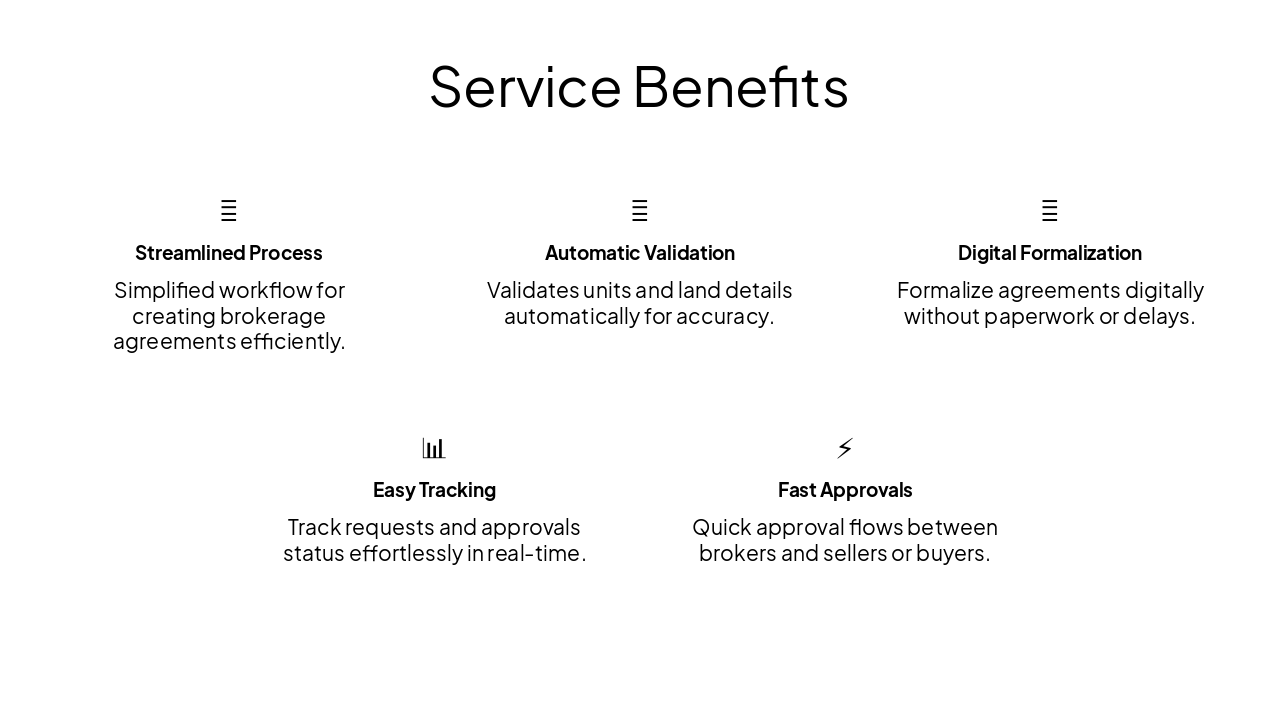
The "Service Benefits" slide features a grid of five key advantages for brokerage agreements. It highlights streamlined workflows, automatic validation of details, digital formalization without paperwork, real-time tracking, and fast approvals.
{ "features": [ { "icon": "🚀", "heading": "Streamlined Process", "description": "Simplified workflow for creating brokerage agreements efficiently." }, { "icon": "✅", "heading": "Automatic Validation", "description": "Validates units and land details automatically for accuracy." }, { "icon": "📄", "heading": "Digital Formalization", "description": "Formalize agreements digitally without paperwork or delays." }, { "icon": "📊", "heading": "Easy Tracking", "description": "Track requests and approvals status effortlessly in real-time." }, { "icon": "⚡", "heading": "Fast Approvals", "description": "Quick approval flows between brokers and sellers or buyers." } ] }
This workflow slide outlines four steps for brokers to initiate a request in the ADREC portal. It covers logging in with credentials, navigating to Services > Madhmoun, selecting "Issue Brokerage Contract," and clicking "Initiate Service."
{ "headers": [ "Step", "Description" ], "rows": [ [ "1. Login to ADREC", "Access the ADREC portal using your broker credentials." ], [ "2. Services menu → Madhmoun", "Navigate to the Services menu and select Madhmoun." ], [ "3. Issue Brokerage Contract", "Select the 'Issue Brokerage Contract' option." ], [ "4. Initiate Service", "Click 'Initiate Service' to begin the process." ] ] }
Source: ADREC Service

The "Contract Type Selection" slide contrasts two brokerage contracts in columns: "Brokerage Contract to Sell" for seller representatives and "Brokerage Contract to Purchase" for buyer representatives. Both involve entering details, uploading documents, reviewing, and submitting for approval, streamlining validated sales or purchase processes.
| Brokerage Contract to Sell | Brokerage Contract to Purchase |
|---|---|
| For brokers representing sellers. Enter contract details, owner information, upload required documents, review, and submit for seller approval. Streamlines the sales process with validation. | For brokers representing buyers. Provide contract details, buyer information, upload documents, review, and submit for buyer approval. Ensures efficient and validated purchase agreements. |

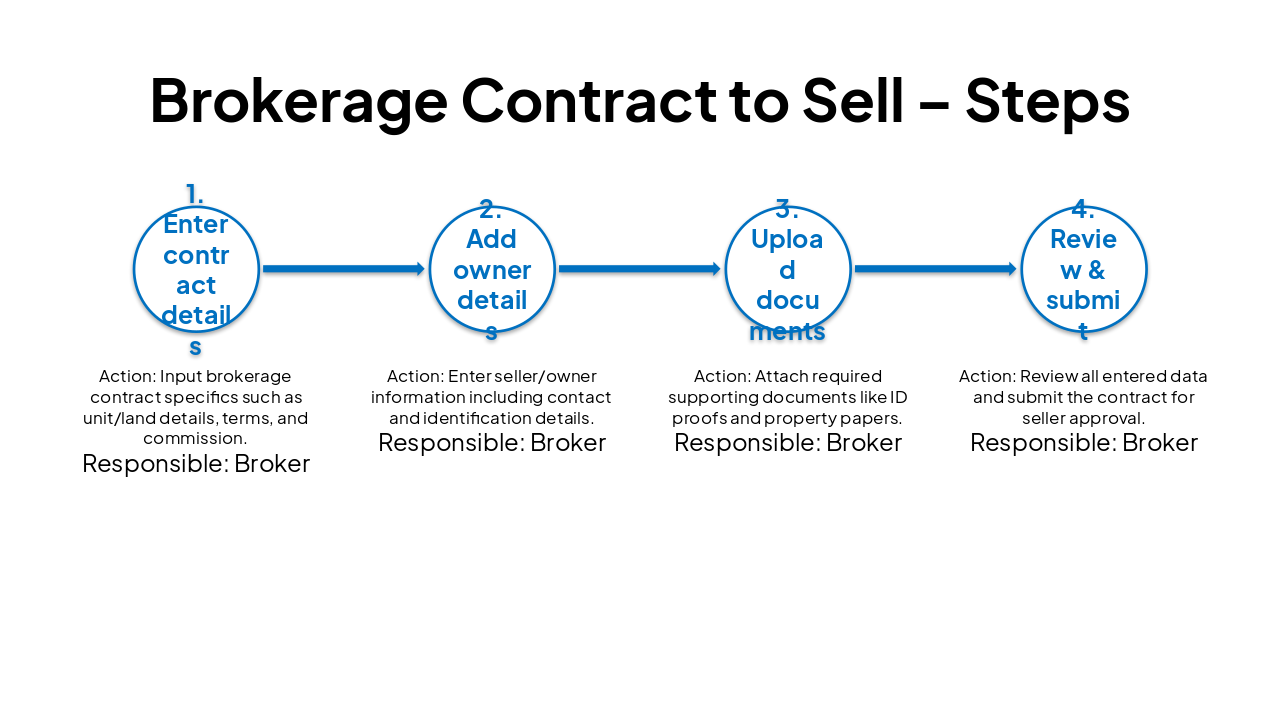
The slide presents a four-step workflow for brokers to prepare a brokerage contract for selling property. Steps include entering contract and owner details, uploading supporting documents, and reviewing/submitting for seller approval.
{ "headers": [ "Step", "Action", "Responsible" ], "rows": [ [ "1. Enter contract details", "Input brokerage contract specifics such as unit/land details, terms, and commission.", "Broker" ], [ "2. Add owner details", "Enter seller/owner information including contact and identification details.", "Broker" ], [ "3. Upload documents", "Attach required supporting documents like ID proofs and property papers.", "Broker" ], [ "4. Review & submit", "Review all entered data and submit the contract for seller approval.", "Broker" ] ] }
The Seller Approval Flow starts with the system notifying the seller of a contract submitted by the broker. The seller then reviews it to approve (forwarding to broker), return (with reason, back to broker), or reject (ending the process), with the system handling approved contracts for broker review.
{ "headers": [ "Step", "Owner", "Action / Outcome" ], "rows": [ [ "1. Notification", "System", "Contract submitted by Broker → Notification sent to Seller" ], [ "2. Review & Decide", "Seller", "Review contract:<br>• Approve → Forward to Broker<br>• Return (with reason) → Back to Broker<br>• Reject (with reason) → Process ends" ], [ "3. Approval Path", "System", "Upon approval → Contract forwarded to Broker for review" ] ] }

The Broker Approval Flow shows how a broker reviews a submitted contract. Outcomes include approval to finalize and download it, or return/reject with a specified reason.

This workflow slide outlines four steps for preparing a Brokerage Contract to Purchase, all handled by the broker. The process involves entering contract and buyer details, uploading supporting documents, and reviewing before submitting for buyer approval.
{ "headers": [ "Step", "Description", "Responsible" ], "rows": [ [ "1. Enter contract details", "Input contract specifics including terms, unit details, and conditions.", "Broker" ], [ "2. Add buyer details", "Enter buyer's personal, contact, and identification information.", "Broker" ], [ "3. Upload documents", "Attach required supporting documents such as proofs and authorizations.", "Broker" ], [ "4. Review & submit for buyer approval", "Review all information and submit the contract for buyer approval.", "Broker" ] ] }

The "Buyer Approval Flow" slide outlines three buyer actions for a contract. Approval finalizes it for download, while return or rejection requires a reason.

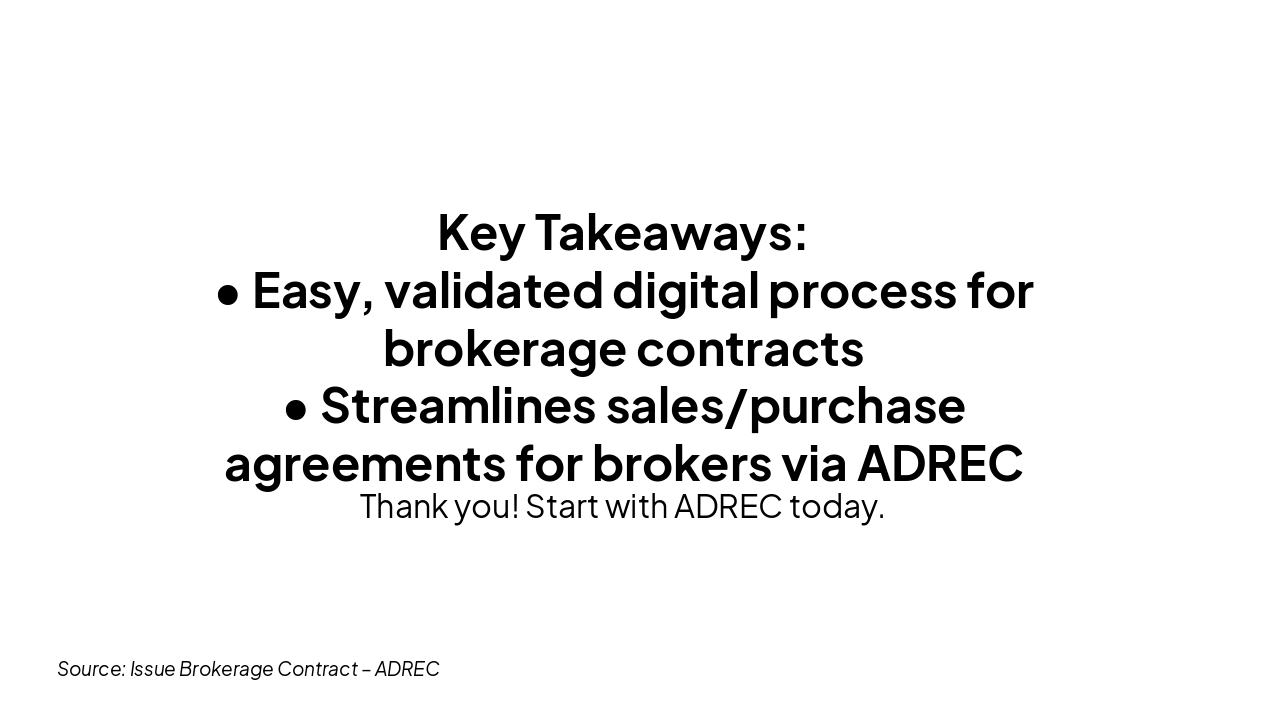
This conclusion slide highlights key takeaways: an easy, validated digital process for brokerage contracts and streamlined sales/purchase agreements for brokers via ADREC. It closes with a thank you and a call to start with ADREC today.
Key Takeaways:
Thank you! Start with ADREC today.
Source: Issue Brokerage Contract – ADREC
Explore thousands of AI-generated presentations for inspiration
Generate professional presentations in seconds with Karaf's AI. Customize this presentation or start from scratch.