Slide 1 of 10
Slide 1 - SnapSphere Presentation
SnapSphere
An Immersive 360° Camera & Virtual Memory App | Prepared by Mary | 24/3/2026
---
Photo by Vitaly Gariev on Unsplash
Generated from prompt:
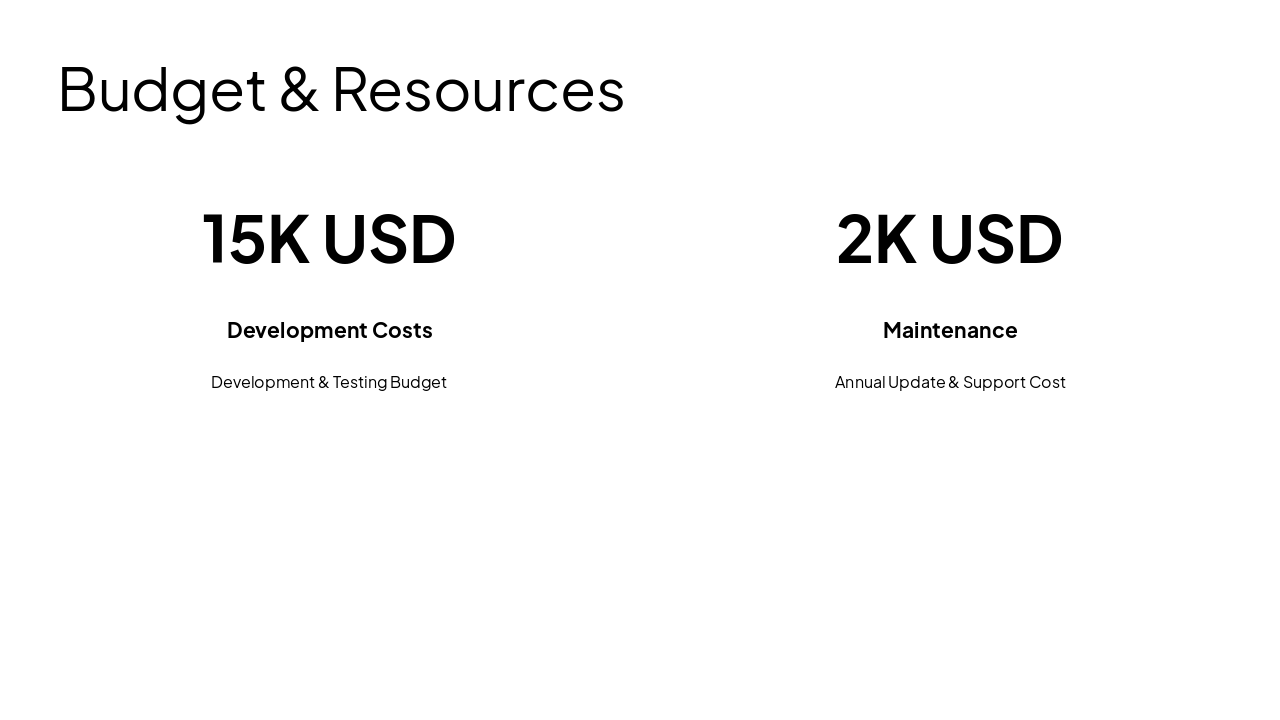
Project Title: SnapSphere – A 360° Camera & Virtual Memory App Prepared By: Mary Date: [24/3/2026] Project Overview: This software application aims to provide users with an immersive photography experience by allowing them to capture 360° images and explore their memories in a virtual space. It enhances the way users view and interact with photos by turning them into engaging environments rather than static images. The application will be designed with an intuitive and visually appealing interface, making it easy for users to capture, edit, organize, and share their memories in a more creative and interactive way. Objectives and Goals: The objective of this application is to improve the way users capture and experience memories by introducing immersive 360° photography and virtual exploration. Enable users to capture full 360° photos easily. Provide a virtual space to explore memories interactively. Offer editing tools to enhance image quality. Allow users to organize photos into albums. Encourage creativity through immersive storytelling. Target Audience: Primary Users: Year 9 students who are interested in photography and technology. Secondary Users: Teachers, parents, and general users who want to capture and explore memories in a more engaging way. Key Features and Case Diagram: 1. 360° Camera Capture A feature that allows users to: Capture immersive 360° photos. Record surroundings in a single image. 2. Virtual Memory Space A feature where users can: Explore their photos in a virtual environment. View memories from different angles. 3. Photo Editing Tools A feature that allows users to: Adjust brightness, contrast, and colors. Apply filters to enhance images. 4. Gallery and Organization A feature that allows users to: Store photos in albums. Organize memories by date or event. 5. Sharing Feature A feature that allows users to: Share photos with others. Export images to social media platforms. Design and User Interface: The application will feature a simple and intuitive user interface that suits the needs of Year 9 students. Bright colors and interactive elements will be used to make navigation enjoyable, while maintaining a clean and organized layout. The design will support smooth interaction, allowing users to swipe and move within 360° images easily. The application will also be responsive across devices such as smartphones, tablets, and laptops. Timeline: Phase Description Estimated Completion Date Phase1 Requirements Gathering and Initial Design [20/4/2026] Phase2 Development of Core Features (Camera & Gallery) [21/4/2026] Phase3 Development of Virtual Space & Editing Tools [22/4/2026] Phase4 User Testing and Feedback Collection [23/4/2026] Phase5 Final Adjustments and Launch [24/4/2026] Budget and Resources: Development Costs: $10,000 – $15,000 for initial development and testing. Maintenance: $2,000 per year for updates and support. Personnel: Developers, UI/UX designers, project manager, and testing team. Conclusion and Next Steps: This software application will provide users with an innovative platform to capture and explore memories in an immersive way. By combining 360° photography with virtual interaction, SnapSphere offers a unique and engaging experience. Once approval is received, we will move forward with gathering detailed requirements, followed by design, development, and testing.
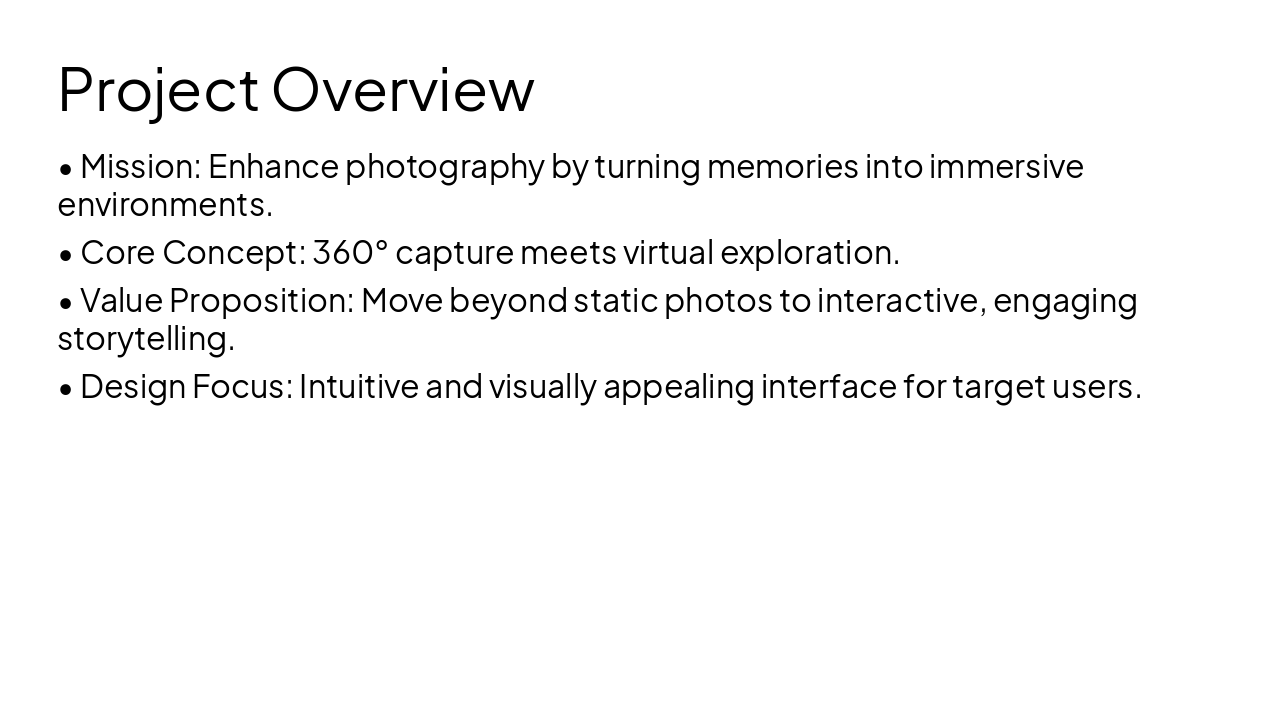
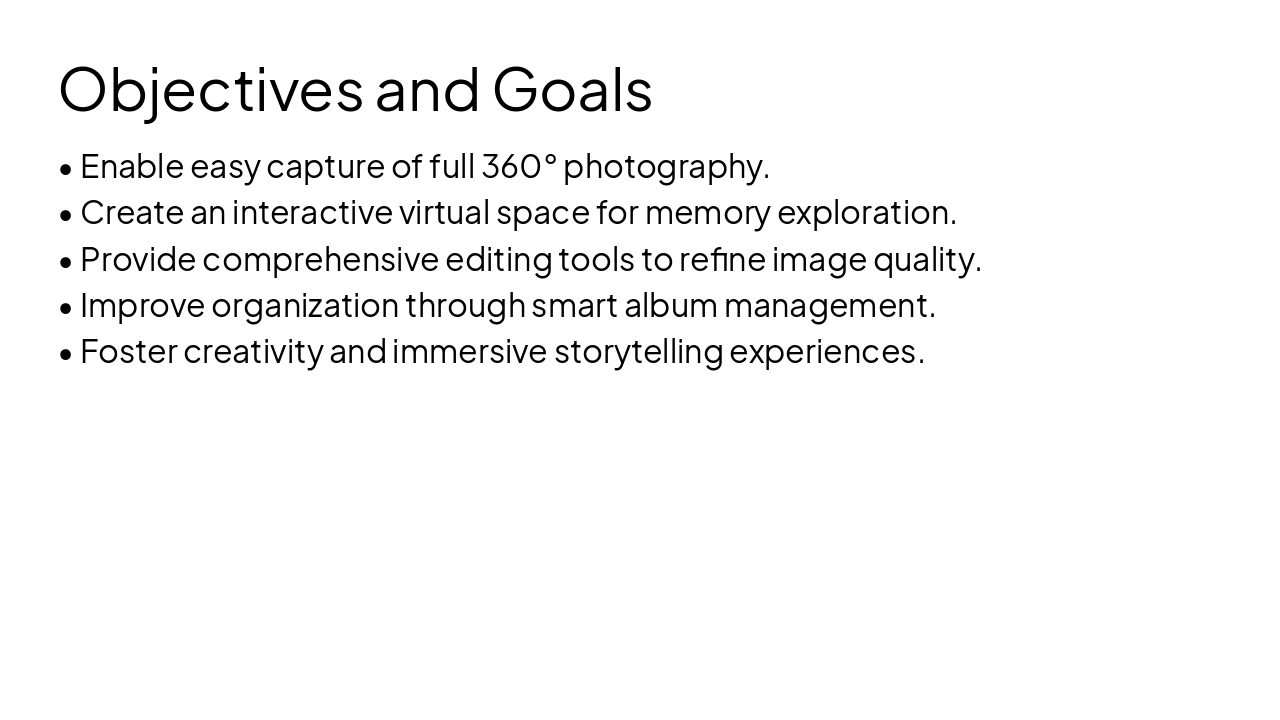
This presentation introduces SnapSphere, an innovative app that transforms 360° photography into interactive virtual memory spaces. It covers project overview, objectives, target audience (Year 9 students and casual users), key features like capture,
SnapSphere
An Immersive 360° Camera & Virtual Memory App | Prepared by Mary | 24/3/2026
---
Photo by Vitaly Gariev on Unsplash
---
Photo by Parsoa Khorsand on Unsplash
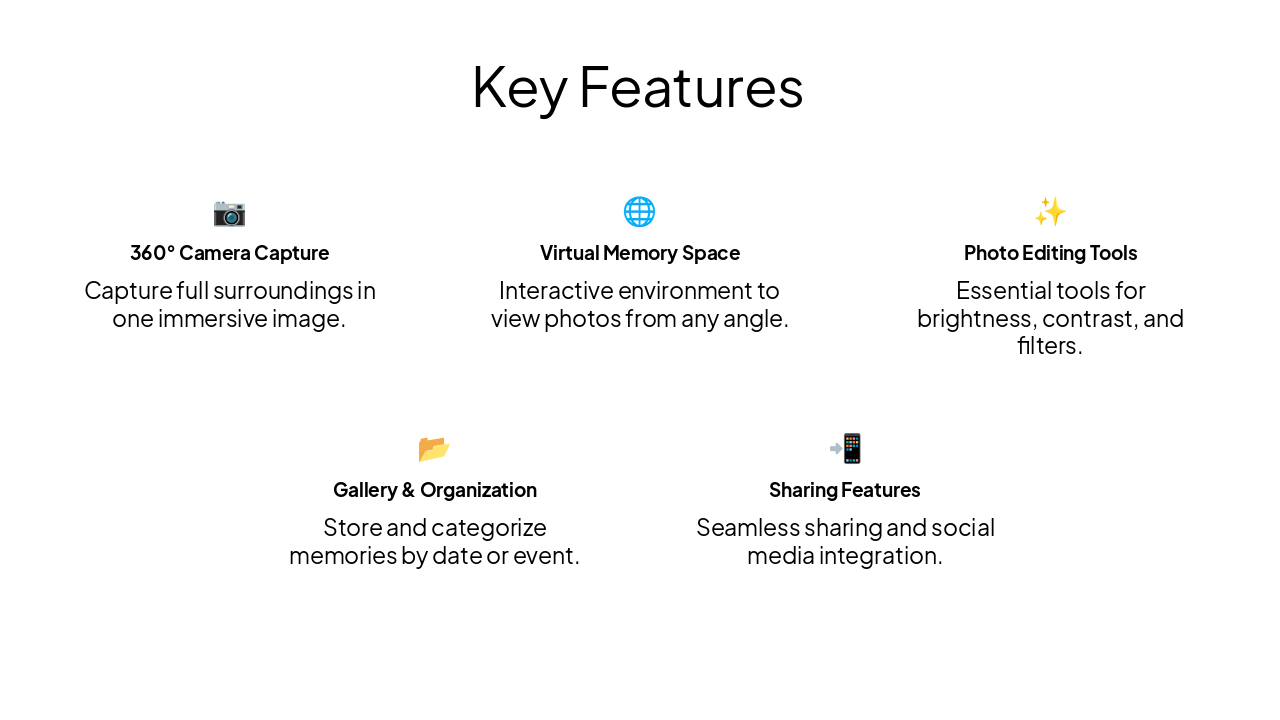
📷 360° Camera Capture Capture full surroundings in one immersive image.
🌐 Virtual Memory Space Interactive environment to view photos from any angle.
✨ Photo Editing Tools Essential tools for brightness, contrast, and filters.
📂 Gallery & Organization Store and categorize memories by date or event.
📲 Sharing Features Seamless sharing and social media integration.
Primary Audience Year 9 students passionate about photography and new technology.
Secondary Audience Teachers, parents, and casual users seeking engaging ways to document memories.
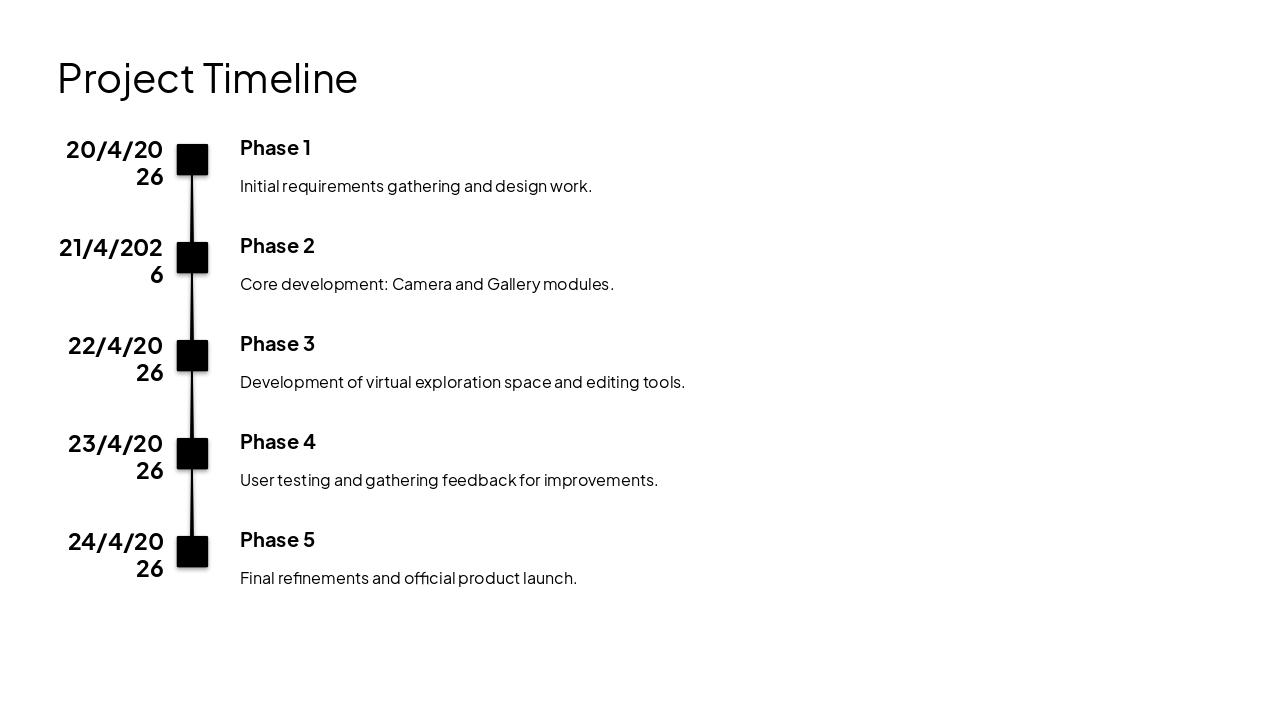
20/4/2026: Phase 1 Initial requirements gathering and design work. 21/4/2026: Phase 2 Core development: Camera and Gallery modules. 22/4/2026: Phase 3 Development of virtual exploration space and editing tools. 23/4/2026: Phase 4 User testing and gathering feedback for improvements. 24/4/2026: Phase 5 Final refinements and official product launch.
Building the Future of Memories with SnapSphere
We are ready to move from planning to development upon approval. Thank you for your time.
Generating slide...
Explore thousands of AI-generated presentations for inspiration
Generate professional presentations in seconds with Karaf's AI. Customize this presentation or start from scratch.