Slide 1 of 9
Slide 1 - Retrieval-Augmented Generation Pipeline
Retrieval-Augmented Generation Pipeline
One Slide Per Subprocess: Formatting, Chunking, Embedding, Retrieval, Reranking, LLM Processing
---
Photo by İsmail Enes Ayhan on Unsplash
Generated from prompt:
I need a RAG pipeline presentation.one slide for one sub process: data source formatting, chunking, embedding, retrieval, reranking, LLM processing
This presentation provides a detailed walkthrough of the Retrieval-Augmented Generation (RAG) pipeline, with one slide dedicated to each core subprocess: Data Source Formatting, Chunking, Embedding, Retrieval, Reranking, and LLM Processing. It covers normalization of diverse inputs, semantic chunking strategies, vector embeddings and storage, similarity-based retrieval, relevance reranking, and prompt construction for grounded LLM responses. Key benefits include reduced hallucinations, scalable external knowledge integration, and context-aware generation.
Retrieval-Augmented Generation Pipeline
One Slide Per Subprocess: Formatting, Chunking, Embedding, Retrieval, Reranking, LLM Processing
---
Photo by İsmail Enes Ayhan on Unsplash
---
Photo by Beatriz Cattel on Unsplash
---
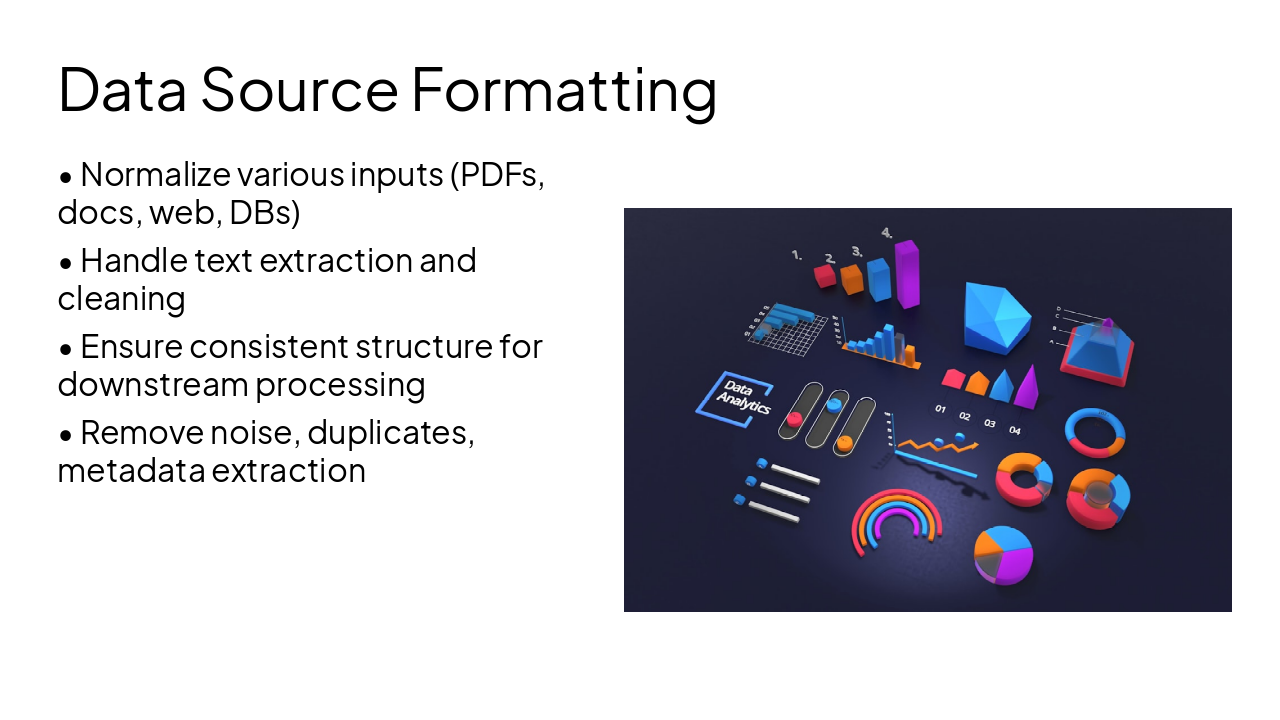
Photo by Deng Xiang on Unsplash
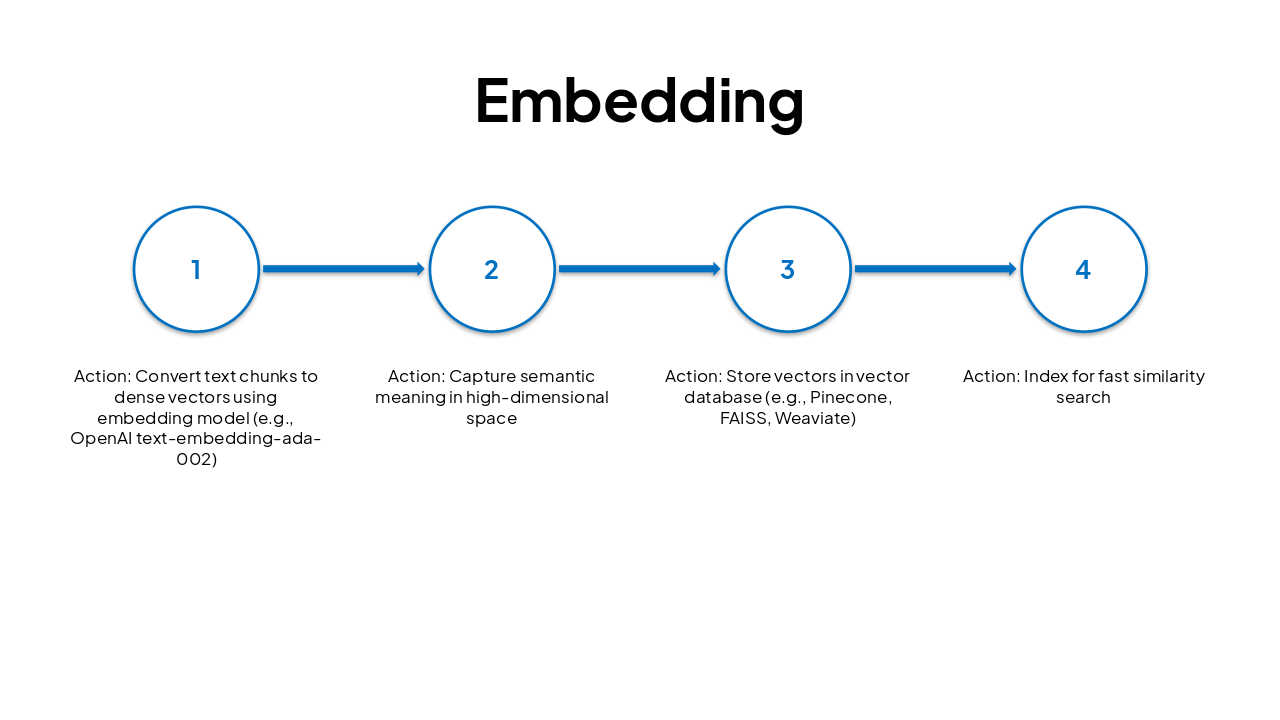
| Step | Action |
|---|---|
| 1 | Convert text chunks to dense vectors using embedding model (e.g., OpenAI text-embedding-ada-002) |
| 2 | Capture semantic meaning in high-dimensional space |
| 3 | Store vectors in vector database (e.g., Pinecone, FAISS, Weaviate) |
| 4 | Index for fast similarity search |
---
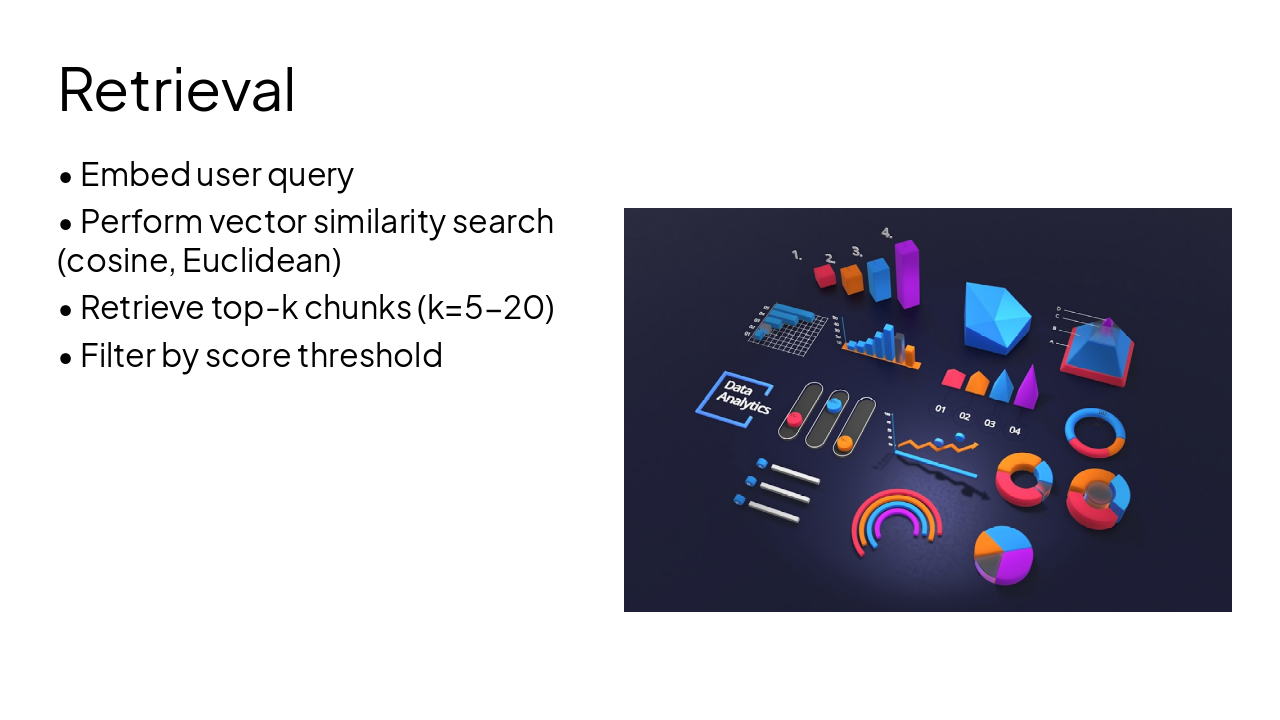
Photo by Deng Xiang on Unsplash
---
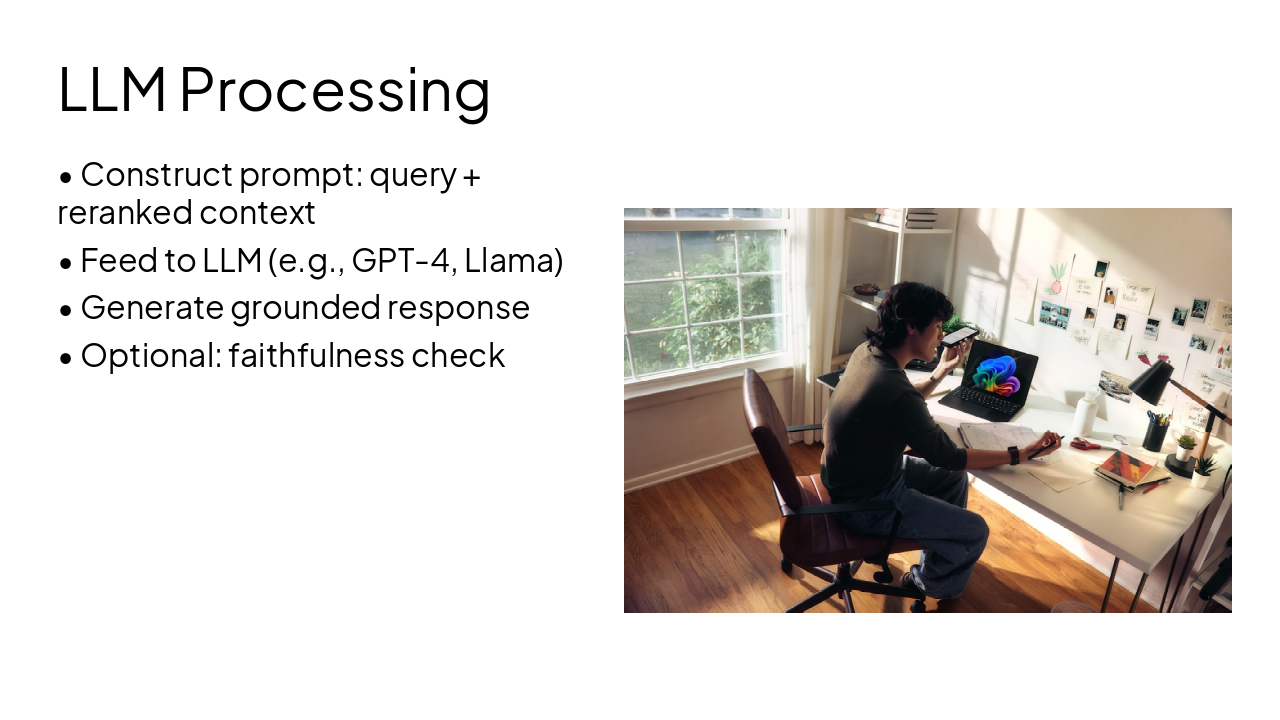
Photo by Microsoft Copilot on Unsplash
RAG enables accurate, context-aware LLM responses by combining retrieval with generation
Key Benefits: Reduces hallucinations, leverages external knowledge, scalable
---
Photo by Kelly Sikkema on Unsplash
Explore thousands of AI-generated presentations for inspiration
Generate professional presentations in seconds with Karaf's AI. Customize this presentation or start from scratch.