Blood Donation Management System

Generated from prompt:

Create a professional PowerPoint presentation for a college CIA 3 project on "Blood Donation Management System" based on a MySQL database. Include the following slides: 1. Title Slide (Project Name, Course: PSD, Team of 3 students) 2. Introduction (what is blood donation system) 3. Problem Statement 4. Objectives of the System 5. System Overview 6. Database Design Overview 7. ER Diagram explanation (entities: donor, patient, bloodbank, hospital, donation, bloodrequest, bloodinventory, staff) 8. Table Explanation (brief for each table and key fields) 9. Relationships (foreign keys explanation) 10. Features of the System (donor management, request handling, inventory tracking, etc.) 11. Sample Data Insights (like blood groups, requests, donations) 12. Advantages of the System 13. Limitations 14. Future Enhancements 15. Conclusion 16. Thank You Slide Keep slides concise, student-friendly, and presentation-ready with bullet points.

This presentation introduces a digital platform using MySQL for managing blood donations, storage, and distribution. It connects donors, blood banks, and hospitals in real-time, addressing manual inefficiencies, database design, features, advantages,

April 6, 202616 slides
Slide 1 of 16

Slide 1 - Blood Donation Management System

Blood Donation Management System

Course: PSD | Project for CIA 3 | Prepared by: Team of 3 Students

Slide 1 - Blood Donation Management System
Slide 2 of 16

Slide 2 - Introduction

  • Digital platform for managing blood donations, storage, and distribution.
  • Connects donors, blood banks, and hospitals in real-time.
  • Ensures timely availability of blood products for patients.
  • Uses MySQL to maintain secure and scalable records.
Slide 2 - Introduction
Slide 3 of 16

Slide 3 - Problem Statement

  • Manual record keeping is prone to errors and delays.
  • Difficulty in tracking blood inventory expiration dates.
  • Lack of real-time communication between donors and hospitals.
  • Inaccurate donor medical history management.
  • High risk of supply shortages during emergencies.
Slide 3 - Problem Statement
Slide 4 of 16

Slide 4 - Objectives of the System

  • Automate the blood donation and procurement process.
  • Maintain a centralized database of blood stock.
  • Simplify the registration and tracking of blood donors.
  • Ensure data security for sensitive medical records.
  • Facilitate quick responses to blood requests from hospitals.
Slide 4 - Objectives of the System
Slide 5 of 16

Slide 5 - System Overview

  • Centralized portal for system users (Admin, Donor, Hospital).
  • MySQL database backend for robust data storage.
  • Real-time blood stock monitoring.
  • Automated notifications for blood expiration and requests.
  • Search functionality for specific blood groups in nearby areas.
Slide 5 - System Overview
Slide 6 of 16

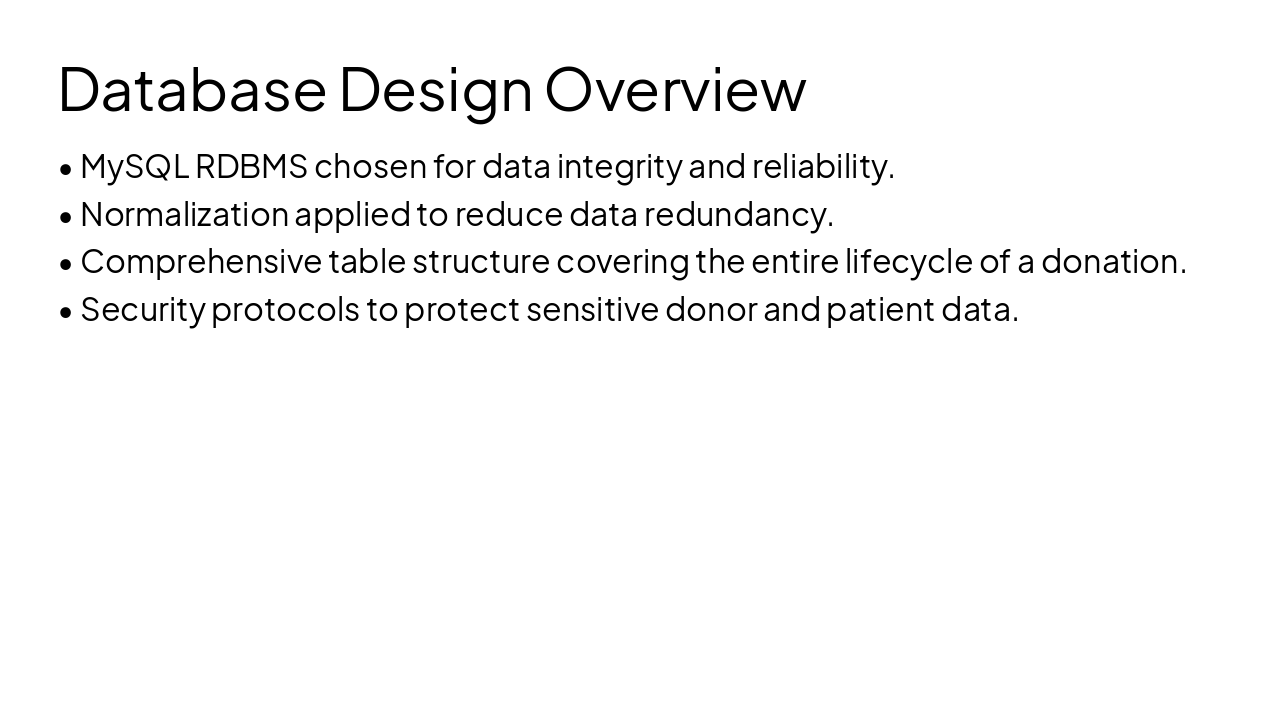
Slide 6 - Database Design Overview

  • MySQL RDBMS chosen for data integrity and reliability.
  • Normalization applied to reduce data redundancy.
  • Comprehensive table structure covering the entire lifecycle of a donation.
  • Security protocols to protect sensitive donor and patient data.
Slide 6 - Database Design Overview
Slide 7 of 16

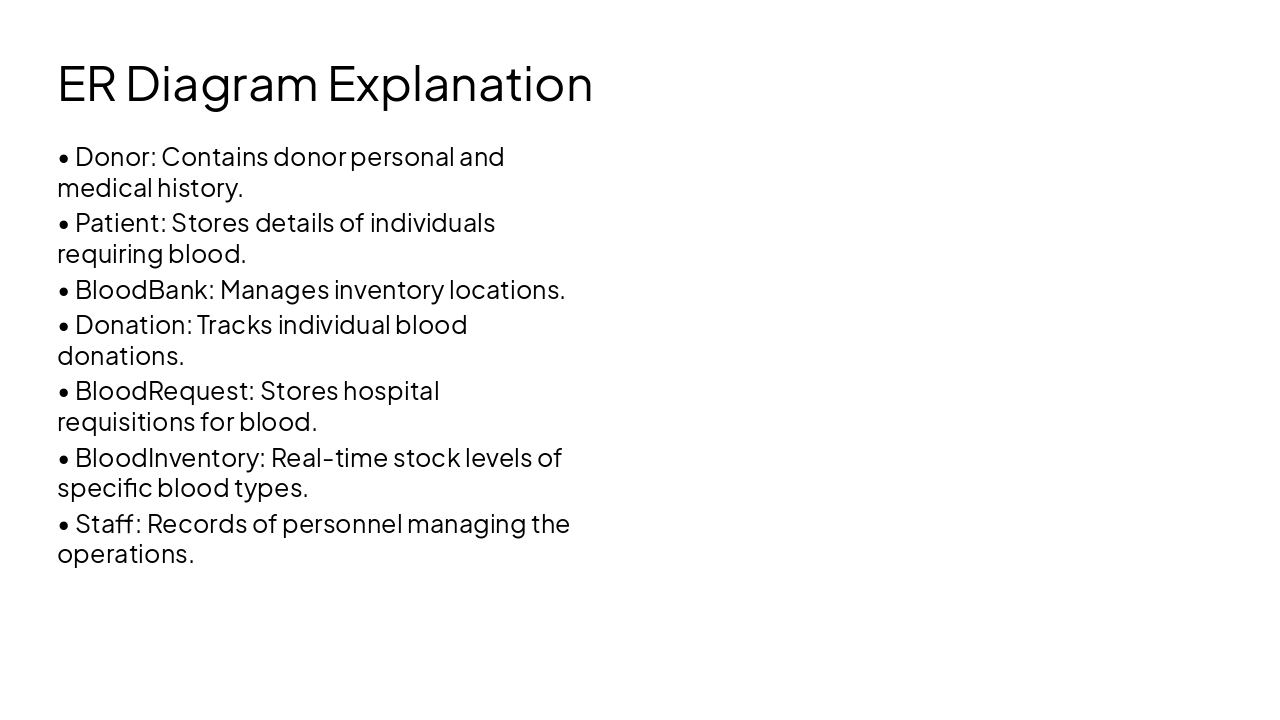
Slide 7 - ER Diagram Explanation

  • Donor: Contains donor personal and medical history.
  • Patient: Stores details of individuals requiring blood.
  • BloodBank: Manages inventory locations.
  • Donation: Tracks individual blood donations.
  • BloodRequest: Stores hospital requisitions for blood.
  • BloodInventory: Real-time stock levels of specific blood types.
  • Staff: Records of personnel managing the operations.
Slide 7 - ER Diagram Explanation
Slide 8 of 16

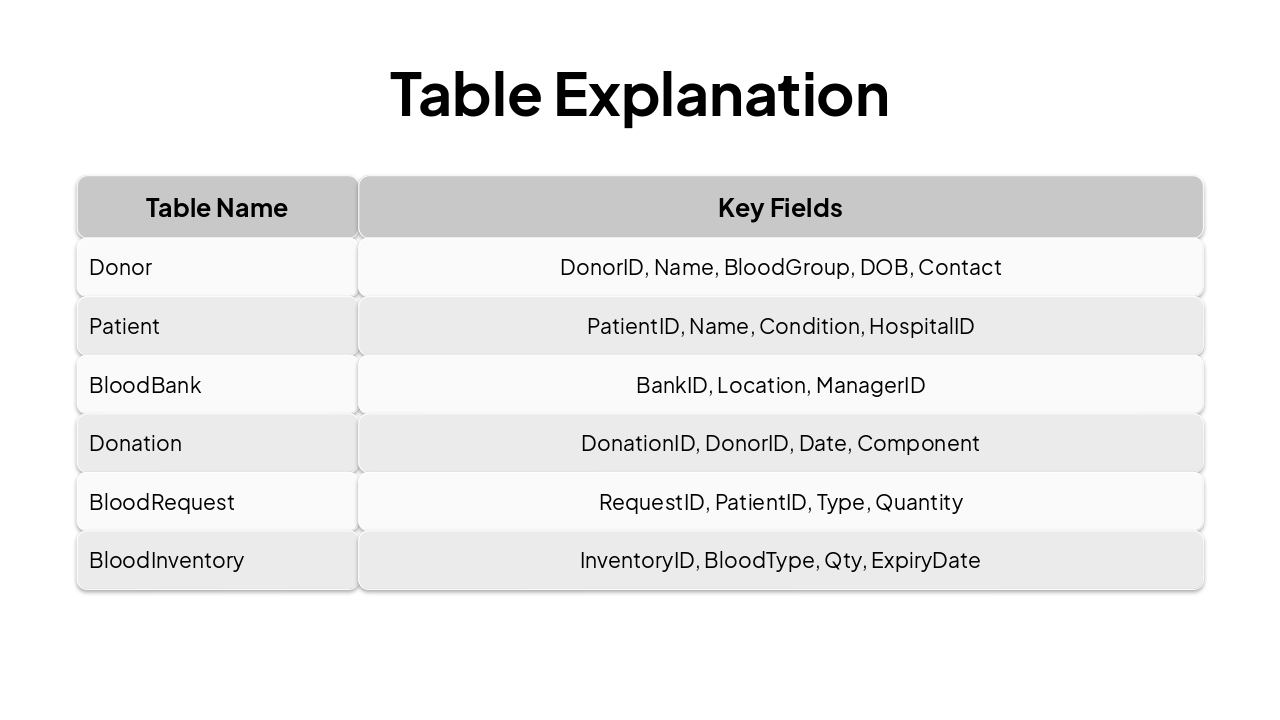
Slide 8 - Table Explanation

Table NameKey Fields
DonorDonorID, Name, BloodGroup, DOB, Contact
PatientPatientID, Name, Condition, HospitalID
BloodBankBankID, Location, ManagerID
DonationDonationID, DonorID, Date, Component
BloodRequestRequestID, PatientID, Type, Quantity
BloodInventoryInventoryID, BloodType, Qty, ExpiryDate
Slide 8 - Table Explanation
Slide 9 of 16

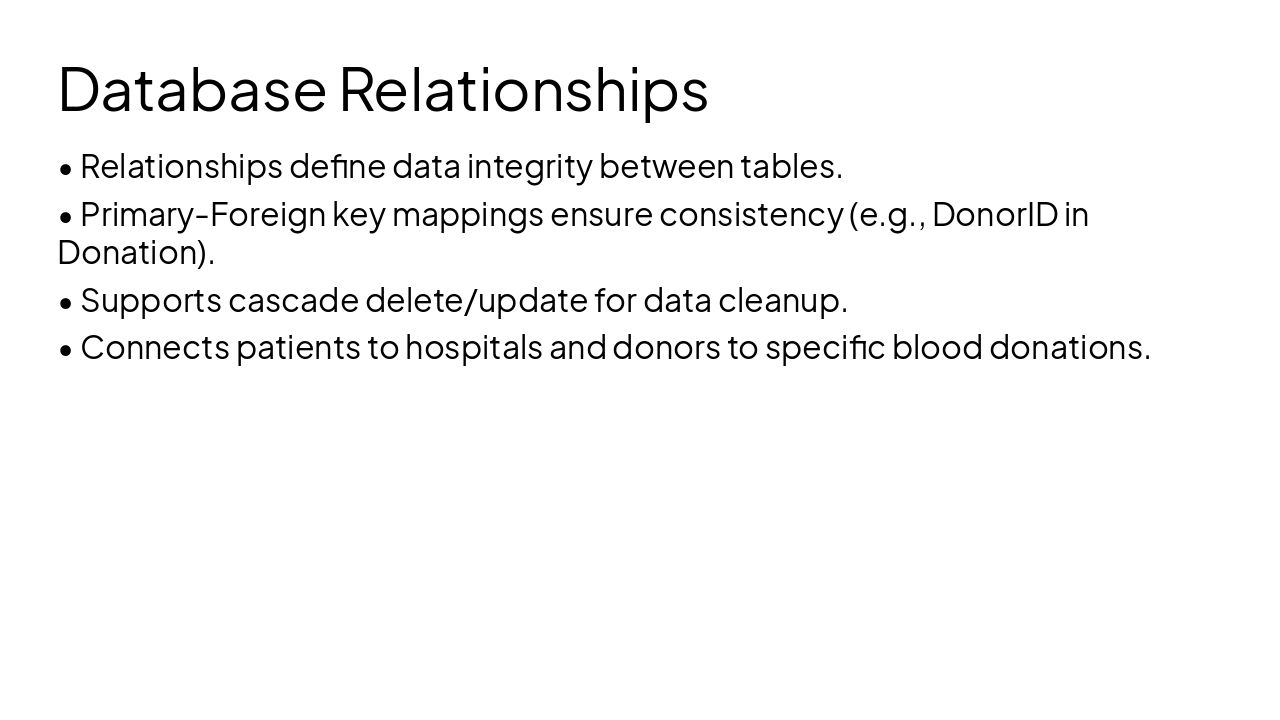
Slide 9 - Database Relationships

  • Relationships define data integrity between tables.
  • Primary-Foreign key mappings ensure consistency (e.g., DonorID in Donation).
  • Supports cascade delete/update for data cleanup.
  • Connects patients to hospitals and donors to specific blood donations.
Slide 9 - Database Relationships
Slide 10 of 16

Slide 10 - Features of the System

👤 Donor Management Manage donor records and history.

📦 Inventory Tracking Track real-time blood availability.

🏥 Request Handling Process hospital requests efficiently.

📊 Reporting Generate reports for blood stock.
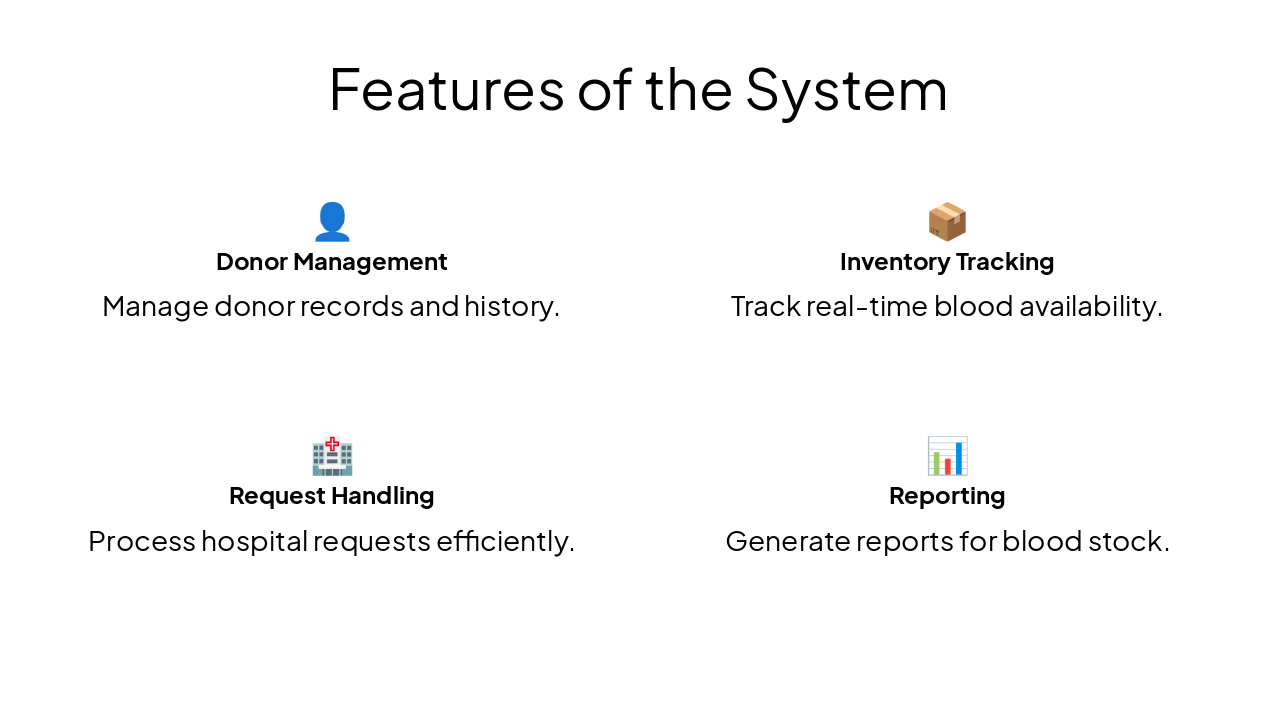
Slide 10 - Features of the System
Slide 11 of 16

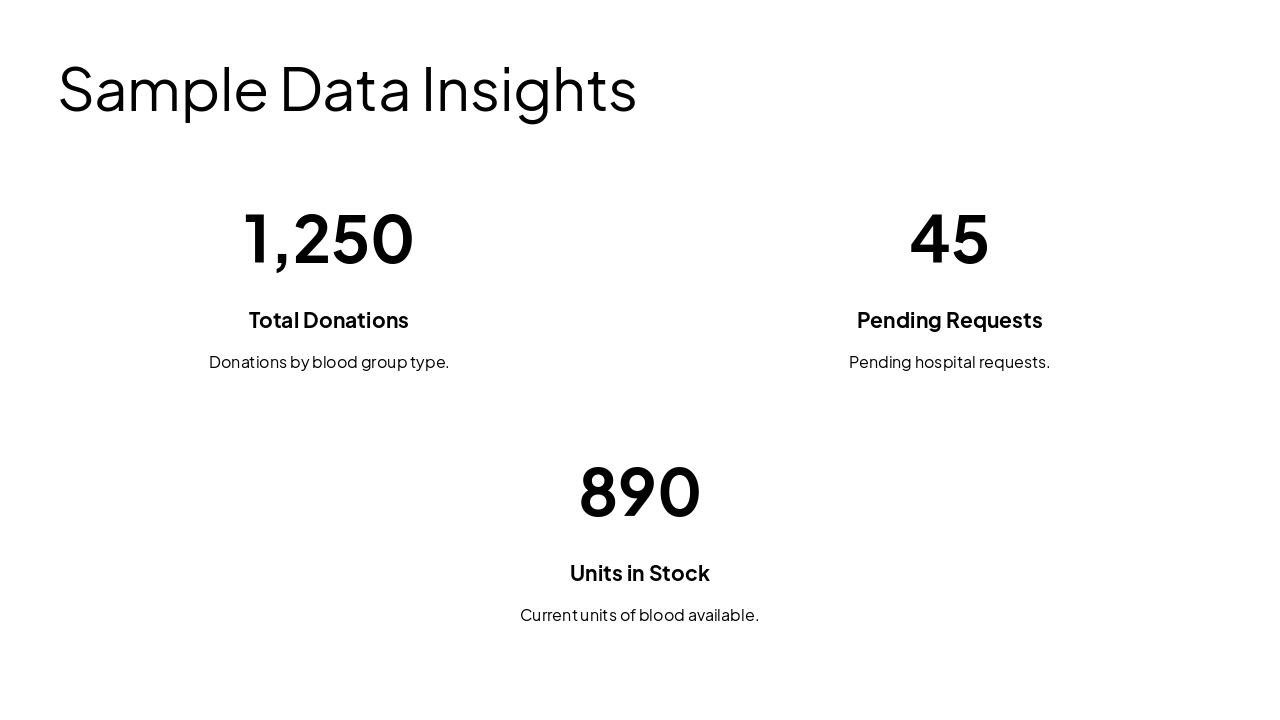
Slide 11 - Sample Data Insights

  • 1,250: Total Donations
  • 45: Pending Requests
  • 890: Units in Stock
Slide 11 - Sample Data Insights
Slide 12 of 16

Slide 12 - Advantages of the System

  • Improved accuracy in blood supply management.
  • Reduced response time for emergencies.
  • Centralized and secure data access for authorized users.
  • Automated monitoring prevents inventory wastage.
  • Better coordination between donors and hospitals.
Slide 12 - Advantages of the System
Slide 13 of 16

Slide 13 - Limitations

  • Requires consistent internet connectivity for real-time access.
  • Security risks if server is not properly hardened.
  • System setup and maintenance cost.
  • User training required for staff and volunteers.
Slide 13 - Limitations
Slide 14 of 16

Slide 14 - Future Enhancements

  • Integration with mobile apps for direct donor notifications.
  • AI-based predictive analytics for blood demand forecasting.
  • Real-time GPS tracking for mobile blood donation units.
  • Integration with IoT for temperature monitoring of blood storage.
Slide 14 - Future Enhancements
Slide 15 of 16

Slide 15 - Conclusion

Conclusion

The system enhances patient care through efficient blood management and technology.

---

Photo by Nastuh Abootalebi on Unsplash

Slide 15 - Conclusion
Slide 16 of 16

Slide 16 - Thank You Slide

Thank You

Thank you for your time! Any questions?

---

Photo by Nastuh Abootalebi on Unsplash

Slide 16 - Thank You Slide

Discover More Presentations

Explore thousands of AI-generated presentations for inspiration

Browse Presentations
Powered by AI

Create Your Own Presentation

Generate professional presentations in seconds with Karaf's AI. Customize this presentation or start from scratch.

Create New Presentation

Powered by Karaf.ai — AI-Powered Presentation Generator