Software as a Service (SaaS) for Universities: Transforming Higher Education

Generated from prompt:

Create a professional PowerPoint presentation by converting the uploaded PDF document located at /mnt/data/Software as a Service (SaaS) for Universities.pdf into editable slides. Preserve the structure and key content from the PDF. Use a modern academic/professional design theme suitable for universities and SaaS topics.

This presentation introduces Software as a Service (SaaS) tailored for universities, covering its definition, market growth, and key benefits like cost savings, scalability, accessibility, and maintenance-free operations. It compares SaaS to on-premise solutions, outlines features for learning management and administration, addresses challenges such as data security and integration with practical solutions, presents real-world case studies from Harvard, Stanford, and Oxford, and provides an implementation roadmap along with future trends like AI integration.

May 10, 202631 slides
Slide 1 of 31

Slide 1 - Software as a Service (SaaS) for Universities

Software as a Service (SaaS) for Universities

Transforming Higher Education with Cloud-Based Solutions

---

Photo by Kaden Taylor on Unsplash

Slide 1 - Software as a Service (SaaS)
for Universities
Slide 2 of 31

Slide 2 - Software as a Service (SaaS) for Universities

Software as a Service (SaaS) for Universities

Transforming Higher Education with Cloud-Based Solutions

---

Photo by Owen Yin on Unsplash

Slide 2 - Software as a Service (SaaS)
for Universities
Slide 3 of 31

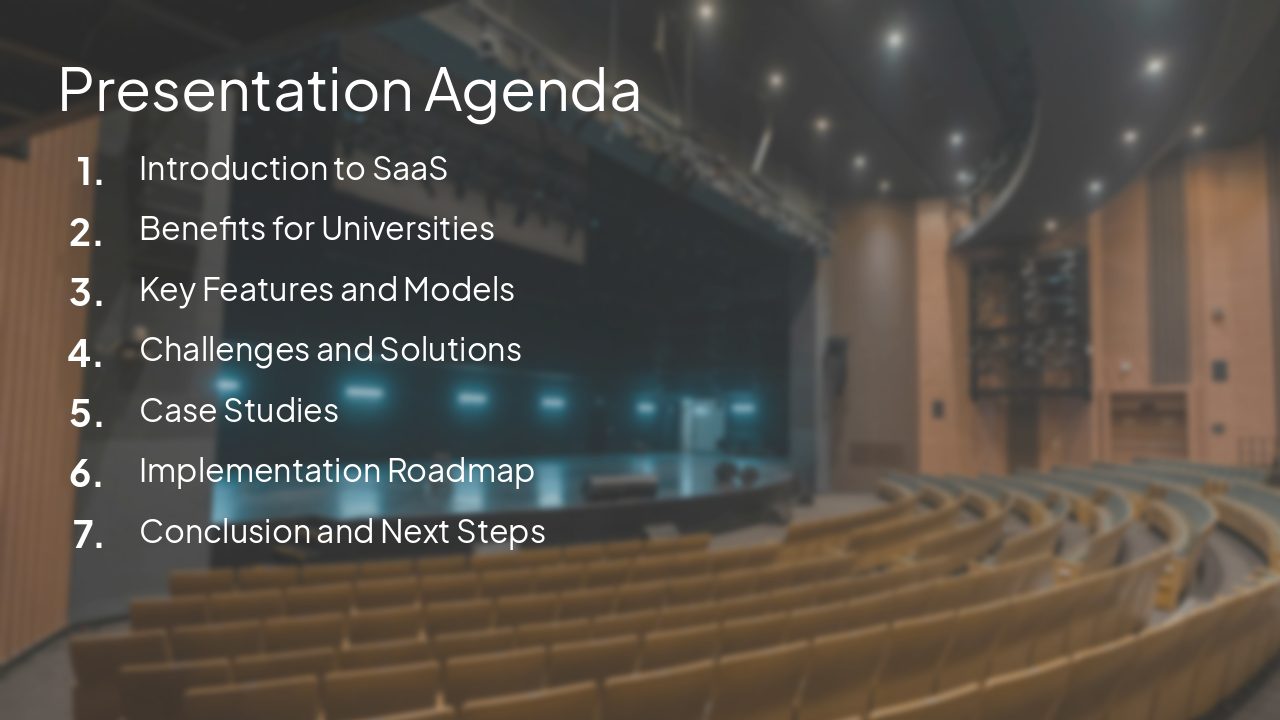
Slide 3 - Presentation Agenda

  • Introduction to SaaS
  • Benefits for Universities
  • Key Features and Models
  • Challenges and Solutions
  • Case Studies
  • Implementation Roadmap
  • Conclusion and Next Steps

---

Photo by ARTO SURAJ on Unsplash

Slide 3 - Presentation Agenda
Slide 4 of 31

Slide 4 - Presentation Agenda

  • Introduction to SaaS
  • Benefits for Universities
  • Key Features and Models
  • Challenges and Solutions
  • Implementation Strategies
  • Case Studies and Future Outlook
  • Conclusion and Q&A

---

Photo by Caroline Andrade Rocha on Unsplash

Slide 4 - Presentation Agenda
Slide 5 of 31

Slide 5 - Introduction

1

What is SaaS?

Understanding the SaaS Model in Higher Education Context

---

Photo by İsmail Enes Ayhan on Unsplash
Slide 5 - Introduction
Slide 6 of 31

Slide 6 - Introduction to SaaS

1

What is SaaS?

Understanding the Software as a Service Model

---

Photo by LEDC on Unsplash

Slide 6 - Introduction to SaaS
Slide 7 of 31

Slide 7 - Definition of SaaS

  • Software as a Service (SaaS) delivers applications over the internet on a subscription basis
  • Users access software via web browsers without installation or maintenance
  • Provider manages infrastructure, updates, and scalability
  • Examples: Google Workspace, Microsoft 365, Salesforce
Slide 7 - Definition of SaaS
Slide 8 of 31

Slide 8 - Definition and Characteristics

  • SaaS delivers software applications over the internet on a subscription basis
  • Hosted centrally by provider; users access via web browser
  • No local installation or maintenance required
  • Scalable, accessible from any device
  • Pay-per-use pricing model

Source: Software as a Service (SaaS) for Universities.pdf

Slide 8 - Definition and Characteristics
Slide 9 of 31

Slide 9 - SaaS Delivery Model

  • Multi-tenant architecture optimizes resource use
  • Subscription-based pricing aligns with usage
  • Automatic updates ensure latest features and security
  • Scalable for varying university demands

---

Photo by Growtika on Unsplash

Slide 9 - SaaS Delivery Model
Slide 10 of 31

Slide 10 - SaaS Market Growth

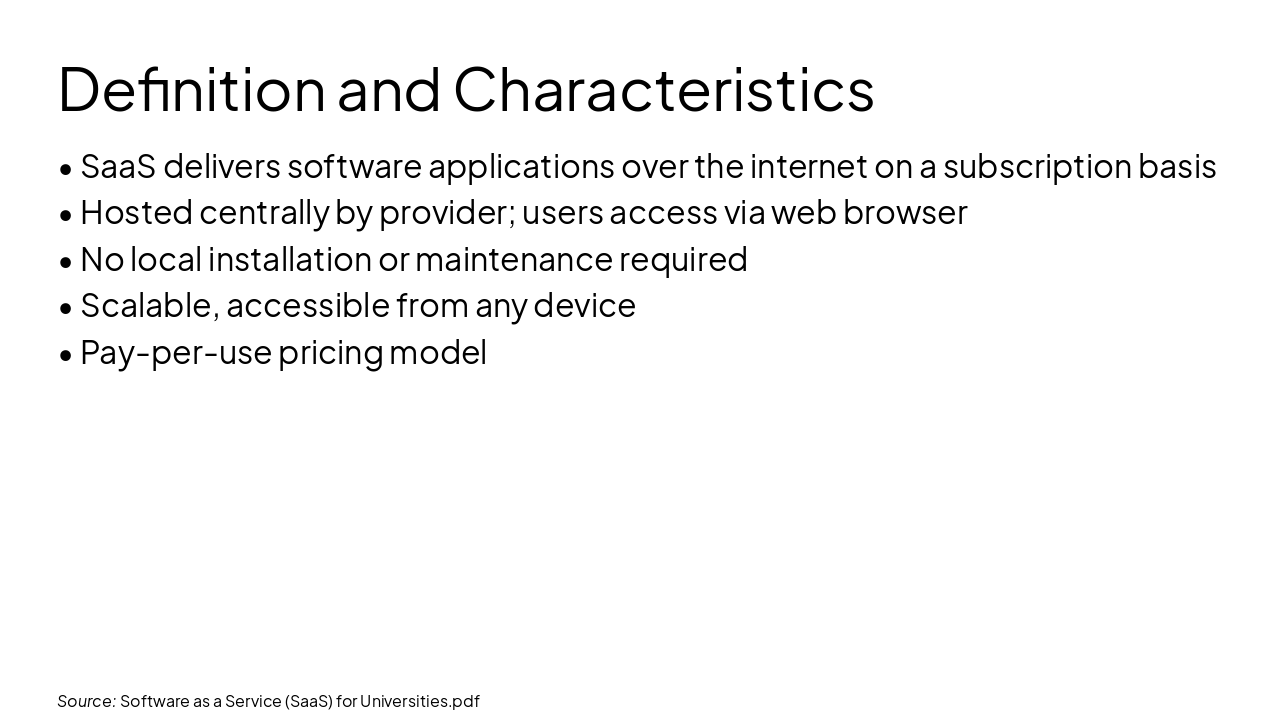
  • 85%: Global Adoption
  • $195B: EdTech Market
  • 40%: Cost Savings
  • 24/7: Accessibility

---

Photo by İsmail Enes Ayhan on Unsplash
Source: Software as a Service (SaaS) for Universities.pdf
Slide 10 - SaaS Market Growth
Slide 11 of 31

Slide 11 - Benefits

2

Advantages for Universities

Why SaaS is Ideal for Educational Institutions

---

Photo by Caroline Andrade Rocha on Unsplash

Slide 11 - Benefits
Slide 12 of 31

Slide 12 - Benefits for Universities

2

Why SaaS for Higher Education?

Key Advantages Over Traditional Software

---

Photo by Austin on Unsplash

Slide 12 - Benefits for Universities
Slide 13 of 31

Slide 13 - Key Benefits

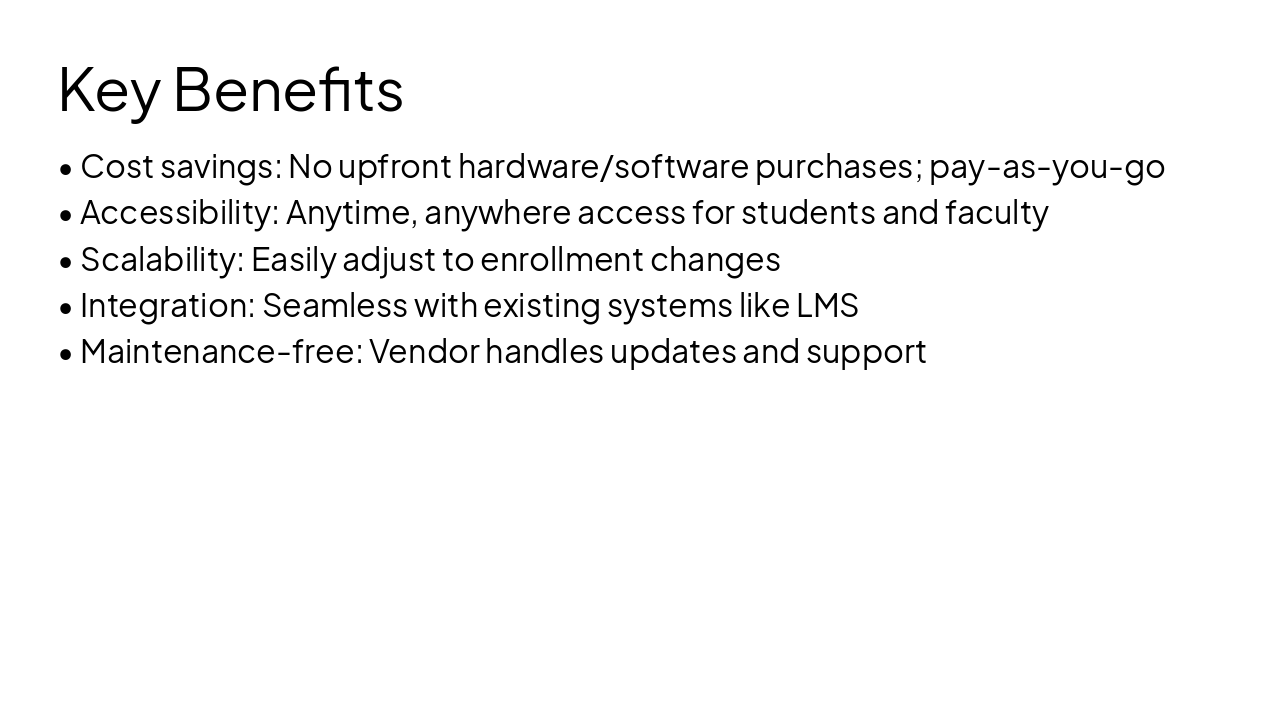
  • Cost savings: No upfront hardware/software purchases; pay-as-you-go
  • Accessibility: Anytime, anywhere access for students and faculty
  • Scalability: Easily adjust to enrollment changes
  • Integration: Seamless with existing systems like LMS
  • Maintenance-free: Vendor handles updates and support
Slide 13 - Key Benefits
Slide 14 of 31

Slide 14 - Core Benefits

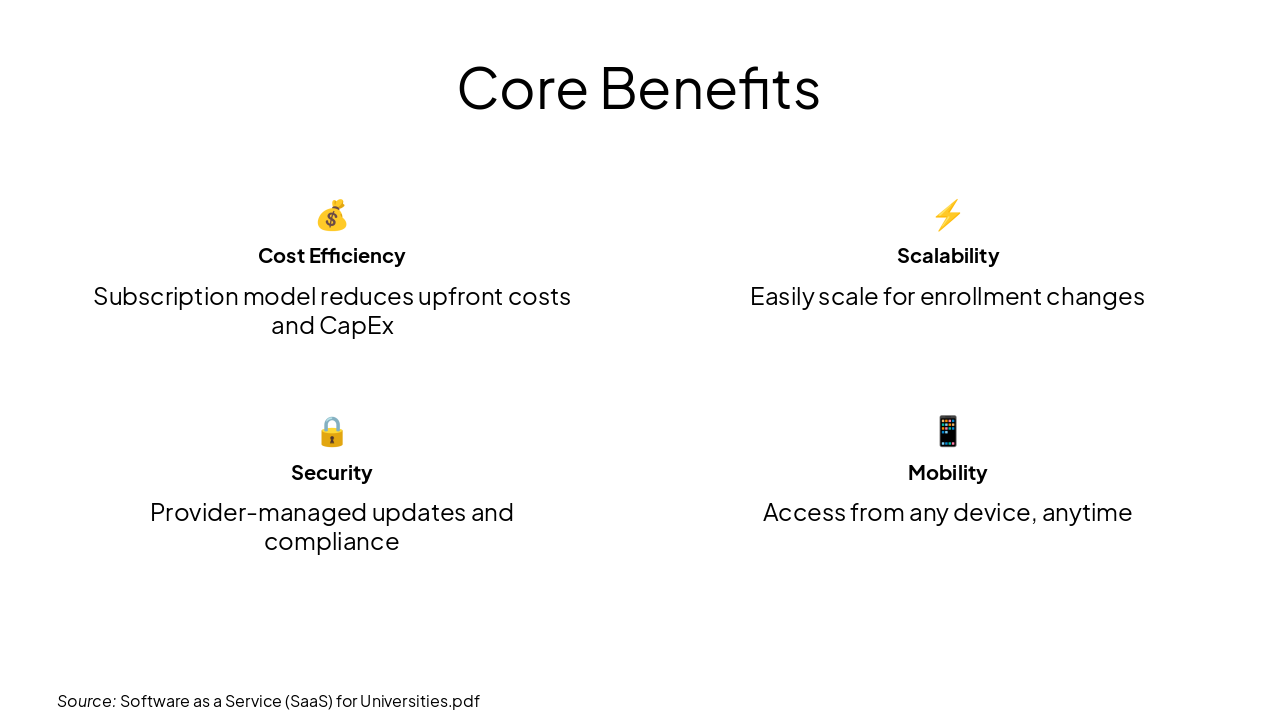
💰 Cost Efficiency Subscription model reduces upfront costs and CapEx

Scalability Easily scale for enrollment changes

🔒 Security Provider-managed updates and compliance

📱 Mobility Access from any device, anytime

Source: Software as a Service (SaaS) for Universities.pdf
Slide 14 - Core Benefits
Slide 15 of 31

Slide 15 - SaaS vs. On-Premise

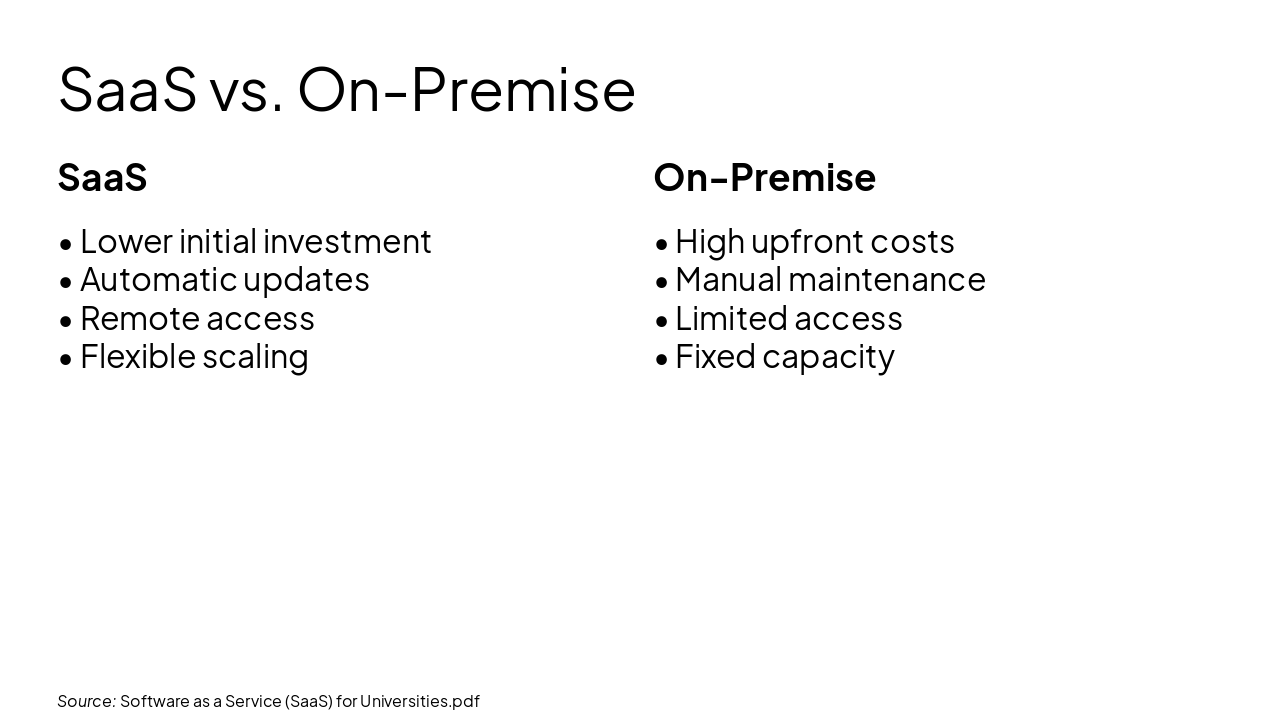
SaaS

  • Lower initial investment
  • Automatic updates
  • Remote access
  • Flexible scaling

On-Premise

  • High upfront costs
  • Manual maintenance
  • Limited access
  • Fixed capacity

Source: Software as a Service (SaaS) for Universities.pdf
Slide 15 - SaaS vs. On-Premise
Slide 16 of 31

Slide 16 - SaaS Adoption Stats

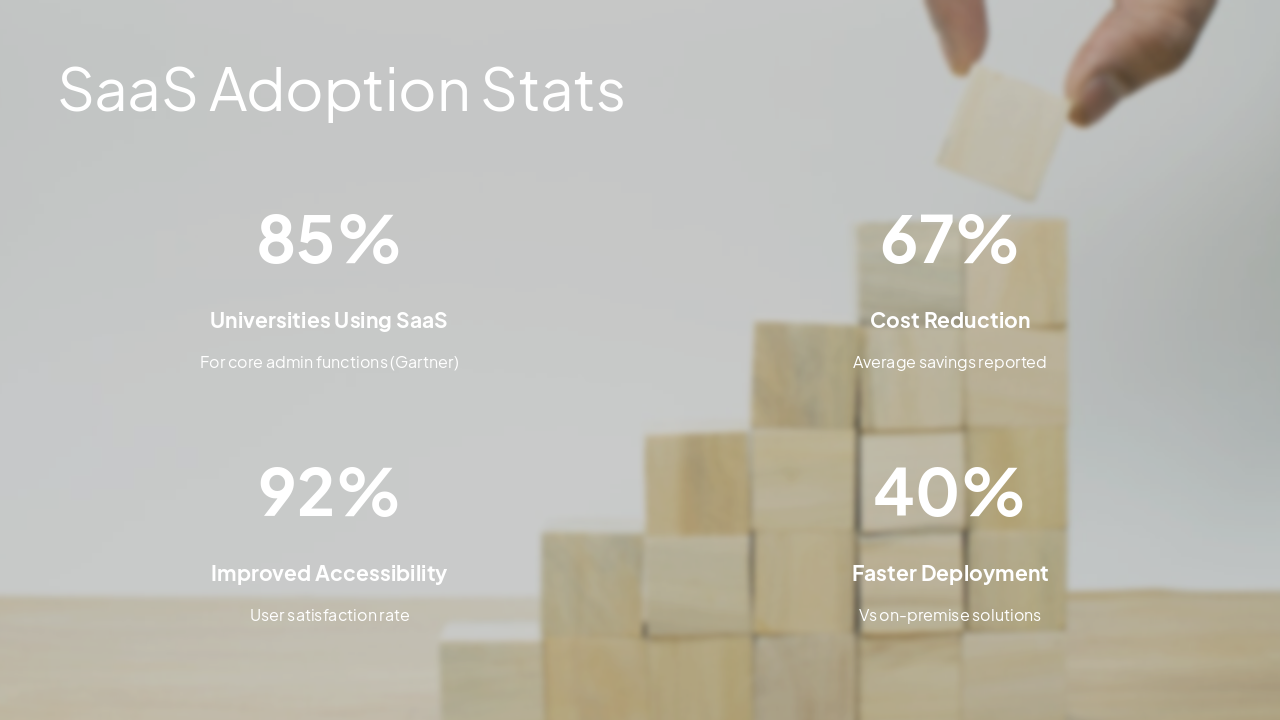
  • 85%: Universities Using SaaS
  • 67%: Cost Reduction
  • 92%: Improved Accessibility
  • 40%: Faster Deployment

---

Photo by Imagine Buddy on Unsplash

Slide 16 - SaaS Adoption Stats
Slide 17 of 31

Slide 17 - SaaS Architecture

  • Multi-tenant architecture
  • Browser-based access
  • Centralized data management
  • Integrated security layers

---

Photo by Growtika on Unsplash

Source: Software as a Service (SaaS) for Universities.pdf
Slide 17 - SaaS Architecture
Slide 18 of 31

Slide 18 - SaaS Features for Universities

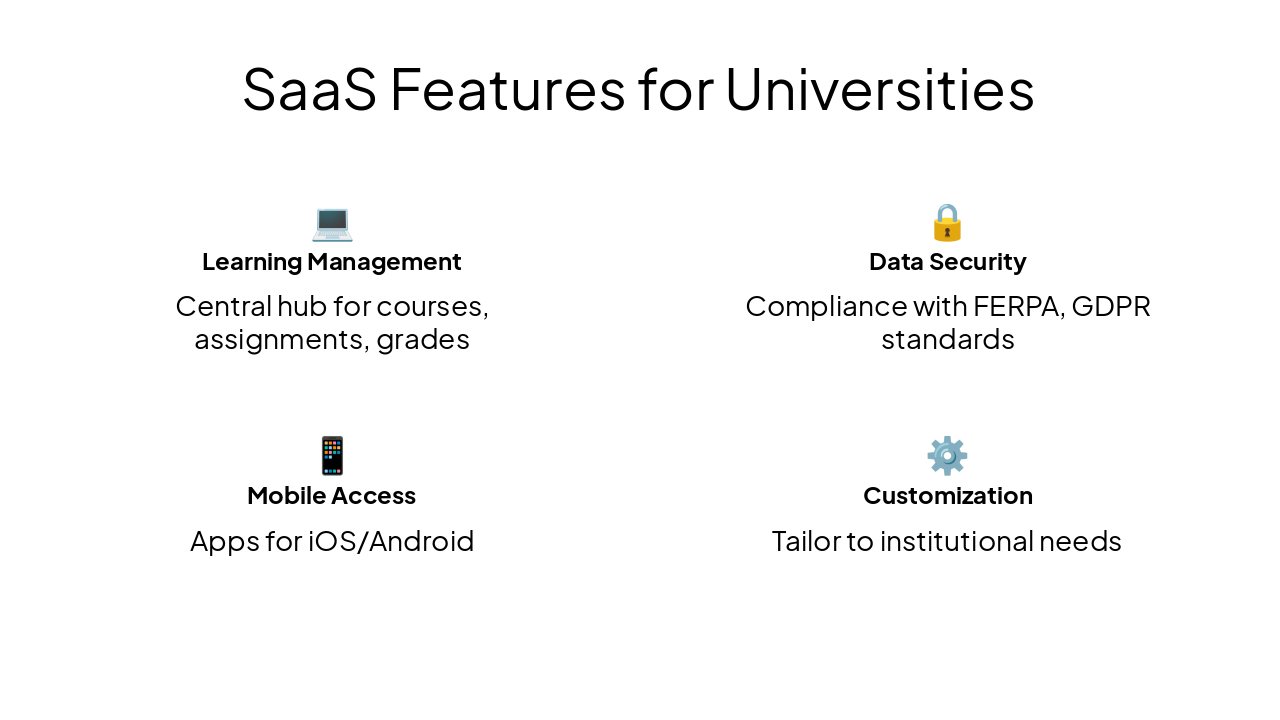
💻 Learning Management Central hub for courses, assignments, grades

🔒 Data Security Compliance with FERPA, GDPR standards

📱 Mobile Access Apps for iOS/Android

⚙️ Customization Tailor to institutional needs
Slide 18 - SaaS Features for Universities
Slide 19 of 31

Slide 19 - Challenges

3

Potential Hurdles

Addressing Common Concerns in Adoption
Slide 19 - Challenges
Slide 20 of 31

Slide 20 - Challenges

3

Potential Drawbacks

Addressing Common Concerns

---

Photo by Tanja Tepavac on Unsplash

Slide 20 - Challenges
Slide 21 of 31

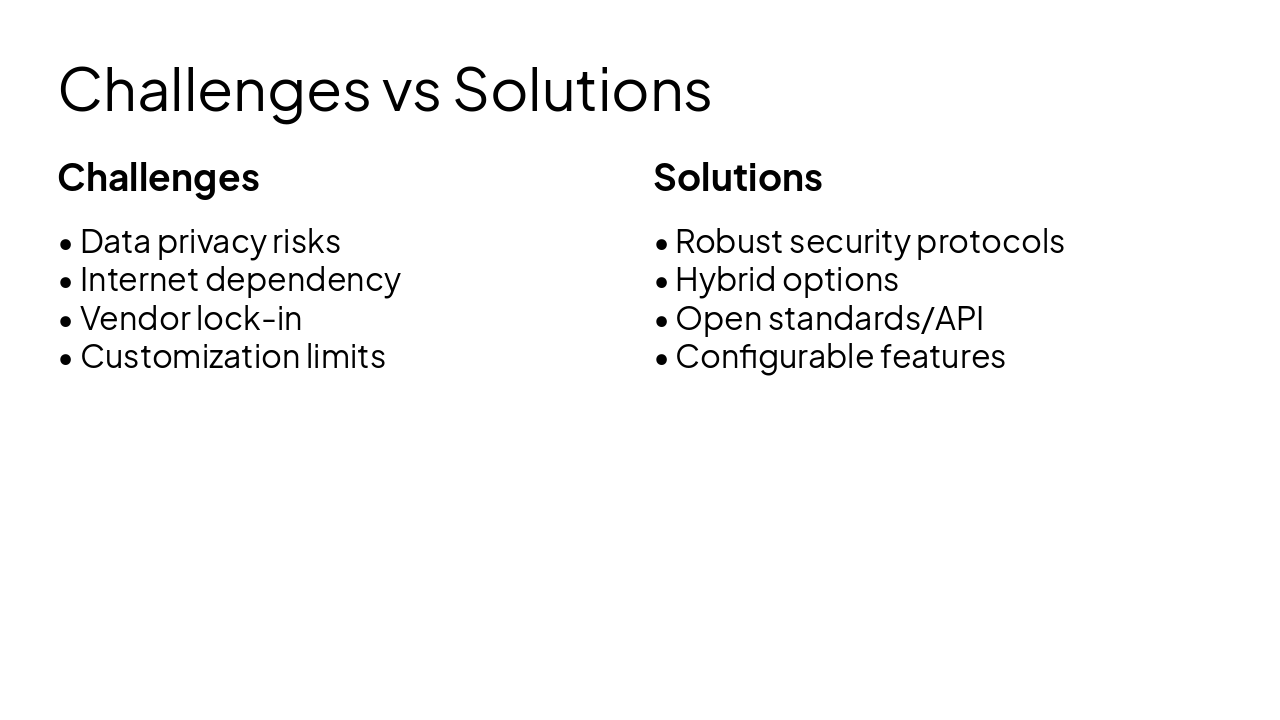
Slide 21 - Challenges vs Solutions

Challenges

  • Data privacy risks
  • Internet dependency
  • Vendor lock-in
  • Customization limits

Solutions

  • Robust security protocols
  • Hybrid options
  • Open standards/API
  • Configurable features
Slide 21 - Challenges vs Solutions
Slide 22 of 31

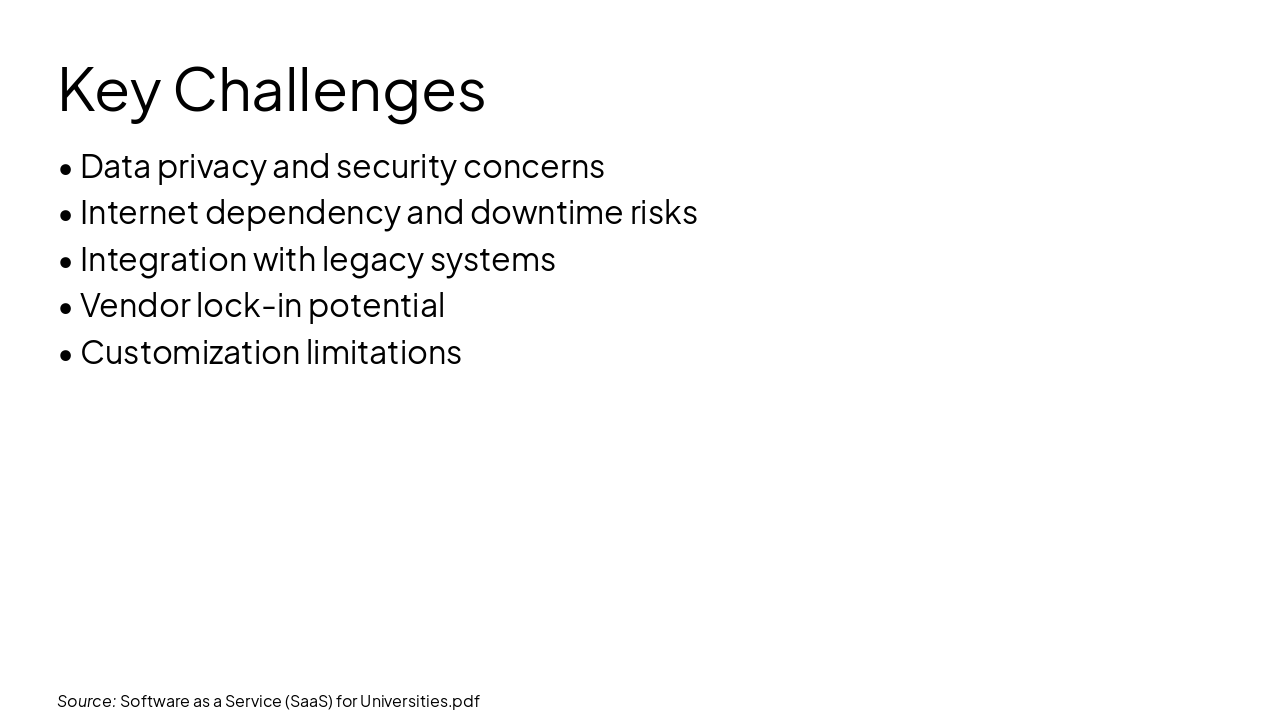
Slide 22 - Key Challenges

  • Data privacy and security concerns
  • Internet dependency and downtime risks
  • Integration with legacy systems
  • Vendor lock-in potential
  • Customization limitations

Source: Software as a Service (SaaS) for Universities.pdf
Slide 22 - Key Challenges
Slide 23 of 31

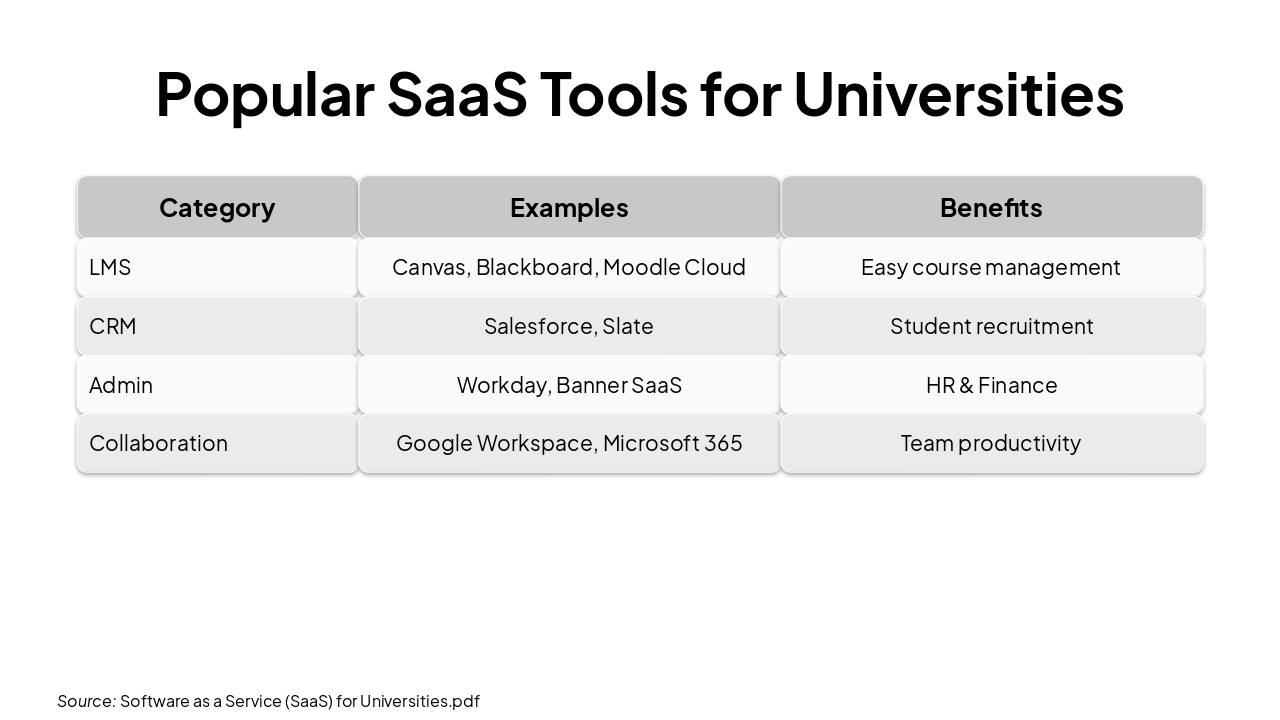
Slide 23 - Popular SaaS Tools for Universities

CategoryExamplesBenefits
LMSCanvas, Blackboard, Moodle CloudEasy course management
CRMSalesforce, SlateStudent recruitment
AdminWorkday, Banner SaaSHR & Finance
CollaborationGoogle Workspace, Microsoft 365Team productivity

Source: Software as a Service (SaaS) for Universities.pdf
Slide 23 - Popular SaaS Tools for Universities
Slide 24 of 31

Slide 24 - Case Studies

4

Real-World Examples

Successful SaaS Implementations

---

Photo by Wonderlane on Unsplash
Slide 24 - Case Studies
Slide 25 of 31

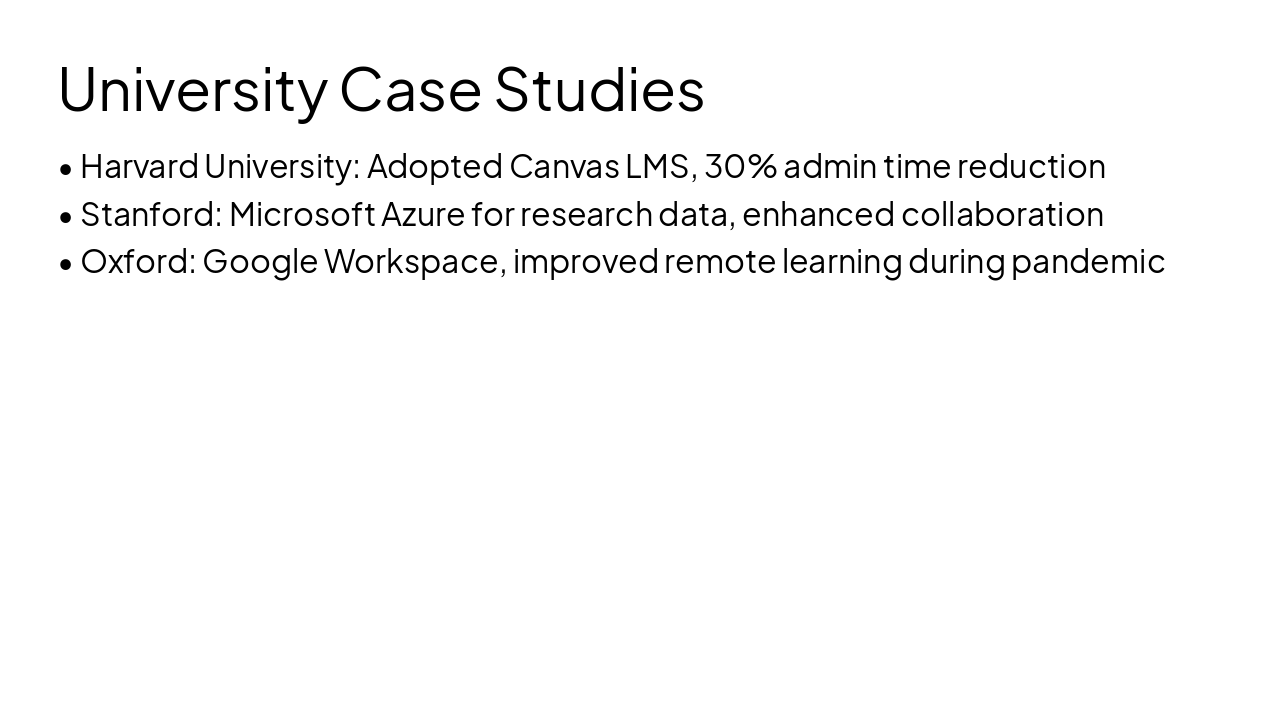
Slide 25 - University Case Studies

  • Harvard University: Adopted Canvas LMS, 30% admin time reduction
  • Stanford: Microsoft Azure for research data, enhanced collaboration
  • Oxford: Google Workspace, improved remote learning during pandemic
Slide 25 - University Case Studies
Slide 26 of 31

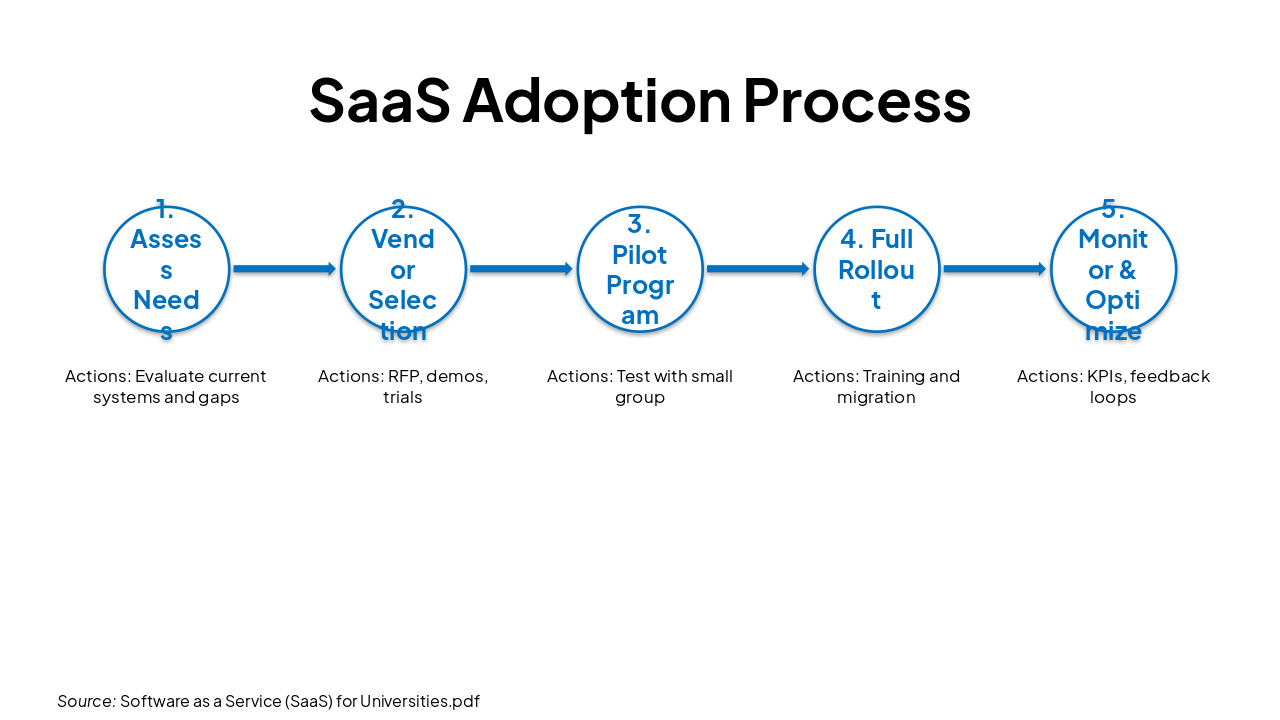
Slide 26 - SaaS Adoption Process

StepActions
1. Assess NeedsEvaluate current systems and gaps
2. Vendor SelectionRFP, demos, trials
3. Pilot ProgramTest with small group
4. Full RolloutTraining and migration
5. Monitor & OptimizeKPIs, feedback loops

Source: Software as a Service (SaaS) for Universities.pdf
Slide 26 - SaaS Adoption Process
Slide 27 of 31

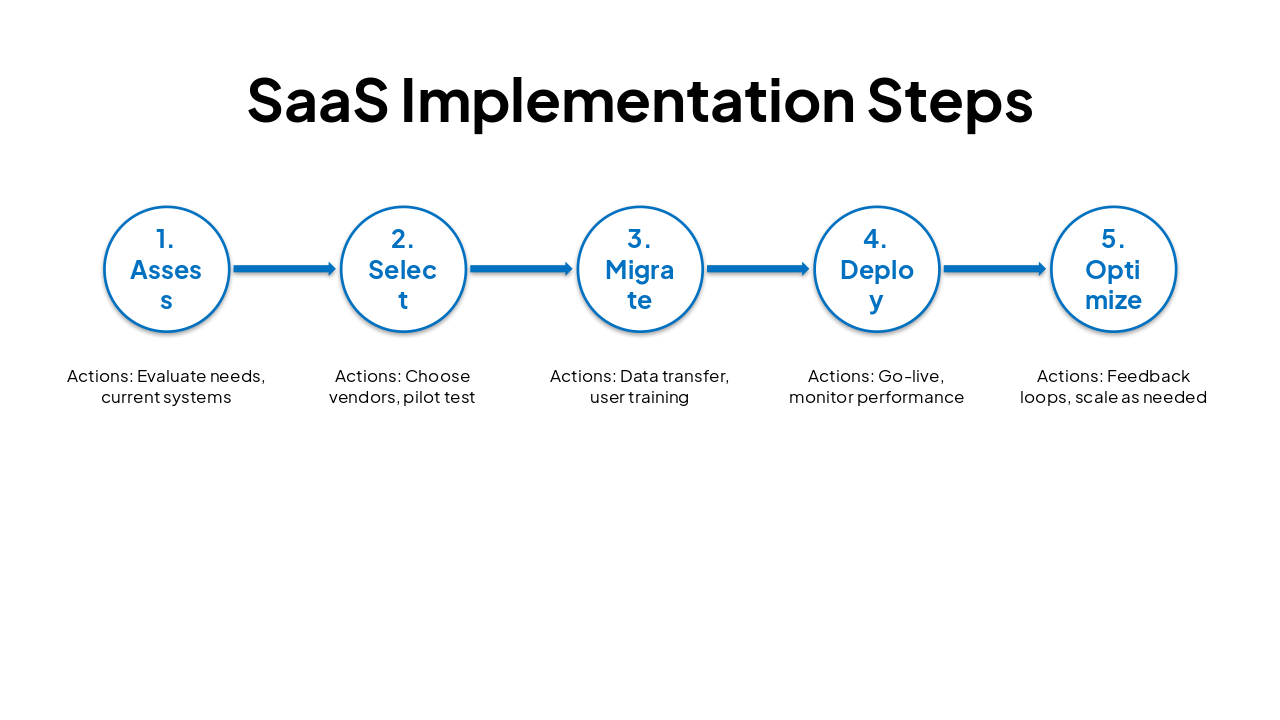
Slide 27 - SaaS Implementation Steps

PhaseActions
1. AssessEvaluate needs, current systems
2. SelectChoose vendors, pilot test
3. MigrateData transfer, user training
4. DeployGo-live, monitor performance
5. OptimizeFeedback loops, scale as needed
Slide 27 - SaaS Implementation Steps
Slide 28 of 31

Slide 28 - Expert Insight

> SaaS is revolutionizing higher education by enabling agility, cost savings, and global access.

— - Gartner Research on EdTech Trends

---

Photo by Clint Patterson on Unsplash

Source: Software as a Service (SaaS) for Universities.pdf

Slide 28 - Expert Insight
Slide 29 of 31

Slide 29 - Future Outlook

  • AI integration in SaaS platforms
  • Hybrid learning models
  • Increased focus on data analytics
  • Blockchain for credentials
  • Sustainability through cloud efficiency

Source: Software as a Service (SaaS) for Universities.pdf
Slide 29 - Future Outlook
Slide 30 of 31

Slide 30 - Conclusion

SaaS revolutionizes university operations with cost-efficiency, scalability, and innovation.

Adopt SaaS to future-proof your institution. Questions?

---

Photo by proudlyswazi on Unsplash
Slide 30 - Conclusion
Slide 31 of 31

Slide 31 - Key Takeaways

Embrace SaaS to future-proof your university: cost-effective, scalable, innovative.

Questions? Let's discuss implementation.

---

Photo by Umut Tülüoğlu on Unsplash
Slide 31 - Key Takeaways

Discover More Presentations

Explore thousands of AI-generated presentations for inspiration

Browse Presentations
Powered by AI

Create Your Own Presentation

Generate professional presentations in seconds with Karaf's AI. Customize this presentation or start from scratch.

Create New Presentation

Powered by Karaf.ai — AI-Powered Presentation Generator