Securing Our Future: Information Security Awareness

Generated from prompt:

Generate a fully downloadable ISO/IEC 27001:2022 Information Security Awareness Training PowerPoint for employees. 35–40 slides, professional corporate layout, icons, and visuals, with trainer notes for a 60-minute session. Include topics: introduction, ISO 27001 overview, ISMS, CIA triad, employee responsibilities, phishing/social engineering examples, password/MFA practices, incident reporting, Annex A controls, security do’s and don’ts, quiz, and key takeaways. Provide it as a fully downloadable PPTX link that works in any browser.

Employee training deck on information security aligned with ISO/IEC 27001:2022. Covers ISO 27001 overview, CIA triad, phishing & social engineering, password & MFA best practices, incident reporting, daily security habits, and a knowledge quiz to强化aw

March 16, 202617 slides
Slide 1 of 17

Slide 1 - Information Security Training

Securing Our Future: Information Security Awareness

Employee Information Security Awareness Training | ISO/IEC 27001:2022 Compliance

---

Photo by Logan Voss on Unsplash
Slide 1 - Information Security Training
Slide 2 of 17

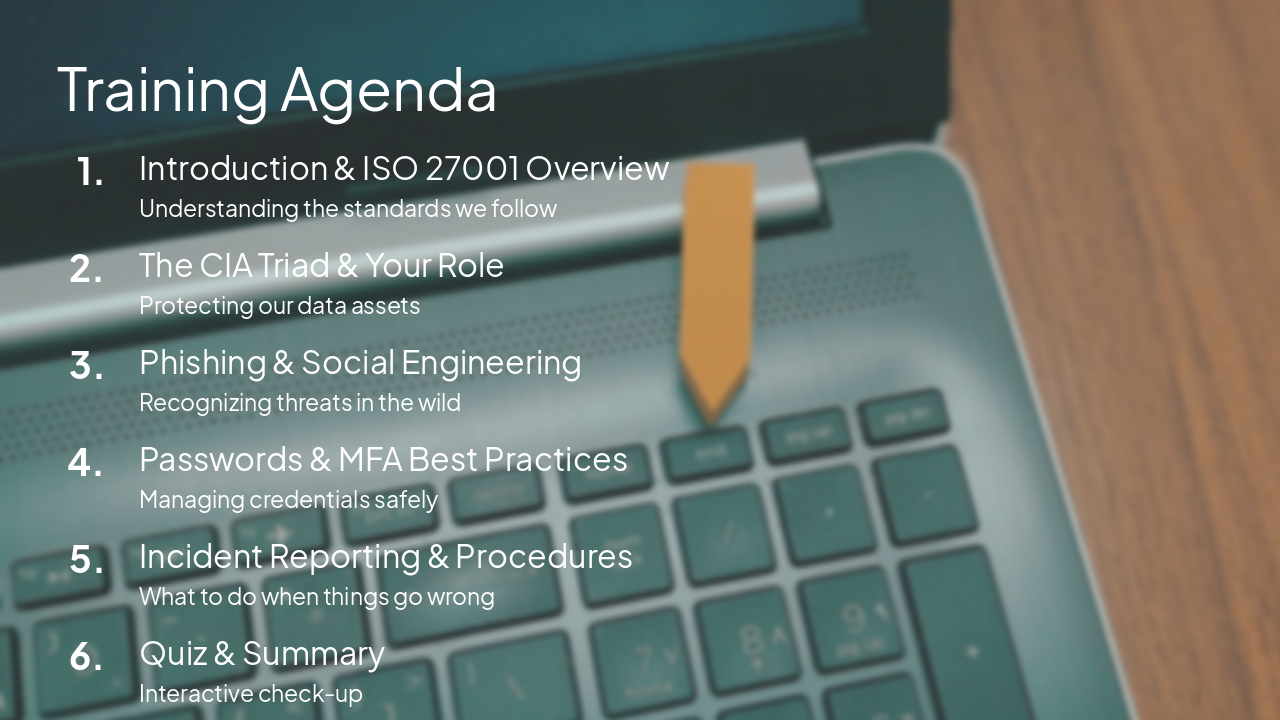
Slide 2 - Training Agenda

  • Introduction & ISO 27001 Overview: Understanding the standards we follow
  • The CIA Triad & Your Role: Protecting our data assets
  • Phishing & Social Engineering: Recognizing threats in the wild
  • Passwords & MFA Best Practices: Managing credentials safely
  • Incident Reporting & Procedures: What to do when things go wrong
  • Quiz & Summary: Interactive check-up

---

Photo by Misty Rose on Unsplash

Slide 2 - Training Agenda
Slide 3 of 17

Slide 3 - Section 1

1

Introduction to ISO 27001

Why Information Security Matters to You

---

Photo by Maximalfocus on Unsplash
Slide 3 - Section 1
Slide 4 of 17

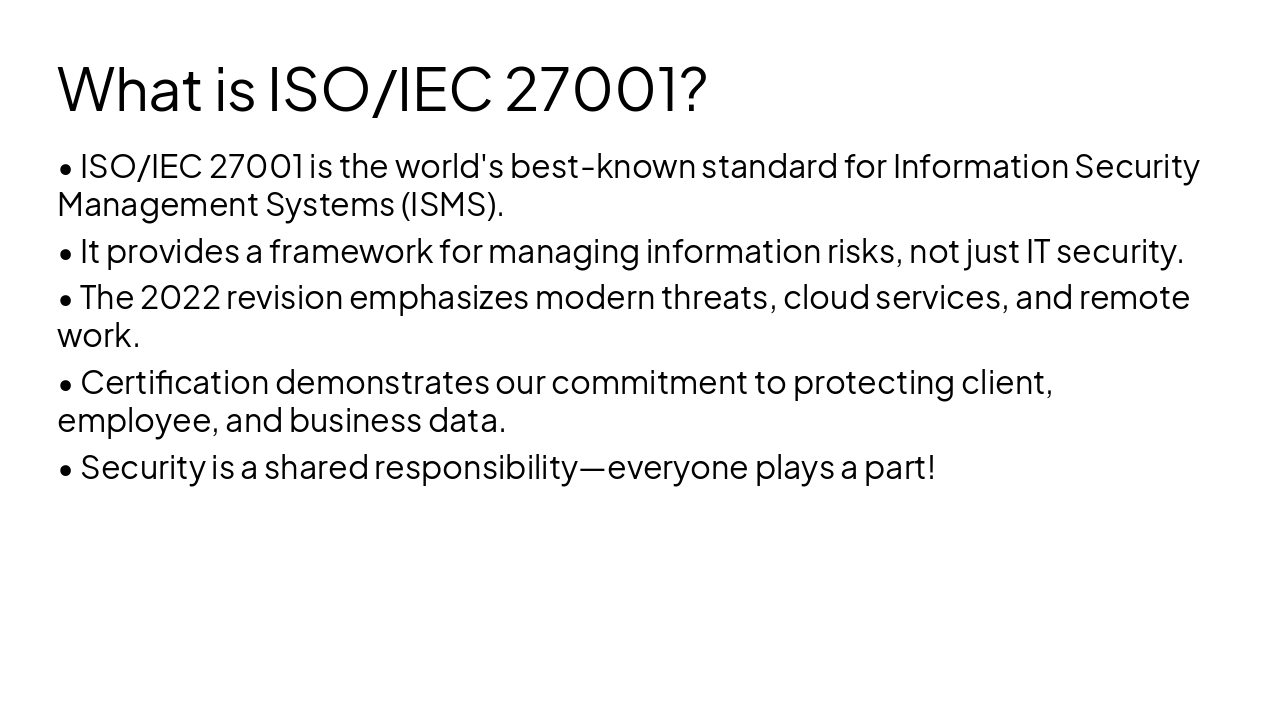
Slide 4 - What is ISO/IEC 27001?

  • ISO/IEC 27001 is the world's best-known standard for Information Security Management Systems (ISMS).
  • It provides a framework for managing information risks, not just IT security.
  • The 2022 revision emphasizes modern threats, cloud services, and remote work.
  • Certification demonstrates our commitment to protecting client, employee, and business data.
  • Security is a shared responsibility—everyone plays a part!
Slide 4 - What is ISO/IEC 27001?
Slide 5 of 17

Slide 5 - Section 2

2

The CIA Triad & Fundamentals

Understanding the Three Pillars of Security
Slide 5 - Section 2
Slide 6 of 17

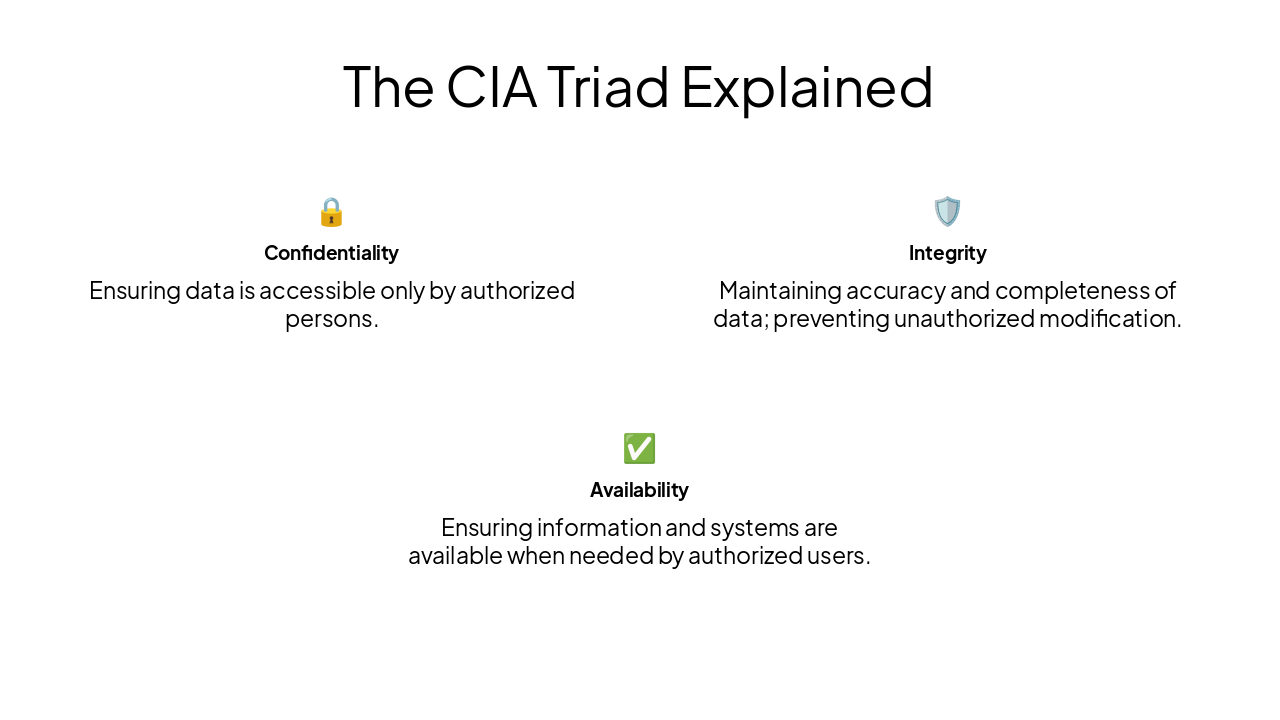
Slide 6 - The CIA Triad Explained

🔒 Confidentiality Ensuring data is accessible only by authorized persons.

🛡️ Integrity Maintaining accuracy and completeness of data; preventing unauthorized modification.

Availability Ensuring information and systems are available when needed by authorized users.
Slide 6 - The CIA Triad Explained
Slide 7 of 17

Slide 7 - Section 3

3

Identifying Threats

Staying Alert: Phishing and Social Engineering
Slide 7 - Section 3
Slide 8 of 17

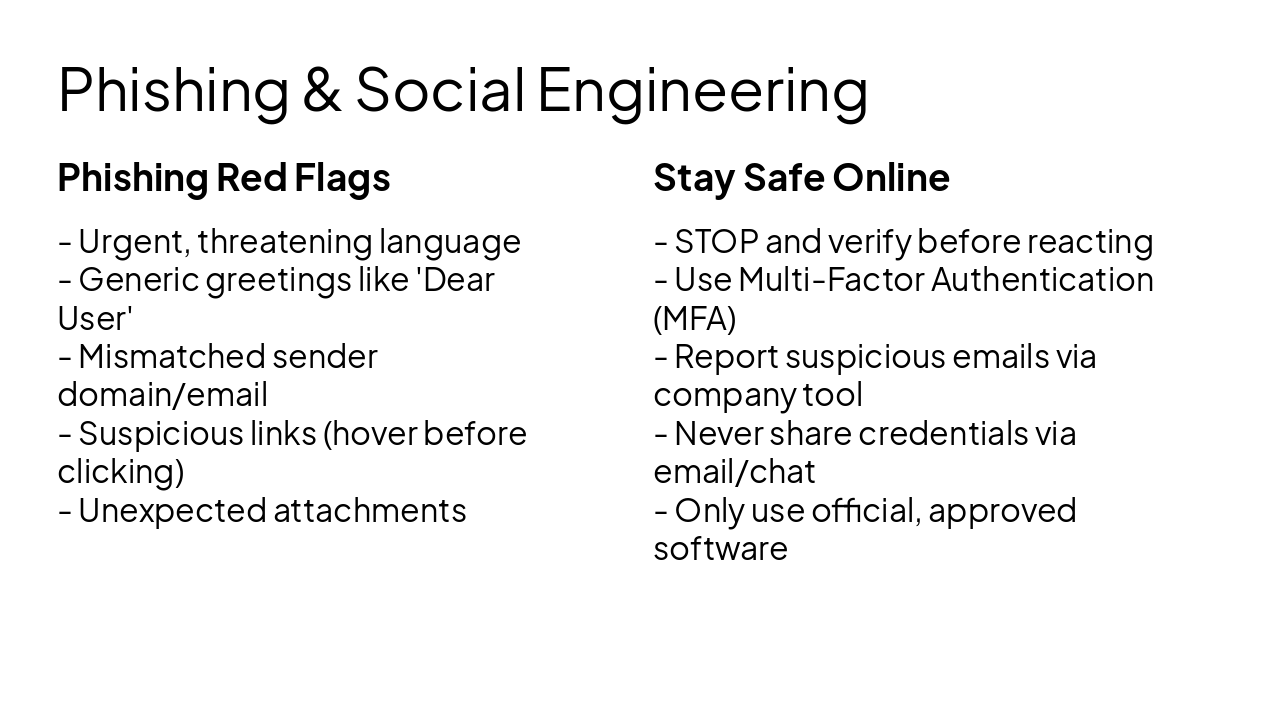
Slide 8 - Phishing & Social Engineering

Phishing Red Flags

  • Urgent, threatening language
  • Generic greetings like 'Dear User'
  • Mismatched sender domain/email
  • Suspicious links (hover before clicking)
  • Unexpected attachments

Stay Safe Online

  • STOP and verify before reacting
  • Use Multi-Factor Authentication (MFA)
  • Report suspicious emails via company tool
  • Never share credentials via email/chat
  • Only use official, approved software
Slide 8 - Phishing & Social Engineering
Slide 9 of 17

Slide 9 - Section 4

4

Passwords & Access Control

Protecting Your Identity and Our Data

---

Photo by Parsoa Khorsand on Unsplash
Slide 9 - Section 4
Slide 10 of 17

Slide 10 - Password & MFA Best Practices

  • Use long, complex passphrases (12+ characters).
  • Never reuse passwords across personal and work accounts.
  • Use a company-approved password manager.
  • Always enable Multi-Factor Authentication (MFA) whenever it is available.
  • MFA adds a layer of protection if a password is stolen.
Slide 10 - Password & MFA Best Practices
Slide 11 of 17

Slide 11 - Section 5

5

Reporting & Procedures

Your Role in Handling Incidents

---

Photo by Maik Winnecke on Unsplash

Slide 11 - Section 5
Slide 12 of 17

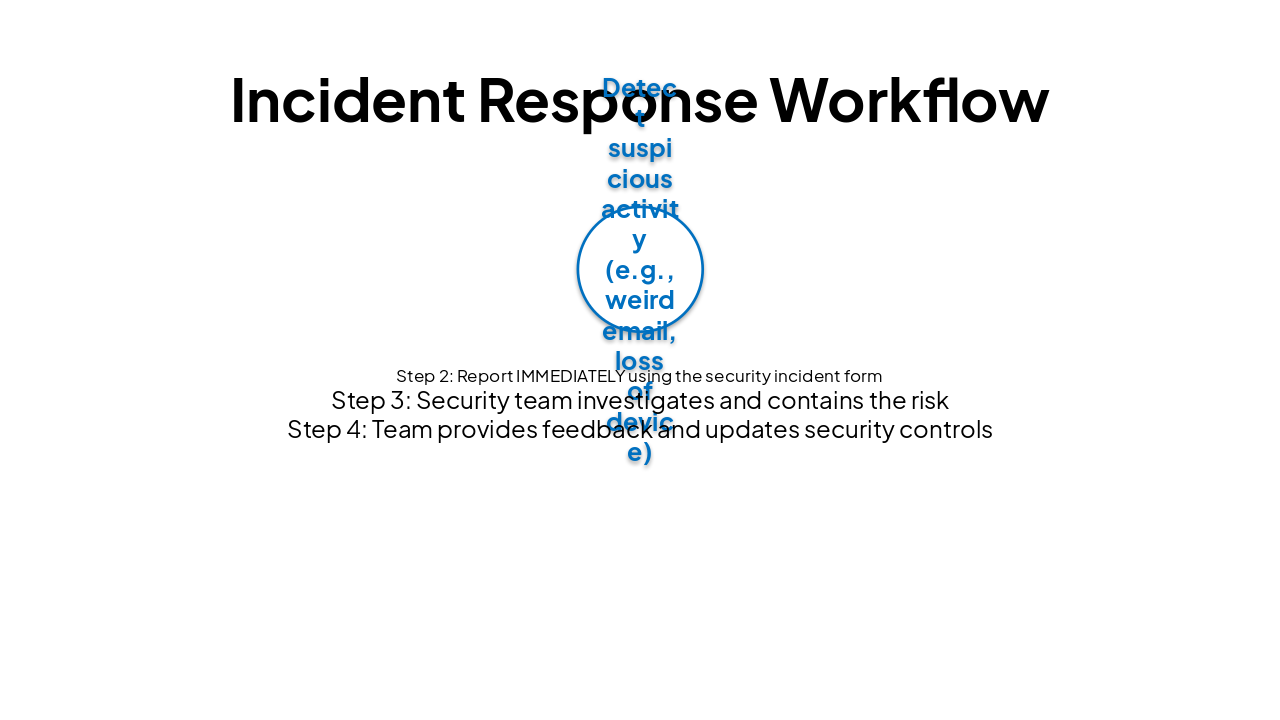
Slide 12 - Incident Response Workflow

Step 1Step 2Step 3Step 4
Detect suspicious activity (e.g., weird email, loss of device)Report IMMEDIATELY using the security incident formSecurity team investigates and contains the riskTeam provides feedback and updates security controls
Slide 12 - Incident Response Workflow
Slide 13 of 17

Slide 13 - Section 6

6

Security Do's & Don'ts

Best Practices for Your Workday

Slide 13 - Section 6
Slide 14 of 17

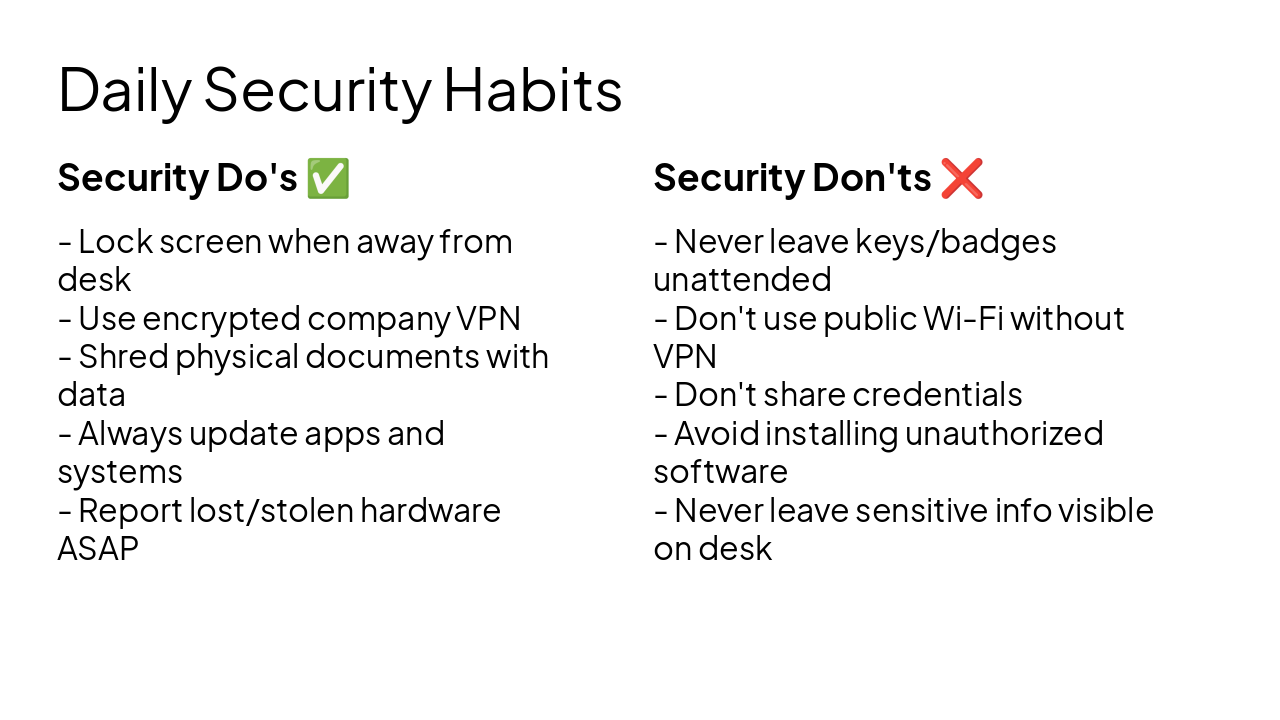
Slide 14 - Daily Security Habits

Security Do's ✅

  • Lock screen when away from desk
  • Use encrypted company VPN
  • Shred physical documents with data
  • Always update apps and systems
  • Report lost/stolen hardware ASAP

Security Don'ts ❌

  • Never leave keys/badges unattended
  • Don't use public Wi-Fi without VPN
  • Don't share credentials
  • Avoid installing unauthorized software
  • Never leave sensitive info visible on desk
Slide 14 - Daily Security Habits
Slide 15 of 17

Slide 15 - Section 7

7

Knowledge Check

Test Your Understanding

---

Photo by Adrian Newell on Unsplash

Slide 15 - Section 7
Slide 16 of 17

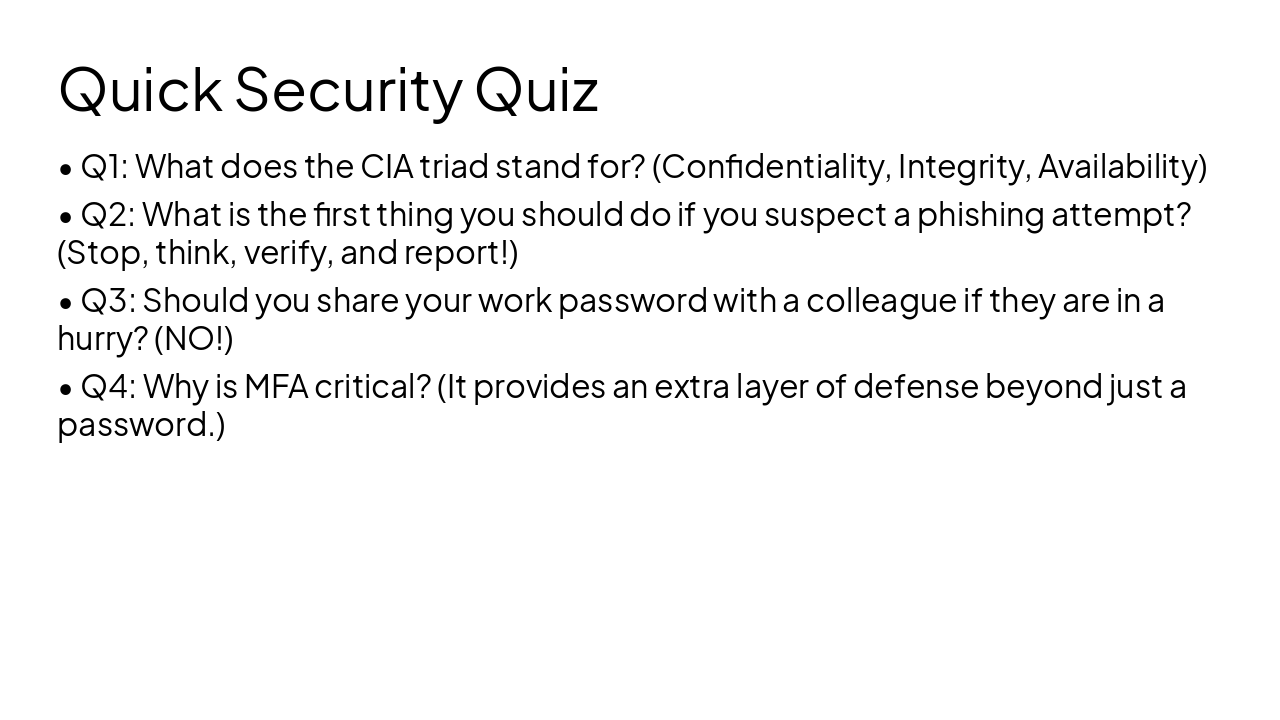
Slide 16 - Quick Security Quiz

  • Q1: What does the CIA triad stand for? (Confidentiality, Integrity, Availability)
  • Q2: What is the first thing you should do if you suspect a phishing attempt? (Stop, think, verify, and report!)
  • Q3: Should you share your work password with a colleague if they are in a hurry? (NO!)
  • Q4: Why is MFA critical? (It provides an extra layer of defense beyond just a password.)
Slide 16 - Quick Security Quiz
Slide 17 of 17

Slide 17 - Key Takeaways

Stay Vigilant – Security is a Shared Responsibility

Thank you for helping keep our company secure! Contact the Security Team if you have any questions.

---

Photo by Johannes Plenio on Unsplash

Slide 17 - Key Takeaways

Discover More Presentations

Explore thousands of AI-generated presentations for inspiration

Browse Presentations
Powered by AI

Create Your Own Presentation

Generate professional presentations in seconds with Karaf's AI. Customize this presentation or start from scratch.

Create New Presentation

Powered by Karaf.ai — AI-Powered Presentation Generator