Optimising Social Reporting with New Tools

Generated from prompt:

Create a presentation for the following; Slide 1 - Finding a new social media tool to improve reporting on content performance - content operations coordinatior - fa interview. Slide 2 - What am I going to cover Starting out with how I would audit and evaluate current tools. What would the set up and onboarding looking like for the new tool. A swimlane map to show how the content ops team would receive, track and deliver data/reporting requests from round the business. Slide 3 - Auditing & evaulating a new social media tool; 🔍 How I’d Audit & Evaluate a New Social Analytics Tool Objective: Improve reporting on content performance Start with the current tool What’s working? What’s not? What metrics are we tracking? What’s the current cost and contract setup? Talk to the content team Quick interviews to understand current frustrations and feature wishlists What’s missing? What would make reporting faster, clearer, or more valuable? Map needs into priorities Define must-haves vs nice-to-haves (e.g. cross-channel dashboards = must; competitor insights = nice-to-have) Create a shortlist of critical features based on real user needs Consider constraints Budget range, contract timeline, tech integrations Define key requirements: e.g. exportable dashboards, sentiment analysis, historical data migration Research and score potential tools Search peer orgs (e.g. other sports bodies), review sites (G2, Capterra), and ask network contacts Shortlist 3–5 tools, request demos, and test where possible Score each tool using a simple matrix: Features, Usability, Cost, Integrations, Support Select the tool that best supports smarter, clearer content reporting Slide 4 - Setting up the new tool & onboarding; 1. Share the ‘Why’ Present back to the content team on the selected tool Clearly explain why we chose it — show how it scored against their requirements This gets early buy-in and shows the decision is evidence-based 🔹 2. Backup the Old Setup Export key data and reports from the current platform Create a visual record (e.g. screenshots or Loom) of existing dashboards and workflows so we don’t lose anything important 🔹 3. Set Up New Tool Work with the vendor to migrate relevant historic data (if supported) Connect social accounts for live data feeds Rebuild key dashboards (based on previous versions + new needs) 🔹 4. Internal Testing Test the new setup with the Content Ops team Check the tool does what we expected it to — based on the original requirements If successful, move to wider rollout Slide 5 - Onboarding 🔹 5. Exec-Level Buy-In First Start onboarding with heads of department / team leads This ensures strategic buy-in and filters excitement downward 🔹 6. Team Onboarding & Access Create logins for team members Book onboarding sessions (teamwide or in pods) with the vendor’s customer success team Record the sessions for future use and to support anyone who joins later 🔹 7. Modular Training Sessions Break onboarding into small, role-specific chunks: Logging in & navigation Building and saving reports Creating dashboards Using advanced features (e.g. sentiment, competitor analysis) Slide 6 - create a swimlane diagram Using these notes / processes Title: Data/Reporting Requests Workflow Process Phase Start Requesting Party 1. Identify Data/ Reporting Need 2. Complete Request Form 3. Submit Request 6. Receive ACK Contents Ops Mailbox 4. Receive Request 5. Acknowledge Request Content Ops Team 7. Manager Review (Decision) 8. Valid Request? Yes 9. Log Request for Team Assignment Request 10. Send Accept Response 11. Valid Request? No 25. Reject Response 26. Send Reject 27. Receive Reject Response End 1 2. Receive Accept Response 13. Team Review of Logged Requests 14. Determine Required Effort (SLA) 15. Inform Requestor of Expected Completion Date 16. Log Request as ‘In Progress’ 17. Obtain Data/ Report 18. Check Quality of Data/Report 24. Review Inaccuracies - decision yes 20. Format Data/ Report 21. Provide Data/ Report to Requestor 22. Receive Data/ Report 23. Mark Request as ‘Complete’End Can you use British english & use fa branding

This presentation outlines a structured approach to selecting, implementing, and onboarding a new social media analytics tool to enhance content performance reporting. It covers auditing current tools

December 1, 20256 slides
Slide 1 of 6

Slide 1 - Enhancing Social Media Reporting Efficiency

The slide's title is "Enhancing Social Media Reporting Efficiency," introducing a presentation on finding a new social media tool. Its subtitle highlights the goal of improving content performance reporting at The Football Association.

Finding a New Social Media Tool

Improving Content Performance Reporting at The Football Association

Source: FA Content Operations Presentation

--- Speaker Notes: Title slide for FA interview presentation on selecting a new social analytics tool.

Slide 1
Slide 2 of 6

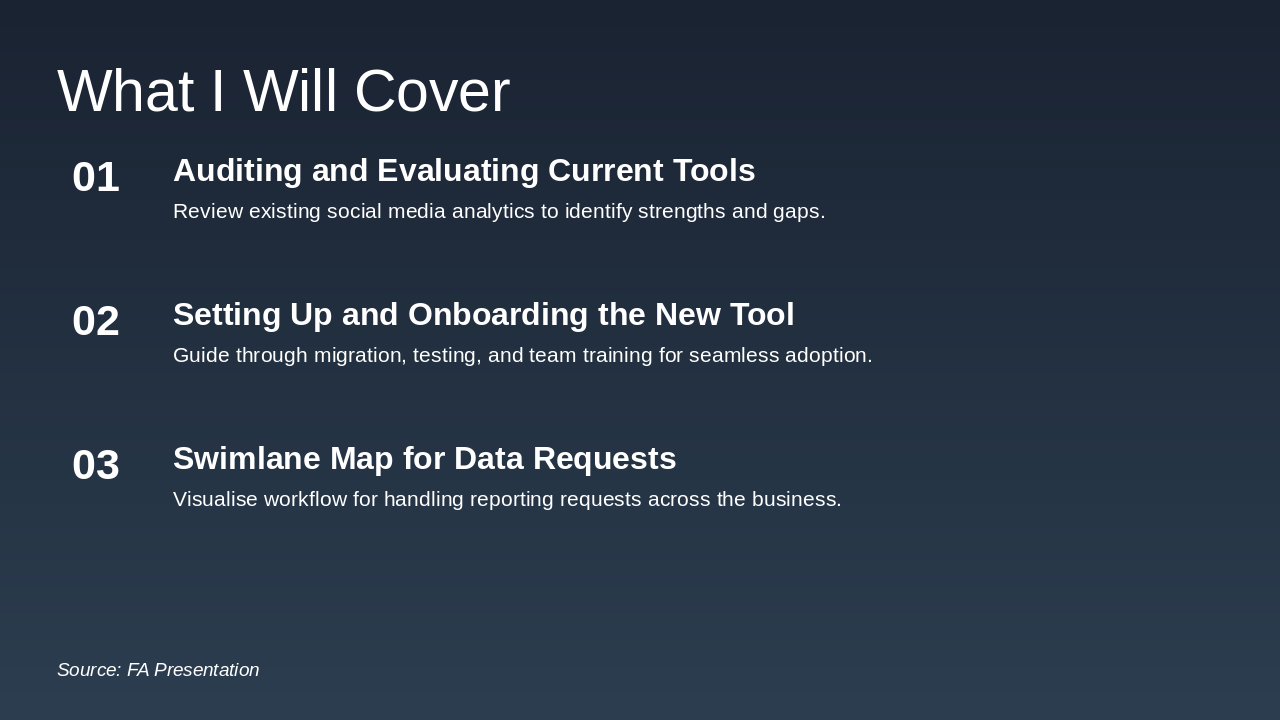
Slide 2 - What I Will Cover

The agenda slide outlines three key topics: first, auditing and evaluating current social media analytics tools to identify their strengths and gaps; second, setting up and onboarding a new tool, including migration, testing, and team training for smooth adoption. It also covers creating a swimlane map to visualize the workflow for handling data and reporting requests across the business.

What I Will Cover

  1. Auditing and Evaluating Current Tools

Review existing social media analytics to identify strengths and gaps.

  1. Setting Up and Onboarding the New Tool

Guide through migration, testing, and team training for seamless adoption.

  1. Swimlane Map for Data Requests

Visualise workflow for handling reporting requests across the business.

Source: FA Presentation

--- Speaker Notes: Outline the key sections of the presentation to set expectations.

Slide 2
Slide 3 of 6

Slide 3 - Auditing & Evaluating a New Social Media Tool

The slide outlines a step-by-step process for auditing and evaluating a new social media tool, starting with assessing the current tool's strengths, weaknesses, metrics, and costs, followed by interviewing the content team to uncover frustrations and desired features. It then covers prioritizing needs (must-haves like cross-channel dashboards vs. nice-to-haves), specifying requirements such as exportable dashboards and sentiment analysis, researching options via peers and sites like G2 and Capterra to shortlist 3-5 tools, and finally scoring and selecting based on features, usability, cost, and integrations.

Auditing & Evaluating a New Social Media Tool

  • Audit current tool: assess strengths, weaknesses, metrics and costs.
  • Interview content team: identify frustrations and feature wishlists.
  • Prioritise needs: define must-haves like cross-channel dashboards versus nice-to-haves.
  • Specify requirements: include exportable dashboards and sentiment analysis.
  • Research tools: consult peers, G2 and Capterra; shortlist 3-5 options.
  • Score and select: evaluate on features, usability, cost and integrations.
Slide 3
Slide 4 of 6

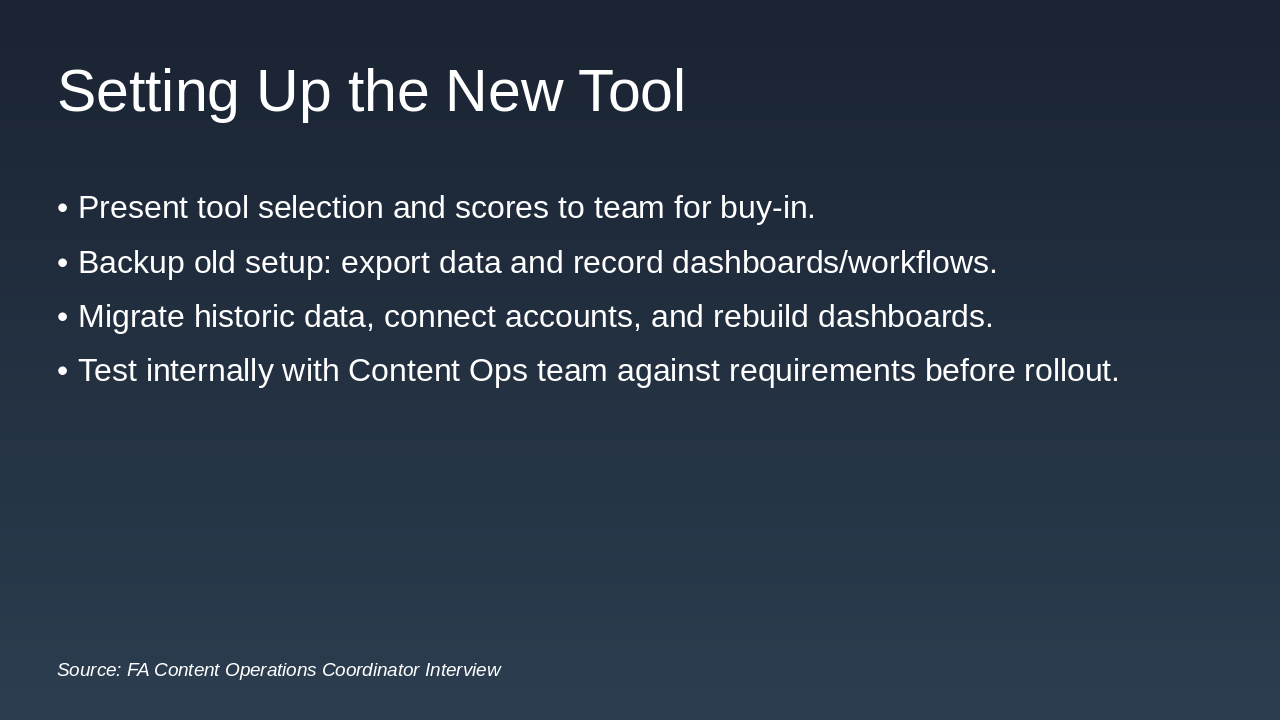
Slide 4 - Setting Up the New Tool

To set up the new tool, first present the selection and scores to the team for buy-in, then backup the old setup by exporting data and recording dashboards/workflows. Next, migrate historic data, connect accounts, and rebuild dashboards, followed by internal testing with the Content Ops team against requirements before full rollout.

Setting Up the New Tool

  • Present tool selection and scores to team for buy-in.
  • Backup old setup: export data and record dashboards/workflows.
  • Migrate historic data, connect accounts, and rebuild dashboards.
  • Test internally with Content Ops team against requirements before rollout.

Source: FA Content Operations Coordinator Interview

Slide 4
Slide 5 of 6

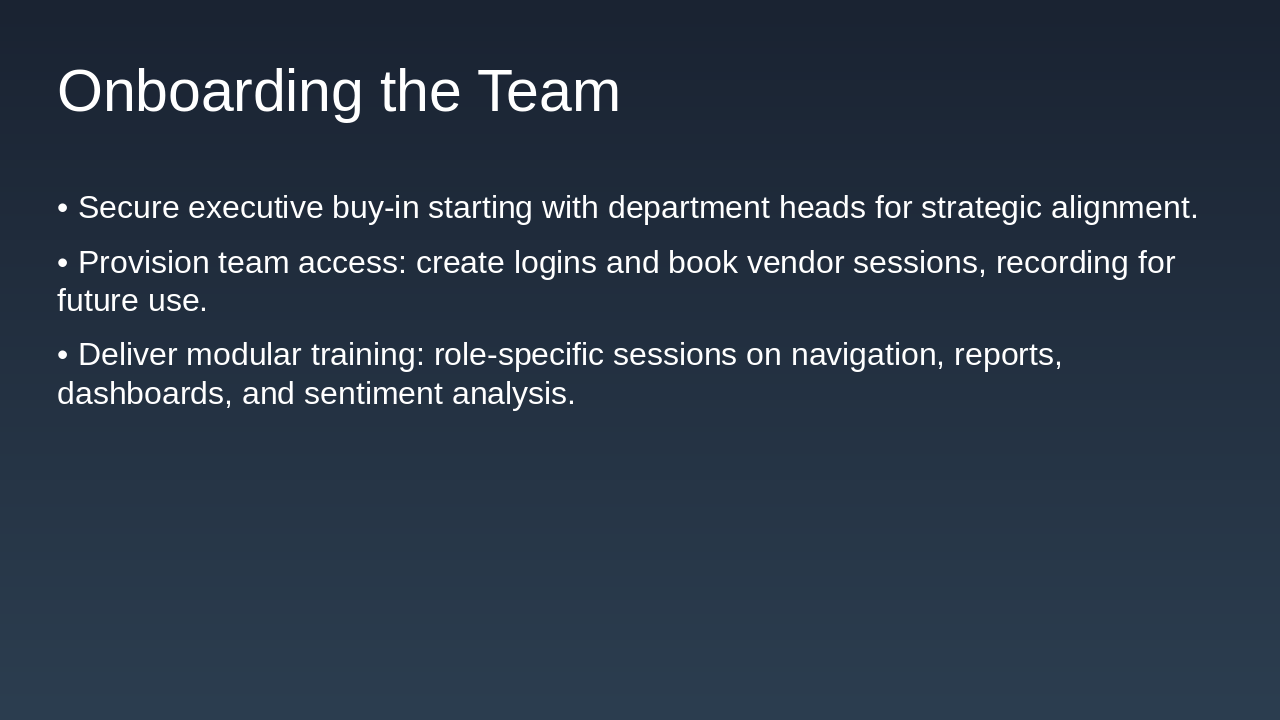
Slide 5 - Onboarding the Team

To onboard the team effectively, first secure executive buy-in from department heads to ensure strategic alignment. Then, provision access by creating logins, booking vendor sessions with recordings, and delivering modular, role-specific training on navigation, reports, dashboards, and sentiment analysis.

Onboarding the Team

  • Secure executive buy-in starting with department heads for strategic alignment.
  • Provision team access: create logins and book vendor sessions, recording for future use.
  • Deliver modular training: role-specific sessions on navigation, reports, dashboards, and sentiment analysis.
Slide 5
Slide 6 of 6

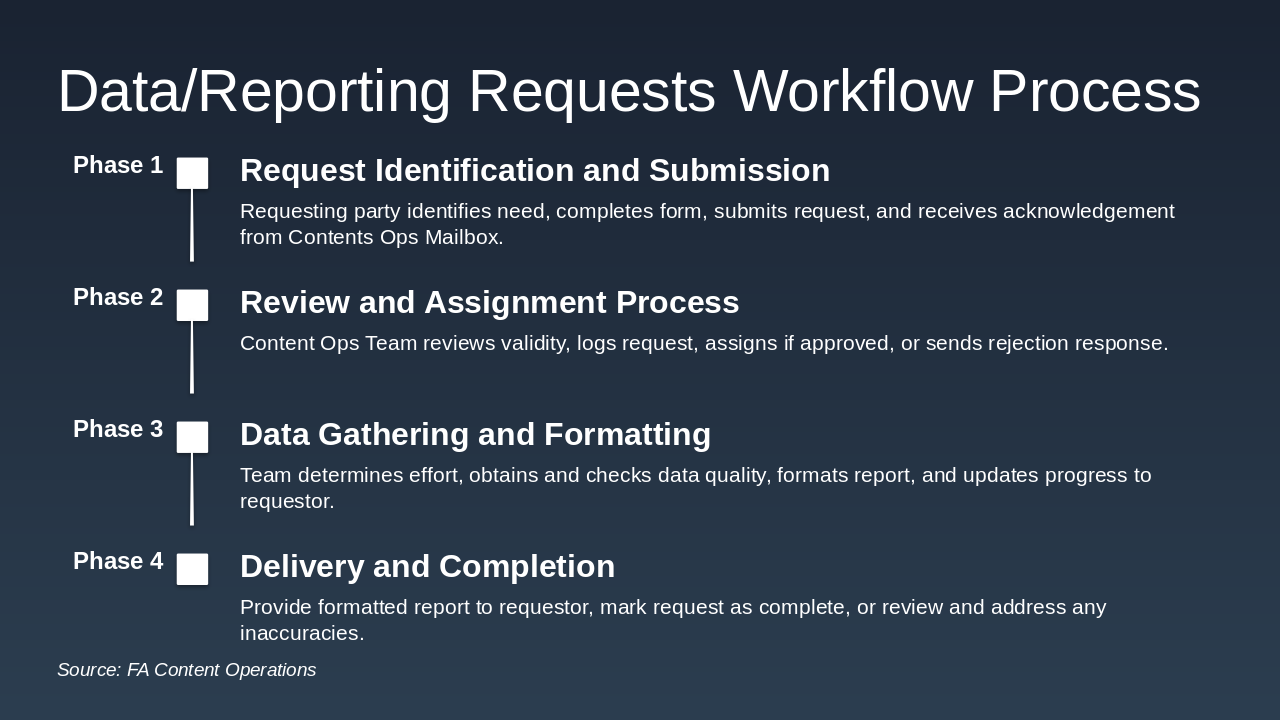
Slide 6 - Data/Reporting Requests Workflow Process

The Data/Reporting Requests Workflow Process timeline outlines four phases for handling data requests efficiently. It begins with request identification, submission, and acknowledgment, followed by review, assignment or rejection; then proceeds to data gathering, quality checks, formatting, and progress updates; and concludes with report delivery, completion marking, and resolution of any inaccuracies.

Data/Reporting Requests Workflow Process

Phase 1: Request Identification and Submission Requesting party identifies need, completes form, submits request, and receives acknowledgement from Contents Ops Mailbox. Phase 2: Review and Assignment Process Content Ops Team reviews validity, logs request, assigns if approved, or sends rejection response. Phase 3: Data Gathering and Formatting Team determines effort, obtains and checks data quality, formats report, and updates progress to requestor. Phase 4: Delivery and Completion Provide formatted report to requestor, mark request as complete, or review and address any inaccuracies.

Source: FA Content Operations

Slide 6
Powered by AI

Create Your Own Presentation

Generate professional presentations in seconds with Karaf's AI. Customize this presentation or start from scratch.

Create New Presentation

Powered by Karaf.ai — AI-Powered Presentation Generator