Slide 1 of 13
Slide 1 - Welcome to AI Mastery
Welcome to AI Mastery
Discover AI prompting & coding to build apps, automate tasks & boost careers.
Generated from prompt:
Create a PowerPoint presentation for an AI Course designed to sell to students who want to learn AI prompting and coding. The slides should follow this structure: 1. **Welcome** – Warm introduction to the course, highlighting benefits and outcomes. 2. **Section** – Overview of course modules (AI Fundamentals, Prompt Engineering, and AI Coding Labs). 3. **Objectives** – Learning goals like mastering AI prompts, building AI apps, and automating workflows. 4. **Instructor** – Short bio and credibility of the instructor. 5. **Instructions** – Course format, requirements, and how to get the most from lessons. 6. **Layout** – Course roadmap or structure visual. 7. **Cards** – Key features or modules in card layout (interactive AI projects, real-world exercises, etc.). 8. **Question** – Thought-provoking question to engage learners (e.g., “Can AI write code better than humans?”). 9. **Scenario** – Real-world scenario demonstrating AI prompting use case. 10. **Infographic** – Visual showing how AI prompting works (input → processing → output loop). 11. **Summary** – Recap of what the student will gain. 12. **Thank You** – Closing slide with contact or enrollment link. 13. **Animated Slide** – Optional engaging motion slide summarizing the journey.
Promotional PowerPoint for an AI course targeting students. Covers welcome, modules (fundamentals, prompting, coding labs), objectives, instructor bio, roadmap, features, scenarios, infographics, and
Welcome to AI Mastery
Discover AI prompting & coding to build apps, automate tasks & boost careers.
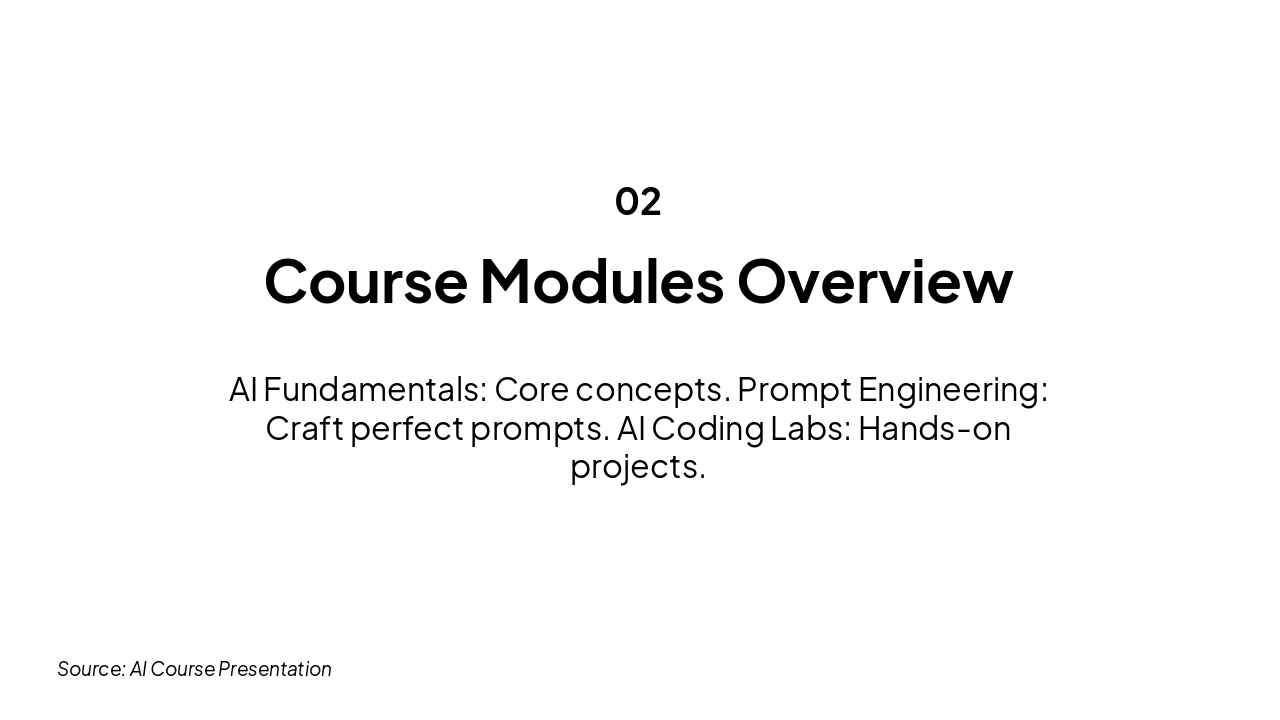
This section header slide, titled "Course Modules Overview" (Section 02), outlines the course's key modules. The subtitle covers AI Fundamentals for core concepts, Prompt Engineering to craft perfect prompts, and AI Coding Labs for hands-on projects.
02
AI Fundamentals: Core concepts. Prompt Engineering: Craft perfect prompts. AI Coding Labs: Hands-on projects.
Source: AI Course Presentation
This Learning Objectives slide outlines four key goals for mastering AI skills. They include crafting effective AI prompts, building apps from scratch, automating workflows with code, and achieving pro-level expertise quickly.

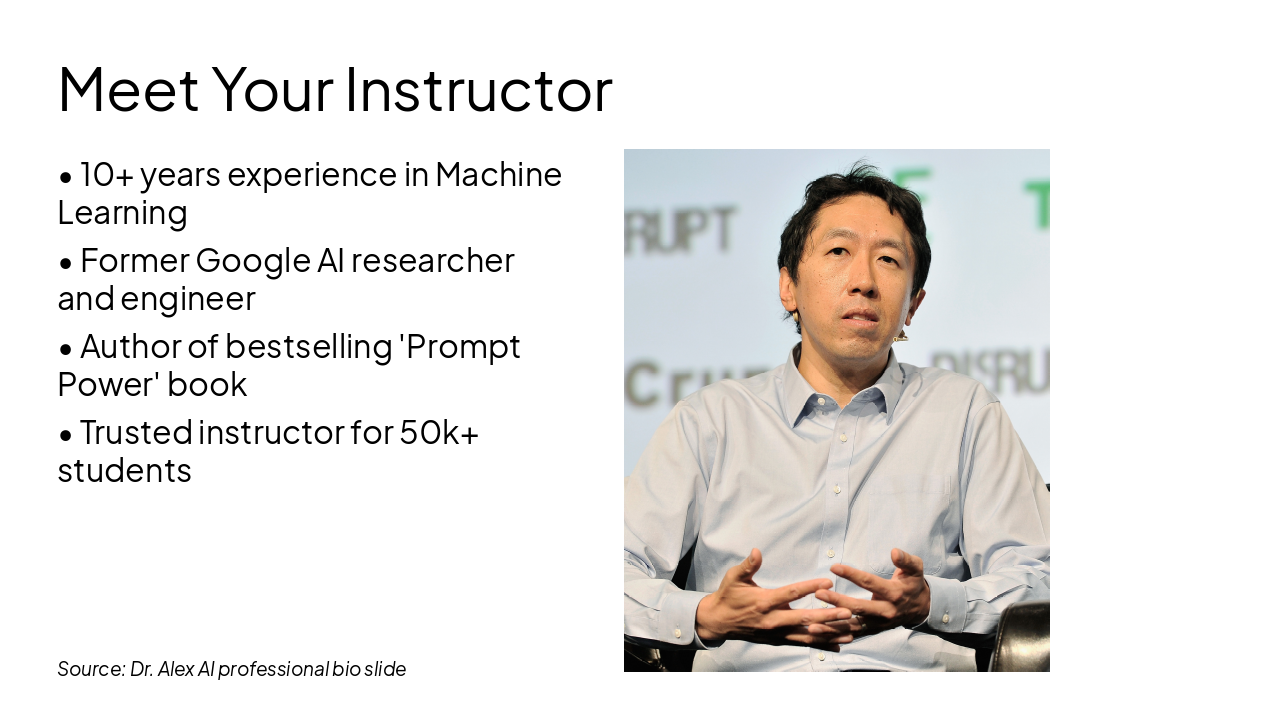
The slide "Meet Your Instructor" features an image alongside key credentials of the instructor. It highlights 10+ years in Machine Learning, former Google AI researcher/engineer, author of the bestselling "Prompt Power" book, and trusted instructor for 50k+ students.
Source: Dr. Alex AI professional bio slide
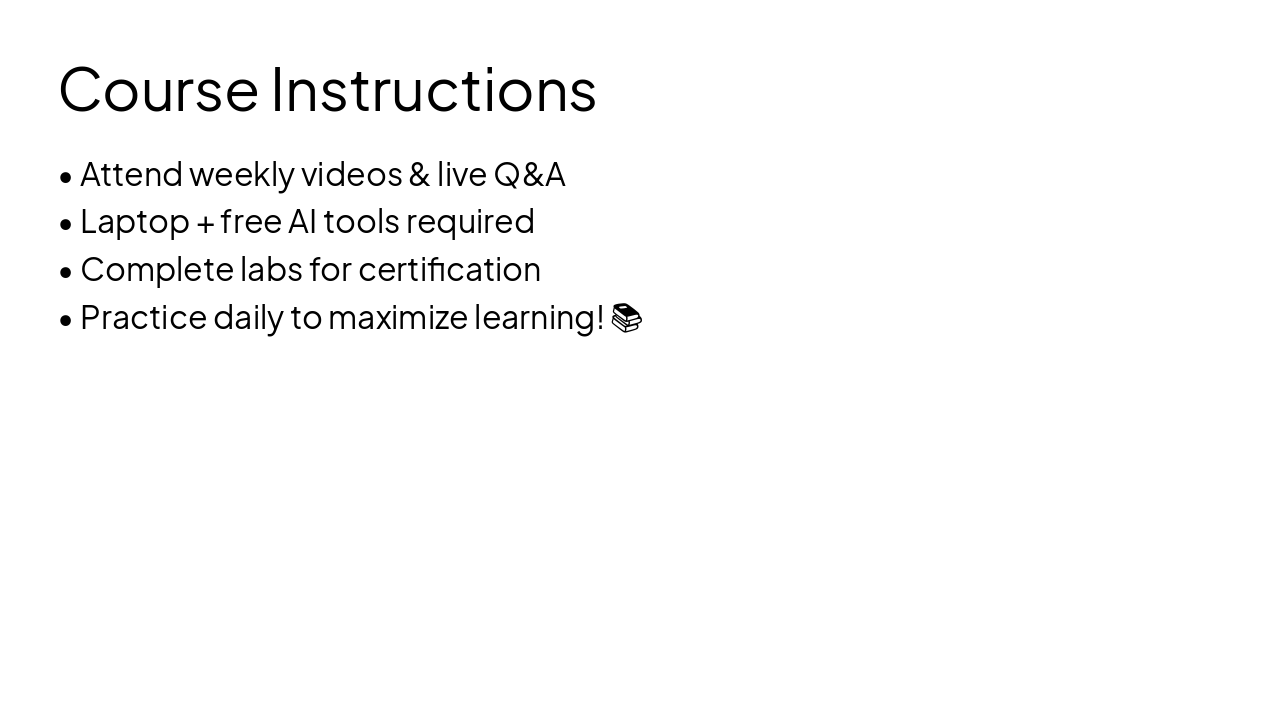
The "Course Instructions" slide lists essential requirements for success. Attendees must watch weekly videos and Q&A sessions, use a laptop with free AI tools, complete labs for certification, and practice daily.
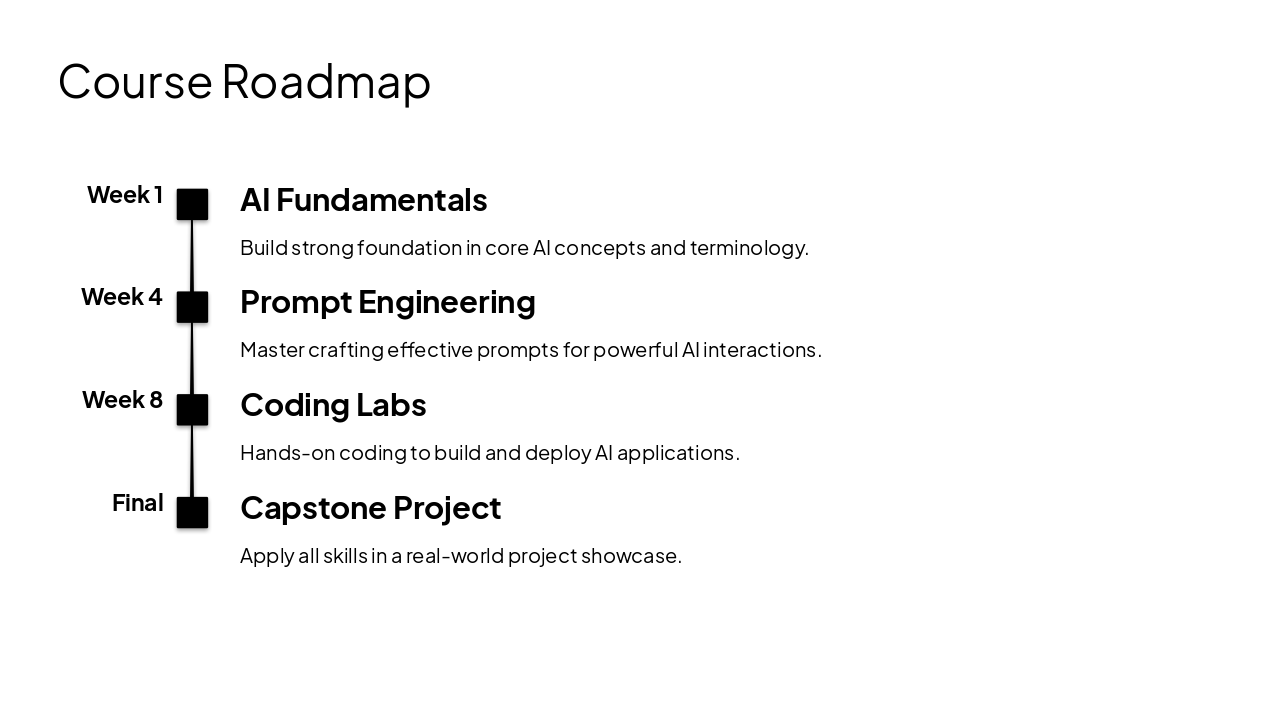
The Course Roadmap timeline outlines key milestones: AI Fundamentals in Week 1 for core concepts, Prompt Engineering in Week 4 for effective AI interactions, Coding Labs in Week 8 for building apps, and a final Capstone Project. This structure builds from foundational knowledge to hands-on application and real-world showcase.
Week 1: AI Fundamentals Build strong foundation in core AI concepts and terminology. Week 4: Prompt Engineering Master crafting effective prompts for powerful AI interactions. Week 8: Coding Labs Hands-on coding to build and deploy AI applications. Final: Capstone Project Apply all skills in a real-world project showcase.
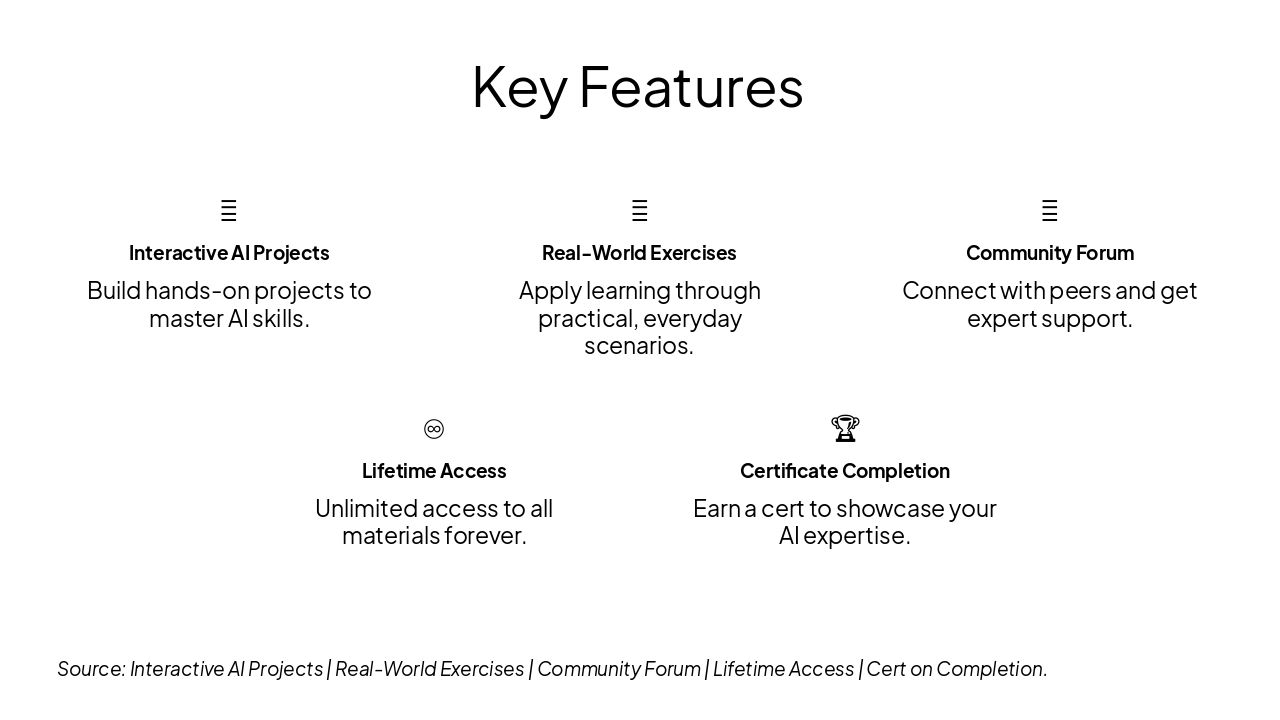
The "Key Features" slide presents a grid of five core benefits for an AI learning platform. It includes interactive AI projects, real-world exercises, a community forum, lifetime access, and a completion certificate.
{ "features": [ { "icon": "🤖", "heading": "Interactive AI Projects", "description": "Build hands-on projects to master AI skills." }, { "icon": "💼", "heading": "Real-World Exercises", "description": "Apply learning through practical, everyday scenarios." }, { "icon": "👥", "heading": "Community Forum", "description": "Connect with peers and get expert support." }, { "icon": "♾️", "heading": "Lifetime Access", "description": "Unlimited access to all materials forever." }, { "icon": "🏆", "heading": "Certificate Completion", "description": "Earn a cert to showcase your AI expertise." } ] }
Source: Interactive AI Projects | Real-World Exercises | Community Forum | Lifetime Access | Cert on Completion.
The "Engage Your Mind" slide features a provocative quote: "Can AI write code better than humans? Let's find out together in this hands-on challenge! 🤔" It is attributed to Alex Rivera, AI Prompting & Coding Instructor.
> Can AI write code better than humans? Let's find out together in this hands-on challenge! 🤔
— Alex Rivera, AI Prompting & Coding Instructor
Source: AI Mastery Course Challenge
The slide contrasts traditional marketers' struggles—hours spent brainstorming ad copy, creative fatigue, missed deadlines, and delayed campaigns—with an AI-powered boost. AI generates high-impact, tailored campaigns 10x faster from precise prompts, skyrocketing efficiency and ROI.
| Traditional Marketer Struggle | AI-Powered Boost |
|---|---|
| Marketer needs ad copy. Hours spent brainstorming ideas, drafting variations, and iterating revisions. Creativity fatigues, deadlines missed, campaigns delayed. | Craft a precise prompt → AI generates 10x faster campaigns. High-impact, tailored copy in seconds. Efficiency skyrockets, ROI soars! 📈 |

The slide presents a four-step workflow for AI prompting: input a clear prompt, AI processes it to generate output, review for accuracy, and iterate by refining the prompt. Key actions emphasize specificity, leveraging algorithms, relevance checks, and looping for perfection.
{ "headers": [ "Step", "Description", "Key Action" ], "rows": [ [ "1. Input Prompt", "User crafts detailed instruction", "Enter clear, specific prompt" ], [ "2. AI Processing", "Model analyzes context and generates response", "Leverage trained algorithms 🔍" ], [ "3. Generate Output", "AI produces initial response", "Review for accuracy & relevance" ], [ "4. Iterate & Refine", "Evaluate output, tweak prompt, loop back", "Achieve perfection 🔄" ] ] }
Source: Input Prompt → AI Processing → Optimized Output. Loop for perfection! 🔄

The "Course Summary" conclusion slide promotes gaining mastery in prompting, coding skills, and AI apps for a career boost, urging enrollment today. Its subtitle emphasizes transforming your future with AI mastery.
Gain prompting mastery, coding skills & AI apps. Career boost awaits. Enroll today! 🌟
Transform your future with AI mastery.
This "Thank You!" slide encourages mastering AI prompting with an enrollment link. It offers questions via hello@aicourse.com and ends with thanks.

The slide, titled "Your AI Journey Awaits," features an image alongside four key points for AI skill-building. These include mastering AI prompting techniques, building innovative AI applications, automating workflows with code, and launching your AI expertise.
Source: Wikipedia

Explore thousands of AI-generated presentations for inspiration
Generate professional presentations in seconds with Karaf's AI. Customize this presentation or start from scratch.