Demystifying QR Codes: Mechanics and Applications

Generated from prompt:

Create a professional 15-slide presentation about How QR Codes Work for a computer science class. Include: introduction, history, structure of QR codes, how they work, applications, advantages, disadvantages, and conclusion. Use simple explanations suitable for university students and add suggestions for visuals or images for each slide.

This presentation provides an in-depth exploration of QR codes for computer science students, covering their definition, history, anatomy, technical encoding and decoding processes, practical applications like mobile payments and logistics, alongwith

March 14, 202615 slides
Slide 1 of 15

Slide 1 - Demystifying QR Codes: Mechanics and Applications

Demystifying QR Codes: Mechanics and Applications

An In-Depth Exploration for Computer Science Students

---

Photo by Markus Spiske on Unsplash

Slide 1 - Demystifying QR Codes: Mechanics and Applications
Slide 2 of 15

Slide 2 - Presentation Agenda

  • Introduction: Definition and core concepts of QR codes
  • Historical Context: Invention by Denso Wave in 1994
  • Anatomy of a QR Code: Grid components, fiducial markers, and error correction
  • Technical Foundations: How They Work: Encoding modes and data extraction process
  • Practical Applications: Industry use cases and mobile payments
  • Advantages and Disadvantages: Efficiency, capacity, and robustness versus limitations
  • Conclusion: Summary of key takeaways

---

Photo by Conny Schneider on Unsplash

Slide 2 - Presentation Agenda
Slide 3 of 15

Slide 3 - Introduction to QR Codes

1

Introduction to QR Codes

Understanding the 2D Matrix Barcode

---

Photo by Umberto on Unsplash

Slide 3 - Introduction to QR Codes
Slide 4 of 15

Slide 4 - What is a QR Code?

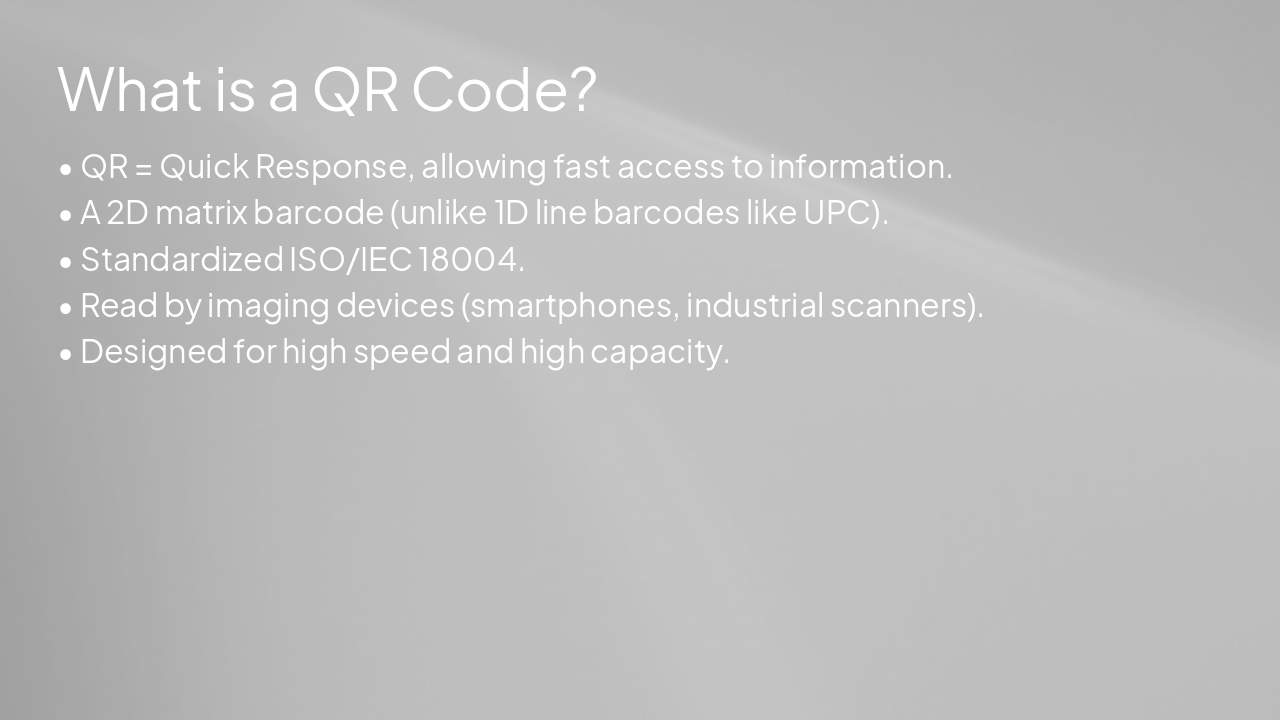
  • QR = Quick Response, allowing fast access to information.
  • A 2D matrix barcode (unlike 1D line barcodes like UPC).
  • Standardized ISO/IEC 18004.
  • Read by imaging devices (smartphones, industrial scanners).
  • Designed for high speed and high capacity.

---

Photo by Drew Beamer on Unsplash

Slide 4 - What is a QR Code?
Slide 5 of 15

Slide 5 - Historical Context

2

Historical Context

Origins and Development

---

Photo by C M on Unsplash

Slide 5 - Historical Context
Slide 6 of 15

Slide 6 - Evolution of QR Codes

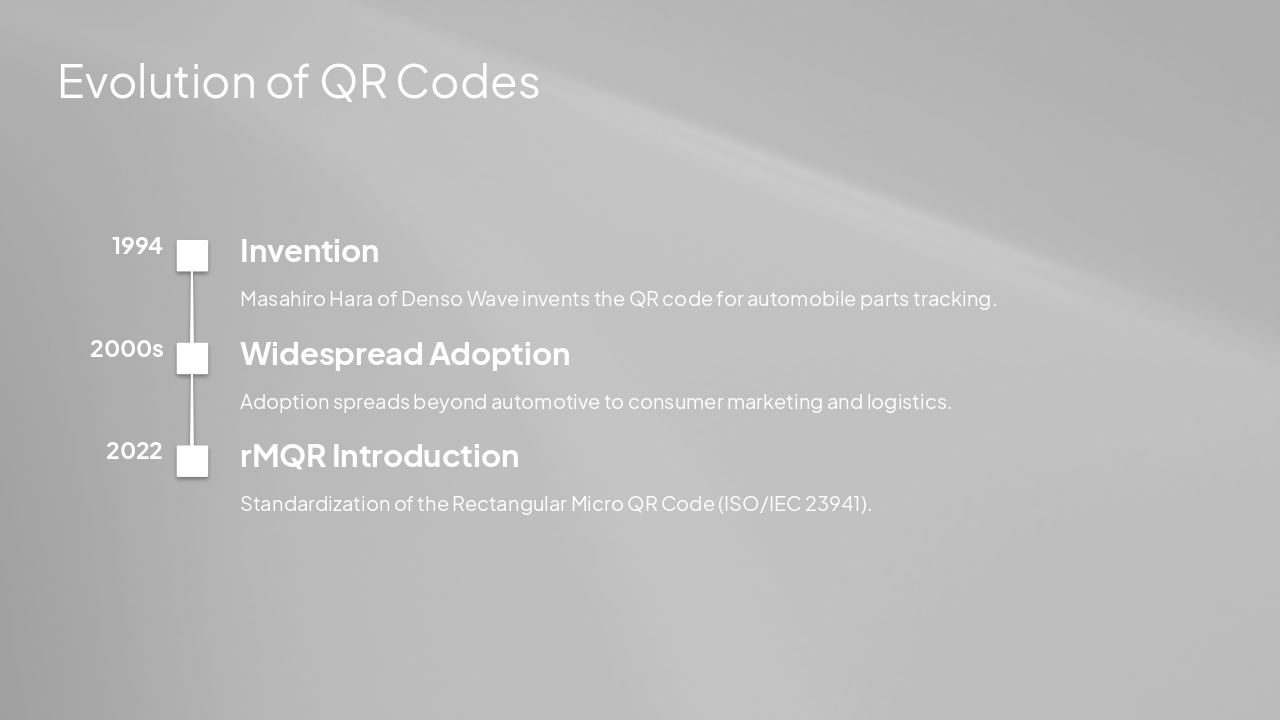
1994: Invention Masahiro Hara of Denso Wave invents the QR code for automobile parts tracking. 2000s: Widespread Adoption Adoption spreads beyond automotive to consumer marketing and logistics. 2022: rMQR Introduction Standardization of the Rectangular Micro QR Code (ISO/IEC 23941).

---

Photo by Drew Beamer on Unsplash
Slide 6 - Evolution of QR Codes
Slide 7 of 15

Slide 7 - Anatomy of a QR Code

3

Anatomy of a QR Code

How it is built internally

---

Photo by Markus Spiske on Unsplash

Slide 7 - Anatomy of a QR Code
Slide 8 of 15

Slide 8 - QR Code Components

  • Fiducial markers: Squares at corners allow for orientation independent scanning.
  • Timing patterns: Alternate black/white modules to define the grid.
  • Alignment patterns: Help in deforming correction.
  • Data area: Encoded message and error correction keys.

---

Photo by Drew Beamer on Unsplash Photo by Pi Supply on Unsplash


Slide 8 - QR Code Components
Slide 9 of 15

Slide 9 - Technical Foundations

4

How They Work (Technical Foundations)

Encoding and Decoding Process

---

Photo by Markus Spiske on Unsplash

Slide 9 - Technical Foundations
Slide 10 of 15

Slide 10 - Technical Mechanism

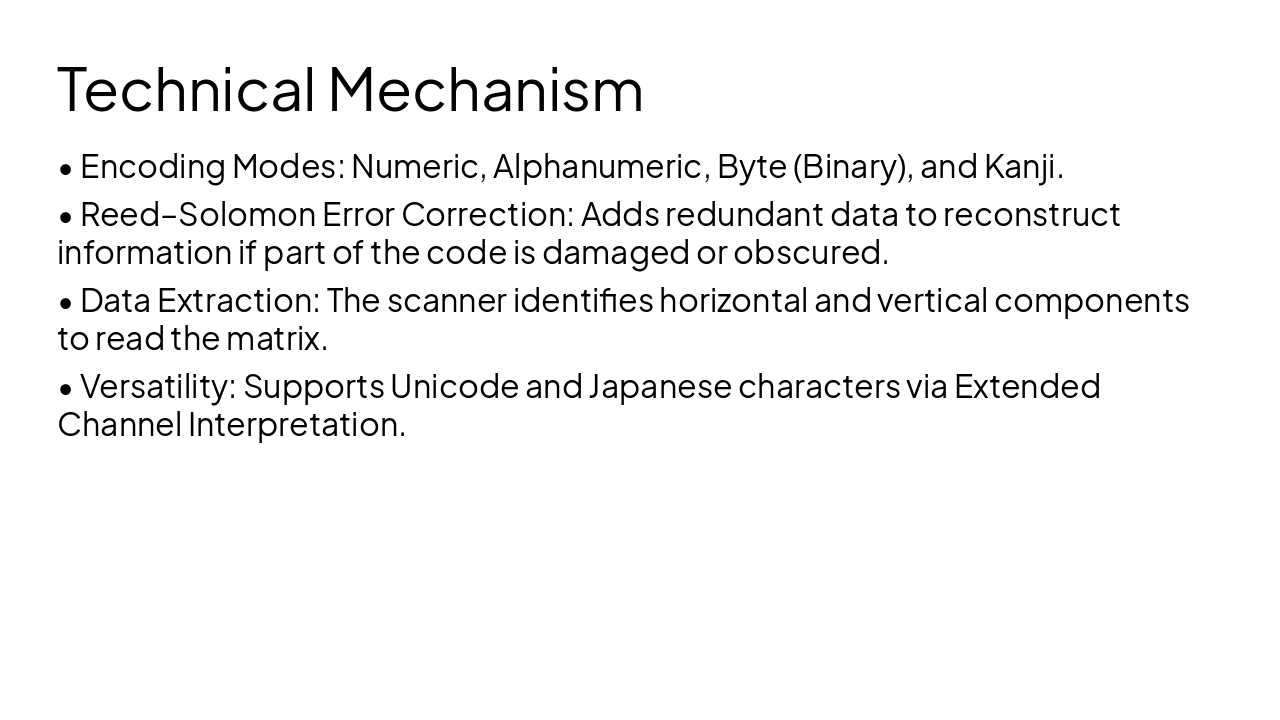
  • Encoding Modes: Numeric, Alphanumeric, Byte (Binary), and Kanji.
  • Reed–Solomon Error Correction: Adds redundant data to reconstruct information if part of the code is damaged or obscured.
  • Data Extraction: The scanner identifies horizontal and vertical components to read the matrix.
  • Versatility: Supports Unicode and Japanese characters via Extended Channel Interpretation.
Slide 10 - Technical Mechanism
Slide 11 of 15

Slide 11 - Applications of QR Codes

5

Applications of QR Codes

Where and Why they are used

---

Photo by NASA on Unsplash

Slide 11 - Applications of QR Codes
Slide 12 of 15

Slide 12 - Common Use Cases

💳 Mobile Payments 💳 Easy, secure contactless payments.

📦 Product Tracking 📦 Product tracking in logistics.

📢 General Marketing 📢 Accessing websites and marketing info.

📄 Document Control 📄 Document management systems.

---

Photo by Drew Beamer on Unsplash
Slide 12 - Common Use Cases
Slide 13 of 15

Slide 13 - Advantages vs. Limitations

Advantages

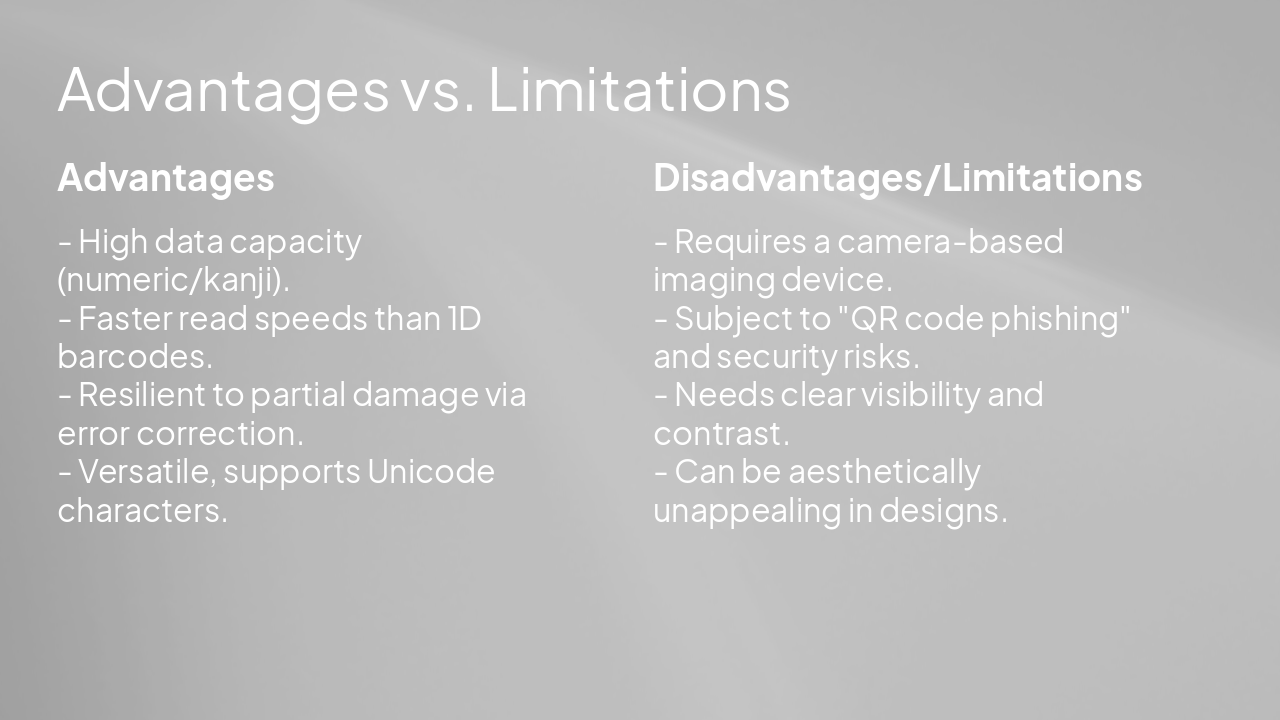
  • High data capacity (numeric/kanji).
  • Faster read speeds than 1D barcodes.
  • Resilient to partial damage via error correction.
  • Versatile, supports Unicode characters.

Disadvantages/Limitations

  • Requires a camera-based imaging device.
  • Subject to "QR code phishing" and security risks.
  • Needs clear visibility and contrast.
  • Can be aesthetically unappealing in designs.

---

Photo by Drew Beamer on Unsplash

Slide 13 - Advantages vs. Limitations
Slide 14 of 15

Slide 14 - Conclusion and Takeaways

6

Conclusion and Takeaways

Final Thoughts

---

Photo by Levi Meir Clancy on Unsplash

Slide 14 - Conclusion and Takeaways
Slide 15 of 15

Slide 15 - Conclusion

Key Takeaways: QR codes are robust, versatile, and essential to modern data interaction.

QR technology continues to evolve, standardizing the future of optical data storage and accessibility.

---

Photo by Nastuh Abootalebi on Unsplash

Slide 15 - Conclusion

Discover More Presentations

Explore thousands of AI-generated presentations for inspiration

Browse Presentations
Powered by AI

Create Your Own Presentation

Generate professional presentations in seconds with Karaf's AI. Customize this presentation or start from scratch.

Create New Presentation

Powered by Karaf.ai — AI-Powered Presentation Generator