Slide 1 of 15
Slide 1 - ROCM – BRS
ROCM – BRS
Change Management Survey Results
---
Photo by Doug Vos on Unsplash
Generated from prompt:
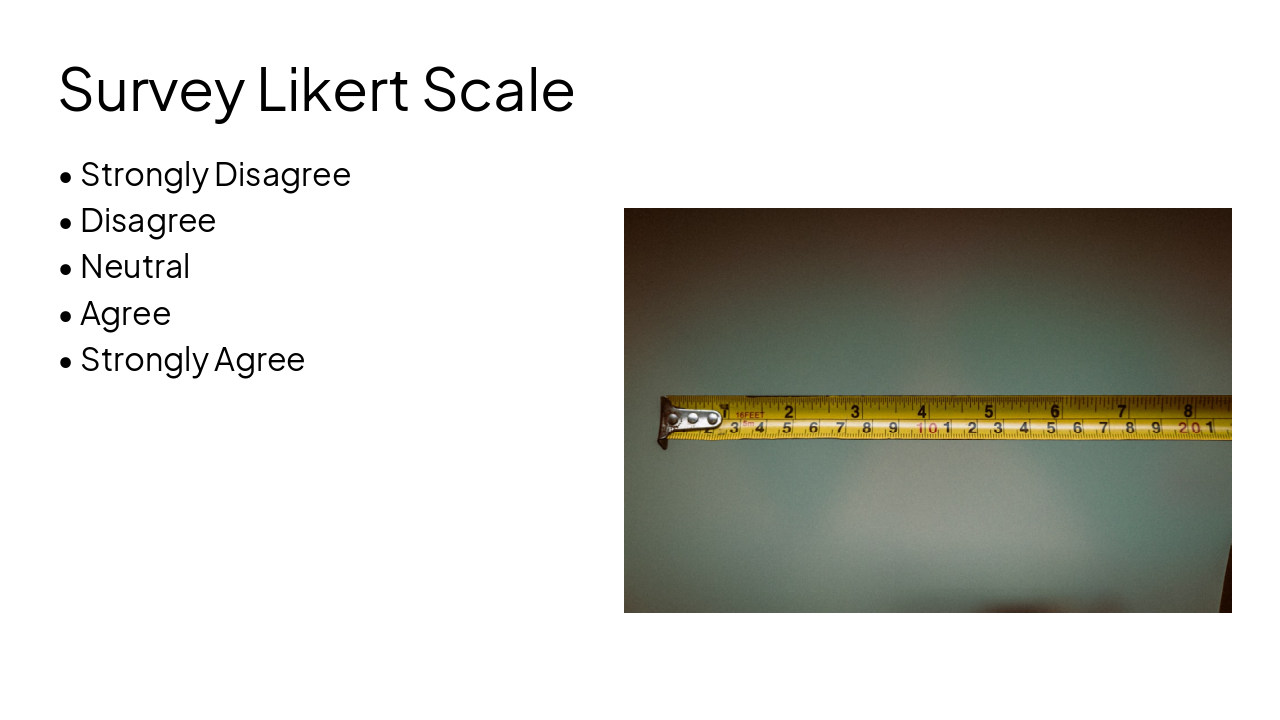
Create a modern, professional PowerPoint slide titled "ROCM – BRS". Slide Content (Keep text EXACTLY as written, do not change wording or meaning): Section 1: Survey Result has been mapped on 4 parameters Awareness: User should be aware of the change & implementation of specific application Desire: Willingness of user to change or move to new tool Training/Knowledge: Ability of users to learn the new ways of working. The awareness of users wrt training material, support channels Ability: The user's actual capability to implement the change and use the new tools or processes effectively Reinforcement: If users are supporting their peers in learning / explaining the new tools Section 2 (highlight visually as key categories): Training & Learning Support Adoption Specific Technical Concern Section 3: Based on 25 Survey Responses Section 4 (Likert Scale – display visually in a clean horizontal format): Strongly Disagree Disagree Neutral Agree Strongly Agree Section 5 (Quotes Section – formatted as callouts or comment boxes): “Hands on experience is essential to get acquainted with the ROCM process in 3DS otherwise it will become teething issue for individual user.” “Need more on work training & learnings deployment of VOB process, before implementation” “I can open 3DX but not able to access files. Not clear on how to operate.” “How to handle the Part Number change & one part going to different parts / models” There is no improvement w.r.t VOB UAT Footer: Lead the Change -Share Your View on Record of Change Management, Your Voice Matters!(1-25).xlsx Design Requirements: - Modern corporate theme (blue/grey palette) - Clean visual hierarchy - Use icons or visual separators for each parameter - Use boxes/cards for quotes - Make it presentation-ready for leadership review - Keep it single slide Do not modify any wording.
This deck presents survey results from 25 respondents on ROCM-BRS change management, mapped to ADKAR model parameters (Awareness, Desire, Knowledge, Ability, Reinforcement). It covers key categories like training support, adoption, and technicalconc
ROCM – BRS
Change Management Survey Results
---
Photo by Doug Vos on Unsplash
1
Mapped using ADKAR model parameters
---
Photo by Elias Maurer on Unsplash
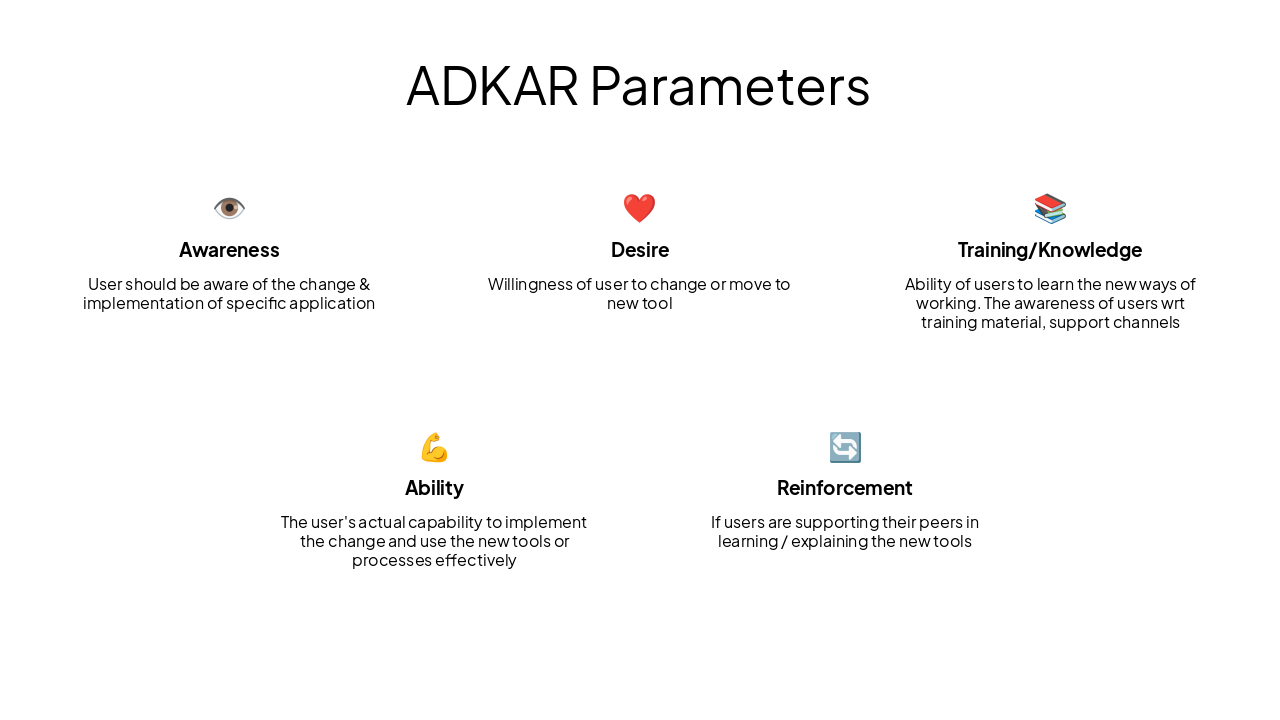
👁️ Awareness User should be aware of the change & implementation of specific application
❤️ Desire Willingness of user to change or move to new tool
📚 Training/Knowledge Ability of users to learn the new ways of working. The awareness of users wrt training material, support channels
💪 Ability The user's actual capability to implement the change and use the new tools or processes effectively
🔄 Reinforcement If users are supporting their peers in learning / explaining the new tools
2
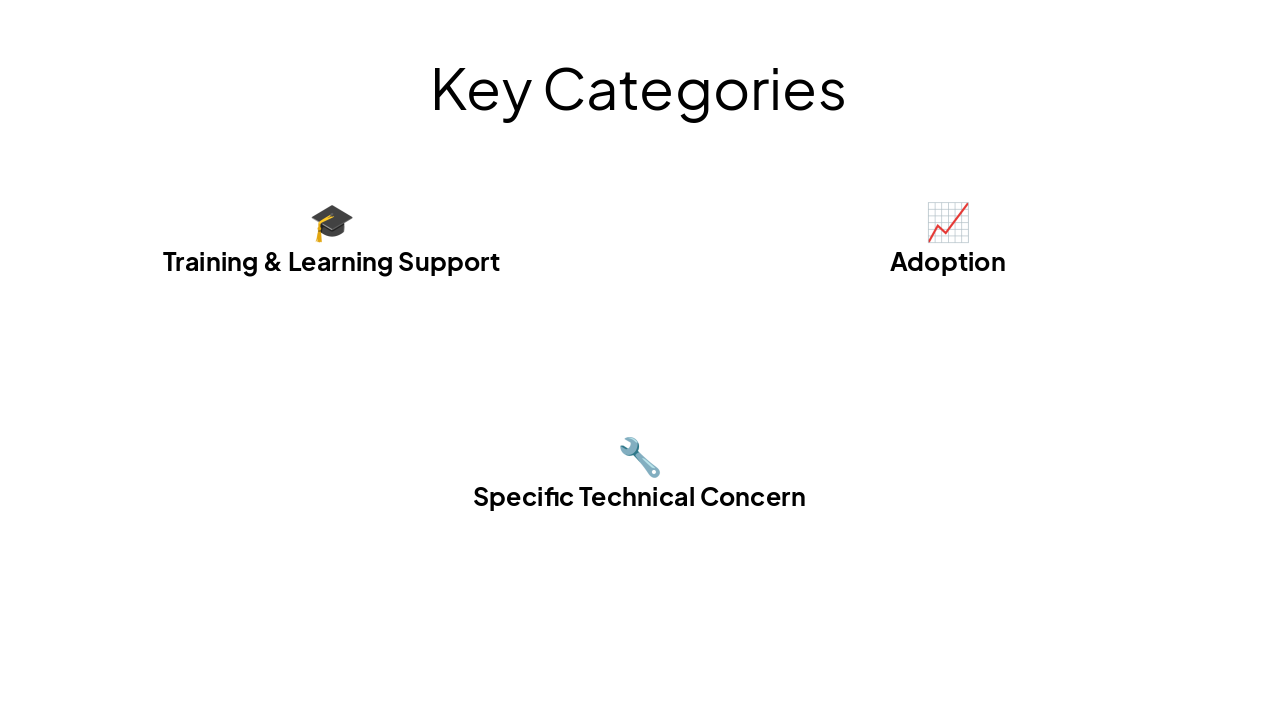
Training & Learning Support Adoption Specific Technical Concern
---
Photo by Anjo Cerdeña on Unsplash
🎓 Training & Learning Support
📈 Adoption
🔧 Specific Technical Concern
5
Formatted as callouts or comment boxes
---
Photo by Anjo Cerdeña on Unsplash
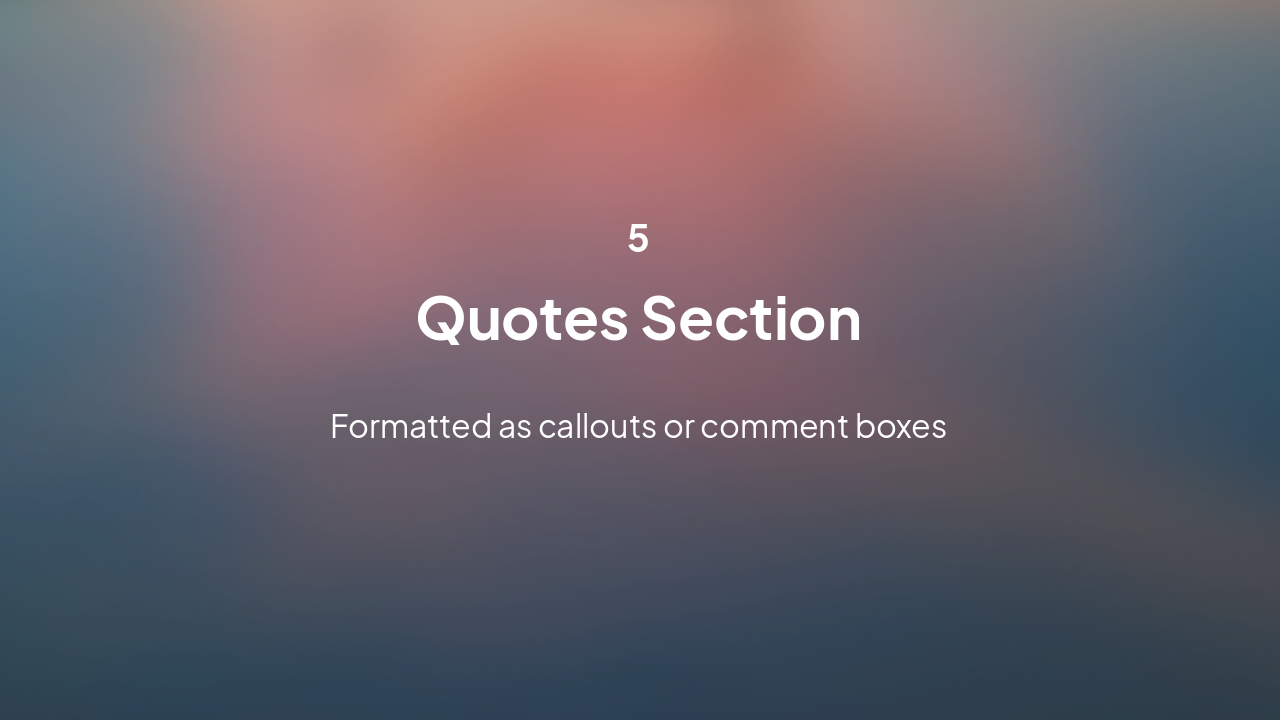
> Hands on experience is essential to get acquainted with the ROCM process in 3DS otherwise it will become teething issue for individual user.
— Survey Respondent
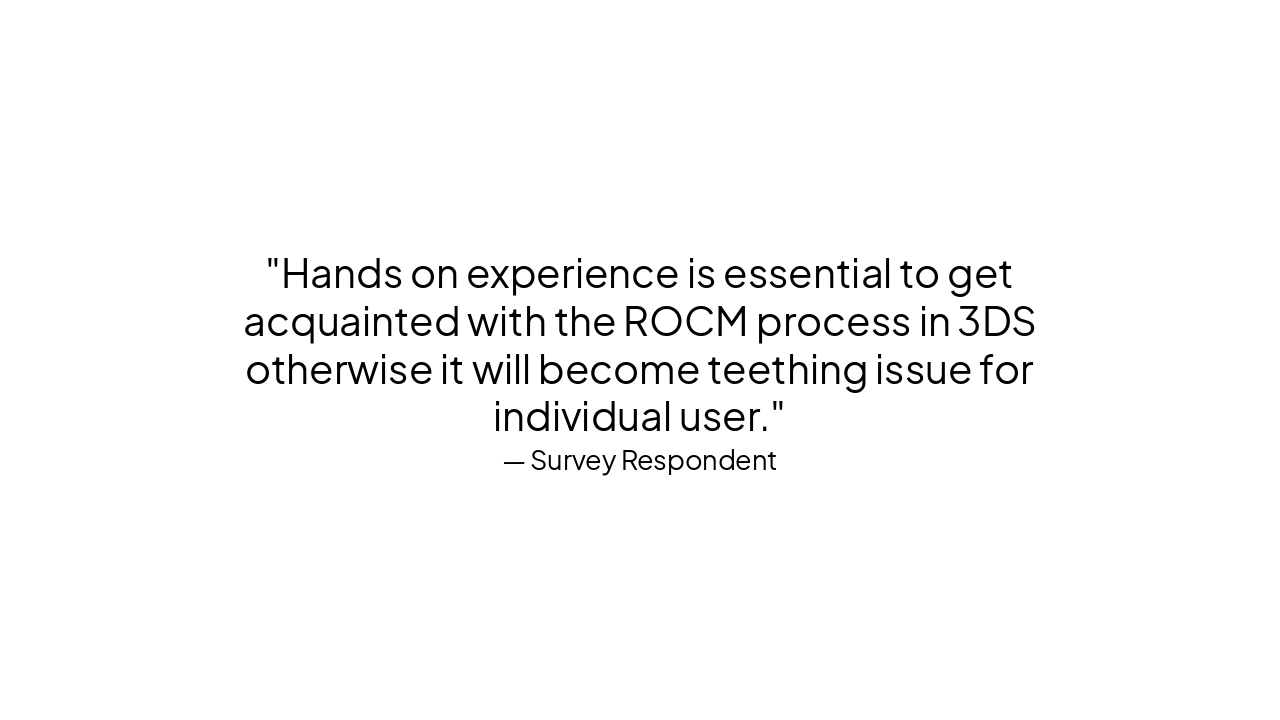
> Need more on work training & learnings deployment of VOB process, before implementation
— Survey Respondent
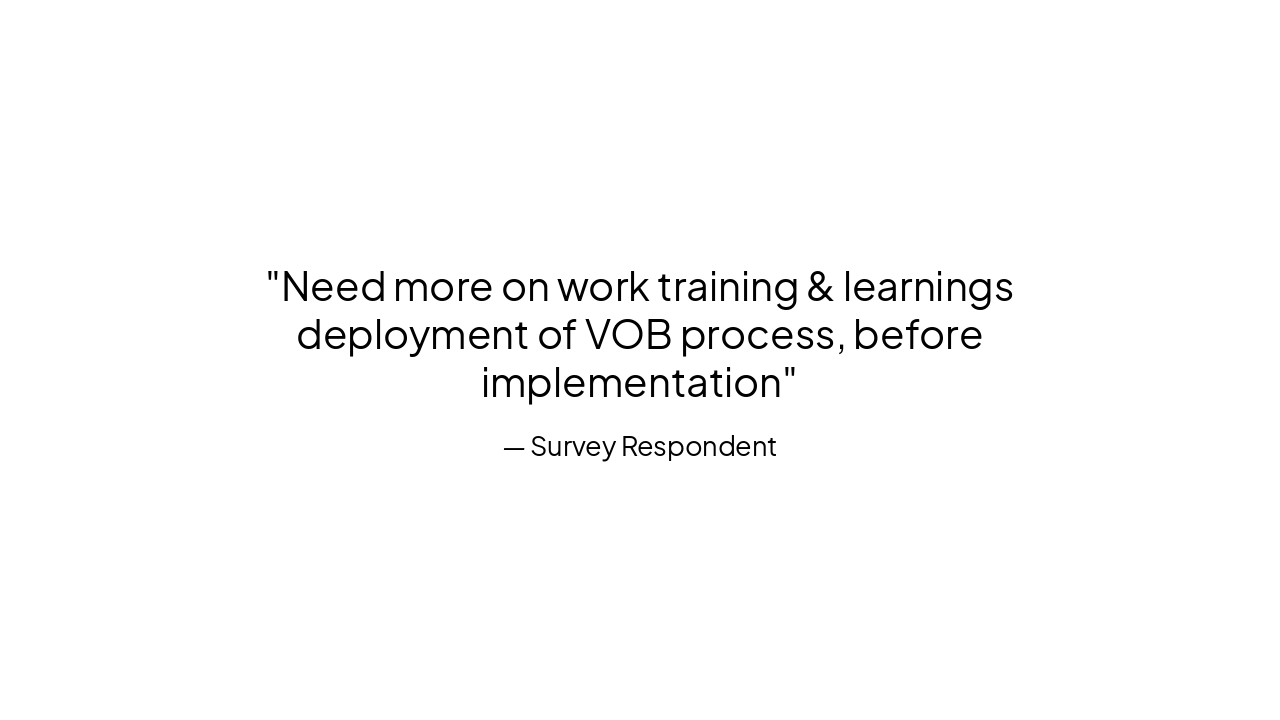
> I can open 3DX but not able to access files. Not clear on how to operate.
— Survey Respondent
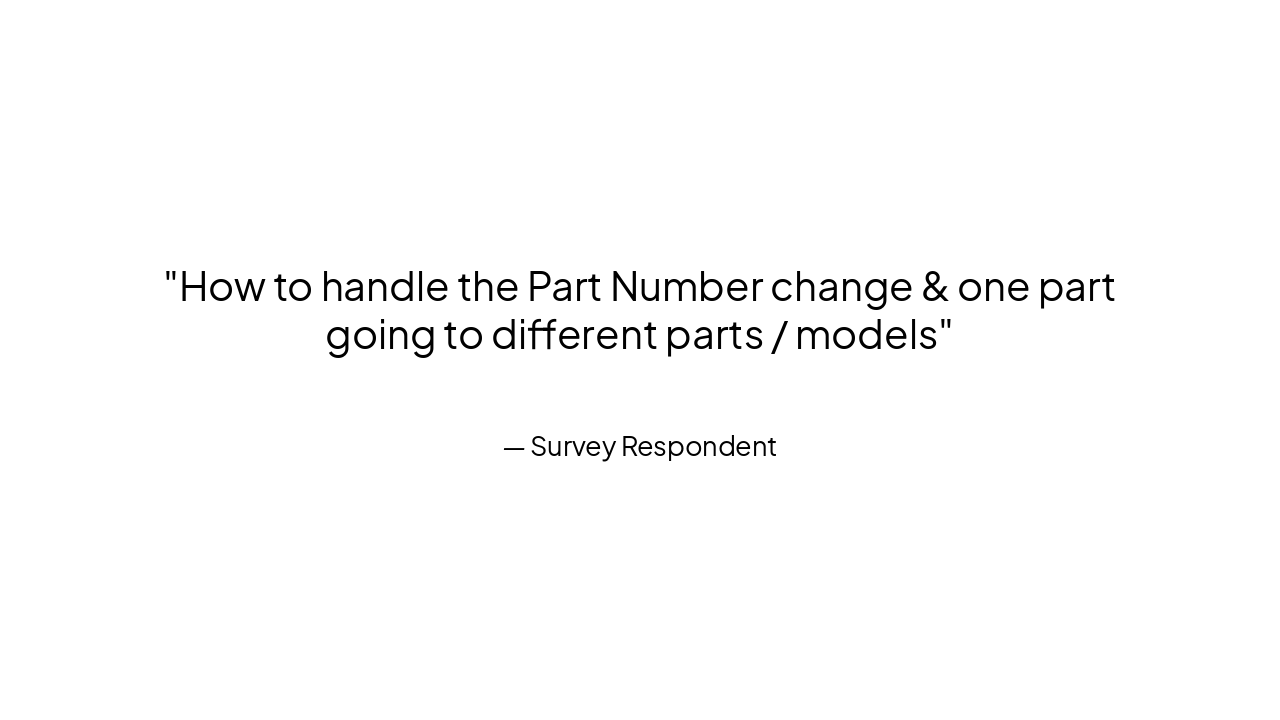
> How to handle the Part Number change & one part going to different parts / models
— Survey Respondent
> There is no improvement w.r.t VOB UAT
— Survey Respondent
Lead the Change Your Voice Matters!
Thank you
---
Photo by Pawel Czerwinski on Unsplash
Explore thousands of AI-generated presentations for inspiration
Generate professional presentations in seconds with Karaf's AI. Customize this presentation or start from scratch.