Slide 1 of 14
Slide 1 - Gmail, Google Drive, and Google Docs
Gmail, Google Drive, and Google Docs
Key Features, History, and Capabilities
---
Photo by Justin Morgan on Unsplash
Generated from prompt:
Use these instructions to make a slideshow using the theme in google slides called focus
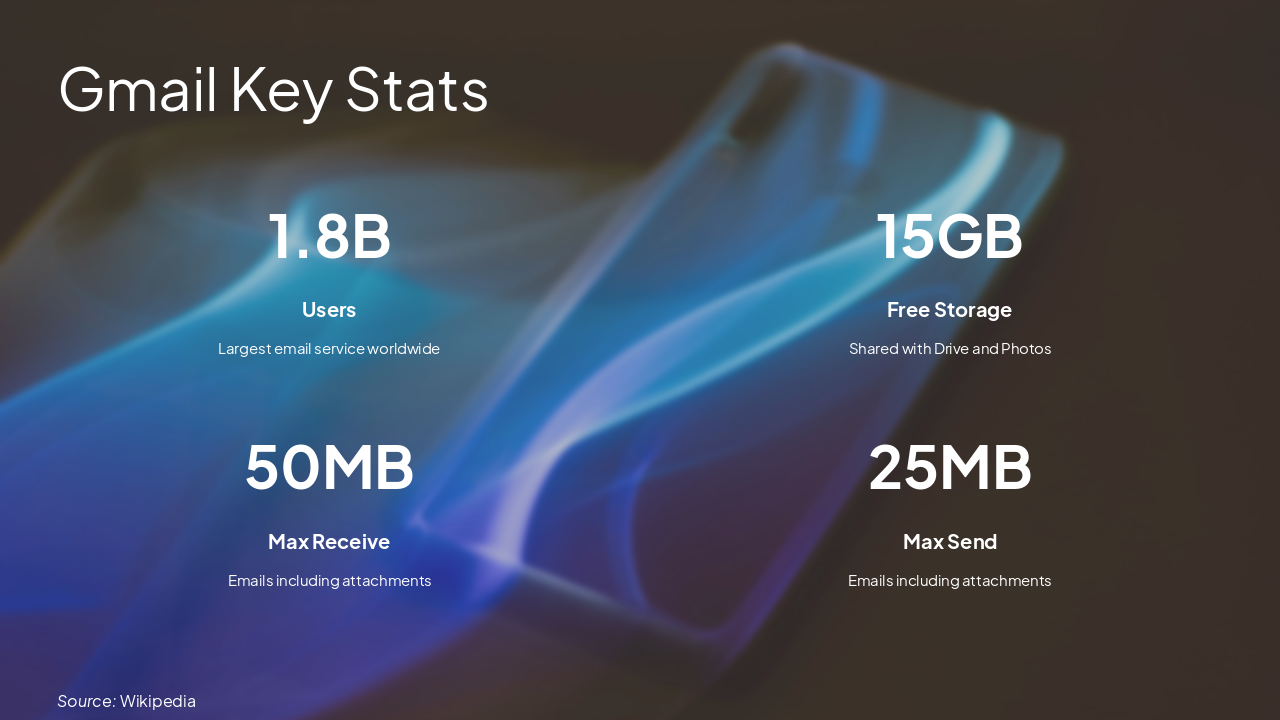
This presentation explores Gmail, Google Drive, and Google Docs, covering their key features, statistics, launch history, and collaborative capabilities. Highlights include Gmail's 1.8 billion users and 15 GB free storage shared across services, Drive's multi-device sync and smart search, and Docs' real-time editing with revision tracking. Concludes with seamless integration for modern productivity.
Gmail, Google Drive, and Google Docs
Key Features, History, and Capabilities
---
Photo by Justin Morgan on Unsplash
---
Photo by Leonardo Vargas on Unsplash
1
Launched 2004, 1.8 billion users worldwide
---
Photo by ran liwen on Unsplash
Source: Wikipedia
Source: Wikipedia
---
Photo by Justin Morgan on Unsplash
Source: Wikipedia
2
Launched April 24, 2012 - File hosting and sync service
---
Photo by Growtika on Unsplash
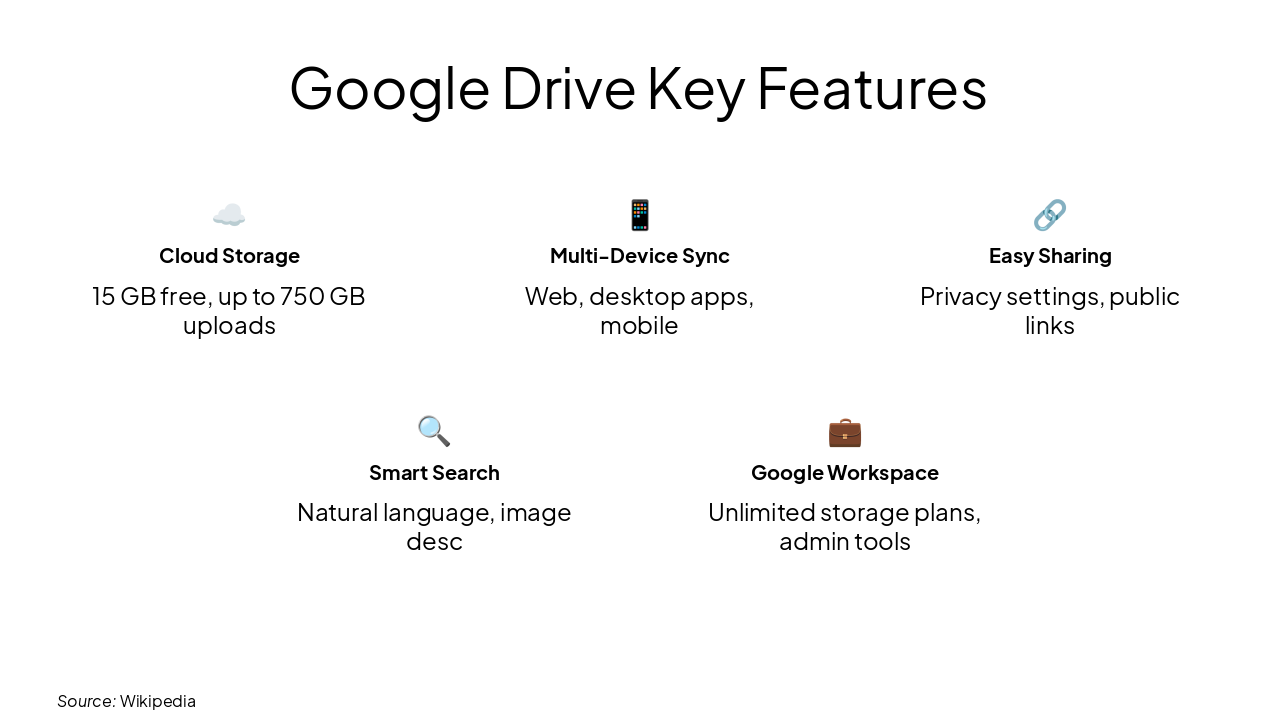
☁️ Cloud Storage 15 GB free, up to 750 GB uploads
📱 Multi-Device Sync Web, desktop apps, mobile
🔗 Easy Sharing Privacy settings, public links
🔍 Smart Search Natural language, image desc
💼 Google Workspace Unlimited storage plans, admin tools
Source: Wikipedia
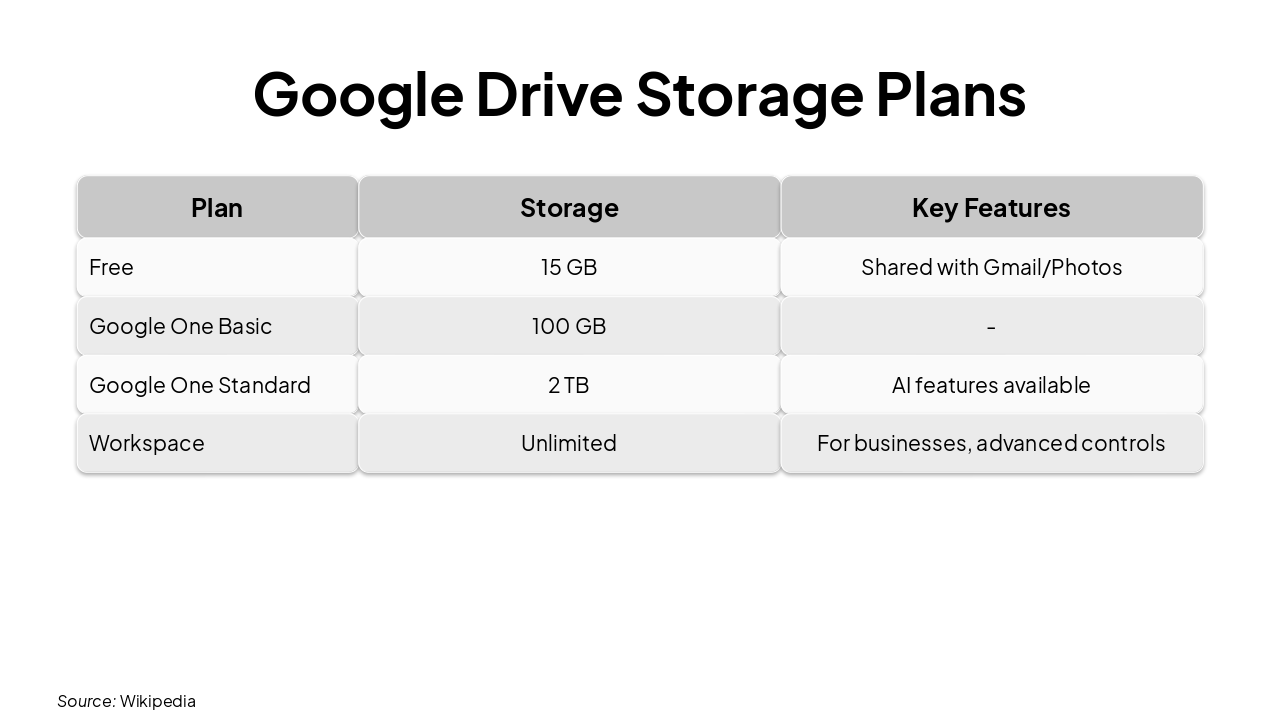
| Plan | Storage | Key Features |
|---|---|---|
| Free | 15 GB | Shared with Gmail/Photos |
| Google One Basic | 100 GB | - |
| Google One Standard | 2 TB | AI features available |
| Workspace | Unlimited | For businesses, advanced controls |
Source: Wikipedia
3
Online word processor with real-time collaboration
---
Photo by Clint Patterson on Unsplash

Source: Wikipedia
---
Photo by Sirisvisual on Unsplash
Source: Wikipedia

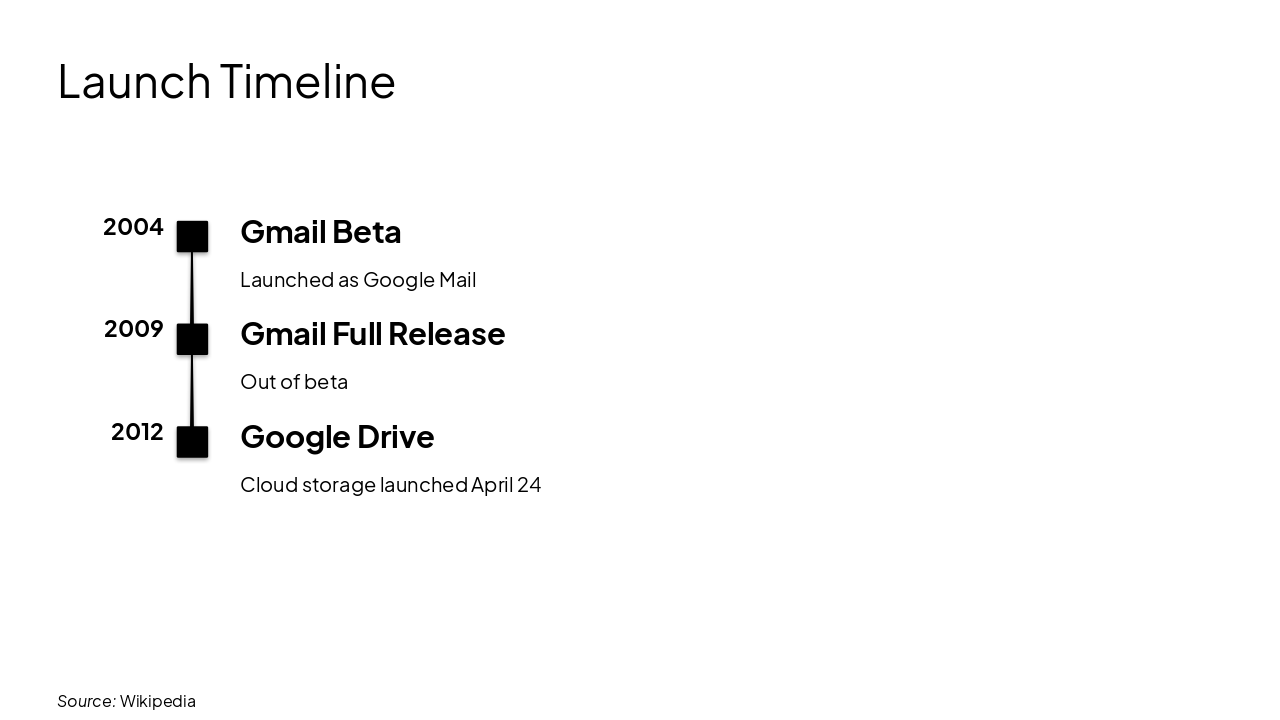
2004: Gmail Beta Launched as Google Mail 2009: Gmail Full Release Out of beta 2012: Google Drive Cloud storage launched April 24
Source: Wikipedia
Seamless integration across Gmail, Drive, and Docs powers modern collaboration
15 GB free storage • 1.8B Gmail users • Real-time editing
---
Photo by Microsoft 365 on Unsplash

Explore thousands of AI-generated presentations for inspiration
Generate professional presentations in seconds with Karaf's AI. Customize this presentation or start from scratch.