Engineering Workflow Standards
Generated from prompt:
Create a professional presentation titled "Engineering Workflow Standards" with a modern blue/white/gray theme, clean typography, and tech-style visuals. Slide 1: Title Slide Engineering Workflow Standards Definition of Done, Support Standards & Merge Strategy Slide 2: Definition of Done A ticket is considered done when: - Required metrics are implemented and visible - Documentation is updated if relevant Slide 3: Support Cases - Support documentation must be updated regularly - Any fix or workaround discovered during support should be reflected in docs Slide 4: Merge Strategy Rules - Default to Squash & Merge - Allow Rebase & Merge when it clearly adds value Slide 5: Squash as the Default - Keeps main clean and readable - One PR = one commit - Easy rollback - No dependency on perfect commit hygiene - Works well for product teams and fast iteration - Scales well as teams grow Footer: Clean history beats romantic history Slide 6: Rebase When History Matters - Large refactors - Carefully structured commits - Debugging-heavy areas - When git bisect is realistically going to be used - Large refactors, migrations, or multi-step technical changes Slide 7: Why Allow Rebase - Preserves useful commit history - Helps debugging complex changes - Supports technical work where commit sequence matters Include subtle git branching visuals and modern vector icons.
This presentation outlines key engineering workflow standards, covering Definition of Done criteria, support documentation practices, and git merge strategies. It recommends default squash merges for clean history, with rebase used exceptionally when
Slide 2 - Agenda
- Definition of Done
- Support Standards
- Merge Strategy Rules
- Squash & Rebase Strategies
---
Photo by Nastuh Abootalebi on Unsplash

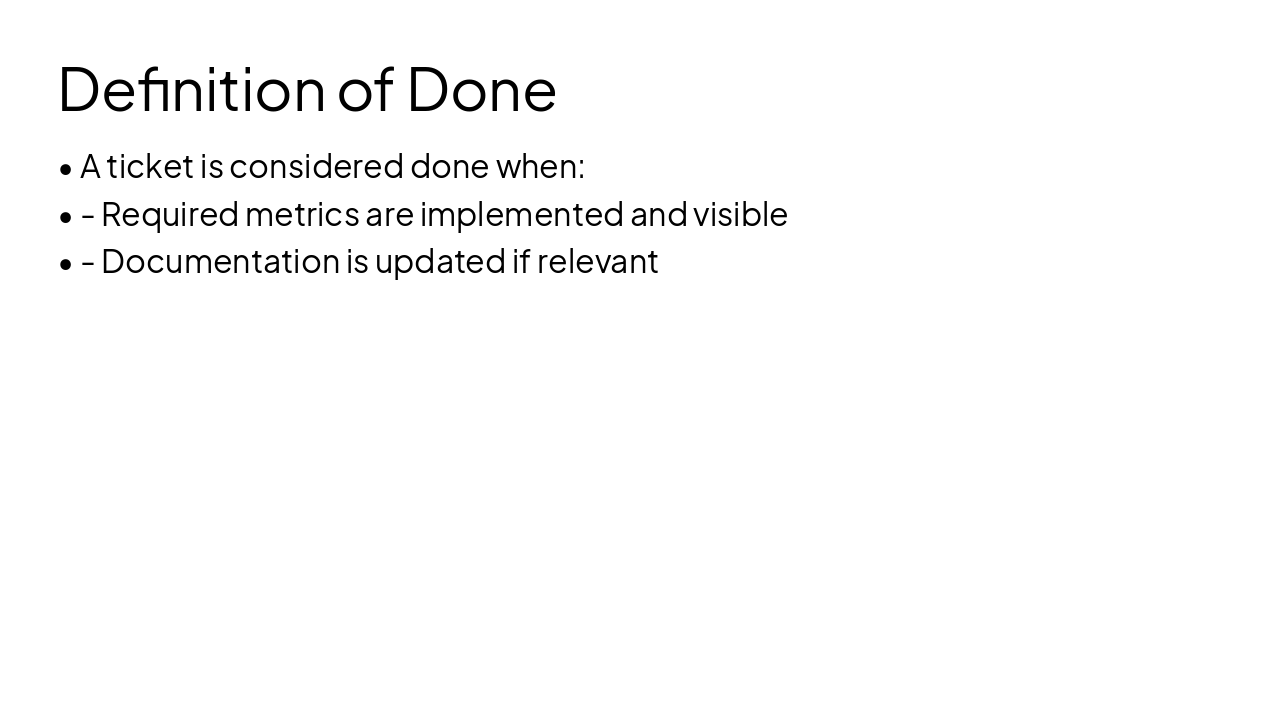
Slide 3 - Definition of Done
- A ticket is considered done when:
- - Required metrics are implemented and visible
- - Documentation is updated if relevant
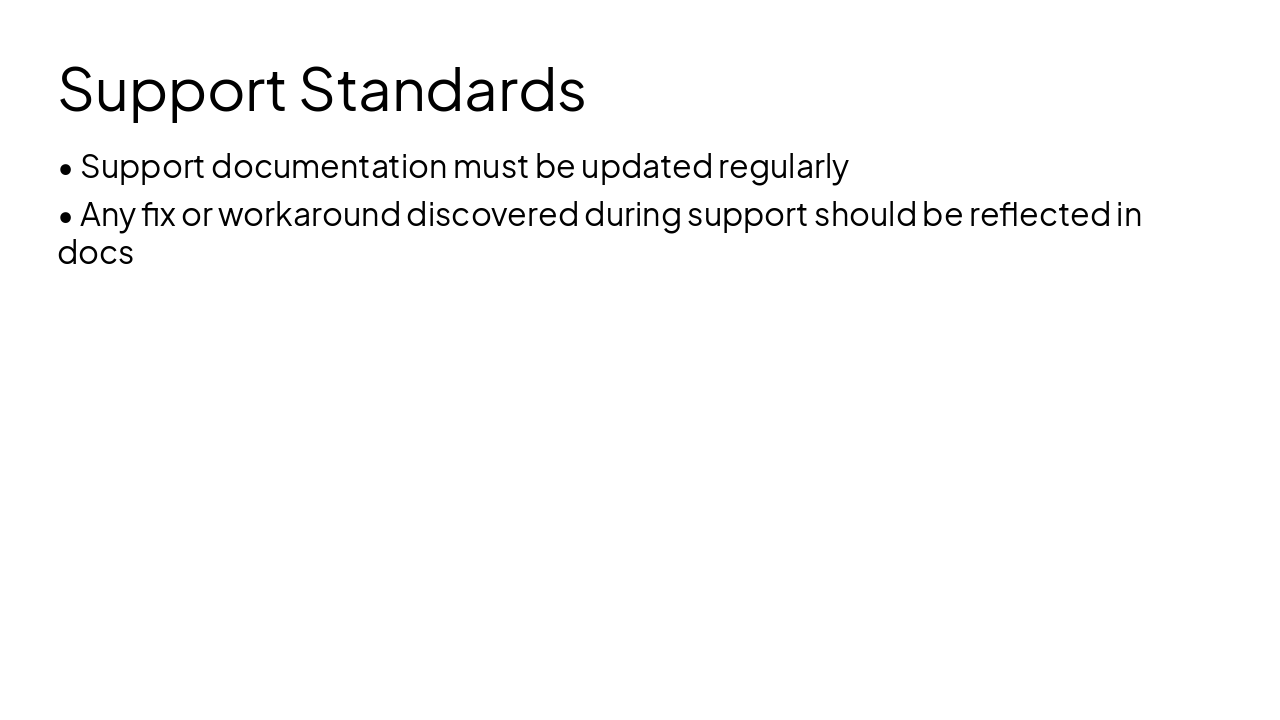
Slide 4 - Support Standards
- Support documentation must be updated regularly
- Any fix or workaround discovered during support should be reflected in docs
Slide 5 - Merge Strategy
Merge Strategy
Default to Squash, Rebase Exceptionally
Slide 6 - Merge Strategy Rules
- Default to Squash & Merge
- Allow Rebase & Merge when it clearly adds value
Slide 7 - Squash vs. Rebase
Squash as the Default Keeps main clean and readable One PR = one commit Easy rollback No dependency on perfect commit hygiene Works well for product teams and fast iteration Scales well as teams grow
Rebase When History Matters Large refactors Carefully structured commits Debugging-heavy areas When git bisect is realistically going to be used Large refactors, migrations, or multi-step technical changes
Why Allow Rebase: Preserves useful commit history Helps debugging complex changes Supports technical work where commit sequence matters
Slide 9 - Key Takeaways
Engineering Workflow Standards
- Default: Squash & Merge
- Rebase: When history adds value
- Update docs & metrics always
Clean history beats romantic history
Generating slide...
Slide 10 - Conclusion

Discover More Presentations
Explore thousands of AI-generated presentations for inspiration
Create Your Own Presentation
Generate professional presentations in seconds with Karaf's AI. Customize this presentation or start from scratch.