Slide 1 of 9
Slide 1 - Accounts Payable Presentation
Accounts Payable Flow Overview
Streamlined Accounts Payable Processes for Internal Efficiency
---
Photo by Nastuh Abootalebi on Unsplash
Generated from prompt:
Create a professional PowerPoint presentation using a visually engaging flowchart-style layout (icons, arrows, structured flow) based on the uploaded file (/mnt/data/AP Gif Flowchart.docx). Core Requirements: - Maintain the original flowchart structure and exact labels - Keep ALL GIFs and clearly mark placement as [Insert GIF: ...] - Use a clean corporate design BUT with visual enhancements (icons, arrows, connectors, flow lines) - Improve wording slightly while preserving original tone phrases: - INVOICE COMES IN (LET’S GO) - APPROVALS DRIVE EVERYTHING (TUESDAY PRESSURE) - STANDARD PROCESSING (SMOOTH SAILING) - WEEKLY PAYMENT RUN (WEDNESDAY CHECK) - URGENT PAYMENTS (EXCEPTIONS) - PAYMENT QUESTIONS / JUST CHECKING IN Slide Structure: 1. Title Slide – Accounts Payable Flow Overview 2. Full Flowchart Overview (with arrows/icons showing process flow clearly) 3. Individual slides for each stage: - Short, clean bullets - Visual layout (not text-heavy) - GIF placeholder clearly labeled 4. Final summary slide with key takeaways Design Style: - Modern corporate (blue/gray palette or similar) - Icons for each stage (invoice, approval, payment, alert, email) - Arrows and connectors to reinforce flowchart feel - Clean spacing, consistent typography - Subtle color coding per stage Make it presentation-ready, visually appealing, and easy to follow for internal teams.
This presentation provides a comprehensive overview of the Accounts Payable process, detailing key stages from invoice entry and approvals to processing, weekly payments, exceptions handling, and vendor support for enhanced efficiency and vendor信頼.
Accounts Payable Flow Overview
Streamlined Accounts Payable Processes for Internal Efficiency
---
Photo by Nastuh Abootalebi on Unsplash
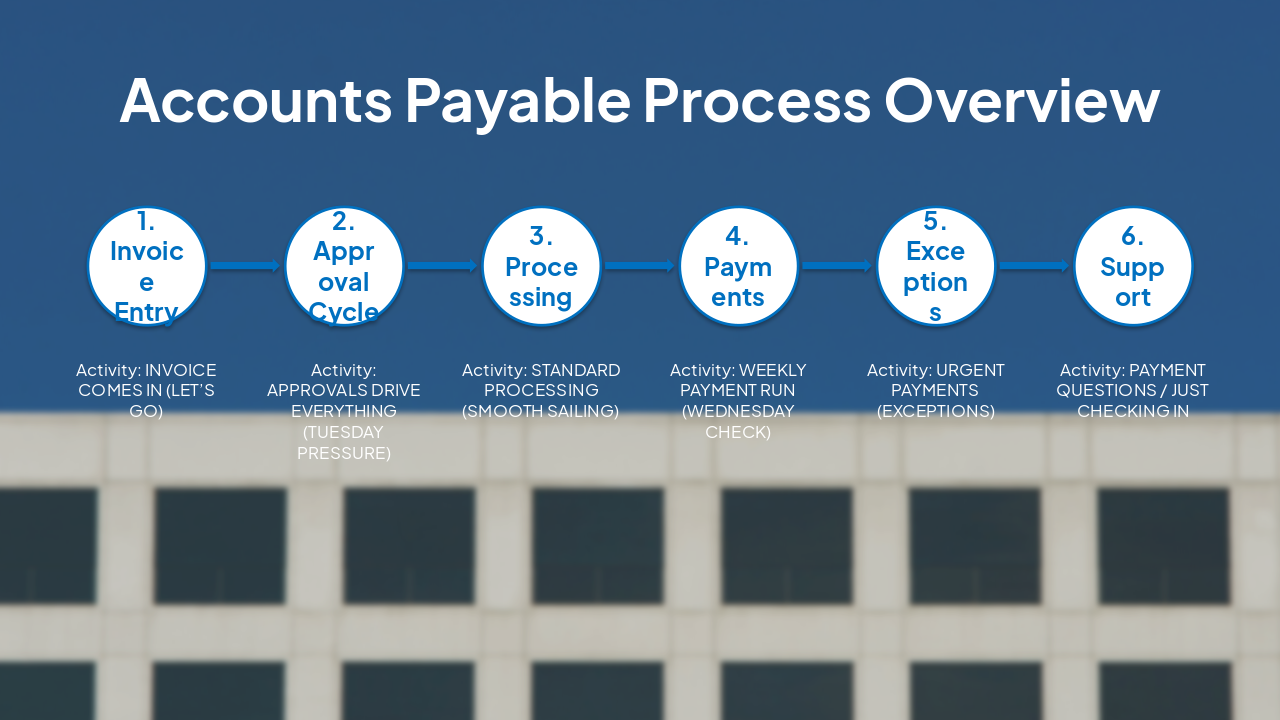
| Stage | Activity |
|---|---|
| 1. Invoice Entry | INVOICE COMES IN (LET’S GO) |
| 2. Approval Cycle | APPROVALS DRIVE EVERYTHING (TUESDAY PRESSURE) |
| 3. Processing | STANDARD PROCESSING (SMOOTH SAILING) |
| 4. Payments | WEEKLY PAYMENT RUN (WEDNESDAY CHECK) |
| 5. Exceptions | URGENT PAYMENTS (EXCEPTIONS) |
| 6. Support | PAYMENT QUESTIONS / JUST CHECKING IN |
---
Photo by Eyu Bonina on Unsplash
---
Photo by Point3D Commercial Imaging Ltd. on Unsplash Photo by Jakub Żerdzicki on Unsplash
---
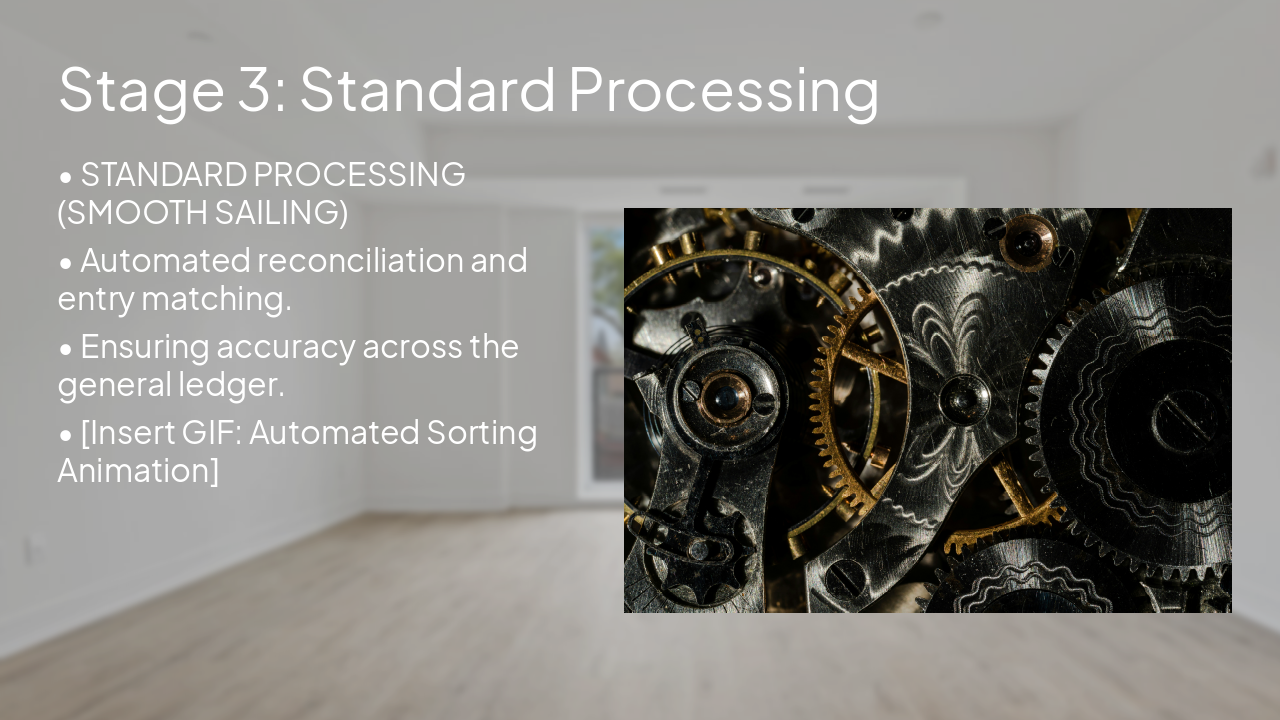
Photo by Point3D Commercial Imaging Ltd. on Unsplash Photo by Greg Bulla on Unsplash
---
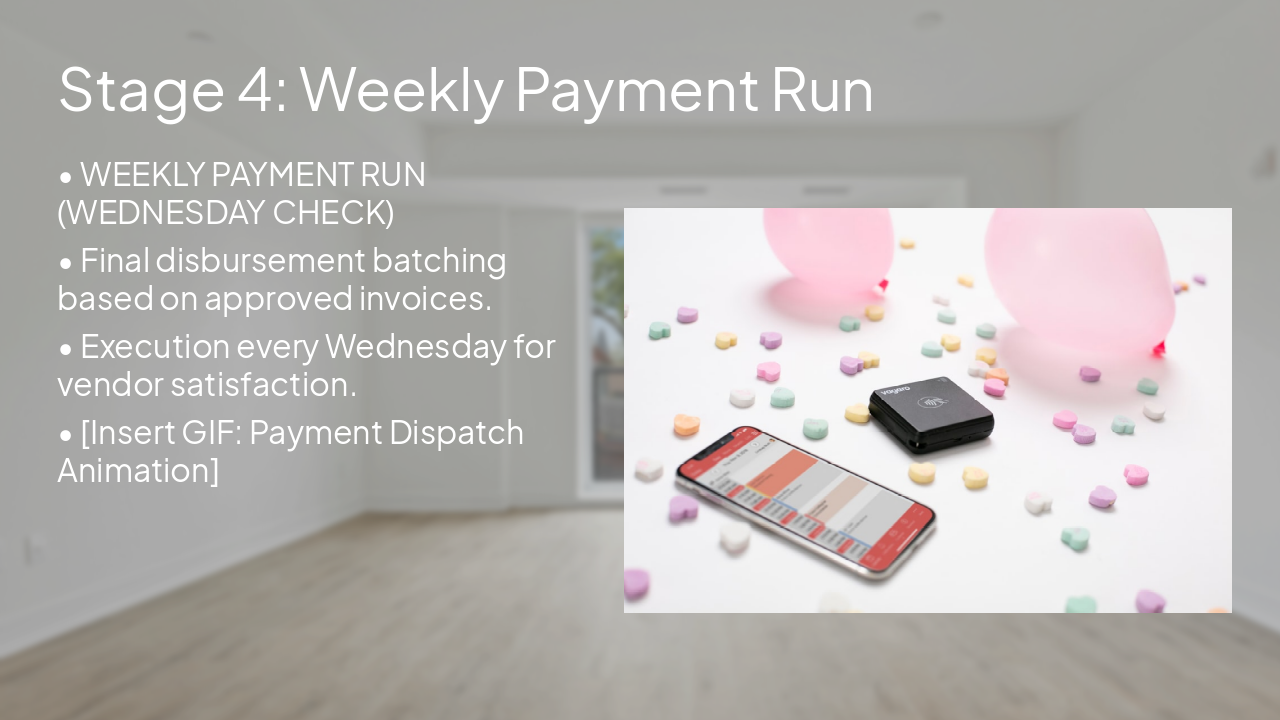
Photo by Point3D Commercial Imaging Ltd. on Unsplash Photo by Vagaro on Unsplash
---
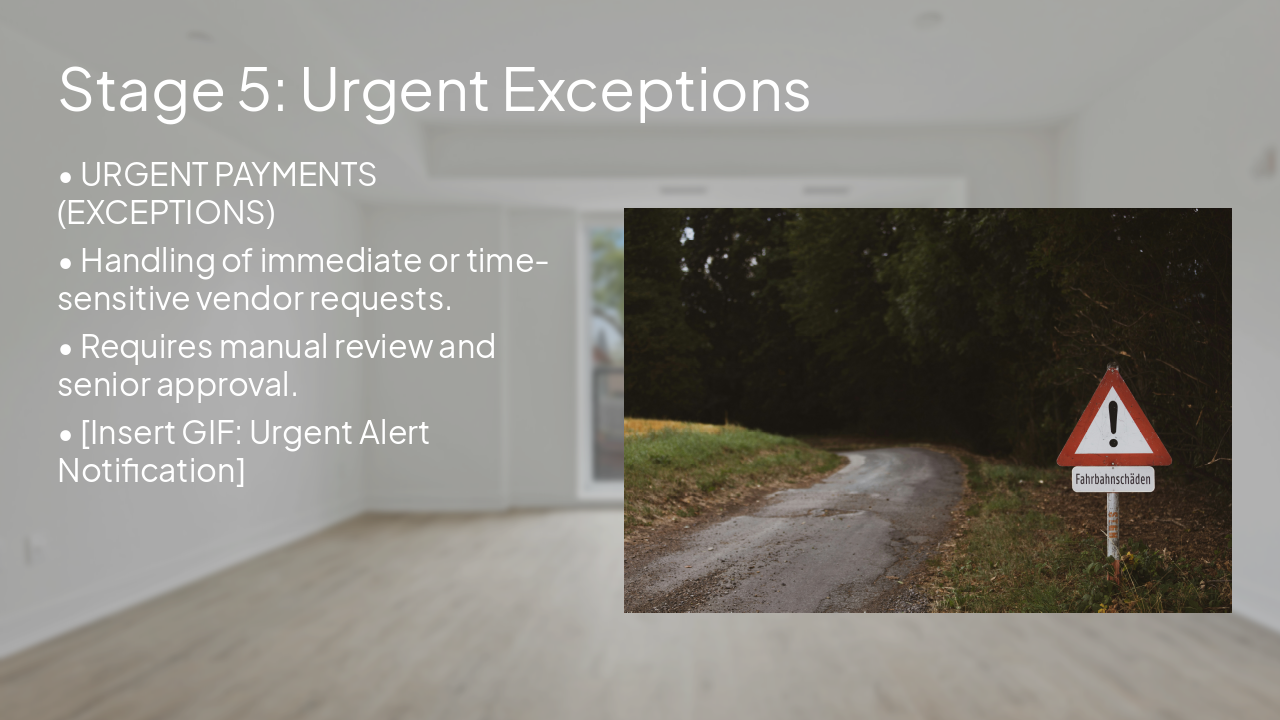
Photo by Point3D Commercial Imaging Ltd. on Unsplash Photo by Andreas Schantl on Unsplash
---
Photo by Valentin Lacoste on Unsplash Photo by Volodymyr Hryshchenko on Unsplash
Efficient Accounts Payable drives organizational health and vendor trust. Thank you for your continued adherence to these streamlined steps.
Key takeaways for maintaining process integrity
---
Photo by Dirk Lach on Unsplash
Explore thousands of AI-generated presentations for inspiration
Generate professional presentations in seconds with Karaf's AI. Customize this presentation or start from scratch.