Google Workspace vs. Microsoft 365 for Non-Profits

Generated from prompt:

Generate a pitch deck for explaining the benefits and drawbacks for our non-profit organisation that needs to make a choice between Google Workspace or Microsoft 365, pricing and collaboraticve apps shoukd be a real focus.

This pitch deck compares Google Workspace and Microsoft 365 for a non-profit, highlighting benefits like seamless collaboration and robust apps, drawbacks such as offline limits and learning curves, p

November 9, 202511 slides
Slide 1 of 11

Slide 1 - Choosing Between Google Workspace and Microsoft 365

This title slide introduces a decision guide for selecting between Google Workspace and Microsoft 365 as productivity suites. It targets non-profits seeking optimal tools for their operations.

Choosing Between Google Workspace and Microsoft 365

Decision Guide for Non-Profit Productivity Suites

--- Speaker Notes: Welcome slide introducing the pitch deck for non-profit decision-making on productivity suites, focusing on pricing and collaborative apps.
Slide 1
Slide 2 of 11

Slide 2 - Presentation Agenda

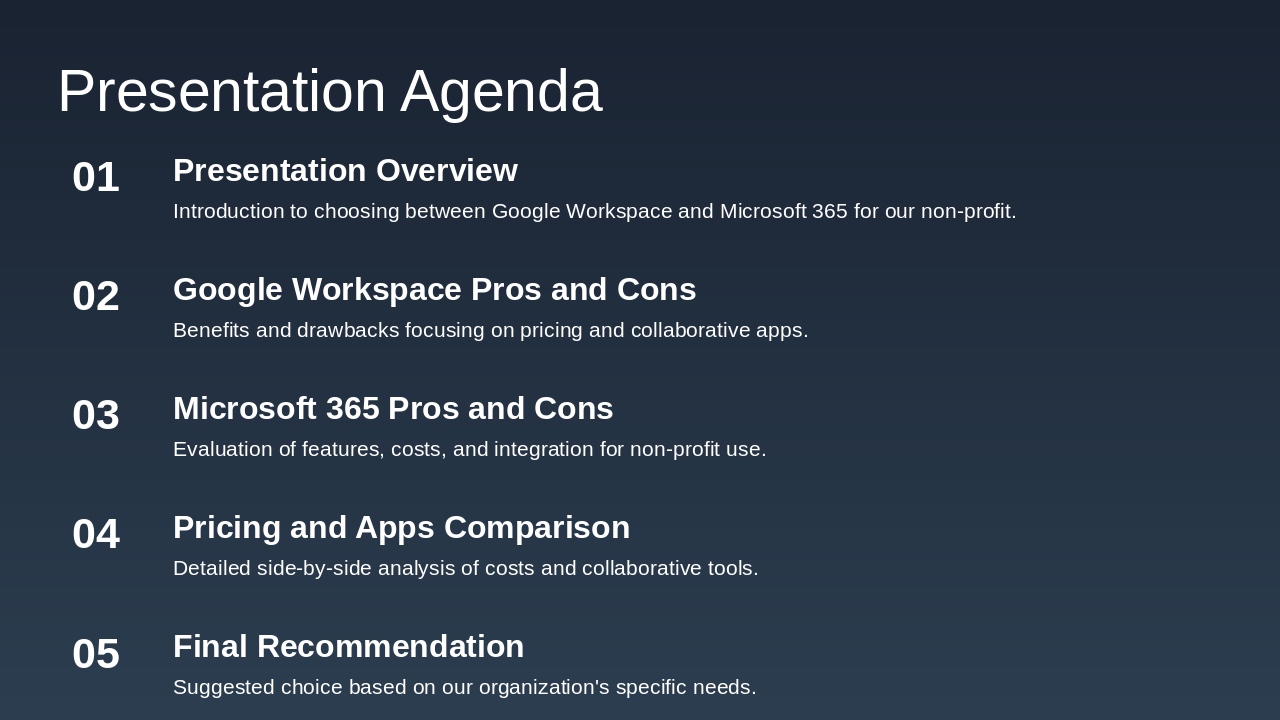
The presentation agenda outlines a comparison between Google Workspace and Microsoft 365 for the non-profit organization, starting with an overview of the choice and followed by pros and cons for each platform, emphasizing pricing, features, and integrations. It concludes with a side-by-side analysis of costs and collaborative tools, leading to a final recommendation tailored to the organization's needs.

Presentation Agenda

  1. Presentation Overview

Introduction to choosing between Google Workspace and Microsoft 365 for our non-profit.

  1. Google Workspace Pros and Cons

Benefits and drawbacks focusing on pricing and collaborative apps.
  1. Microsoft 365 Pros and Cons

Evaluation of features, costs, and integration for non-profit use.

  1. Pricing and Apps Comparison

Detailed side-by-side analysis of costs and collaborative tools.

  1. Final Recommendation

Suggested choice based on our organization's specific needs.

Slide 2
Slide 3 of 11

Slide 3 - Overview of Options

This section header slide, titled "Overview of Options" and numbered as 02, introduces a comparison of collaboration features. It specifically contrasts Google Workspace with Microsoft 365's enterprise tools, tailored for non-profit organizations.

Overview of Options

02

Overview of Options

Comparing Google Workspace collaboration with Microsoft 365 enterprise tools for non-profits

--- Speaker Notes: Brief intro to Google Workspace (cloud-based, collaborative) vs. Microsoft 365 (integrated Office tools, enterprise focus) for non-profits. Focus on pricing and collaborative apps for the non-profit's decision-making pitch deck.

Slide 3
Slide 4 of 11

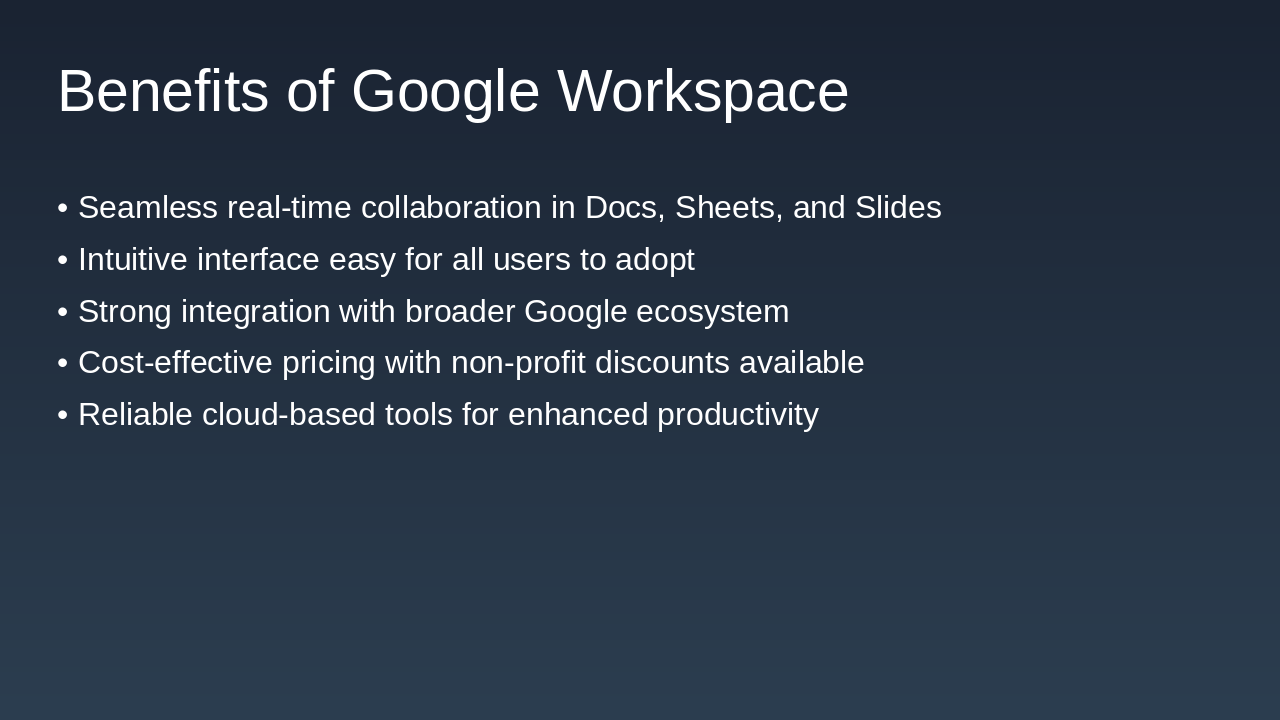
Slide 4 - Benefits of Google Workspace

Google Workspace offers seamless real-time collaboration in tools like Docs, Sheets, and Slides, along with an intuitive interface that's easy for all users to adopt and strong integration with the broader Google ecosystem. It provides cost-effective pricing, including discounts for non-profits, and reliable cloud-based tools to boost productivity.

Benefits of Google Workspace

  • Seamless real-time collaboration in Docs, Sheets, and Slides
  • Intuitive interface easy for all users to adopt
  • Strong integration with broader Google ecosystem
  • Cost-effective pricing with non-profit discounts available
  • Reliable cloud-based tools for enhanced productivity
Slide 4
Slide 5 of 11

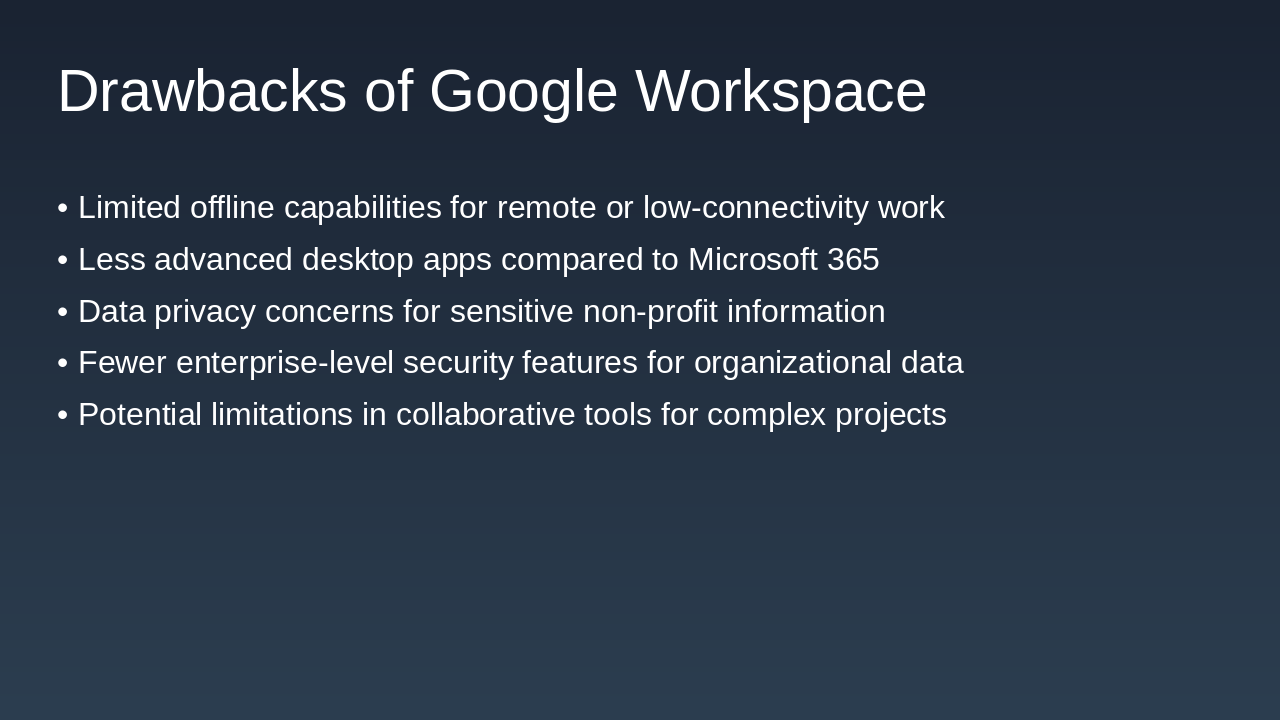
Slide 5 - Drawbacks of Google Workspace

Google Workspace has drawbacks including limited offline capabilities, which hinder remote or low-connectivity work, and less advanced desktop apps compared to Microsoft 365. Additionally, it raises data privacy concerns for sensitive non-profit information, offers fewer enterprise-level security features, and imposes limitations in collaborative tools for complex projects.

Drawbacks of Google Workspace

  • Limited offline capabilities for remote or low-connectivity work
  • Less advanced desktop apps compared to Microsoft 365
  • Data privacy concerns for sensitive non-profit information
  • Fewer enterprise-level security features for organizational data
  • Potential limitations in collaborative tools for complex projects
Slide 5
Slide 6 of 11

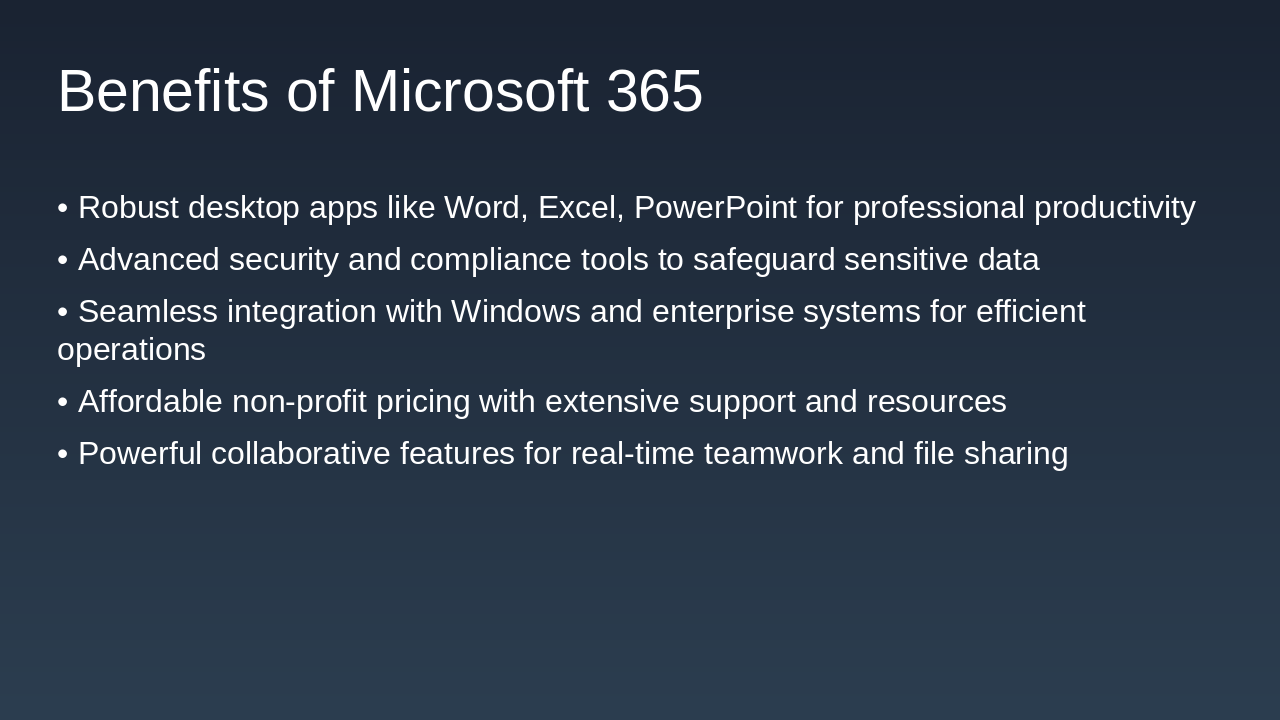
Slide 6 - Benefits of Microsoft 365

Microsoft 365 offers robust desktop applications like Word, Excel, and PowerPoint for enhanced professional productivity, alongside advanced security and compliance tools to protect sensitive data. It provides seamless integration with Windows and enterprise systems, affordable pricing for non-profits with strong support, and powerful features for real-time collaboration and file sharing.

Benefits of Microsoft 365

  • Robust desktop apps like Word, Excel, PowerPoint for professional productivity
  • Advanced security and compliance tools to safeguard sensitive data
  • Seamless integration with Windows and enterprise systems for efficient operations
  • Affordable non-profit pricing with extensive support and resources
  • Powerful collaborative features for real-time teamwork and file sharing

--- Speaker Notes: Highlight how Microsoft 365 addresses non-profit needs with strong apps, security, integration, and cost-effective pricing compared to Google Workspace.

Slide 6
Slide 7 of 11

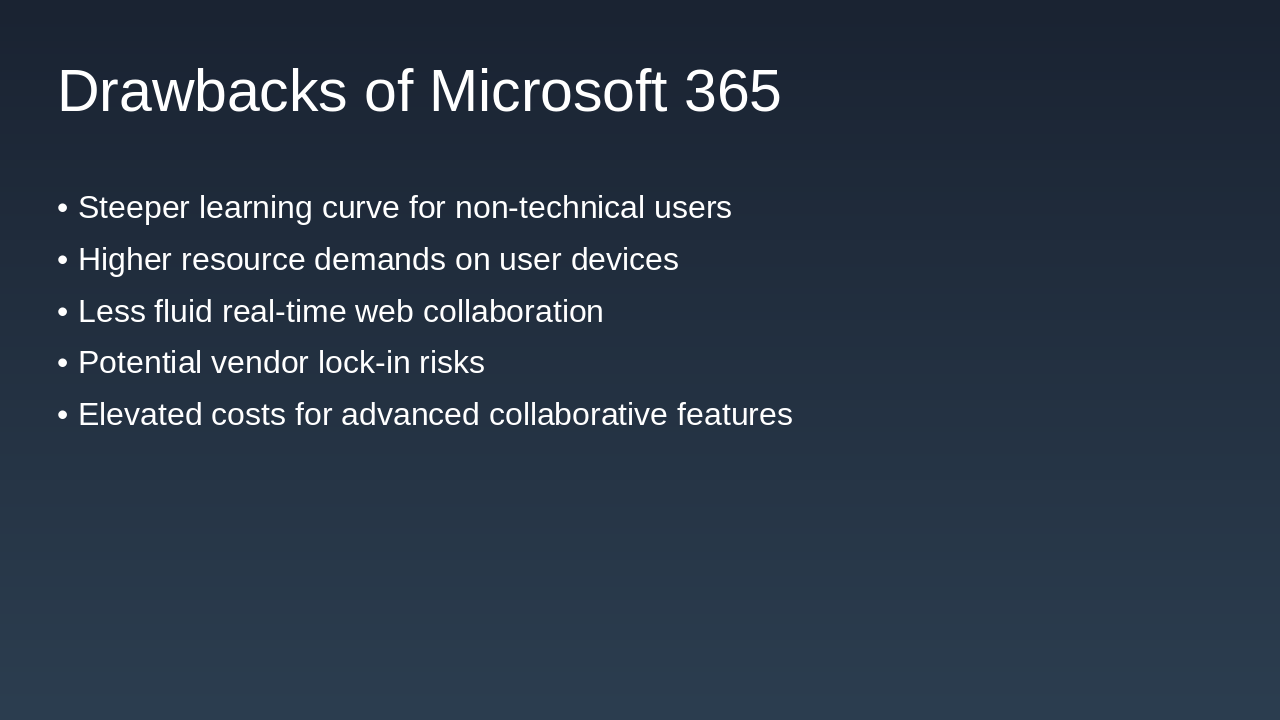
Slide 7 - Drawbacks of Microsoft 365

Microsoft 365 presents several drawbacks, including a steeper learning curve for non-technical users and higher resource demands on devices. Additionally, it offers less fluid real-time web collaboration, risks vendor lock-in, and involves elevated costs for advanced collaborative features.

Drawbacks of Microsoft 365

  • Steeper learning curve for non-technical users
  • Higher resource demands on user devices
  • Less fluid real-time web collaboration
  • Potential vendor lock-in risks
  • Elevated costs for advanced collaborative features
Slide 7
Slide 8 of 11

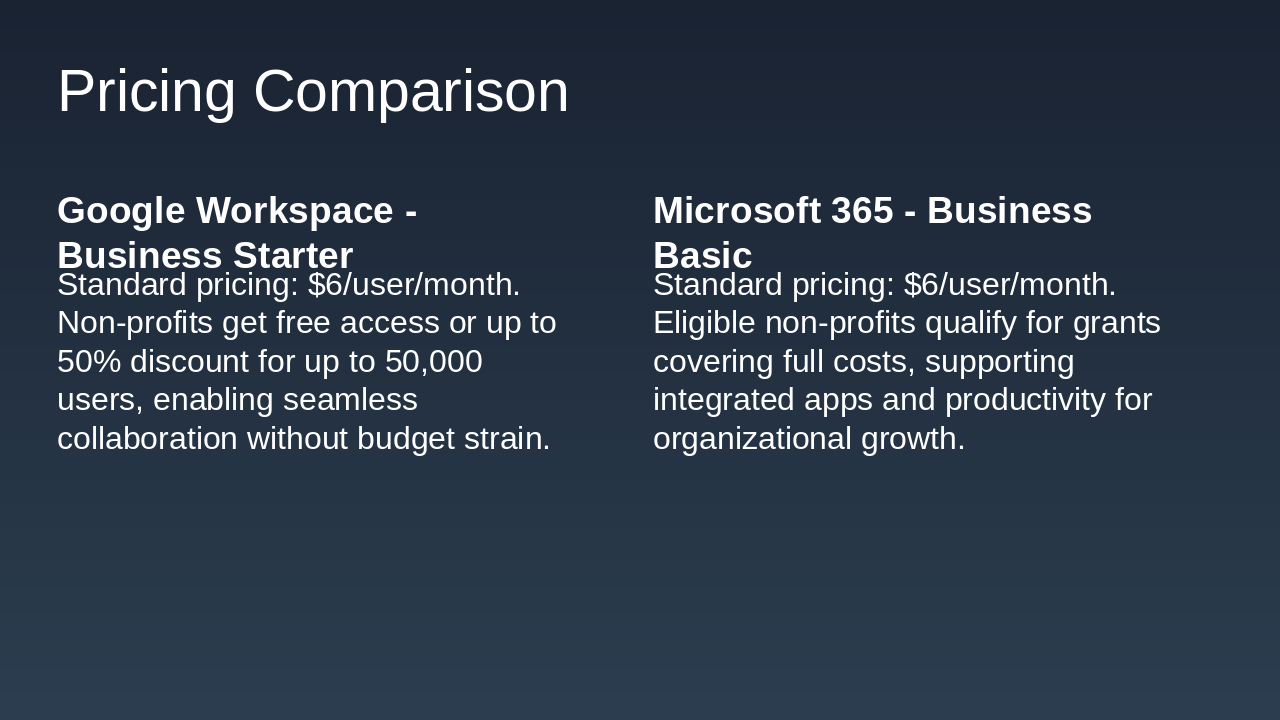
Slide 8 - Pricing Comparison

The slide compares pricing for Google Workspace Business Starter and Microsoft 365 Business Basic, both at a standard rate of $6 per user per month. Non-profits benefit from free access or up to 50% discounts for Google Workspace, supporting seamless collaboration, while eligible organizations receive full-cost grants for Microsoft 365 to enhance productivity and growth.

Pricing Comparison

Google Workspace - Business StarterMicrosoft 365 - Business Basic
Standard pricing: $6/user/month. Non-profits get free access or up to 50% discount for up to 50,000 users, enabling seamless collaboration without budget strain.Standard pricing: $6/user/month. Eligible non-profits qualify for grants covering full costs, supporting integrated apps and productivity for organizational growth.

--- Speaker Notes: Highlight cost savings for non-profits to emphasize affordability in collaborative tools.

Slide 8
Slide 9 of 11

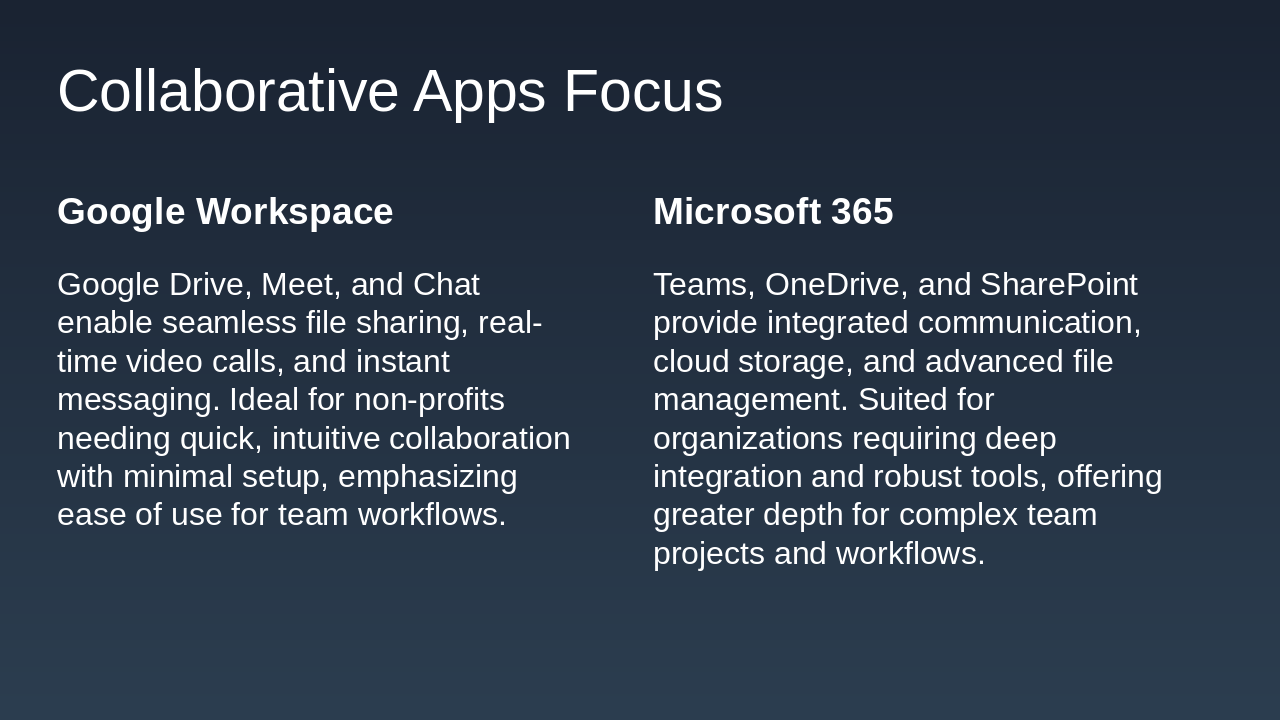
Slide 9 - Collaborative Apps Focus

The slide compares collaborative apps in Google Workspace and Microsoft 365. Google Workspace features Drive, Meet, and Chat for easy file sharing, video calls, and messaging, ideal for non-profits with minimal setup needs, while Microsoft 365 offers Teams, OneDrive, and SharePoint for integrated communication, storage, and advanced management suited to complex organizational workflows.

Collaborative Apps Focus

Google WorkspaceMicrosoft 365
Google Drive, Meet, and Chat enable seamless file sharing, real-time video calls, and instant messaging. Ideal for non-profits needing quick, intuitive collaboration with minimal setup, emphasizing ease of use for team workflows.Teams, OneDrive, and SharePoint provide integrated communication, cloud storage, and advanced file management. Suited for organizations requiring deep integration and robust tools, offering greater depth for complex team projects and workflows.
Slide 9
Slide 10 of 11

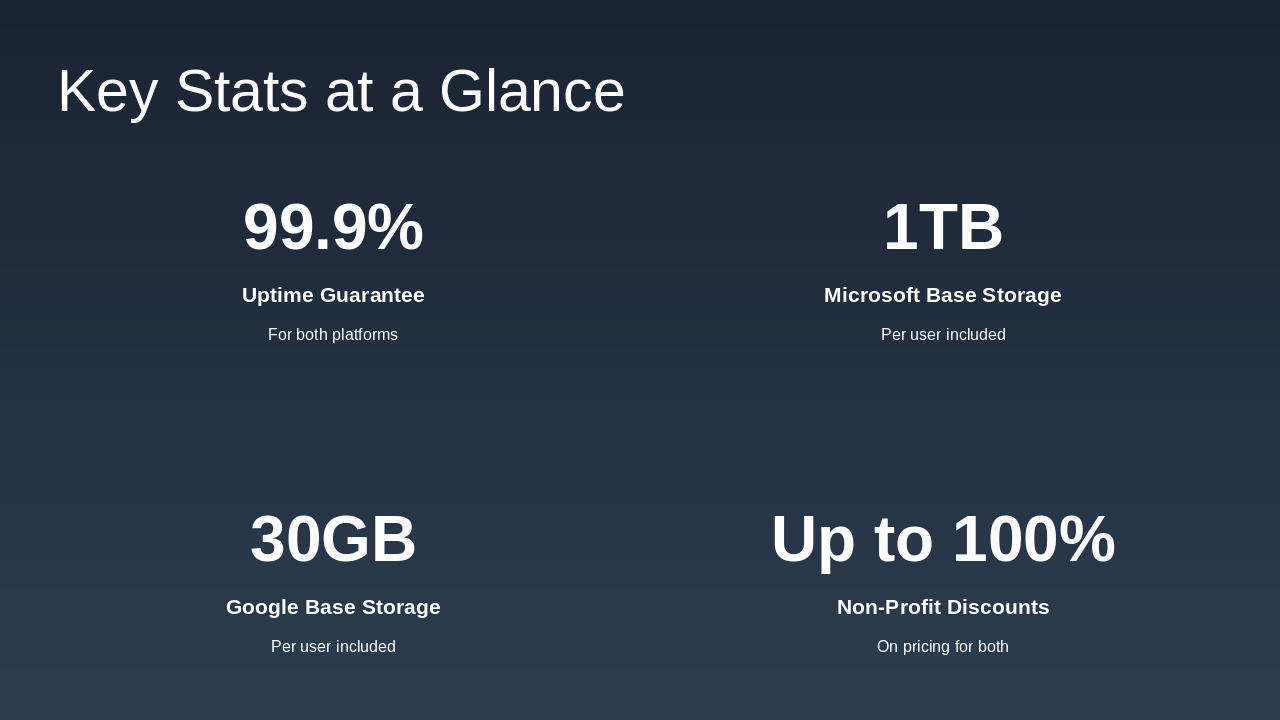
Slide 10 - Key Stats at a Glance

The slide highlights key statistics for a service offering a 99.9% uptime guarantee across both Microsoft and Google platforms. It also includes 1TB of base storage per user for Microsoft, 30GB for Google, and up to 100% discounts on pricing for non-profits.

Key Stats at a Glance

  • 99.9%: Uptime Guarantee

For both platforms

  • 1TB: Microsoft Base Storage

Per user included

  • 30GB: Google Base Storage

Per user included

  • Up to 100%: Non-Profit Discounts

On pricing for both

Slide 10
Slide 11 of 11

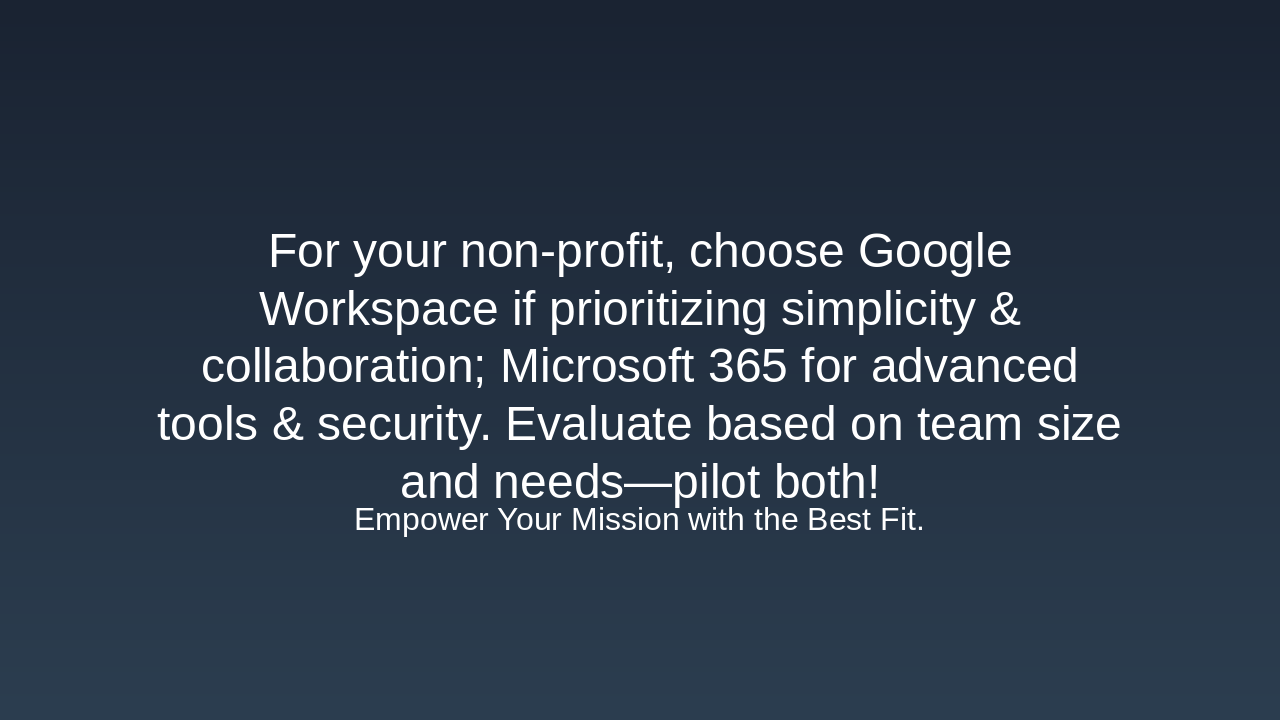
Slide 11 - Recommendation

The recommendation slide advises non-profits to select Google Workspace for its emphasis on simplicity and collaboration, or Microsoft 365 for superior advanced tools and security. It suggests evaluating choices based on team size and specific needs, while piloting both options, under the subtitle "Empower Your Mission with the Best Fit."

Recommendation

For your non-profit, choose Google Workspace if prioritizing simplicity & collaboration; Microsoft 365 for advanced tools & security. Evaluate based on team size and needs—pilot both!

Empower Your Mission with the Best Fit.

Slide 11
Powered by AI

Create Your Own Presentation

Generate professional presentations in seconds with Karaf's AI. Customize this presentation or start from scratch.

Create New Presentation

Powered by Karaf.ai — AI-Powered Presentation Generator