Slide 1 of 12
Slide 1 - Onboarding and Offboarding via MyISS.TOC Portal
Onboarding and Offboarding via MyISS.TOC Portal
Executive overview for HRBP specialists and leadership stakeholders
Generated from prompt:
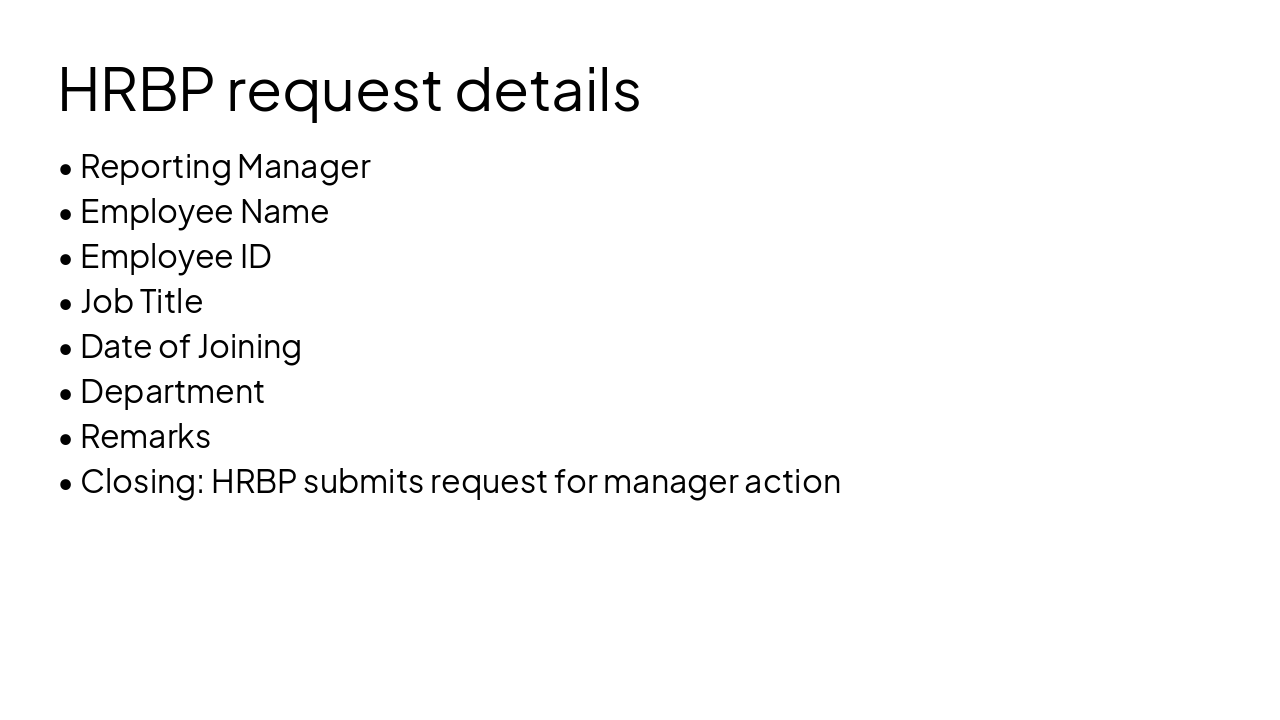
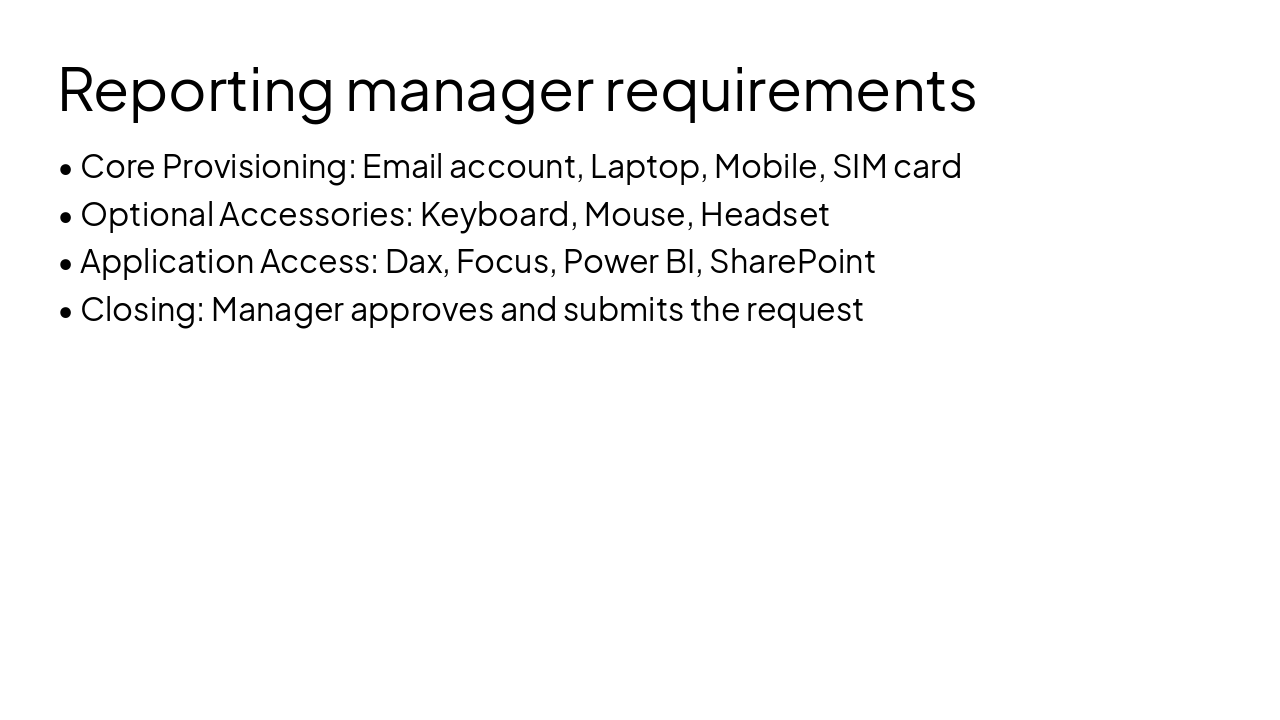
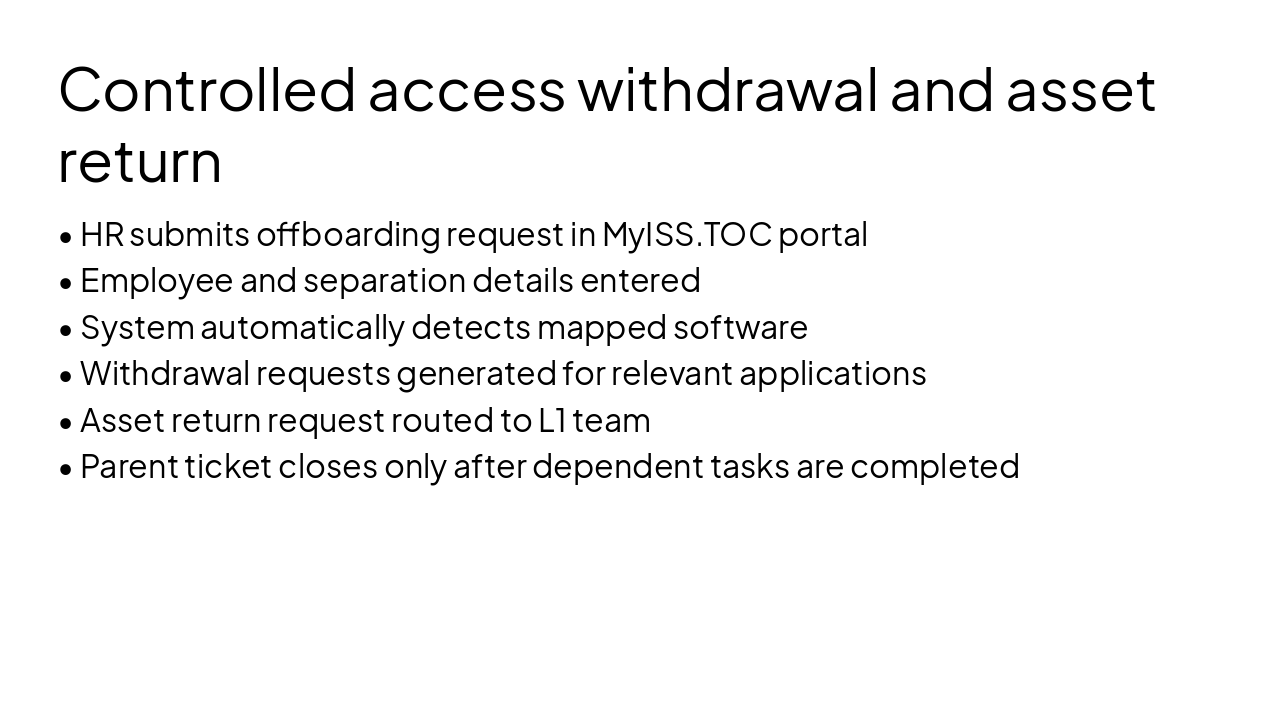
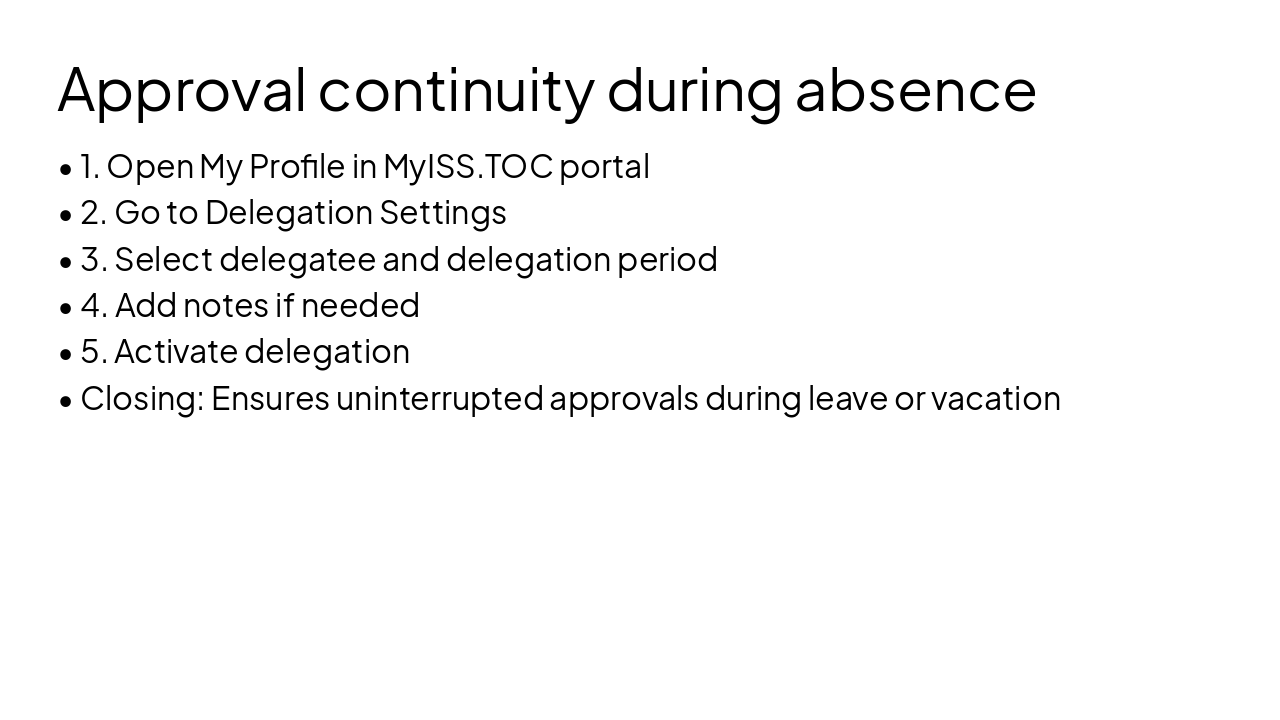
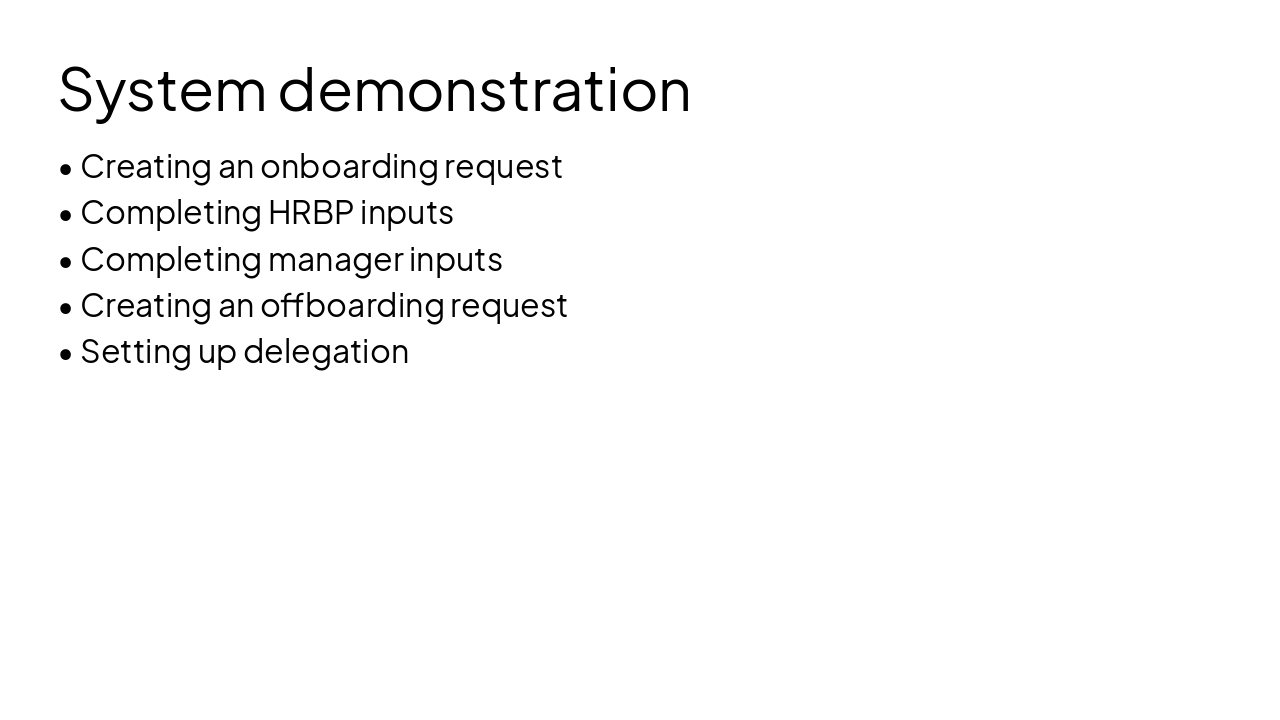
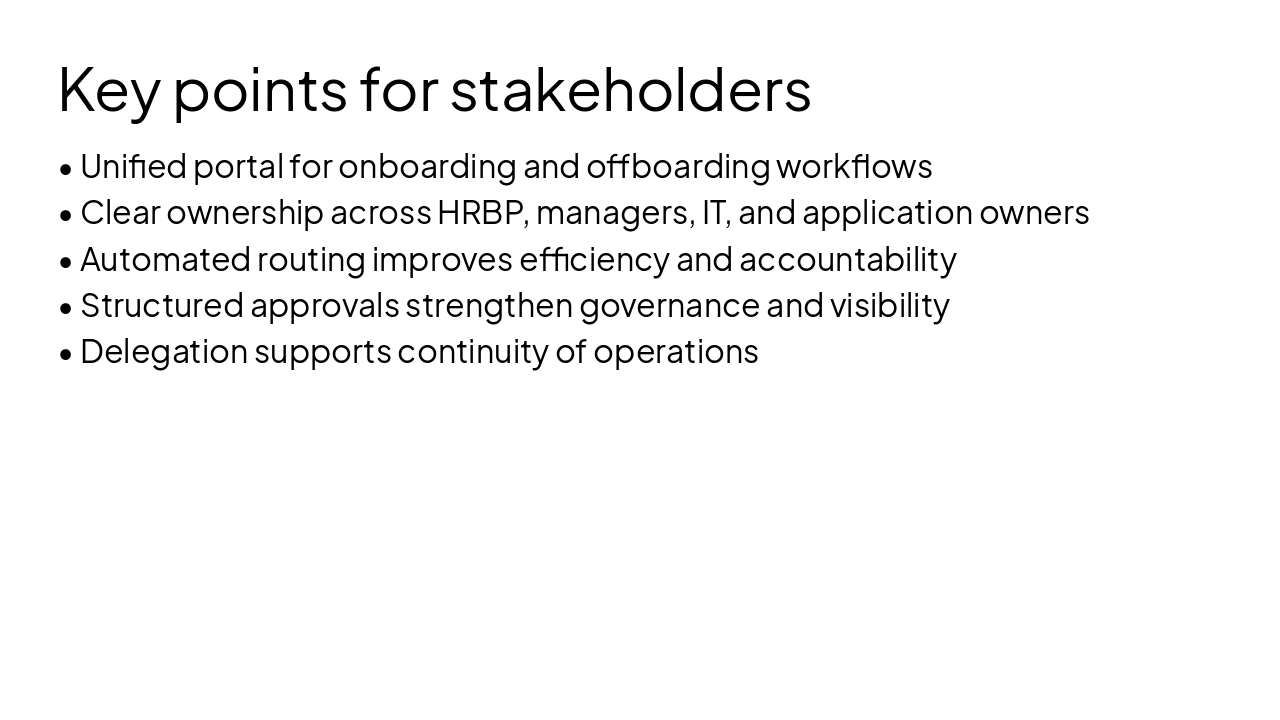
Create a second presentation version based on the same source content, but with a more corporate and executive-friendly style. The audience is higher management and HRBP specialists. The deck must be very easy to read, polished, restrained, and suitable for leadership review. Avoid startup-like playfulness. Use a formal corporate tone, concise wording, clean structure, and strong readability. Presentation title: Onboarding and Offboarding via MyISS.TOC Portal Subtitle: Executive overview for HRBP specialists and leadership stakeholders Build 10–12 slides. Prioritize clarity, governance, ownership, and process transparency. Keep slide text concise and refined. Use understated visual design: white or light neutral backgrounds, blue/gray palette, clean typography, simple icons, process diagrams, and neat section dividers. Slide 1: Cover Title: Onboarding and Offboarding via MyISS.TOC Portal Subtitle: Executive overview for HRBP specialists and leadership stakeholders Slide 2: Agenda - Onboarding process overview - Offboarding process overview - Roles and responsibilities - Delegation of approvals - Demonstration scope - Q&A Slide 3: Business Value of the Process Headline: Why this process matters Present 4–6 concise executive points: - Standardized onboarding workflow across teams - Improved traceability for approvals and requests - Faster coordination between HR, managers, and IT - Better visibility into pending actions and ownership - More controlled allocation of access and assets - Reduced reliance on email-based follow-up Slide 4: Roles and Responsibilities Headline: Core stakeholders Use a clean two-column layout. HRBP: - Initiates the onboarding process - Submits request in MyISS.TOC portal - Ensures request is raised at least 10 days before Date of Joining - Adds fast-track remark where required Reporting Manager: - Defines equipment requirements - Confirms application access needs - Reviews and submits approvals Optional footer note: All requests are managed through MyISS.TOC portal Slide 5: Onboarding Request – HRBP Input Headline: HRBP request details Use structured labels rather than long bullets: - Reporting Manager - Employee Name - Employee ID - Job Title - Date of Joining - Department - Remarks Closing statement: HRBP submits the onboarding request for manager action Slide 6: Onboarding Request – Manager Input Headline: Reporting manager requirements Group content into 3 sections. Section 1: Core provisioning - Email account - Laptop - Mobile - SIM card Section 2: Optional accessories - Keyboard - Mouse - Headset Section 3: Application access - Dax - Focus - Power BI - SharePoint Closing statement: Manager approves and submits the request Slide 7: Fulfilment Model After Submission Headline: System-driven ticketing and routing Use a professional process flow: - Parent ticket is created - Child tickets are generated for each required application access - Parent ticket is routed to L1 team based on employee location - Access tickets are routed to business application owners - Parent ticket is resolved only after all child tickets are completed Emphasize control and dependency visibility Slide 8: Offboarding Process Overview Headline: Controlled access withdrawal and asset return Use 5–6 concise steps: - HR submits offboarding request in MyISS.TOC portal - Required employee and separation details are entered - System detects mapped software automatically - Withdrawal requests are generated for relevant applications - Asset return request is routed to the appropriate L1 team - Parent ticket closes only after all dependent tasks are completed Slide 9: Delegation of Approvals Headline: Approval continuity during absence Use a numbered process: - Open My Profile in MyISS.TOC portal - Go to Delegation Settings - Select delegatee and delegation period - Add notes if needed - Activate delegation Closing statement: Ensures uninterrupted approvals during leave or vacation Slide 10: Demonstration Scope Headline: System demonstration - Creating an onboarding request - Completing HRBP inputs - Completing manager inputs - Creating an offboarding request - Setting up delegation Slide 11: Management Takeaways Headline: Key points for stakeholders - One portal supports both onboarding and offboarding workflows - Clear ownership across HRBP, managers, IT, and application owners - Automated routing improves efficiency and accountability - Structured approvals strengthen governance and visibility - Delegation supports continuity of operations Slide 12: Closing Title: Q&A Subtitle: Thank you Design requirements: - Corporate boardroom style, not trendy startup style - Strong readability for senior stakeholders - Restrained visuals and minimal clutter - Use whitespace generously - Prefer short labels, process diagrams, and executive summaries - Keep content presentation-ready and concise
Executive overview for HRBP specialists and leadership on standardized onboarding and offboarding processes using the MyISS.TOC portal, covering workflows, stakeholder roles, ticketing, approvals, delegation, and live demonstration.
Onboarding and Offboarding via MyISS.TOC Portal
Executive overview for HRBP specialists and leadership stakeholders
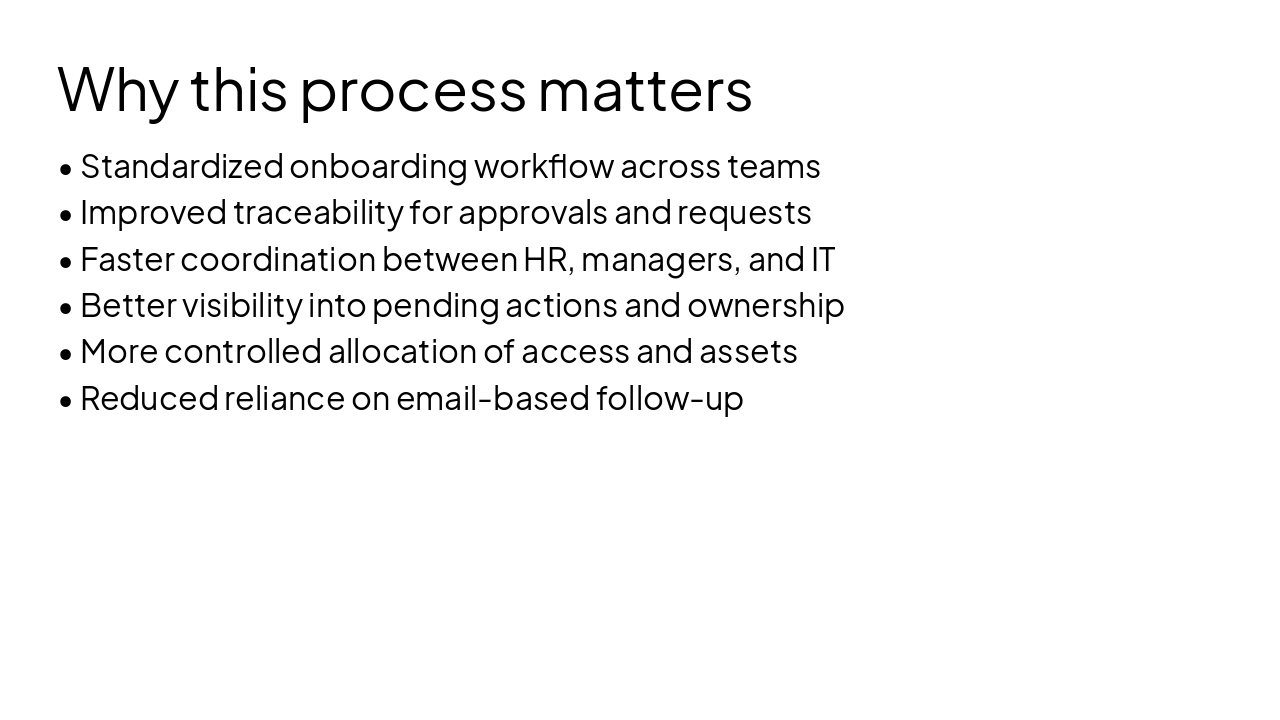
HRBP
Reporting Manager
Note: All requests managed via MyISS.TOC portal
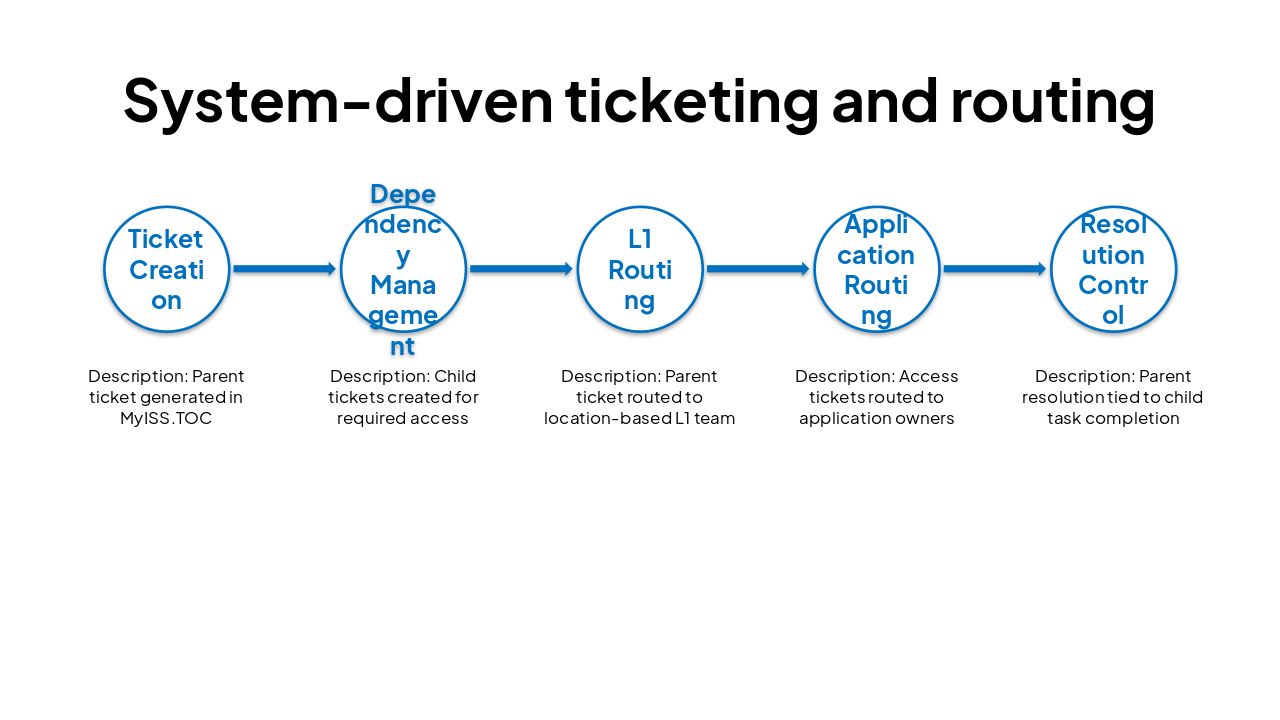
| Process Step | Description |
|---|---|
| Ticket Creation | Parent ticket generated in MyISS.TOC |
| Dependency Management | Child tickets created for required access |
| L1 Routing | Parent ticket routed to location-based L1 team |
| Application Routing | Access tickets routed to application owners |
| Resolution Control | Parent resolution tied to child task completion |
Q&A
Thank you
---
Photo by Benjamin Child on Unsplash
Explore thousands of AI-generated presentations for inspiration
Generate professional presentations in seconds with Karaf's AI. Customize this presentation or start from scratch.