Slide 1 of 6
Slide 1 - Presentation Design Principles
Designing for a Clean, Modern Look
A guide to achieving a minimalist and professional aesthetic
---
Photo by June Andrei George on Unsplash

Generated from prompt:
give my powerpoint a clean modern look
A guide to creating minimalist, professional slide decks. Covers the power of white space, typography and hierarchy, color palette selection, visual consistency, and key takeaways for elevating your presentations.
Designing for a Clean, Modern Look
A guide to achieving a minimalist and professional aesthetic
---
Photo by June Andrei George on Unsplash
---
Photo by Sergey Kotenev on Unsplash

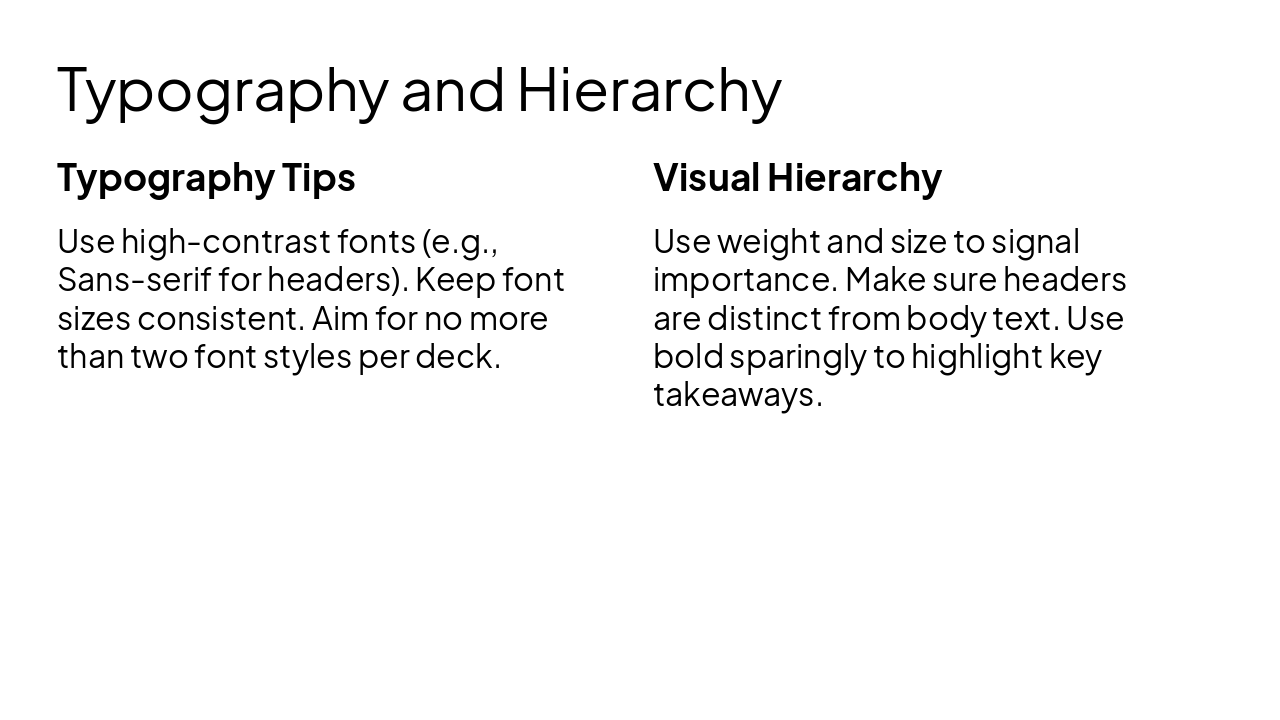
Typography Tips Use high-contrast fonts (e.g., Sans-serif for headers). Keep font sizes consistent. Aim for no more than two font styles per deck.
Visual Hierarchy Use weight and size to signal importance. Make sure headers are distinct from body text. Use bold sparingly to highlight key takeaways.
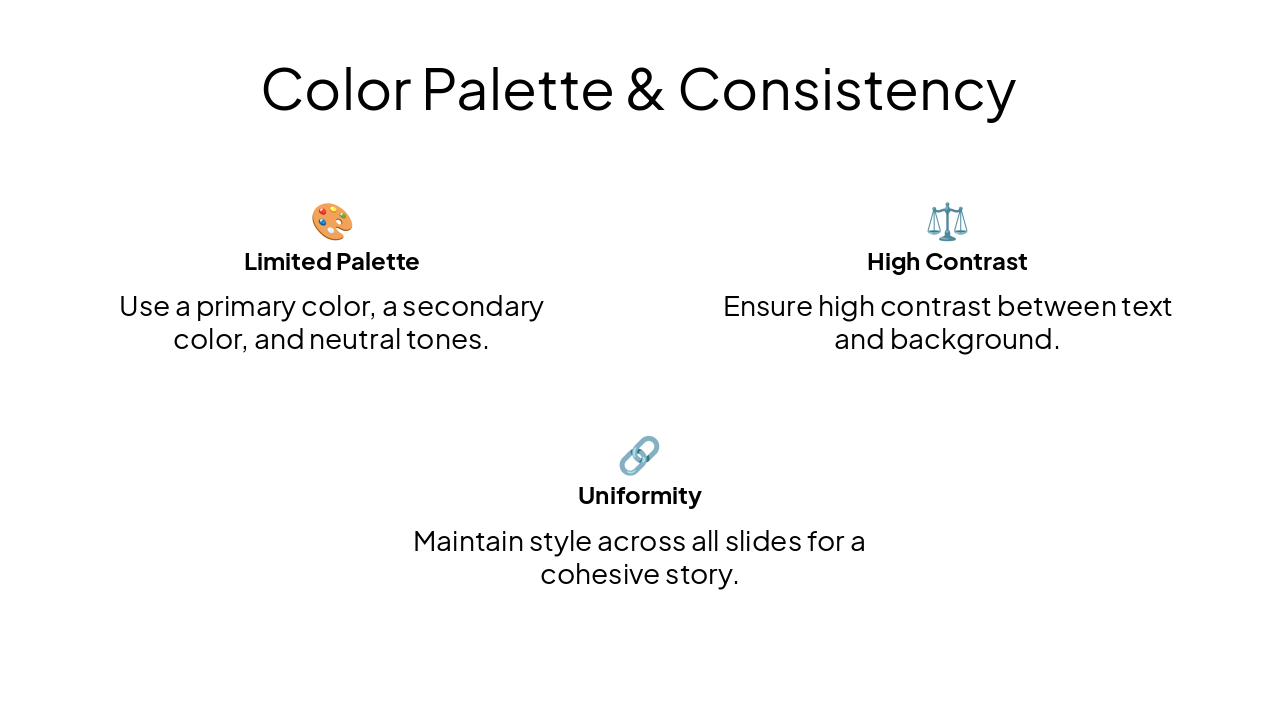
🎨 Limited Palette Use a primary color, a secondary color, and neutral tones.
⚖️ High Contrast Ensure high contrast between text and background.
🔗 Uniformity Maintain style across all slides for a cohesive story.
Keep it simple, keep it consistent, and let your message shine.
Apply these simple changes to transform your presentations into clean, modern works of art.
---
Photo by Zoshua Colah on Unsplash
Explore thousands of AI-generated presentations for inspiration
Generate professional presentations in seconds with Karaf's AI. Customize this presentation or start from scratch.