Online Safety Tips for Students

Generated from prompt:

Make a presentation about online safety tips for students

This 8-slide presentation covers why online safety matters, strong passwords & privacy, phishing recognition, social media safety, cyberbullying stats, and tips to stay secure online. Empower students

February 6, 20268 slides
Slide 1 of 8

Slide 1 - Online Safety Tips for Students

This title slide is titled "Online Safety Tips for Students." It features a subtitle emphasizing protection in the digital world through essential tips for safe browsing, sharing, and online interactions.

Online Safety Tips for Students

Protect yourself in the digital world. Essential tips for safe browsing, sharing, and interacting online.
Slide 1 - Online Safety Tips for Students
Slide 2 of 8

Slide 2 - Presentation Agenda

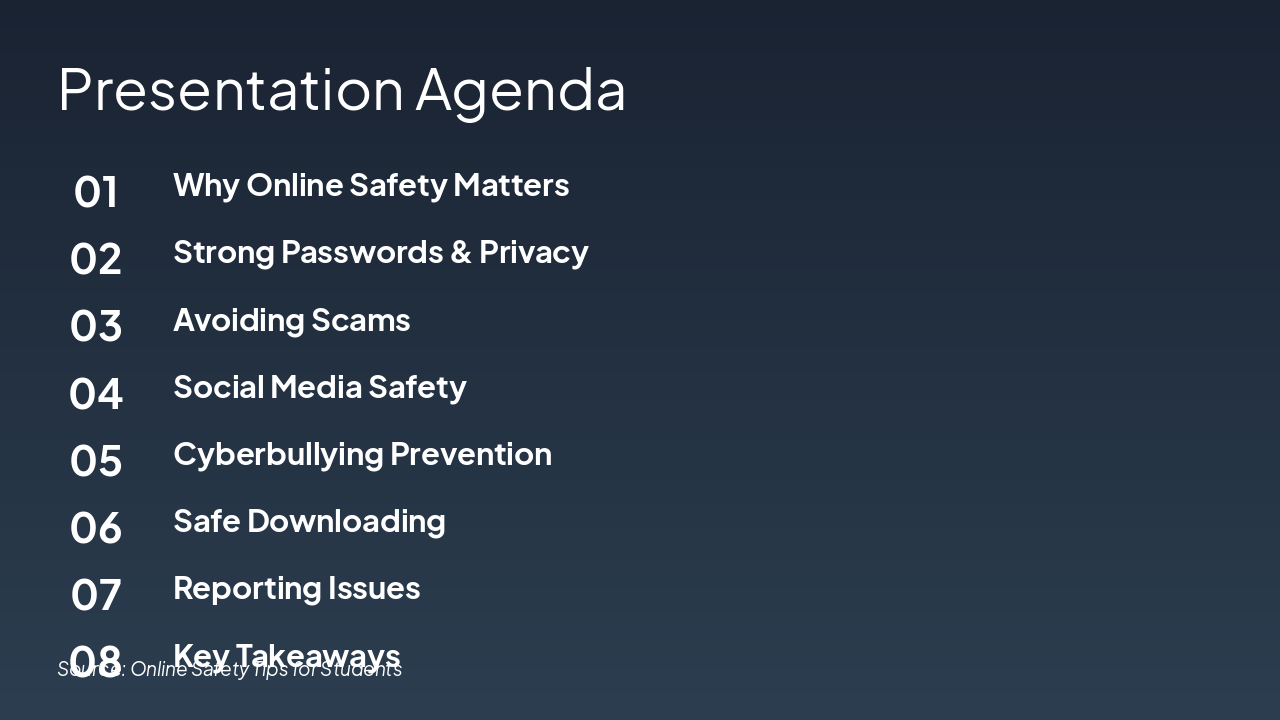
This agenda slide outlines a presentation on online safety, starting with why it matters and covering strong passwords, privacy, avoiding scams, and social media safety. It continues with cyberbullying prevention, safe downloading, reporting issues, and ends with key takeaways.

Presentation Agenda

  1. Why Online Safety Matters
  2. Strong Passwords & Privacy
  3. Avoiding Scams
  4. Social Media Safety
  5. Cyberbullying Prevention
  6. Safe Downloading
  7. Reporting Issues
  8. Key Takeaways

Source: Online Safety Tips for Students

Speaker Notes
Outline the key sections of the presentation to set expectations for the audience.
Slide 2 - Presentation Agenda
Slide 3 of 8

Slide 3 - Why Online Safety Matters

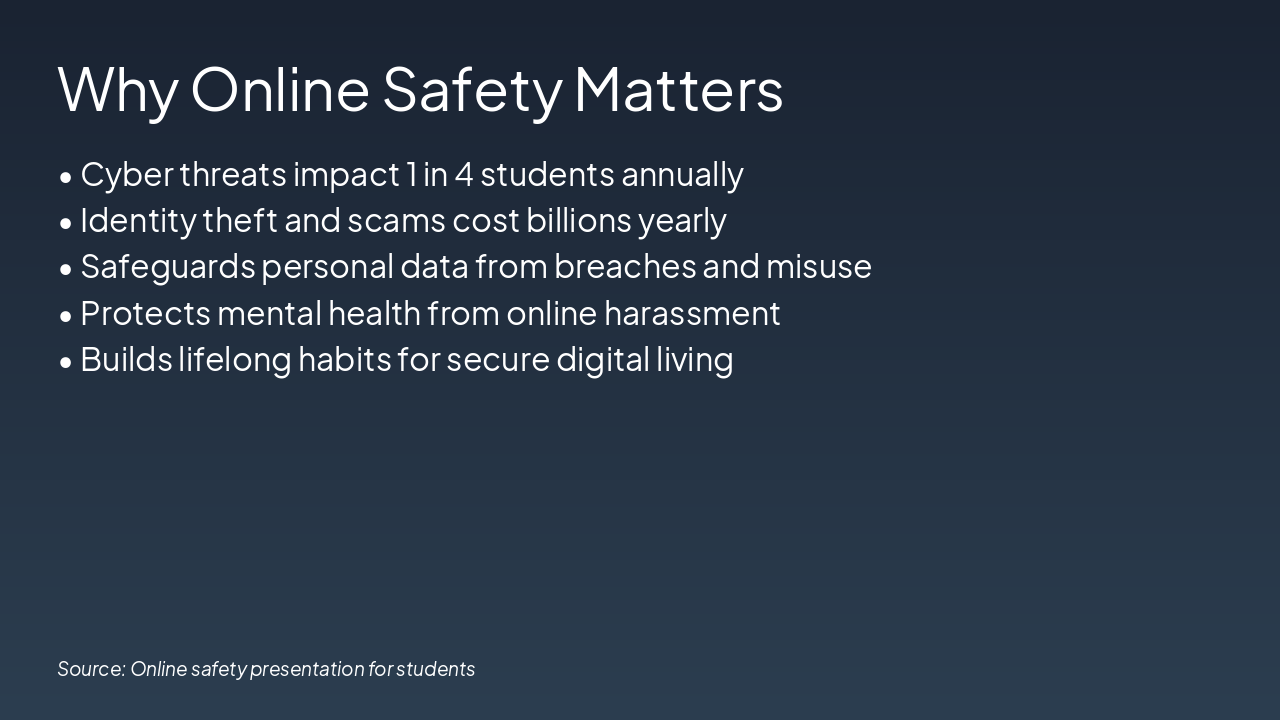
Online safety matters because cyber threats affect 1 in 4 students annually, while identity theft and scams cost billions yearly. It safeguards personal data, protects mental health from harassment, and builds lifelong secure digital habits.

Why Online Safety Matters

  • Cyber threats impact 1 in 4 students annually
  • Identity theft and scams cost billions yearly
  • Safeguards personal data from breaches and misuse
  • Protects mental health from online harassment
  • Builds lifelong habits for secure digital living

Source: Online safety presentation for students

Slide 3 - Why Online Safety Matters
Slide 4 of 8

Slide 4 - Strong Passwords & Privacy Settings

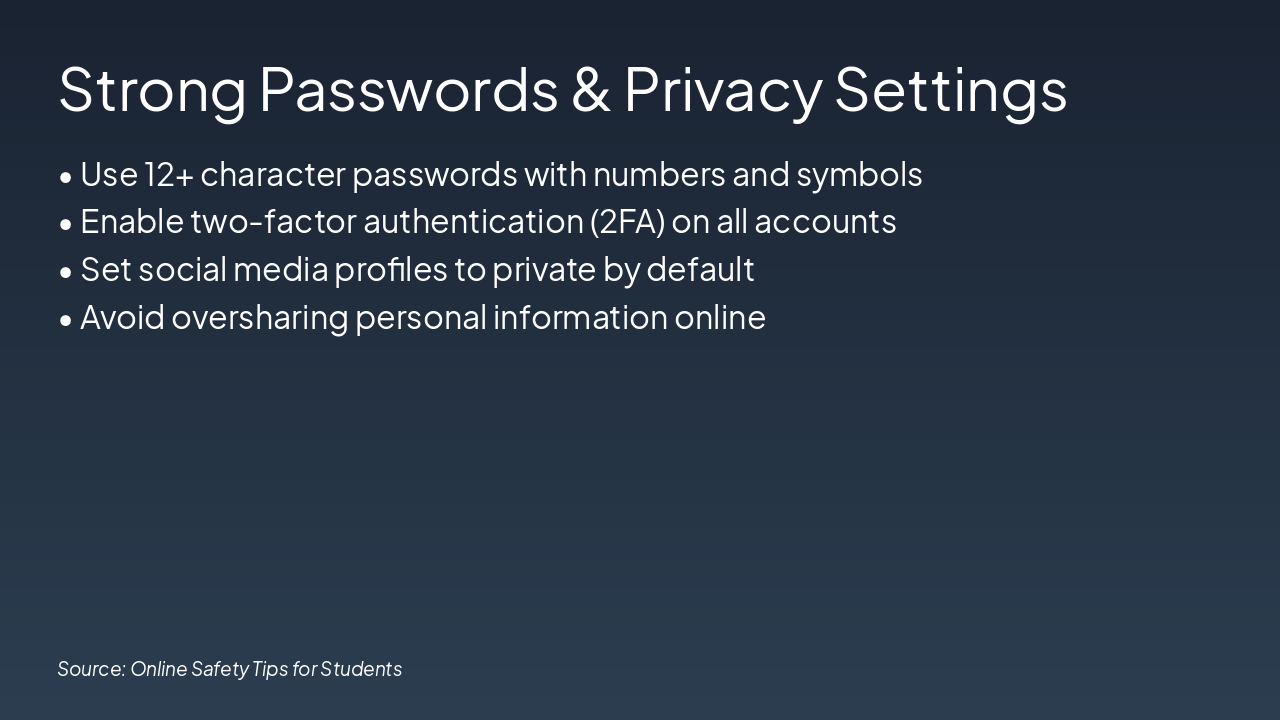
The slide recommends using strong passwords with at least 12 characters, including numbers and symbols, and enabling two-factor authentication (2FA) on all accounts. It also advises setting social media profiles to private by default and avoiding oversharing personal information online.

Strong Passwords & Privacy Settings

  • Use 12+ character passwords with numbers and symbols
  • Enable two-factor authentication (2FA) on all accounts
  • Set social media profiles to private by default
  • Avoid oversharing personal information online

Source: Online Safety Tips for Students

Slide 4 - Strong Passwords & Privacy Settings
Slide 5 of 8

Slide 5 - Recognize Phishing & Scams

The slide titled "Recognize Phishing & Scams" provides key tips to avoid online threats. It advises checking the sender's email address, avoiding suspicious links, and verifying requests before acting.

Recognize Phishing & Scams

!Image

  • Check sender's email address
  • Avoid clicking suspicious links
  • Verify requests before acting

Source: Online Safety Tips for Students

Slide 5 - Recognize Phishing & Scams
Slide 6 of 8

Slide 6 - Social Media Safety

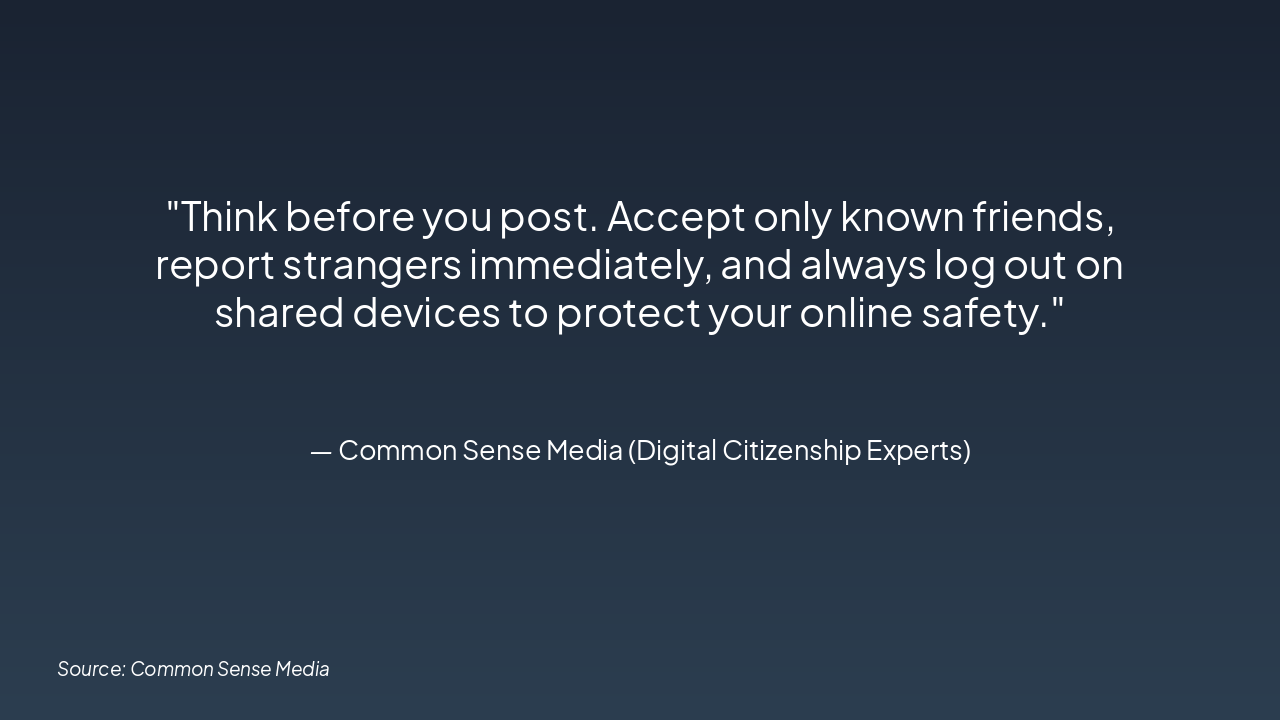
The slide titled "Social Media Safety" features a quote from Common Sense Media emphasizing online protection. It advises thinking before posting, accepting only known friends, reporting strangers immediately, and logging out on shared devices.

Social Media Safety

> Think before you post. Accept only known friends, report strangers immediately, and always log out on shared devices to protect your online safety.

— Common Sense Media (Digital Citizenship Experts)

Source: Common Sense Media

Speaker Notes
Emphasize thinking before posting and following these key tips to stay safe online as students.
Slide 6 - Social Media Safety
Slide 7 of 8

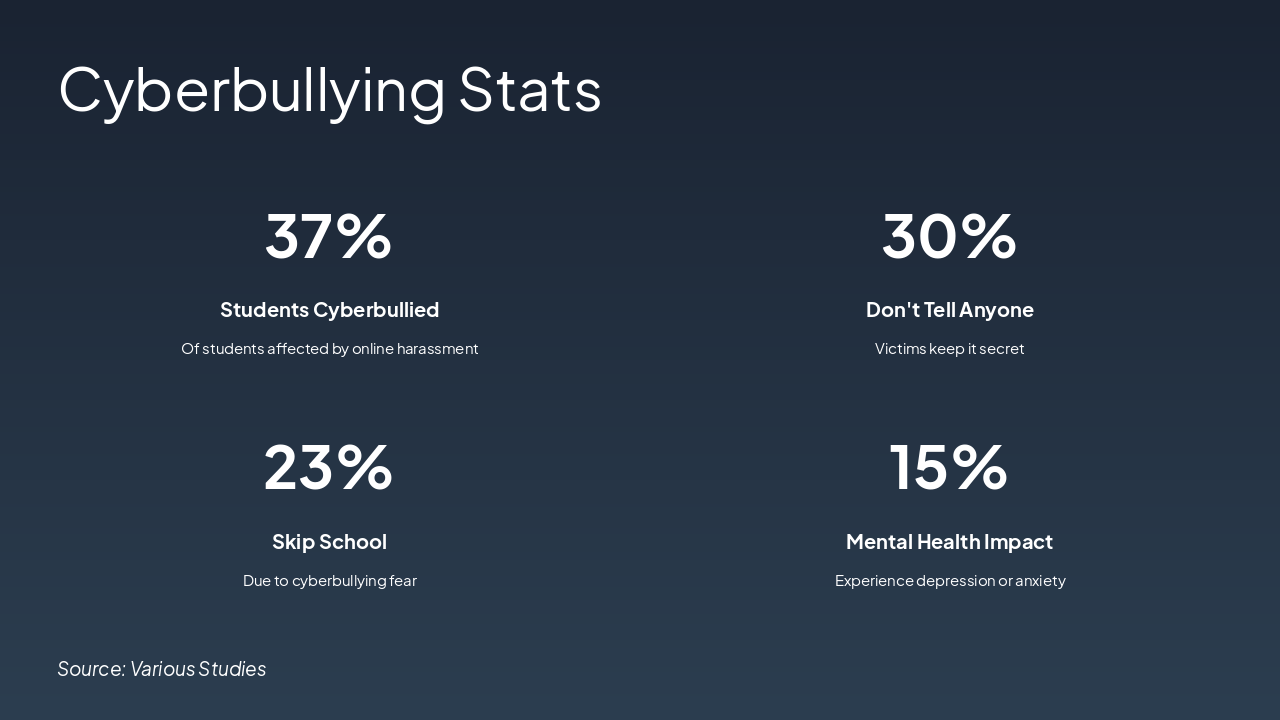
Slide 7 - Cyberbullying Stats

37% of students experience cyberbullying through online harassment, with 30% of victims keeping it secret and not telling anyone. Additionally, 23% skip school due to fear of cyberbullying, and 15% suffer mental health impacts like depression or anxiety.

Cyberbullying Stats

  • 37%: Students Cyberbullied
  • Of students affected by online harassment

  • 30%: Don't Tell Anyone
  • Victims keep it secret

  • 23%: Skip School
  • Due to cyberbullying fear

  • 15%: Mental Health Impact

Experience depression or anxiety Source: Various Studies

Speaker Notes
Tip: Block/report bullies, save evidence, seek help.
Slide 7 - Cyberbullying Stats
Slide 8 of 8

Slide 8 - Stay Safe Online!

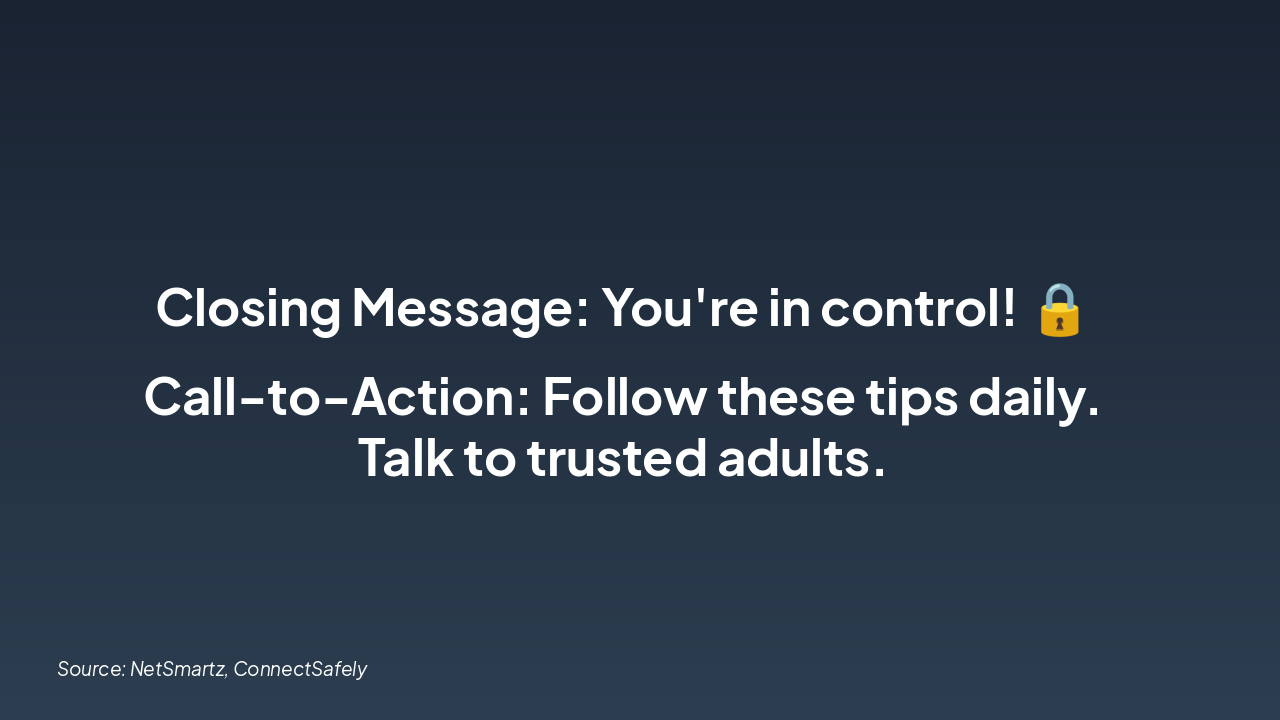
The slide titled "Stay Safe Online!" features a closing message emphasizing that "You're in control!" with a lock emoji. It includes a call-to-action to follow the safety tips daily and talk to trusted adults.

Stay Safe Online!

**Closing Message: You're in control! šŸ”’

Call-to-Action: Follow these tips daily. Talk to trusted adults.**

Source: NetSmartz, ConnectSafely

Speaker Notes
Encourage daily practice of tips and use of resources. Emphasize empowerment.
Slide 8 - Stay Safe Online!

Discover More Presentations

Explore thousands of AI-generated presentations for inspiration

Browse Presentations
Powered by AI

Create Your Own Presentation

Generate professional presentations in seconds with Karaf's AI. Customize this presentation or start from scratch.

Create New Presentation

Powered by Karaf.ai — AI-Powered Presentation Generator