Implementing Microsoft 365 E5 Services

Generated from prompt:

Generate a professional PowerPoint presentation titled 'Microsoft 365 E5 Services Implementation' using the Propel-Procedure Template Version 1 for NxC International. Apply the template's corporate style: header/footer, internal usage note, version block, and blue NxC branding. Content structure: 1. Title Page – Microsoft 365 E5 Services Implementation (Author: Mohamed Trabelsi, NxC International, Feb 2024) 2. Introduction & Objectives – Overview of modernization using Microsoft 365 E5; goals: enhance security, compliance, and identity management. 3. Scope Overview – 265 endpoints, 60 servers; discovery, design, implementation, and migration. 4. Discovery & Assessment Phase – AD forest/domain review, Entra sync, MFA, licensing audit. 5. Target Architecture Design – Unified AD strategy, Entra ID lifecycle, FIDO2/passkeys, Zero Trust model. 6. Implementation Phases – 120-day roadmap: setup, Defender deployment, phased rollout, testing. 7. Key Technologies & Tools – Microsoft Defender Suite, Azure AD Premium, Intune, DLP, Purview. 8. ROI & Benefits – Cost reduction, improved compliance, productivity gain. 9. Risks & Mitigations – Change management, phased rollout, governance model. 10. Conclusion – Secure, compliant, agile enterprise environment. Export presentation in both PPTX and PDF formats, maintaining NxC corporate identity and Propel template style.

This presentation outlines the implementation of Microsoft 365 E5 at NxC International, covering discovery, design, phased rollout, key technologies, ROI, risks, and benefits to achieve a secure, comp

November 26, 202510 slides
Slide 1 of 10

Slide 1 - Microsoft 365 E5 Services Implementation

The slide's title is "Microsoft 365 E5 Services Implementation," focusing on the deployment of advanced Microsoft 365 features. Its subtitle highlights enhancements in security, compliance, and identity management to strengthen organizational protections.

Microsoft 365 E5 Services Implementation

Enhancing Security, Compliance, and Identity Management

Source: Author: Mohamed Trabelsi, NxC International, Feb 2024. Internal use only.

Speaker Notes
Internal use only. Apply NxC corporate branding with header/footer, version block, and blue theme.
Slide 1 - Microsoft 365 E5 Services Implementation
Slide 2 of 10

Slide 2 - Introduction & Objectives

This slide introduces the key objectives for leveraging the Microsoft 365 E5 suite to modernize infrastructure and enhance overall organizational capabilities. It outlines goals such as bolstering security with advanced threat protection, improving compliance via robust data governance, strengthening identity management for secure access, and ensuring seamless user experiences across environments.

Introduction & Objectives

  • Modernize infrastructure using Microsoft 365 E5 suite
  • Enhance security with advanced threat protection measures
  • Improve compliance through robust data governance tools
  • Strengthen identity management for secure access control
  • Deliver seamless user experiences across all environments

Source: NxC International - Microsoft 365 E5 Services Implementation

Speaker Notes
Highlight the strategic benefits of modernization with M365 E5 for security, compliance, and user experience.
Slide 2 - Introduction & Objectives
Slide 3 of 10

Slide 3 - Scope Overview

The Scope Overview slide highlights key statistics for an upgrade project, covering 265 endpoints such as total devices in the upgrade scope. It also details 60 managed servers for infrastructure, structured across 4 project phases: discovery, design, implementation, and migration.

Scope Overview

  • 265: Endpoints Covered
  • Total devices in upgrade scope

  • 60: Servers Managed
  • Infrastructure servers included

  • 4: Project Phases
  • Discovery, design, implementation, migration

Slide 3 - Scope Overview
Slide 4 of 10

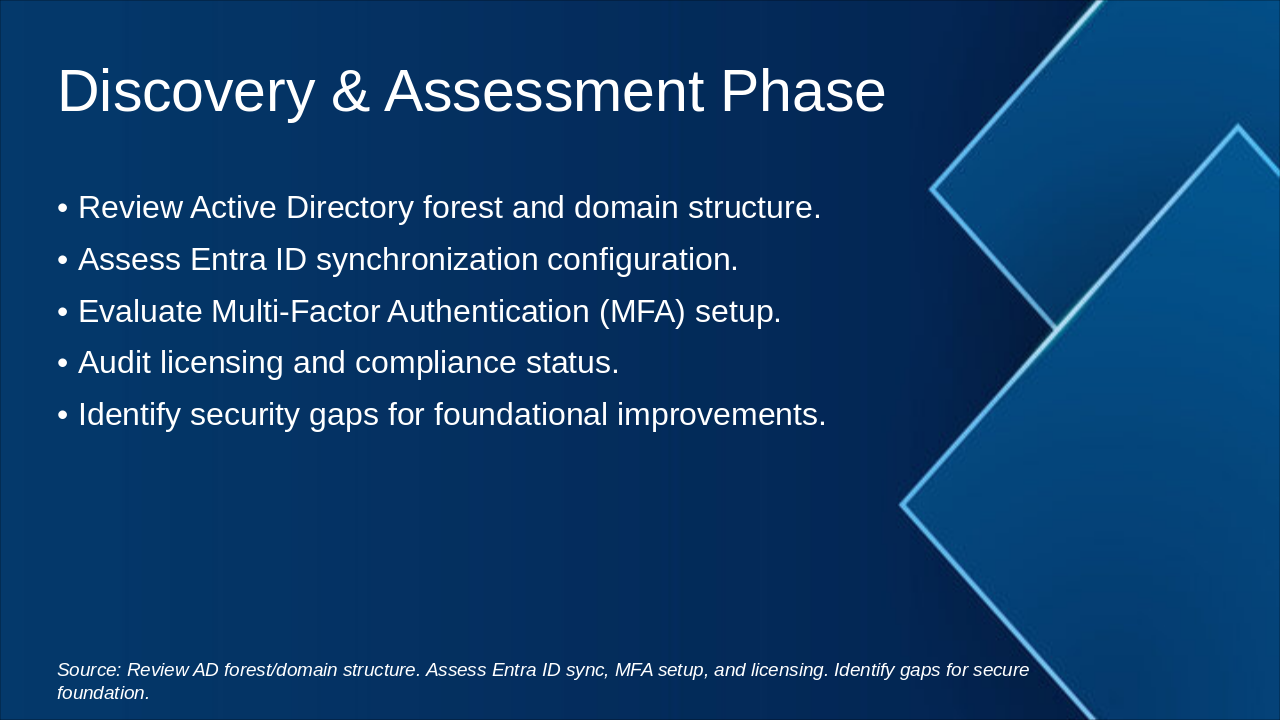
Slide 4 - Discovery & Assessment Phase

The Discovery & Assessment Phase slide outlines key steps for evaluating an organization's identity infrastructure, including reviewing the Active Directory forest and domain structure, assessing Entra ID synchronization, and evaluating Multi-Factor Authentication setup. It also covers auditing licensing and compliance status to identify security gaps for foundational improvements.

Discovery & Assessment Phase

  • Review Active Directory forest and domain structure.
  • Assess Entra ID synchronization configuration.
  • Evaluate Multi-Factor Authentication (MFA) setup.
  • Audit licensing and compliance status.
  • Identify security gaps for foundational improvements.

Source: Review AD forest/domain structure. Assess Entra ID sync, MFA setup, and licensing. Identify gaps for secure foundation.

Slide 4 - Discovery & Assessment Phase
Slide 5 of 10

Slide 5 - Target Architecture Design

The slide outlines a target architecture design featuring a unified Active Directory strategy integrated with Entra ID to automate user lifecycle management, including provisioning, access reviews, and de-provisioning, across 265 endpoints and 60 servers for streamlined administration. On the right, it describes deploying FIDO2 standards and passkeys for passwordless authentication to mitigate phishing, alongside a Zero Trust security model that verifies identities, devices, and contexts in a Microsoft 365 E5 environment for enhanced protection and compliance.

Target Architecture Design

Unified AD Strategy and Entra ID Lifecycle ManagementFIDO2/Passkeys and Zero Trust Security Model
Integrate on-premises Active Directory with Entra ID for a unified identity framework. Automate lifecycle processes including user provisioning, access reviews, and de-provisioning to streamline management and reduce administrative overhead across 265 endpoints and 60 servers.Deploy FIDO2 standards and passkeys for passwordless authentication, eliminating phishing risks. Implement Zero Trust principles to continuously verify identities, devices, and contexts, providing robust protection and compliance in a modernized Microsoft 365 E5 environment.

Source: Microsoft 365 E5 Services Implementation

Slide 5 - Target Architecture Design
Slide 6 of 10

Slide 6 - Implementation Phases

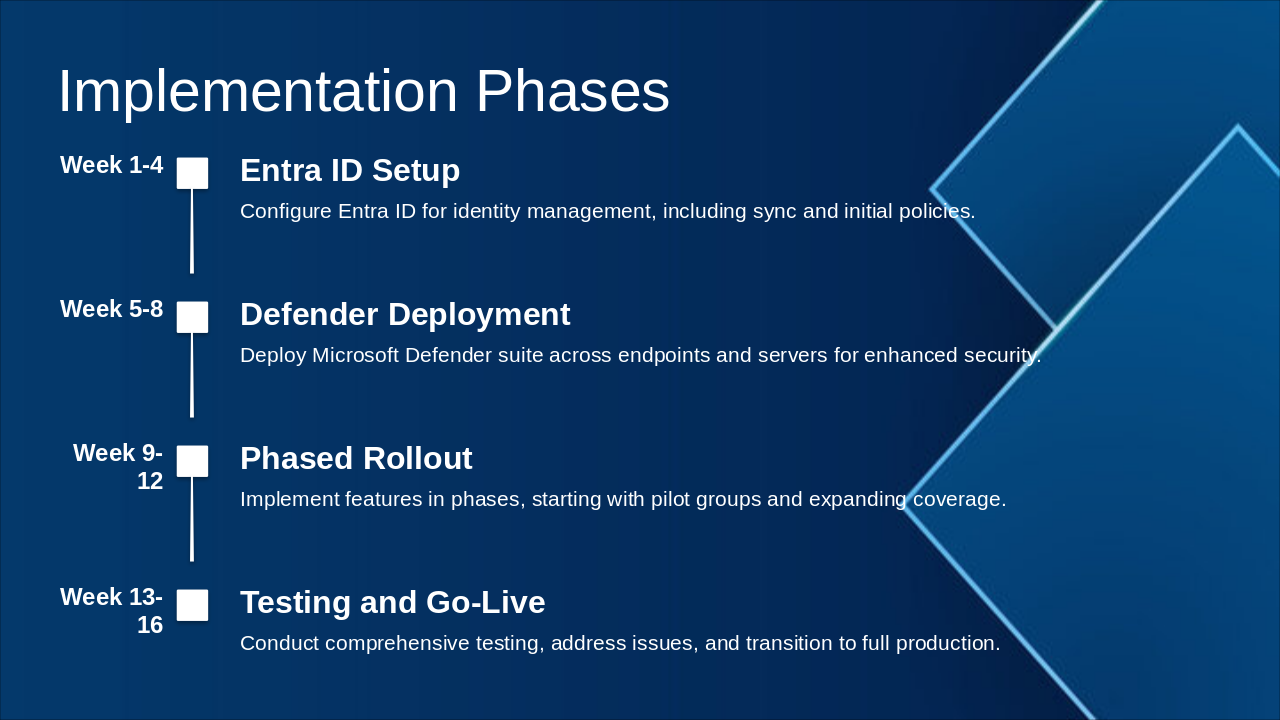
The Implementation Phases timeline outlines a 16-week rollout for Microsoft security tools, starting with Entra ID setup in weeks 1-4 to configure identity management, sync, and initial policies. It continues with Defender deployment across endpoints and servers in weeks 5-8, a phased rollout to pilot groups and broader coverage in weeks 9-12, and concludes with comprehensive testing, issue resolution, and full production go-live in weeks 13-16.

Implementation Phases

Week 1-4: Entra ID Setup Configure Entra ID for identity management, including sync and initial policies. Week 5-8: Defender Deployment Deploy Microsoft Defender suite across endpoints and servers for enhanced security. Week 9-12: Phased Rollout Implement features in phases, starting with pilot groups and expanding coverage. Week 13-16: Testing and Go-Live Conduct comprehensive testing, address issues, and transition to full production.

Slide 6 - Implementation Phases
Slide 7 of 10

Slide 7 - Key Technologies & Tools

The slide titled "Key Technologies & Tools" highlights essential Microsoft security and management solutions for enterprise environments. It covers the Microsoft Defender Suite for threat protection across endpoints and cloud, Azure AD Premium for identity and access management, Intune for device configuration, DLP to prevent data leakage, and Purview for compliance and governance.

Key Technologies & Tools

  • Microsoft Defender Suite: Comprehensive threat protection across endpoints and cloud.
  • Azure AD Premium: Robust identity and access management.
  • Intune: Centralized device management and configuration.
  • DLP: Prevention of sensitive data loss and leakage.
  • Purview: Unified compliance and governance solutions.

Source: Microsoft 365 E5 Services Implementation

Speaker Notes
Highlight how these tools integrate to enhance security, identity, and compliance in the implementation.
Slide 7 - Key Technologies & Tools
Slide 8 of 10

Slide 8 - ROI & Benefits

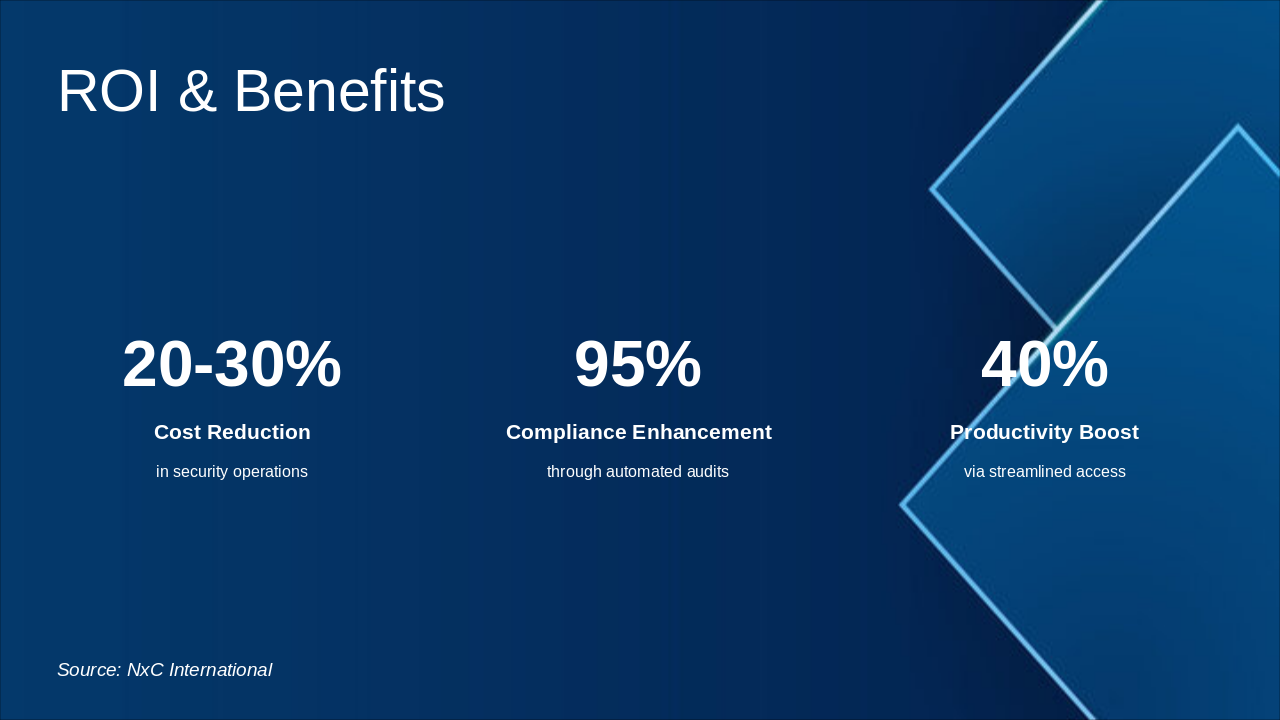
The ROI & Benefits slide highlights key statistics from a security operations solution, including a 20-30% reduction in costs through optimized processes. It also showcases a 95% enhancement in compliance via automated audits and a 40% boost in productivity from streamlined access management.

ROI & Benefits

  • 20-30%: Cost Reduction
  • in security operations

  • 95%: Compliance Enhancement
  • through automated audits

  • 40%: Productivity Boost

via streamlined access Source: NxC International

Slide 8 - ROI & Benefits
Slide 9 of 10

Slide 9 - Risks & Mitigations

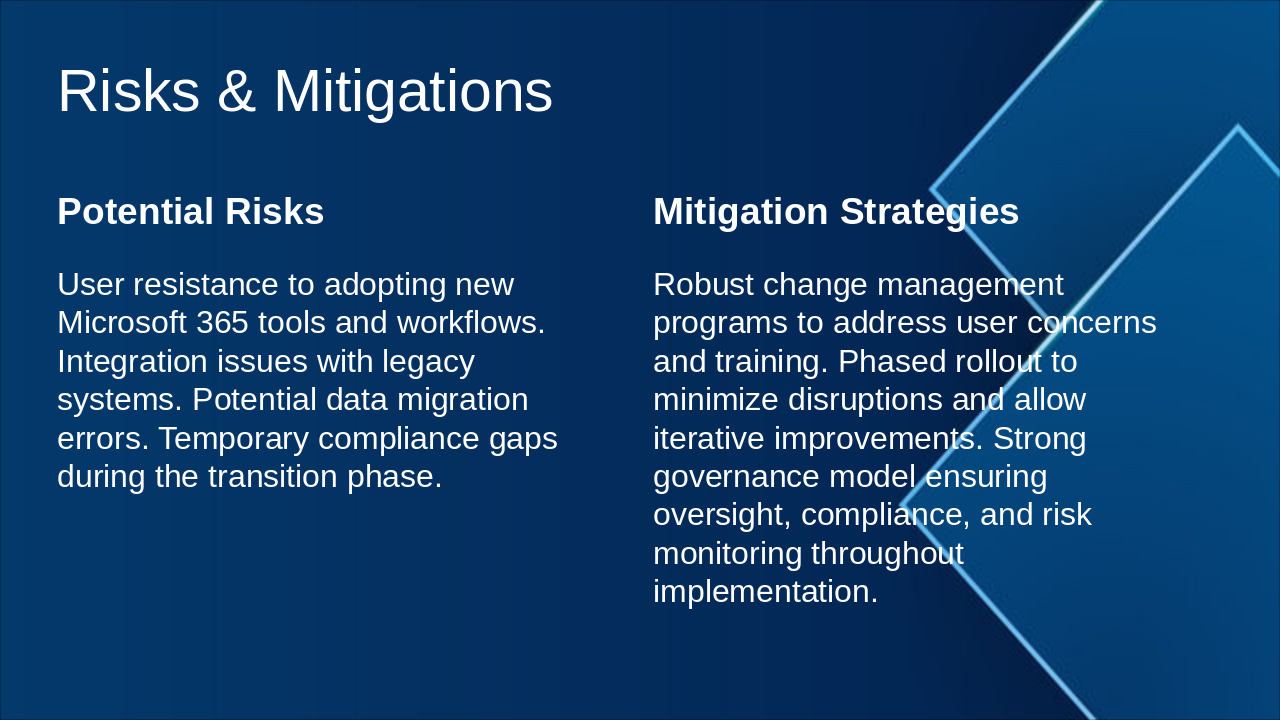
The slide outlines potential risks in adopting Microsoft 365, including user resistance to new tools, integration challenges with legacy systems, data migration errors, and temporary compliance gaps during transition. To mitigate these, it recommends robust change management and training programs, a phased rollout for minimal disruptions, and a strong governance model for ongoing oversight, compliance, and risk monitoring.

Risks & Mitigations

Potential RisksMitigation Strategies
User resistance to adopting new Microsoft 365 tools and workflows. Integration issues with legacy systems. Potential data migration errors. Temporary compliance gaps during the transition phase.Robust change management programs to address user concerns and training. Phased rollout to minimize disruptions and allow iterative improvements. Strong governance model ensuring oversight, compliance, and risk monitoring throughout implementation.
Slide 9 - Risks & Mitigations
Slide 10 of 10

Slide 10 - Conclusion

The conclusion slide emphasizes delivering a secure, compliant, and agile enterprise environment through Microsoft 365 E5. It highlights how this solution empowers NxC International for sustained future growth.

Conclusion

Deliver a secure, compliant, and agile enterprise environment with Microsoft 365 E5, empowering NxC International for future growth.

Empowering NxC International

Source: Microsoft 365 E5 Services Implementation

Speaker Notes
Closing message: Thank you for your attention. (4 words) Call-to-action: Partner with us to implement Microsoft 365 E5 and drive NxC's growth. (12 words)
Slide 10 - Conclusion

Discover More Presentations

Explore thousands of AI-generated presentations for inspiration

Browse Presentations
Powered by AI

Create Your Own Presentation

Generate professional presentations in seconds with Karaf's AI. Customize this presentation or start from scratch.

Create New Presentation

Powered by Karaf.ai — AI-Powered Presentation Generator