Creating Chord Charts: A Practical Guide for Musicians
Generated from prompt:
Make a presentation about creating chord charts
This presentation offers a comprehensive, step-by-step guide for musicians to create effective chord charts. Covering definitions, essential tools like MuseScore and Guitar Pro, key elements such as chord symbols and diagrams, workflow processes, real-world examples, formatting best practices, and tips for live performance readability.
Slide 2 - Presentation Overview
- What is a Chord Chart?
- Essential Tools
- Key Elements of a Chord Chart
- Step-by-Step Creation Process
- Real-World Examples
- Formatting Tips & Best Practices
- Conclusion & Next Steps
---
Photo by Chris Bair on Unsplash
Slide 3 - Understanding Chord Charts
1
What is a Chord Chart?
Essential tool for musicians to accompany songs quickly
---
Photo by Nicolas Brulois on Unsplash
Slide 4 - Definition and Purpose
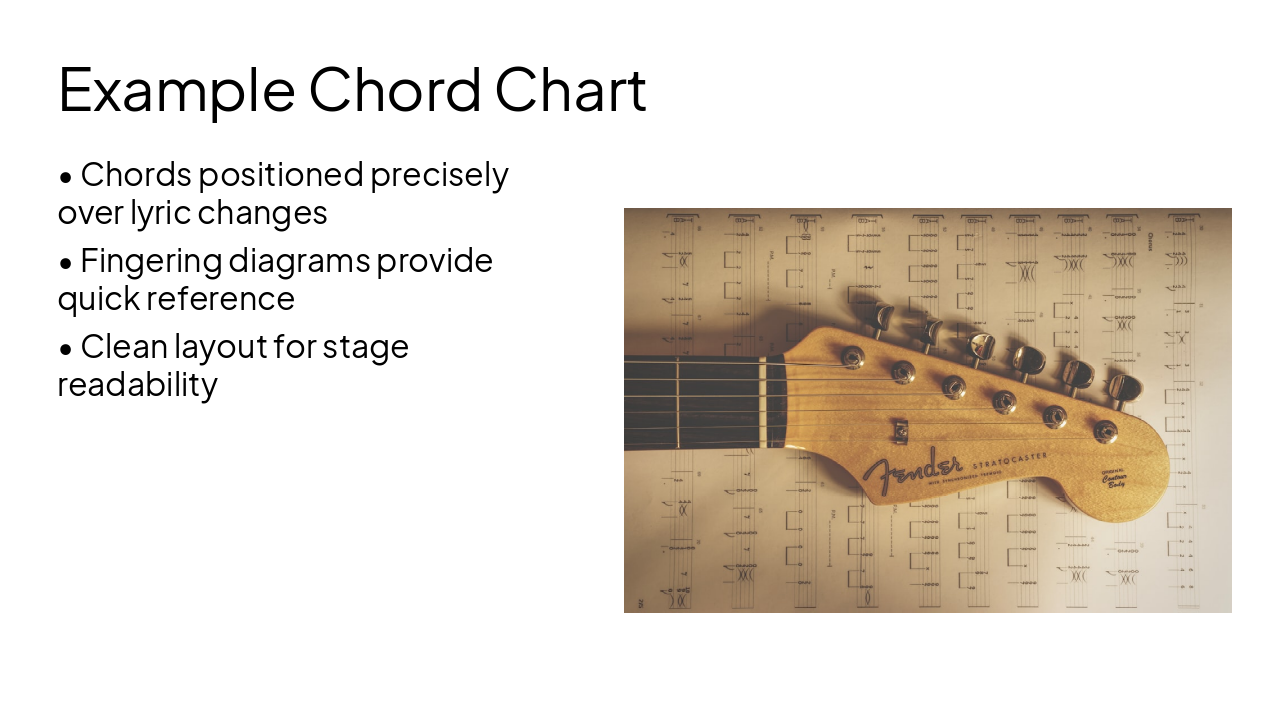
- Visual map of chords placed above corresponding lyrics
- Enables musicians to play songs without full sheet music
- Ideal for live gigs, rehearsals, and worship settings
- Often includes chord fingering diagrams at the top
Slide 6 - Tools for Creating Chord Charts
2
Essential Tools
Software and apps to streamline chart creation
---
Photo by Duncan Kidd on Unsplash
Slide 7 - Popular Tools
- MuseScore: Free notation software with chord support
- Guitar Pro: Professional tab and chord editor
- Google Docs/Word: Use tables for alignment
- Online: Hookpad.io, Flat.io for quick web-based creation
- Mobile apps: Chordbot, iReal Pro
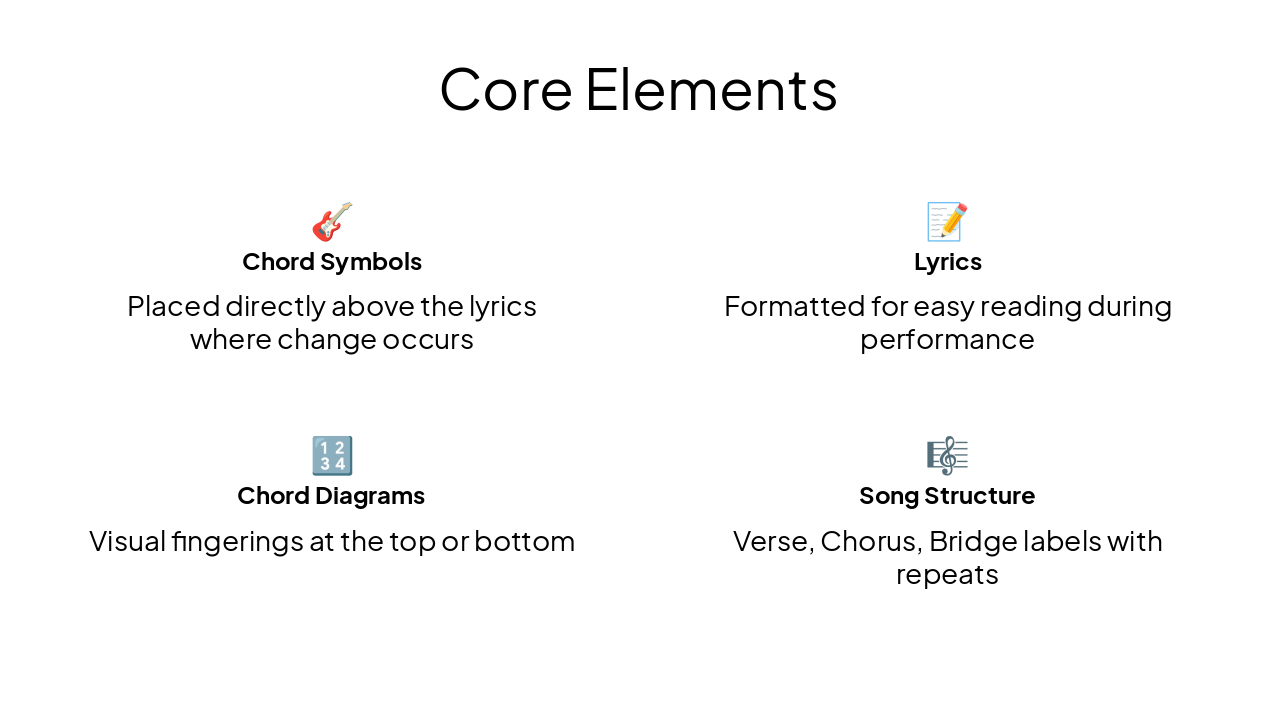
Slide 9 - Core Elements
🎸 Chord Symbols Placed directly above the lyrics where change occurs
📝 Lyrics Formatted for easy reading during performance
🔢 Chord Diagrams Visual fingerings at the top or bottom
🎼 Song Structure Verse, Chorus, Bridge labels with repeats
Slide 10 - Step-by-Step Guide
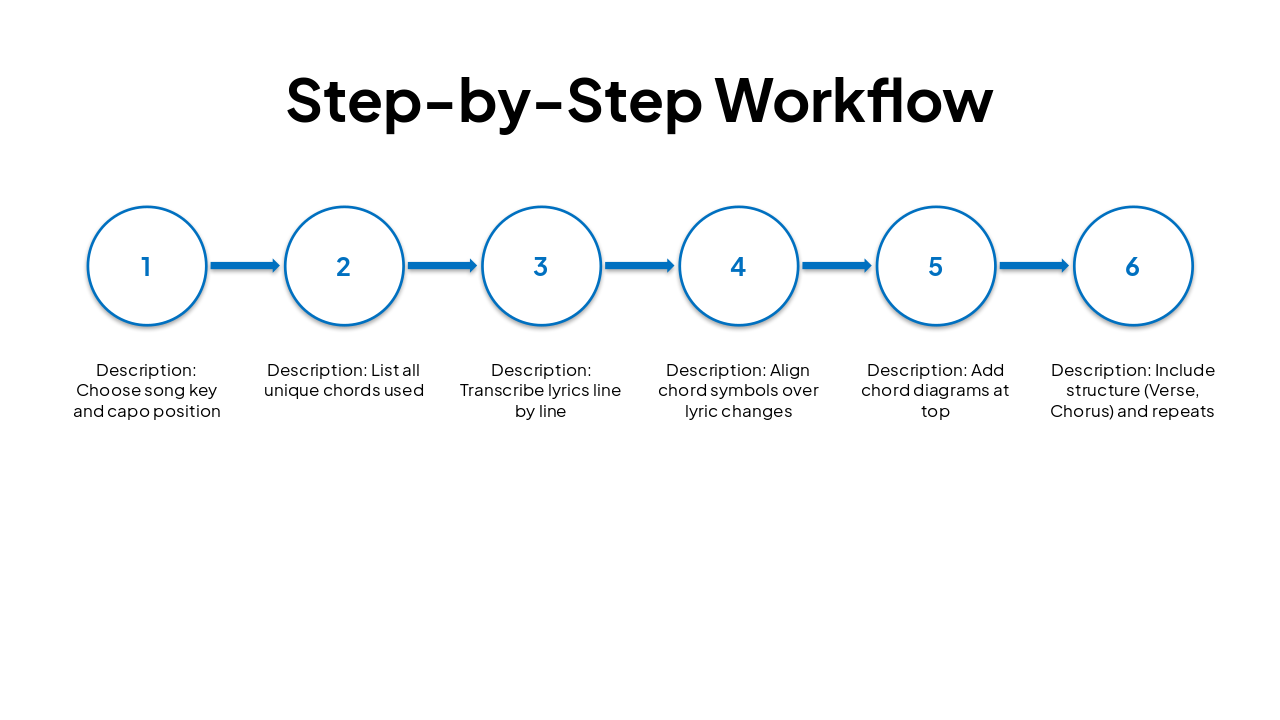
Slide 11 - Step-by-Step Workflow
| Step | Description |
|---|---|
| 1 | Choose song key and capo position |
| 2 | List all unique chords used |
| 3 | Transcribe lyrics line by line |
| 4 | Align chord symbols over lyric changes |
| 5 | Add chord diagrams at top |
| 6 | Include structure (Verse, Chorus) and repeats |
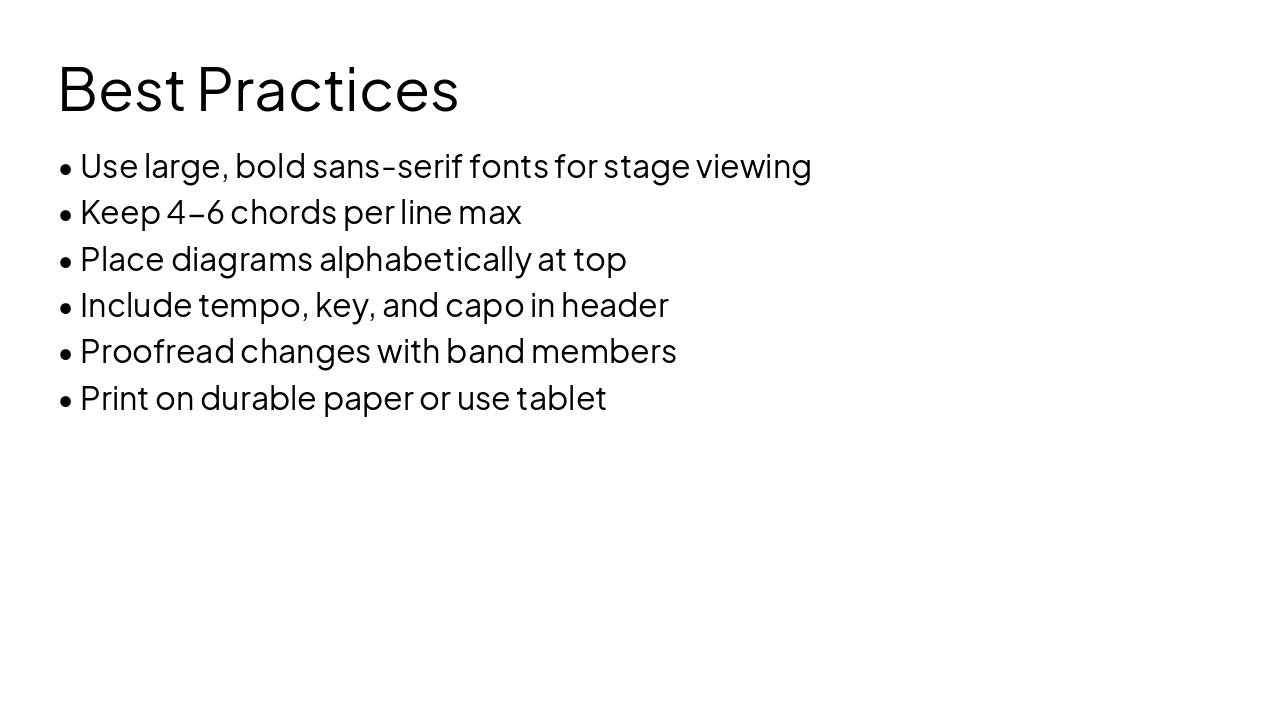
Slide 13 - Best Practices
- Use large, bold sans-serif fonts for stage viewing
- Keep 4-6 chords per line max
- Place diagrams alphabetically at top
- Include tempo, key, and capo in header
- Proofread changes with band members
- Print on durable paper or use tablet
Slide 14 - Key Takeaways
Create effective chord charts to play any song confidently in any setting
Practice with simple tools and refine through iteration. Thank you! Q&A?
---
Photo by Roberto Rendon on Unsplash
Discover More Presentations
Explore thousands of AI-generated presentations for inspiration
Create Your Own Presentation
Generate professional presentations in seconds with Karaf's AI. Customize this presentation or start from scratch.