ISO/IEC 27001:2022 Employee Awareness Training

Generated from prompt:

Generate a ready-to-paste PowerPoint script for ISO/IEC 27001:2022 Employee Awareness Training. Include ~35 slides suitable for 60-minute delivery with slide titles, bullet points, and detailed trainer notes for each slide (with timing guidance). Include all topics: introduction, ISO 27001 overview, ISMS explanation, CIA triad, employee responsibilities, information classification, phishing/social engineering examples, password/MFA best practices, incident reporting, high-level Annex A controls, security do's and don'ts, quiz, key takeaways. Format it so that the user can copy each slide into PowerPoint quickly.

This deck delivers essential ISO/IEC 27001:2022 awareness training for employees, covering information security importance, ISMS basics, CIA triad, practical habits like strong passwords, phishing recognition, incident reporting, Annex A controls, do

March 16, 202616 slides
Slide 1 of 16

Slide 1 - ISO/IEC 27001:2022 Awareness Training

ISO/IEC 27001:2022 Employee Awareness Training

Securing our information assets together (ISO/IEC 27001:2022)
Slide 1 - ISO/IEC 27001:2022 Awareness Training
Slide 2 of 16

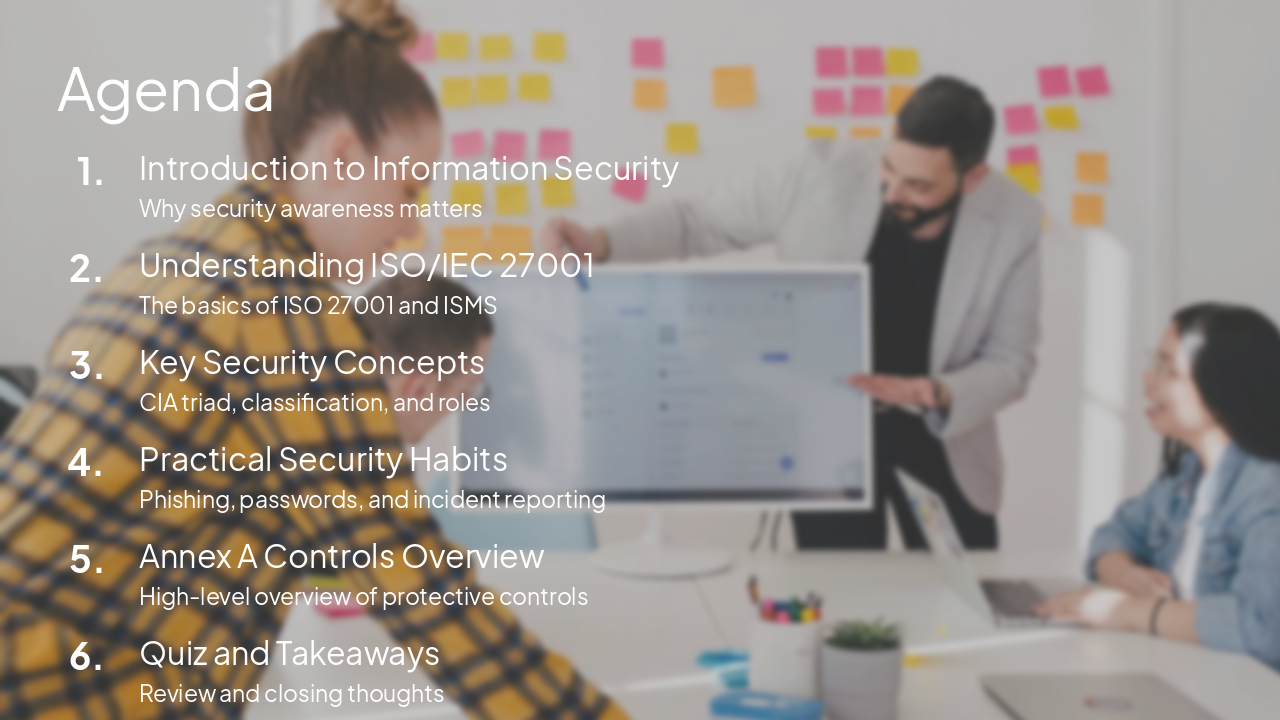
Slide 2 - Agenda

  • Introduction to Information Security: Why security awareness matters
  • Understanding ISO/IEC 27001: The basics of ISO 27001 and ISMS
  • Key Security Concepts: CIA triad, classification, and roles
  • Practical Security Habits: Phishing, passwords, and incident reporting
  • Annex A Controls Overview: High-level overview of protective controls
  • Quiz and Takeaways: Review and closing thoughts
Slide 2 - Agenda
Slide 3 of 16

Slide 3 - Introduction

1

Introduction to Information Security

Why security awareness is critical for everyone
Slide 3 - Introduction
Slide 4 of 16

Slide 4 - Why Security Awareness Matters

  • Information is a critical business asset.
  • Human error is the leading cause of security breaches.
  • Security is everyone's responsibility, not just IT.
  • Awareness empowers you to recognize and report threats.
  • Compliance with ISO/IEC 27001 keeps our organization trusted.
Slide 4 - Why Security Awareness Matters
Slide 5 of 16

Slide 5 - ISO 27001 Overview

2

Understanding ISO 27001

Our framework for information security management
Slide 5 - ISO 27001 Overview
Slide 6 of 16

Slide 6 - What is ISO 27001?

  • ISO/IEC 27001 is an international standard for Information Security Management Systems (ISMS).
  • It provides a systematic approach to managing sensitive company information.
  • The goal is to keep information assets secure by applying a risk management process.
  • It includes people, processes, and technology.
  • Being certified demonstrates our commitment to security to clients and partners.
Slide 6 - What is ISO 27001?
Slide 7 of 16

Slide 7 - The CIA Triad Explained

  • Confidentiality: Protecting info from unauthorized disclosure.
  • Integrity: Ensuring information is accurate and hasn't been tampered with.
  • Availability: Ensuring information is accessible when needed by authorized users.
Slide 7 - The CIA Triad Explained
Slide 8 of 16

Slide 8 - Practical Habits

3

Security Best Practices

Practical habits for your daily routine

Slide 8 - Practical Habits
Slide 9 of 16

Slide 9 - Password and MFA Best Practices

  • Use strong, unique passwords for every account.
  • Enable Multi-Factor Authentication (MFA) everywhere it's available.
  • Never share your credentials with anyone, not even colleagues.
  • Lock your workstation when you step away.
  • Use an approved password manager if possible.
Slide 9 - Password and MFA Best Practices
Slide 10 of 16

Slide 10 - Spotting Phishing & Social Engineering

  • Definition: Phishing is the practice of tricking users into revealing sensitive info via email or chat.
  • Red Flags: Unexpected attachments, urgent or threatening language, strange sender addresses.
  • Always hover over links before clicking.
  • Verify unusual requests via a second channel (e.g., call the requester).
  • When in doubt, report it to the IT Security Team.
Slide 10 - Spotting Phishing & Social Engineering
Slide 11 of 16

Slide 11 - Reporting Security Incidents

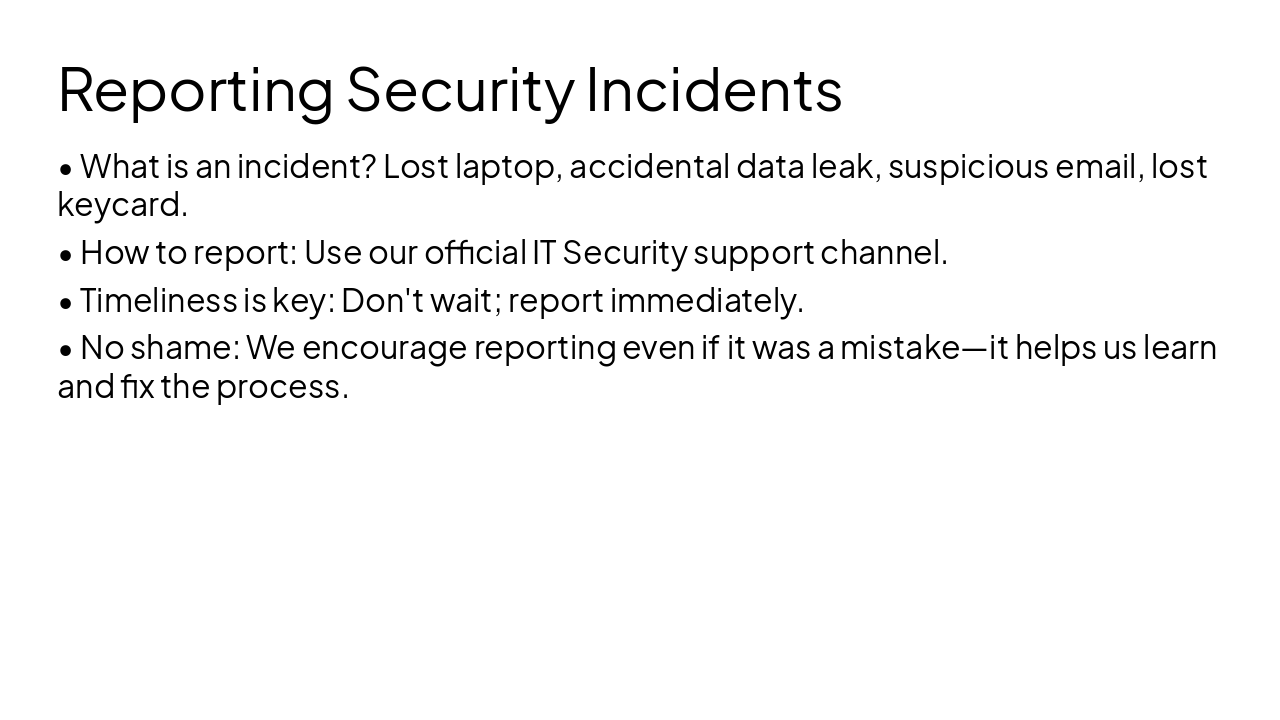
  • What is an incident? Lost laptop, accidental data leak, suspicious email, lost keycard.
  • How to report: Use our official IT Security support channel.
  • Timeliness is key: Don't wait; report immediately.
  • No shame: We encourage reporting even if it was a mistake—it helps us learn and fix the process.
Slide 11 - Reporting Security Incidents
Slide 12 of 16

Slide 12 - Controls

4

Compliance & Controls

Understanding our protective measures
Slide 12 - Controls
Slide 13 of 16

Slide 13 - Overview of Annex A Controls

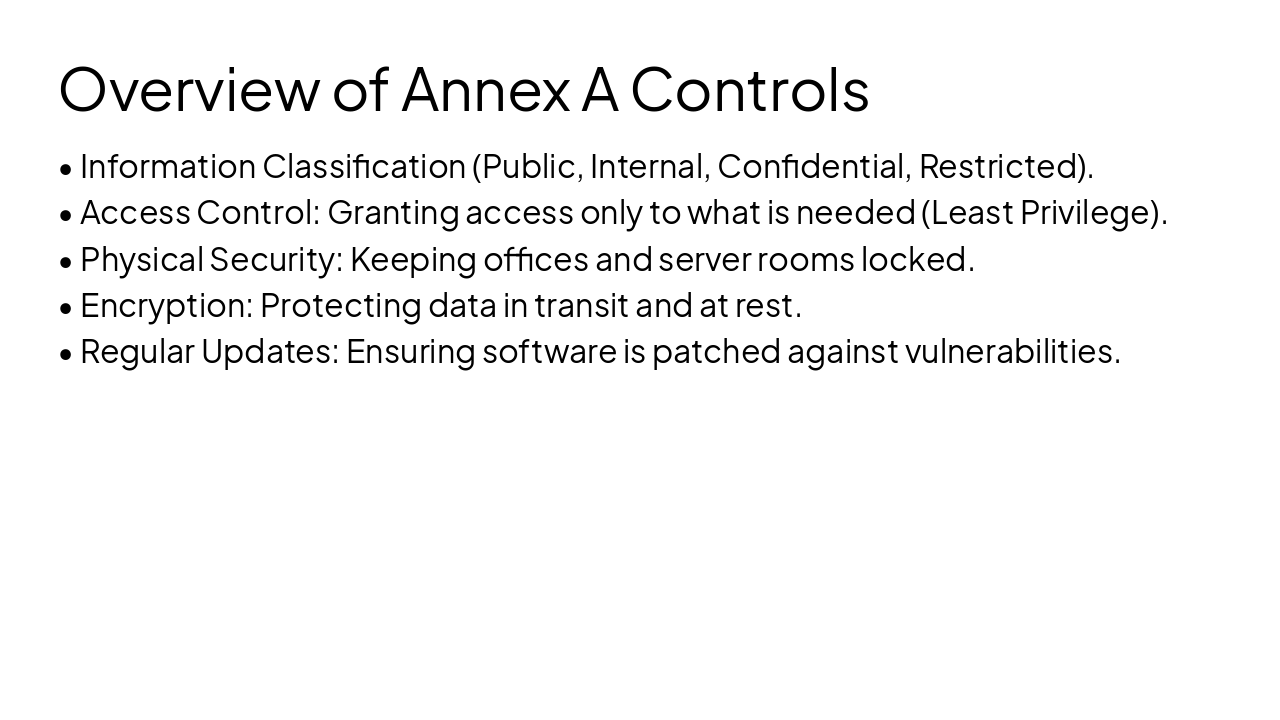
  • Information Classification (Public, Internal, Confidential, Restricted).
  • Access Control: Granting access only to what is needed (Least Privilege).
  • Physical Security: Keeping offices and server rooms locked.
  • Encryption: Protecting data in transit and at rest.
  • Regular Updates: Ensuring software is patched against vulnerabilities.
Slide 13 - Overview of Annex A Controls
Slide 14 of 16

Slide 14 - Security Do's and Don'ts

  • DO: Use your own user account for all work.
  • DO: Report suspicious emails immediately.
  • DO: Use your privacy screen in public areas.
  • DON'T: Use public Wi-Fi without a VPN.
  • DON'T: Plug untrusted USB drives into your machine.
  • DON'T: Write passwords on post-it notes.
Slide 14 - Security Do's and Don'ts
Slide 15 of 16

Slide 15 - Quick Knowledge Quiz

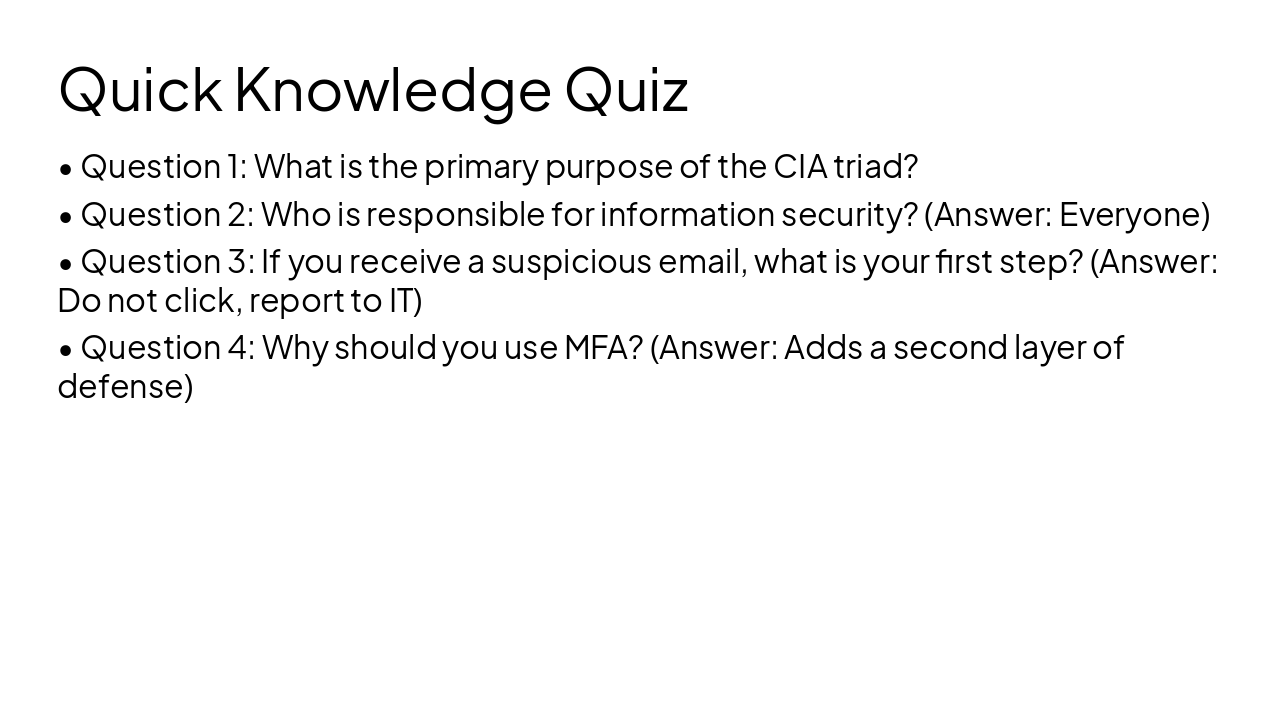
  • Question 1: What is the primary purpose of the CIA triad?
  • Question 2: Who is responsible for information security? (Answer: Everyone)
  • Question 3: If you receive a suspicious email, what is your first step? (Answer: Do not click, report to IT)
  • Question 4: Why should you use MFA? (Answer: Adds a second layer of defense)
Slide 15 - Quick Knowledge Quiz
Slide 16 of 16

Slide 16 - Key Takeaways & Closing

Thank You - Stay Secure!

You are our most important security control. Stay vigilant.

Slide 16 - Key Takeaways & Closing

Discover More Presentations

Explore thousands of AI-generated presentations for inspiration

Browse Presentations
Powered by AI

Create Your Own Presentation

Generate professional presentations in seconds with Karaf's AI. Customize this presentation or start from scratch.

Create New Presentation

Powered by Karaf.ai — AI-Powered Presentation Generator