Slide 1 of 11
Slide 1 - How to Make a Quick & Easy Sales Pitch
How to Make a Quick & Easy Sales Pitch
Step-by-Step Guide for Classmates
---
Photo by Campaign Creators on Unsplash

Generated from prompt:
My presentation is about how to make a quick easy sales pitch with step by step on each slides for my classmates. First slides should have a learning objective and a warm up in the middle of the presentation should be an activity and at the end should have homework
This presentation provides a complete guide to mastering quick and easy sales pitches through a proven 5-step process: Hook Attention, Introduce Your Offer, Highlight Benefits, Address Objections, and Call to Action. Designed for classroom use, it includes learning objectives, agenda, warm-up and practice activities, key statistics on why short pitches work, an inspirational quote from Zig Ziglar, homework assignment, and Q&A to build confidence in delivering effective pitches to classmates or clients.
How to Make a Quick & Easy Sales Pitch
Step-by-Step Guide for Classmates
---
Photo by Campaign Creators on Unsplash
---
Photo by airfocus on Unsplash
1
Follow this proven sequence for easy success
---
Photo by Daniel von Appen on Unsplash
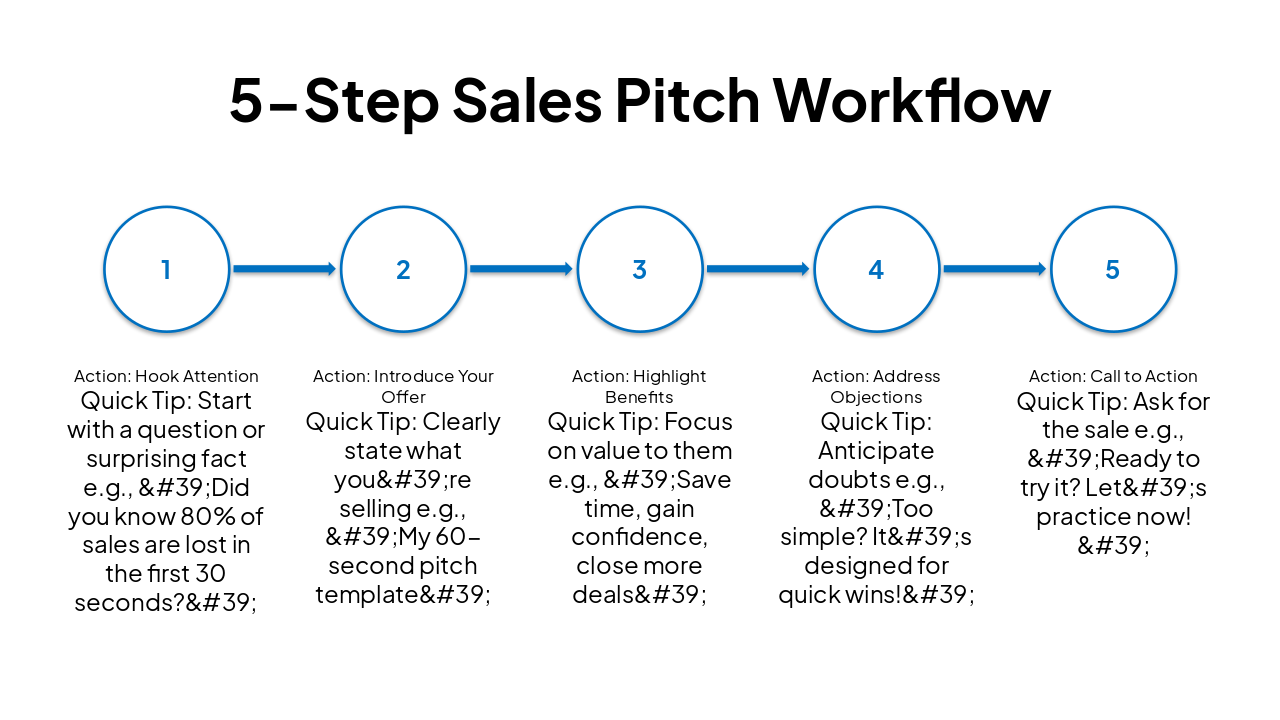
| Step | Action | Quick Tip |
|---|---|---|
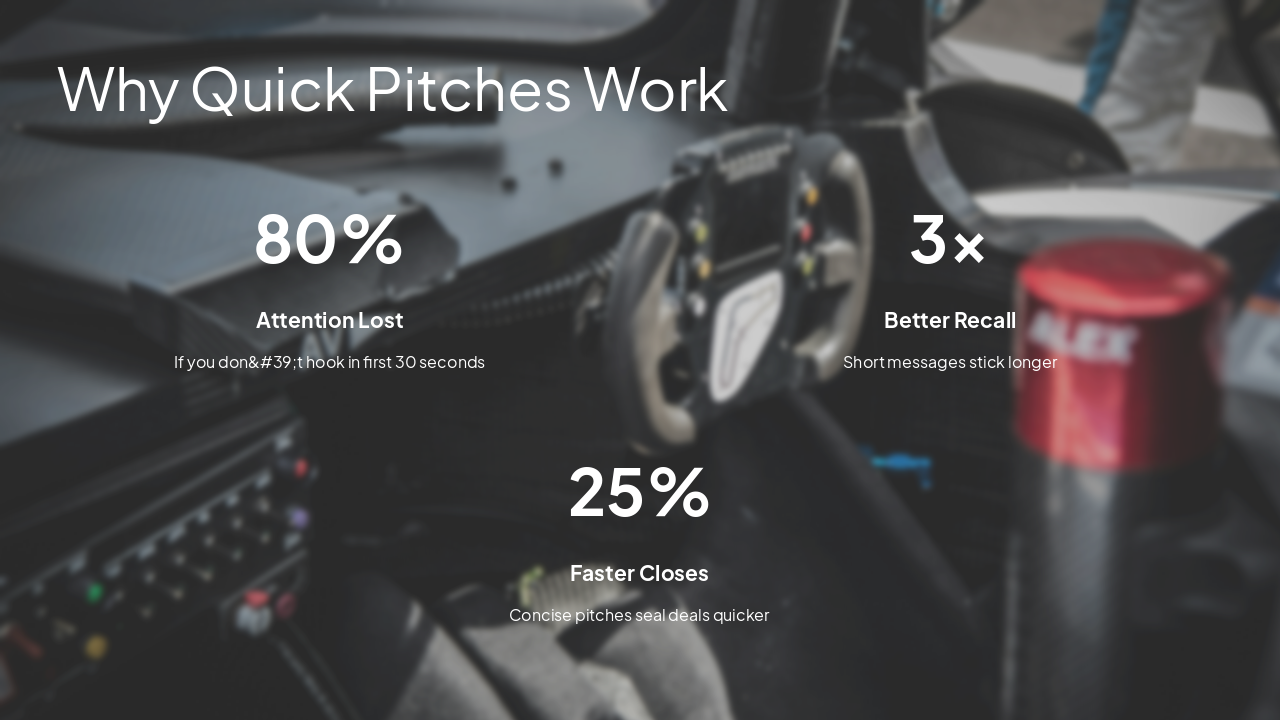
| 1 | Hook Attention | Start with a question or surprising fact e.g., 'Did you know 80% of sales are lost in the first 30 seconds?' |
| 2 | Introduce Your Offer | Clearly state what you're selling e.g., 'My 60-second pitch template' |
| 3 | Highlight Benefits | Focus on value to them e.g., 'Save time, gain confidence, close more deals' |
| 4 | Address Objections | Anticipate doubts e.g., 'Too simple? It's designed for quick wins!' |
| 5 | Call to Action | Ask for the sale e.g., 'Ready to try it? Let's practice now!' |
---
Photo by Vitaly Gariev on Unsplash
---
Photo by Laimdota Karpinska on Unsplash
---
Photo by Alessandro Zuffi on Unsplash
> "The key to sales is solving problems for people who have the money to solve them."
— Zig Ziglar
---
Photo by Encal Media on Unsplash
You're ready to deliver quick, easy sales pitches!
Questions? Practice makes perfect. See you next class!
---
Photo by Nicholas Wilson on Unsplash

Explore thousands of AI-generated presentations for inspiration
Generate professional presentations in seconds with Karaf's AI. Customize this presentation or start from scratch.