Mastering MLA In-Text Citations

Generated from prompt:

Create a PowerPoint presentation explaining MLA in-text citations. Include slides on: 1) What MLA in-text citations are, 2) Why they are important, 3) Basic rules and formatting, 4) Examples with authors, 5) Citing multiple authors, 6) Citing indirect sources, 7) Handling no author or page number, 8) Common mistakes, 9) Practice examples, and 10) Summary and tips.

Comprehensive guide to MLA in-text citations: definitions, importance, rules/formatting, examples (single/multiple authors, indirect/no author), common mistakes, practice exercises, and key tips. (148

December 14, 202512 slides
Slide 1 of 12

Slide 1 - Mastering MLA In-Text Citations

This title slide is titled "Mastering MLA In-Text Citations." Its subtitle promises to teach the basics, rules, examples, and tips for proper citations.

Mastering MLA In-Text Citations

Learn basics, rules, examples, and tips for proper citations

Source: MLA Style Guide

Slide 1 - Mastering MLA In-Text Citations
Slide 2 of 12

Slide 2 - Presentation Outline

This agenda slide outlines a presentation on MLA citations, beginning with an introduction to their purpose and importance. It then covers basic formatting rules, examples for special cases like multiple authors or no author, and ends with common mistakes, practice exercises, and key takeaways.

Presentation Outline

  1. Introduction to MLA Citations
  2. What they are and why they are important.

  3. Basic Rules and Formatting
  4. Key guidelines for proper in-text citations.

  5. Examples and Special Cases
  6. Single/multiple authors, indirect sources, no author.

  7. Mistakes, Practice, and Summary
  8. Common errors, exercises, and key takeaways.

Slide 2 - Presentation Outline
Slide 3 of 12

Slide 3 - What Are MLA In-Text Citations?

MLA in-text citations are brief parenthetical references within the text that point to full entries in the Works Cited list, using an author-page format like (Smith 45). They avoid footnotes or endnotes.

What Are MLA In-Text Citations?

  • Brief parenthetical references in text
  • Point to full Works Cited entry
  • Use author-page format: (Smith 45)
  • Avoid footnotes or endnotes
Slide 3 - What Are MLA In-Text Citations?
Slide 4 of 12

Slide 4 - Why Are They Important?

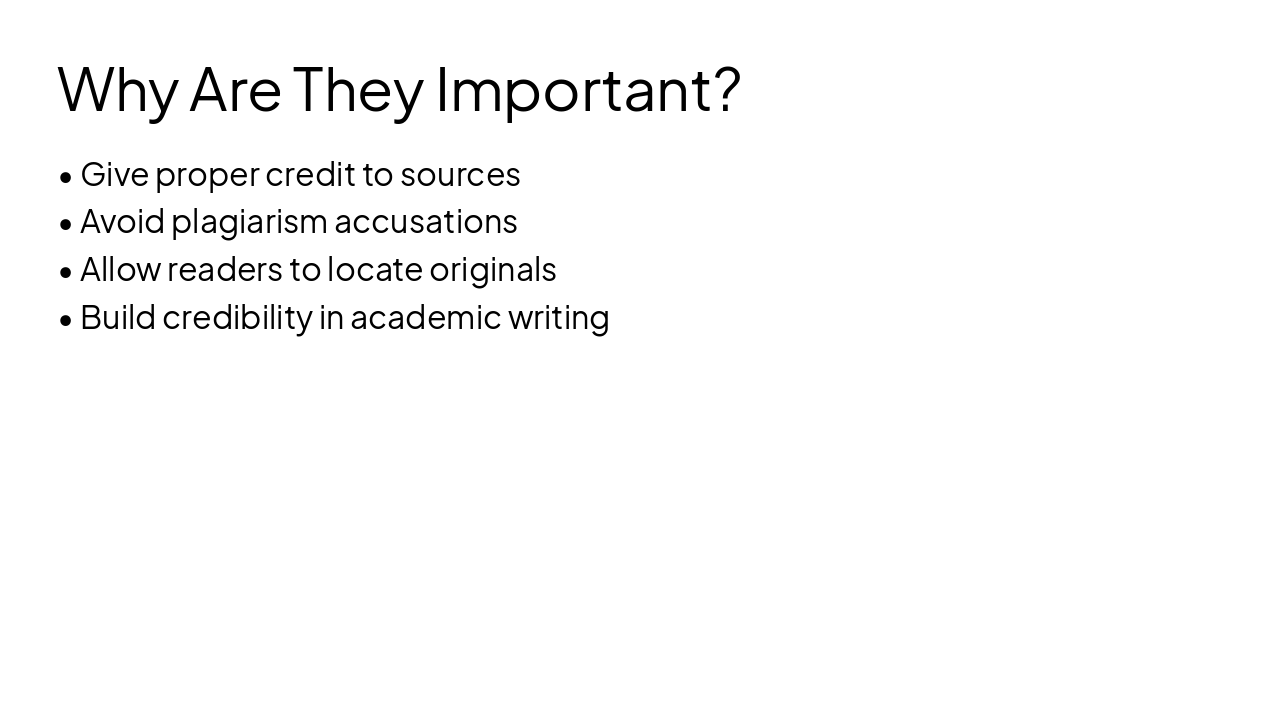
Citations are important because they give proper credit to sources and help avoid plagiarism accusations. They also allow readers to locate original materials while building credibility in academic writing.

Why Are They Important?

  • Give proper credit to sources
  • Avoid plagiarism accusations
  • Allow readers to locate originals
  • Build credibility in academic writing
Slide 4 - Why Are They Important?
Slide 5 of 12

Slide 5 - Basic Rules & Formatting

The slide "Basic Rules & Formatting" features a table detailing citation formats. It specifies in-text rules for one author (e.g., (Smith 45)), page ranges (e.g., (Smith 45-47)), block quotes (introduce without parentheses), and signal phrases (e.g., Smith states... (45)).

Basic Rules & Formatting

{ "headers": [ "Element", "Format" ], "rows": [ [ "One author", "(Smith 45)" ], [ "Page range", "(Smith 45-47)" ], [ "Block quote", "Introduce, no ()" ], [ "Signal phrase", "Smith states... (45)" ] ] }

Slide 5 - Basic Rules & Formatting
Slide 6 of 12

Slide 6 - Examples with Single/Multiple Authors

The slide's left column covers single-author citations using the last name and page number without "p." or "pg.," e.g., (Smith 45). The right column details multiple authors as (Smith and Johnson 45) for two or (Smith et al. 45) for three or more, always with last name(s) plus page.

Examples with Single/Multiple Authors

Single AuthorMultiple Authors

| Use author's last name and page number.

Example: Smith argues that education evolves rapidly (Smith 45).

No "p." or "pg." before the page. | Two authors: (Smith and Johnson 45).

Three or more: (Smith et al. 45).

Example: Smith et al. discuss innovations (Smith et al. 45).

Always last name(s) + page; no "p." or "pg.". |

Slide 6 - Examples with Single/Multiple Authors
Slide 7 of 12

Slide 7 - Citing Multiple Authors

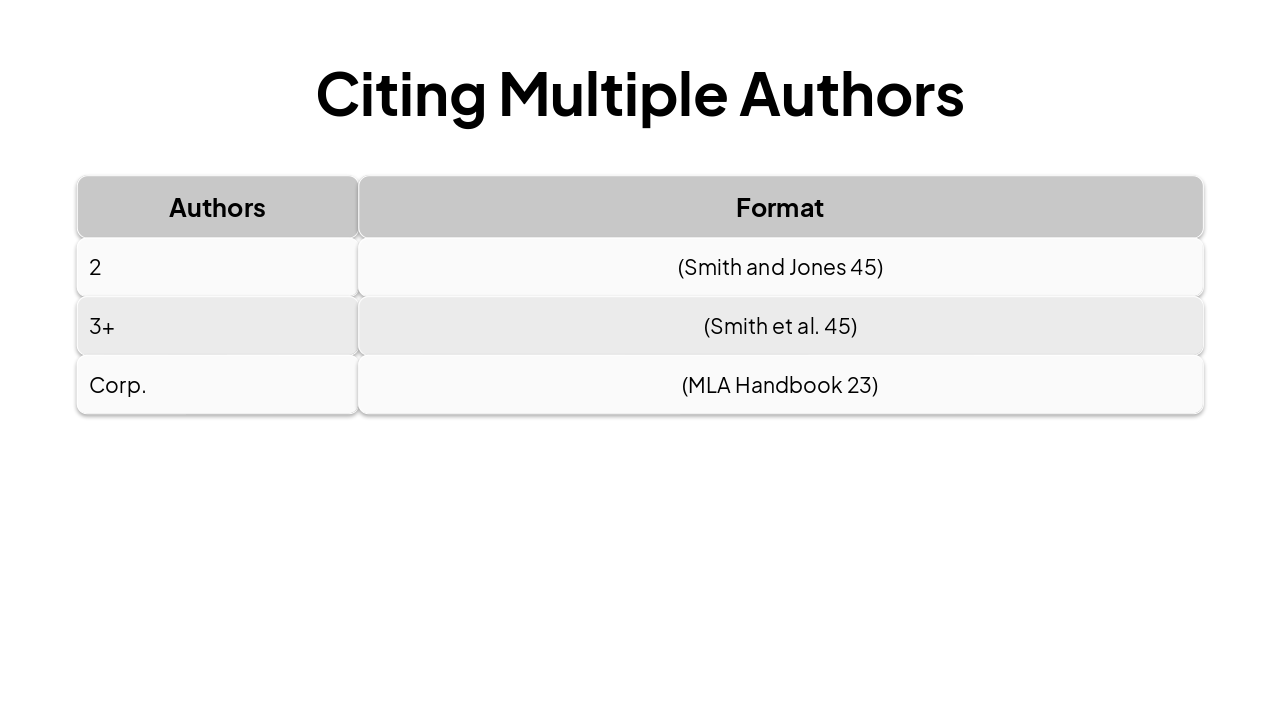
This slide explains MLA in-text citation formats for multiple authors. For two authors, use "(Smith and Jones 45)"; for three or more, "(Smith et al. 45)"; and for corporate authors, "(MLA Handbook 23)".

Citing Multiple Authors

{ "headers": [ "Authors", "Format" ], "rows": [ [ "2", "(Smith and Jones 45)" ], [ "3+", "(Smith et al. 45)" ], [ "Corp.", "(MLA Handbook 23)" ] ] }

Slide 7 - Citing Multiple Authors
Slide 8 of 12

Slide 8 - Citing Indirect Sources

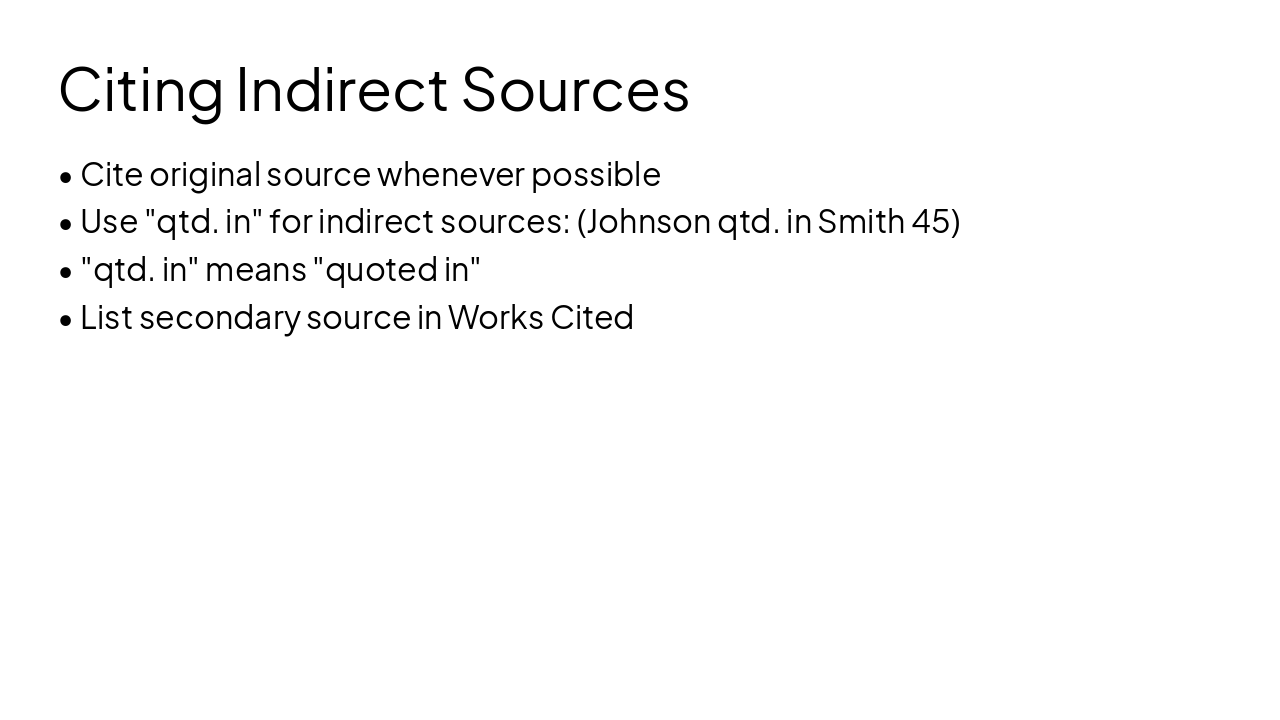
The slide recommends citing the original source whenever possible, but for indirect sources, use "qtd. in" in the citation, such as (Johnson qtd. in Smith 45). "Qtd. in" means "quoted in," and only the secondary source should be listed in Works Cited.

Citing Indirect Sources

  • Cite original source whenever possible
  • Use "qtd. in" for indirect sources: (Johnson qtd. in Smith 45)
  • "qtd. in" means "quoted in"
  • List secondary source in Works Cited
Slide 8 - Citing Indirect Sources
Slide 9 of 12

Slide 9 - No Author or Page Number

This slide outlines in-text citation rules for missing authors or page numbers. Use ("Title" page) or shortened title for no author; (Author) or (Author, par. #) for no pages/websites; always choose the shortest unique title.

No Author or Page Number

  • No author: ("Title" page) or shortened title
  • No pages: (Author) or (Author, par. #)
  • Websites: (Author, par. #)
  • Use shortest unique title
Speaker Notes
- No author: ("Title" 3) or short title - No page: (Smith) or paragraph (#) - Website: (Smith, par. 4) - Use shortest unique title
Slide 9 - No Author or Page Number
Slide 10 of 12

Slide 10 - Common Mistakes to Avoid

The slide "Common Mistakes to Avoid" highlights key citation errors to prevent. These include forgetting page numbers, italicizing titles in parentheses, using full names (F/M/L), adding commas between author/page, and employing "p." or "pg." abbreviations.

Common Mistakes to Avoid

  • Forgetting page numbers
  • Italicizing titles in parentheses
  • Using full names (F/M/L)
  • Adding comma between author/page
  • Using "p." or "pg." abbreviations
Slide 10 - Common Mistakes to Avoid
Slide 11 of 12

Slide 11 - Practice Examples

The slide's left column contrasts the correct MLA citation "(Doe et al. 67)" with the wrong version "(Doe, et al 67)" for sources with three or more authors. The right column explains to remove the comma after the first author's name, as it's a common error carried over from styles like APA.

Practice Examples

Correct vs. WrongFixes & Explanations

| Correct: (Doe et al. 67)

Wrong: (Doe, et al 67) | Remove the comma after the first author's name. In MLA, use (Doe et al. 67) without a comma for sources with three or more authors. The comma is a common error from other styles like APA. |

Source: MLA Handbook, 9th ed.

Slide 11 - Practice Examples
Slide 12 of 12

Slide 12 - Summary & Quick Tips

This conclusion slide, titled "Summary & Quick Tips," lists key MLA advice: always use author-page format, check the 9th edition MLA Handbook, employ signal phrases, practice with citation generators, and consult Purdue OWL for questions. The subtitle urges viewers to "Master MLA today! Practice these tips now."

Summary & Quick Tips

• Always use author-page format

  • Check MLA Handbook 9th ed.
  • Use signal phrases
  • Practice with citation generators
  • Questions? Consult Purdue OWL!

Master MLA today! Practice these tips now.

Source: MLA Handbook 9th ed. & Purdue OWL

Speaker Notes
Recap key points: author-page format, handbook reference, signal phrases, practice tools. Encourage questions and Purdue OWL use. Closing: 'Master MLA today!' CTA: 'Practice these tips in your writing now!'
Slide 12 - Summary & Quick Tips

Discover More Presentations

Explore thousands of AI-generated presentations for inspiration

Browse Presentations
Powered by AI

Create Your Own Presentation

Generate professional presentations in seconds with Karaf's AI. Customize this presentation or start from scratch.

Create New Presentation

Powered by Karaf.ai — AI-Powered Presentation Generator