Why Switch to Playwright from Selenium (37 chars)

Generated from prompt:

Corporate presentation on 'Why Our Company is Moving to Playwright': covering motivation, comparison with Selenium and other tools, installation, folder structure, codegen, fixtures, locators, configuration, parallel execution, MCP server, Healer, Planner, and Cursor AI benefits. Professional technical style with visuals, diagrams, and embedded video placeholders for Codegen and Planner demos.

Explores motivations for ditching Selenium's flakiness for Playwright's speed, reliability, and cross-browser support. Covers setup, codegen, fixtures, locators, config, parallel runs, and AI tools li

December 9, 202510 slides
Slide 1 of 10

Slide 1 - Why Our Company is Moving to Playwright

This title slide is titled "Why Our Company is Moving to Playwright." Its subtitle highlights the key benefits: "Faster, Reliable, Modern E2E Testing."

Why Our Company is Moving to Playwright

Faster, Reliable, Modern E2E Testing

Source: Corporate presentation on Playwright migration

Speaker Notes
Welcome slide. Include company logo centered or top-right. Add presenter name and date (e.g., John Doe, Oct 2023) at bottom. Use professional theme with visuals.
Slide 1 - Why Our Company is Moving to Playwright
Slide 2 of 10

Slide 2 - Presentation Agenda

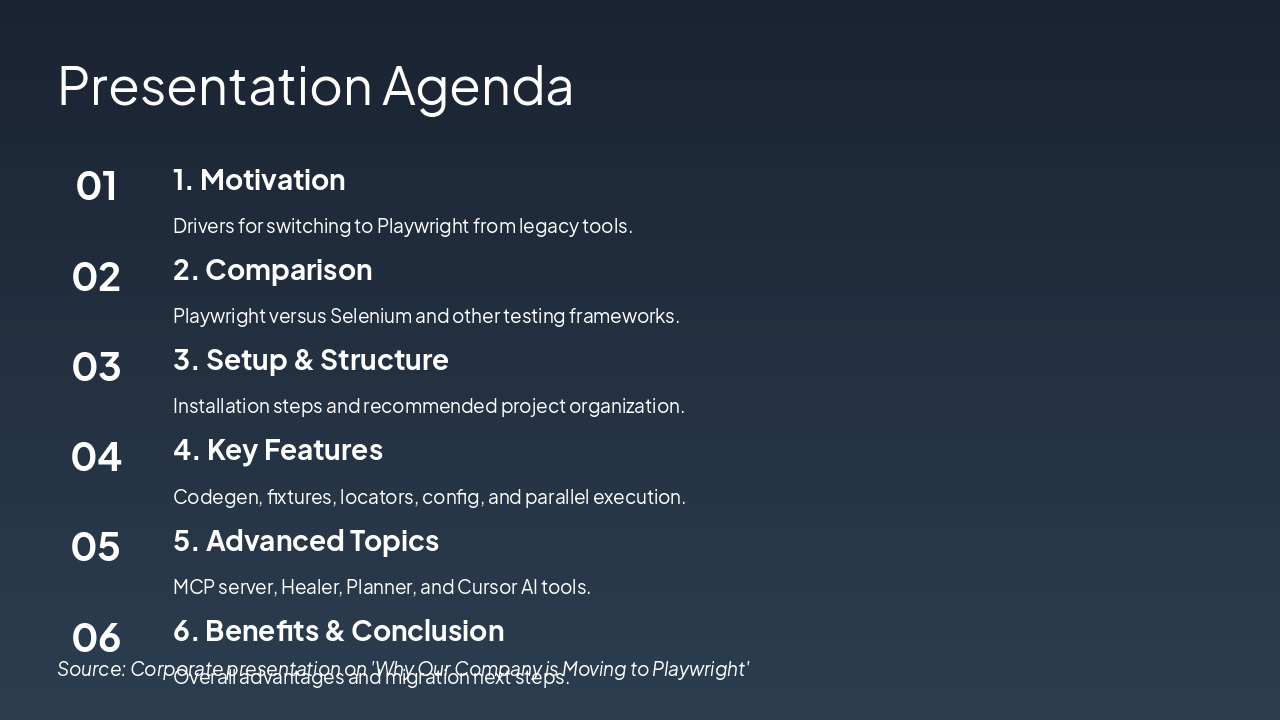
This presentation agenda outlines switching to Playwright from legacy tools, starting with motivation and a comparison to Selenium and other frameworks. It then covers setup and structure, key features like codegen and parallel execution, advanced topics such as MCP server and AI tools, and concludes with benefits and migration steps.

Presentation Agenda

  1. 1. Motivation
  2. Drivers for switching to Playwright from legacy tools.

  3. 2. Comparison
  4. Playwright versus Selenium and other testing frameworks.

  5. 3. Setup & Structure
  6. Installation steps and recommended project organization.

  7. 4. Key Features
  8. Codegen, fixtures, locators, config, and parallel execution.

  9. 5. Advanced Topics
  10. MCP server, Healer, Planner, and Cursor AI tools.

  11. 6. Benefits & Conclusion

Overall advantages and migration next steps. Source: Corporate presentation on 'Why Our Company is Moving to Playwright'

Slide 2 - Presentation Agenda
Slide 3 of 10

Slide 3 - Motivation for Switching

The slide motivates switching from Selenium due to its limitations like flaky tests, slow execution, and browser issues, while highlighting Playwright's advantages of cross-browser support, auto-wait, and faster performance. It emphasizes business impacts such as 50% reduced maintenance and quicker CI/CD pipelines.

Motivation for Switching

  • Selenium limitations: Flaky tests, slow execution, browser issues
  • Playwright advantages: Cross-browser, auto-wait, faster performance
  • Business impact: 50% reduced maintenance, quicker CI/CD

Source: Corporate Presentation: Why Switch to Playwright

Speaker Notes
Emphasize Selenium pain points, Playwright benefits, and quantifiable business gains. Transition to comparison slide.
Slide 3 - Motivation for Switching
Slide 4 of 10

Slide 4 - Playwright vs. Selenium & Others

The slide compares Playwright, Selenium, Cypress, and Puppeteer on speed, auto-wait, and parallel testing features. Playwright excels with fast speed, auto-wait, and native parallelism, outperforming Selenium's slowness and plugin dependency, Cypress's medium speed and limitations, and Puppeteer's lacks in auto-wait and parallelism.

Playwright vs. Selenium & Others

{ "headers": [ "Feature", "Playwright", "Selenium", "Cypress", "Puppeteer" ], "rows": [ [ "Speed", "Fast", "Slow", "Medium", "Fast" ], [ "Auto-wait", "Yes", "No", "Yes", "No" ], [ "Parallel", "Native", "Plugins", "Limited", "No" ] ] }

Slide 4 - Playwright vs. Selenium & Others
Slide 5 of 10

Slide 5 - Installation & Folder Structure

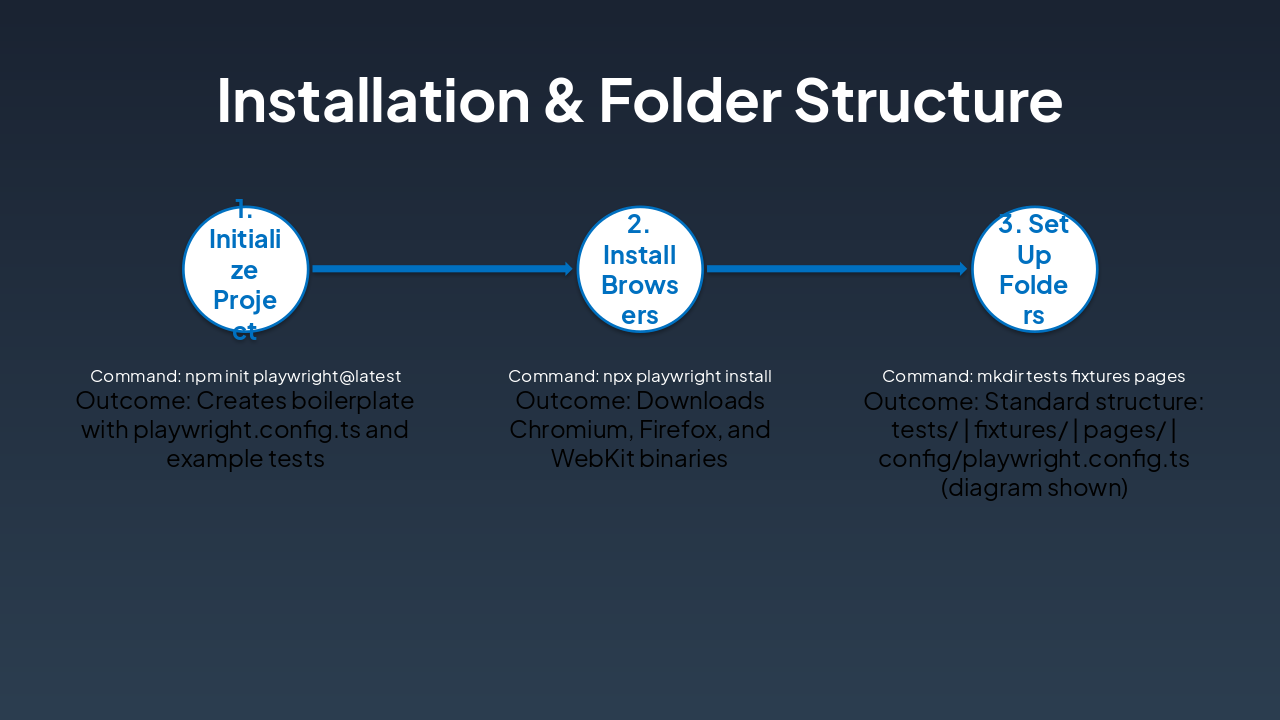
The slide outlines a three-step Playwright installation workflow: initialize the project with npm init playwright@latest to create boilerplate files and example tests, then install browsers via npx playwright install to download Chromium, Firefox, and WebKit binaries. Step 3 sets up the standard folder structure by creating tests/, fixtures/, and pages/ directories alongside config/playwright.config.ts (diagram shown).

Installation & Folder Structure

{ "headers": [ "Step", "Command", "Outcome" ], "rows": [ [ "1. Initialize Project", "npm init playwright@latest", "Creates boilerplate with playwright.config.ts and example tests" ], [ "2. Install Browsers", "npx playwright install", "Downloads Chromium, Firefox, and WebKit binaries" ], [ "3. Set Up Folders", "mkdir tests fixtures pages", "Standard structure: tests/ | fixtures/ | pages/ | config/playwright.config.ts (diagram shown)" ] ] }

Slide 5 - Installation & Folder Structure
Slide 6 of 10

Slide 6 - Codegen Demo

The "Codegen Demo" slide highlights a tool that automatically generates robust locators from user interactions and instantly records actions into reusable test code. It enables real-time preview and editing of locators while supporting Chromium, Firefox, and WebKit browsers.

Codegen Demo

!Image

  • Generates robust locators from user interactions automatically.
  • Records actions into reusable test code instantly.
  • Preview and edit locators in real-time.
  • Supports Chromium, Firefox, and WebKit browsers.

Source: Wikipedia

Speaker Notes
Screenshot of Playwright Codegen UI generating locators. Embed video placeholder: 'Record Codegen demo here' for live action.
Slide 6 - Codegen Demo
Slide 7 of 10

Slide 7 - Fixtures & Locators

Fixtures provide reusable setup and teardown logic, sharing common setups across tests while efficiently managing browser contexts and pages. Locators offer robust, auto-waiting selectors like page.locator('text=Submit') or role-based ones, which are chainable, reliable, and resilient to changes.

Fixtures & Locators

FixturesLocators
Reusable setup/teardown logic. Test fixtures share common setup across tests; page fixtures manage browser contexts and pages efficiently.Robust, auto-waiting selectors. Use page.locator('text=Submit') or role-based like locator('[role=button][name=Submit]'). Chainable, reliable, and resilient to changes.
Slide 7 - Fixtures & Locators
Slide 8 of 10

Slide 8 - Configuration & Parallel Execution

The slide covers configuring browsers, retries, and reporters in playwright.config.ts. It also explains running tests in parallel with npx playwright test --workers=4 and includes an MCP Server diagram for multi-cloud scaling.

Configuration & Parallel Execution

  • Configure browsers, retries, reporters in playwright.config.ts
  • Run tests in parallel: npx playwright test --workers=4
  • MCP Server: Multi-cloud parallel scaling diagram

Source: Corporate Presentation on Playwright

Speaker Notes
Highlight config simplicity, parallel speed gains, and MCP scaling diagram. Demo config file if time.
Slide 8 - Configuration & Parallel Execution
Slide 9 of 10

Slide 9 - Planner Demo

The "Planner Demo" slide highlights how Healer uses AI to automatically fix failing tests and Planner optimizes test suites for efficiency. It includes a placeholder for a Planner demo video and notes Cursor AI's acceleration of test writing productivity.

Planner Demo

!Image

  • Healer automatically fixes failing tests with AI
  • Planner optimizes test suites for efficiency
  • Embed 'Planner demo video' placeholder here
  • Cursor AI accelerates test writing productivity

Source: Image from Wikipedia article "Test automation"

Slide 9 - Planner Demo
Slide 10 of 10

Slide 10 - Key Benefits & Next Steps

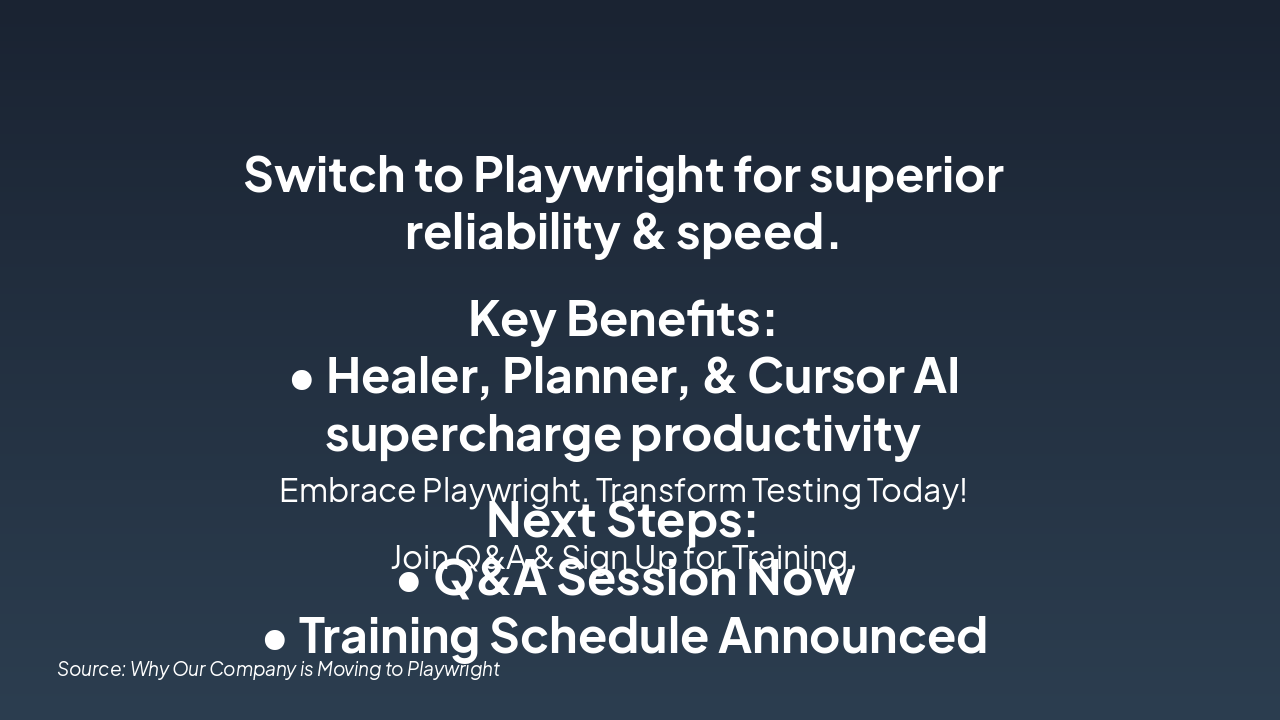
The slide urges switching to Playwright for superior reliability and speed, with key benefits from Healer, Planner, and Cursor AI boosting productivity. Next steps include joining the current Q&A session and signing up for the announced training schedule.

Key Benefits & Next Steps

Switch to Playwright for superior reliability & speed.

Key Benefits:

  • Healer, Planner, & Cursor AI supercharge productivity

Next Steps:

  • Q&A Session Now
  • Training Schedule Announced

Embrace Playwright. Transform Testing Today!

Join Q&A & Sign Up for Training.

Source: Why Our Company is Moving to Playwright

Speaker Notes
Summarize switch to Playwright for reliability and speed. Highlight Healer, Planner, Cursor AI productivity boosts. Open Q&A and announce training schedule.
Slide 10 - Key Benefits & Next Steps

Discover More Presentations

Explore thousands of AI-generated presentations for inspiration

Browse Presentations
Powered by AI

Create Your Own Presentation

Generate professional presentations in seconds with Karaf's AI. Customize this presentation or start from scratch.

Create New Presentation

Powered by Karaf.ai — AI-Powered Presentation Generator